



You are using an outdated browser. Please upgrade your browser to improve your experience.

Apps That
Went Free on
2014-12-25

We have a bunch of fantastic gifts for you to install on your new iPhone or iPad. Everything from math and puzzle games to a world clock and a custom photo filter creator. Enjoy!

Pascal: 3-in-1 Calculator
iPhone
iPad
Pascal: 3-in-1 Calculator

Pascal: 3-in-1 Calculator

Andrew Wei

A beast of a calculator app.

It’s the perfect productivity app for math whizzes.

FREE ($0.99) For a limited time FREE ($0.99) For a limited time
Why we picked this?

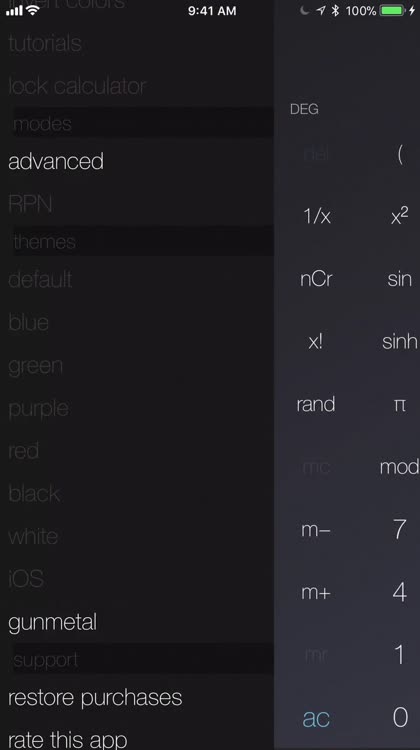
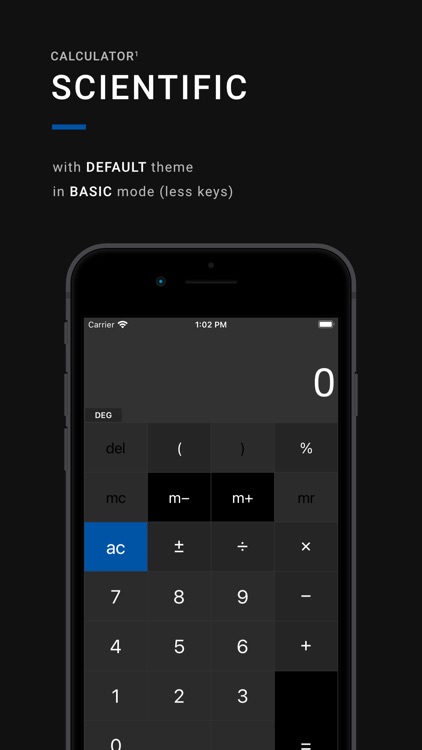
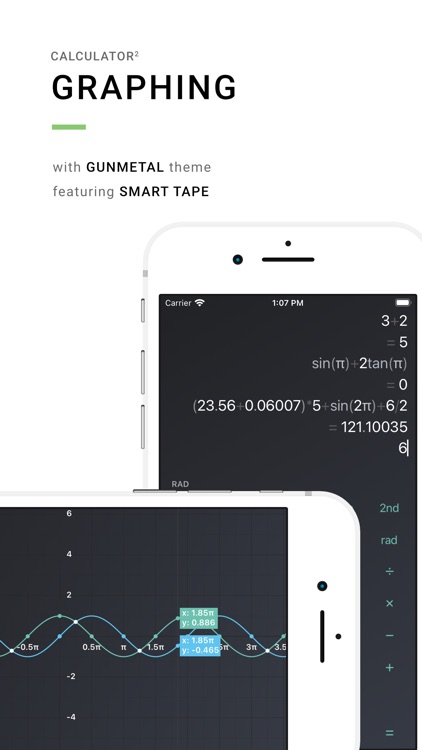
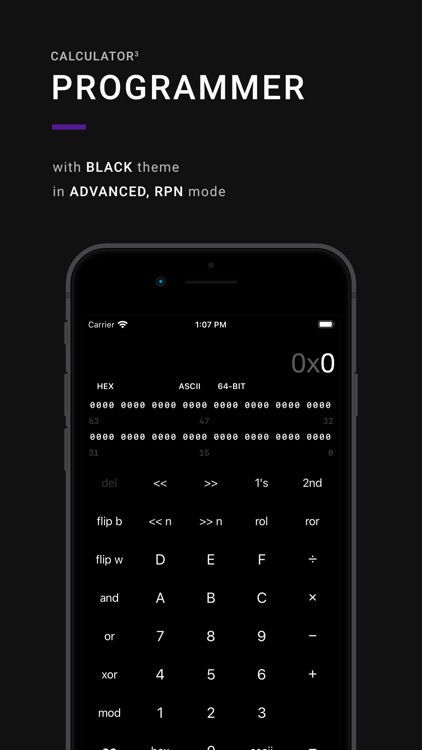
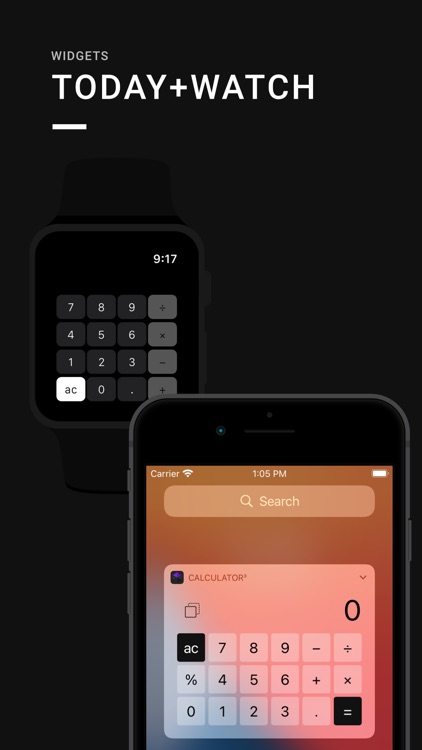
Calculator³ is actually three calculators in one: scientific, graphing, and programmer. You’re able to access the three different calculators by swiping left and right across the screen. The scientific calculator supports decimal and negative non-integer factorials, decimal combinations and permutations, and parenthesis. The graphing calculator supports all of the features in the scientific calculator while providing a workspace for manually inputting and evaluating math equations. It’s also able to plot 2-D graphs using adaptive sampling routine. The programmer calculator supports 64-bit bitwise calculations, Unicode and ASCII characters, and DEC, OCT, and HEX number systems. The app is able to operate in portrait or landscape orientation as well.

If you need to calculate like you mean business, do it with Calculator³. No matter what the problem, Calculator³ can solve it.

This isn’t your everyday calculator. You can use it that way, but you’d be wasting its beauty.

Globo - World Clock and Weather
iPhone
Globo - World Clock and Weather

Globo - World Clock and Weather

Marco Torretta

An eye-popping world clock that will meet all of your time checking needs.

It’s a handy app for travelers or those with friends and family across the globe.

$0.99 $0.99
Why we picked this?

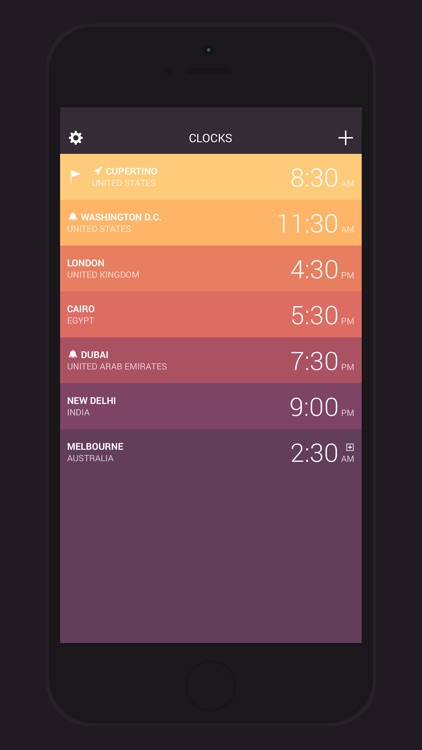
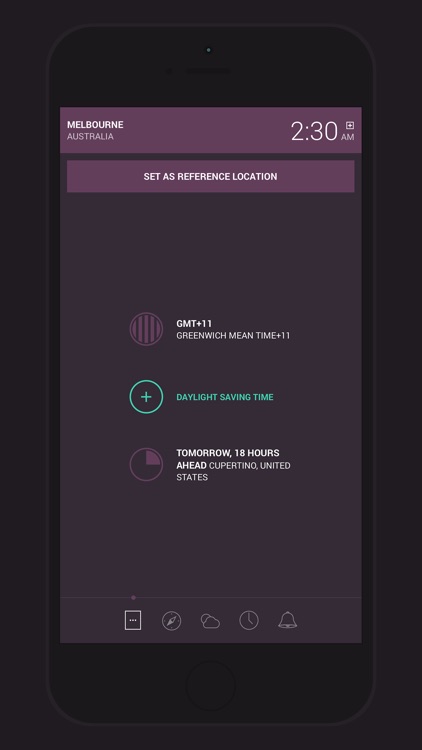
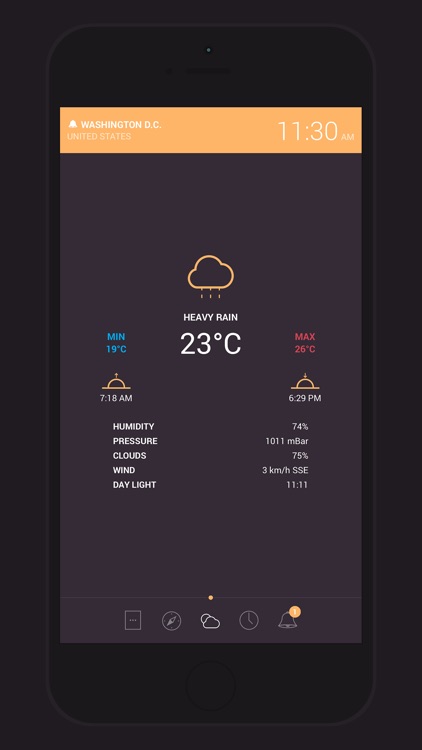
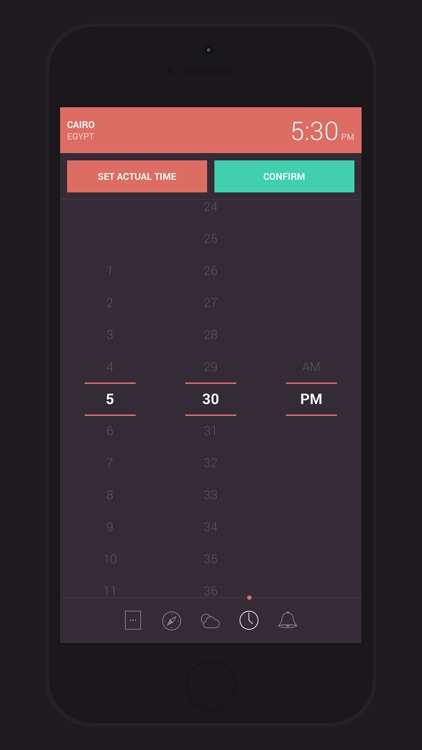
You’re able to create a list of your favorite locations around the world and view their times as a color-coded list. Tap on a location to view more detailed information like its time zone, time interval and distance from you, coordinates, and even weather. You’re also able to change the time in one location and see the changes in all of your other locations. The app includes support for up to 64 custom location-based alarms, imperial and metric support, two sorting options, and 12- and 24-hour formats.

Globo is rather feature-rich, so it can be used by just about anyone. Our favorite feature is the ability to change the time in one location to see it in another.

If you simply want an alarm clock, this is overkill.

Nozoku Rush
iPhone
iPad
Nozoku Rush

Nozoku Rush

Chaotic Box

It’s all about the subtraction action in this numbers-based puzzle game.

It’s the perfect game for fans of the matching genre.

$1.99 $1.99
Why we picked this?

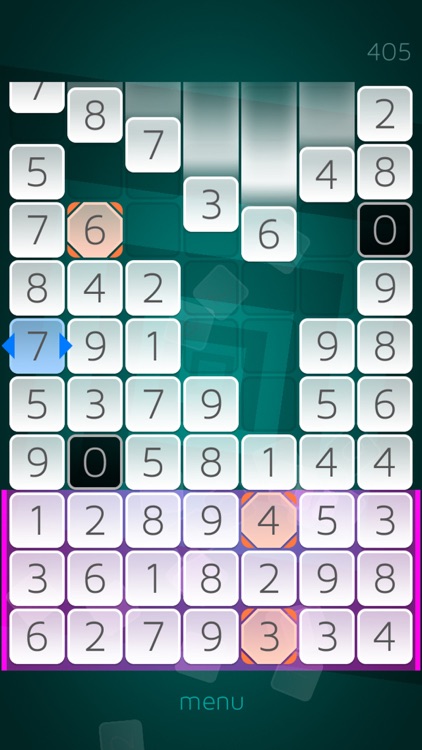
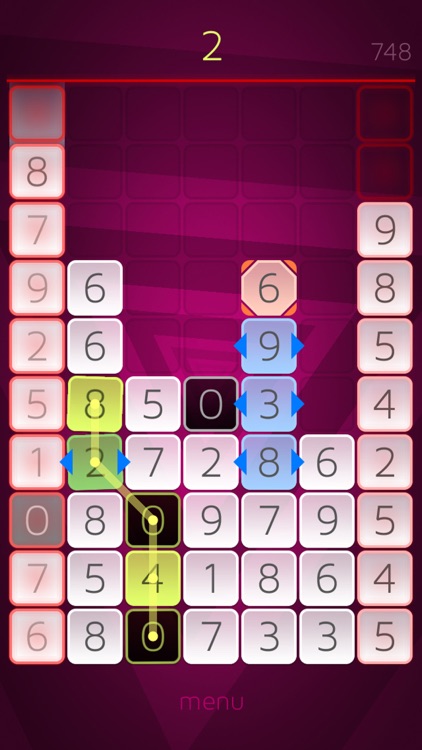
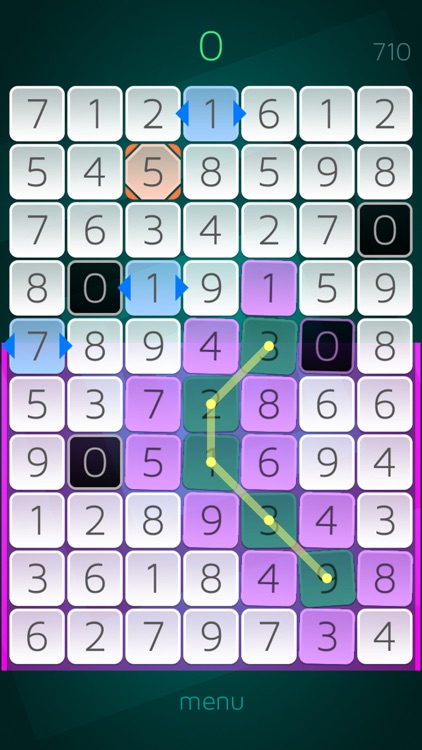
Nozoku Rush is one intense matching game. Numbered tiles will stream in from the top of the screen and settle in at the bottom. It’s your job to swipe across the numbered tiles in order to get them to subtract down to zero. Select two matching tiles to earn a zero tile, which can basically be used as a wild card to string together huge combos. Including five or more tiles in a swipe will allow you to clear large swaths of tiles at once. Special tiles will also appear, allowing you to remove entire rows all at once or delay the dropping of new tiles. The game includes two modes, each with an extreme version to really put your math skills to the test. It also includes leaderboards via Game Center.

If you enjoy frantic high score games, give Nozoku Rush a try. Sure, it’s a math-based matching game and not everyone enjoys math, but it’s simple math. Just think quick.

If you enjoy relaxing matching games, skip this one.

Shift - Custom Filters
iPhone
iPad
Shift - Custom Filters

Shift - Custom Filters

Pixite LLC

Design your own filters with this entertaining photography app.

It’s for anyone who is tired of dealing with stock filters and effects.

$2.99 $2.99
Why we picked this?

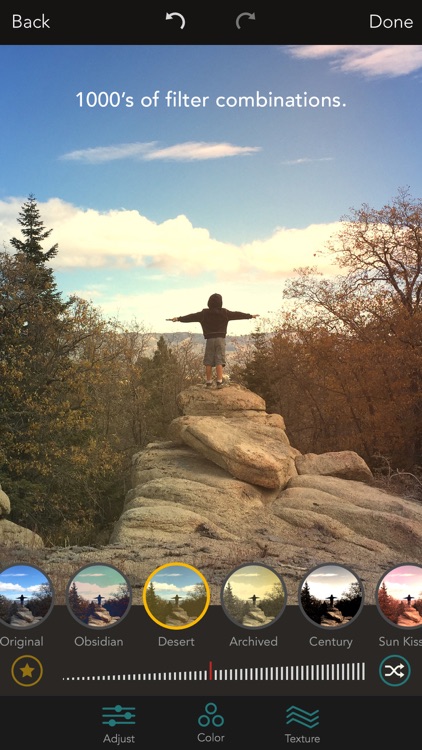
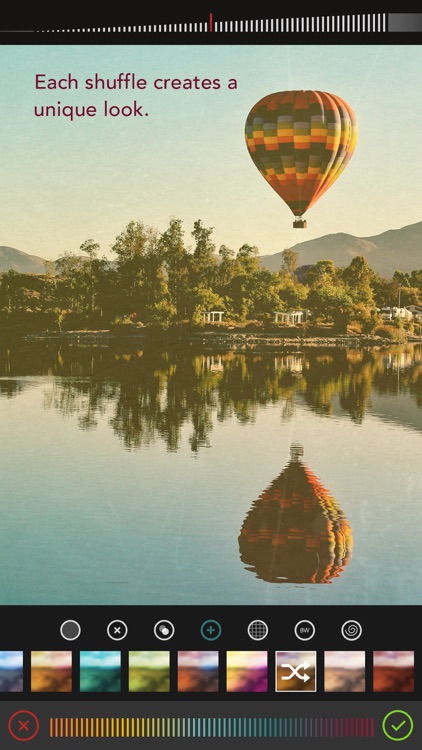
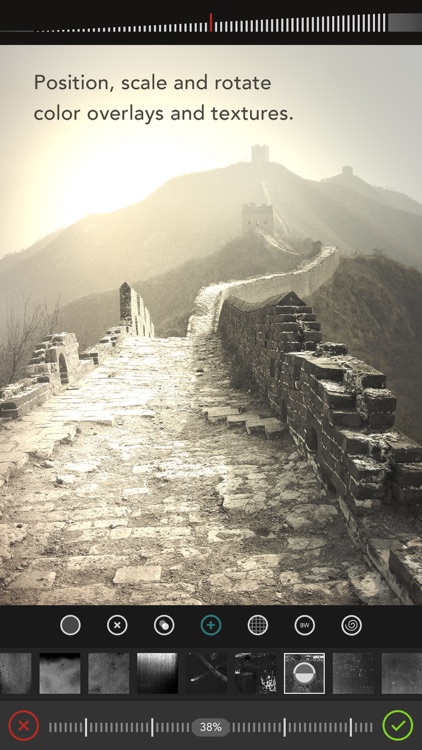
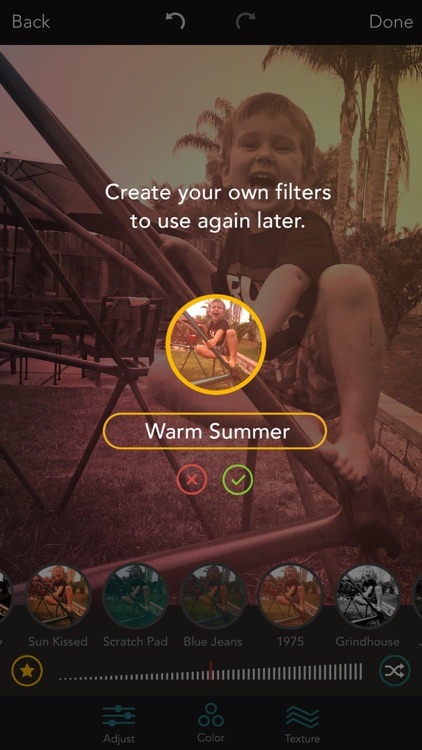
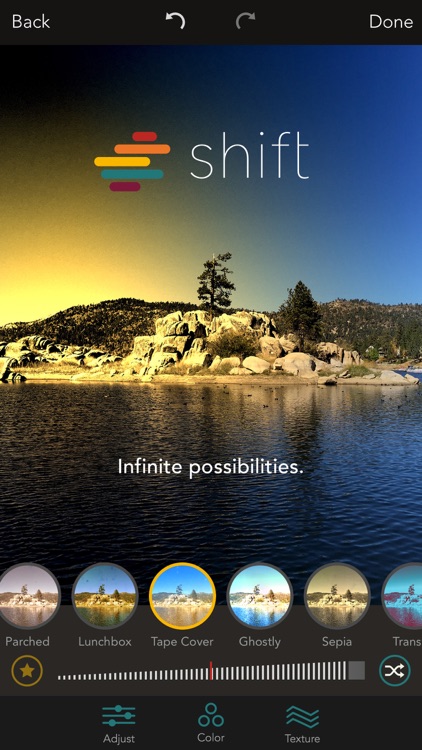
Shift allows you to tap into your inner artist. Take a photo from within the app or import one from your camera roll. You’re then able to drag the three points on the screen to adjust the filter, pinch and pull to focus on different points, and dial in the color and intensity via sliders. If you like what you see, tap the favorite button to save the filter for later use. There’s no limit on the number of filters or the looks you can create. There’s also a shuffle button in case you’re having troubles coming up with something on your own.

If you want to stand out from the crowd, give Shift a try. It’s a total blast creating your own filters.

If you don’t want to put the time in, you’re not going to enjoy Shift. It takes quite a bit of fiddling around to get stellar results.

Oquonie
iPhone
iPad
Oquonie

Oquonie

David Mondou-Labbe

Find your way across an intertwined megastructure in this captivating puzzle game.

It’s for gamers who enjoy tricky puzzles and fantastic artwork.

$1.99 $1.99
Why we picked this?

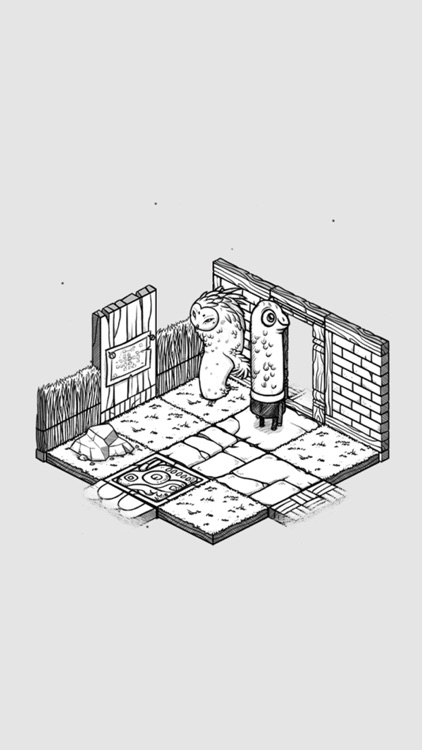
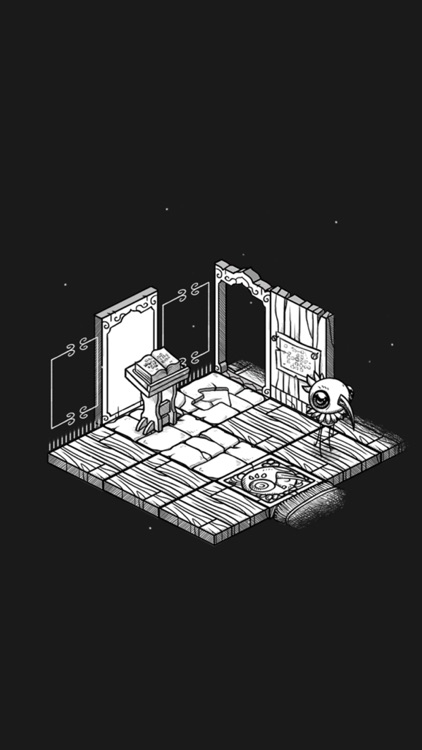
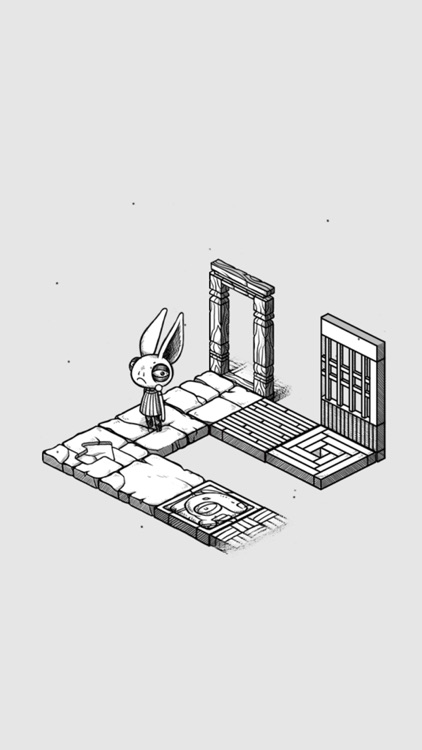
You’re immediately thrown into the beautiful hand-drawn world without any explanation of what’s going on. You absolutely will not find any hand-holding here. There’s no discernible dialogue and no instructions. You must simply work your way through room after room with a swipe in search of your purpose. Just enjoy the experience and be persistent. The game includes 2.5-D graphics by illustrator Rekka Bellum, an ominous soundtrack, and loads of mini-puzzles.

If you can appreciate great artwork, check out Oquonie. Who care about the puzzles. Just enjoy the atmosphere.

Without any real direction, you’re going to find yourself scratching your head quite often. If that sounds awful, don’t play this game.

Mystery Math Museum
iPad
Mystery Math Museum

Mystery Math Museum

Artgig Studio

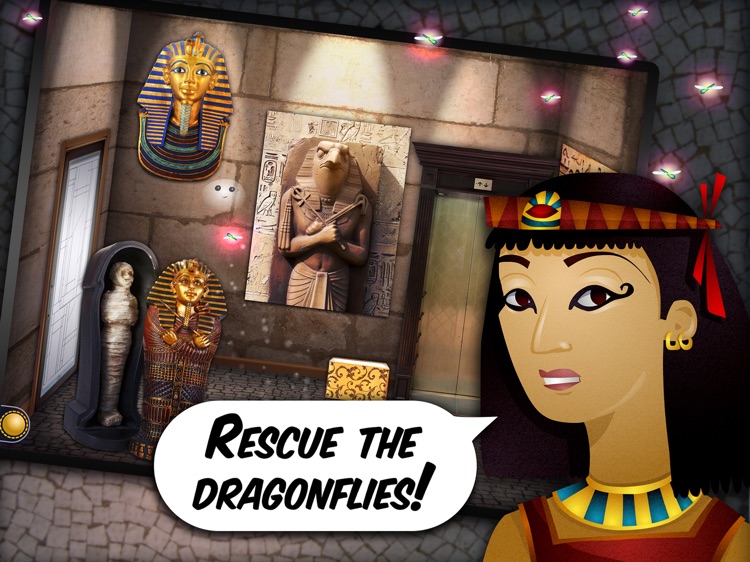
Your child must help a friendly ghost rescue the dragonflies hidden in the Mystery Math Museum.

It’s a fun educational game that will help your young child work on their math skills.

$3.99 $3.99
Why we picked this?

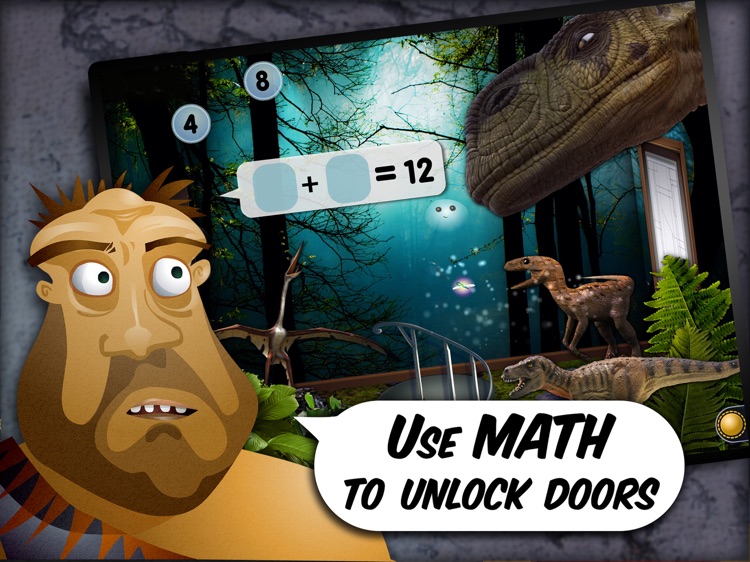
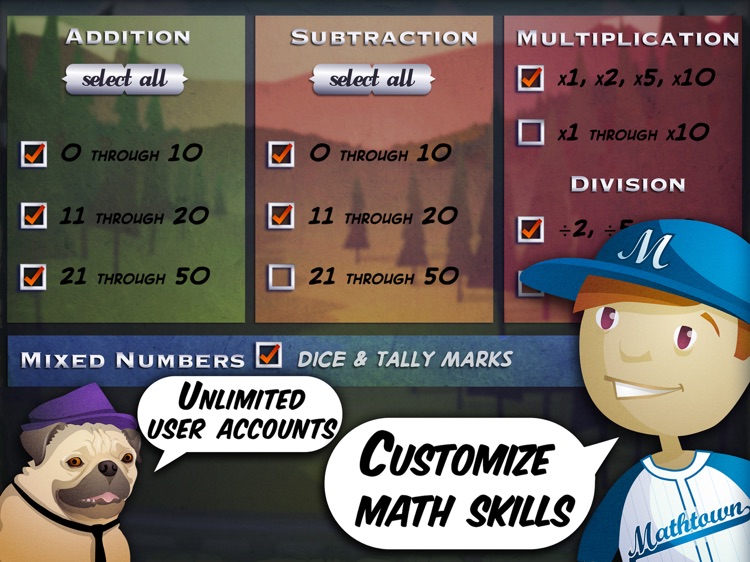
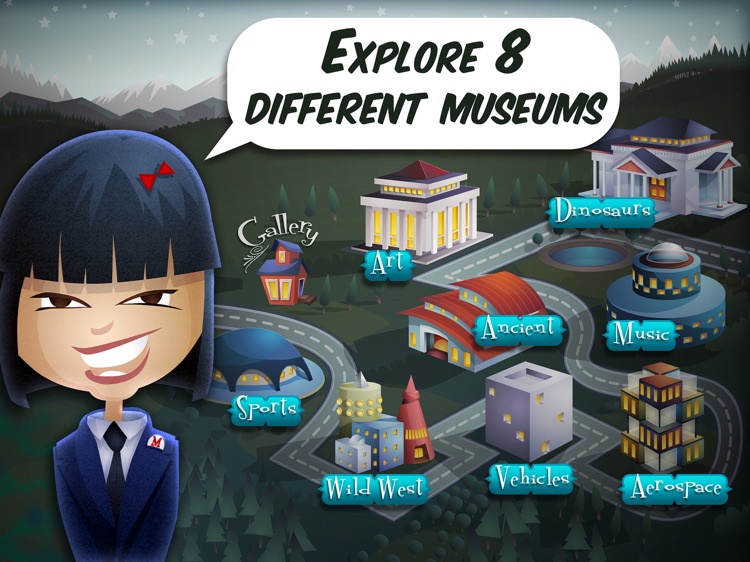
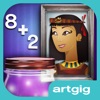
To help the ghost get from room to room, your child will need to collect numbers and build equations to solve problems. Along the way they’ll earn talking portraits to add to their gallery. The portraits have different stories to tell through colorful characters. The game includes eight themed museums, support for multiple user accounts, bonus challenges and unique rewards, and customizable skills.

If you’ve been looking for an educational app that will grab and hold your child’s attention, you’ve found it. Master Math Museum truly allows your child to feel like their progression has been earned.

It’s intended for children over the age of six.

Tiny Dentist Christmas
iPhone
iPad
Tiny Dentist Christmas

Tiny Dentist Christmas

Anastazja Bagdziun-Markacheva

Your child gets to play dentist and help their patients get healthy holiday smiles with this entertainment app.

It’s a great way to keep your children busy over the holiday break.

$1.99 $1.99
Why we picked this?

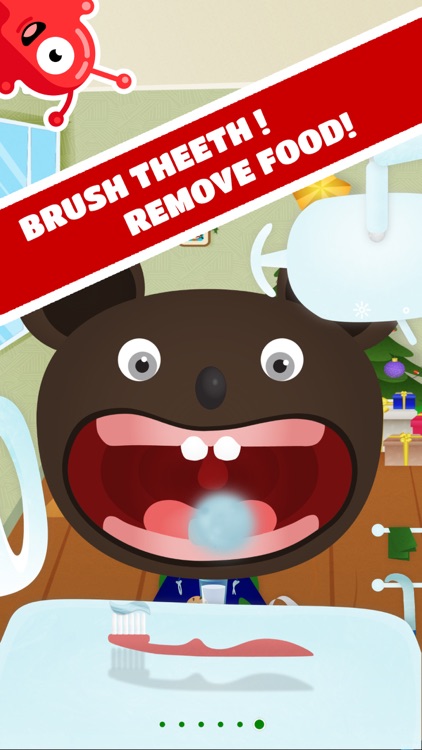
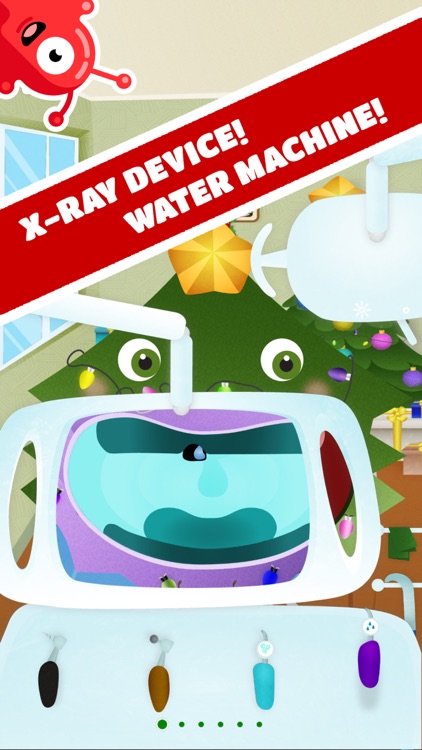
There’s just so much to do in Tiny Dentist Christmas. It includes a vast number of colorful characters in need of some serious dental help. Your child can scroll through all of the tools at the bottom of the screen and tap on the ones that want to use like an extractor, brush, bleach, x-ray, and braces. They can also snap pictures of their patient during or after the procedure and share them on Facebook.

If you have a young child that enjoys playing with your iPhone or iPad, install Tiny Dentist Christmas and hand it off. They’ll keep busy with teeth cleaning for quite a while.

The app’s intended for children ages four and above.