




You are using an outdated browser. Please upgrade your browser to improve your experience.

Apps That
Went Free on
2015-01-09

We have a bunch of fun and educational apps in today’s collection to keep you and your family busy all weekend long.

Siena's Edible Adventure
iPad
Siena's Edible Adventure

Siena's Edible Adventure

Keith Morrison

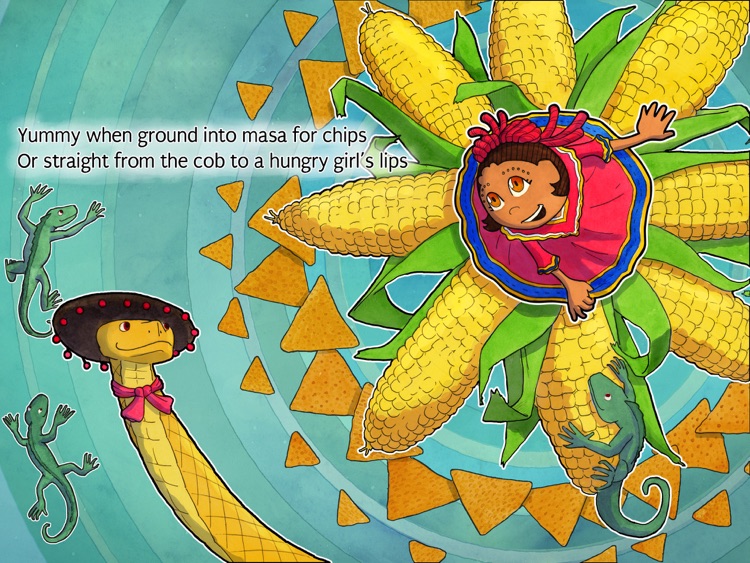
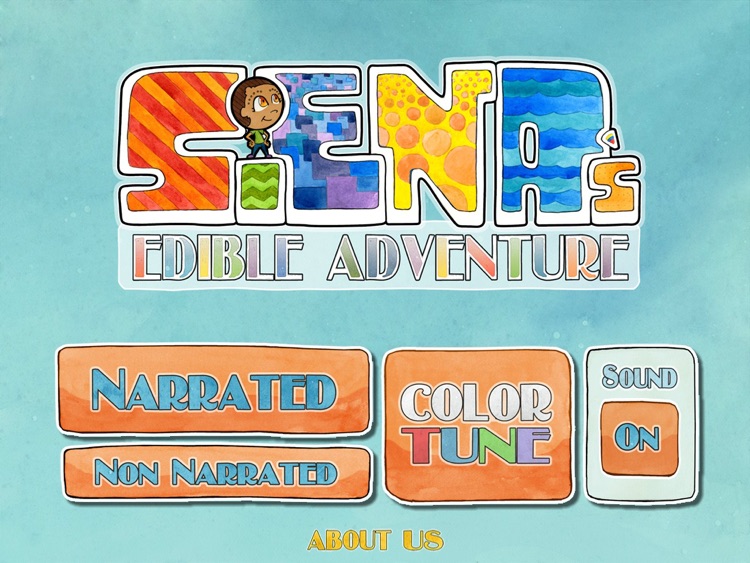
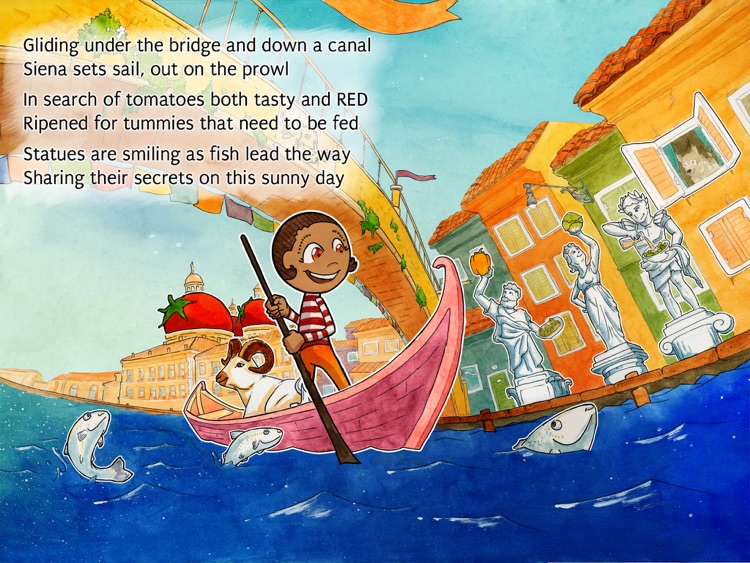
Your little one can follow Siena on her adventure around the world in search of fresh fruits and veggies to fill her up in this interactive storybook.
It’s the ideal app for parents who want to teach their children about healthy foods.

$2.99 $2.99
Why we picked this?

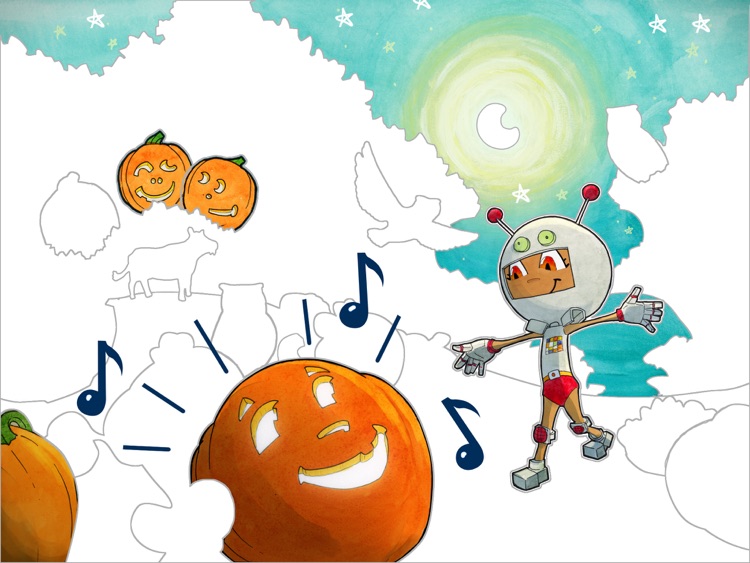
This is one vibrant edible adventure. Your child can follow along with the professionally narrated story or they can enjoy it all on their own. Each page is loaded with colorful characters and interactive objects to discover. Once your child is finished with the story, they can enjoy coloring in pages by simply tapping all over the screen.

If you have a little one that’s a picky eater, give Siena’s Edible Adventure a try. At the very least, they will be entertained.

The app is intended for children between the ages of four and 10.
Lovi Dovi - Cute Love and Happiness by Inoochi
iPhone
iPad
Lovi Dovi - Cute Love and Happiness by Inoochi

Lovi Dovi - Cute Love and Happiness by Inoochi

Playrific, Inc.

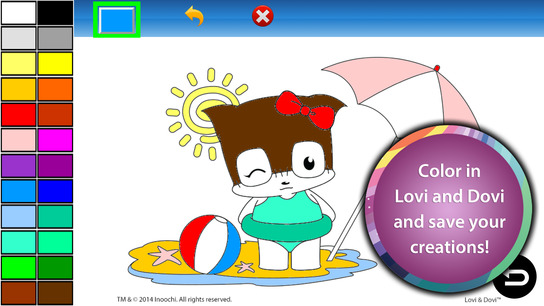
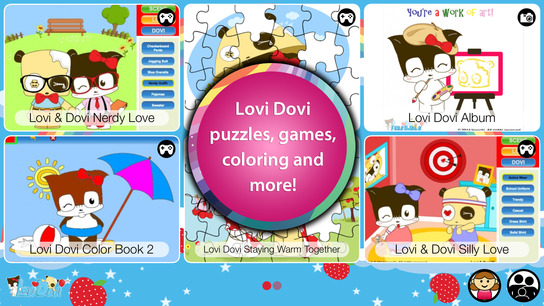
A collection of games and activities starring Lovi and Dovi.

Children of all ages will be captivated by Lovi and Dovi.

$2.99 $2.99
Why we picked this?

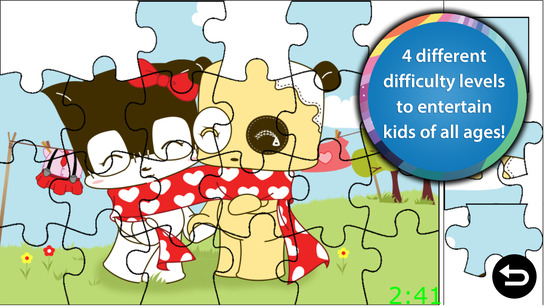
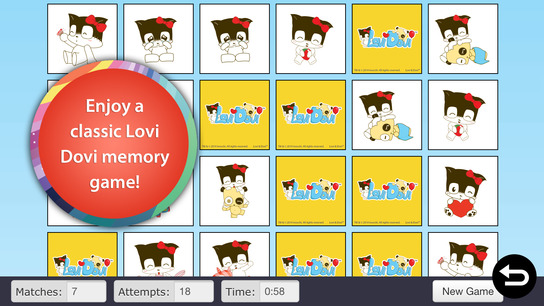
Today only: Unlock all of Lovi Dovi’s wonderful content free of charge! Simply tap on any piece of locked content and confirm your action with a two-finger left to right swipe. You and your child will then be able to enjoy match-three games, puzzles, coloring books, and other delightful activities together.

If your child enjoys exploring on their own, download Lovi Dovi for them today. It’s loaded with a wide variety of content, so almost any child will be able to enjoy it.

The app is intended for children under the age of nine. Also, if you have a very young child, they may need assistance exploring the content.

Van Gogh: Painted With Words
iPad
Van Gogh: Painted With Words

Van Gogh: Painted With Words

WEI YAO

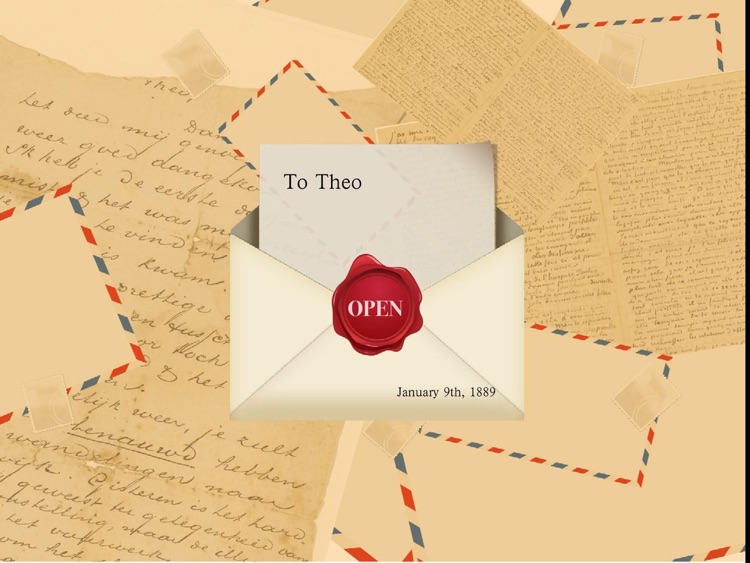
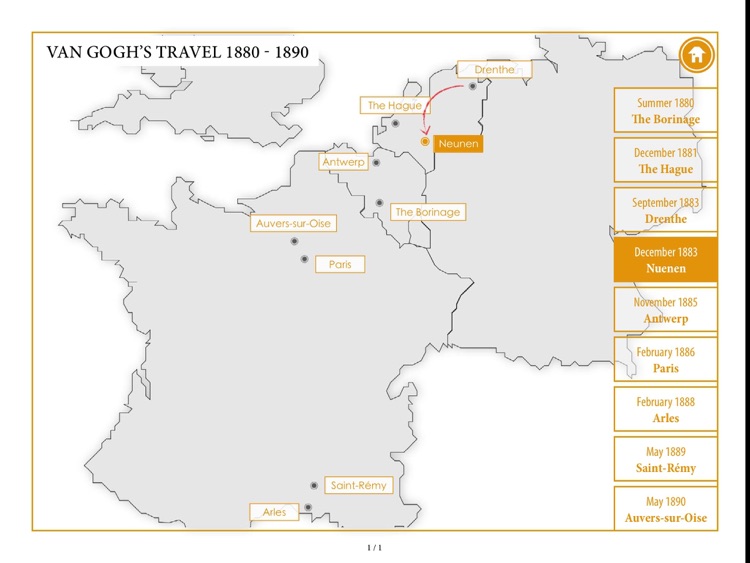
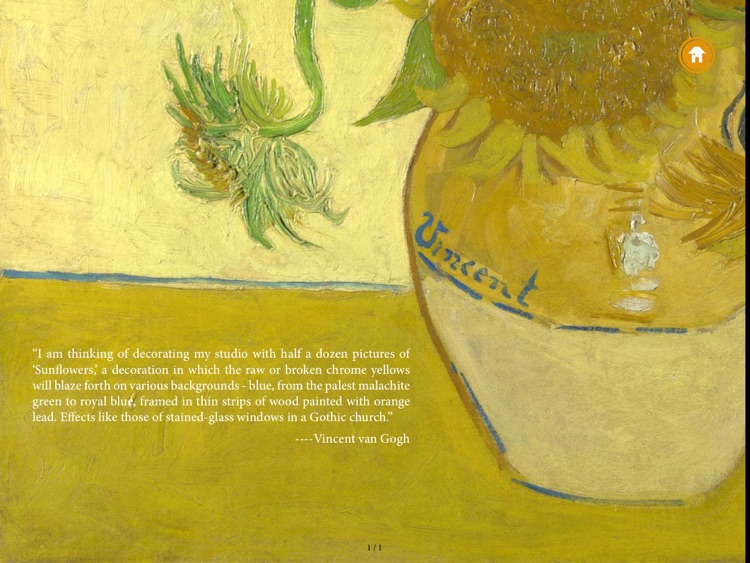
This engaging interactive biography will teach you all about the short but splendid life of Vincent van Gogh.

Painted With Words is a fantastic app for educators or anyone else interested in art.

$0.99 $0.99
Why we picked this?

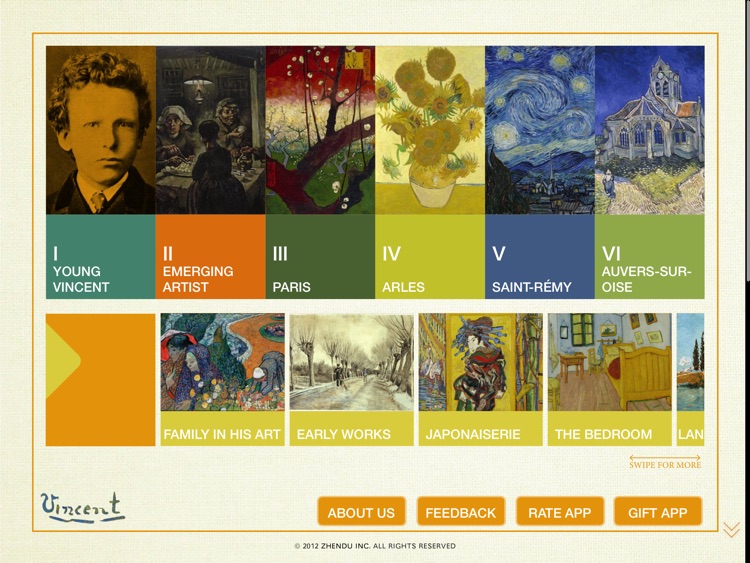
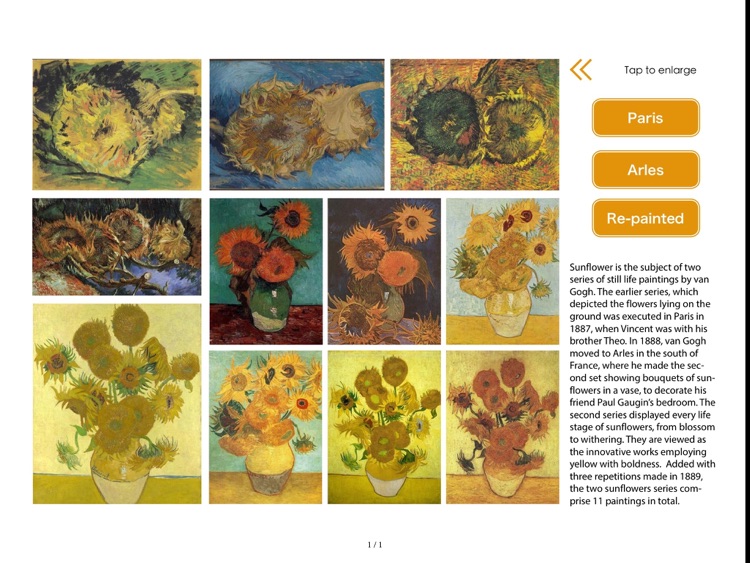
There’s so much to see and learn here. The biography is broken down into six chapters for easy consumption. As you follow along with Vincent van Gogh’s timeline, you’re able to view his work, read insightful essays, and gaze over personal letters.

If you’ve always wanted to know more about the man behind the famous “The Starry Night,” you must check this app out. It’s not just an art collection dump; it’s a journey into the past presented in the most elegant way possible.

If you're just not into Vincent van Gogh's work. There's really no other good reason to pass this one up.

Photo Reminders
iPhone
iPad
Photo Reminders

Photo Reminders

uladzislau yasnitski

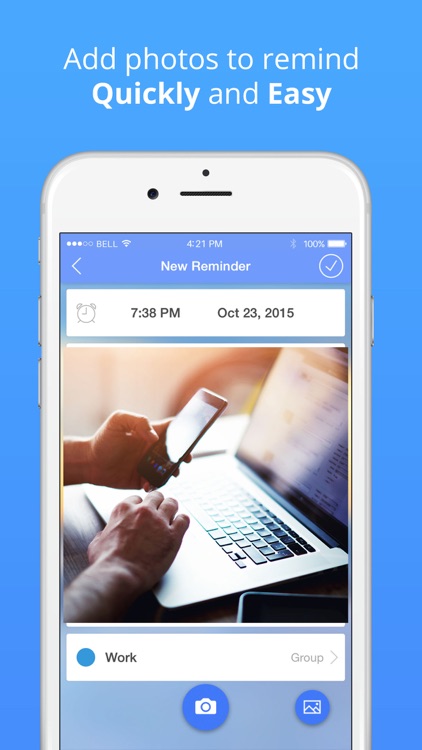
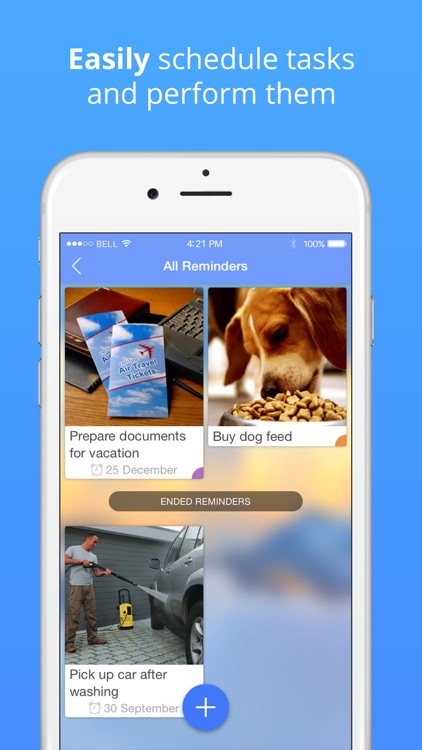
Create clear visual reminders by snapping photos with this productivity app.

It’s perfect for anyone who needs more than a long list of text reminders to ensure the job gets done.

$1.99 $1.99
Why we picked this?

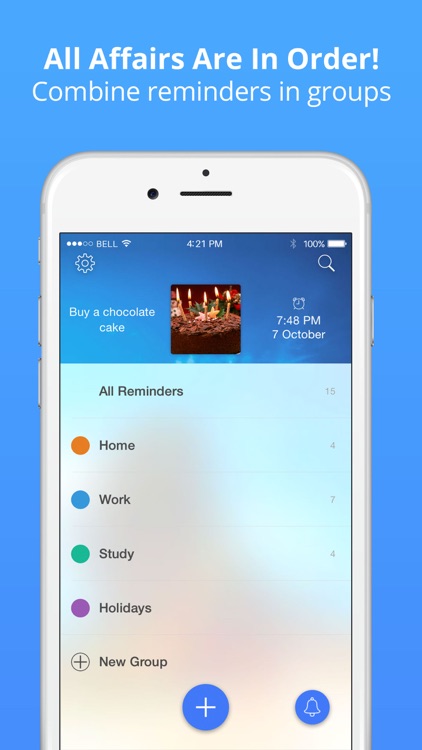
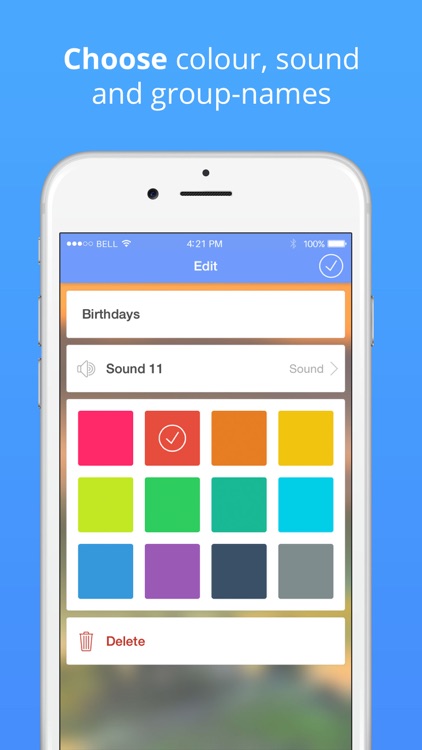
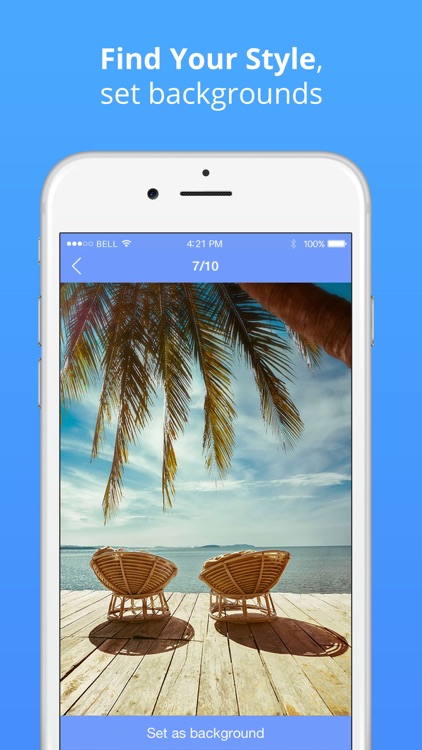
It’s so much easier to recall important events and ideas when you can actually see them, which is why we’re recommending Photo Reminders. All you have to do is snap a photo of something related to the event or idea you want to recall later, and then add a title and note. The photo will be turned into a large thumbnail, which can easily be viewed, edited, and shared from the main screen. Additionally, Photo Reminders allows you to attach audio notes and alerts to all of your events and ideas.

If you’re more of a visual person, Photo Reminders will help you get the job done much easier. The large thumbnails allow you to quickly and easily recall information without digging and searching through text lists.

If you have a lot you need to remember, you might want to avoid Photo Reminders. It’s fine if you only have a handful of things you need to remember, but once you get into the double-digits, the app becomes quite cumbersome.

Reverser - Backwards Video Maker with Reverse Cam
iPhone
iPad
Reverser - Backwards Video Maker with Reverse Cam

Reverser - Backwards Video Maker with Reverse Cam

Magic App Factory LLC

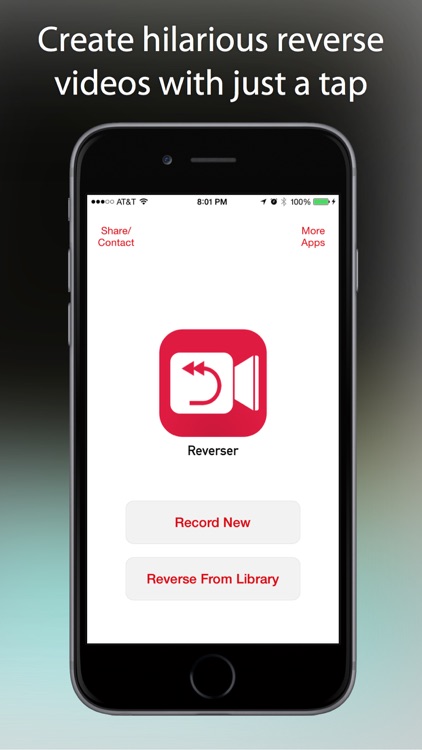
Create hilarious backwards slow motion videos with Reverser.

It’s for anyone who wants to have a little fun with their videos.

$0.99 $0.99
Why we picked this?

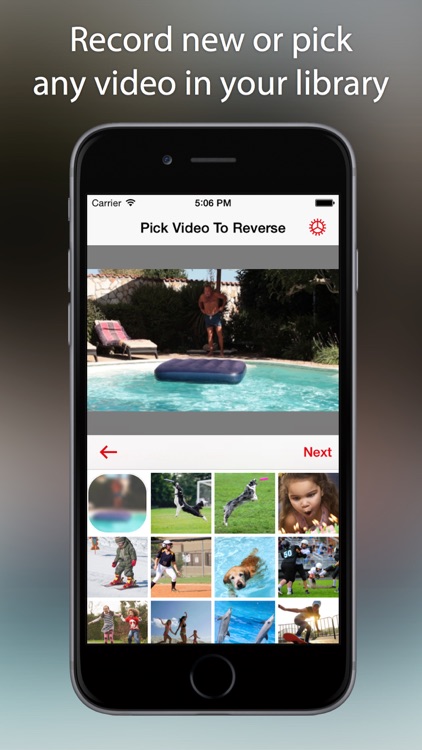
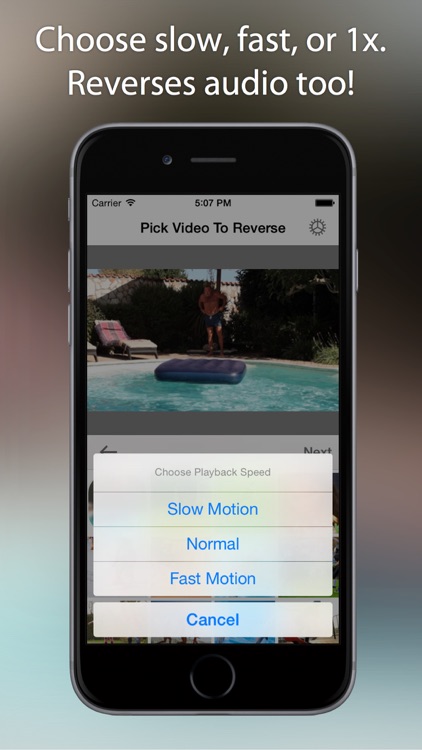
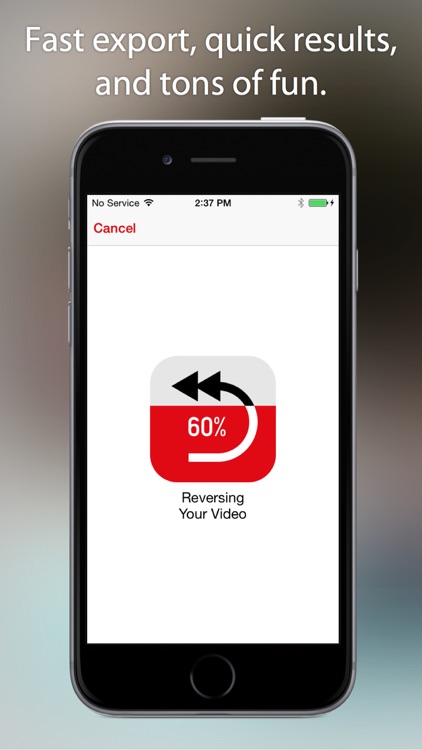
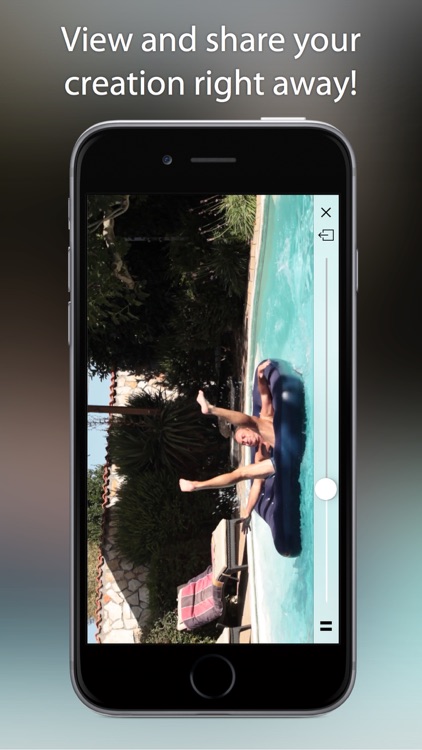
You’re able to start from scratch or choose a video from your library. You can preview it before starting the conversion process to ensure you have the right one. Then choose one of the three playback speeds and Reverser will take care of the rest. Reversed videos can be played through Reverser or shared via Facebook, Twitter, Instagram, Messages, WhatsApp, or email.

If you’re looking for something fun to do today, reverse your videos with Reverser. It’s so easy even a child could do it, and the results are fantastic.

If for some reason you don’t enjoy watching slow motion videos in reverse, don’t download Reverser. That’s really the only reason not to try it.