

You are using an outdated browser. Please upgrade your browser to improve your experience.

Apps That
Went Free on
2015-01-13

Today’s collection of apps focuses on learning something new, whether that’s how to write cursive, finding out what’s going on in your home, or the song that’s currently playing on the radio.

Splashtop CamCam
iPhone
iPad
Splashtop CamCam

Splashtop CamCam

Splashtop Inc.

Remotely check on people, places, and things with his live video streaming app.
Splashtop CamCam is perfect for anyone looking for a little peace of mind.

FREE ($1.99) For a limited time FREE ($1.99) For a limited time
Why we picked this?

We really like Splashtop CamCam because it’s so easy to set up. Just download the necessary companion software from Splashtop’s website to turn your home computer's webcam into a live video streaming device. Then connect it to your iPhone or iPad to monitor anything you want remotely. The app includes high-resolution video, pinch-to-zoom, and the ability to pan.

If you want to monitor something, anything, remotely, Splashtop CamCam will help you out. It’s easy to setup on your home PC, and your iDevice will automatically find it once the app is launched.

If you have a Mac or a PC without a webcam, Splashtop CamCam is of no use to you.

Sound Catcher - music player
iPhone
iPad
Sound Catcher - music player

Sound Catcher - music player

Pensberg System LP

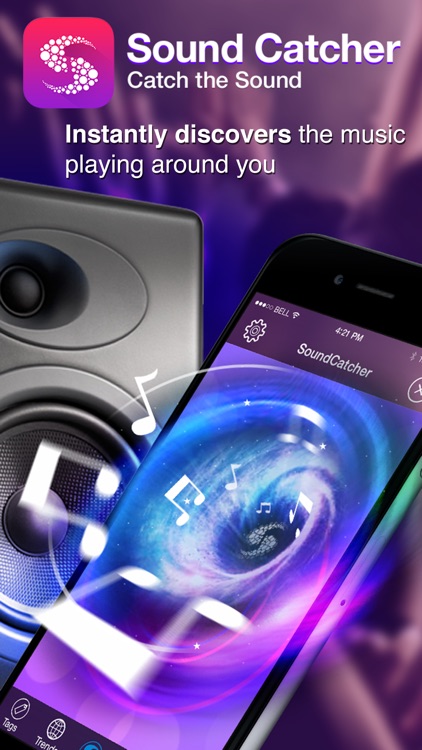
Identify the music playing around you in a snap with SoundCatcher.

It’s for those who get frustrated when listening to the radio and don’t know the name of the song or the artist they’re hearing.

$2.99 $2.99
Why we picked this?

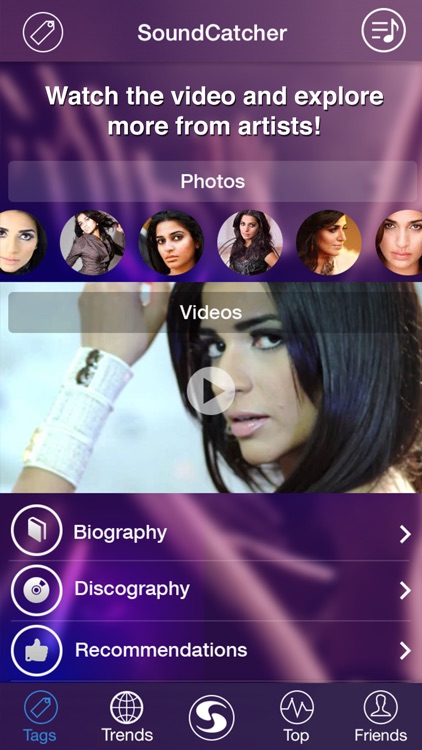
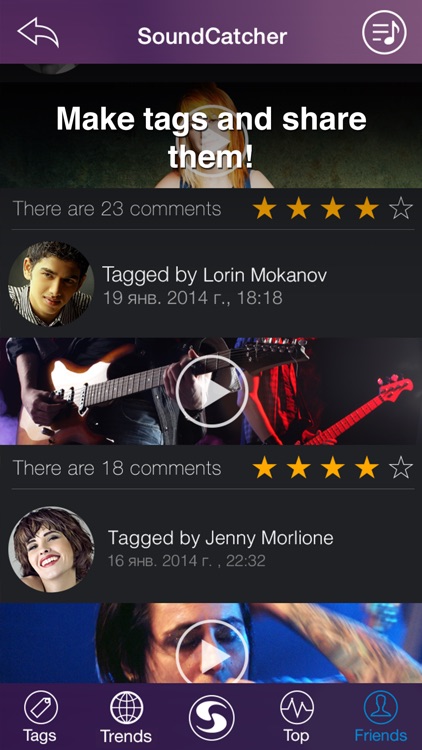
Have you always wanted Shazam or SoundHound but didn’t want to spend $6.99 on a single app? If so, SoundCatcher is a great alternative. It’s just as quick and accurate at recognizing the name of the song and the artist that is playing without the expense. SoundCatcher is also able to provide you with lyrics to the identified song so you can sing along. You’re also able to see the most popular songs that have been playing around you along with the ability to share what you’ve tagged via Facebook.

If you frequently listen to the radio to discover new music, you need to download SoundCatcher. The app keeps an archive of all of your tagged songs, allowing you to go back and catch up with what you’ve missed whenever you like.

If your taste in music is limited to extremely indie sources, then SoundCatcher may not be ideal for you. It’s great at recognizing relatively popular music, but not so great when it comes to extremely indie tunes.

Path Input: A Swipe Keyboard for iPad
iPad
Path Input: A Swipe Keyboard for iPad

Path Input: A Swipe Keyboard for iPad

TopApp

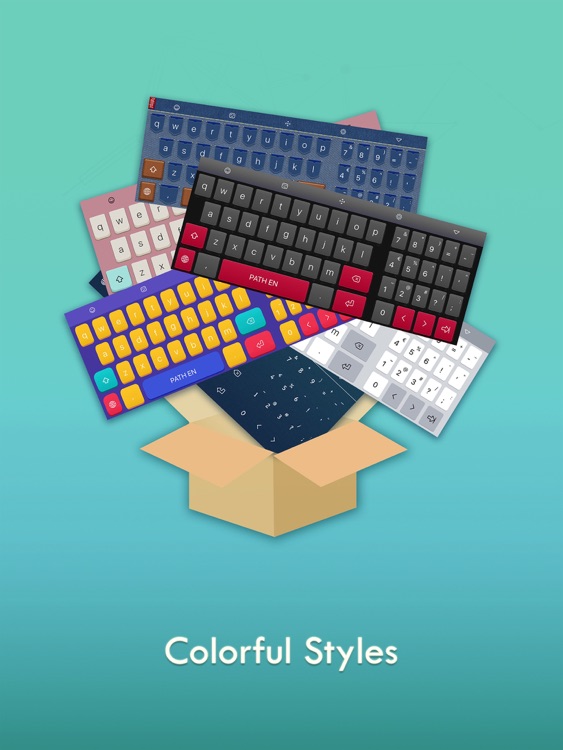
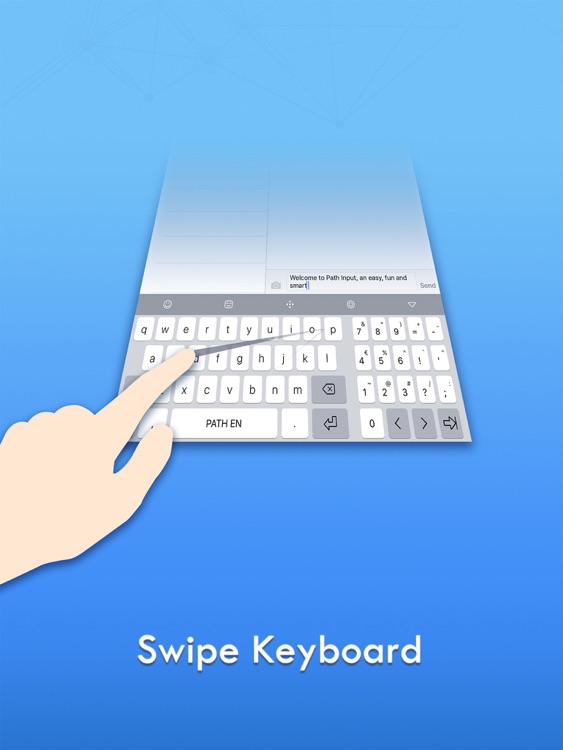
Type with a swipe with Path Input.

It’s ideal for both iOS 7 and iOS 8 users that want to record their thoughts in a whole new way.

$1.99 $1.99
Why we picked this?

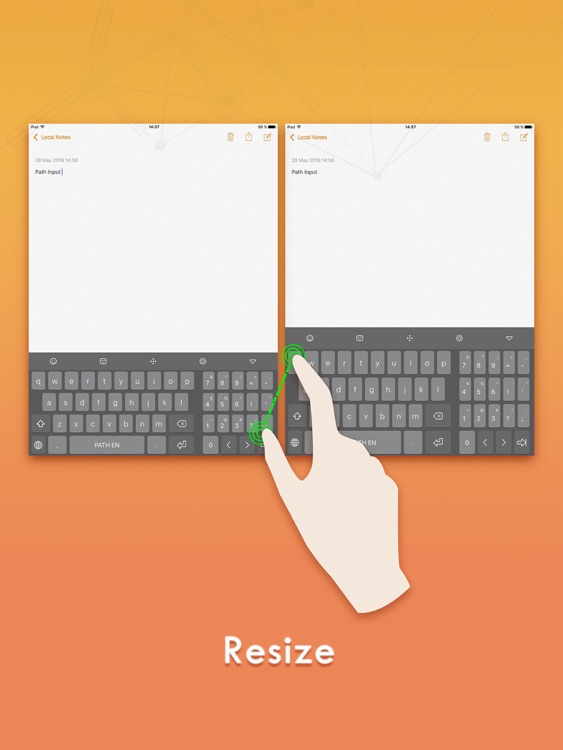
Path Input allows you to record your thoughts faster than you could with a regular keyboard. Just draw the path of the word you want to record. If you get a little off track, don’t worry, Path Input will figure out what it is you’re trying to say. You can even record words by simply drawing their prefixes. If you’re using iOS 7 or earlier, you’re able to copy your content with a tap and bring it into any other app. All iOS 8 users may use Path Input as a third-party keyboard.

If you’re tired of tapping to type, give Path Input a try. It’s predictive text engine is quite accurate, making it even easier to type with a swipe.

You must put some time in to get used to typing with a swipe. It doesn’t come naturally. If you don’t want to stick it out, don’t even bother giving it a try.

Cursive Writing - abCursive 2
iPhone
Cursive Writing - abCursive 2

Cursive Writing - abCursive 2

Yosuke Oki

Learn to write cursive with this educational app.

It’s great for teachers or those who simply want to learn the long lost art of cursive writing.

$0.99 $0.99
Why we picked this?

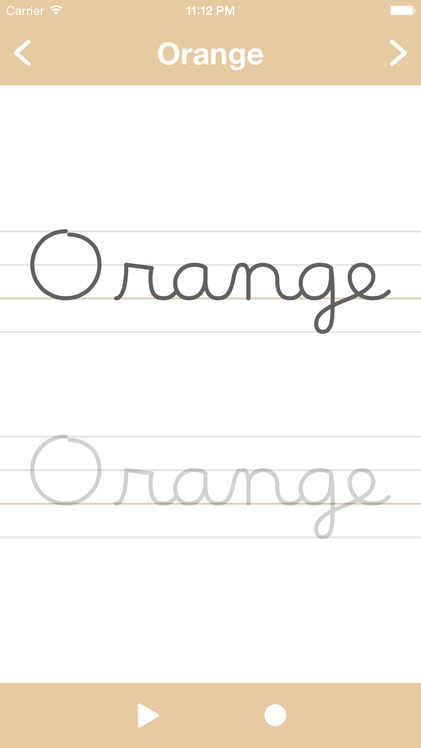
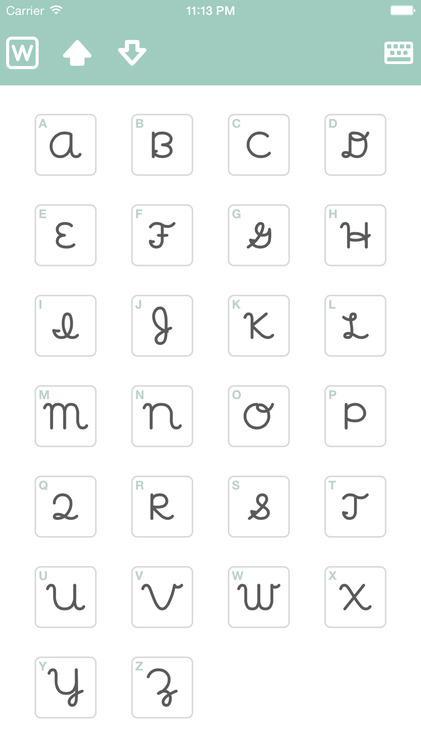
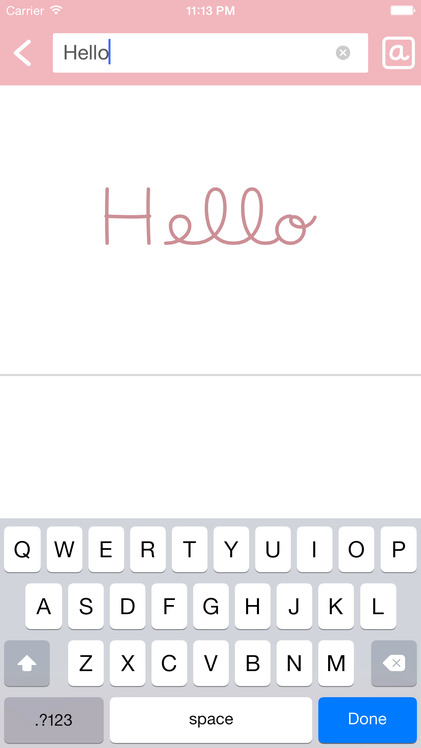
You’re able to learn how to write both uppercase and lowercase cursive letters along with how to attach them. Each letter can be practiced separately, and you’re able to view an animation to see just how they connect with each other. You’re also able to record your own writing. Have a word in mind? Type it into the blank field and Cursive Writing will convert it for you.

If you’re fond of learning new skills, give Cursive Writing a try. It’s especially handy if you have some sort of stylus sitting around.

Beyond the basic lessons, there’s not much else to this app. You won’t find any other teaching tools.

War of Eclipse
iPhone
War of Eclipse

War of Eclipse

Game Stew

Captain your very own air battleship and take the fight to the aliens in this role-playing game.

War of Eclipse is ideal for fans of retro-style graphics and gameplay.

$0.99 $0.99
Why we picked this?

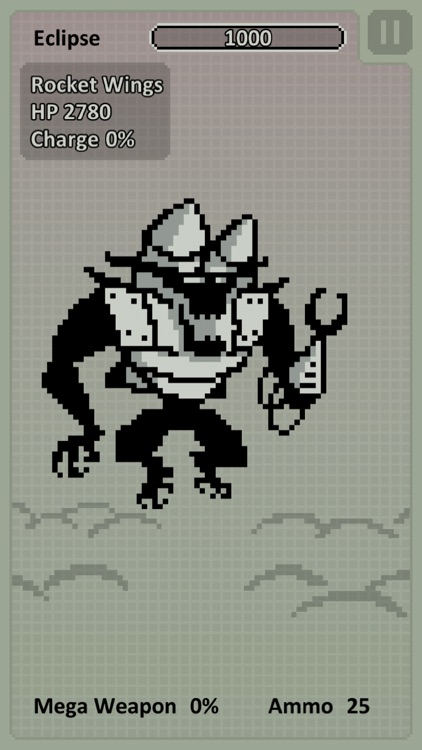
War of Eclipse is unabashedly retro. Its pixel art graphics are sharp and its gameplay brutally difficult. You’re able to choose from seven powerful battleships, each of which can be customized in a variety of ways. Blast away all kinds of alien invaders by perfectly timing your shots. The game includes 35 enemy types to take on, random equipment drops, and seven different endings to discover.

If you like your retro games to span more than one genre, War of Eclipse is a perfect fit for you. It beautifully blends timing, role-playing, and adventure elements to offer one unique experience.

As we stated earlier, War of Eclipse is unabashedly retro. This can be a positive and a negative. If you like your graphics in 3-D and your gameplay fast and loose, avoid War of Eclipse.

Data Widget - 3g/4g/5g data
iPhone
iPad
Data Widget - 3g/4g/5g data

Data Widget - 3g/4g/5g data

Jerry Jee

Check your data usage with a swipe with the handy Data Widget.

It’s for those who are always worried about going over their data cap.

$1.99 $1.99
Why we picked this?

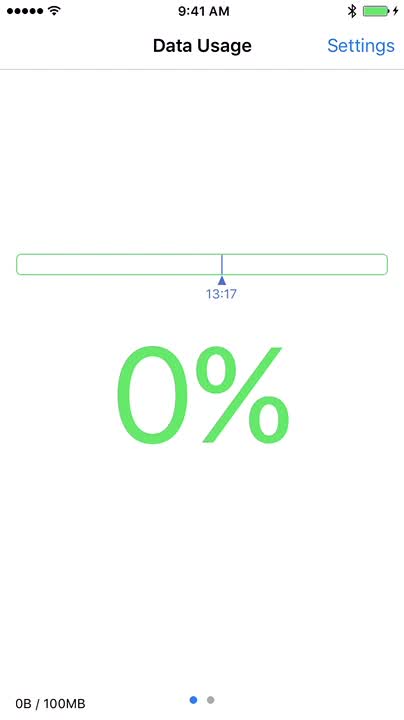
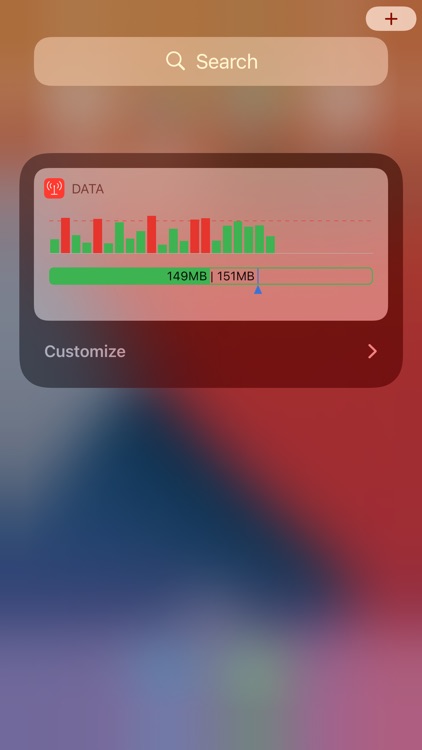
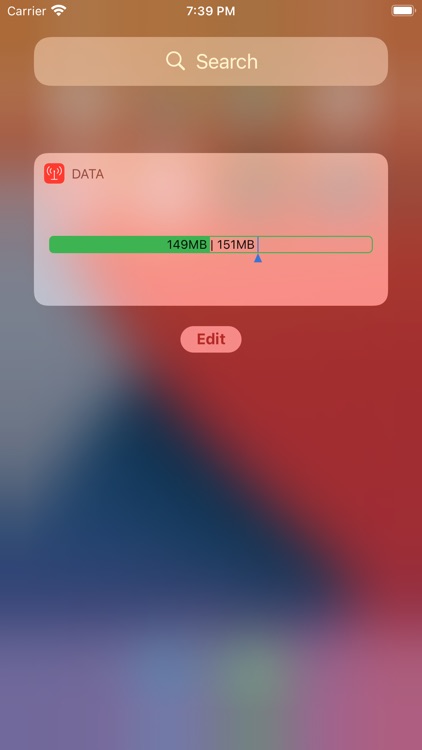
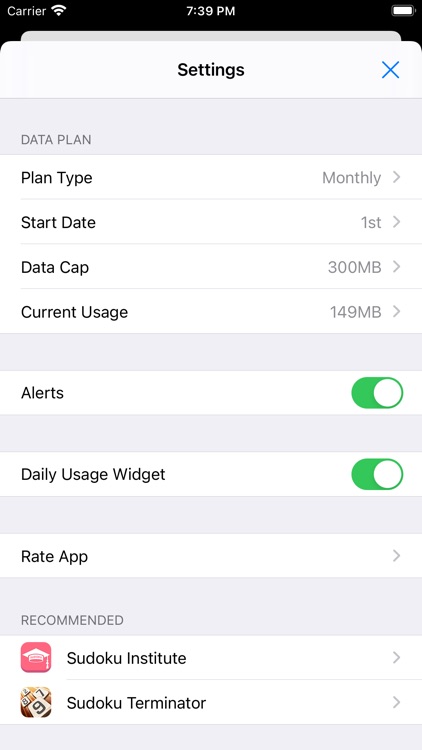
Data Widget is so simple yet so effective. Launch the app, set your data cap, set your start and end date, and record any usage you may already have. Then swipe down to bring up Notification Center and add the widget by tapping the “Edit” button found all the way at the bottom. After that, any time you want to check your current data usage in real-time, just swipe down.

If you have a low data cap, check out Data Widget. It makes it easy to monitor your usage.

If you don’t care all that much about your data usage, Data Widget isn’t necessary.