


You are using an outdated browser. Please upgrade your browser to improve your experience.

Apps That
Went Free on
2015-01-24

Turn your iDevice into an ad blocker, fisheye camera, portable scanner, and brain trainer with today’s AppsGoneFree.

iPixelCamera Pro - LOMO Cam
iPhone
iPixelCamera Pro - LOMO Cam

iPixelCamera Pro - LOMO Cam

华芳 张

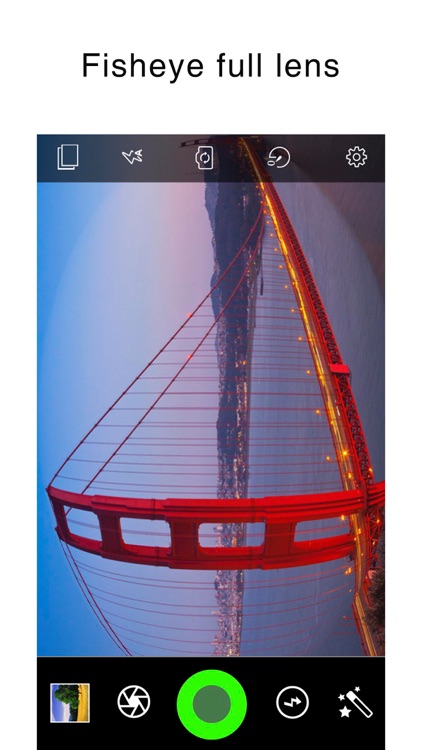
Turn your iPhone or iPod touch into a fisheye or crystal fisheye camera with iPixelCamera.

It’s an entertaining app for those who enjoy messing around with distorting photos.

FREE ($0.99) For a limited time FREE ($0.99) For a limited time
Why we picked this?

This photography app allows you to share what you see in a whole new way. You’re able to choose from six different camera lenses and five different crystal scenes. The fisheye and crystal fisheye lens effects are done in real-time, so what you see is what you get. Retro filters and colorful tones can be applied as well. Once you’ve captured your masterpiece you can share it via your favorite social networks.

If you’ve always wanted a fisheye lens, iPixelCamera will get the job done. The effect is rather convincing.

The app can be used as a regular camera app with filters, but it’s really not ideal. It’s specifically tailored for taking fisheye photos.
SmartScan Pro: PDF scanner
iPhone
SmartScan Pro: PDF scanner

SmartScan Pro: PDF scanner

AMAXIM APPS, INC

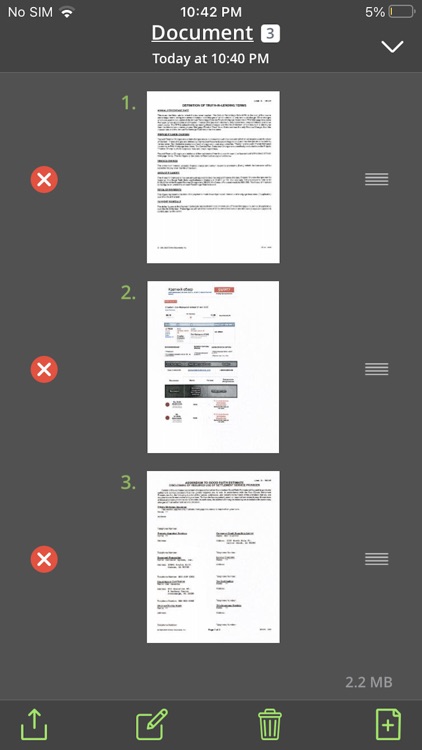
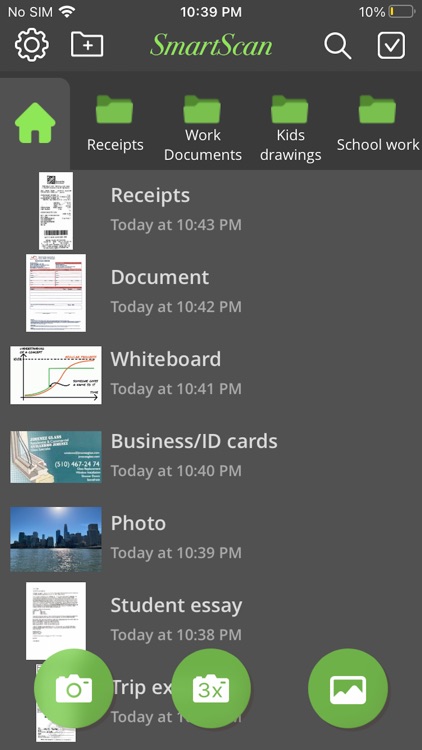
Scan and save copies of physical files, receipts, and documents in a snap with this business app.

It’s a handy app for business professionals and basically anyone who needs to keep a record.

FREE ($0.99) For a limited time FREE ($0.99) For a limited time
Why we picked this?

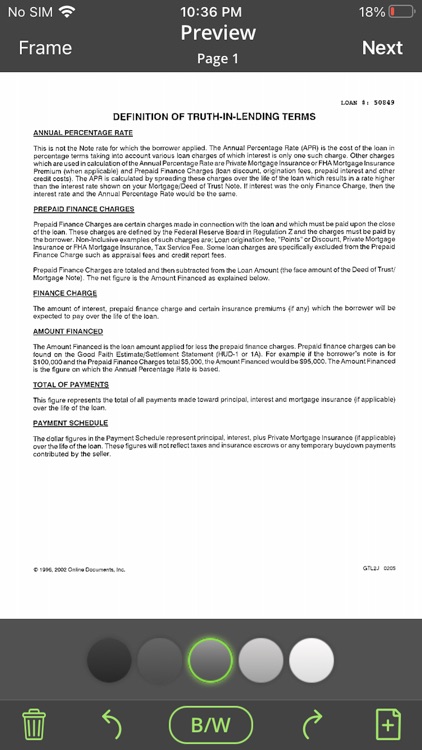
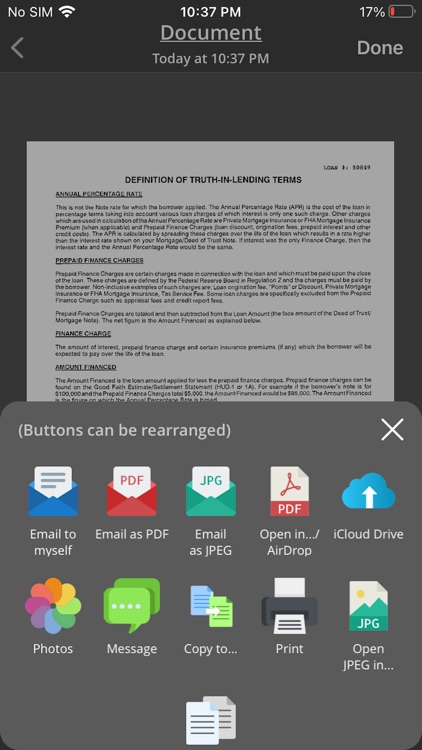
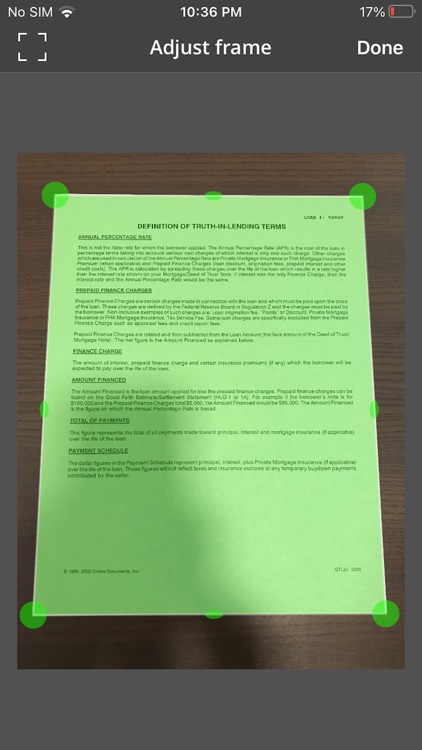
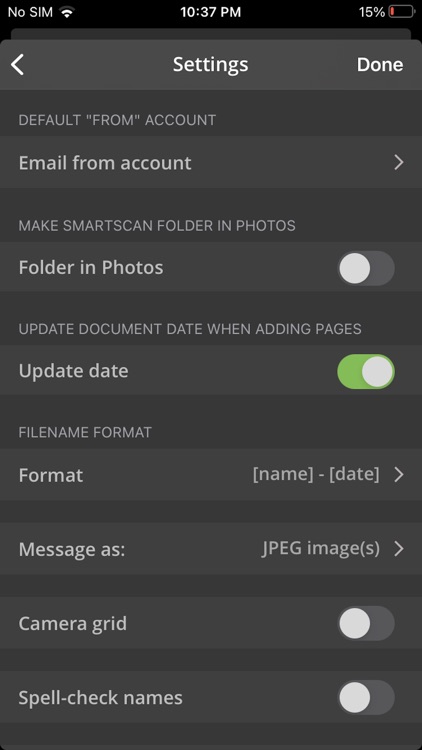
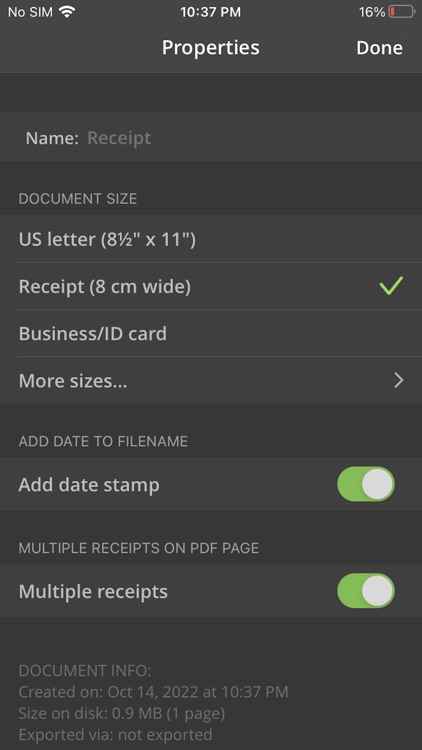
Just take a photo of what you want to capture and allow SmartScan Express to automatically detect the edges. You’re also able to manually adjust the selection if need be. You’re then able to adjust the contrast and color of your scan, and rotate it. Scans are automatically saved to the in-app library. They can also be shared as JPEGs, PDFs, or PNGs via email, or you can upload them to Facebook, Twitter, or your favorite cloud service.

If you need a document scanner, you might as well give this one a try. It’s fast, efficient, and easy to use.

If you already have a document scanner installed, you can skip this one. SmartScan Express doesn’t bring anything new to the table.

Schulte Table - improve fast reading and attention
iPhone
iPad
Schulte Table - improve fast reading and attention

Schulte Table - improve fast reading and attention

Artem Tselikov

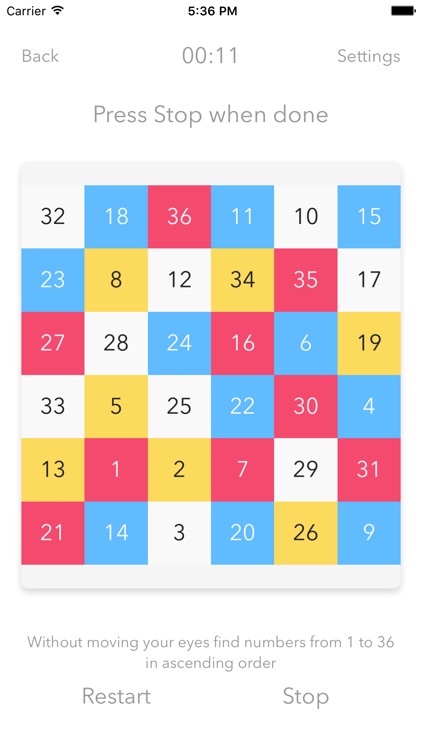
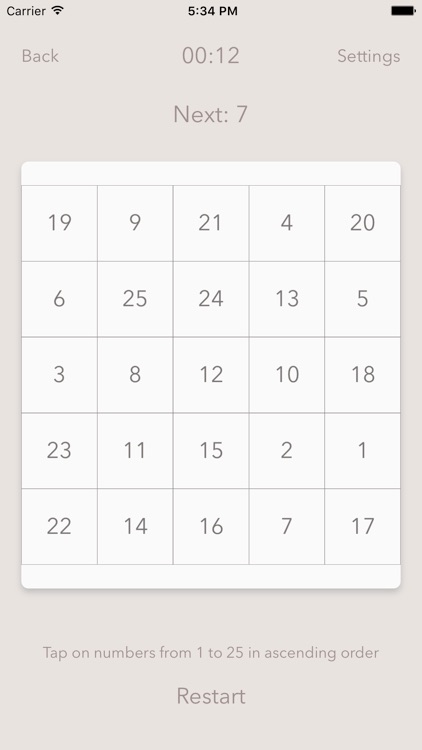
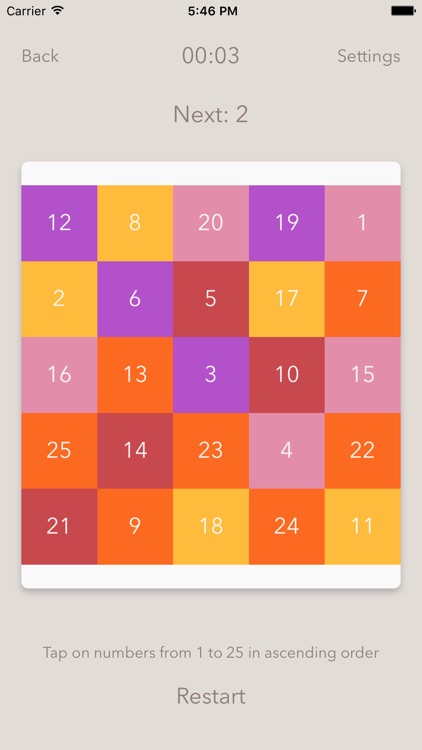
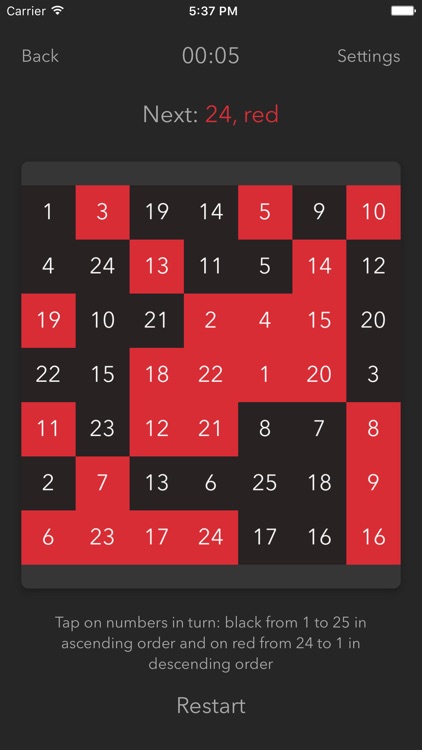
A brain game that will improve your peripheral vision and speed reading.

It’s for anyone who wants to keep their brain sharp.

$0.99 $0.99
Why we picked this?

Schulte Table is all about practice. All you need is 10 minutes a day to improve your mental perception. The object of the game is to simply count up to a designated number in order or spell out the alphabet in order. You’re able to adjust the size, color, and font size of the grid to challenge yourself even more. You’re able to see how your abilities compare with the rest of the world via Game Center leaderboards.

If you want to keep your brain in top shape, Schulte Table is your answer. Just launch the app once a day and spend some time hunting down those numbers and letters.

Schulte Table only includes letter and number options. You won’t find any other brain training exercises.

NoAds - block ads on Wi-Fi networks in apps and browsers plus content blocker
iPhone
iPad
NoAds - block ads on Wi-Fi networks in apps and browsers plus content blocker

NoAds - block ads on Wi-Fi networks in apps and browsers plus content blocker

Artem Tselikov

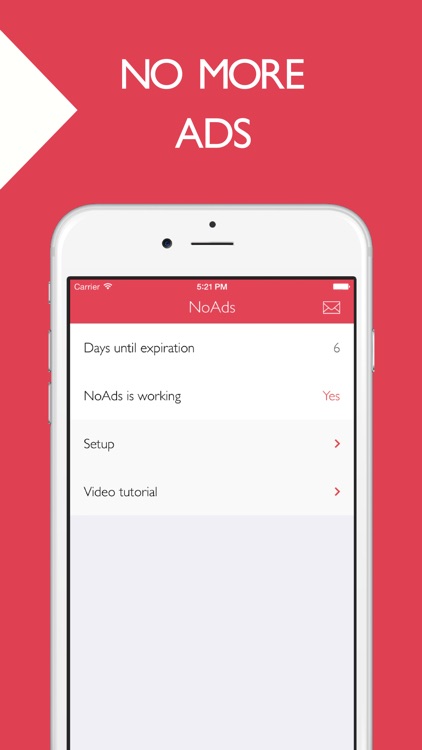
Block ads and other annoying content within your favorite apps and on the web with this utility app.

It’s ideal for those who are tired of seeing ads and pop-ups.

$1.99 $1.99
Why we picked this?

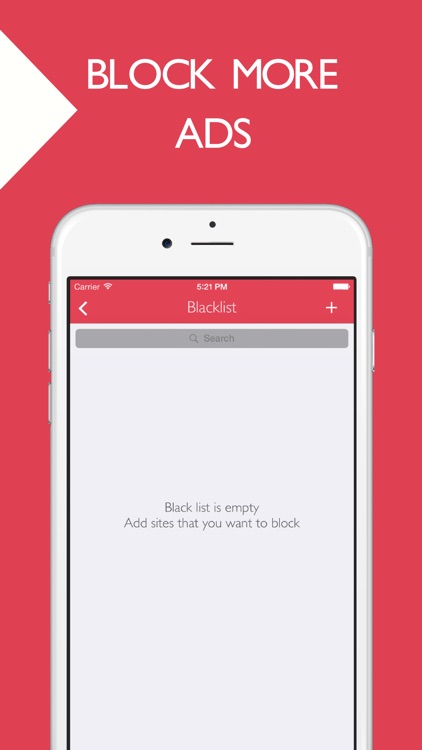
AdBlock works with any Wi-Fi enabled iDevice. To get things started, you must first follow the setup instructions included within the app. Once completed, you’ll have to kill all of the active processes for your apps. The next time you launch them all banners, pop-ups, and text adds will magically disappear. AdBlock also allows you to manually add ad servers and websites that you want blocked. You’re able to create white lists as well, giving certain websites a pass.

If you’re tired of seeing ads in your favorite apps and games and on your most used websites, you have to give AdBlock a try. It works wonders.

The app can be a little cumbersome to set up, and without tweaking the settings you may run into problems like missing content. If you’re not comfortable with this process, skip AdBlock and just deal with the ads.