



You are using an outdated browser. Please upgrade your browser to improve your experience.

Apps That
Went Free on
2015-01-26

Discover new things around you and take note of them with today’s collection of travel, fitness, and productivity apps.

Time Surfer
iPhone
iPad
Time Surfer

Time Surfer

Kumobius

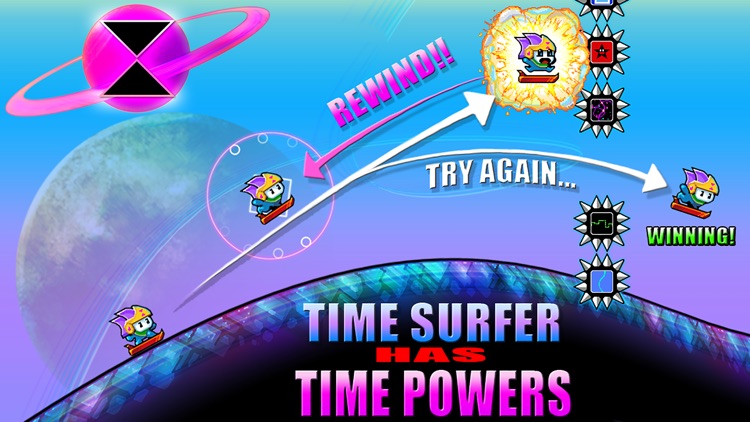
Surf across the galaxy and cheat death in this endless distance game.

It’s for those who enjoy games like Tiny Wings.

$0.99 $0.99
Why we picked this?

Dive into rolling hills by tapping and holding the right side of the screen, and release at just the right moment to shoot out of them. Try to avoid ramming into obstacles while collecting loads of different power-ups along the way. If you do smash into something, don't worry, you can rewind time! Just keep in mind your ability to rewind is limited, so use it sparingly. The game includes loads of challenges to complete, all kinds of unlockable pieces of content, iCloud support, and achievements and leaderboards via Game Center.

If you enjoy competing for high scores, Time Surfer is your game. It’s like Tiny Wings on steroids.

The game is pure arcade fun thanks to its blistering pace and unlockable content. If you’re more of a casual gamer, look elsewhere for your entertainment today.
aNote - Screenshot note
iPhone
aNote - Screenshot note

aNote - Screenshot note

withnamu

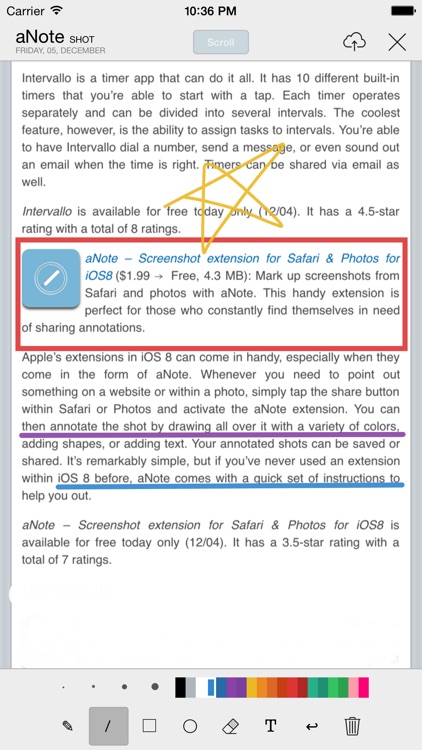
Mark up screenshots and photos with aNote.

This handy extension is perfect for those who constantly find themselves in need of sharing annotations.

$2.99 $2.99
Why we picked this?

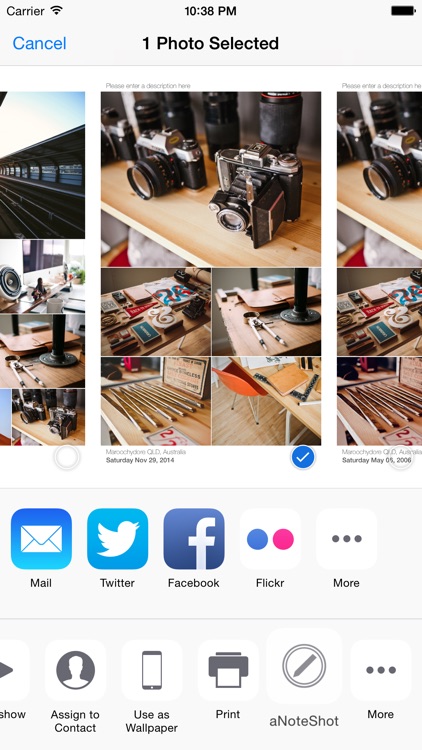
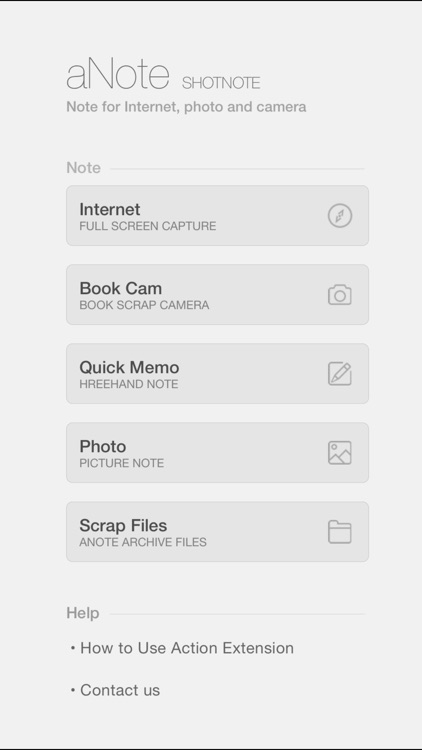
Apple’s extensions in iOS 8 can come in handy, especially when they come in the form of aNote. Whenever you need to point out something on a website or within a photo, simply tap the share button within Safari or Photos and activate the aNote extension. You can then annotate the shot by drawing all over it with a variety of colors, adding shapes, or adding text. Your annotated shots can be saved or shared. It’s remarkably simple, but if you’ve never used an extension within iOS 8 before, aNote comes with a quick set of instructions to help you out.

If you find yourself marking up and sharing shots constantly, aNote will make your life much easier.

If you don’t have iOS 8 installed, aNote isn’t for you since it simply will not work.

Intervals Pro - HIIT Timer
iPhone
Intervals Pro - HIIT Timer

Intervals Pro - HIIT Timer

Haim Benshimol

Build your own custom workout plans with this flexible fitness app.

It’s ideal for anyone that has multiple and varying workouts.

$3.99 $3.99
Why we picked this?

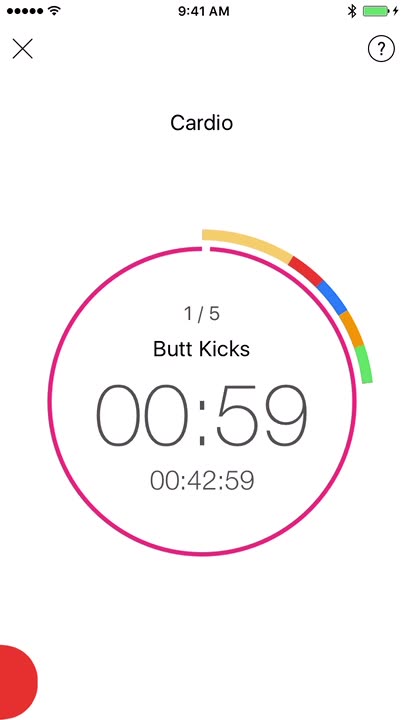
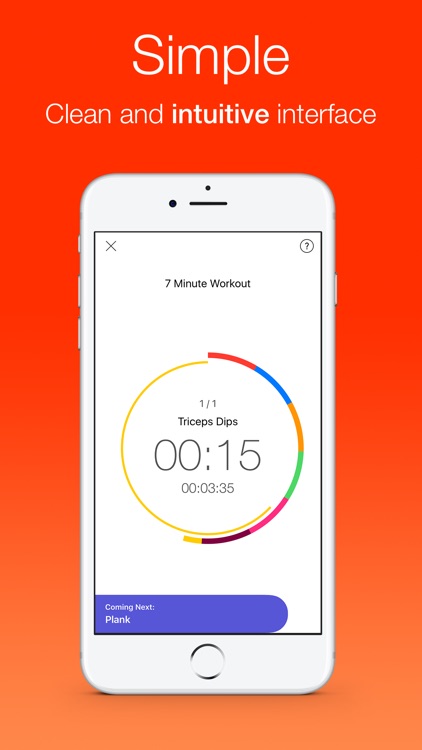
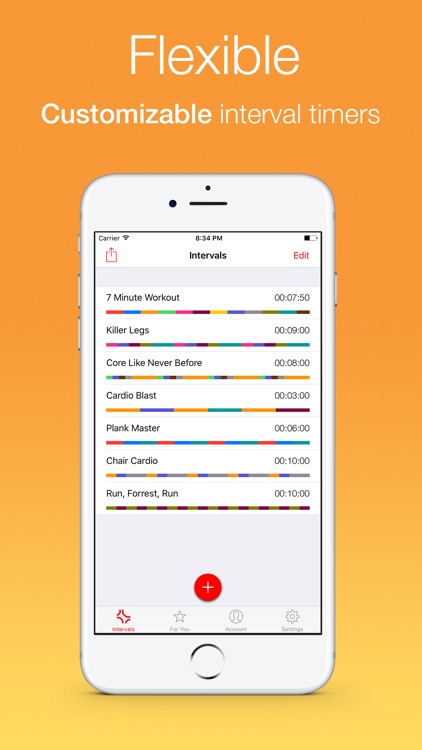
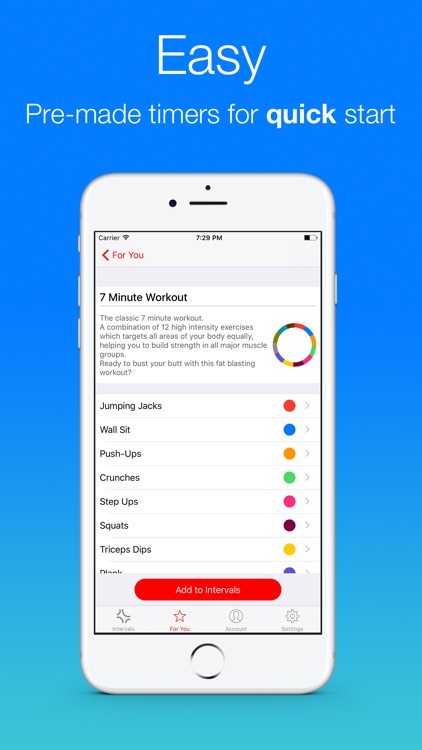
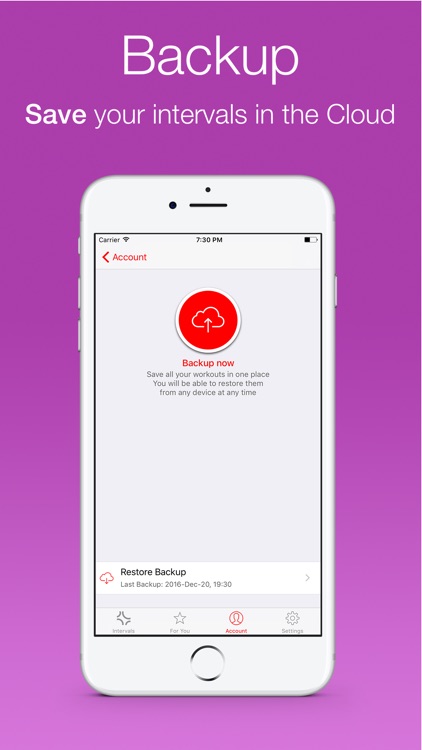
Intervals helps you to focus on your training. Entire workouts can be set up in just a few seconds. Tap to create a custom workout and give it a title. Then define the number of sets in your workout, add as many exercises as you like, and define your warmup and cool down periods. Exercises can include custom durations, colors, and specific music. When it’s time for training, tap on your workout of choice and start the timer. You’re able to control the timer and switch between exercises with common gestures.

If you want more control over your workouts, Intervals is able to provide it. Each workout can be as customized in a variety of ways, allowing you to get exactly what you need out of your exercises for the day.

If you have a very basic workout schedule, Intervals is overkill. It’s meant for those who like to perform multiple exercises throughout their day.

Noti:Do with Reminders
iPhone
iPad
Noti:Do with Reminders

Noti:Do with Reminders

KIM KYUNG MIN

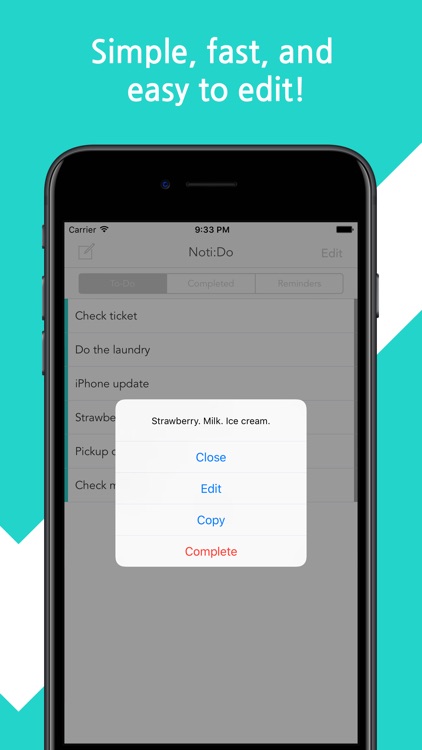
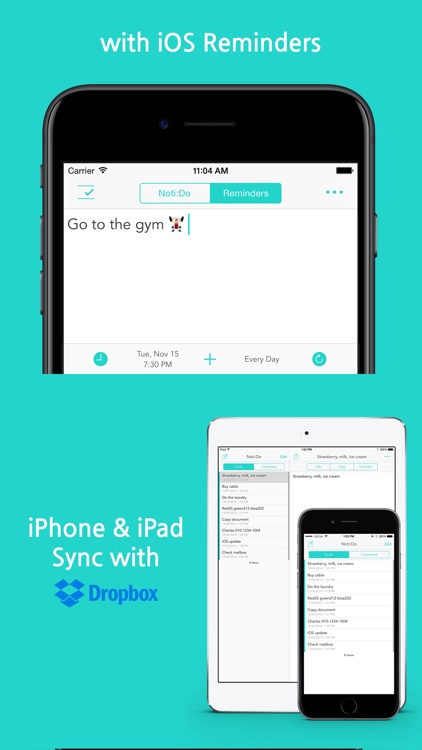
This simple productivity app allows you to log all of the tasks you need to complete for the day within Notification Center.

It’s perfect for those who are always in a hurry.

$1.99 $1.99
Why we picked this?

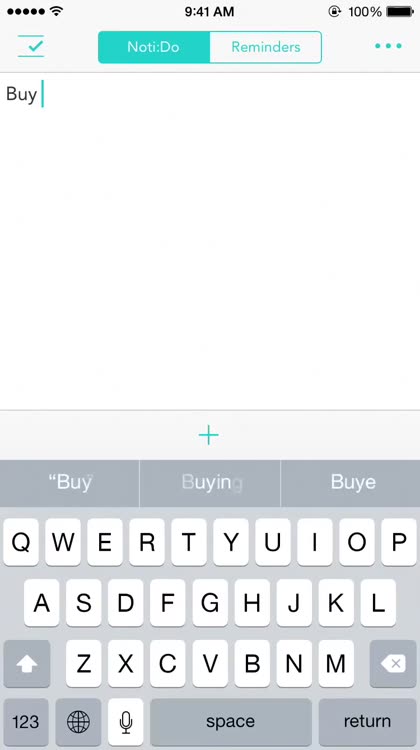
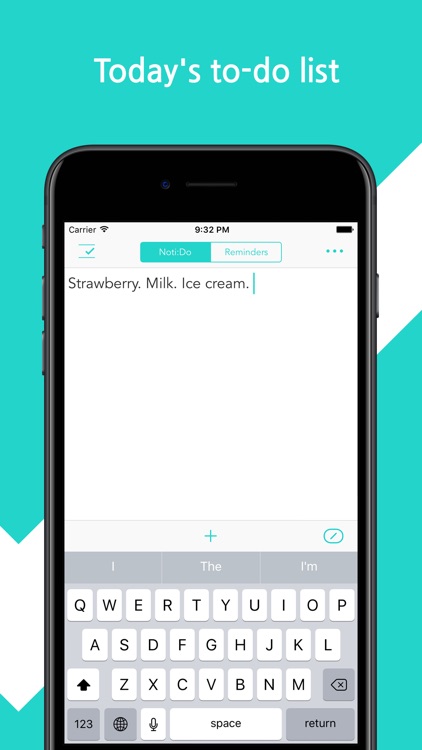
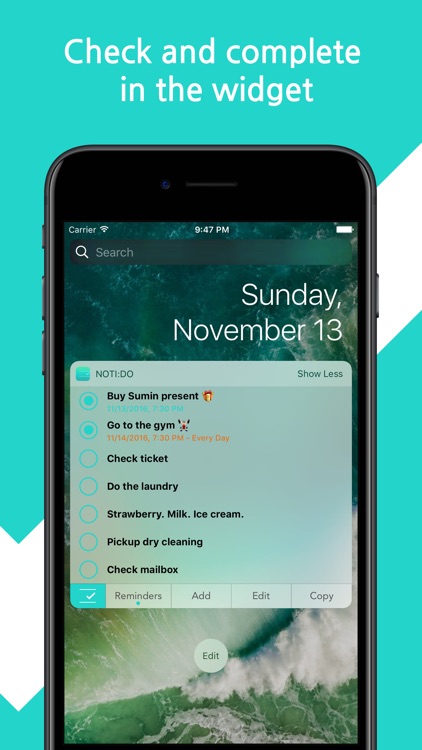
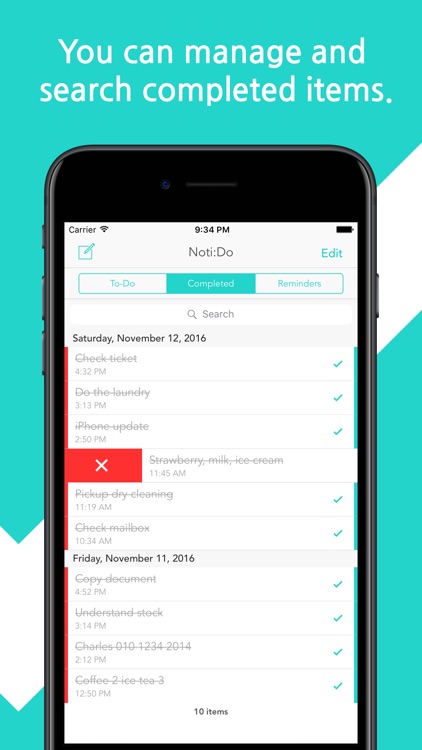
Noti:Do is all about speed. The moment you launch Noti:Do you’ll be brought to the task creation area. Enter any text you’d like and tap the “+” button right above the keyboard. A notification will instantly appear within Notification Center, ensuring you won’t forget to complete your task. You’re able to continuously add tasks until you’ve covered all of your bases for the day. You can also add tasks through Noti:Do’s Notification Center widget. Tasks within Notification Center can be marked as complete with a swipe. The app also includes icon badging, the ability to adjust the number of tasks shown in Notification Center (via the Settings app), the ability to edit your list, and the ability to view completed tasks.

If you want to record tasks in a hurry, there’s no faster way than Noti:Do. Just swipe down to bring up Notification Center and get to work.

The app takes up a lot of room within Notification Center if you have a lot of tasks.

Places Around
iPhone
Places Around

Places Around

Neoappz (Private) Limited

Discover businesses and points of interests and learn all about them with Places Around.

It’s ideal for frequent travelers.

$1.99 $1.99
Why we picked this?

All you need is the sound of your voice to discover new and interesting places nearby. Just speak to Places Around and it will instantly find what you need. You’re also able to browse through 40 predefined categories, search the map, or use keywords. You’re able to save places as favorites for quick access later on, allowing you to plan ahead. You can also receive and share directions and details for each place.

If you travel a lot for business or pleasure, keep Places Around installed and readily available. You’ll never know what you’ll find.

The app requires an internet connection to operate, so it’s not ideal for international travel.