


You are using an outdated browser. Please upgrade your browser to improve your experience.

Apps That
Went Free on
2015-02-10

We’re putting your camera to use today with three fun photography apps. We also have an app that will help you get your work done faster so you can enjoy your time taking photos and recording videos.

Autodesk ForceEffect Flow
iPad
Autodesk ForceEffect Flow

Autodesk ForceEffect Flow

Autodesk Inc.

Find out how aerodynamic your 2-D designs are with this powerful productivity app from Autodesk.

It’s a fantastic app for designers and engineers.

FREE ($2.99) For a limited time FREE ($2.99) For a limited time
Why we picked this?

You’re able to freely sketch your designs or use object detection technology to capture geometry from your environment. You can then simulate the aerodynamic performance of your design and modify it to find new design options. During the simulation process, you’re able to adjust the speed of the airflow and view the results in real-time. The app also includes four visualization modes, adjustable display precision, imperial and metric support, and the ability to capture snapshots or video to share with others.

If you need to understand the aerodynamic performance of an object, this is one powerful tool. The object detection technology alone will save you precious time.

The app has a very specific purpose, obviously, and a bit of a learning curve.

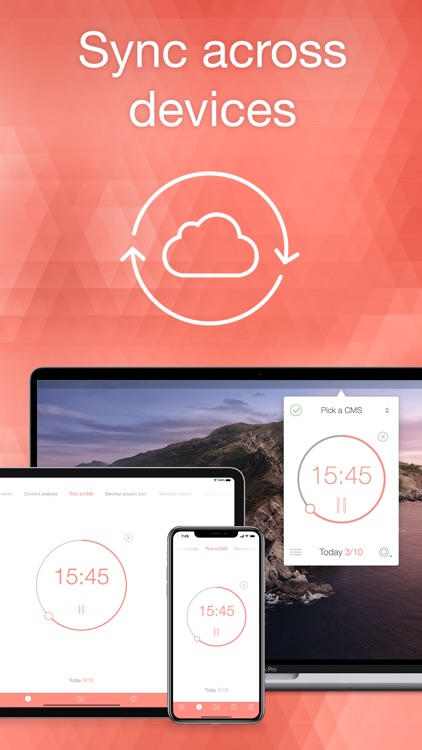
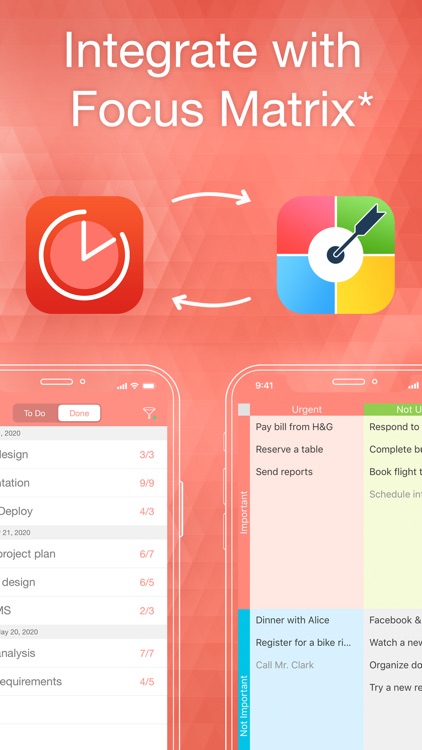
Be Focused Pro - Focus Timer
iPhone
iPad
Be Focused Pro - Focus Timer

Be Focused Pro - Focus Timer

Denys Ievenko

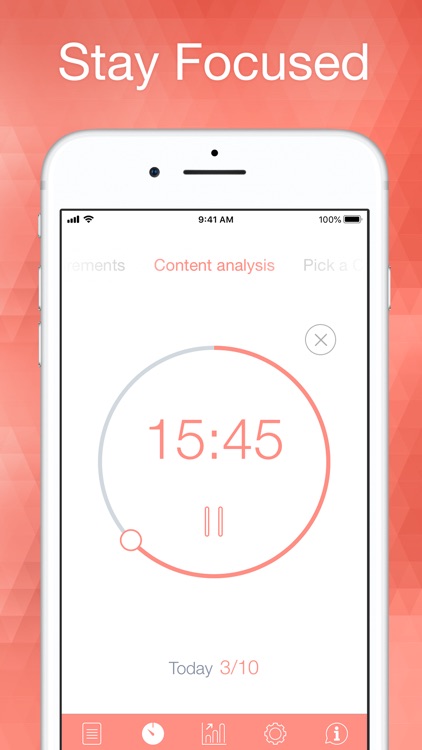
Get things done more efficiently with Pomodoro Time.

It’s ideal for those with a lot on their plate.

$7.99 $7.99
Why we picked this?

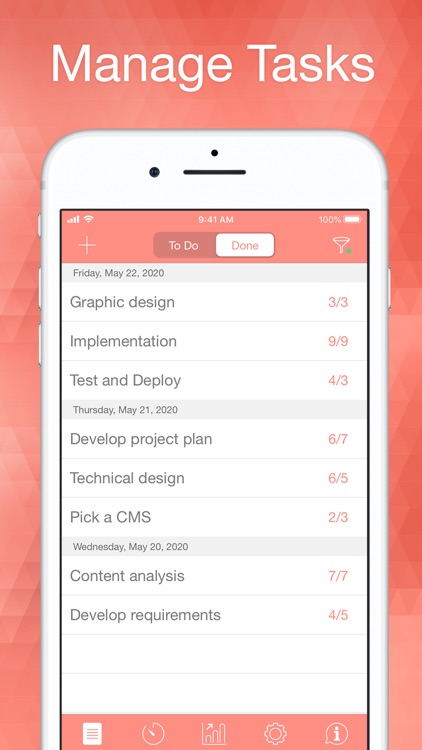
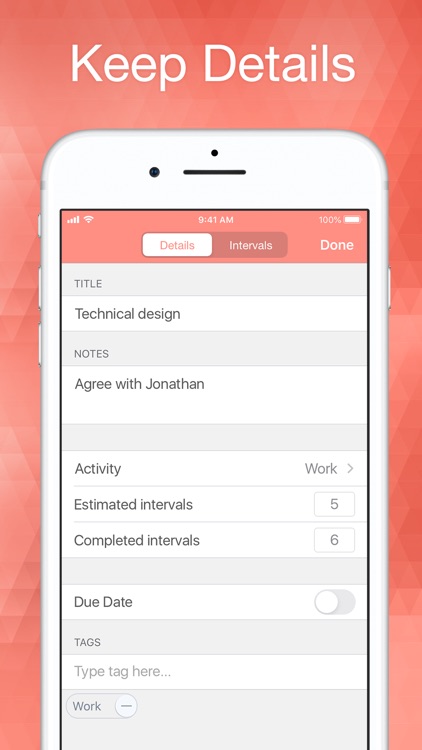
This tried and true technique helps you define clear goals and get them done faster by setting aside blocks of time. You’re able to create as many tasks as necessary and organize them however you wish. Then hit play and get to work. The timer will count down from 25 minutes and chime when the time is up to provide you with a short break. Repeat the process over and over until you’re done for the day. You’re able to adjust your Pomodoro and break durations within the settings menu. You’re also able to choose custom alarm sounds, jump between tasks, and even monitor your timer within Notification Center.

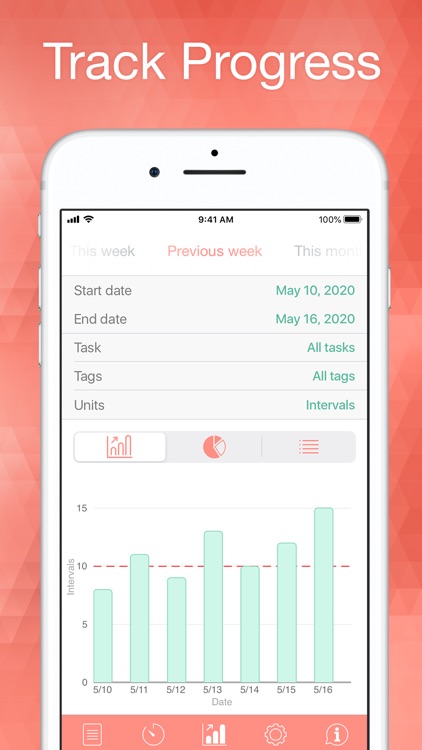
If you have trouble staying focused on the tasks at hand, this is your app. Pomodoro Time even allows you to track your progress through charts and graphs, helping motivate you even more.

If all you want is a good task manager, check elsewhere. This is strictly focused on the Pomodoro technique.

CameraBag 2
iPhone
CameraBag 2

CameraBag 2

Nevercenter Ltd. Co.

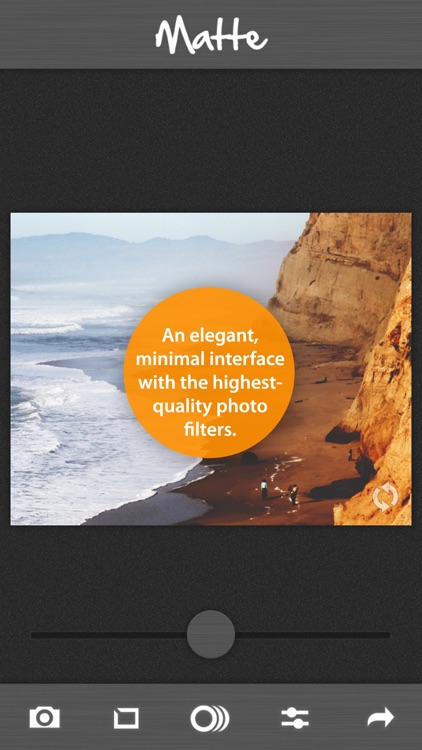
Stylize your favorite memories with this photo editing and filter app.

It’s ideal for mobile photo editors.

$1.99 $1.99
Why we picked this?

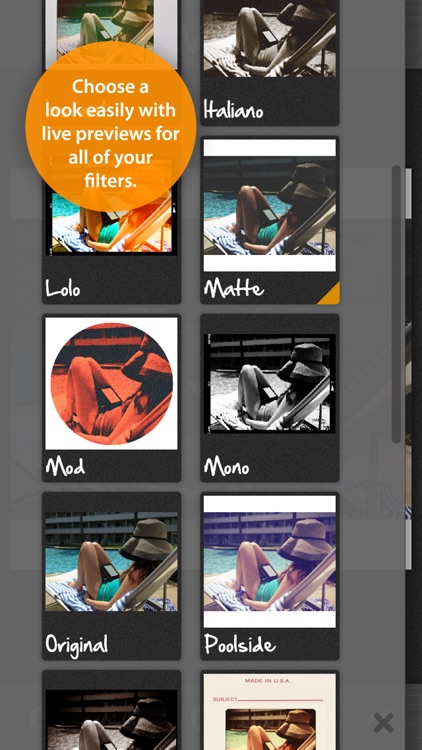
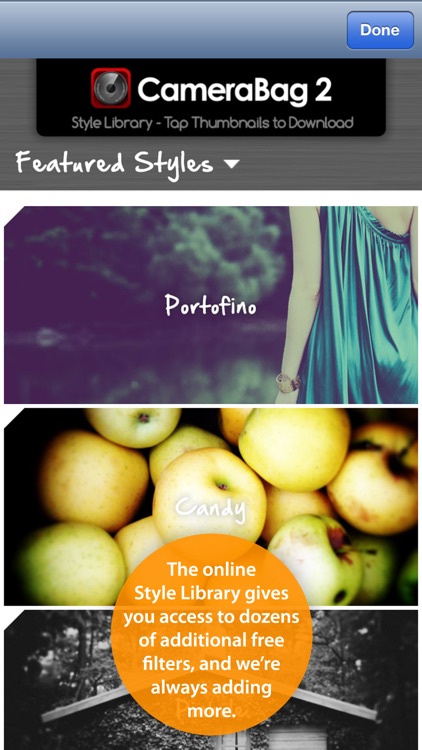
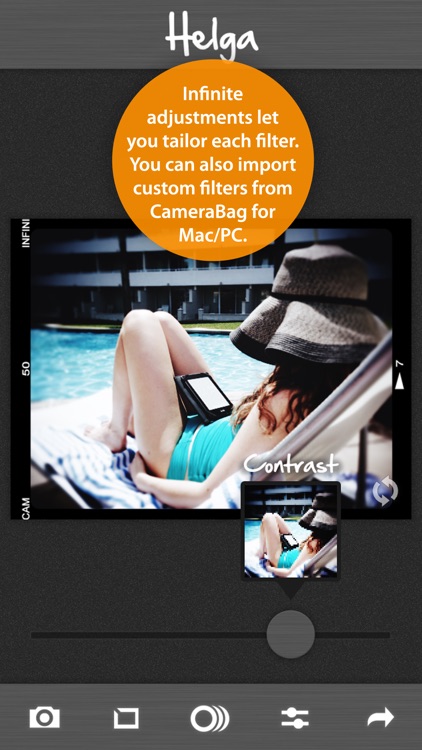
It utilizes Nevercenter's powerful Analog Engine to achieve unparalleled image quality even after filters have been applied. You're able to import any photo from your library or snap a new one in-app. The slider across the bottom of the screen allows you to adjust the components of your photo. You can then apply 26 different borders, crop your photo by hand, and apply any one of the 16 built in filters. Loads of additional filters are available for free via CameraBag’s online style library. Your final creations can then by shared via Instagram, Facebook, Twitter, or email.

If you need a full suite of photo editing tools while on the go, CameraBag 2 will provide them. The amount of free downloadable content is staggering as well, ensuring you won’t run out of options.

While the app’s design is neat and tidy, finding new filters is a tedious process. Be ready to spend some time browsing.

AutoSampler - convert video clips into retro-looking photos!
iPhone
iPad
AutoSampler - convert video clips into retro-looking photos!

AutoSampler - convert video clips into retro-looking photos!

misskiwi

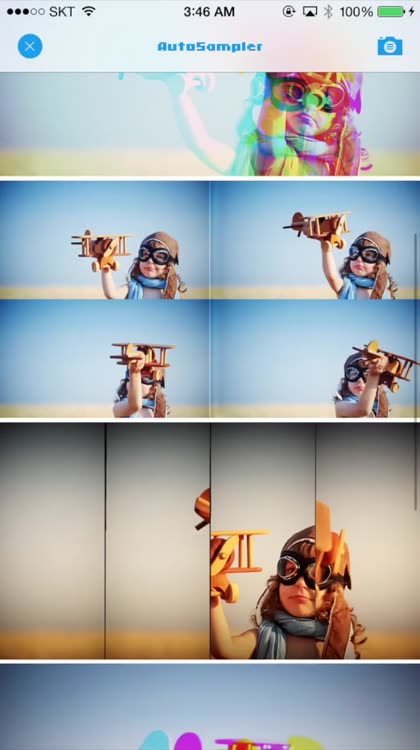
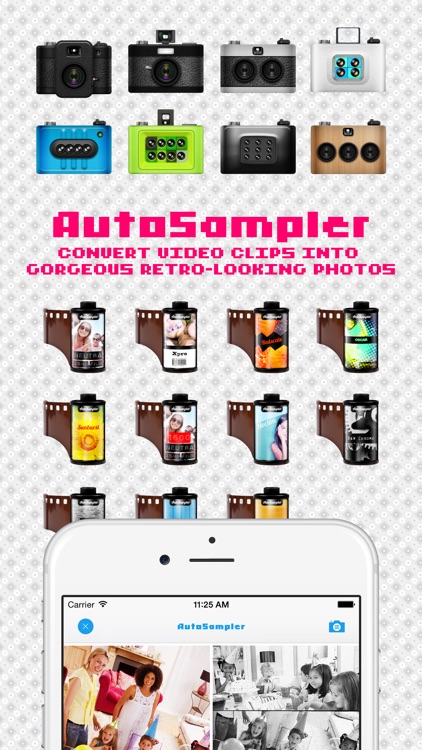
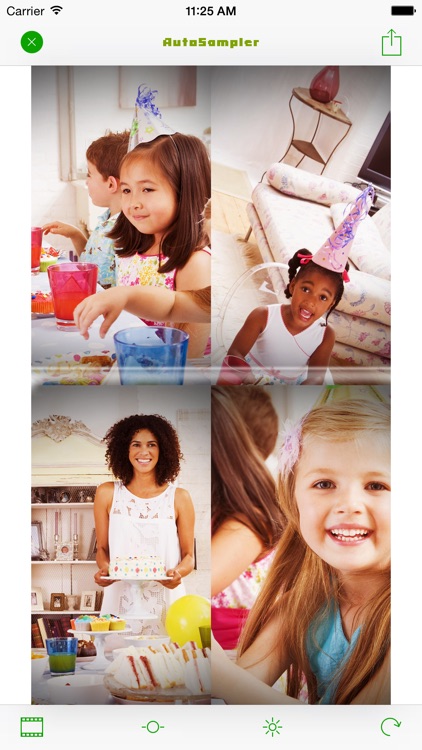
Create fantastic collages from your favorite videos with AutoSampler.

It’s an entertaining app for those who embrace randomness.

$1.99 $1.99
Why we picked this?

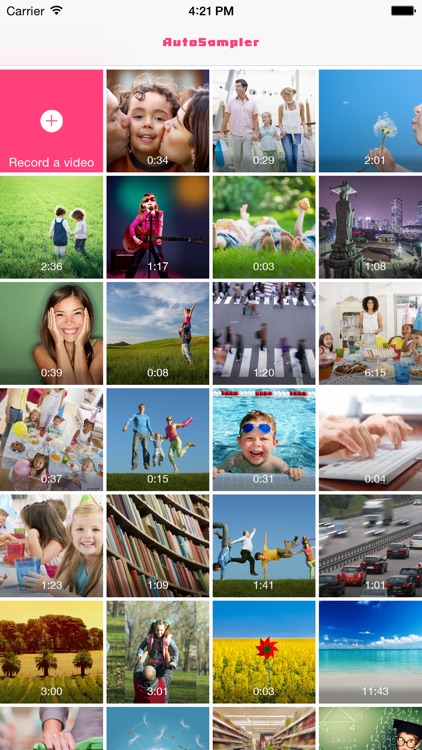
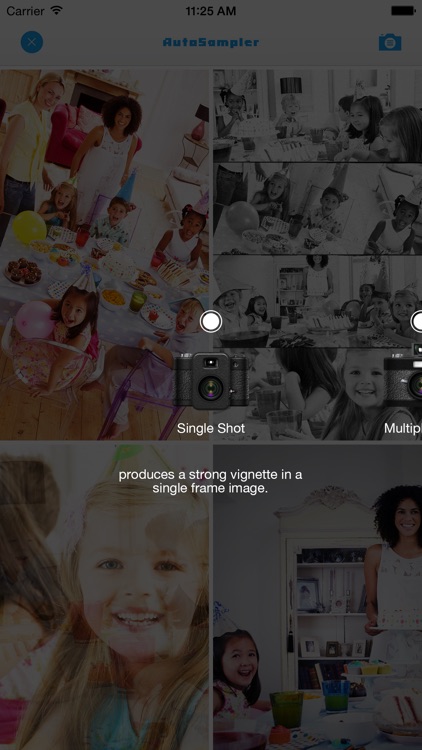
AutoSampler is super simple yet totally unique. You’re able to create a new video from within the app or import one from your library. The app will then extract frames from your video and assemble them in randomly generated collages with randomly chosen filters. To apply a different filter or adjust the lighting in a collage, just give it a tap to move into the editing and sharing mode. It’s really that easy.

If you’re tired of the same old filters and effects, you have to try AutoSampler today. It’s randomness is what makes it so special.

AutoSampler doesn’t provide you with very much control. If you prefer to do manual edits, this is definitely not the app for you.

Those Days(+Journal/Calendar/Reminder/Photo)
iPhone
iPad
Those Days(+Journal/Calendar/Reminder/Photo)

Those Days(+Journal/Calendar/Reminder/Photo)

YunaSoft Inc.

Arrange and view your photos more efficiently with Those Days.

It’s for anyone who has difficulty keeping track of photos.

$1.99 $1.99
Why we picked this?

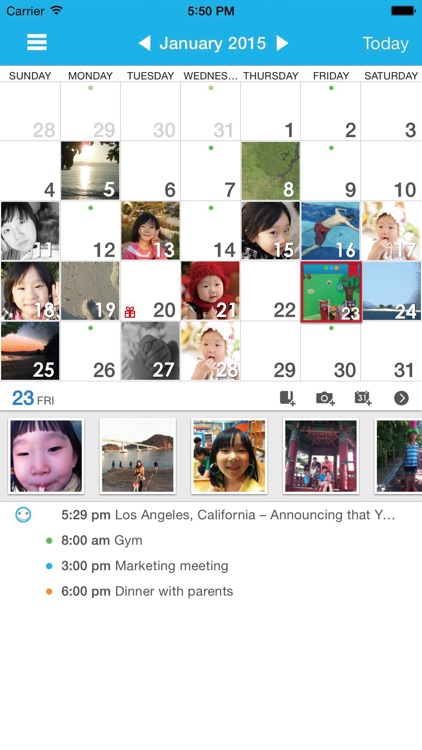
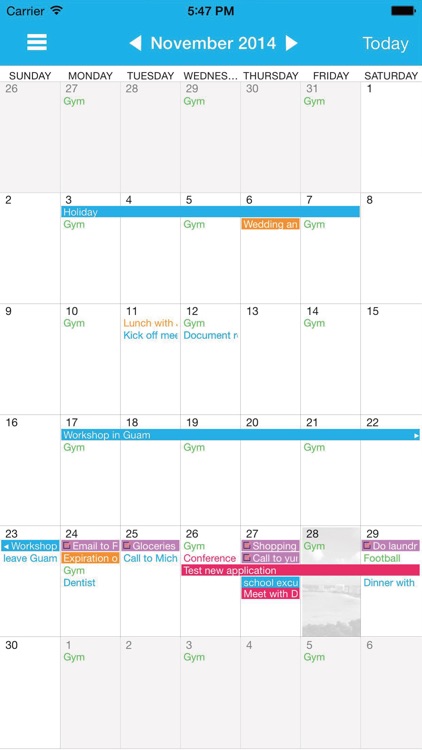
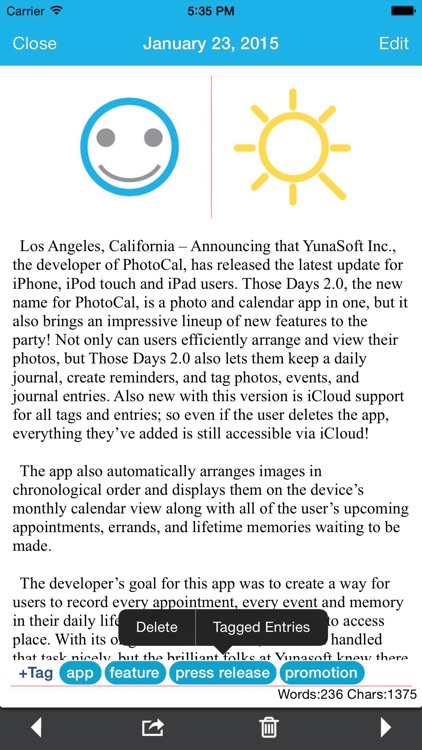
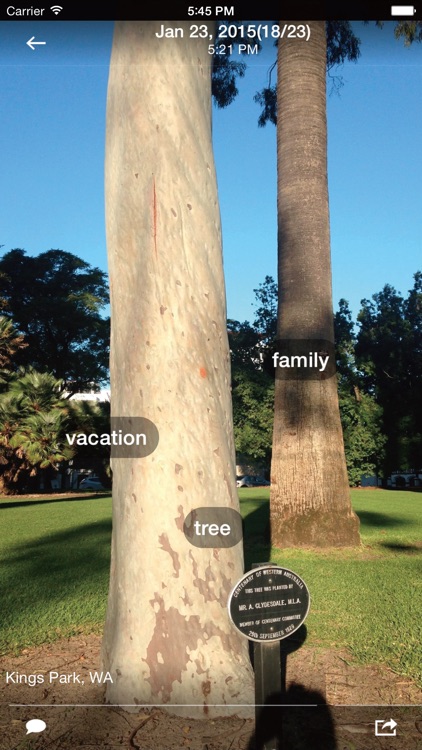
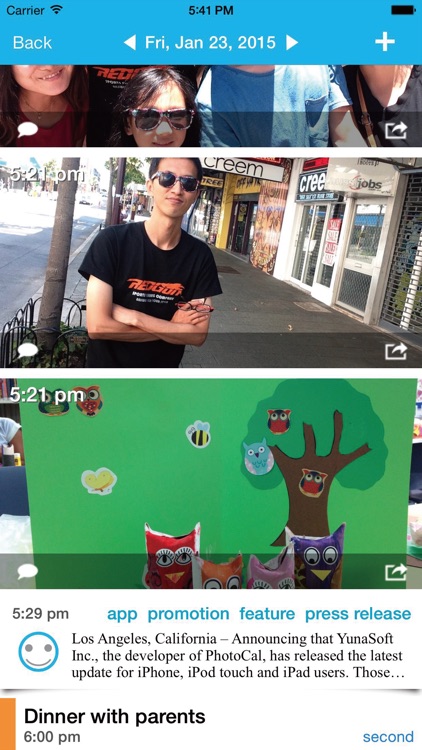
Sometimes tracking down photos in Apple's native Photos app can be tricky, especially if you have a huge library. Those Days simplifies the search by allowing you to view your photos on a monthly calendar. All you have to do is provide Those Days with access to your library, and it will instantly arrange and display your photos. If multiple photos were taken on a single day, just tap on it to view all of them at once. Those Days also allows you to add new photos and events. The app includes iCloud support, the ability to add comments, and a customizable grid view.

If you’re tired of dealing with Apple’s photo library system, give Those Days a try. The app is not only great for photos, it also is able to display events and reminders within its calendar.

The calendar view is a great idea, but things can start to feel a little cluttered, especially if you’re using an iPhone 4s or earlier.