




ViewExif
This handy iOS extension allows you to view Exif metadata for photos.


It’s ideal for iPhoneographers running iOS 8.
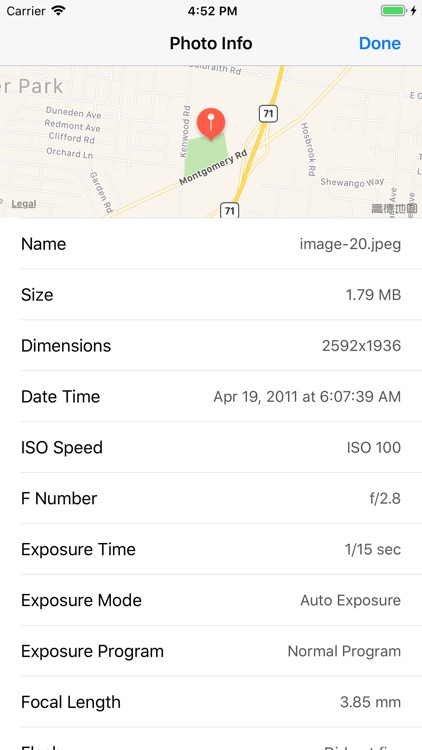
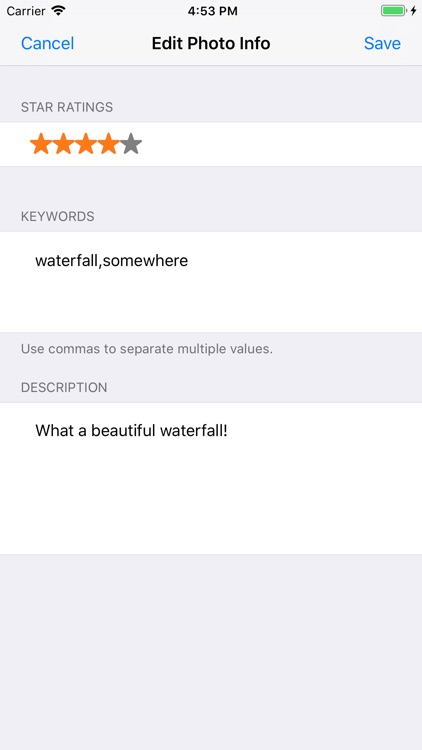
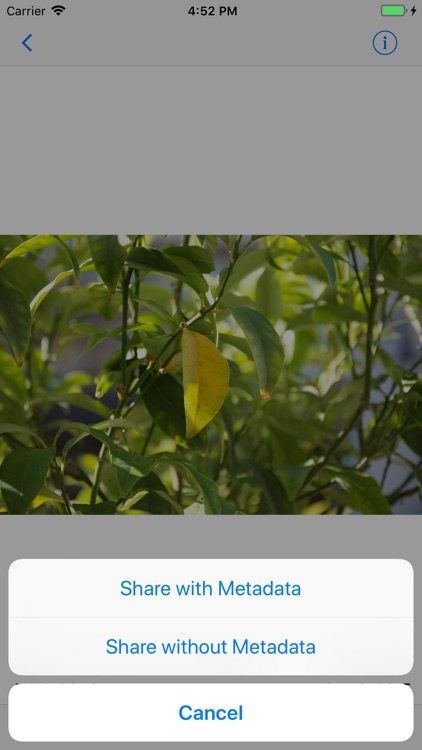
$0.99 $0.99Want to know everything about your photos? Just activate ViewExif and that metadata is all yours. To do so, launch the Photos app and select any photo. Then tap the “Share” button and scroll across the bottom until you see the “More” button. The proceeding menu will allow you to activate ViewExif. After it has been activated, you can pull up Exif metadata for photos within the native Photos app or any third-party photography app. Exif metadata includes everything from dimensions of photos and the exposure time to the date taken and location.
If you’re interested in finding out what settings and tools were used to take your photos, ViewExif is the perfect app for you.
If you’re not running iOS 8, ViewExif is useless to you.