


You are using an outdated browser. Please upgrade your browser to improve your experience.

Apps That
Went Free on
2015-02-19

Plan and strategize with today’s collection of apps and games. You can plan your trip through the store with Groceries, or you can map out your tasks with Sticky Notes HD. Predict your opponent’s movements and create the perfect strategy to come out on top in Frozen Synapse.

Frozen Synapse - GameClub
iPad
Frozen Synapse - GameClub

Frozen Synapse - GameClub

GameClub

Plan your moves wisely to lay waste to your opponents in this multi-award-winning tactical game.

It’s for competitive gamers who enjoy turn-based gameplay.

FREE ($9.99) For a limited time FREE ($9.99) For a limited time
Why we picked this?

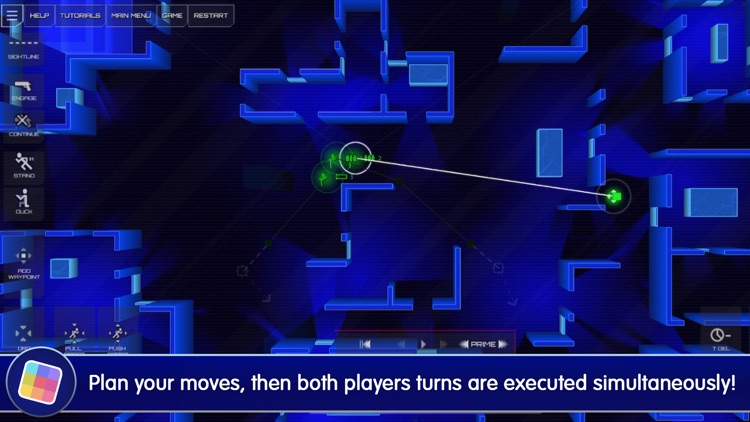
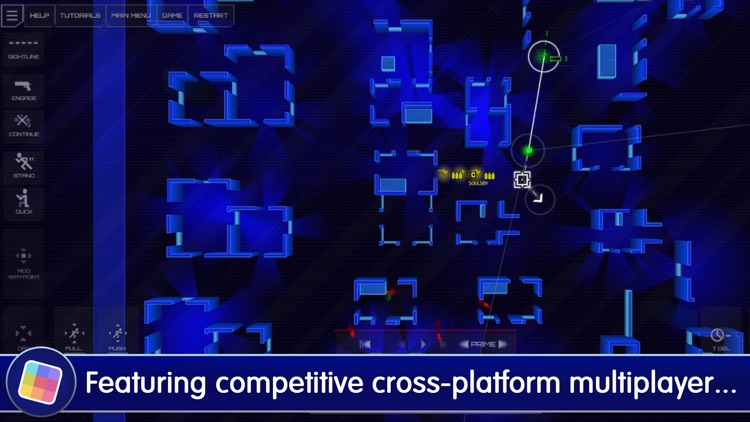
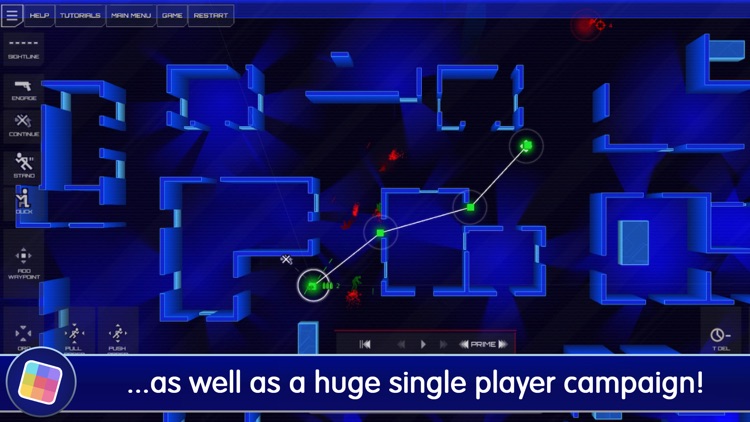
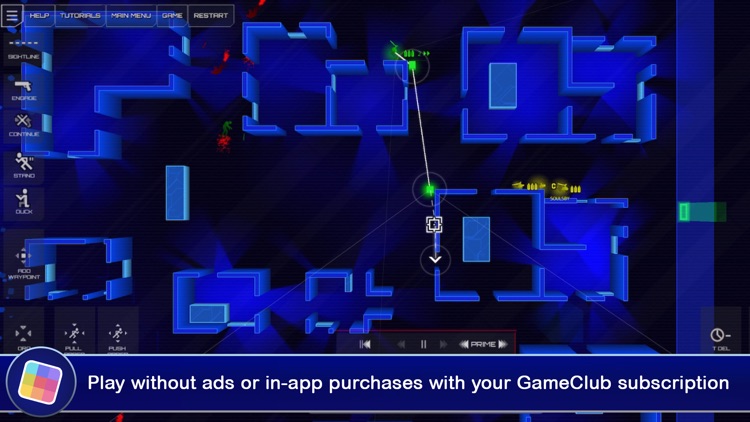
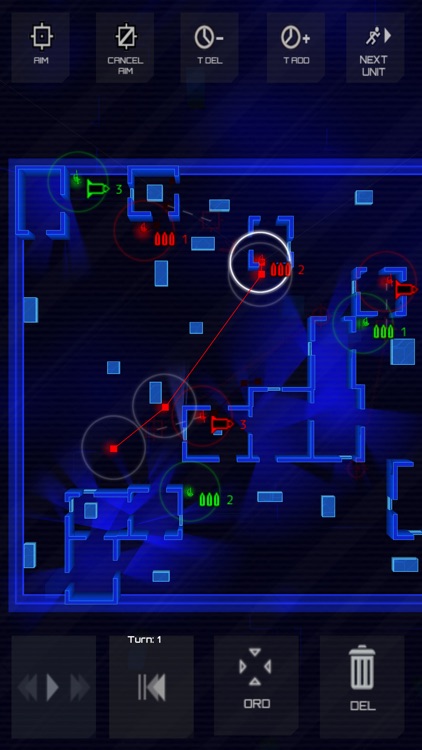
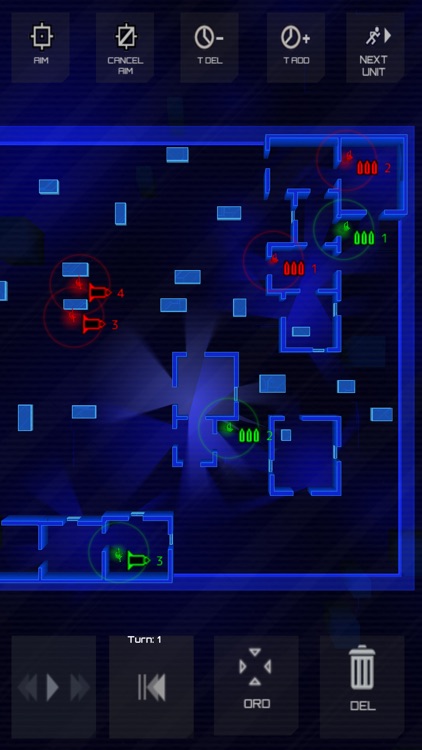
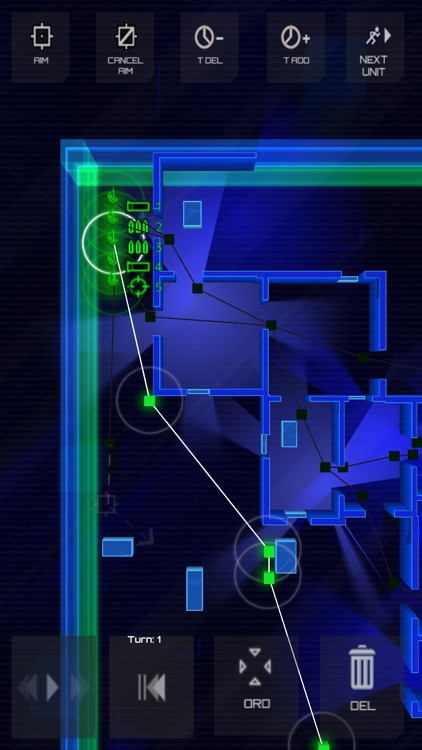
Frozen Synapse was originally designed and released for desktop computers. Somehow, someway the developers were able to cram all of its strategy goodness into a competent mobile package. The game has you giving specific orders to all of your in an attempt to be the last one standing. You can test out your moves before committing to them. Then tap the “Prime” button and watch the action all play out. You’re able to hone your skills with 55 different missions in the single player campaign. Once you’ve gotten the hang of things, move on to the competitive multiplayer modes.

If you’re at all into tactical games, you have to at least give Frozen Synapse a try. It has a bit of a learning curve, but once you get the hang of things you’ll be hooked.

This isn’t an entry level tactical game. So if you’re new to the genre, you’ll want to earn your stripes somewhere else.

BounceBounce
iPad
BounceBounce

BounceBounce

Witold Lusnia

Fling balls around the screen and watch what happens with this entertainment app.

It’s for the curious minds who enjoy playing around with physics.

FREE ($0.99) For a limited time FREE ($0.99) For a limited time
Why we picked this?

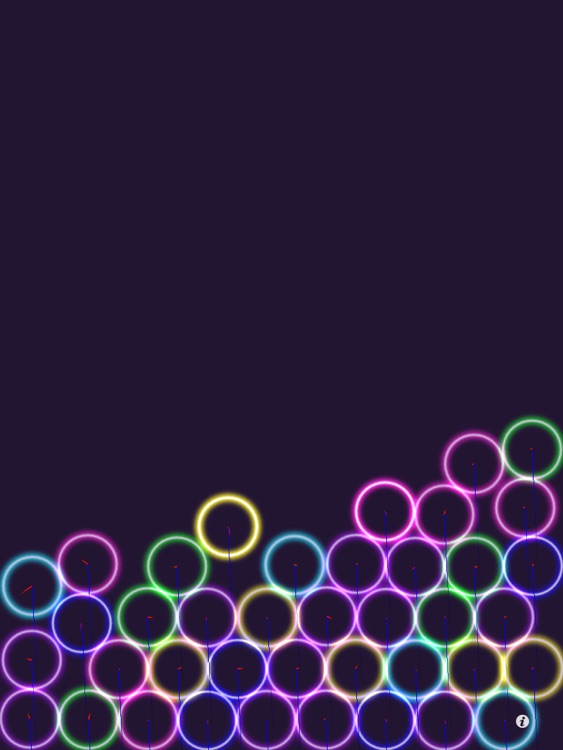
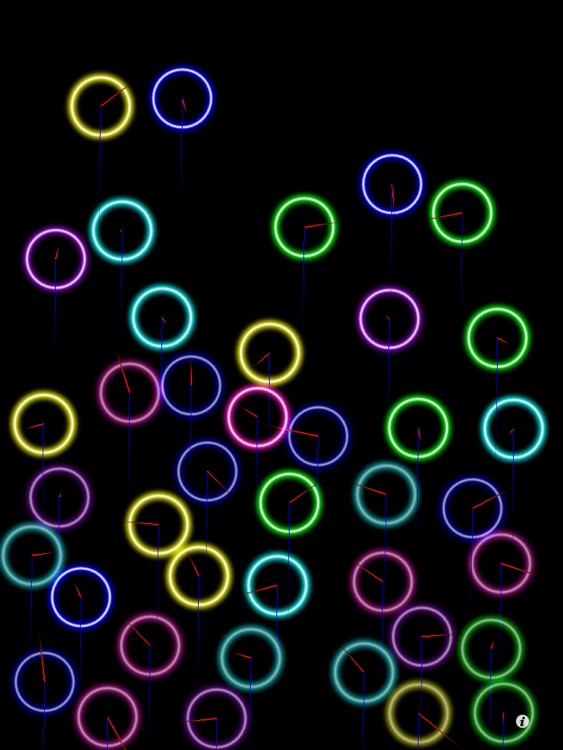
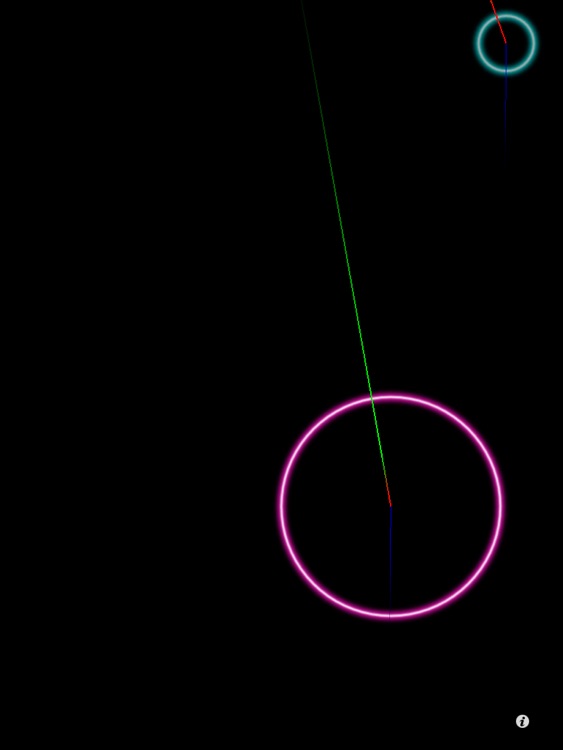
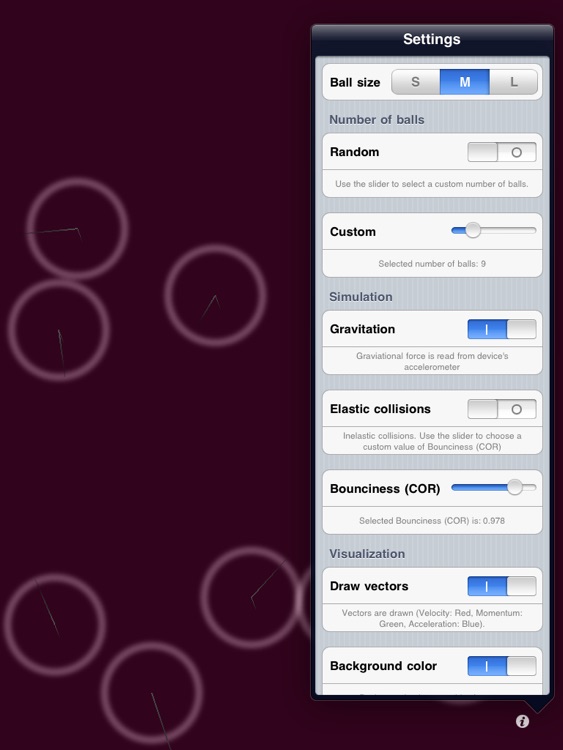
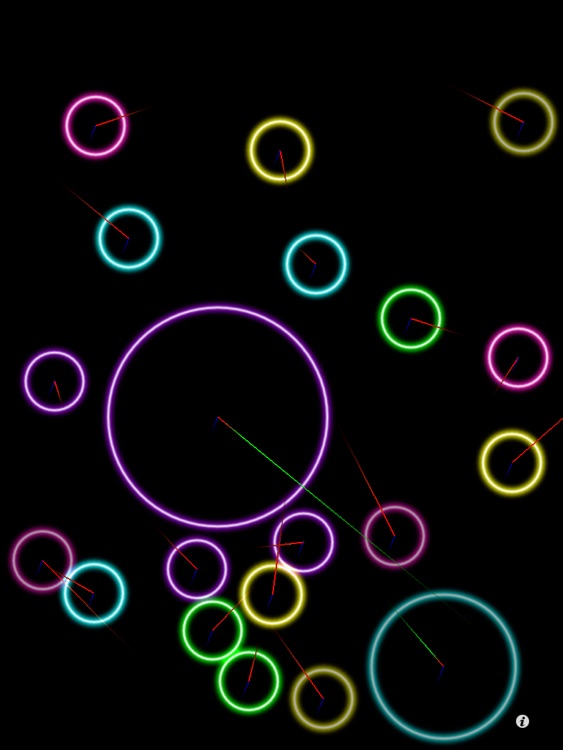
Place your finger over the top of a ball to grab hold of it. You’re able to adjust the size of the ball and its weight by performing common pinch gestures. Then fling it with a swipe and watch how it interacts with the other balls. The app features advanced physics, elastic collisions, vectors, and the ability to adjust the amount of balls on the screen at once.

If you want to play around with the basic laws of physics, BounceBounce is for you.

BounceBounce is simply about creating collisions. If you lose interest in apps quickly, you can just skip this one.

Geography Puzzles and Learning Games for Children by Geo Toys
iPhone
iPad
Geography Puzzles and Learning Games for Children by Geo Toys

Geography Puzzles and Learning Games for Children by Geo Toys

Playrific, Inc.

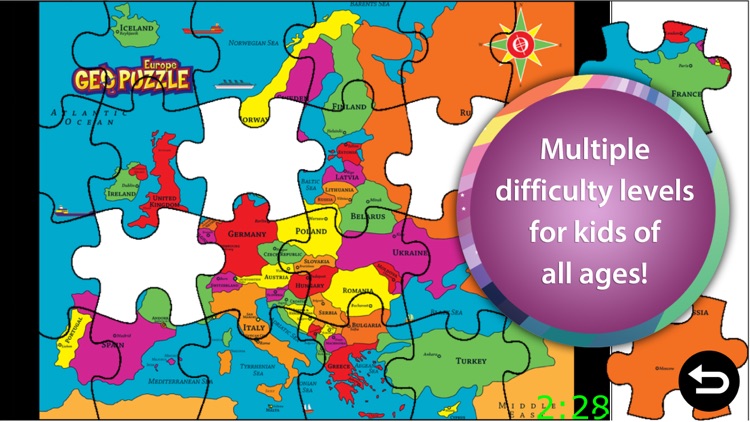
Your child can explore the entire world with Geography Puzzles and Learning Games.

It’s for parents and teachers who want to build up their children’s cognitive and problem solving skills.

FREE ($2.99) For a limited time FREE ($2.99) For a limited time
Why we picked this?

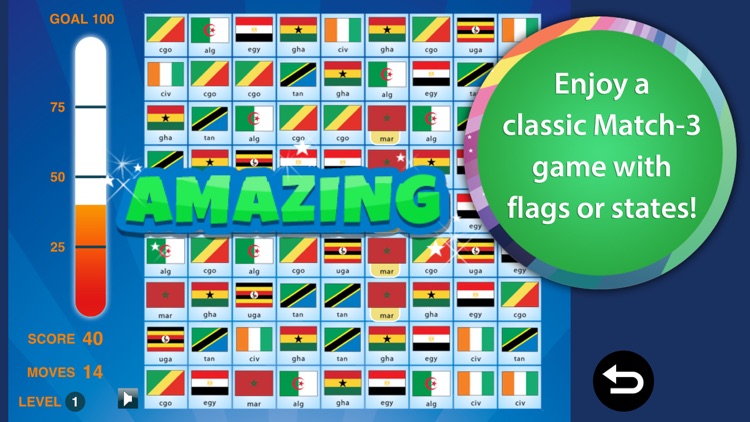
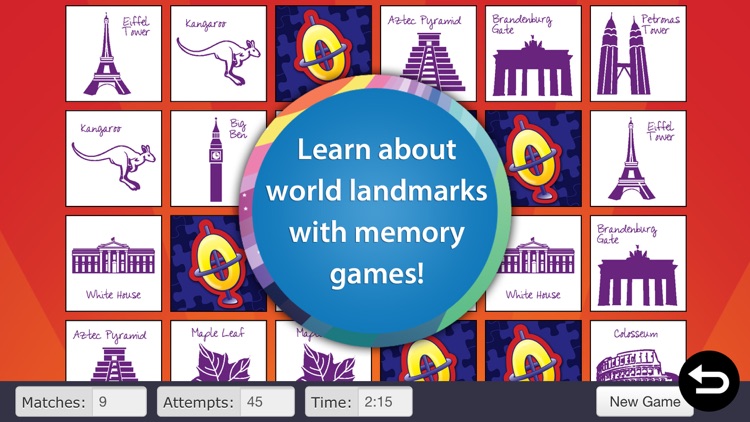
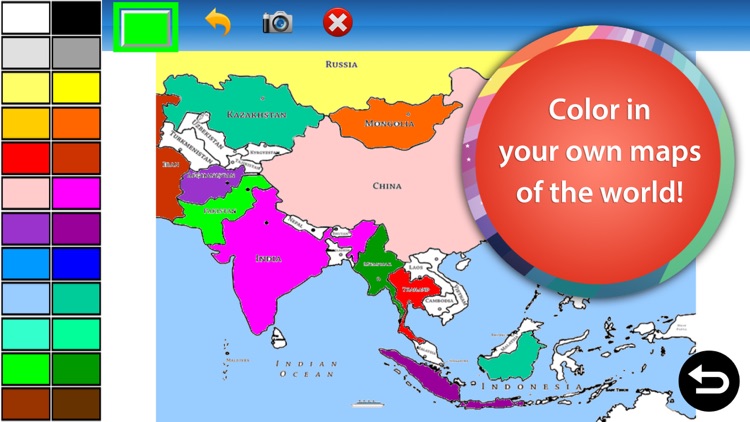
Today only: Unlock all of Geography Puzzles and Learning Games’ content free of charge! All you have to do is tap on a locked piece of content, and then confirm your action with a two-finger swipe. You’ll then gain access to more than 36 activities including matching games, puzzle games, coloring activities, jigsaw puzzles, and interactive photo galleries.

If your child is ready to learn geography, this app will give them a jump start.

Geography Puzzles and Learning Games includes multiple difficulty settings, but if your child is under the age of four, the content is probably not suited for them.

Frozen Synapse
iPhone
Frozen Synapse

Frozen Synapse

Mode 7

Plan your moves wisely to lay waste to your opponents in this multi-award-winning tactical game.
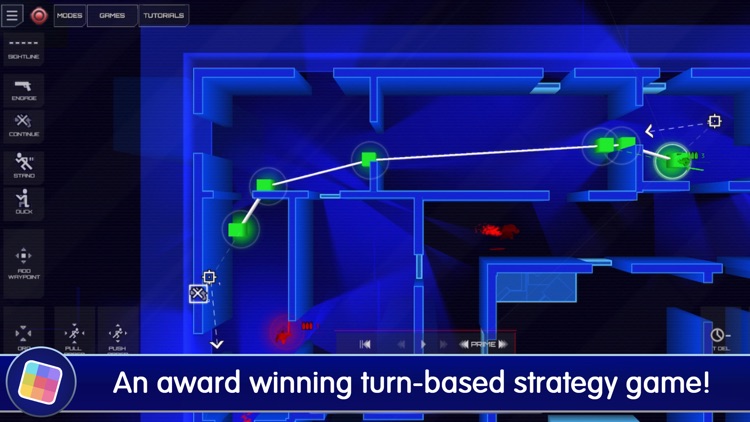
It’s for competitive gamers who enjoy turn-based gameplay.

$0.99 $0.99
Why we picked this?

Frozen Synapse was originally designed and released for desktop computers. Somehow, someway the developers were able to cram all of its strategy goodness into a competent mobile package. The game has you giving specific orders to all of your in an attempt to be the last one standing. You can test out your moves before committing to them. Then tap the “Prime” button and watch the action all play out. You’re able to hone your skills with 55 different missions in the single player campaign. Once you’ve gotten the hang of things, move on to the competitive multiplayer modes.

If you’re at all into tactical games, you have to at least give Frozen Synapse a try. It has a bit of a learning curve, but once you get the hang of things you’ll be hooked.

This isn’t an entry level tactical game. So if you’re new to the genre, you’ll want to earn your stripes somewhere else.

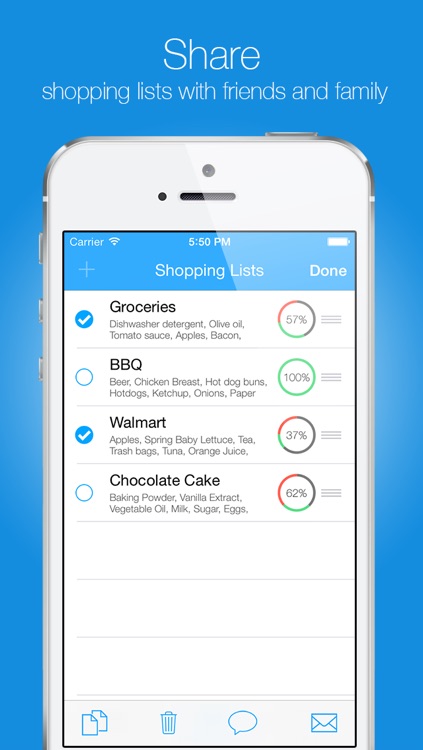
Groceries - Smart Shopping List - create, edit and share your grocery lists and recipes
iPhone
Groceries - Smart Shopping List - create, edit and share your grocery lists and recipes

Groceries - Smart Shopping List - create, edit and share your grocery lists and recipes

Itzik Adler

Improve your shopping experience with this productivity app.

It’s for those who want to go digital with their grocery shopping lists.

$0.99 $0.99
Why we picked this?

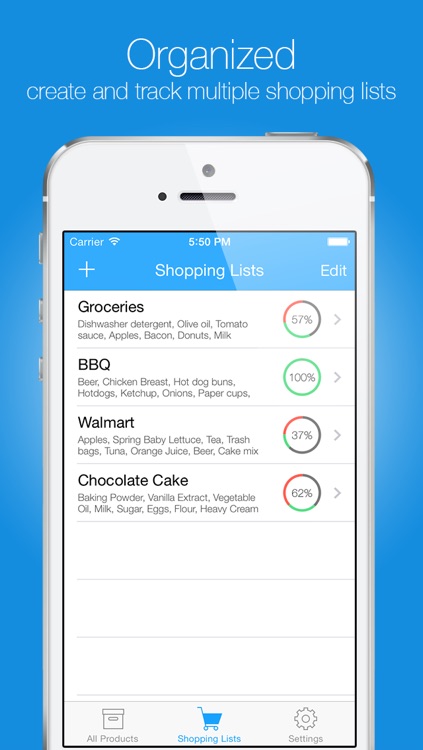
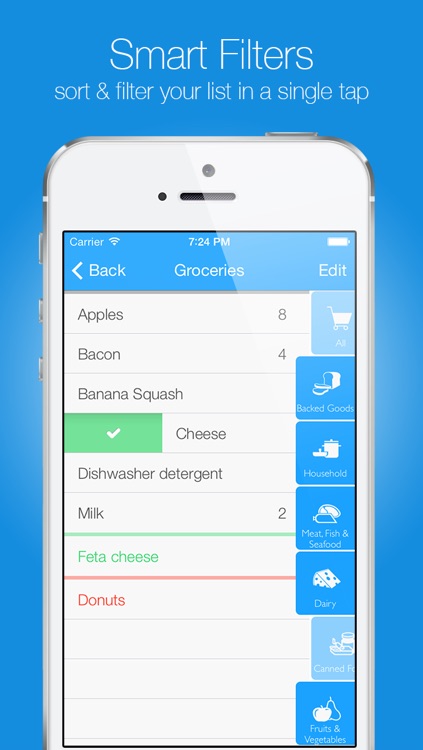
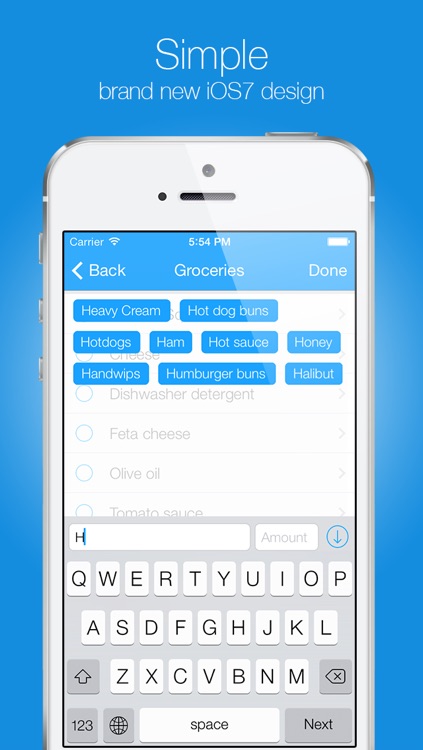
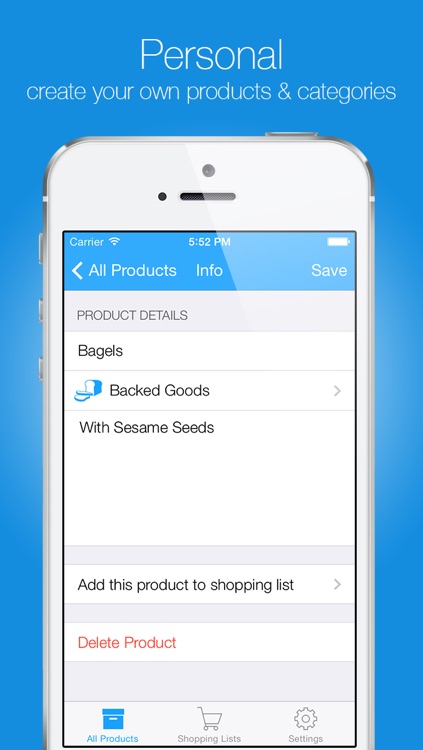
You’re able to create and save multiple shopping lists. The app features a built-in self-learning database, so all you have to do is start typing and suggestions will show up. Tap on a suggestion to select it and then enter an amount. When searching for items, you’re also able to sort them alphabetically, by category, or by most used. Items can be reorganized, edited, noted, and arranged by store department as well. To mark an item off your list while shopping, just swipe across it. The app also includes the ability to edit categories and disable screen lock.

If you’re finally ready to move on from pencil and paper, this is a good place to start. The self-learning database will help you save so much time.

If you want to share lists with family members, you’re going to have to find a different app.

Sticky Notes HD
iPhone
iPad
Sticky Notes HD

Sticky Notes HD

Thomas Tsopanakis

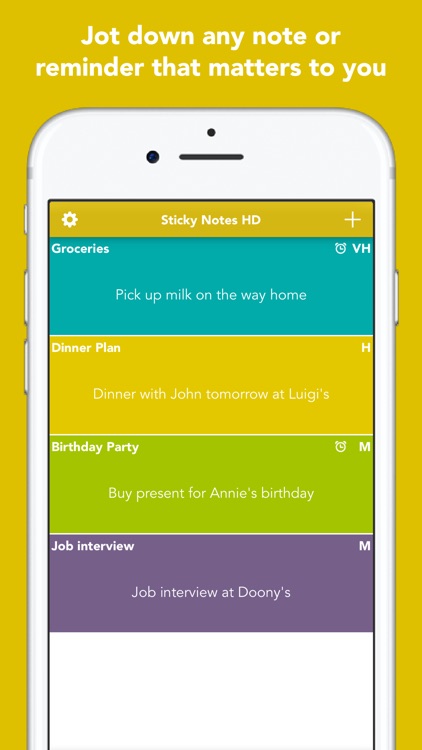
Keep track of all of your important ideas and events with this colorful productivity app.

It's great for prioritizing tasks and events.

$0.99 $0.99
Why we picked this?

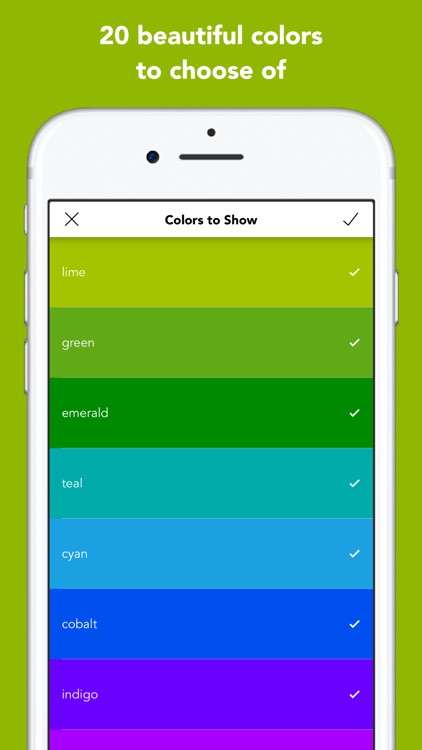
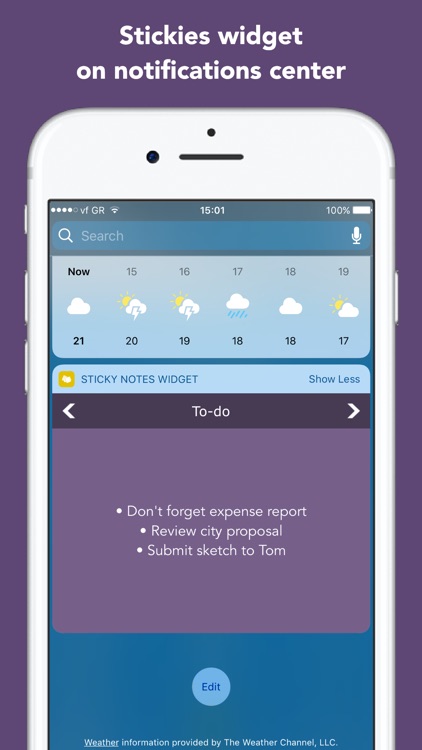
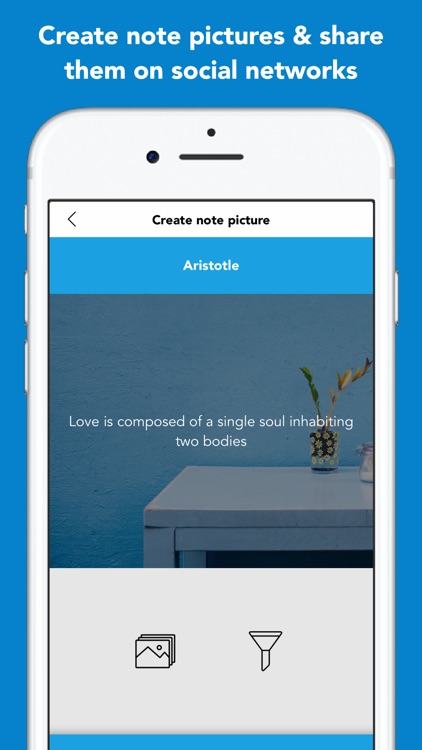
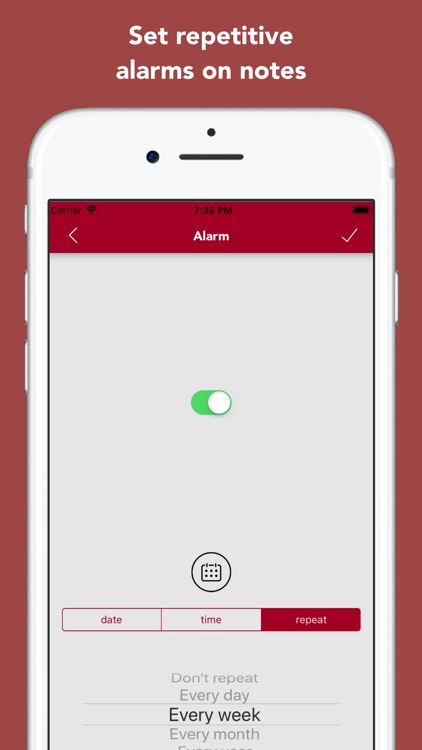
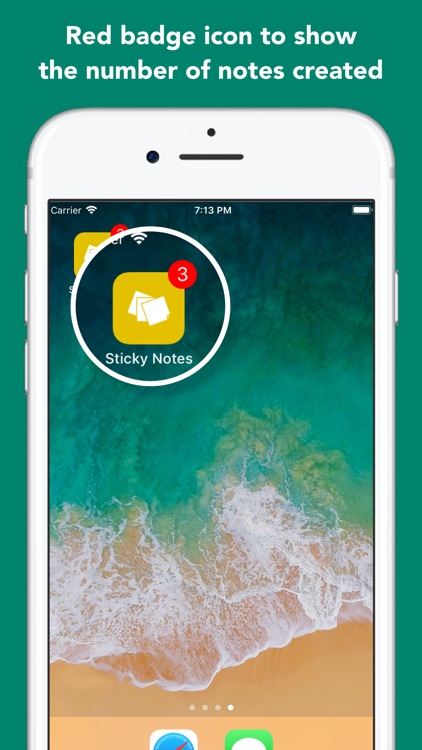
Sticky Notes HD can be used for just about anything. It allows you to create an unlimited number of sticky notes. Each note can include a title, endless amounts of content, priority level, and alarm. You’re also able to highlight them with one of 20 colors. All of the notes on the main screen can be sorted alphabetically or by priority level, and you can even choose to hide specific colors. The app also includes the ability to adjust the size of your notes, iCloud support, the ability to snap a screenshot, and an optional widget in Notification Center.

If you’re constantly forgetting little things throughout the day, Sticky Notes HD will fix that for you. Its Today widget makes it even more handy, as your notes can appear right in Notification Center.

If you’re content with Apple’s built-in Notes app, there’s no need to even try Sticky Notes HD. It has a bunch of features you won’t utilize.

SMART Adventures Mission Math 1: Sabotage at the Space Station
iPad
SMART Adventures Mission Math 1: Sabotage at the Space Station

SMART Adventures Mission Math 1: Sabotage at the Space Station

Kata Enterprises, Inc.

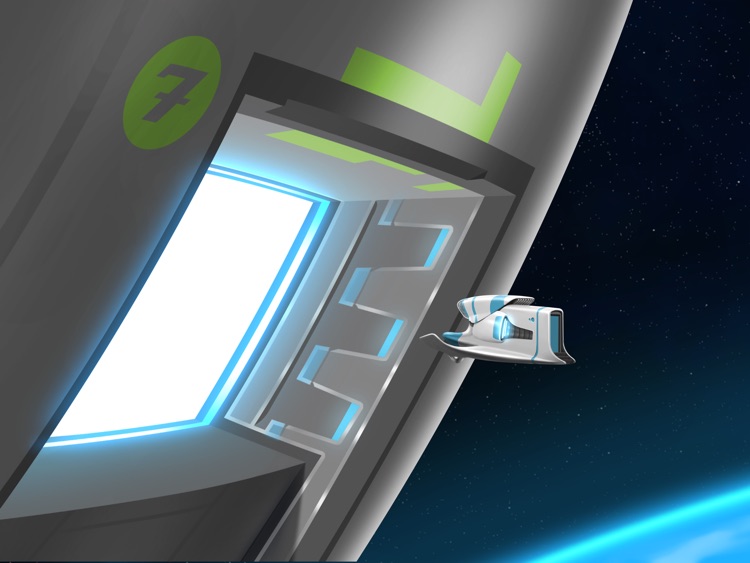
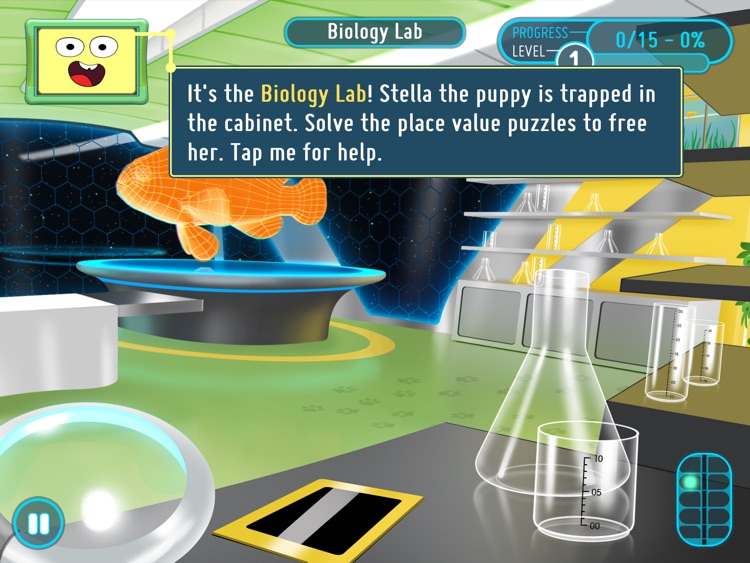
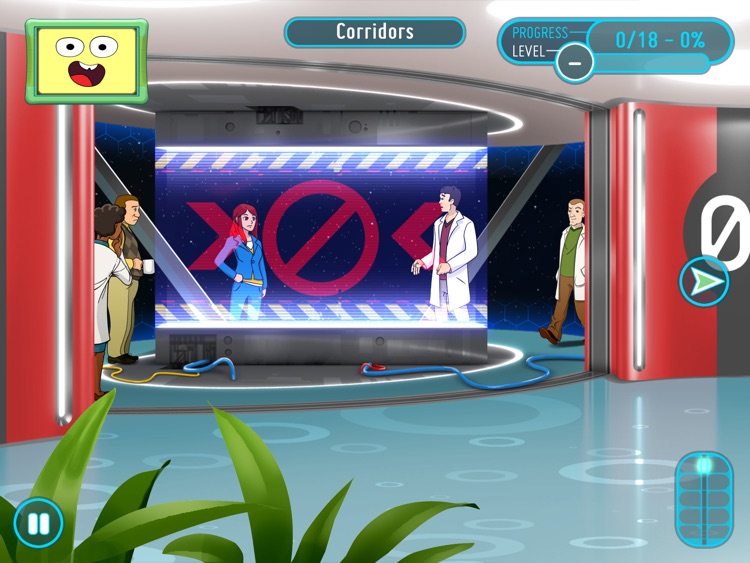
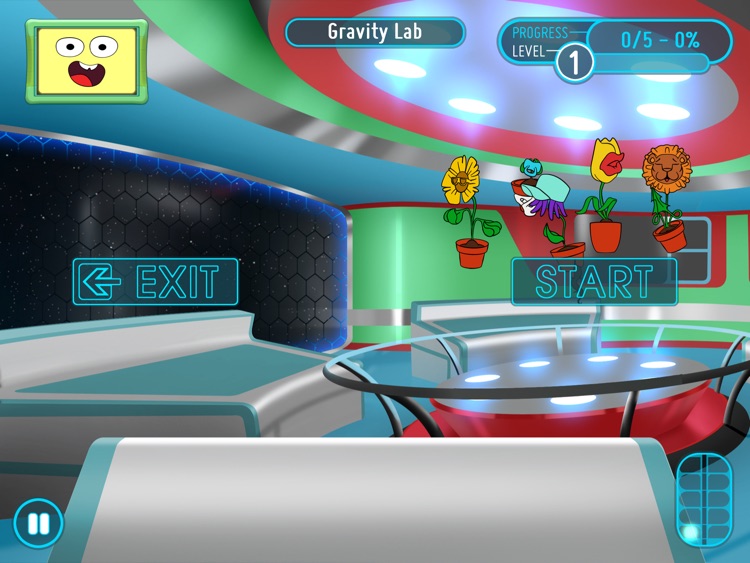
Astronauts need your child’s help repairing their space station in this entertaining educational game.

It’s aimed at young girls who are interested in math and science.

$0.99 $0.99
Why we picked this?

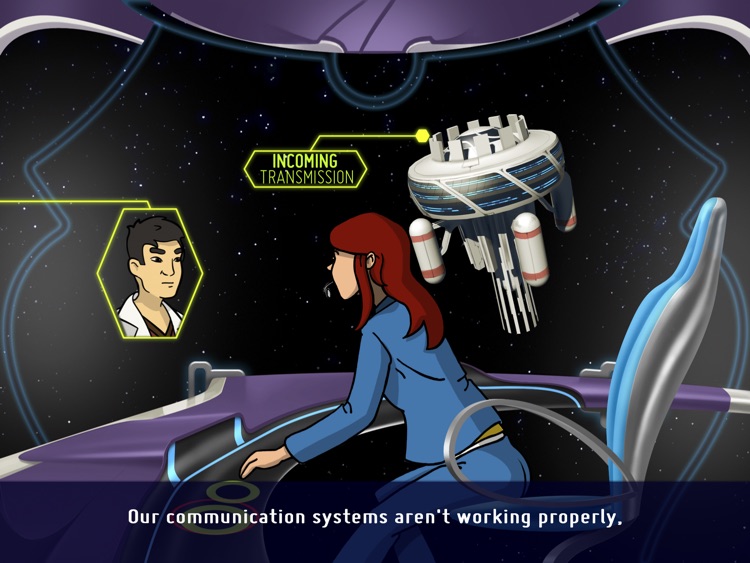
The Science Math and Radical Technology Agency, or S.M.A.R.T., needs your child’s help! The space station has been sabotaged, so your child needs to use their math skills to get it back into working order and discover who’s behind it all. Your child will be guided through mini-games focused on different skills, each of which has three levels of difficulty. The game is based on various standards including the National Council of Teachers of Mathematics Principles and Standards for School Mathematics and the Virginia Standards of Learning.

If you have a young girl around the age of nine, this is the perfect game to help them work on their STEM skills. After your child has completed their first adventure, check out the sequel that’s now available in the App Store.

If your child is under the age of nine, the content isn’t intended for them.