
You are using an outdated browser. Please upgrade your browser to improve your experience.

Apps That
Went Free on
2015-02-25

Run from boulders, create flowing works of art, and edit your videos with today’s collection of apps and games.

Expenses OK - expenses tracker
iPhone
Expenses OK - expenses tracker

Expenses OK - expenses tracker

Mobion

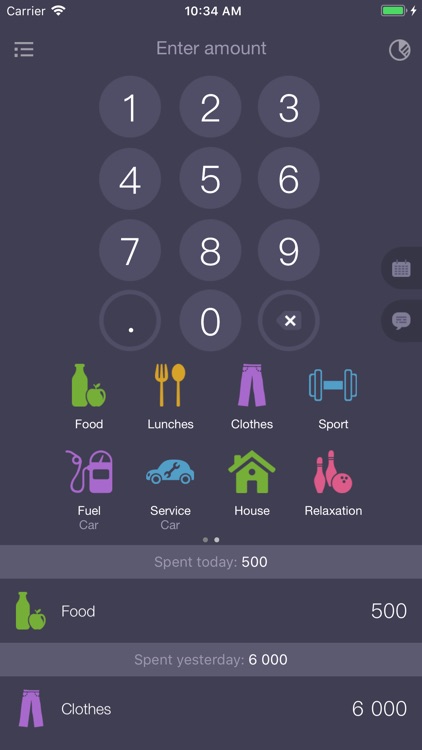
Expenses OK provides the fastest possible way to track what you spend.
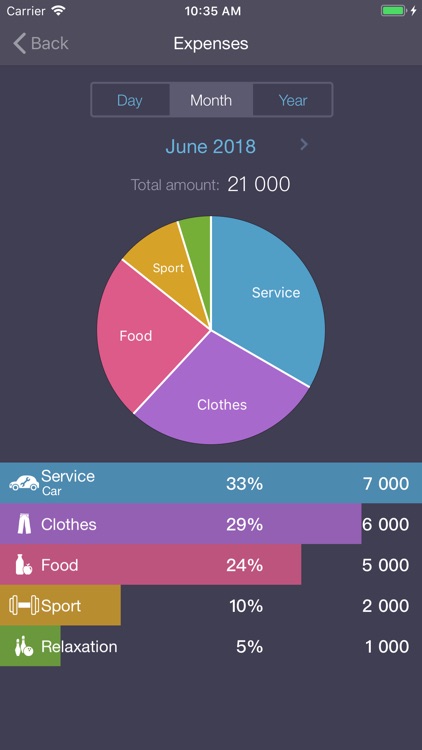
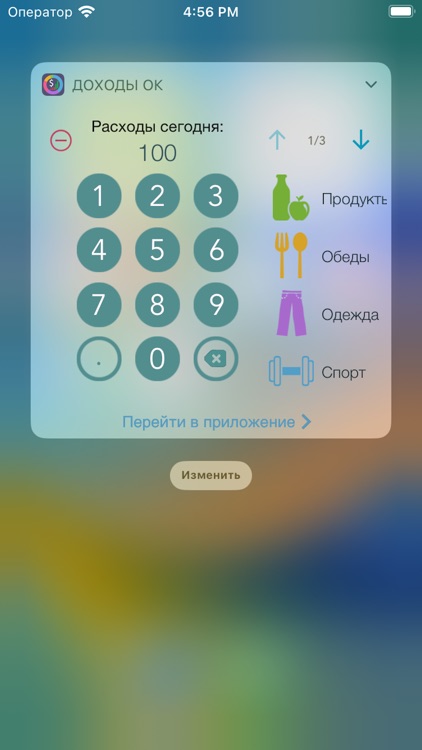
It’s ideal for those using iOS 8 since its key feature is a widget.

FREE ($0.99) For a limited time FREE ($0.99) For a limited time
Why we picked this?

Expenses OK makes recording your expenses as simple as a swipe and a tap. If you’re using iOS 8, simply add Expenses OK’s widget to Notification Center. Then every time you need to record something you’ve spent, enter the value via the widget and tap on a category. Your expense will automatically be added to the app without ever having to access it. The widget also displays your total expenses for the day. The app can be used without the widget, of course, but it’s not nearly as useful then.

If other finance apps are too cumbersome for you, check out Expenses OK. It simplifies the process of entering expenses.

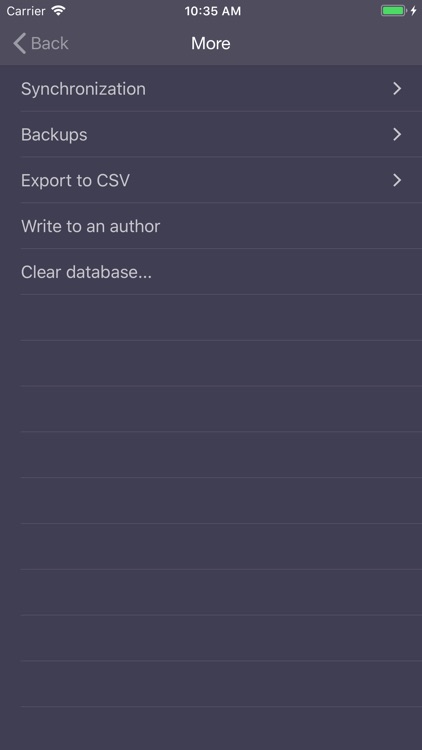
If you’re not running iOS 8, it’s just not nearly as useful. It’s also worth noting that this is solely an expense tracker. You can’t track income.
Montezuma Puzzle 4 Premium
iPhone
iPad
Montezuma Puzzle 4 Premium

Montezuma Puzzle 4 Premium

ECO Pawel Jarosz

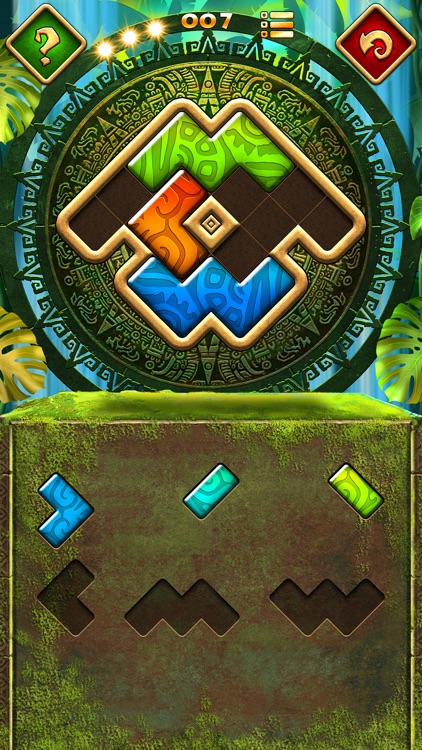
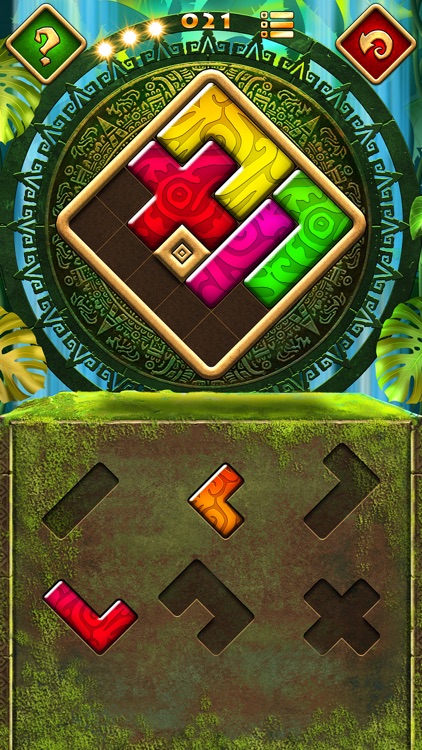
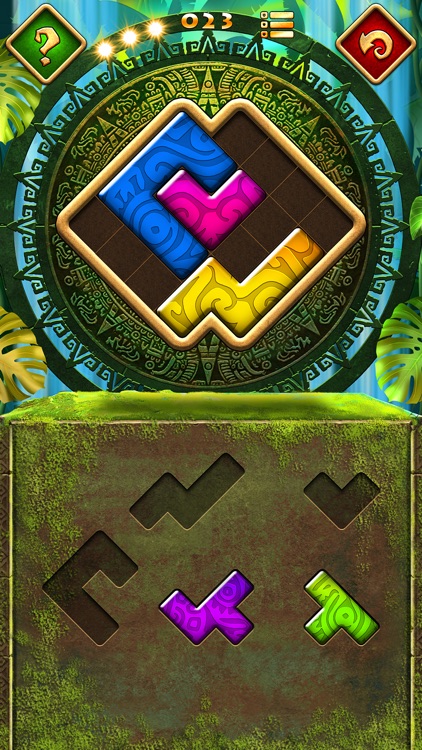
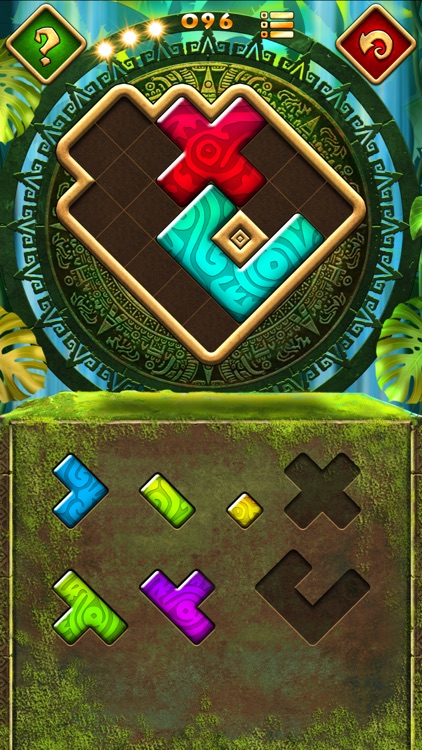
It’s time once again to piece together the puzzles of Montezuma!

It’s a fun distraction for those who enjoy Tangram-like puzzles.

FREE ($0.99) For a limited time FREE ($0.99) For a limited time
Why we picked this?

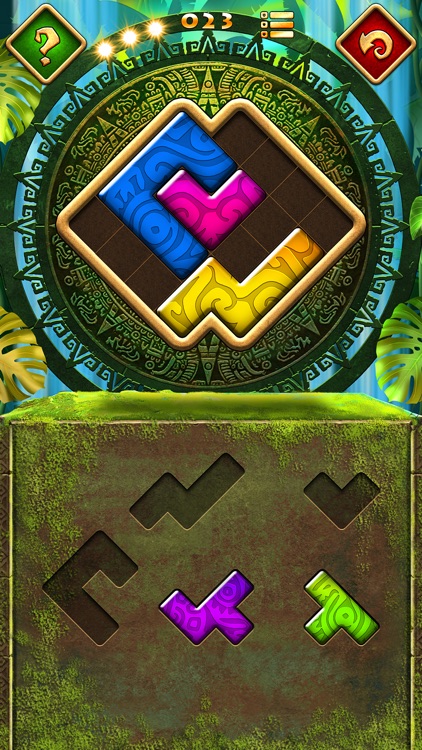
Each of the 100 puzzles require you to drag and drop pieces from the lower half of the screen into the top in order to completely fill in the shape. Pieces can not be flipped or rotated, so you’ll have your work cut out for you. The game also includes an unlimited number of hints and undos, creating a rather relaxing environment. Although, if you do utilize a hint you won’t be able to earn a perfect rating.

Montezuma is one chill game. No timers, no worries. Just sit back and enjoy.

If you’re into competing with your friends for high scores, this isn’t the app for you.

Flowpaper: Drawing & Animation
iPhone
iPad
Flowpaper: Drawing & Animation

Flowpaper: Drawing & Animation

Botto Studio LLC

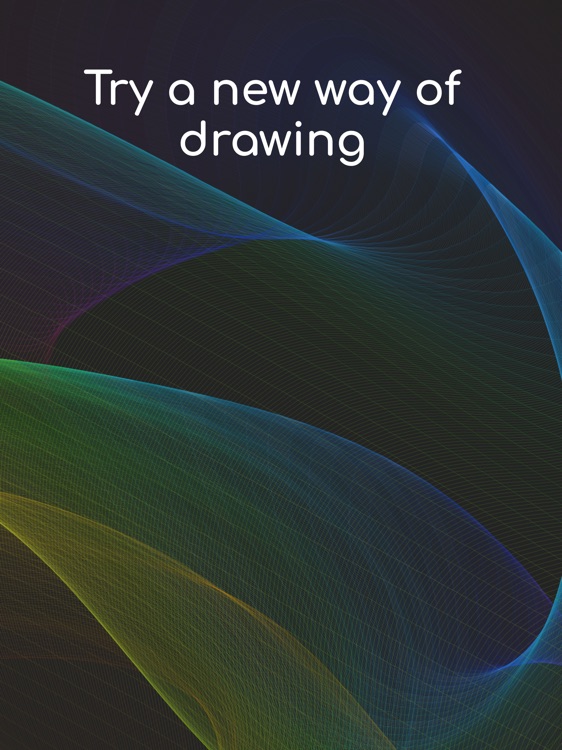
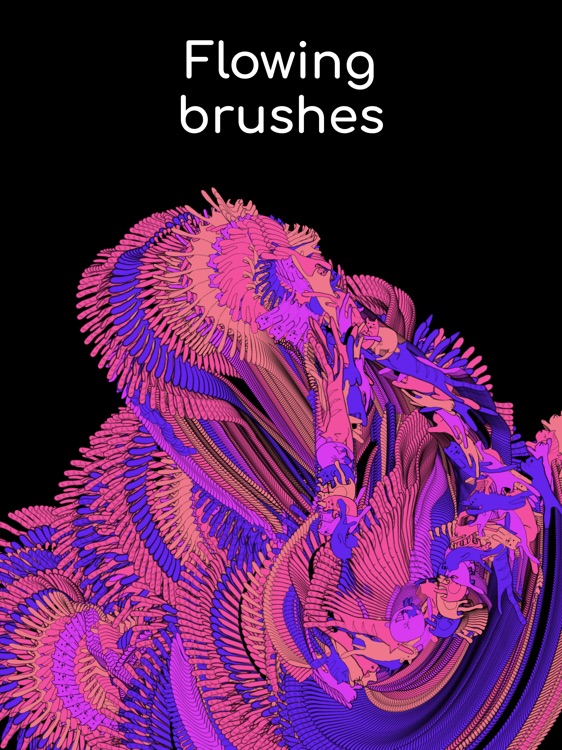
Create gorgeous flowing paintings with this art creation app.

It’s ideal for those who appreciate abstract art.

FREE ($0.99) For a limited time FREE ($0.99) For a limited time
Why we picked this?

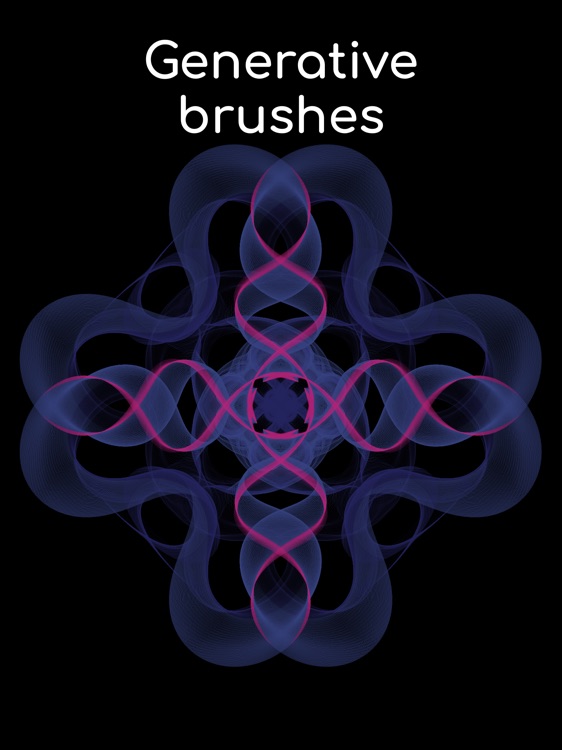
Anyone can paint with Flowpaper. As you drag your finger across the screen, Flowpaper will add its own beautiful waves of color. You're able to customize the length, flow, and opacity of the paint and flow via sliders. You can also choose from 10 backgrounds colors, 20 brushes, or create your own custom versions.

Flowpaper is interactive abstract art at its best. If you enjoy fiddling around with apps, this is the one you’ll want to sink some time into.

The continuous flow mode is an additional $0.99 in-app purchase.

Yet It Moves (puzzle platformer)
iPhone
iPad
Yet It Moves (puzzle platformer)

Yet It Moves (puzzle platformer)

DeNA Co., Ltd.

This puzzle platformer will leave your head spinning.

It’s for gamers who are tired of the same old platformer formula.

$2.99 $2.99
Why we picked this?

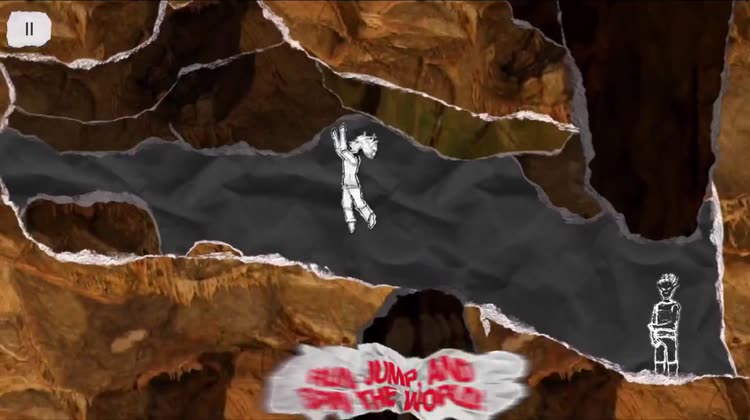
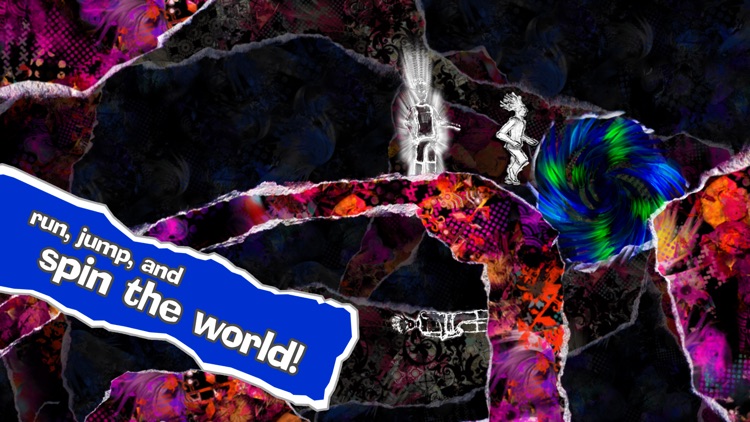
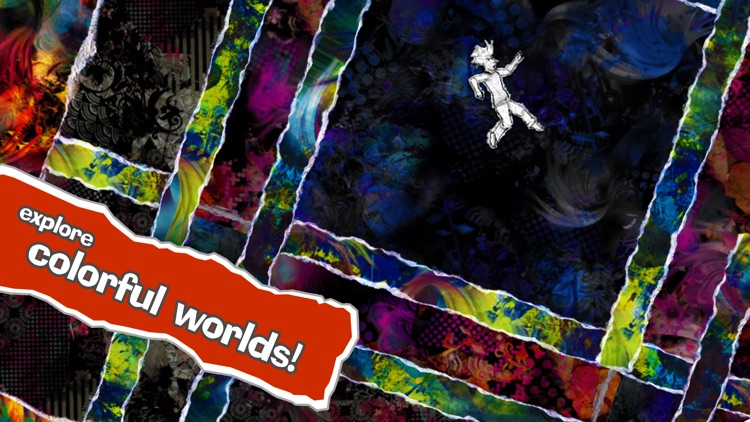
Yet It Moves feels unique in every way. The first thing that will stand out to you is its colorful paper collage worlds. The second thing is its crazy, gravity changing gameplay mechanics. As you go running through the worlds, you’ll need to change their orientation in order to reach the exits. To do so, simply swipe across the screen. But you must be careful because doing so will release stacks of boulders and other dangerous obstacles that will come tumbling down. The game includes a quick tutorial, and a whole lot of enjoyable puzzling action including daily runs.

If you’re the type of person that believes crazy physics-based puzzles need to be a part of every platformer, this is the game for you.

The paper collage graphics are neat, but it makes some of the worlds overly complicated in terms of visuals.

Supercut Square Video Editor
iPhone
Supercut Square Video Editor

Supercut Square Video Editor

Magic App Factory LLC

Edit your videos to perfection with Supercut Square Video Editor.

It’s ideal for Instagram users since it’s able to square up videos.

$1.99 $1.99
Why we picked this?

Supercut can do it all. You’re able to record a new video from within the app or import any one from your library. You can then crop it down to size, rotate, trim, and frame it. Supercut also allows you to add background music, adjust the playback speed of the video, and apply a filter. Your final creations can be exported and shared right from within the app.

If you need a way to make your widescreen videos Instagram-friendly, this is it. All of its many options are front and center, helping you avoid digging through a bunch of menus to get the job done.

If you need to stitch together multiple videos, this app isn’t the answer.