


You are using an outdated browser. Please upgrade your browser to improve your experience.

Apps That
Went Free on
2015-02-26

Write, edit, and print with today’s collection of helpful productivity and photography apps.

Printer Pro by Readdle
iPhone
iPad
Printer Pro by Readdle

Printer Pro by Readdle

Readdle Technologies Limited

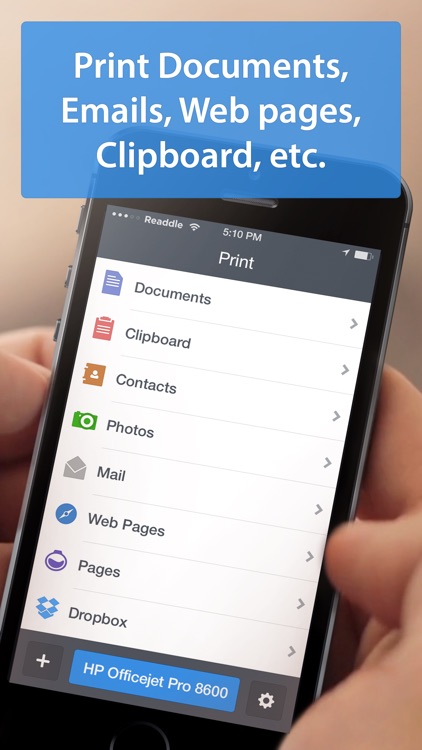
Print attachments, documents, and entire web pages right from your iDevice with this powerful productivity app from Readdle.

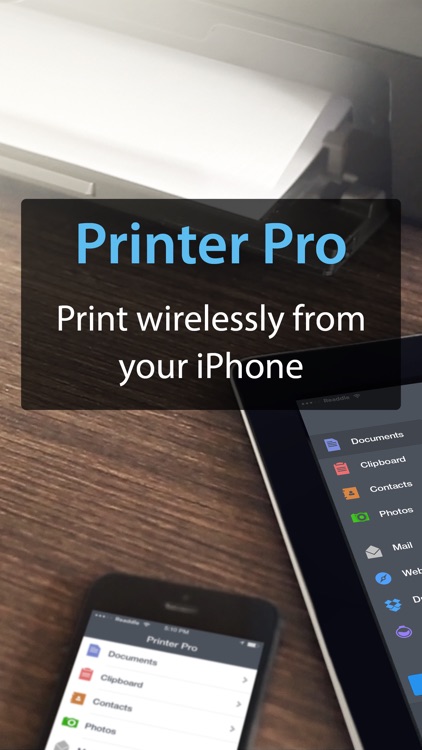
It’s great for anyone with a Wi-Fi printer or a printer that’s always attached to their computer via USB.

$6.99 $6.99
Why we picked this?

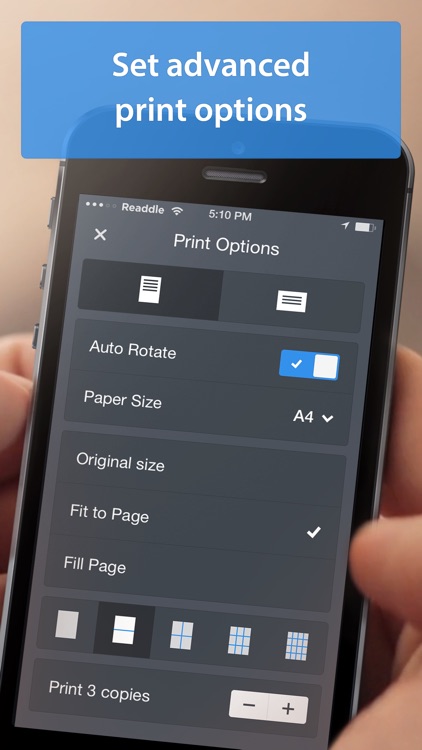
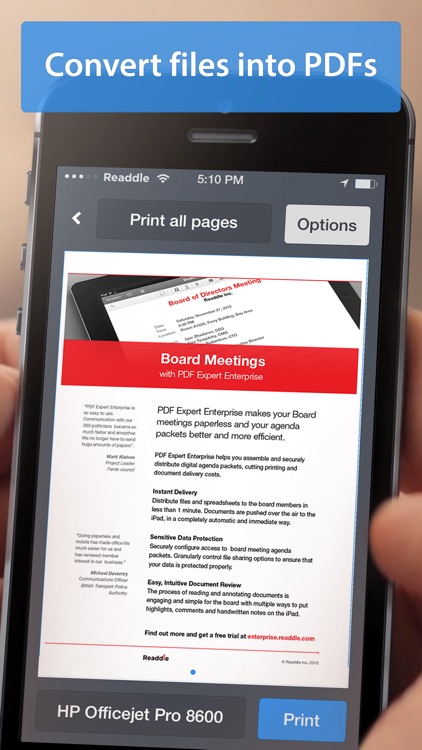
After installing the app, it will appear in the “Open In…” list on your iDevice. This allows you to print from any app that supports the function, including third-party apps like Dropbox and Google Drive. To ensure you get the best possible results, Printer Pro includes a detailed walkthrough for setting up your Wi-Fi or USB printer and importing files from different sources. Supported file formats include PDF, Word, Excel, Powerpoint, Pages, Numbers, Keynote, TXT, HTML, JPG, and Safari webarchive.

If you do most of your work on your iDevice, Printer Pro makes it even more efficient. Don’t forget to check out Readdle’s free helper app for PC and Mac, as it allows you to print even more file types and get better results.

If you’re not somewhat tech savvy, setup may just be too much of a pain for you. In that case, we recommend getting an AirPrint supported printer and using the native print function in iOS.

LightBoxr-Photo Editor
iPhone
LightBoxr-Photo Editor

LightBoxr-Photo Editor

graf

Edit like a pro while on the go with this fantastic photography app.

It’s for professional iPhoneographers who prefer to shoot and edit within the same app.

$1.99 $1.99
Why we picked this?

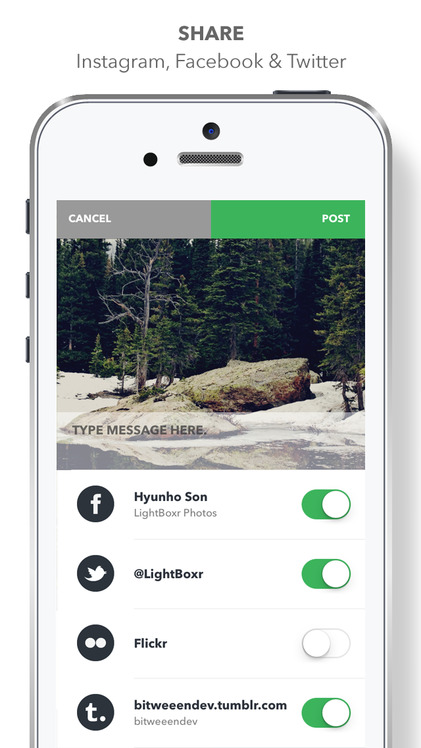
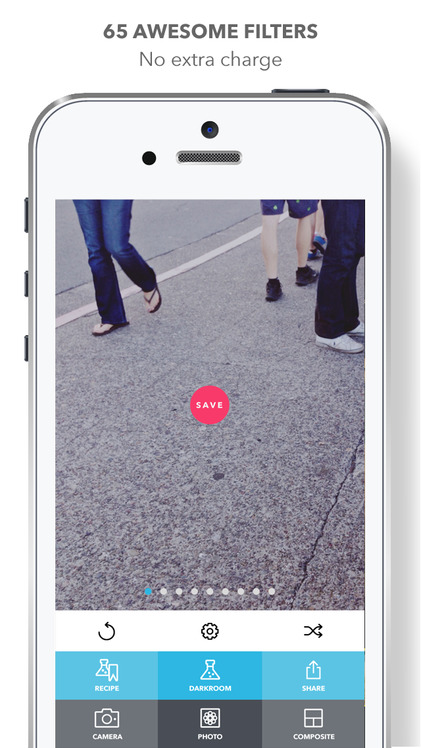
LightBoxr truly has it all. The built-in camera provides you with the ability to manually control the exposure, focus, and white balance, and it features a timer, horizon indicator, and grid option. The editor allows you to layer all kinds of filters, effects, light leeks, noises, and borders. You’re able to save your favorite mixtures for later use. The app also includes a huge selection of photo enhancement and transformation options, and the ability to share your photos complete with EXIF data.

If love tinkering with your photos, this is your app. It’s slick user interface provides you with easy access to its many, many features.

Honestly, the only reason to skip LightBoxr today is if you already have a photo editor you adore.

Toca Hair Salon
iPhone
iPad
Toca Hair Salon

Toca Hair Salon

Toca Boca AB

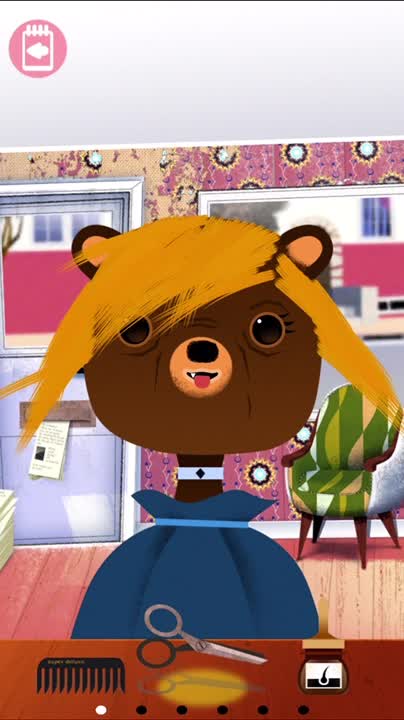
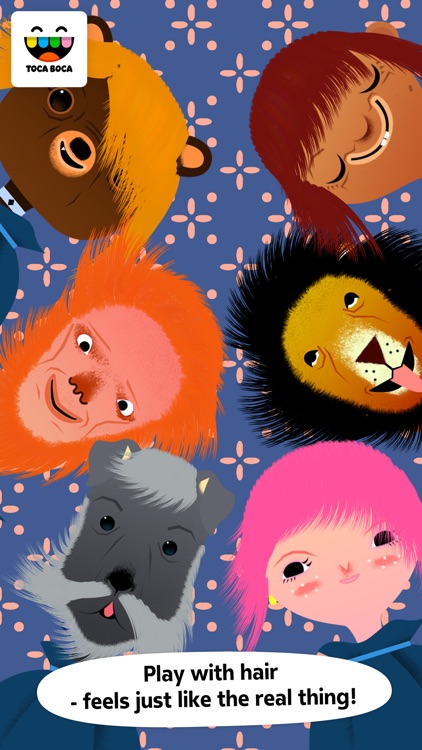
This highly interactive and rather amusing entertainment app allows your child to run their own Toca Hair Salon.

It’s the perfect app to unleash your child’s creative side.

$3.99 $3.99
Why we picked this?

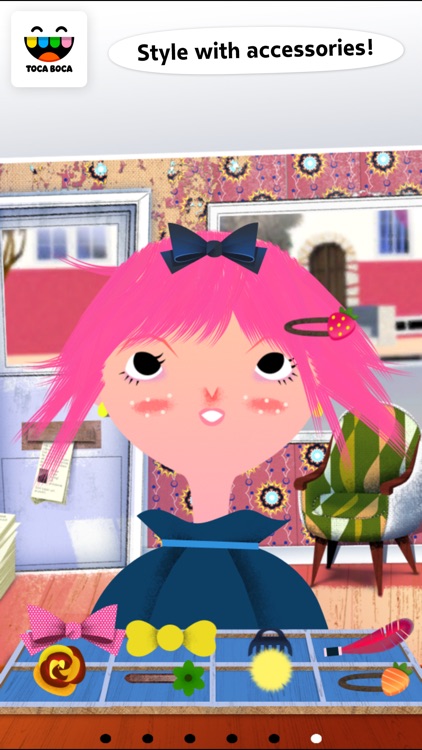
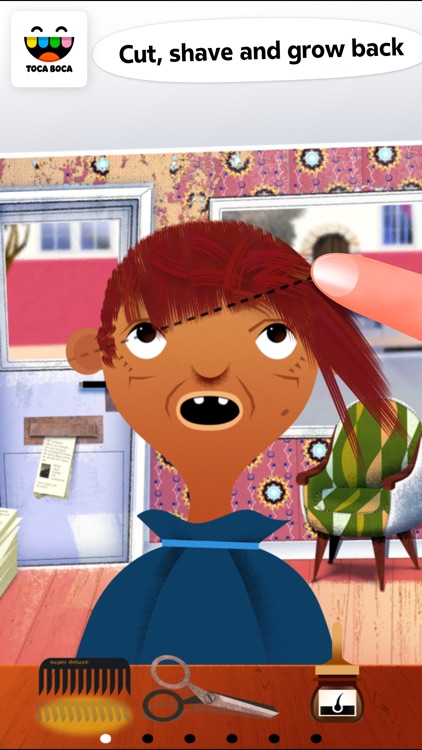
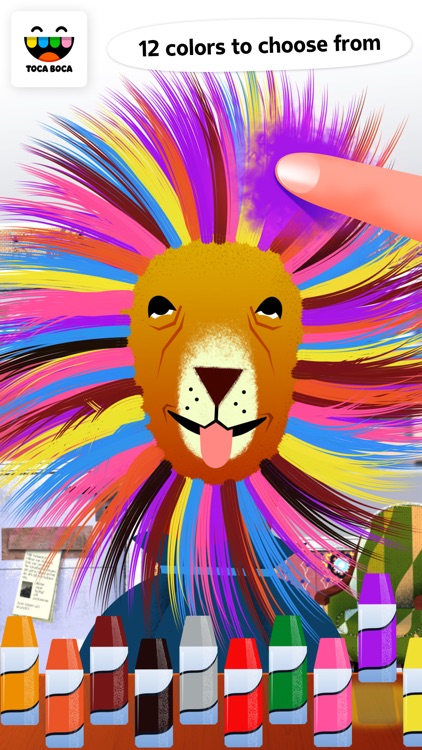
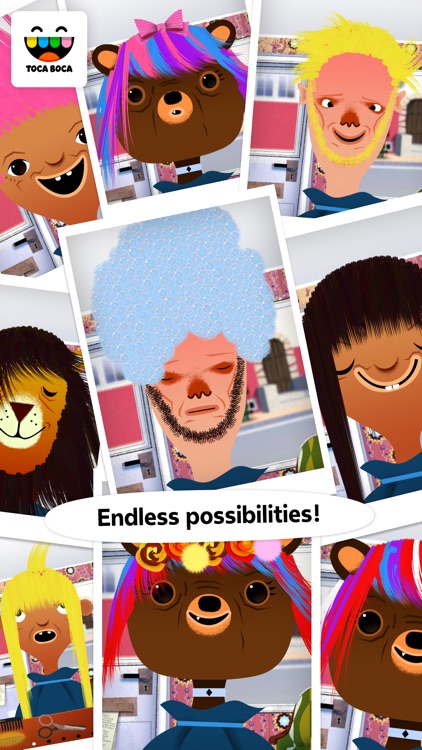
Look at that hair! Tock Hair Salon allows you and your child to create some of the wackiest hairstyles ever seen. Your child can choose from six adorable characters and give them brand new hairdos. As your child shampoos, combs, cuts, and colors hair, the character will react with funny faces and sounds. The app includes a wide variety of trimming and styling tools, 12 hair colors, loads of accessories to add, and the ability to take snapshots of their unique creations.

If your child loves to play with dolls, they’re going to have fun dressing up the characters in Toca Hair Salon.

Children under the age of four will have difficulties navigating the interface, so either join them or skip this one.

Fontpress: Write PhotoText
iPhone
Fontpress: Write PhotoText

Fontpress: Write PhotoText

Qrayon, LLC

Get wordy with your photos with Fontpress.

It’s for iPhoneographers that have something to say.

$2.99 $2.99
Why we picked this?

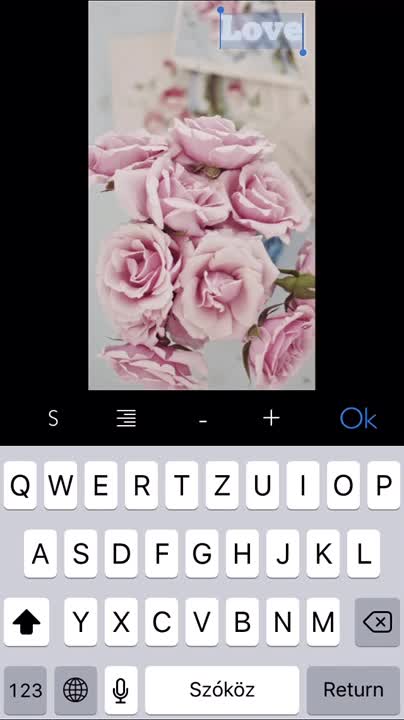
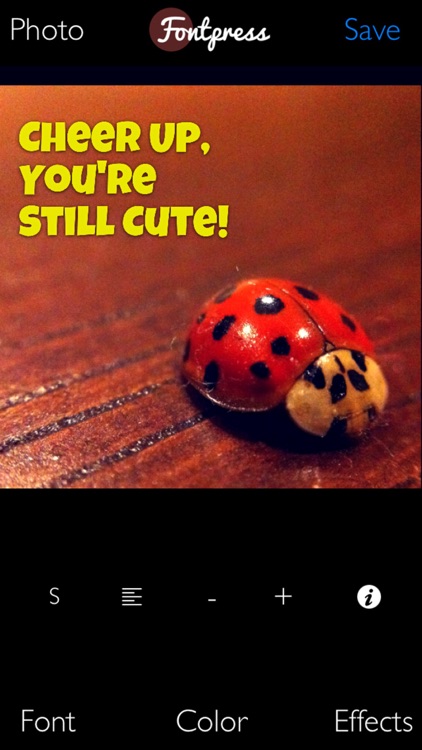
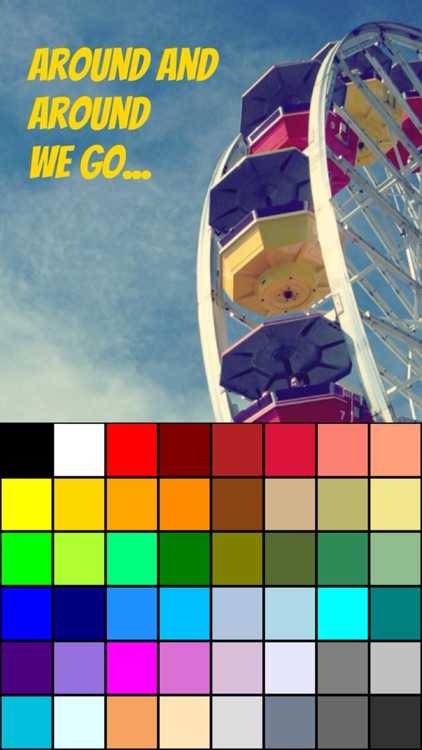
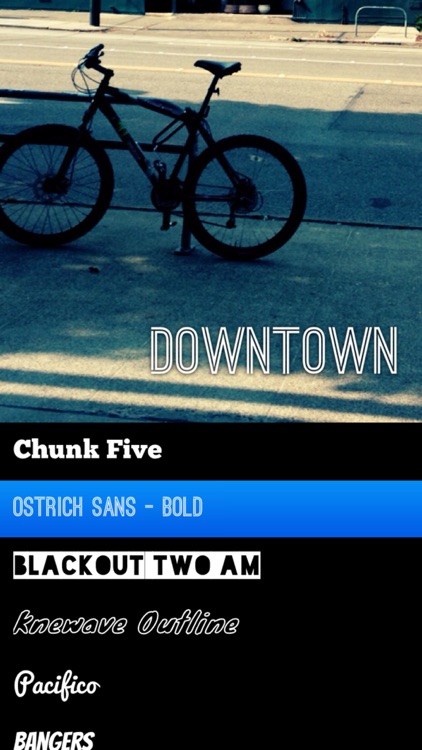
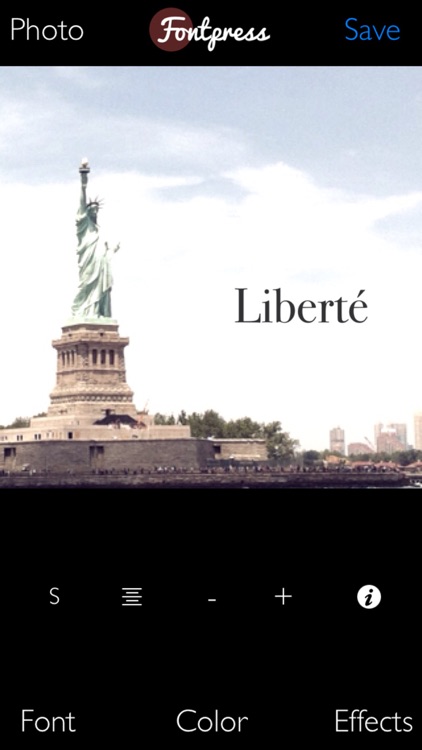
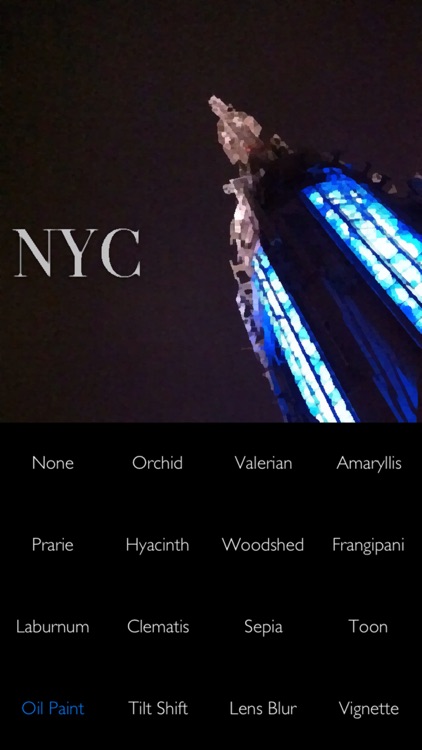
Fontpress has an impressive collection of fonts. You’re able to choose from over 70 different fonts to craft your personal messages. The text can be positioned anywhere on your photo, and you’re able to resize it, color it, and add a shadow. As if that’s not enough, you’re also able to add one of 15 filters to your photo with a single tap.

If you want to send a message with your photo, Fontpress will help you get the job done. Even though it’s loaded with content its interface is clutter-free, allowing you to publish your photos in no time.

Fontpress sure has a lot of fonts, but you’re not able to do a lot with them. If you want to edit your text further like bend it and rotate it, you’re going to have to find a different photography app.

Monote
iPhone
Monote

Monote

JUNG EUI HYUNG

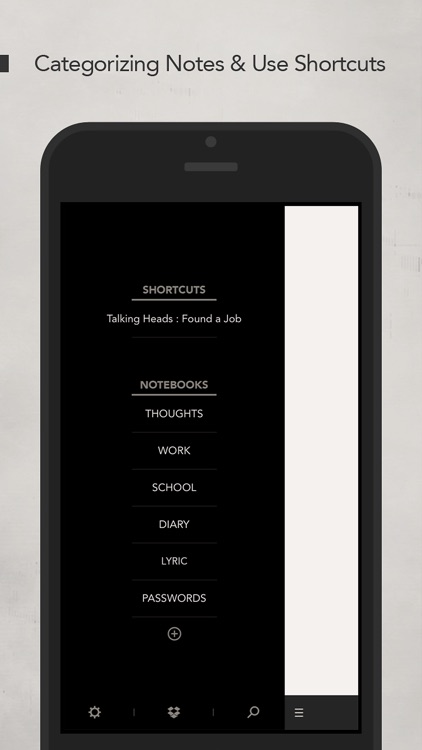
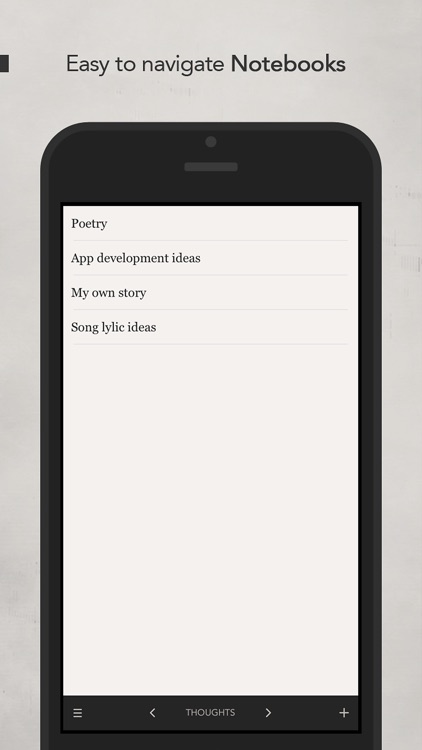
Collect all of your thoughts in easy to navigate notebooks with Monote.

It’s great for anyone who takes a lot of short notes and needs them categorized.

$1.99 $1.99
Why we picked this?

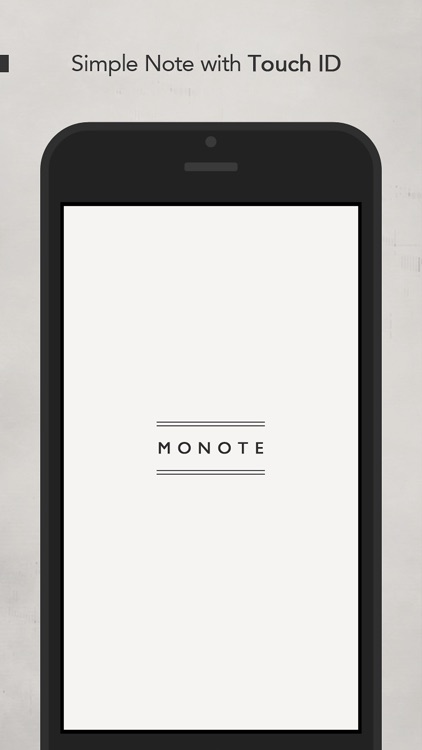
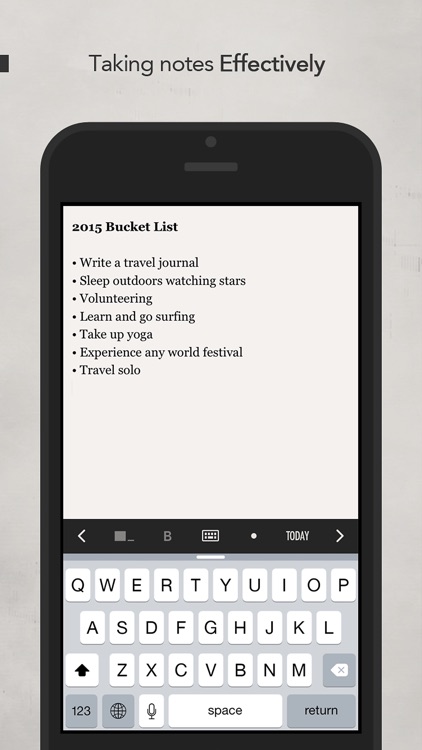
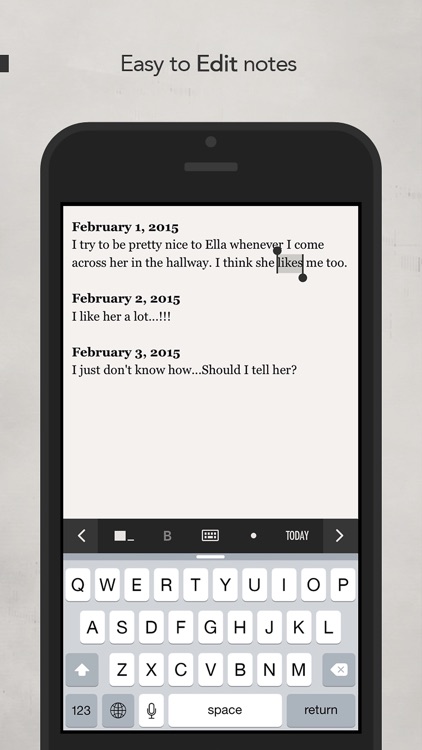
Monote is simple and effective, just as a note taking app should be. It utilizes Touch ID to ensure your notes are always safe and secure. Once inside, you’re able to populate multiple notebooks with all of your thoughts. Notebooks can be cycled through via arrows at the bottom of the screen, or you can jump to a specific notebook via a pop-out menu. While recording your thoughts you’re able to quickly adjust the text, add bullet points, add the date, move the cursor, and select text via a handy toolbar at the top of the keyboard.

If your time is important to you, download Monote now. It’s not cluttered up with a bunch of unnecessary features that get in the way. It’s simple and effective.

Monote is focused on simplicity, offering just enough features to get by. If you want a robust document creation app, this is not it.