



You are using an outdated browser. Please upgrade your browser to improve your experience.

Apps That
Went Free on
2015-09-01

Mange your money, pop birds to match patterns, and improve your motion discrimination with today’s collection of apps and games.

Monsters have feelings too!
iPhone
iPad
Monsters have feelings too!

Monsters have feelings too!

Wayne Petzler

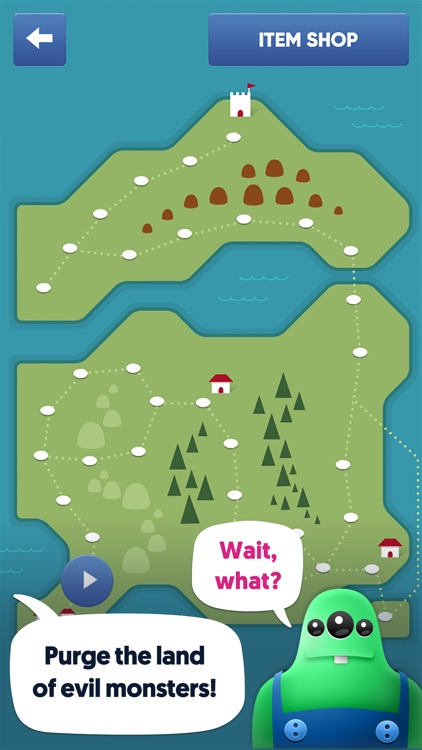
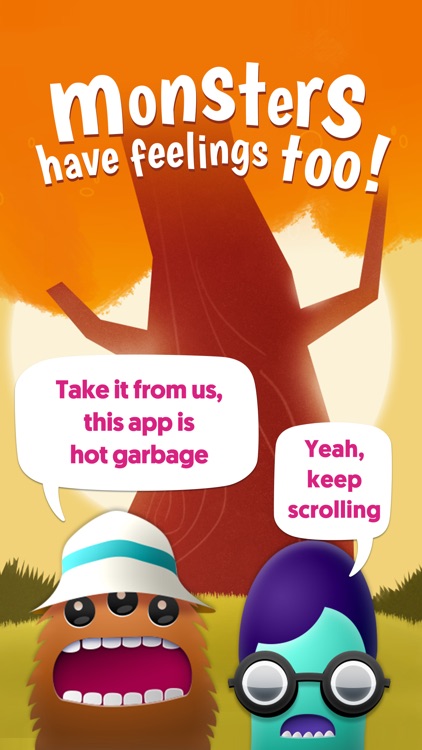
Battle big, goofy monsters by forming words in this unique word game.
Fans of word games will enjoy this twist on the genre.

FREE ($0.99) For a limited time FREE ($0.99) For a limited time
Why we picked this?

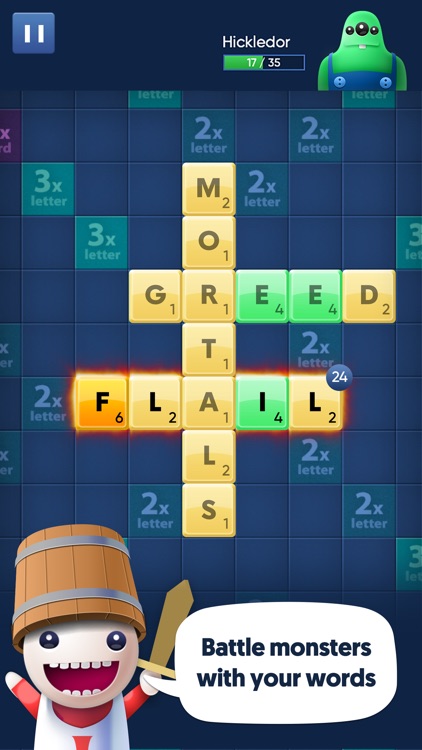
Words With Monsters utilizes the same tried and true word game formula found in Scrabble, but adds role-playing game elements to provide a wholly unique experience. When you create valid words from your letters and submit them, instead of adding to your total score, those points are actually used as hit points that are applied to your enemy’s health. You must try to create the best possible words and place them on letter multipliers to remove your opponent’s health before they do the same to you.

If you’re tired of Scrabble and Words with Friends, Words with Monsters will renew your love for the genre and keep you coming back for more. The loot drops after each match allow you to upgrade your letters and buy new hats. Yes, new hats! Don’t stop until you get them all.

No matter how much unique content Words with Monsters offers, it’s still a word game at its core. If you’re not a fan of the genre, this one probably won’t change your mind.
Coyn
iPhone
iPad
Coyn

Coyn

Arash Afrasiabi

Manage your money with Coyn.

It’s for those who want a simple and efficient way to track income and expenses.

$4.99 $4.99
Why we picked this?

Coyn is all about efficiency. All that’s needed to add an expense or income to your account is a swipe. A downward swipe allows you to add income, and an upward swipe allows you to add an expense. You’re able to categorize each entry by selecting from one of the included icons. You’re also able to view your financial situation via a graph.

If you need to stay on a budget, Coyn is for you. It offers Touch ID and iCloud support, so if you have multiple Apple devices, it’s easy to keep things secure and in sync.

If you need to manage multiple accounts, skip this one.

Kinetiks
iPhone
Kinetiks

Kinetiks

Jon Como

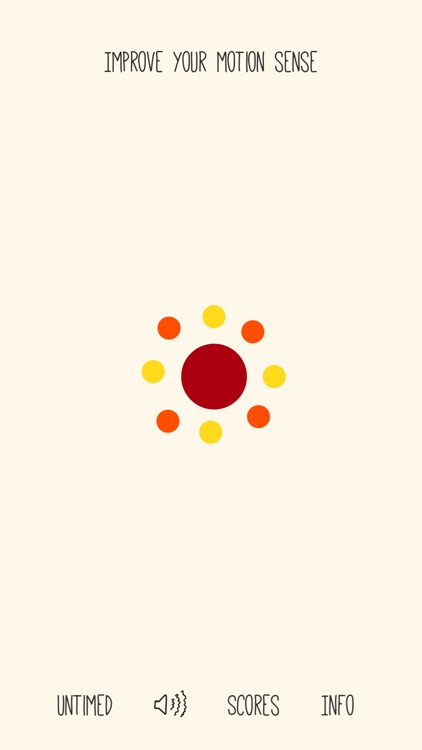
Quantify and improve your motion discrimination abilities with Kinetiks.

It’s for those who enjoy brain training games.

FREE ($0.99) For a limited time FREE ($0.99) For a limited time
Why we picked this?

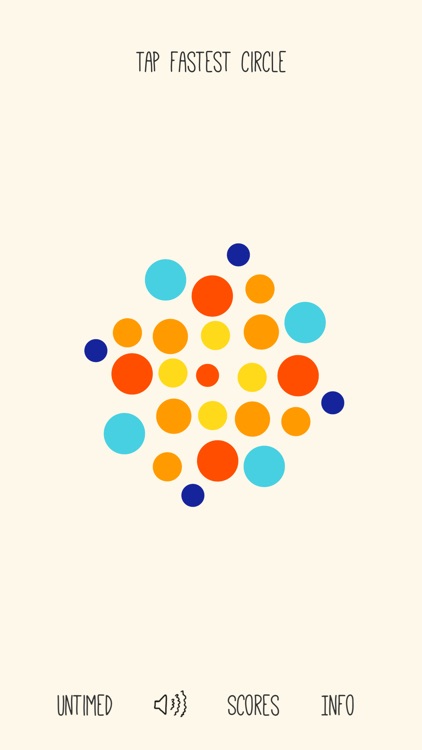
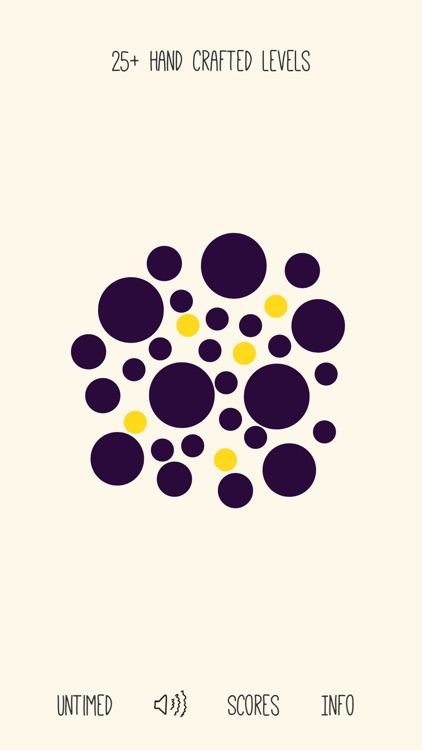
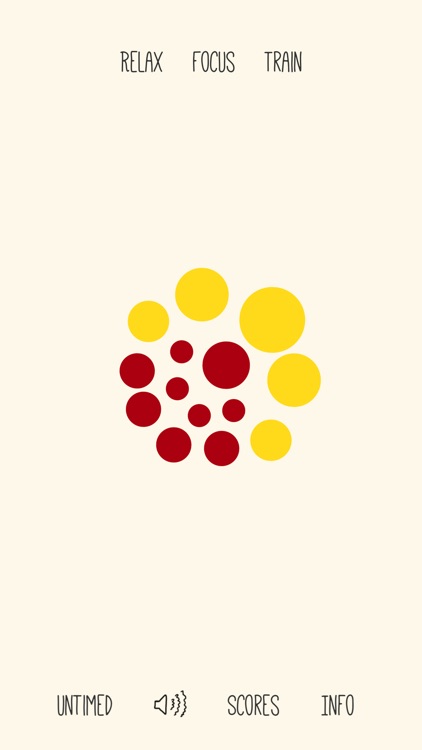
Recognizing slight differences is critical for any species, even humans. Kinetiks will help you find out if you’re more like a cheetah or a bat. Each of the handcrafted levels presents you with moving circles. You must identify and tap on the one that is moving the quickest. There are no do-overs, so make sure your choice is the correct one. The game includes a timed and a zen mode.

If you enjoy testing your abilities, check out Kinetiks. It’s surprisingly challenging.

If you’re hard of sight, it can be difficult to discern the circles. Some are rather tiny.

Poppy Birds - Brain Puzzle Game
iPhone
Poppy Birds - Brain Puzzle Game

Poppy Birds - Brain Puzzle Game

Friendly App Studio

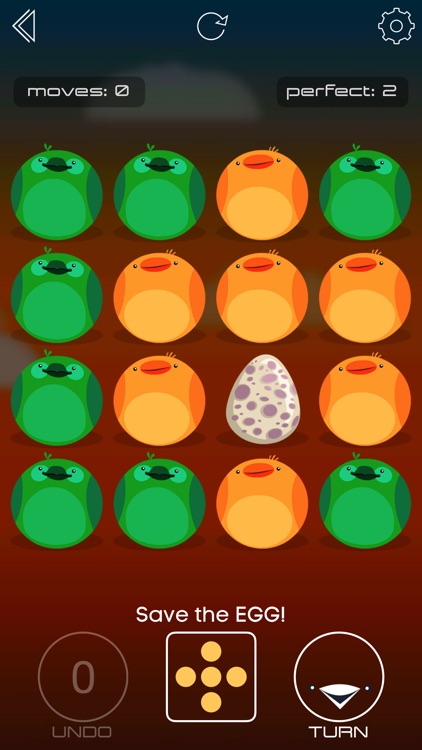
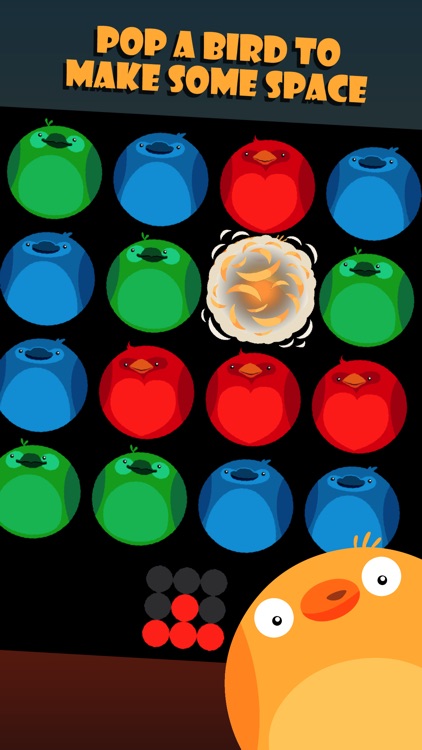
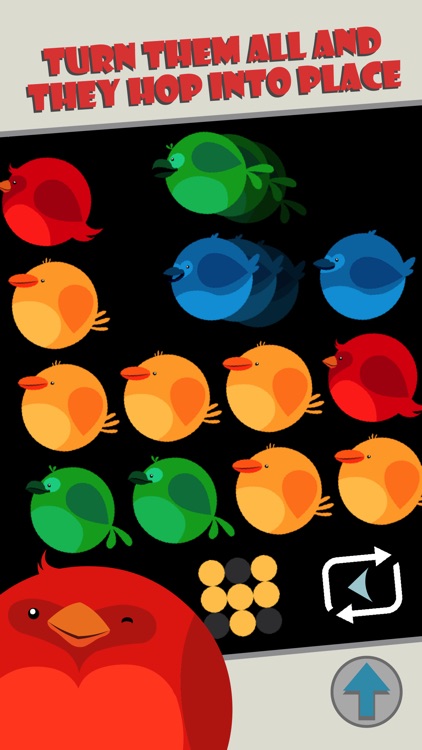
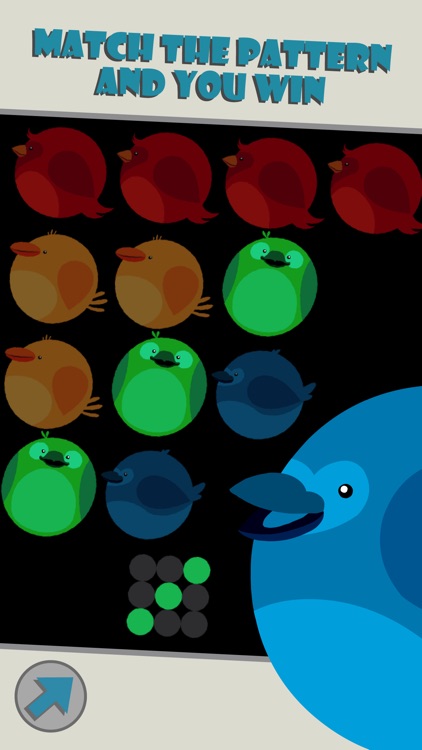
Move and pop the birds to match the pattern in Poppy Birds.

It’s ideal for fans of logic puzzle games.

$0.99 $0.99
Why we picked this?

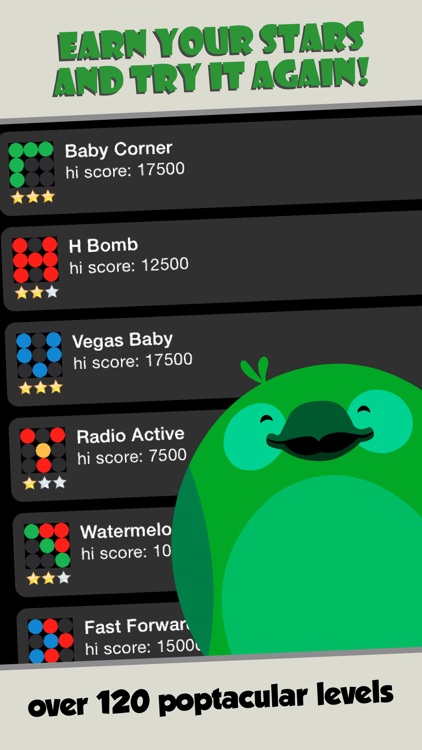
The Poppy Birds are cute and colorful, but they are taking up way too much space. You must pop those that aren’t necessary in order to match the pattern at the bottom of the screen. Poppy Birds can also be turned in order to occupy free space and create new patterns. Just keep in mind that each pop and turn will cost you a move, and there is a target number that you need to hit in order to achieve a perfect rating. The game includes more than 130 levels.

If you have an Apple Watch, you need to download Poppy Birds today. It utilizes the Apple Watch’s smaller screen perfectly.

The game can become quite challenging later on, and you won’t find any hints to help you.

Splashtop Touchpad
iPhone
Splashtop Touchpad

Splashtop Touchpad

Splashtop Inc.

Turn your iPhone or iPod touch into a wireless touchpad and keyboard with Splashtop Touchpad.

It’s ideal for those who have a PC or Mac connected to a TV.

$0.99 $0.99
Why we picked this?

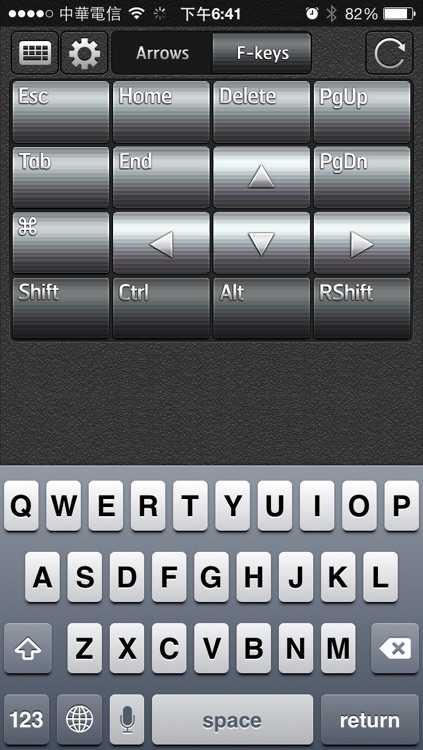
You must first download the free companion software for your computer from Splashtop's website. Then launch Splashtop Touchpad on your iPhone or iPod touch and your computer will be discovered automatically. Once everything is connected, you'll be able to control your computer with multitouch gestures, key combinations, and virtual mouse clicks.

If you need to control your computer remotely, this is a remarkably easy way to do it.

It only supports Mac OS X 10.6 or later and PCs running Windows 7, Vista, and XP.