



You are using an outdated browser. Please upgrade your browser to improve your experience.

Apps That
Went Free on
2015-09-06

Build a strong morning routine, play around with sound, and send your little ones off to Grandpa’s Workshop with today’s collection of apps and games.

Calendarium - About this Day
iPhone
iPad
Calendarium - About this Day

Calendarium - About this Day

Piotr Knapczyk

Discover historical events and holidays that happened on this day with this reference app.

It’s for anyone interested in learning something new each and everyday.

FREE ($0.99) For a limited time FREE ($0.99) For a limited time
Why we picked this?

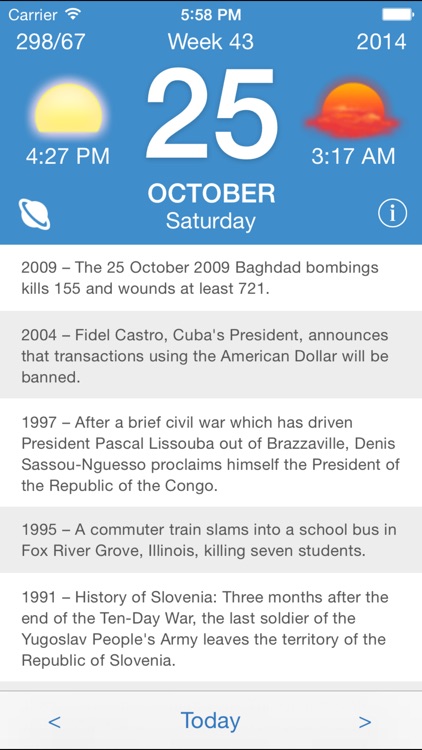
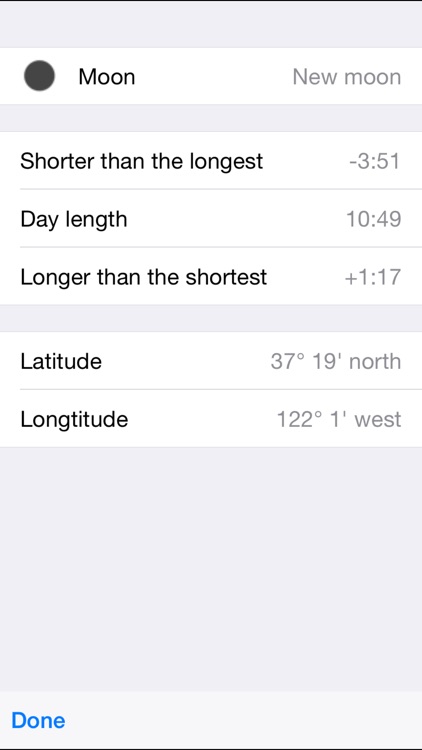
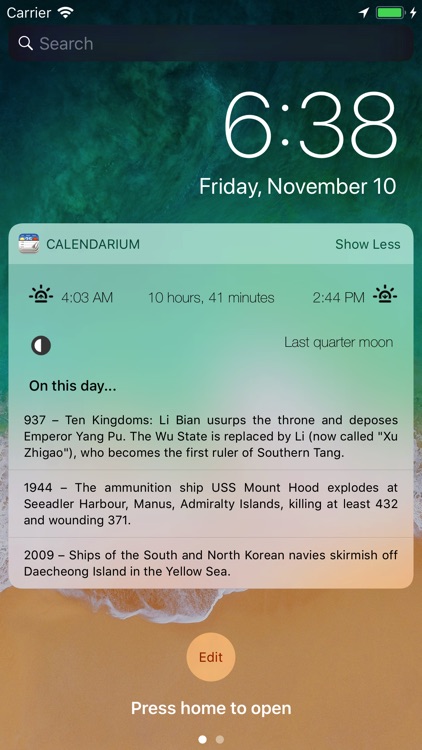
Calendarium helps you live in the present and the past. The top portion of the screen displays today’s date, the week of the year, sunrise and sunset times, and the number of days that have passed and are left in the year. The bottom portion includes all of the historical events and major holidays that occurred on this very day. Tap and hold on an event or holiday to share it via Twitter, Facebook, Messages, or email.

If you’re a history buff, you’re going to love Calendarium. Each and everyday day there’s something new to learn about the history of the world.

You can’t filter the content, so if the idea of learning about every not-so-positive thing that has happened throughout human history bothers you, then skip this one.
Compasso 2
iPhone
Compasso 2

Compasso 2

Rubyjock

Play around with sound with Compasso.

It’s great for musicians and anyone else interested in creating synthesized sounds.

FREE ($0.99) For a limited time FREE ($0.99) For a limited time
Why we picked this?

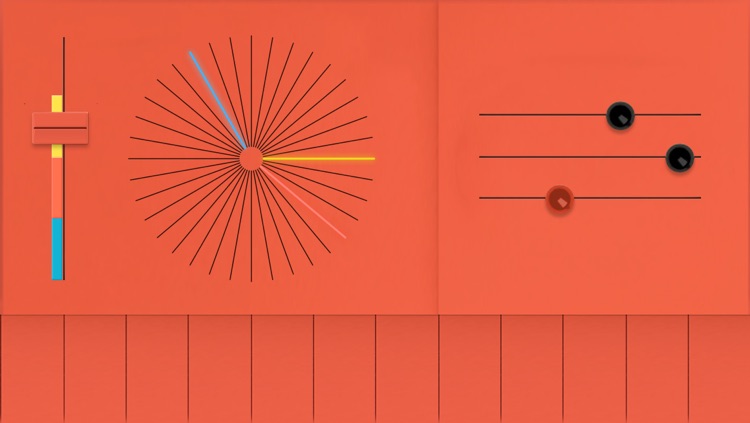
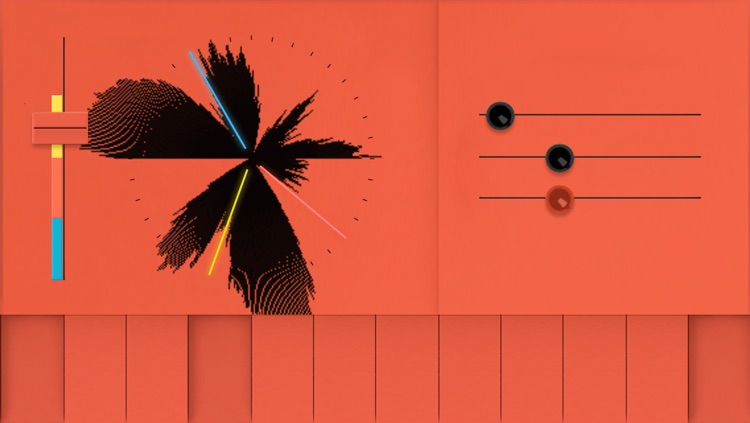
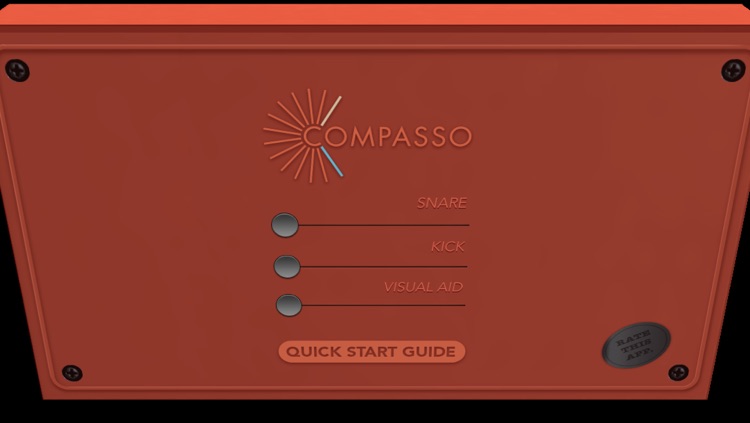
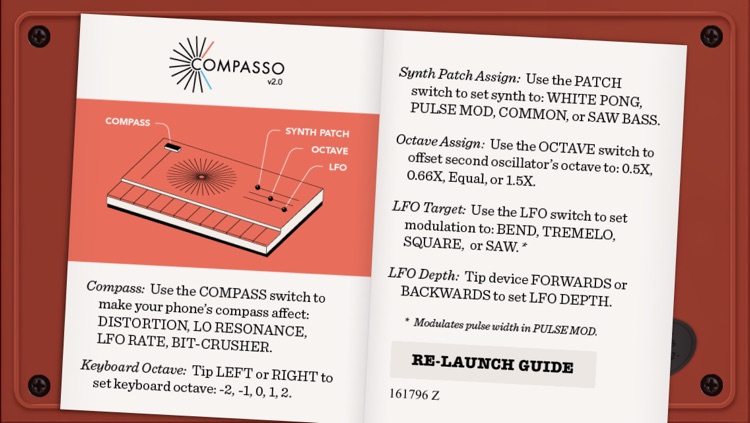
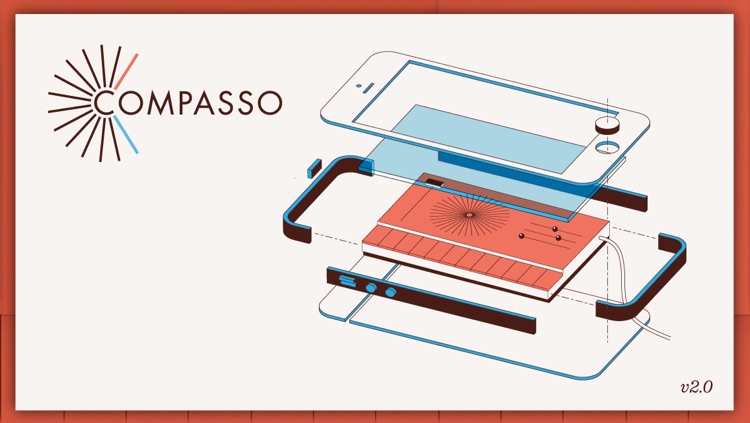
Compasso is best described as a musical toy. On the top left side of the screen you’ll see your compass. You can set your compass to affect distortion, low pass resonance, LFO frequency, and bit crusher. Sliders on the top right of the screen allow you to set up your base synth. Then press and hold a key, tilt your iDevice, and listen as the sounds change based on the compass' direction.

Even if you aren’t musically gifted, you have to at least give Compasso a try. Its simple interface allows anyone to create unique sounds.

If you want to create and share, skip this one. Compasso doesn’t offer a recording option.

Kiwake: smart alarm clock
iPhone
Kiwake: smart alarm clock

Kiwake: smart alarm clock

Kiwake inc

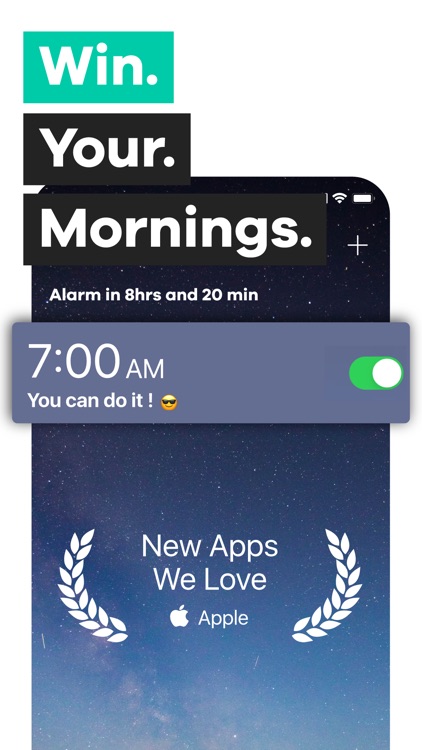
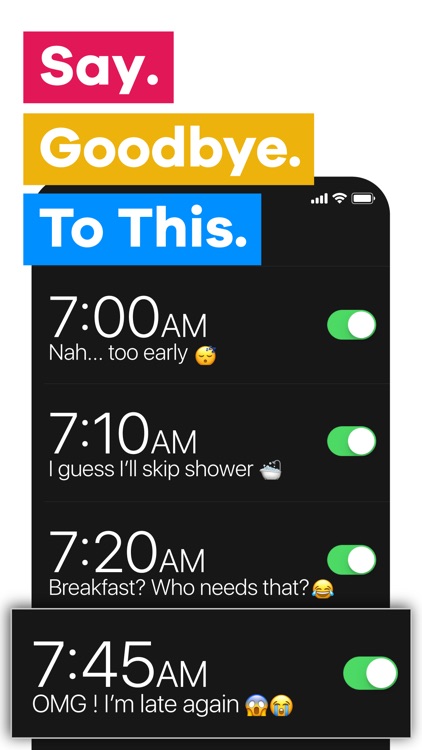
Stop hitting that snooze button and build a strong morning routine with Kiwake.

It’s the ideal app for those who aren't morning people.

FREE ($0.99) For a limited time FREE ($0.99) For a limited time
Why we picked this?

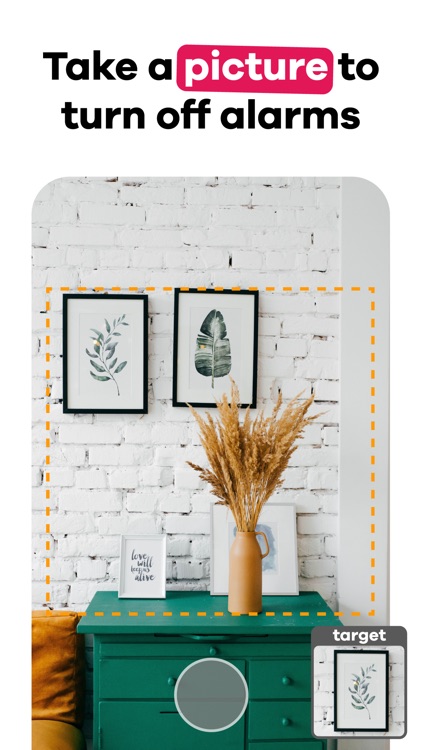
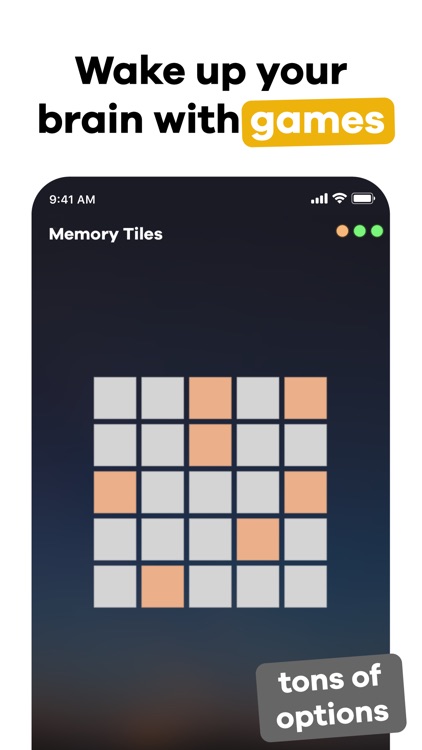
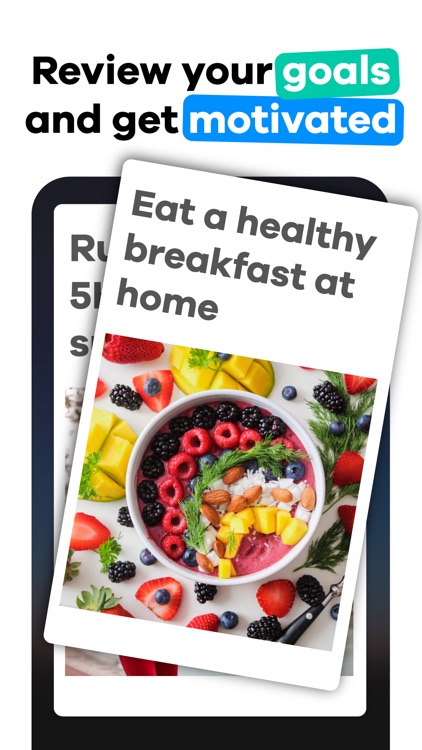
Kiwake ensures that you will get out of bed in the morning thanks to its three step wakeup process. Start off by creating your alarms for the week. You can create multiple alarms if necessary and have them repeat as often as you like. Kiwake then requires you to pick an object that’s away from your bed and take a picture of it, choose from a handful of mini-games, and create some goals for the day or add a motivational message. When the alarm sounds, you’ll have to return to that object and snap a picture, successfully complete all of the mini-games, and read your goals or message before you can disable it.

If you’re always tempted by that snooze button, check out Kiwake today. It doesn’t even have one!

Kiwake is great for building a strong morning routine, but if you already have one, you can probably skip it.

Grandpa's Workshop
iPhone
iPad
Grandpa's Workshop

Grandpa's Workshop

Fairlady Media

Your little ones get to join grandpa in his workshop with this educational app.

It’s designed for children ages three through seven.

$2.99 $2.99
Why we picked this?

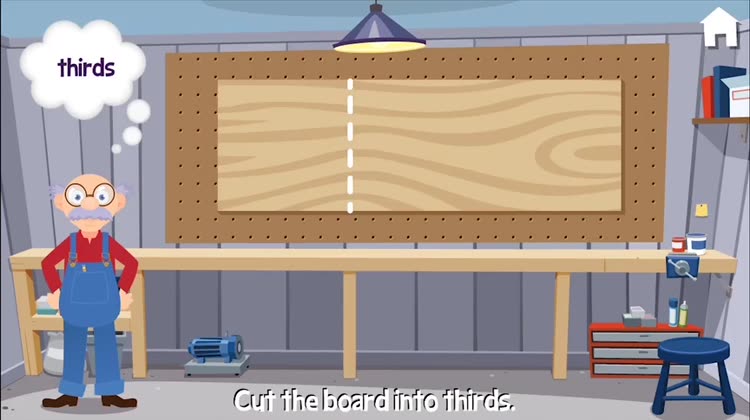
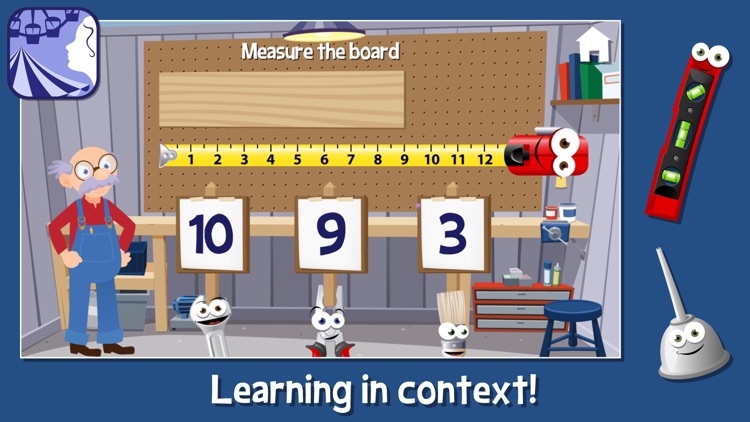
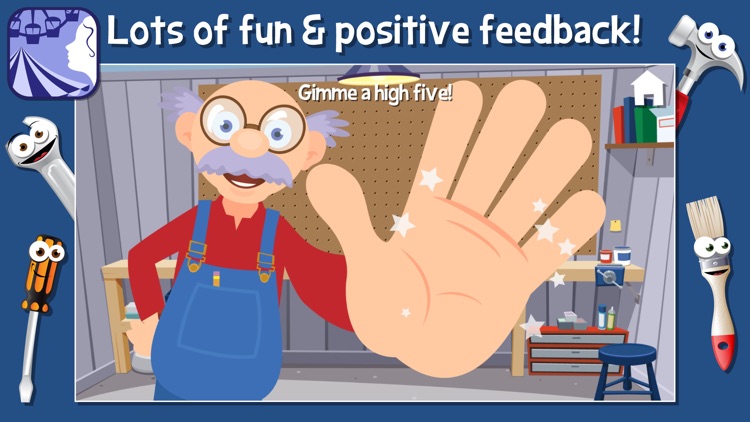
Grandpa’s Workshop is loaded with activities for your little ones. They will be asked to do everything from solve basic math problems to paint structures. Grandpa will guide them along the way, so you can just hand off your iDevice and let your child work. The app includes a total of seven mini-games, videos of real tools in action, and loads of positive reinforcement.

If you want to give your child a head start, start with Grandma’s Preschool. It includes loads of educational content designed by an Educational Psychologist and parents of preschoolers.

Just make sure your child is within the age range. If not, the developers have a handful of other apps that are more suitable.

MPro
iPhone
iPad
MPro

MPro

Toshihiko Tambo

Capture high quality black and white photos with MPro.

It’s a great addition to any iPhoneographers collection.

$1.99 $1.99
Why we picked this?

MPro doesn’t cut any corners. It’s able to capture crisp, uncompressed photos and save them as TIFFs. MPro’s interface is also remarkably easy to use, providing you with quick access to its many features and options including alignment grids, ratios, and brightness. The focus and exposure for your photos can be set separately as well.

If you’ve been looking for a quality black and white camera app to add to your collection, you’ve found it.

MPro is just about black and white photos. It can’t replace your everyday camera app.