


You are using an outdated browser. Please upgrade your browser to improve your experience.

Apps That
Went Free on
2015-09-14

Find out what the conditions are like outside, play a colorful puzzle game with your child, and put your thoughts and tasks on sticky notes with today’s collection of apps and games.

DayCost Pro - Personal Finance
iPhone
iPad
DayCost Pro - Personal Finance

DayCost Pro - Personal Finance

良峰 侯

Track your expenses throughout the day with this easy to use finance app.

It’s ideal for anyone who wants a simple and elegant way to keep tabs on their finances.

FREE ($2.99) For a limited time FREE ($2.99) For a limited time
Why we picked this?

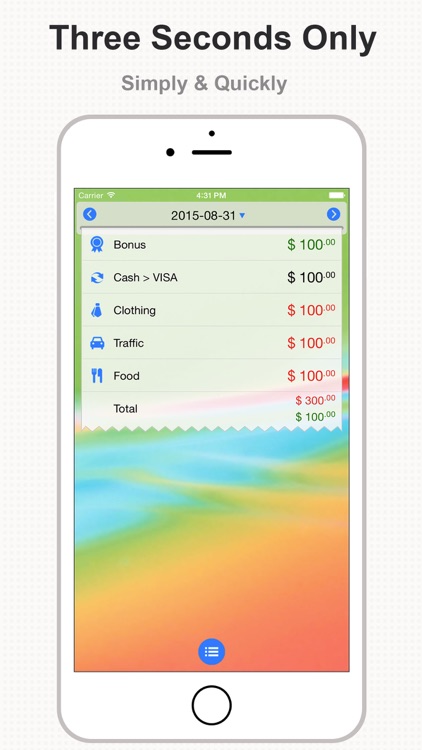
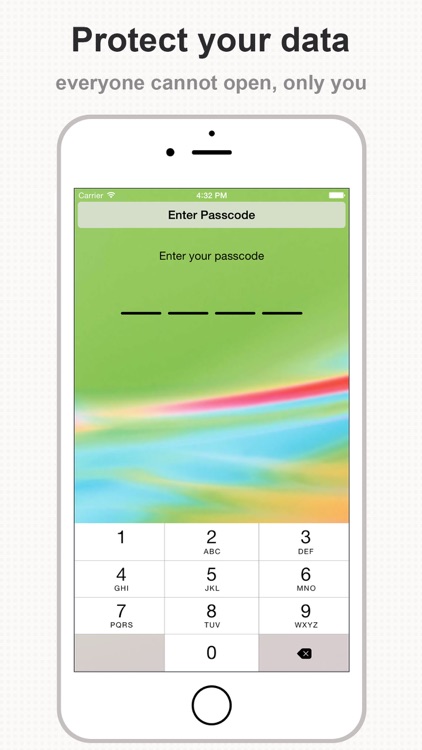
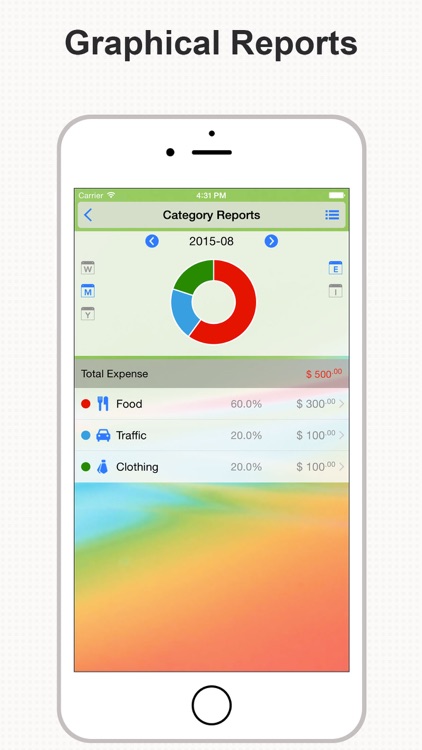
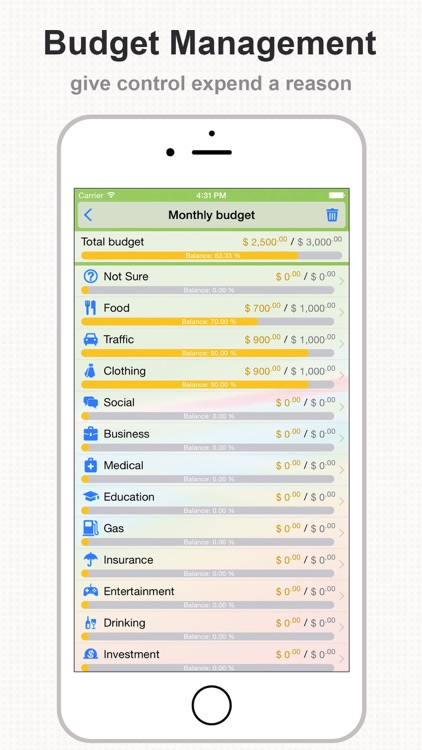
It takes mere seconds to record a transaction in DayCost. Just swipe down on the screen, pick a category, enter an amount, and swipe up to record. You’re also able to attach a payment type, photo, and note to your transactions. DayCost allows you to create a budget and view graphical reports to keep your finances in check. It also includes passcode protection, iCloud support, and the ability to create custom categories.

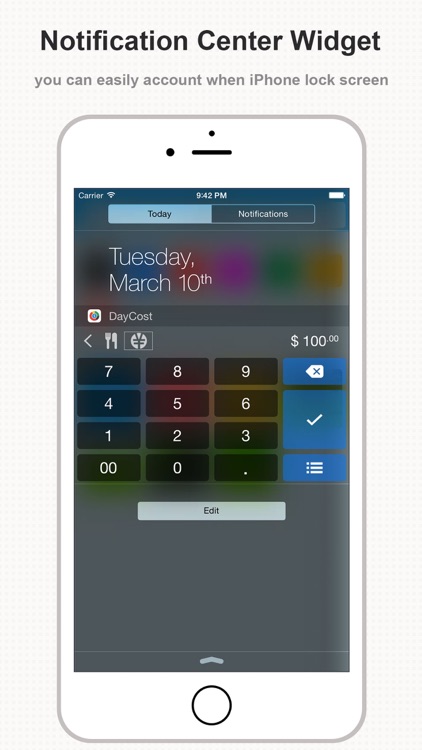
If you want a convenient and customizable finance app, you’ve found it. It can be used however you wish. The best part is, transactions can be recorded from the Today widget or your Apple Watch.

It can take some time to get the hang of things due to the use of gestures for just about everything.
Stickyboard 2
iPad
Stickyboard 2

Stickyboard 2

Qrayon, LLC

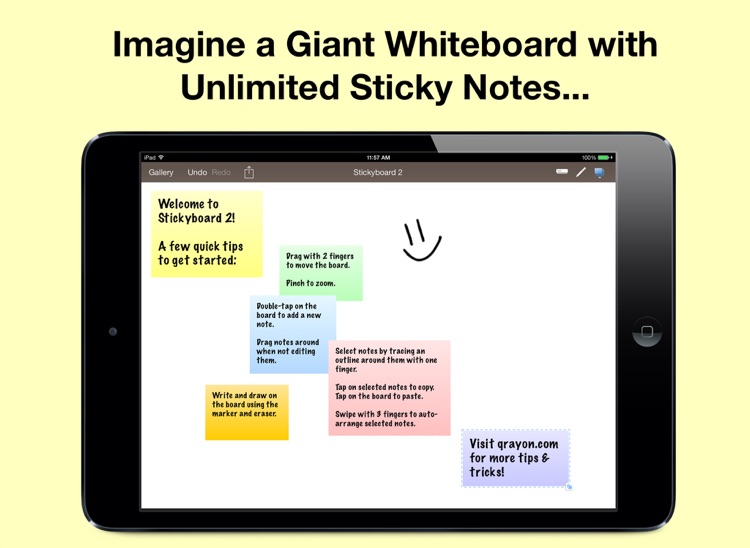
Stickyboard turns your iPad into a giant whiteboard with a never-ending stack of sticky notes.

It’s ideal for pretty much anyone who needs to track thoughts or map ideas.

FREE ($4.99) For a limited time FREE ($4.99) For a limited time
Why we picked this?

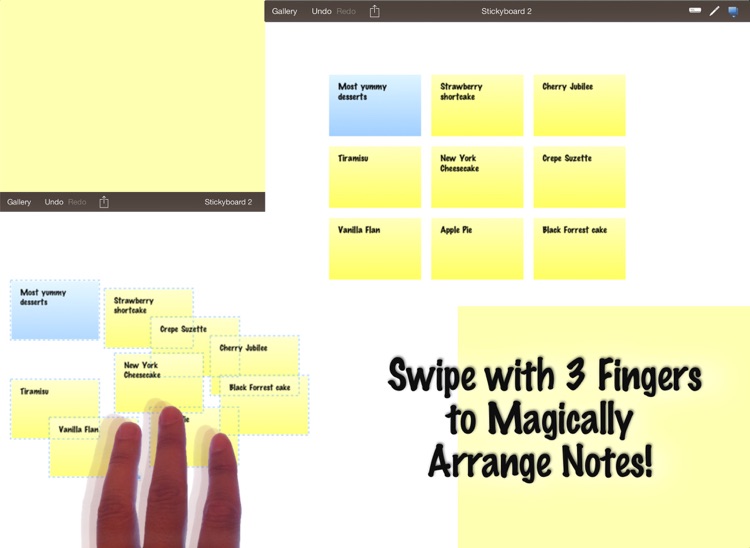
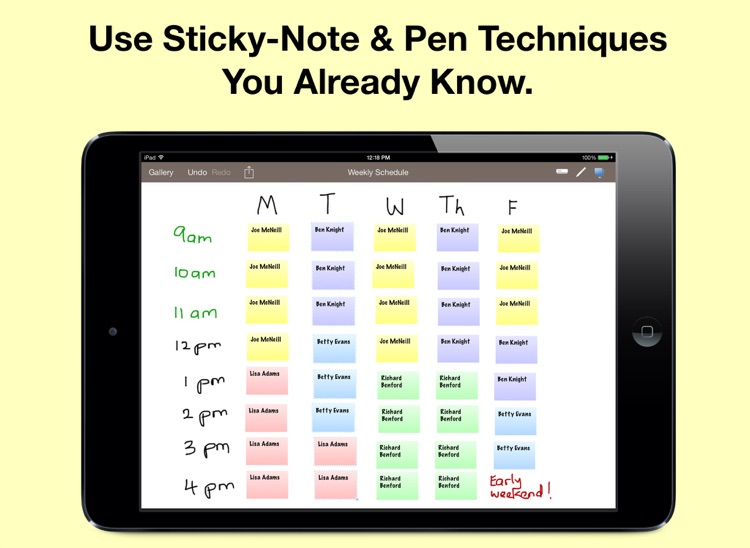
Sticky notes of different sizes and colors can be created by double-tapping on the whiteboard. They can also be moved and resized with a tap and drag of your finger. You're able to select and organize multiple sticky notes by first dragging your finger over them, and then using three-finger swipe gestures to choose a layout. The app also includes the ability to write on the whiteboard with different colored markers, undo and redo, a gallery view, and the ability to share your stickies as a PDF or text.

If you’ve always been a sticky note fanatic, this is your app. It’s infinitely flexible, so it can be used for a variety of applications.

The app doesn’t allow you to write freely or doodle directly on the sticky notes themselves. You can only type on them.

Clone Magic
iPhone
iPad
Clone Magic

Clone Magic

TIEN NGUYEN VAN

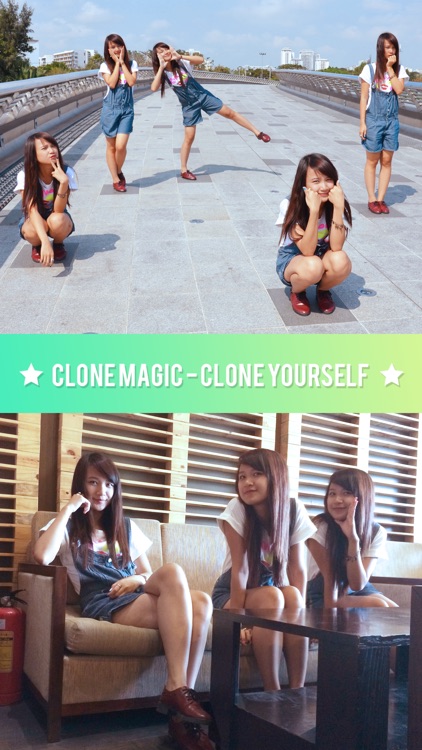
Clone yourself or anything else with Clone Magic.

It’s ideal for iPhoneographers who don’t have a cloning app in their collection.

$1.99 $1.99
Why we picked this?

Clone Magic is all about having fun with your photos. You’re able to take new photos manually or by using the self timer. You have to take at least two quality photos for the effect to work, but you’re able to use up to six at once. Then just outline the subject in each of your photos, and Clone Magic will grab your outlines and put them over the top of your base photo. You can crop and apply filters to your final creation before sharing it via Facebook, Twitter, Instagram, or email.

If you want to impress your friends with your photos, Clone Magic will help you accomplish that. It’s one of the easier to use cloning apps available in the App Store, allowing you to get your desired results with little effort.

All cloning apps require some tinkering. If you are the type of person who lacks patience for tinkering with photos, you’ll probably want to skip this and all other cloning apps.

Tayasui Tangram
iPhone
iPad
Tayasui Tangram

Tayasui Tangram

Tayasui.com

An absolutely adorable children’s tangram puzzle game.

It’s for creative children who love puzzles and animals.

$1.99 $1.99
Why we picked this?

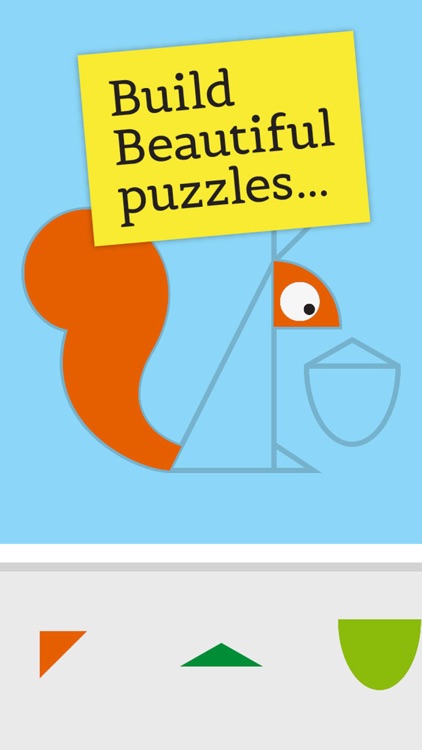
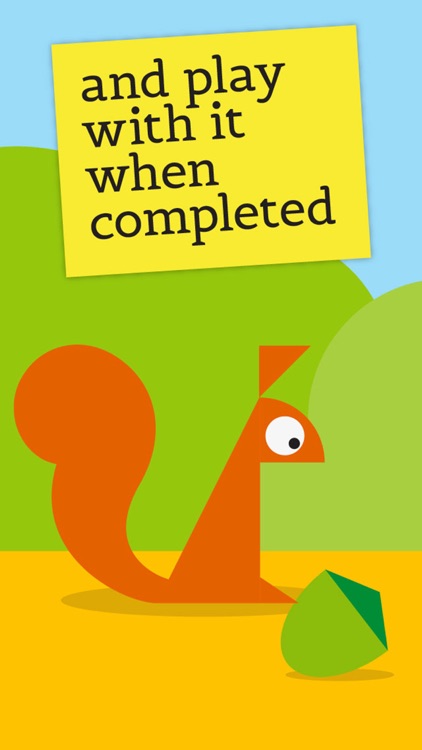
Tayasui Tangram is one insanely colorful puzzle game. It includes 12 child-friendly animal models to piece together. Once completed, each animal can be interacted with in their own environment. Your child can also create their very own models from scratch using a variety of pieces.

If your child enjoys puzzles and likes to create, give them the gift of Tayasui Tangram. It’s beautifully crafted and easy for any child to work with.

The game is intended for younger children between the ages of three and six due to its large and easy to manipulate pieces.

Thermo-hygrometer
iPhone
iPad
Thermo-hygrometer

Thermo-hygrometer

MORETHAN APPS

Find out what the conditions are like outside with Thermo-Hygrometer.

It’s great for weather watchers, but it’s especially useful for iPhone 6 and iPhone 6 Plus users since the app utilizes the integrated barometer.

$3.99 $3.99
Why we picked this?

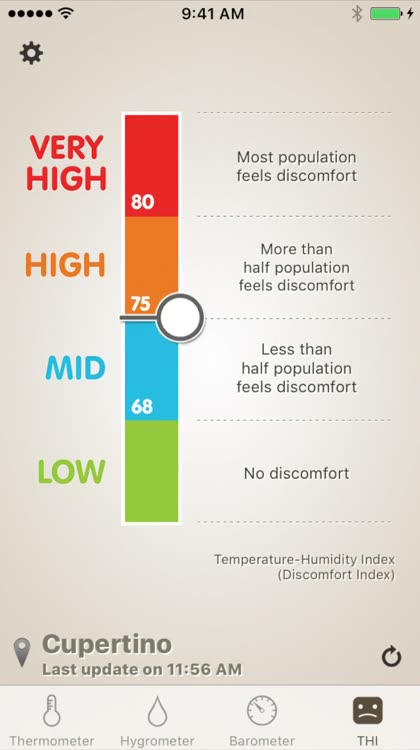
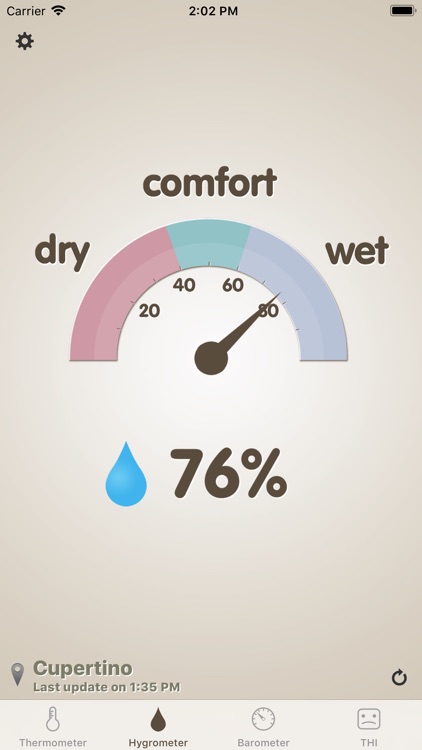
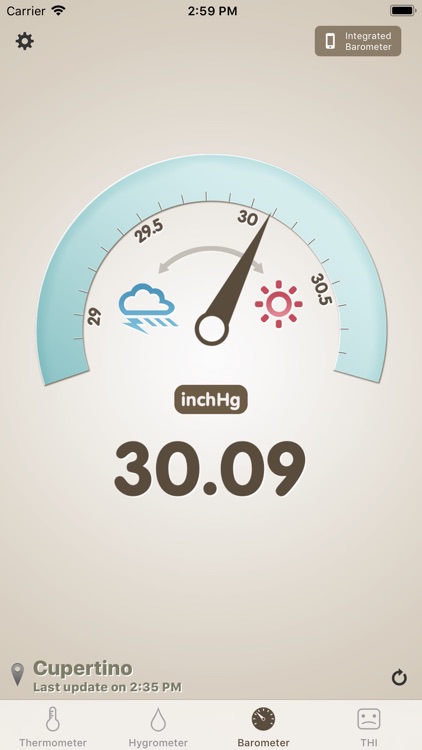
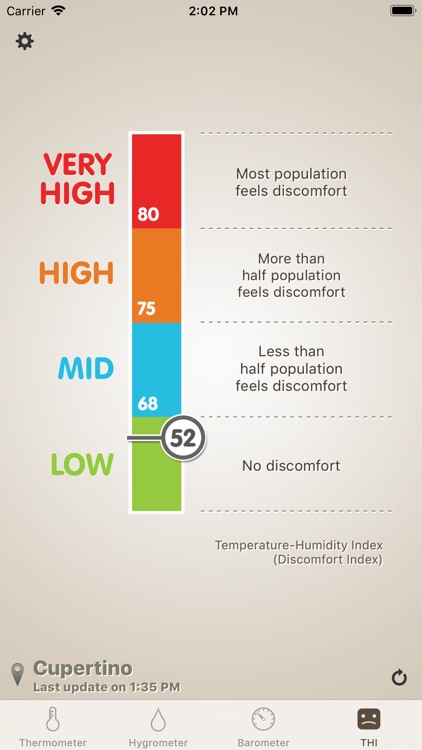
The app features an easy to read point unit thermometer, which can be presented in Fahrenheit or Celsius. There’s also a hygrometer, so you can find out how humid it is outside, and a barometer, so you can see the atmospheric pressure. Spin your iDevice into landscape mode to see all three at once. The app also includes a a discomfort index that’s accompanied by descriptions of each level.

If you frequent the outdoors, make sure to download this one today. A quick glance will help you know exactly how to prepare before heading out the door.

The only drawback is that you can’t enter different locations. It only utilizes your current location.