




You are using an outdated browser. Please upgrade your browser to improve your experience.

Apps That
Went Free on
2015-09-28

Gobble up fruit while outrunning lions, put your tasks in direct view, and check the weather statistics in your area with today’s collection of apps and games.

Humidity
iPhone
Humidity

Humidity

Omar Elfanek

Get an idea of what the weather is like out there with Humidity.

It’s for those who appreciate good design and accurate weather stats.

FREE ($2.99) For a limited time FREE ($2.99) For a limited time
Why we picked this?

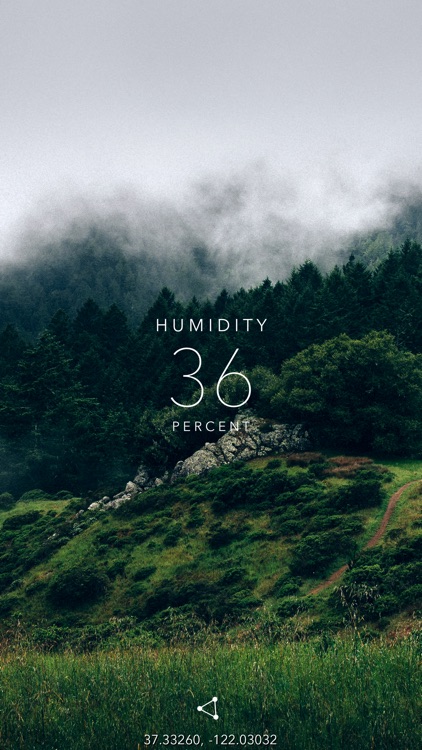
Humidity offers a beautiful and simple way to check local weather statistics. Just launch the app, allow it to use your location, and swipe through the statistics. Humidity provides up-to-the-minute updates on humidity, temperature, precipitation, cloud cover, wind speed, and ozone.

If you’re a weather app collector, you’ll want to find a home on your iDevice for Humidity. The developer has some great updates in the pipeline, which include adding Apple Watch support, rearrangeable stats, and additional units.

The app is all about the look. You can find similar weather statistics in other apps.

oh my giraffe
iPhone
iPad
oh my giraffe

oh my giraffe

Nico Prins

Run through the savanna while chomping on tasty fruits in oh my giraffe.

It’s for fans of endless high score games.

$1.99 $1.99
Why we picked this?

It’s survival of the fittest in oh my giraffe. You get to play as an adorable giraffe with a stretchy neck. As you trot along, you’ll have to stretch that neck high up to reach the dangling fruit. But the big and scary cats of the savanna have you on their menu instead of fruit. Chomp at the vines that the fruit dangle from to bounce them off your back and into the face of the lions that are in chase. When the night comes, try to eat as much fruit as you can since the big, bad lions will be sleeping.

If you’re a sucker for charming indie games, download oh my giraffe today. It’s quirky. It’s unique. And it’s a lot of fun.

This is a high score game, so you’re competing against the world via Game Center leaderboards. If that’s not your thing, skip this one.

ICOON picture dictionary
iPhone
iPad
ICOON picture dictionary

ICOON picture dictionary

AMBERPRESS

A global picture dictionary that allows you to travel without words.

It’s ideal for world travelers.

$0.99 $0.99
Why we picked this?

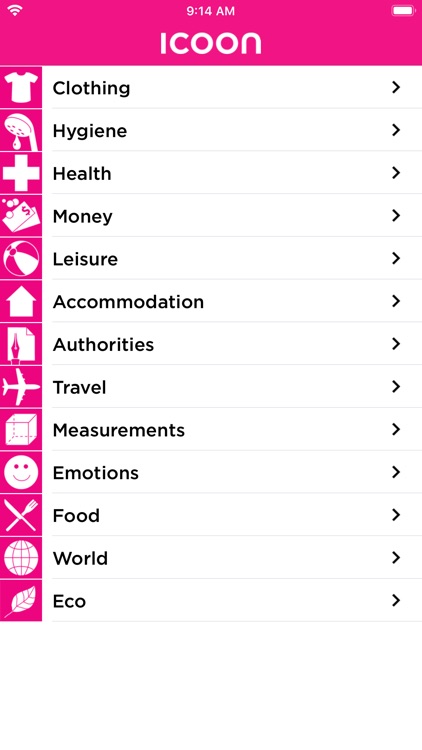
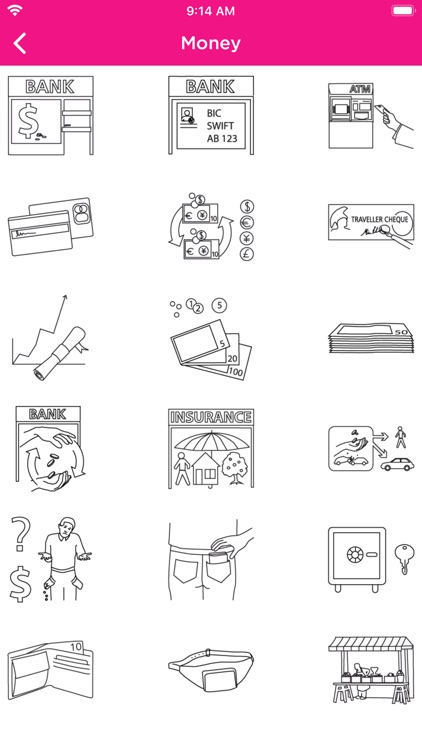
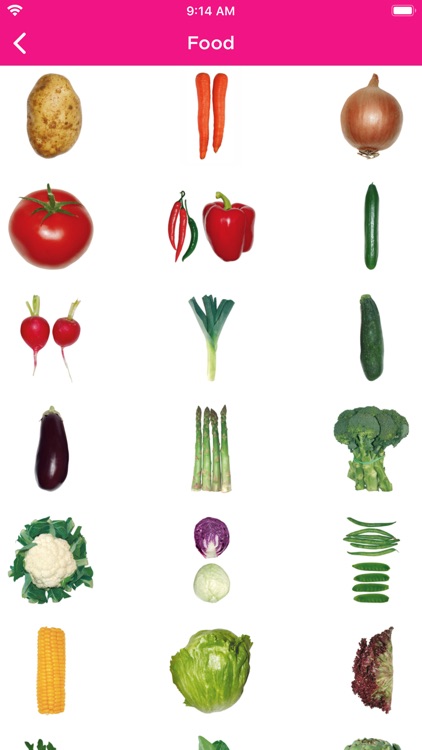
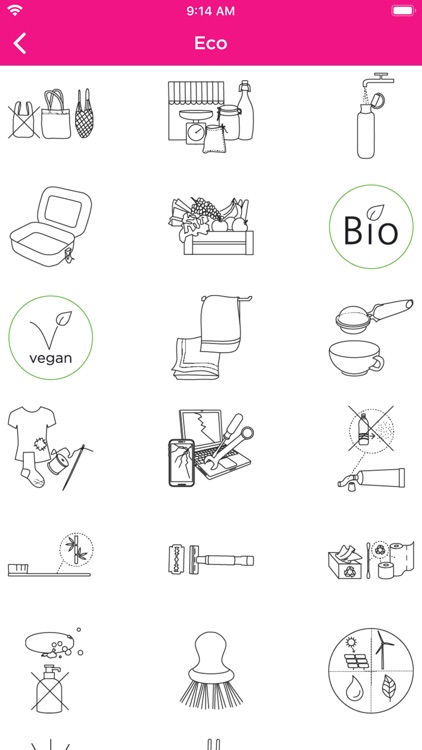
Based on the book by the same name, ICOON allows you to communicate with anyone on the planet through pictures. Whether you need to find a toothbrush or an ATM, or ask for a drink without ice, ICOON has you covered. The app includes more than 1,000 pictures, which are broken down into 12 categories for quick discovery.

If you haven’t quite mastered the language of the region you’re traveling to, you won’t find a better app to accompany you.

None of the pictures can be copied or shared.

Trimaginator Photo Editor
iPhone
iPad
Trimaginator Photo Editor

Trimaginator Photo Editor

Paul Ollivier

Turn your everyday photos into mind-blowing works of art with Trimaginator.

It’s a photography app for the mathematical minds.

$3.99 $3.99
Why we picked this?

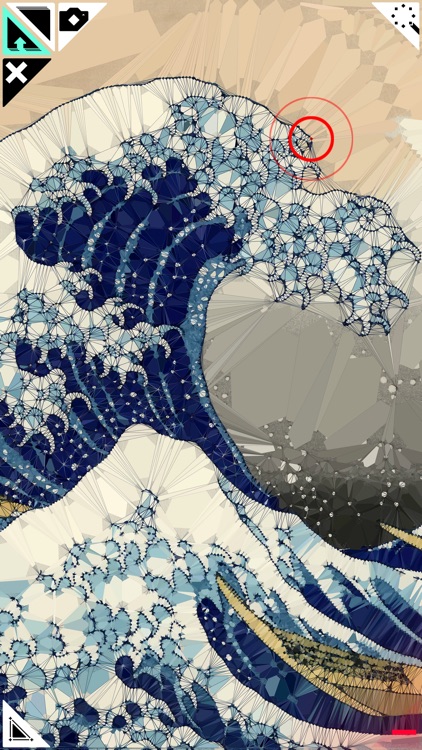
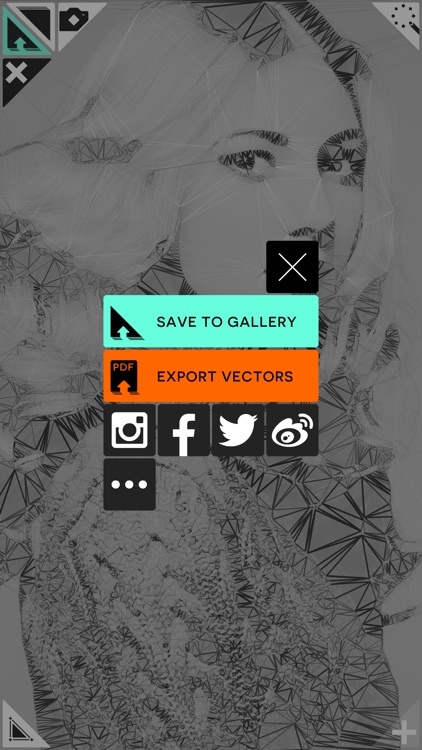
Inspired by triangulation, the mathematical process invented by Boris Delaunay, Trimaginator allows you to reduce your photos to their essentials and turn them into meshes. The best part is, you don’t need to be a master of math in order to create beautiful works of art. Just choose an effect, tap on your photo to add mesh points, and watch as it all transforms.

If you want your photos to stand out, Trimaginator will make it happen. To get started, try the randomizer. It’ll give you an idea of what to expect.

The UI can be a bit confusing, making it difficult to achieve the same results time after time.

Noti:Do with Reminders
iPhone
iPad
Noti:Do with Reminders

Noti:Do with Reminders

KIM KYUNG MIN

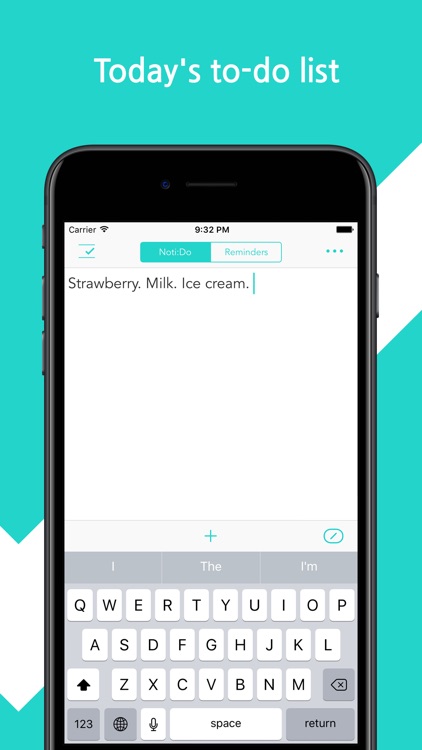
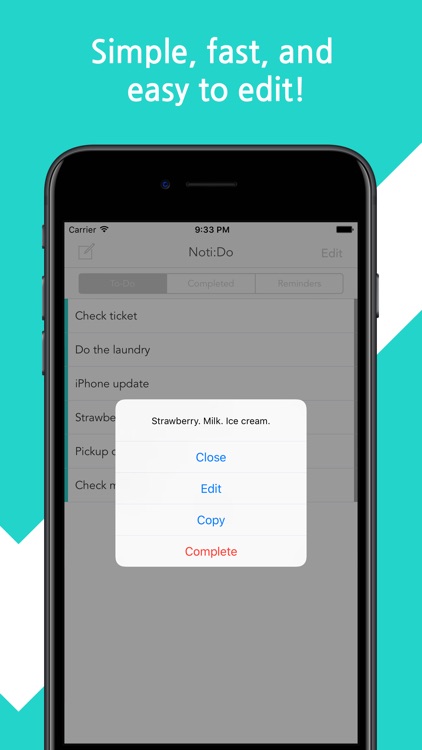
This simple productivity app allows you to log all of the tasks you need to complete for the day within the Today view.

It’s perfect for those who are always in a hurry.

$1.99 $1.99
Why we picked this?

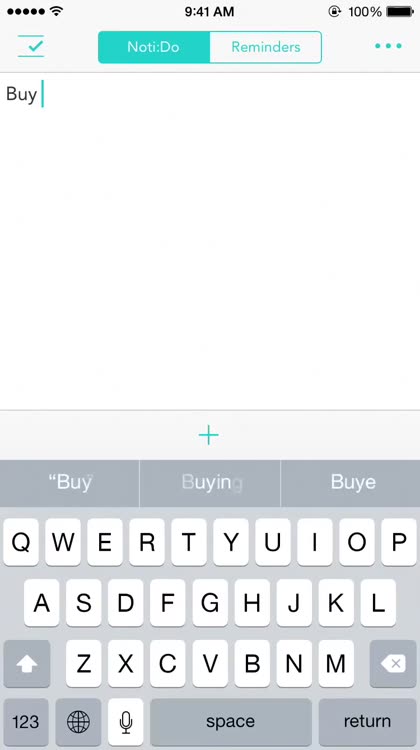
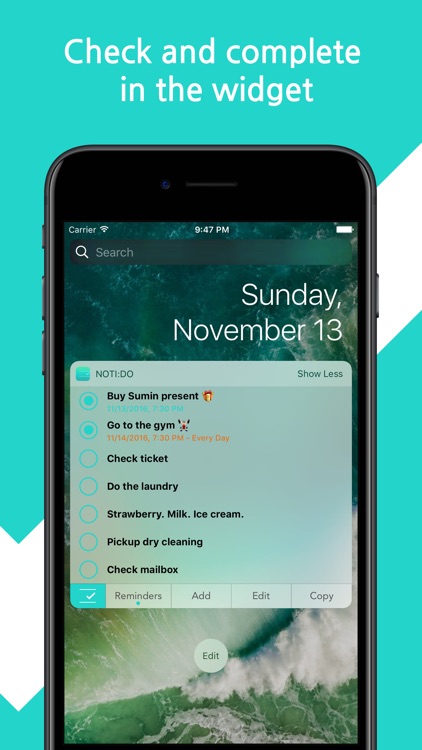
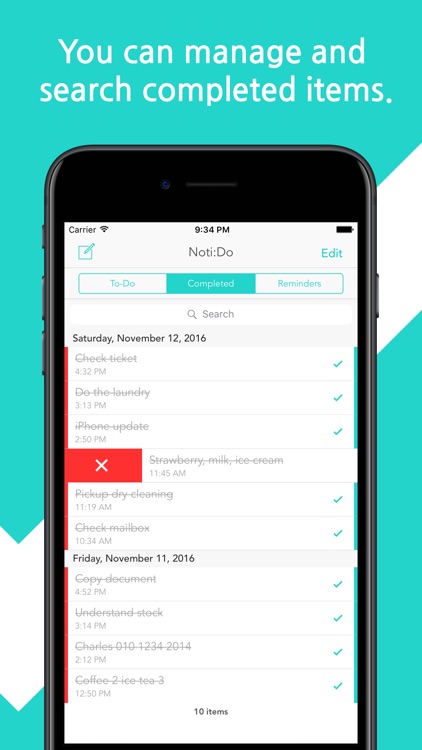
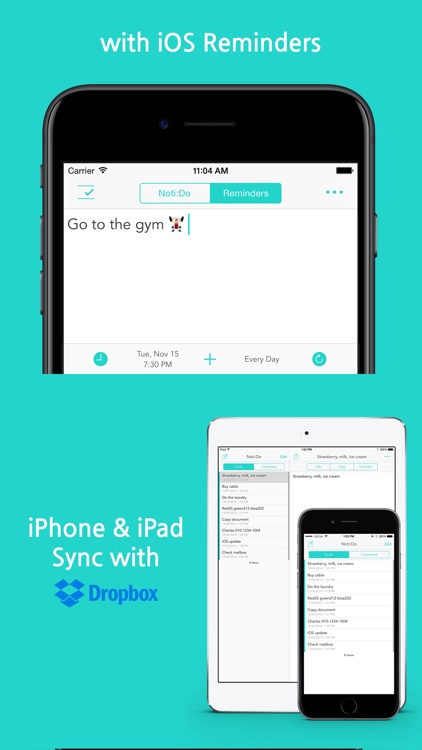
Noti:Do is all about speed. The moment you launch Noti:Do you’ll be brought to the task creation area. Enter any text you’d like and tap the “+” button right above the keyboard. An entry will instantly appear within the Today view, ensuring you won’t forget to complete your task. You’re able to continuously add tasks until you’ve covered all of your bases for the day. You can also add tasks through Noti:Do’s Today view widget. Tasks within the Today view can be marked as complete with a swipe. The app also includes icon badging, the ability to adjust the number of tasks shown in the Today view (via the Settings app), the ability to edit your list, and the ability to view completed tasks.

If you want to record tasks in a hurry, there’s no faster way than Noti:Do. Just swipe down to bring up the Today view and get to work.

The widget takes up a lot of space in the Today view if you have a lot of tasks.