




You are using an outdated browser. Please upgrade your browser to improve your experience.

Apps That
Went Free on
2015-10-10

Create different shades by dropping blocks, sync with your coworkers, and know your direction with today’s collection of apps and games.

MolaSync - Cloud note
iPhone
iPad
MolaSync - Cloud note

MolaSync - Cloud note

Molamola Inc.

Get in sync with your coworkers or classmates with this collaborative productivity app.

It’s great for those who need to share notes and ideas.

FREE ($5.99) For a limited time FREE ($5.99) For a limited time
Why we picked this?

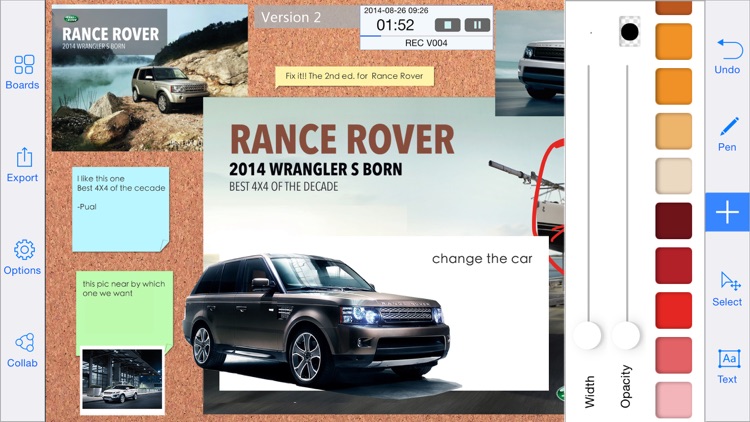
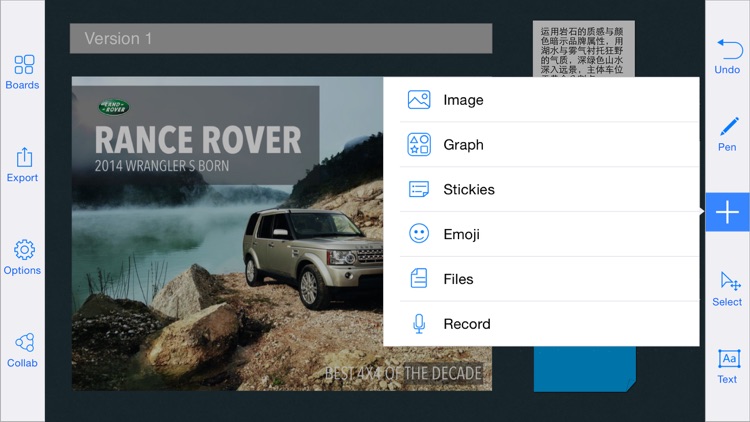
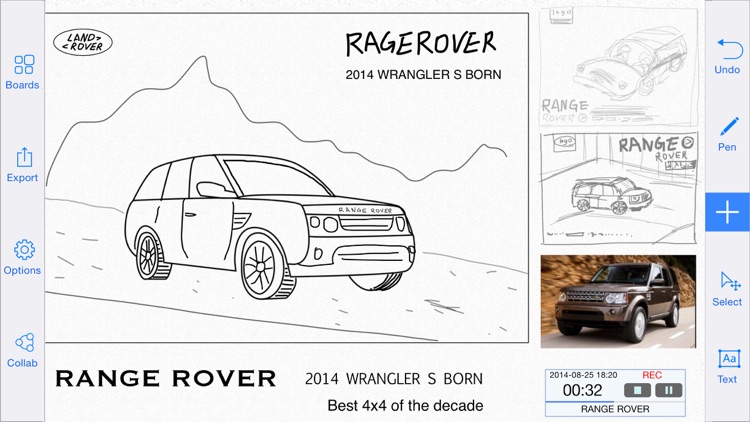
With MolaSync your canvases, like your ideas, are infinite. Just put your finger to the screen and start working. You’re able to draw, scribble, and write freely on the canvas, and move around and zoom in using common gestures. You’re also able to insert pre-designed graphics, import photos, record audio, and attach location information. Whatever you do offline will be synced with your team automatically the moment you reconnect. Everything you create can be managed and shared via email or iTunes File Sharing, or you can upload it to Dropbox, Google Drive, or SkyDrive.

If you’re part of a team, download MolaSync today. It’s the best way to share ideas, from the most simple to the most complex.

The app is intended for large groups or teams. If you want a place to doodle and gather your thoughts, look elsewhere.
Compass by iVogel
iPhone
iPad
Compass by iVogel

Compass by iVogel

Alexander Galstyan

Always know where you’re going with this stylish navigation app.

It’s the perfect app for those who enjoy the great outdoors.

FREE ($0.99) For a limited time FREE ($0.99) For a limited time
Why we picked this?

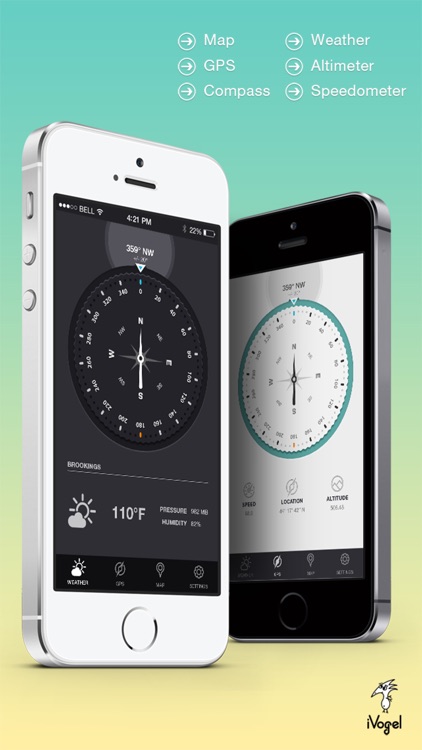
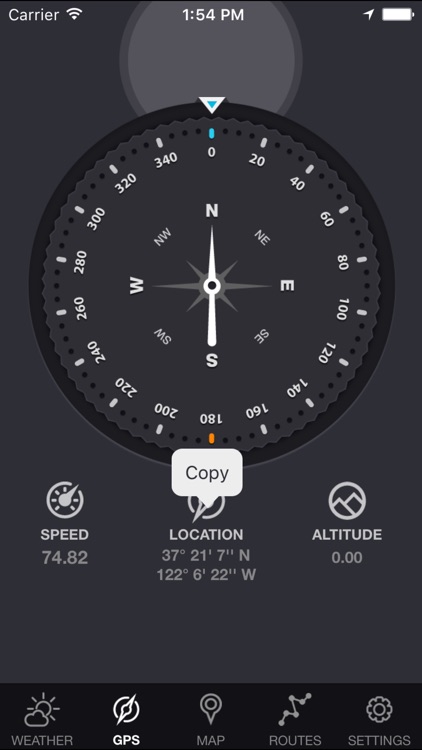
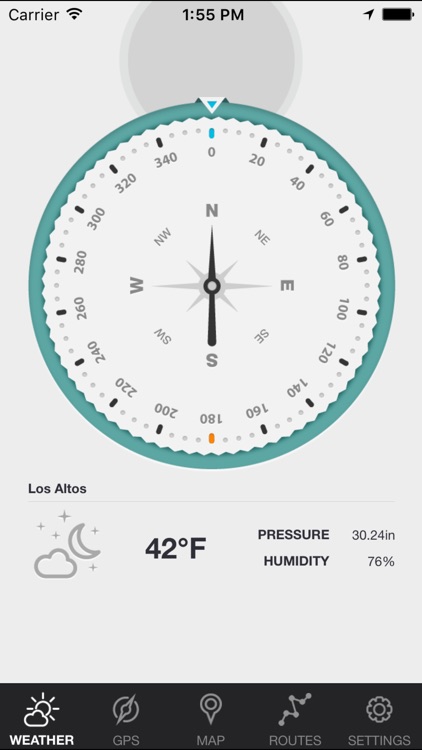
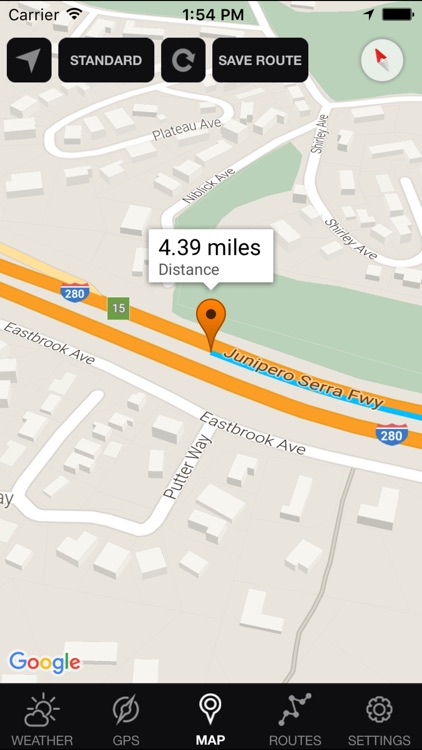
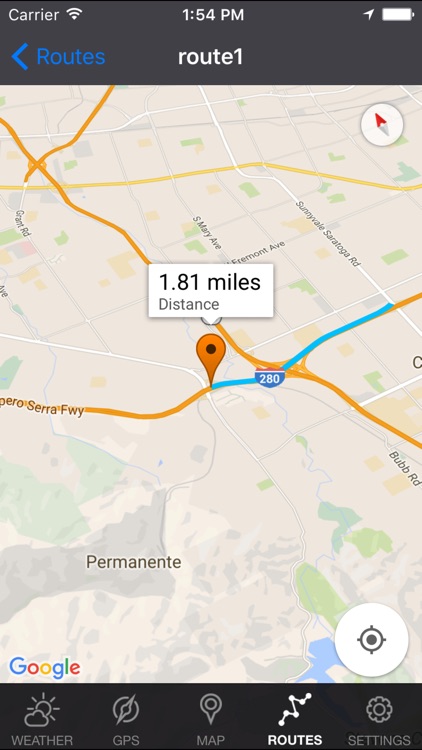
This isn’t just your everyday compass. Sure, it can show your orientation in real-time, but it also includes coordinates, course, speed, altitude, and weather data all on the same screen. Location data can be copied to your clipboard and used in other apps. Compass also includes imperial and metric support, true and magnetic North, Google Maps integration, and two themes to choose from.

If you frequently hike, bike, or travel to remote destinations, this app will come in handy.

Compass doesn’t track your path, so you won’t be able to share your adventures.

Shades: A Simple Puzzle Game
iPhone
iPad
Shades: A Simple Puzzle Game

Shades: A Simple Puzzle Game

UOVO

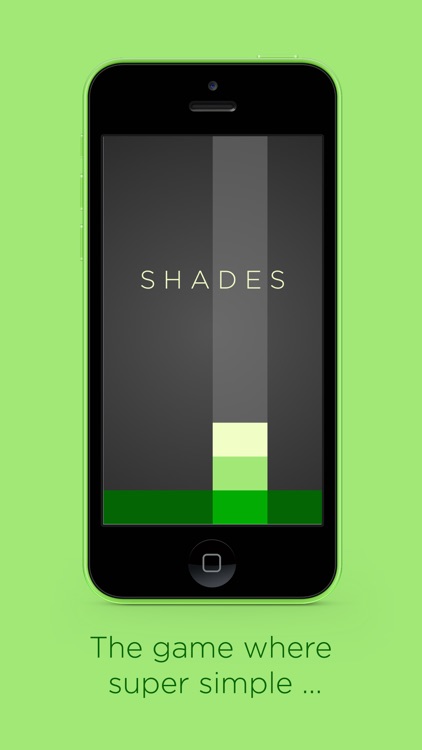
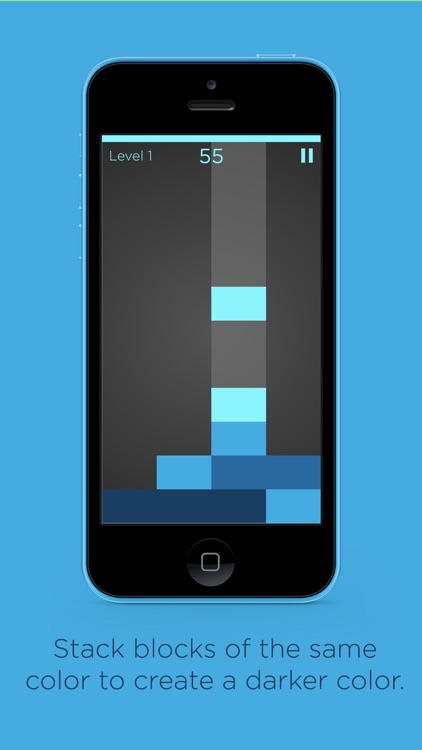
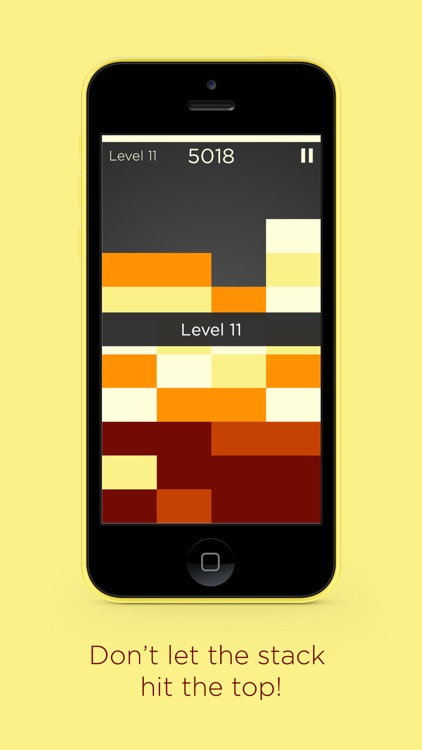
Combine blocks to create and remove different shades in this unique puzzle game.

It’s for casual gamers who want a zen-like puzzle experience.

$1.99 $1.99
Why we picked this?

We love games like Shades. It’s simple on the surface, but rather difficult once you get going. The idea is to drag the falling blocks into position in order to create rows of the same color, which will remove them from the board. Things really get interesting when you stack blocks of the same color, as they will get darker in shade. This gameplay element creates some sticky situations, but also allows you to create cascading combos. Shades includes four color schemes to choose from.

If you want a relaxing puzzle game that’s also challenging, check out Shades today.

Blocks fall at will, pushing you along even if you’d prefer to take it slow.

Project Reno
iPhone
Project Reno

Project Reno

inPulse Inc.

Plan, monitor, and track your projects with this business app.

It’s ideal for architects, contractors, and even home owners that are constantly juggling projects.

$1.99 $1.99
Why we picked this?

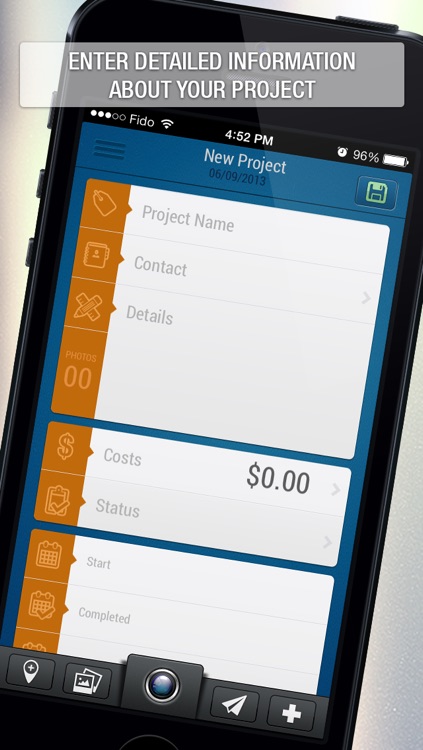
Project Reno provides you with complete control over all aspects of your projects. You're able to attach contacts to your projects, provide details, outlines costs, update statuses, and define start and due dates. Photos and geo-location information can be attached as well to provide more context. The projects in your main box can be filtered out by status, number, name, or contact to keep things tidy and help you stay focused.

If you’re a business owner, you’re going to want to at least give Project Reno a try. It does a great job in helping you keep all of your projects in order, and helps you stay focused on the task at hand.

If you need to monitor specific tasks within projects, Project Reno falls a bit short. It’s more for general project management.

Frugi - Home Budget
iPhone
iPad
Frugi - Home Budget

Frugi - Home Budget

Iman Ghasempour

Find out where all of your money is going with this finance app.

It’s ideal for those who need to stick to a budget.

$3.99 $3.99
Why we picked this?

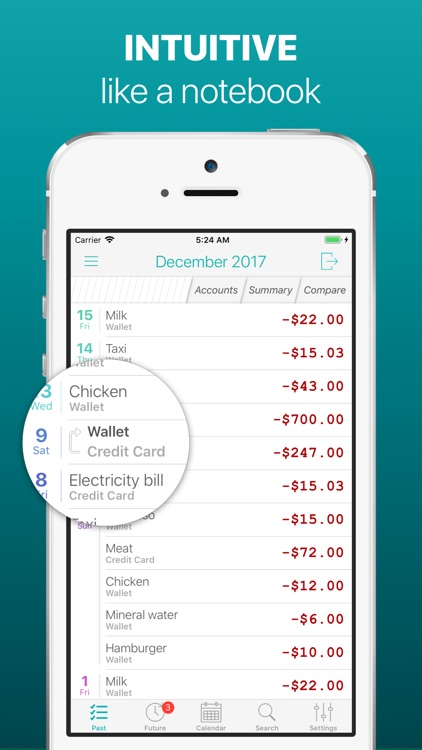
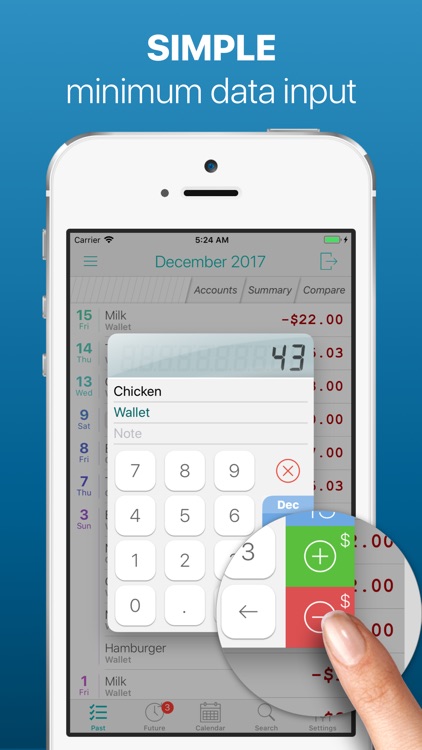
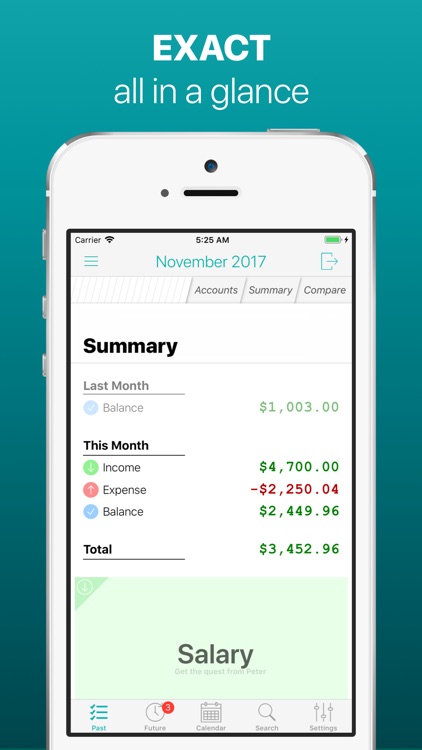
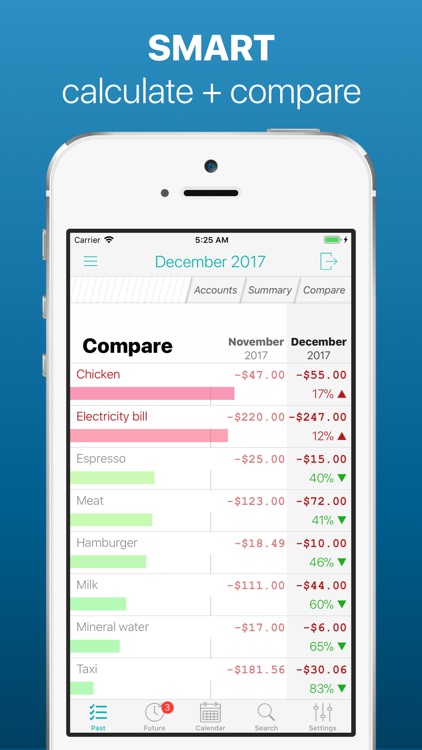
Frugi makes recording transactions a painless experience. Just swipe down to add or subtract from your total balance. You’re able to attach a category to each transaction and select a date if necessary. All of your transactions will be calculated automatically and presented in list form. Transactions can be removed with a right to left swipe, and you can move them to a future date with a double tap. The app also includes the ability to manage multiple accounts, and a calendar view.

If you want a fast and effective way to keep track of your money, Frugi offers it.

If you want to sync your data across multiple devices you’ll have to look elsewhere.