
You are using an outdated browser. Please upgrade your browser to improve your experience.

Apps That
Went Free on
2015-10-21

Learn about bathroom routines, wake up without snoozing, and collect your thoughts with today’s collection of apps and games.

Pepi Bath 2
iPhone
iPad
Pepi Bath 2

Pepi Bath 2

Pepi Play

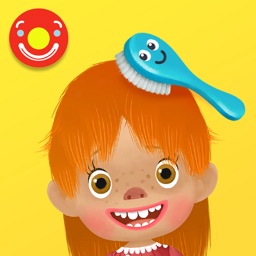
An educational toy from Pepi Play that will teach your child about bathroom routines.

It’s for parents who want to teach their children about good hygiene.

FREE ($2.99) For a limited time FREE ($2.99) For a limited time
Why we picked this?

The app includes seven interactive situations that will have your child brushing their teeth, using the bathroom, bathing, taking care of clothes, dressing up, and taking care of laundry. Each situation includes a variety of tasks to perform with one of four adorable characters. The best part is, you don't have to worry about any notifications or in-app purchases popping up, so you can let your child enjoy the app all on their own.

Whether you want to entertain or teach, download Pepi Bath 2 today. There’s so much to do!

If your child is not within the two to six age range, this app isn’t intended for them.
Kiwake: smart alarm clock
iPhone
Kiwake: smart alarm clock

Kiwake: smart alarm clock

Kiwake inc

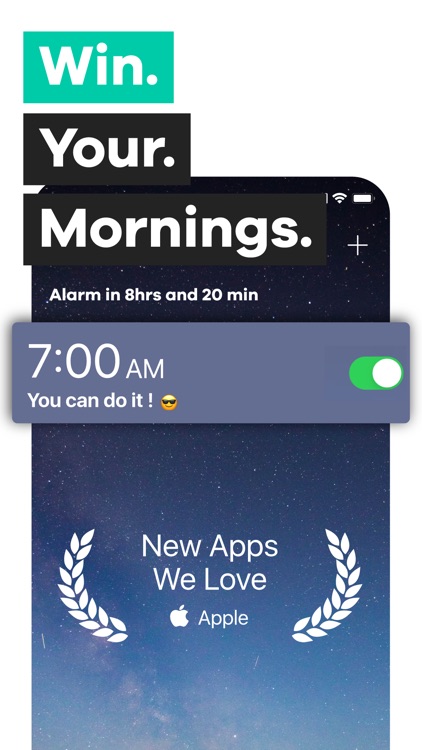
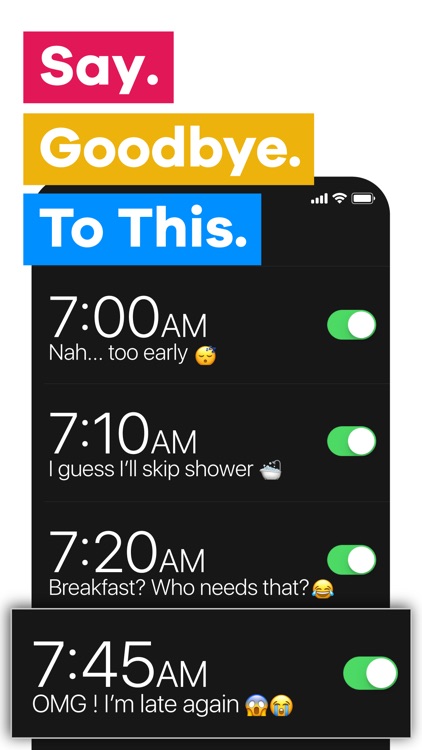
Stop hitting that snooze button and build a strong morning routine with Kiwake.

It’s the ideal app for those who aren't morning people.

FREE ($0.99) For a limited time FREE ($0.99) For a limited time
Why we picked this?

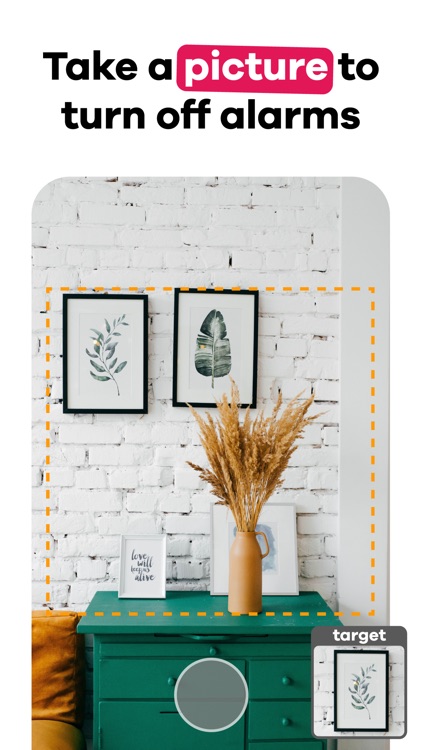
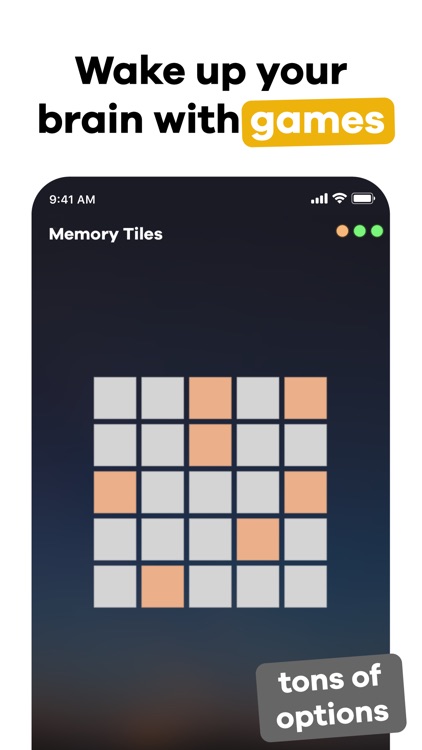
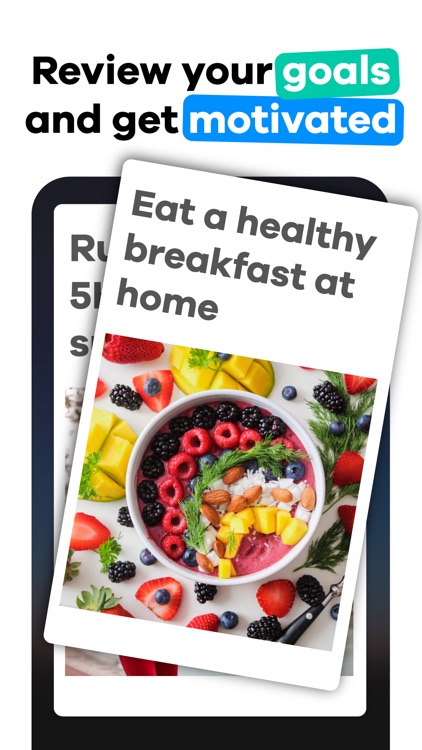
Kiwake ensures that you will get out of bed in the morning thanks to its three step wakeup process. Start off by creating your alarms for the week. You can create multiple alarms if necessary and have them repeat as often as you like. Kiwake then requires you to pick an object that’s away from your bed and take a picture of it, choose from a handful of mini-games, and create some goals for the day or add a motivational message. When the alarm sounds, you’ll have to return to that object and snap a picture, successfully complete all of the mini-games, and read your goals or message before you can disable it.

If you’re always tempted by that snooze button, check out Kiwake today. It doesn’t even have one.

Kiwake is great for building a strong morning routine, but if you already have one, you can probably skip it.

TextCenter
iPhone
iPad
TextCenter

TextCenter

Marco Huettmann

Collect your thoughts with this clean and simple plain text editor.

It’s great for writers of every kind.

$0.99 $0.99
Why we picked this?

TextCenter provides you with a clean and serene environment to write in. The custom keyboard provides you with quick access to frequently used symbols and actions, and you can customize it and add your own via Settings. Actually, a whole bunch of other customization options are available within Settings, so don’t forget to check them out. The app also includes search, five fonts to choose from, iCloud support, TextExpander support, word and character counts, AirPrint support, and the ability to tweet selected text.

Whether you’re writing a screenplay or a sonnet, TextCenter will help you get the job done. It can be whatever you want it to be.

If you’re looking for more of a basic notepad with task management features, this isn’t it.

Juggle: Pocket Machine
iPhone
Juggle: Pocket Machine

Juggle: Pocket Machine

Yegor Trukhin

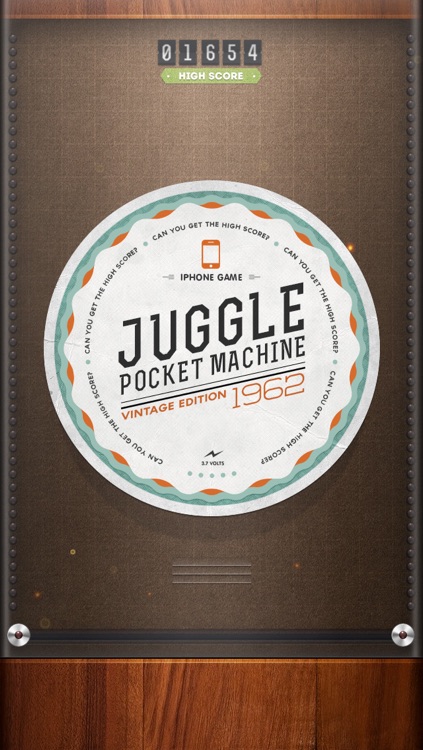
This juggling machine fits right into your pocket.

It will help you work on your hand-eye coordination wherever you go.

$0.99 $0.99
Why we picked this?

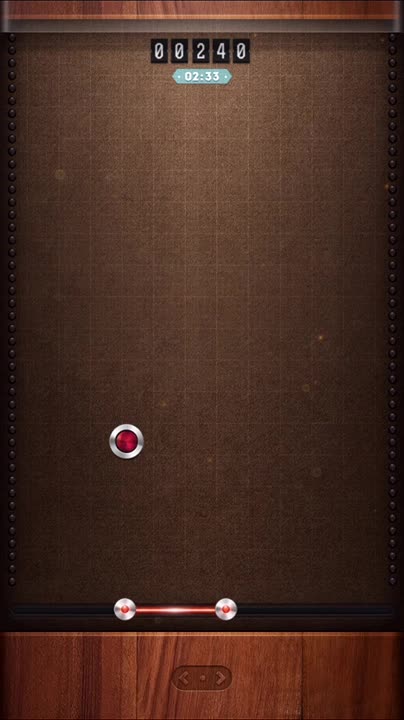
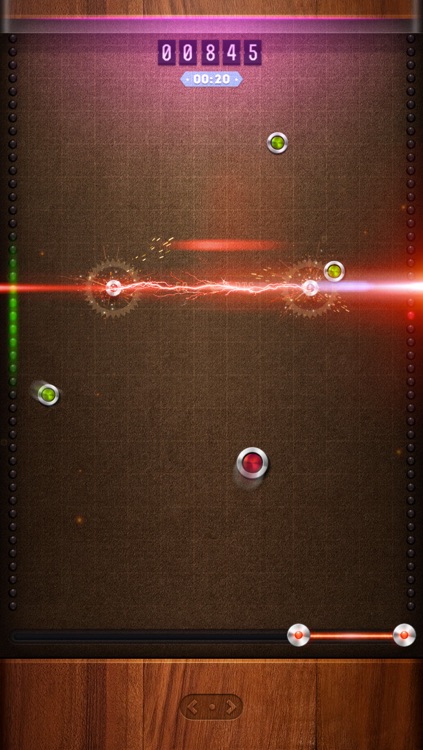
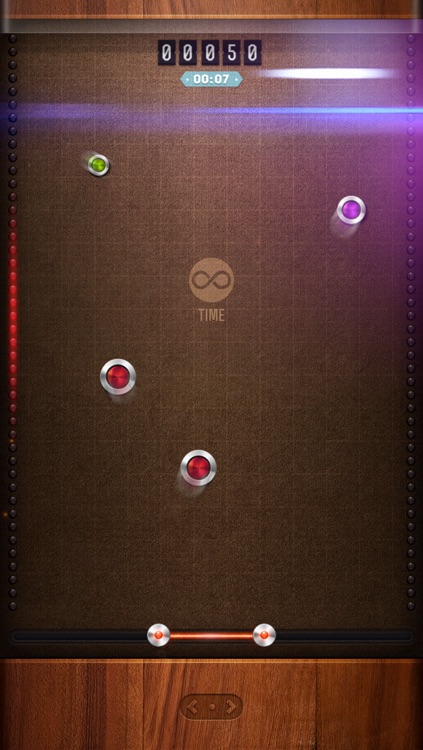
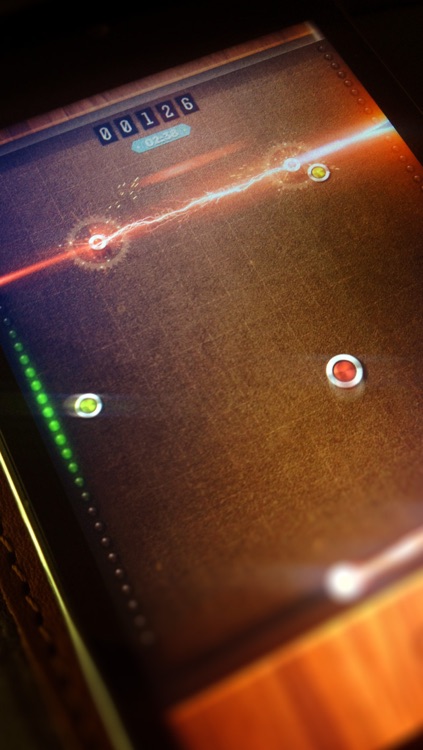
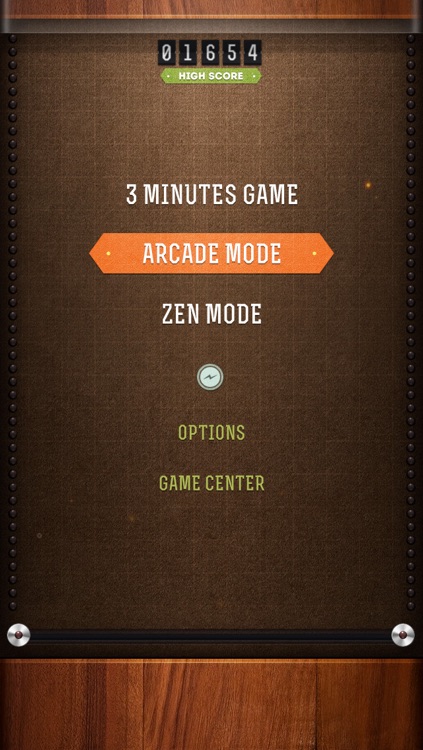
The game features three modes, all of which require you to keep the colored disks in the air by bouncing them off your laser bumper. Disks are constantly being added to the mix, so try to keep as many on the screen as possible to earn bonus points. The game also includes a fantastic retro-inspired look, and leaderboards via Game Center.

If you enjoy games like Pinball and Arkanoid, Juggle is for you. It takes seconds to go from pure boredom to juggling fun.

The paddle may feel a little laggy to some, and with no way to adjust the sensitivity, what you see is what you get.

Orderly Check Lists
iPhone
iPad
Orderly Check Lists

Orderly Check Lists

Tekton Technologies (P) Ltd.

Keep your life in order with this gesture-driven productivity app.

Orderly is for AppsGoneFree users who want a more fluid way to manage their tasks.

$1.99 $1.99
Why we picked this?

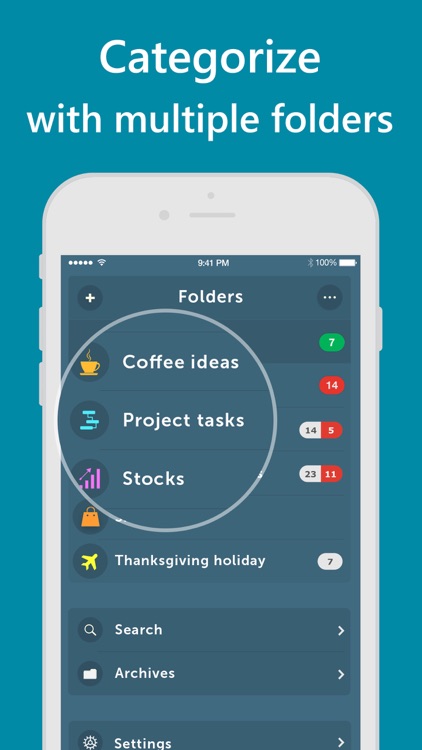
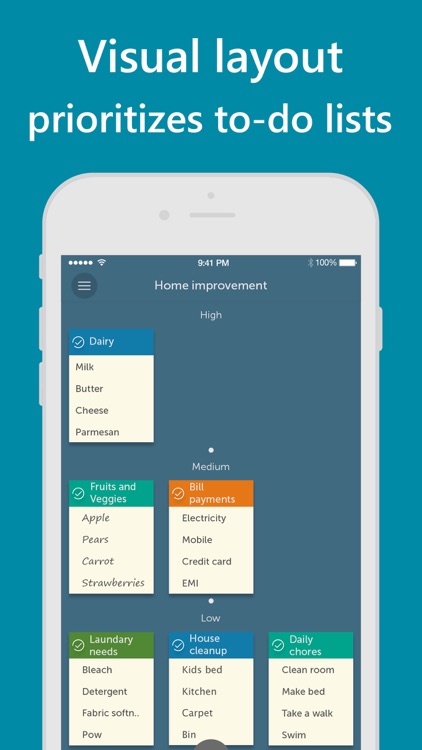
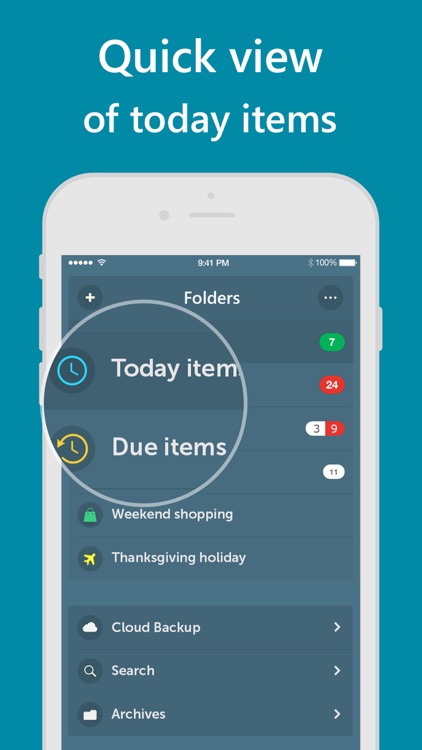
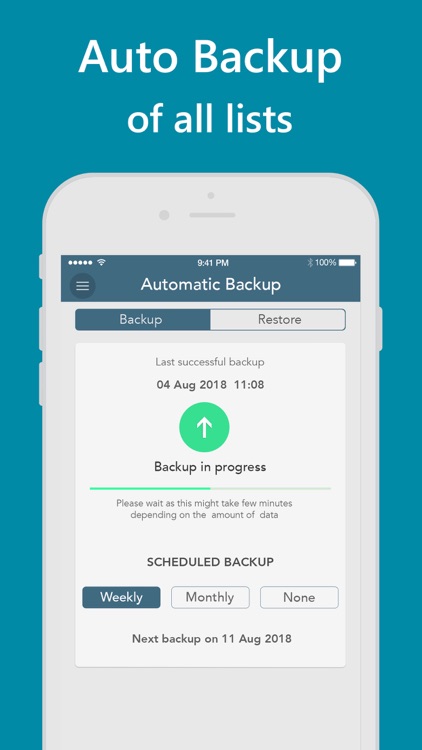
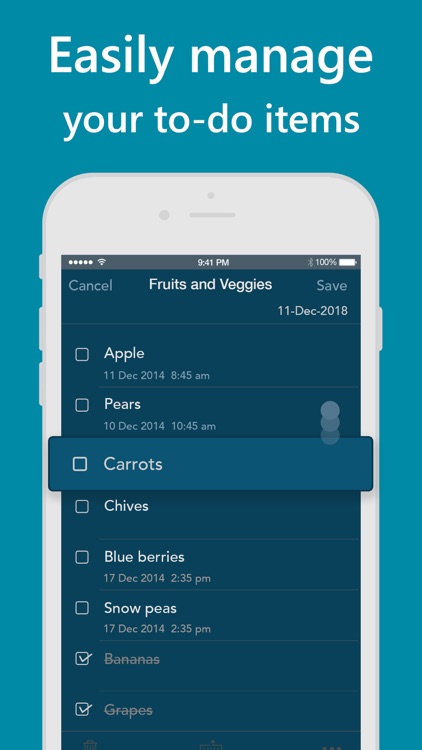
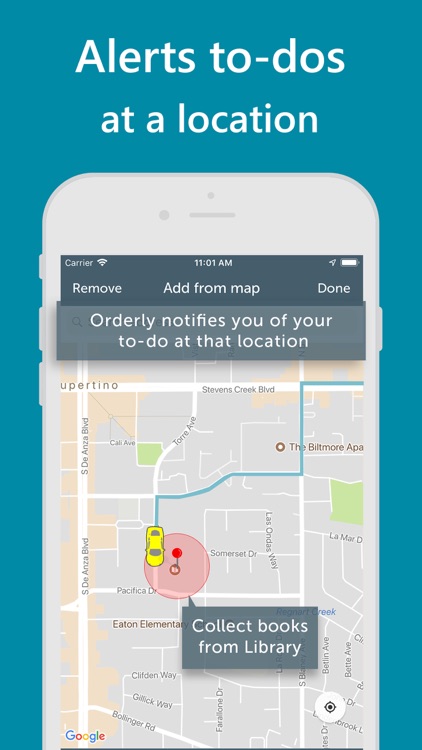
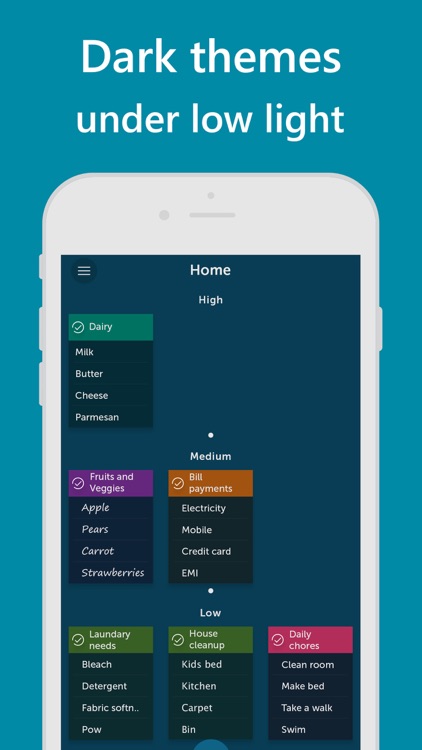
Orderly is all about prioritizing tasks to ensure you complete the most important ones on time. When creating a task list you’re able to title the group and add as many items as necessary. The menu bar icons at the top allow you to quickly change the background color, text, and font to make the list stand out. A priority level, reminder, and proximity reminder can be attached as well. All of your task lists will appear as little notes on the app’s home screen presented in order of importance.

If Apple’s native Reminders app feels too limited and clunky for you, check out Orderly. It was designed to streamline your task management instead of making it more difficult.

Orderly utilizes a bookshelf paradigm, meaning if you have a lot of lists it will feel rather cluttered.