


You are using an outdated browser. Please upgrade your browser to improve your experience.

Apps That
Went Free on
2015-10-29

Build and defend your fortress, control your computer with your iPad, and help a monster find his socks with today’s collection of apps and games.

Block Fortress
iPhone
iPad
Block Fortress

Block Fortress

Foursaken Media

Build your fortress and defend it until the end in Block Fortress.

It’s for fans of the defense genre who also have a soft spot for Minecraft.

$1.99 $1.99
Why we picked this?

In Block Fortress you’re free to build your fortress however you want. All you need to do is make sure those nasty little Goblocks don’t take it down. You can do so by building your fortress up high or making it sprawl loaded with weapons like rocket launchers, shrink rays, and mini-guns. Walls can be fortified with more than 30 types of building blocks, 16 turrets, and support blocks like teleporters, land mines, and spotlights. The game also includes six terrains to conquer, a massive crafting system, and five modes including cooperative and competitive multiplayer.

If your idea of a fun time is building things from scratch, this is your game. It’s Minecraft on military steroids.

The main game includes a lot of grinding, so if you’re not in it for the long haul then skip this one.

WorldCal - World Calendar Country Public Holiday
iPhone
WorldCal - World Calendar Country Public Holiday

WorldCal - World Calendar Country Public Holiday

Cinono Design

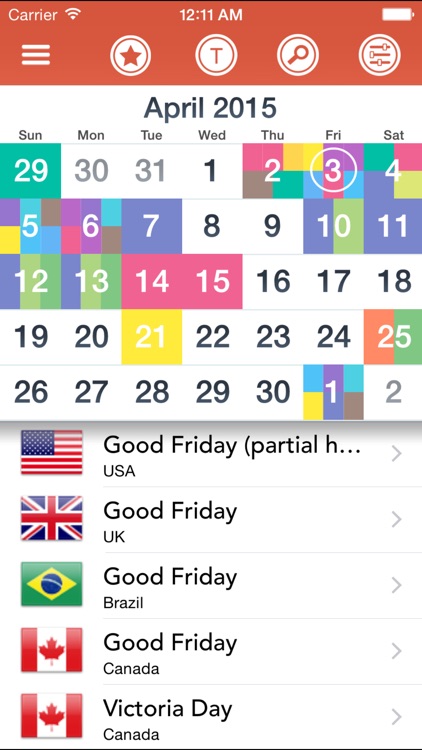
Always be informed of upcoming holidays and cultural events with WorldCal.

It’s great for anyone who wants more from their calendar.

$0.99 $0.99
Why we picked this?

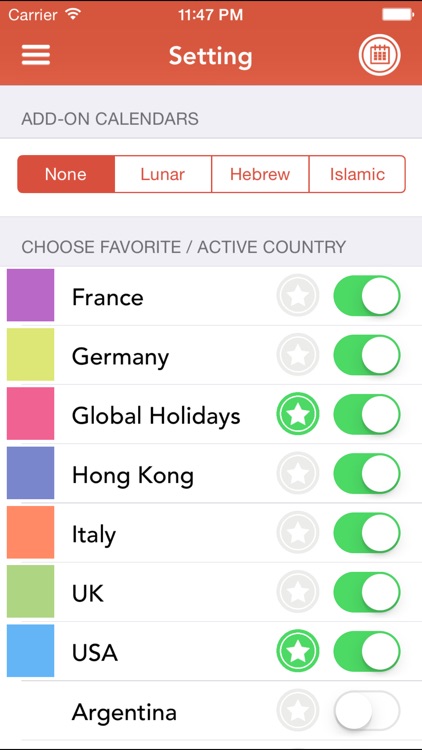
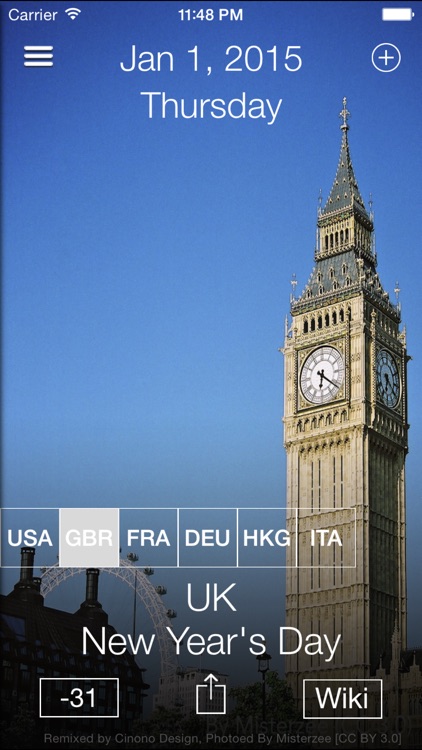
WorldCal covers public holidays from 2013 all of the way to 2020. You’re able to toggle countries and add-on calendars on and off, and mark your favorites in order to avoid clutter. You’re also able to simply get a list of all upcoming holidays, or search for something specific. A handy built-in calculator allows you to see how many days are between you and your favorite holiday.

If you never want to miss a thing, this is the calendar app for you. It focuses solely on public holidays, all of which are available for free without any additional in-app purchases.

If you’re more concerned about features than holidays, skip this one.

Data Widget - 3g/4g/5g data
iPhone
iPad
Data Widget - 3g/4g/5g data

Data Widget - 3g/4g/5g data

Jerry Jee

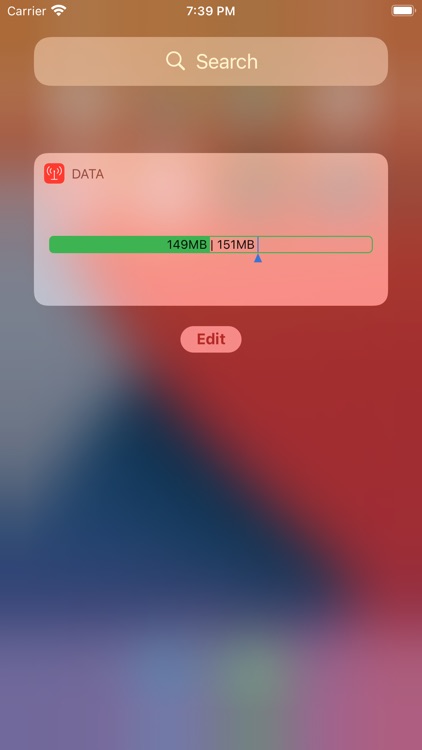
Check your data usage from the Today view or your wrist with Data Widget.

It’s for those who are always worried about going over their data cap.

$1.99 $1.99
Why we picked this?

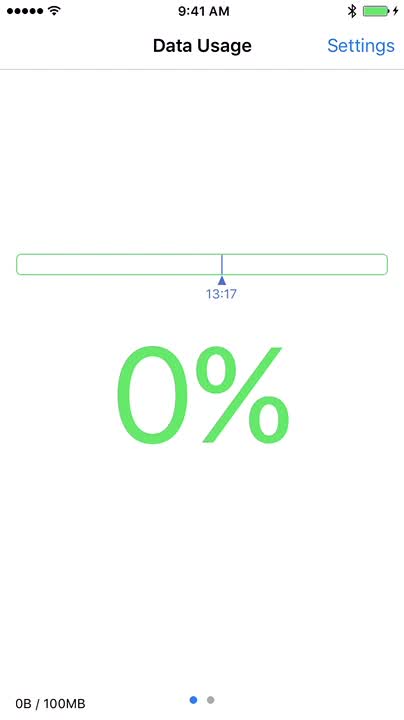
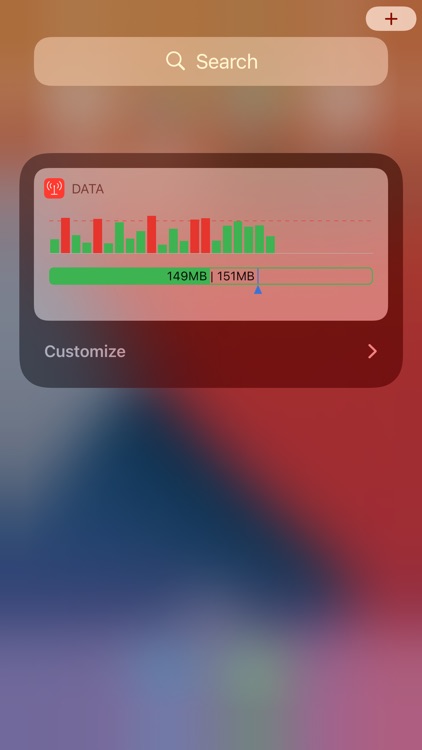
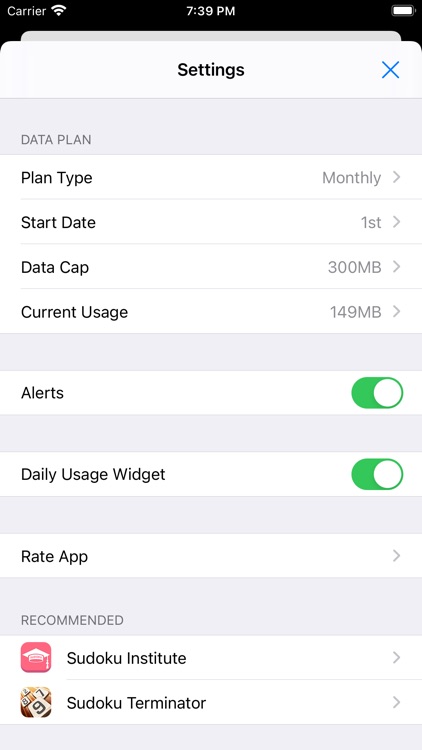
Data Widget is so simple yet so effective. Launch the app, set your data cap, set your start and end date, and record any usage you may already have. Then swipe down to bring up Notification Center and add the widget by tapping the “Edit” button found all the way at the bottom. After that, any time you want to check your current data usage in real-time, just swipe down. You can also now check your usage via Apple Watch.

If you have a low data cap, check out Data Widget. It makes it easy to monitor your usage.

If you don’t care all that much about your data usage, Data Widget isn’t necessary.

Monster's Socks
iPhone
iPad
Monster's Socks

Monster's Socks

Martin Hughes

Help the monster find his missing socks in Monster’s Socks.

It’s a whimsical tale for the whole family to enjoy.

$0.99 $0.99
Why we picked this?

In this delightful interactive storybook you must help a little monster cross streams, seas, and even outer space in order to recover his missing socks. Unlike basically every other interactive storybook, you won’t just be tapping and swiping on objects in the background; you’re actually put in control of the monster himself. The app includes a total of 10 interactive scenes, and music and narration by Bob Schneider.

If your child is a fan of classic tales such as Where the Wild Things Are, this is a great book for them.

The text doesn’t stay on the screen for very long, so this isn’t the best educational tool.

WiFi Mouse HD
iPad
WiFi Mouse HD

WiFi Mouse HD

士猛 王

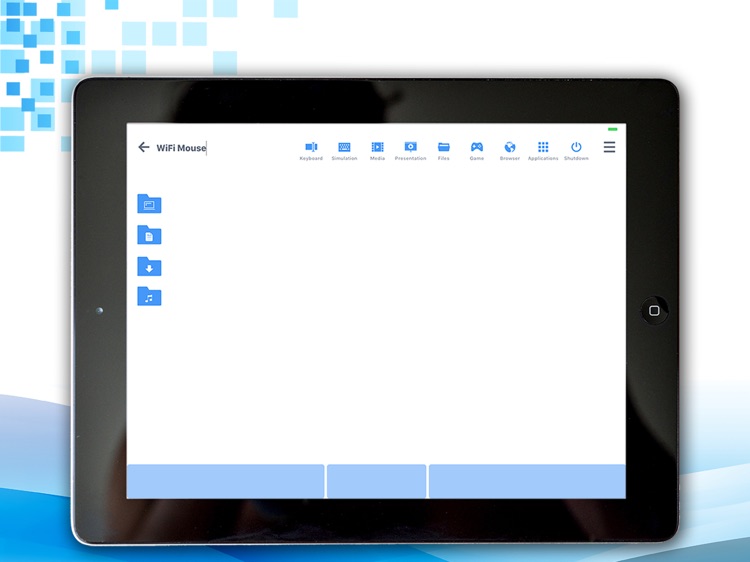
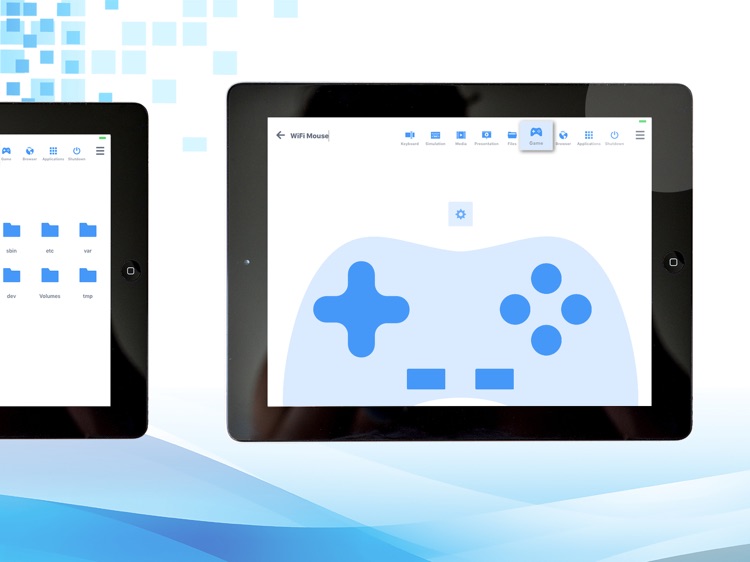
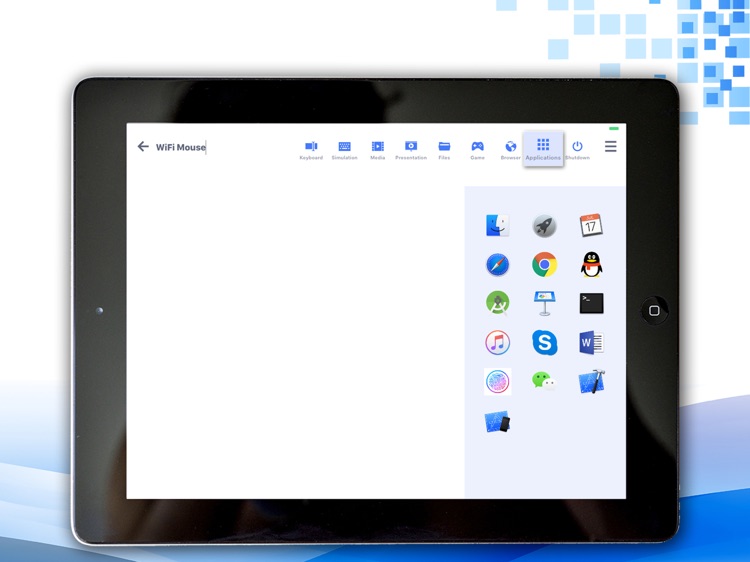
Transform your iPad into a wireless mouse, keyboard, and trackpad with WiFi Mouse.

It’s great for those who utilize their computers as home media devices.

$1.99 $1.99
Why we picked this?

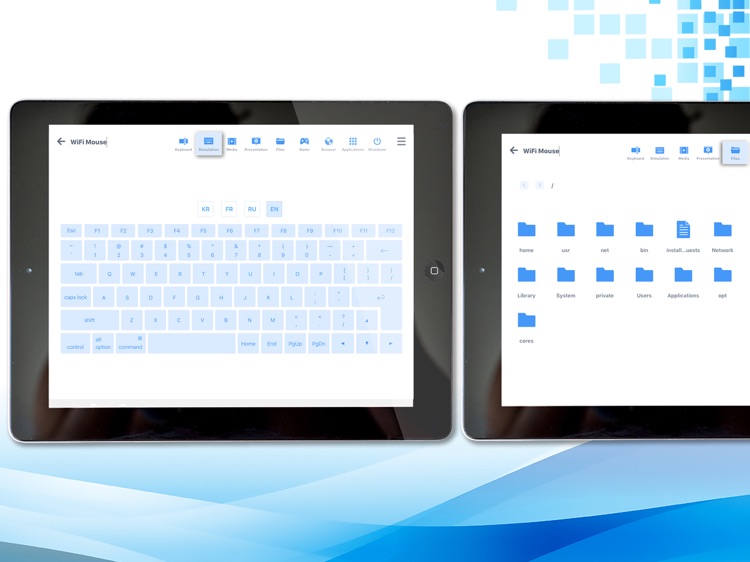
WiFi Mouse is more than a wireless mouse. It acts as your computer control center. It supports multi-finger gestures, allowing you to swipe and tap with up to four fingers to perform different actions. It’s also a full-screen keyboard with programmable hot keys. Lefties will appreciate the ability to swap buttons on the fly.

If your Mac or PC is your media center, download WiFi Mouse HD today. It’s easy to setup, and allows you to instantly connect to your computer without any additional taps. Once you’re connected, you’re able to use it however you wish.

This isn’t nearly as effective as a real mouse, but it’ll have to do if you don’t want to bring it with you wherever you roam.