





You are using an outdated browser. Please upgrade your browser to improve your experience.

Apps That
Went Free on
2015-10-31

Add stylish text to your photos, play with cute monsters, and quickly transfer content with today’s collection of apps and games.

Fonta - Little Design Studio
iPhone
Fonta - Little Design Studio

Fonta - Little Design Studio

ThirtyFive Inc.

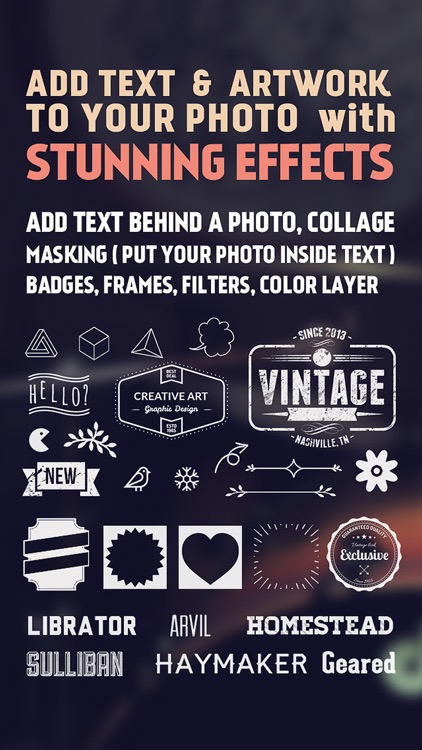
Add stylish text to your favorite photos with Fonta.

The app is ideal for anyone that wants to tell a story with their photos.

FREE ($0.99) For a limited time FREE ($0.99) For a limited time
Why we picked this?

Fonta has a ridiculous amount of text options, allowing you to stand out from the crowd. Before you get to that point, however, you can edit your original photo by cropping, rotating, framing, filtering, and blurring it. Then come up with a message you want to drive home, and place it wherever you like on your photo. You’re able to select from a wide variety of fonts, colors, opacity levels, and even layer your text. There are also loads of frame and artwork options to choose from. Fonta allows you to share your creations via Instagram, Facebook, and Twitter.

If you really want to make your photos personal and unique, Fonta will help you accomplish that. It’s like a little design studio that you can bring wherever you go.

To come up with truly great results, you’re going to have to fiddle around for a while and dig through all of the options. If that sounds horribly unappealing to you, avoid Fonta.

Weafo - Share Photo & Video
iPhone
iPad
Weafo - Share Photo & Video

Weafo - Share Photo & Video

Mohammad Khoman

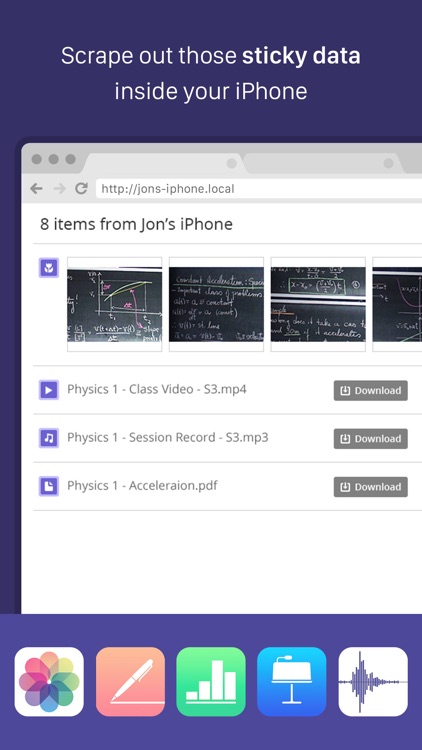
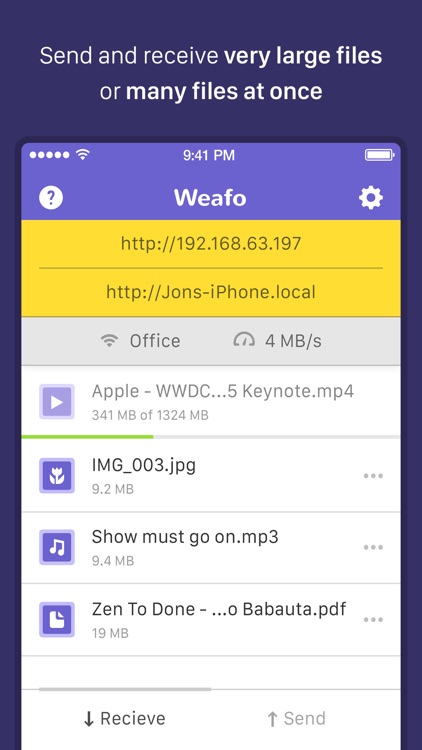
Quickly transfer content to any device with Weafo.

It’s for those who have something to share.

FREE ($1.99) For a limited time FREE ($1.99) For a limited time
Why we picked this?

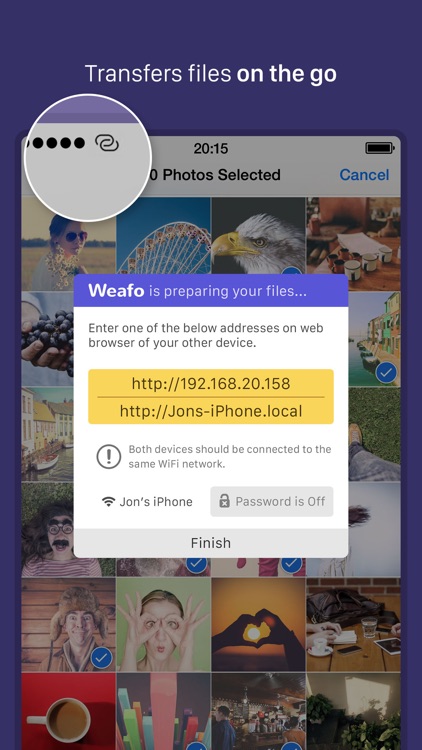
Weafo is a simple concept executed perfectly. There’s no need to install the app on multiple devices. All you need to do is activate the share extension and you’re off. The app provides a quick tutorial in case you’re not sure how to enable the extension. Then any time you need to transfer a file or link, simply tap the share icon in whatever app you’re in, choose the Weafo extension, and hand out the provided link to as few or as many people as you like. They’ll be able to download the linked content on any device.

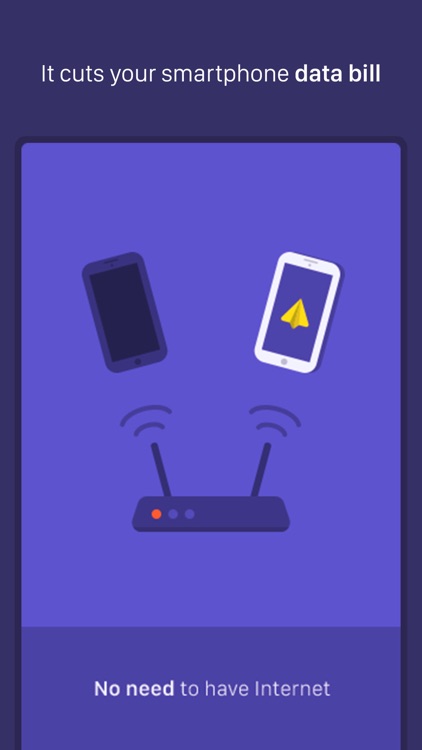
If you’re tired of messaging content or hunting down that USB cable, Weafo is for you. It couldn’t be easier to use, and the ability to compress files is icing on the cake.

The app requires iOS 8 or later since it utilizes extensions.

Cutie Monsters Jigsaw Puzzles
iPad
Cutie Monsters Jigsaw Puzzles

Cutie Monsters Jigsaw Puzzles

Paul Smith

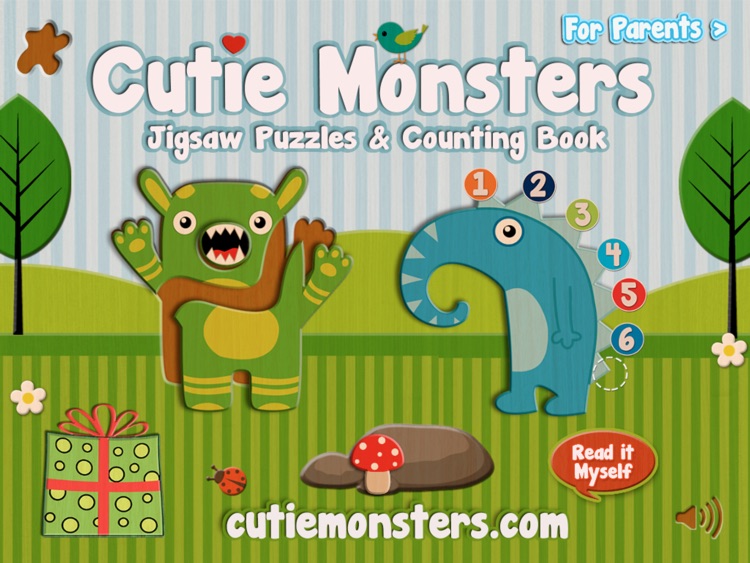
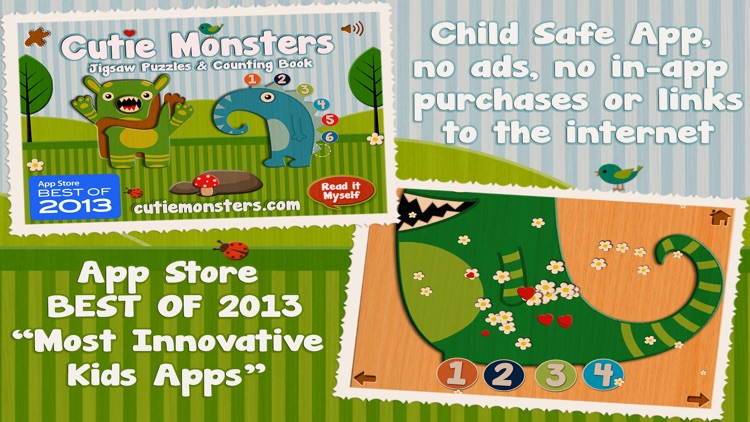
The non-mini version of Paul Smith's educational app. It helps your child learn to recognize numbers and count just by hanging out with a bunch of Cutie Monsters.

It’s perfect for any parent looking to educate and entertain their child.

$2.99 $2.99
Why we picked this?

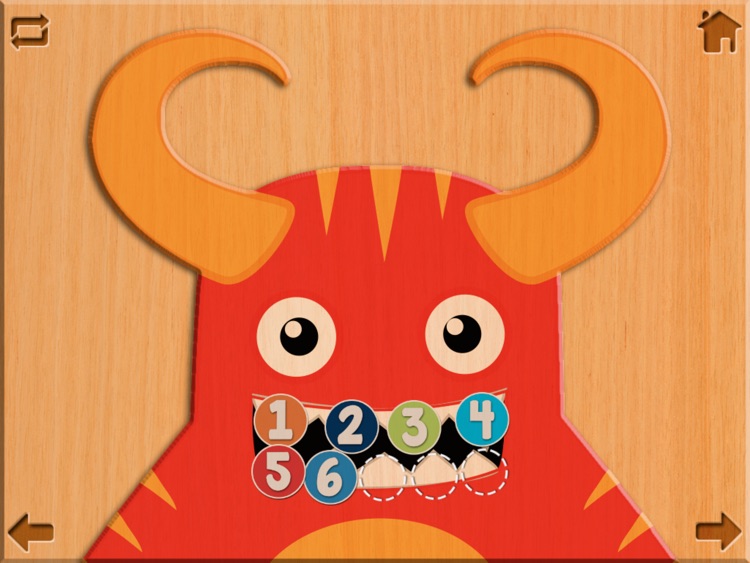
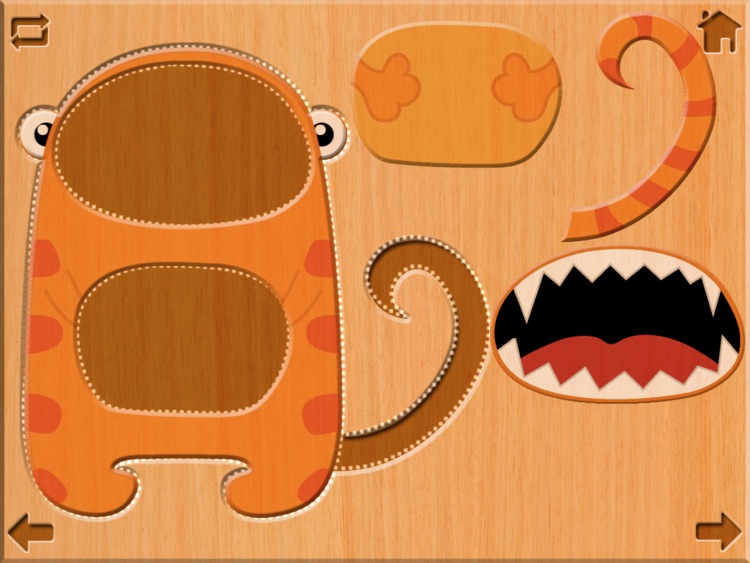
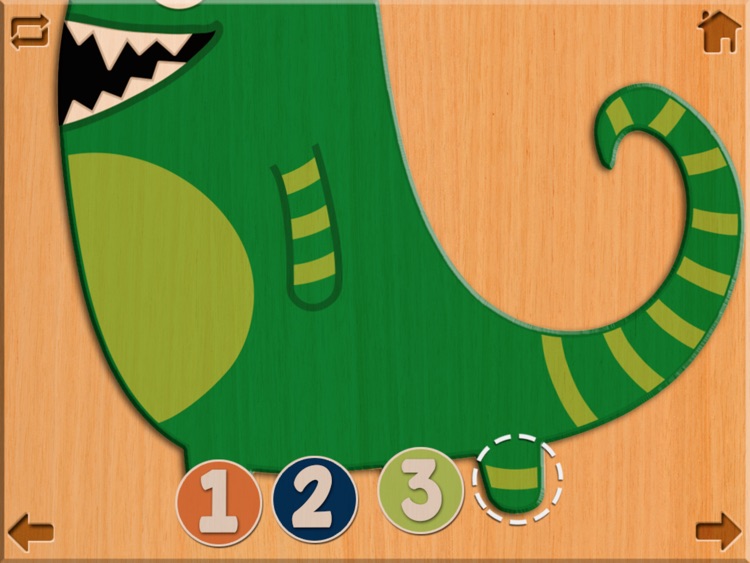
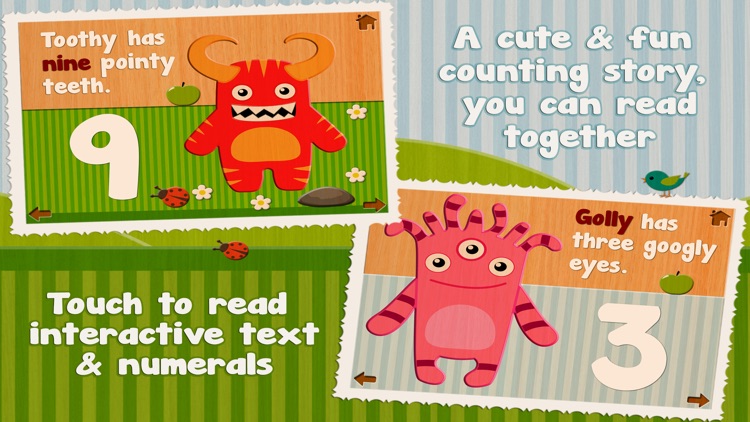
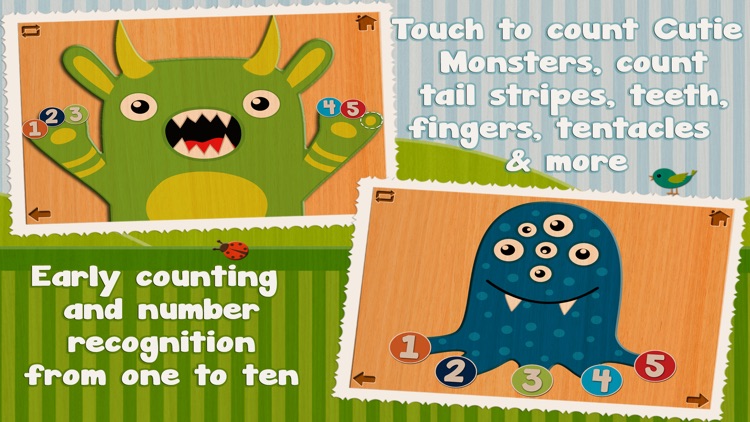
Just like Cutie Mini Monsters, your child is presented with more than 30 beautifully illustrated pages, each featuring an interactive monster that will assist them with recognizing and learning a specific number. They can flip through the pages on their own, or they can listen to the narrator sound out words for them. They’re also able to put together a collection of jigsaw puzzles.

If you have an iPad at home, this is the superior version of Cutie Monsters. It’s just like the iPhone version, only more accessible thanks to the larger graphics and interactive elements.

If your child is six-years-old or older, Cutie Monsters isn’t for them. It simply won’t be challenging enough to keep them coming back for more.

Cutie Mini Monsters
iPhone
Cutie Mini Monsters

Cutie Mini Monsters

Paul Smith

This educational app will help your child learn to recognize numbers and count just by hanging out with a bunch of Cutie Mini Monsters.

It’s perfect for any parent looking to educate and entertain their child.

$2.99 $2.99
Why we picked this?

What’s better than a bunch of regular monsters? Cute mini ones, of course! Your child is presented with more than 30 beautifully illustrated pages, each featuring an interactive monster that will assist them with recognizing and learning a specific number. They can flip through the pages on their own, or they can listen to the narrator sound out words for them. They’re also able to put together a collection of jigsaw puzzles.

If your child needs a little help learning how to count, Cutie Mini Monsters is perfect for them. It’s loaded with colorful activities that will keep them engaged.

If your child is six-years-old or older, Cutie Mini Monsters isn’t for them. It simply won’t be challenging enough to keep them coming back for more.

DEAD EYES
iPhone
iPad
DEAD EYES

DEAD EYES

LoadComplete

Survive the zombie apocalypse in Dead Eyes.

It’s for fans of turn-based puzzle games.

$2.99 $2.99
Why we picked this?

Jack is a young, curly-haired boy who is trapped in a dark and foggy world that’s being taken over by the undead. Help him reach safety in each level by guiding him past the zombie hordes. To do so, simply swipe in any direction where there is open space. You must learn the patterns of the zombies in order to survive, because every move you make, they’re allowed an equal chance to move. The game includes four episodes with 100 levels to play through, Everyplay integration, and unlockable costumes.

If you’re tired of the same old cutesy puzzle games, check out Dead Eyes. It provides a thrilling atmosphere.

The game can feel a little monotonous, especially in later levels where you’ll have to restart over and over.

Work.JOT - Timesheet & Task List Management
iPhone
Work.JOT - Timesheet & Task List Management

Work.JOT - Timesheet & Task List Management

SUNIL KARKERA

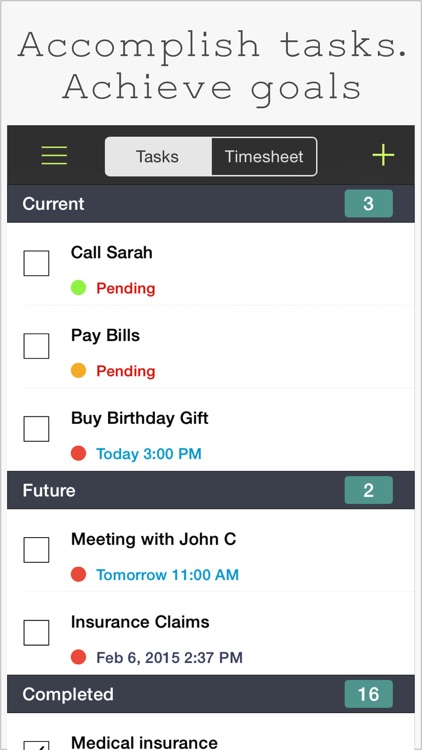
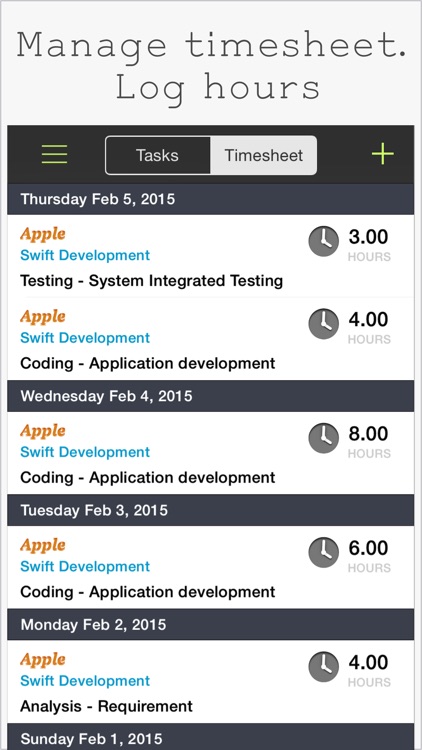
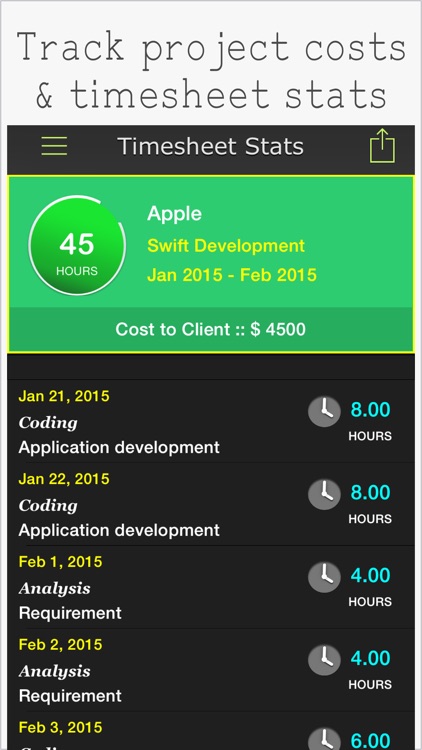
Track projects and your time spent on them with Work.JOT.

It’s the perfect app for independent contractors.

$4.99 $4.99
Why we picked this?

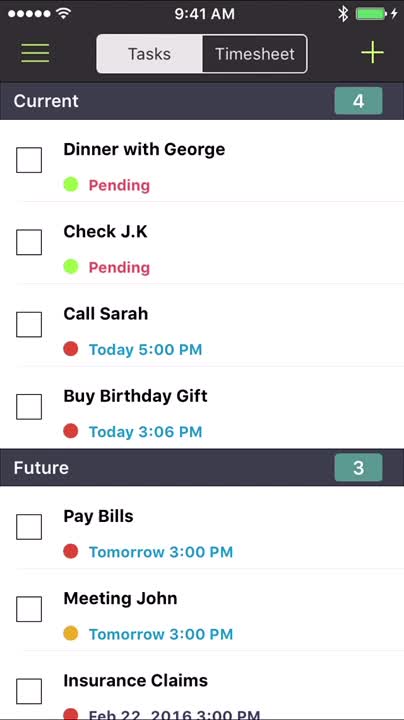
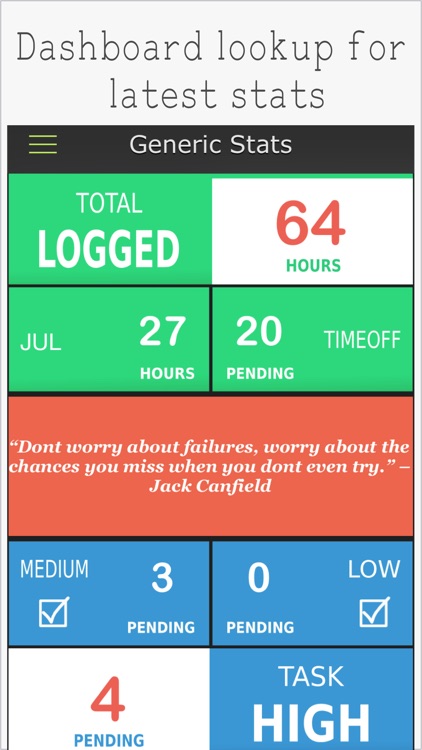
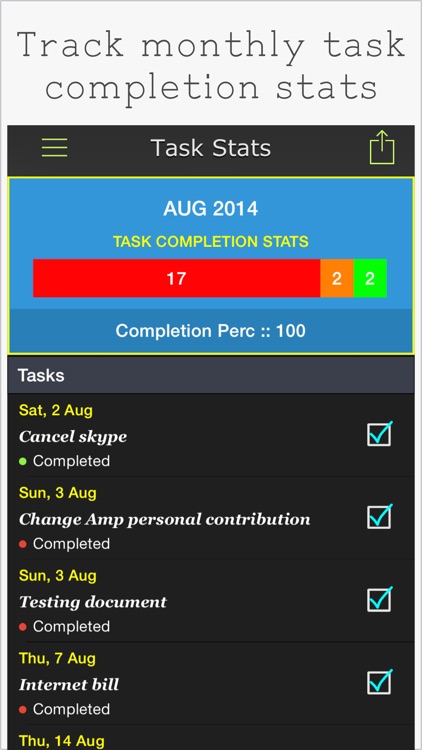
Work.JOT helps you manage every facet of your job because it’s really two apps in one: task manager and time tracker. It allows you to create tasks, set due dates, and even add subtasks. You’re also able to create client and project lists, and track the time spent on them. A dynamic dashboard allows you to get an overview of all of your latest stats. When a job is complete, you’re able to generate and share timesheet reports via email.

If you need an efficient way to monitor your projects, you’ve found it. It offers a variety of features that can be customized in order to fit your specific needs.

It doesn’t have a timer. You have to manually enter the hours spent on a project.