



You are using an outdated browser. Please upgrade your browser to improve your experience.

Apps That
Went Free on
2015-11-01

Escape from the darkness, capture two sides of every moment, and explore an entire city with today’s collection of apps and games.

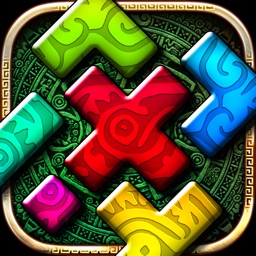
Montezuma Puzzle 4 Premium
iPhone
iPad
Montezuma Puzzle 4 Premium

Montezuma Puzzle 4 Premium

ECO Pawel Jarosz

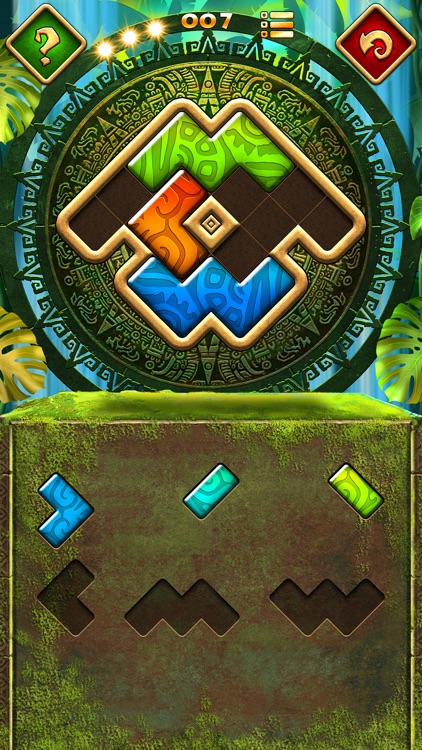
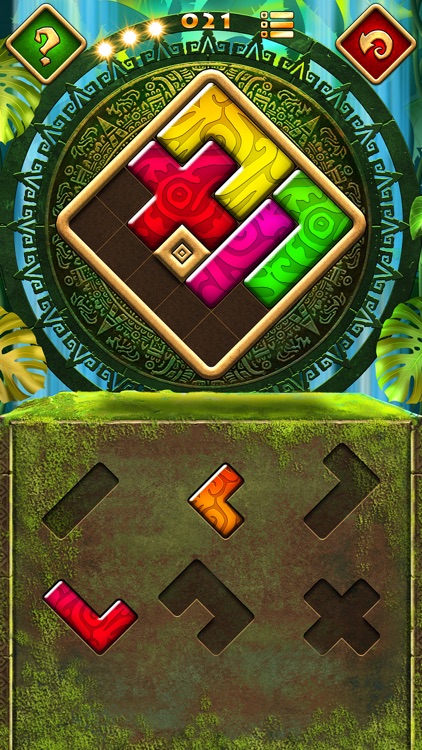
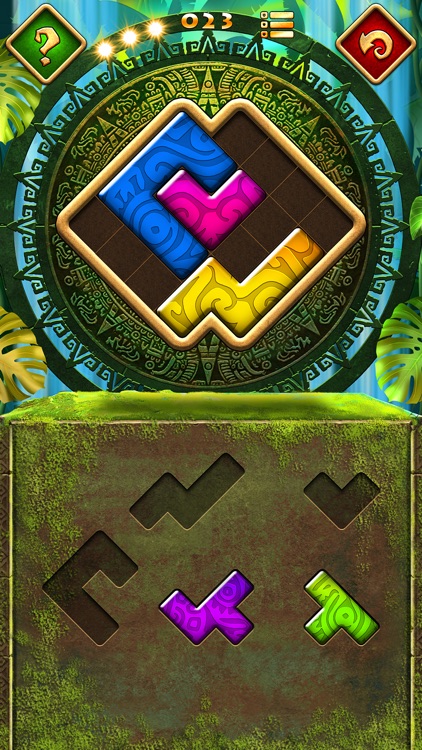
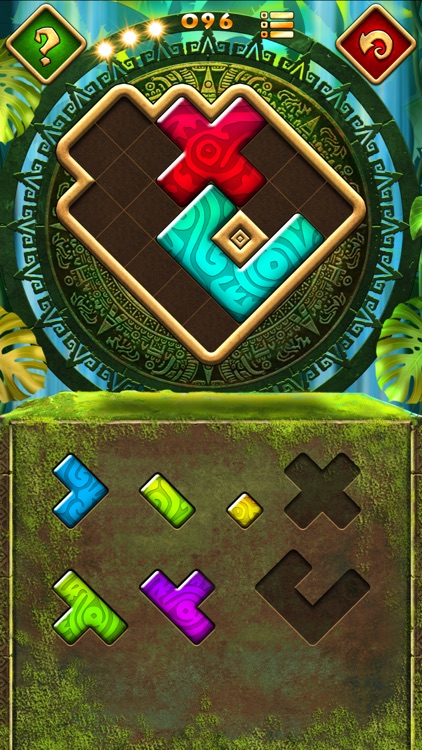
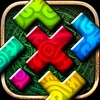
It’s time once again to piece together the puzzles of Montezuma.

It’s a fun distraction for those who enjoy Tangram-like puzzles.

FREE ($0.99) For a limited time FREE ($0.99) For a limited time
Why we picked this?

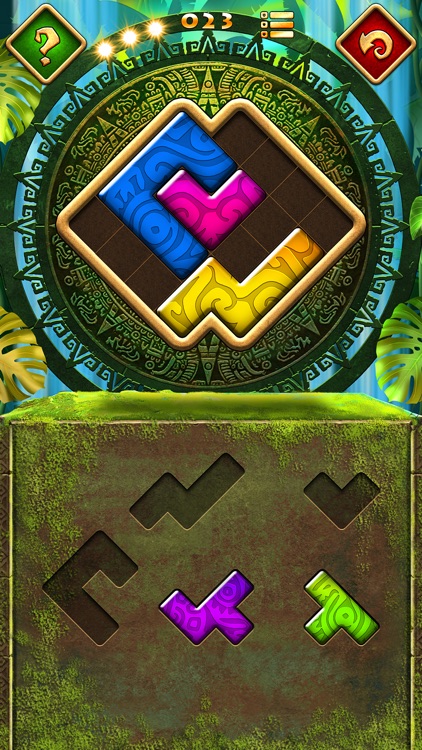
Each of the 100 puzzles require you to drag and drop pieces from the lower half of the screen into the top in order to completely fill in the shape. Pieces can not be flipped or rotated, so you’ll have your work cut out for you. The game also includes an unlimited number of hints and undos, creating a rather relaxing environment. Although, if you do utilize a hint you won’t be able to earn a perfect rating.

Montezuma is one chill game. No timers, no worries. Just sit back and enjoy.

If you’re into competing with your friends for high scores, this isn’t the app for you.

WikiLinks
iPhone
iPad
WikiLinks

WikiLinks

Boris Conforty

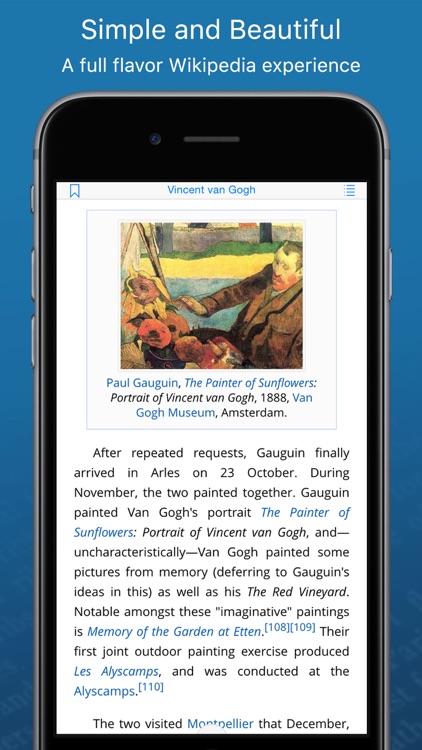
See everything Wikipedia has to offer with WikiLinks.

It’s the perfect reference app for anyone with an appetite for discovery.

$5.99 $5.99
Why we picked this?

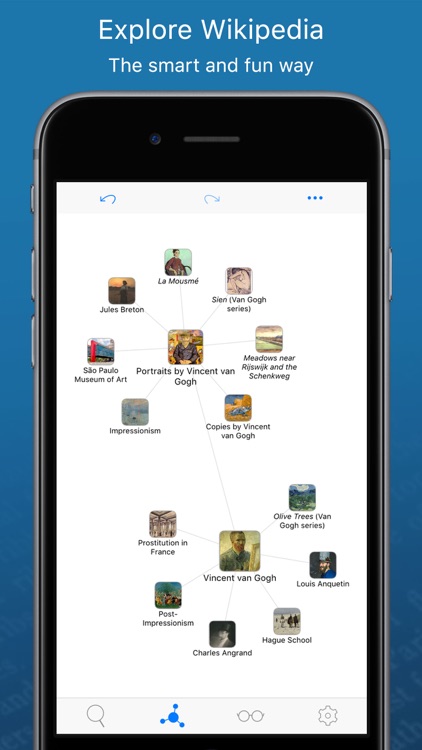
WikiLinks allows you to start off with an idea and branch out from there with its exclusive mind-map navigation system. Each search suggests different paths to take and allows you to retrace your steps at any time. Instead of jumping back and forth between searches and articles, tap and hold your finger on any link to get a quick preview. WikiLinks is loaded with other great features as well, including fullscreen image browsing, suggested YouTube videos, offline viewing, and iCloud support.

If you love digging deeper, this is the Wikipedia app for you. It’ll take you down paths you’ve never dreamed of.

If all you want is to search Wikipedia for something specific, it’s probably best to go with a more basic app.

Big City Vehicles for Kids
iPhone
iPad
Big City Vehicles for Kids

Big City Vehicles for Kids

The Melody Book

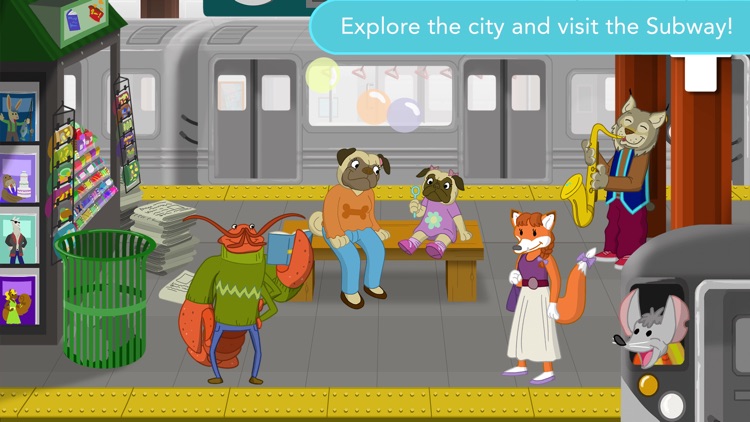
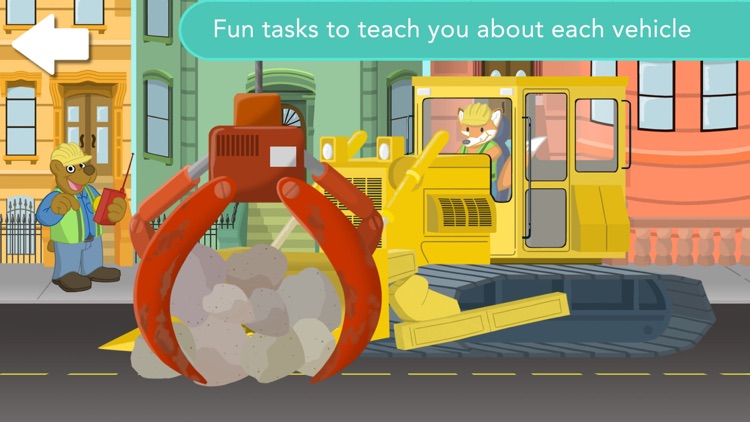
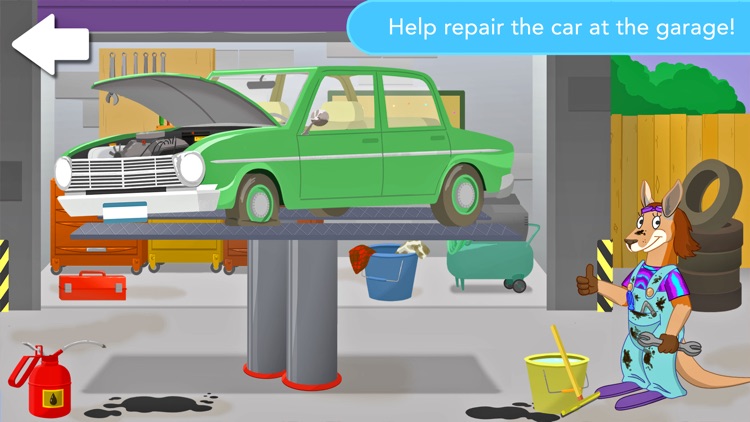
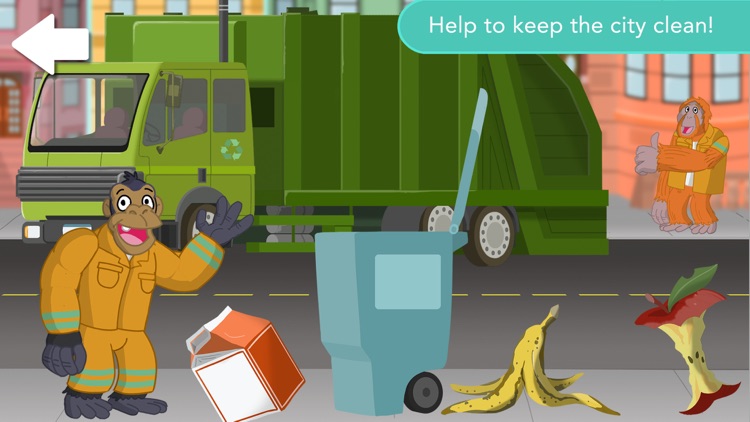
Learn about vehicles in the streets, the sky, and the subway with Big City Vehicles.

It’s designed for children ages one through four.

$2.99 $2.99
Why we picked this?

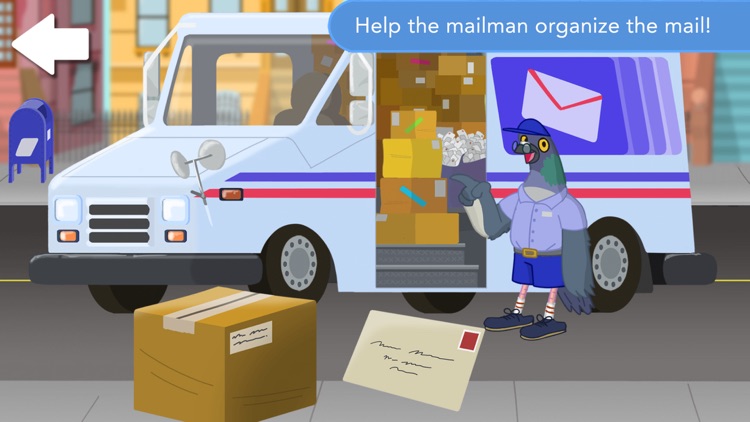
There’s no wrong way for your child to experience Big City Vehicles. It’s a wide open playground. They’re encouraged to interact with everything they see including funny animal characters, objects in the street, and more than 25 city vehicles. Along the way they’ll come across educational tasks like mixing cement, assisting the mailman, and sorting cookies.

If you’re little one loves to explore, hand them your iDevice with Big City Vehicles installed. You’re even able to control the content of the app from your Apple Watch.

If you’re child is above the age of four, they won’t get much out of this one. There’s only so much to keep them engaged.

SelfBack - Selfie & Back Camera
iPhone
SelfBack - Selfie & Back Camera

SelfBack - Selfie & Back Camera

pierre gougelet

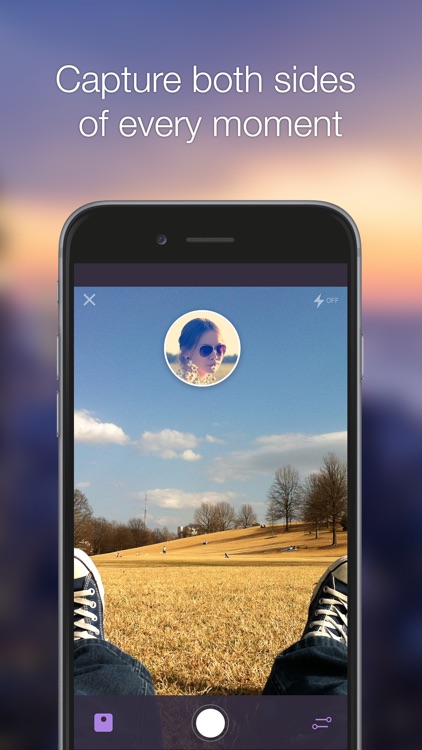
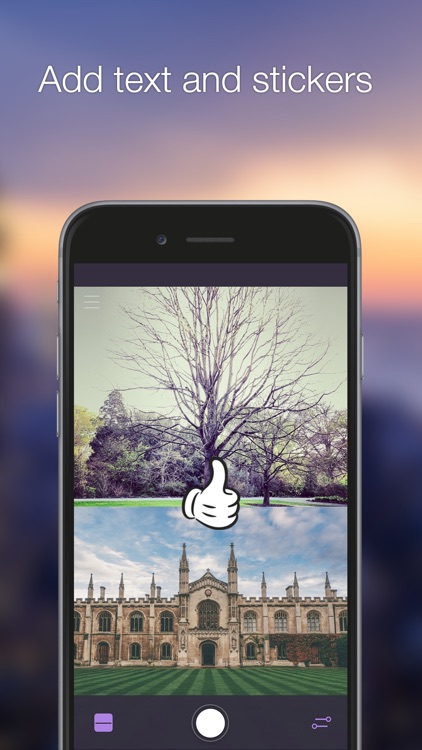
Quickly capture photos with both the front and back camera on your iDevice with SelfBack.

It’s for those who enjoy social media and sharing moments.

$0.99 $0.99
Why we picked this?

SelfBack brings your selfie game up a notch. It allows you to capture both sides of a moment. You get to choose between a split screen layout and one where a circle is superimposed at the top of the screen. Then take a photo with the front camera and back. You’re able to swap the two with a vertical swipe. SelfBack also includes loads of stickers and different fonts to utilize.

If you’re a selfie maniac, you need SelfBack on your iDevice.

The app can’t capture two photos simultaneously. They need to be taken one after another.

Dim Light
iPhone
iPad
Dim Light

Dim Light

BeomSu Oh

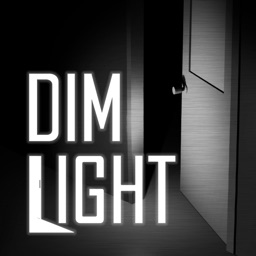
Escape from the pitch black madness in Dim Light.

It’s for fans of survival horror games.

$0.99 $0.99
Why we picked this?

You find yourself in a pitch black hospital with nothing but a flashlight to light the way. It’s eerily quiet, with only the sounds of your footsteps echoing down the hallways. Tap to set waypoints and find the way to each exit before whatever it is that’s lurking in the darkness finds you. A double-tap will engage a full sprint, and you can swipe to change the direction of your flashlight.

If you’re idea of fun is dark and creepy, then this is your game. Your first encounter with what lurks in the dark will get your heart going.

The game is a tad short, and lacks any replay value.