


You are using an outdated browser. Please upgrade your browser to improve your experience.

Apps That
Went Free on
2015-12-05

Swap out blocks to match the color palette, lob projectiles at your enemies, and go on a spelling adventure with today’s collection of apps and games.

Top Tank
iPhone
iPad
Top Tank

Top Tank

Fun Fetched

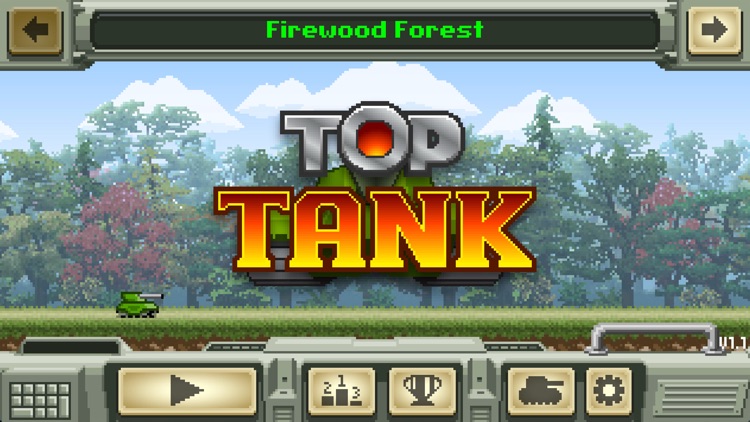
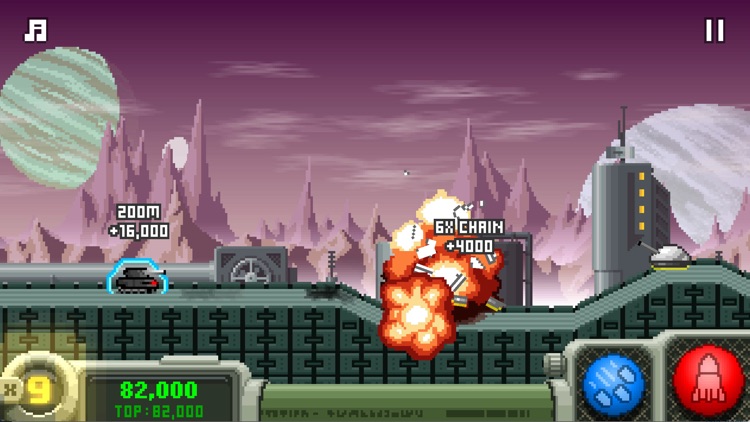
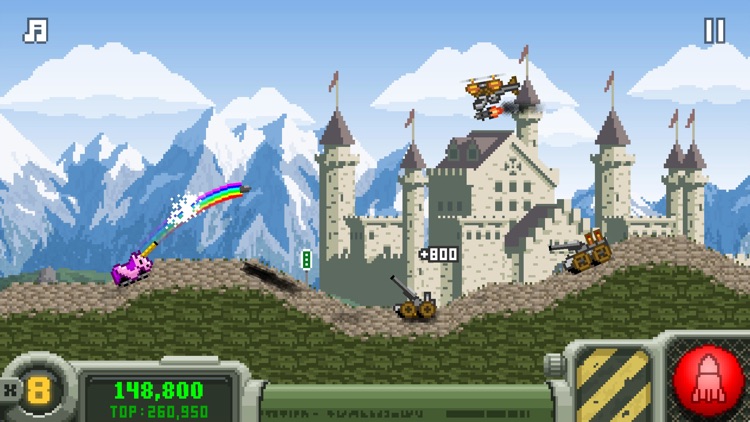
Lob projectiles at your enemies and navigate the terrain in Top Tank.

It’s for fans of retro arcade games.

FREE ($0.99) For a limited time FREE ($0.99) For a limited time
Why we picked this?

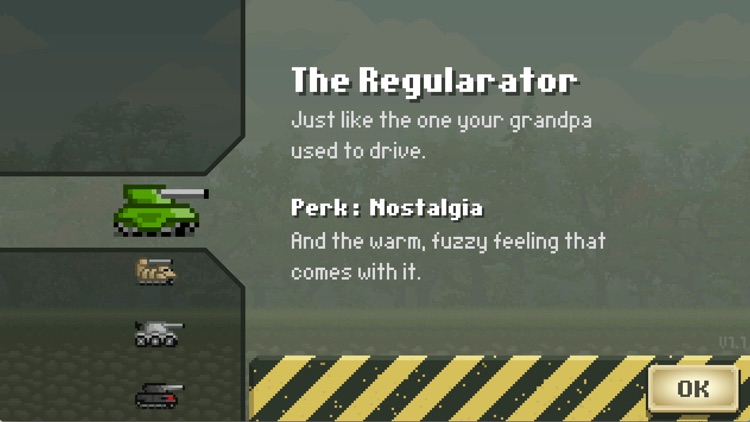
Hop into a heavily armored tank and take on foes both on the ground and in the air. Your tank will travel ahead on its own, rolling over whatever is in its way. When it’s time to lob a projectile, simply hold your finger on the fire button to adjust the angle of your shot and release to fire. The tank will stop momentarily while you take aim. Try to deal as much damage as possible to your enemies before they do the same to you to climb the leaderboards. The game includes six unlockable tanks with special perks, power-ups, and seven locations.

If you’re into casual one-touch games, you need to download Top Tank. It’s pick-up-and-play gaming to perfection.

If you want every tank right off the bat, you’ll have to spend some money.

har•mo•ny 3
iPhone
iPad
har•mo•ny 3

har•mo•ny 3

BorderLeap

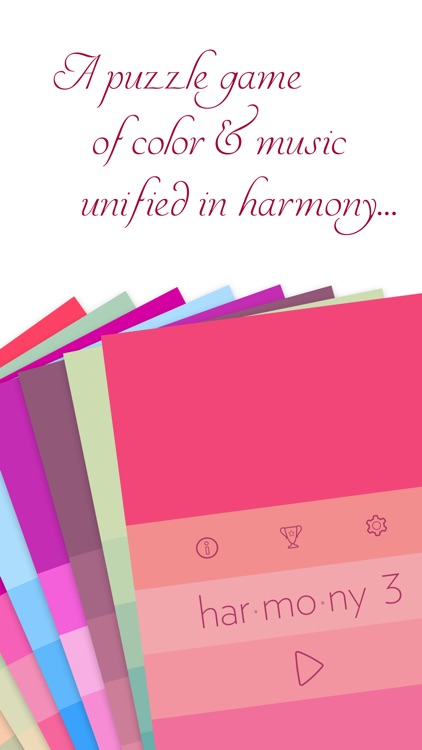
It’s up to you to rearrange the colorful blocks according to a palette of colors that blend together harmoniously.

This game is ideal for anyone looking for a puzzle game that’s easy on the eyes, music to the ears, and challenging to the brain.

$2.99 $2.99
Why we picked this?

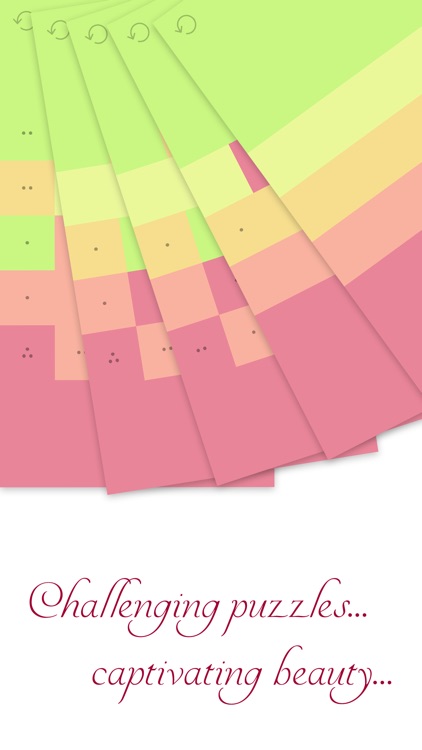
Harmony 3 is a masterful extension of the original puzzle games by BorderLeap. It comes as close to puzzling perfection as you can get. The object of the game is to swap out blocks with a tap in order to get them to match the color palette. Blocks can only be swapped in vertical or horizontal rows. The number of moves each block can make is indicated by the black dots on top of them. You absolutely must use up all of the moves for each block to complete the puzzles. Matching only the colors isn’t good enough. Harmony 3 includes hundreds of challenging levels and some new holiday themes ones.

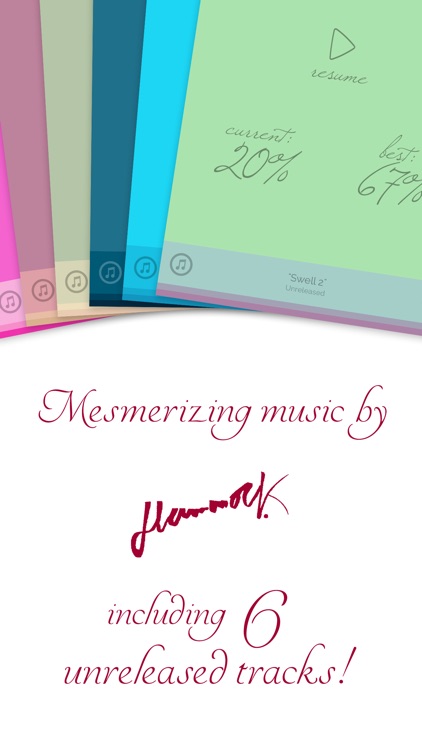
If you enjoyed the original Harmony games, this is a must download. The nearly three full hours of original music and downloadable wallpapers will keep you coming back for more.

The only downside is that you can’t skip levels.

My Folder 2 - File manager
iPhone
iPad
My Folder 2 - File manager

My Folder 2 - File manager

Wesley Caldas

Manage all of your local files with ease with My Folder.

It’s great for students and business professionals.

$0.99 $0.99
Why we picked this?

My Folder helps you get organized. It’s able to grab and read any file that’s stored in iCloud. You’re also able to create your own basic text files and access files on your computer via Wi-Fi. Anything that you bring into the app can be managed within folders. The app also includes the ability to create shortcuts from your home screen, sort files by name or date, and search for files by name.

If you store everything in iCloud, My Folder is a great way to manage it. It’s able to read every popular file format.

The app is limited to viewing files. The only file type you can create is .txt.

Spell 'til You Drop from Reading Laboratory 2.0
iPad
Spell 'til You Drop from Reading Laboratory 2.0

Spell 'til You Drop from Reading Laboratory 2.0

McGraw-Hill School Education Group

Spell the words you hear in this educational game.

It’s for children in grades one through eight.

$0.99 $0.99
Why we picked this?

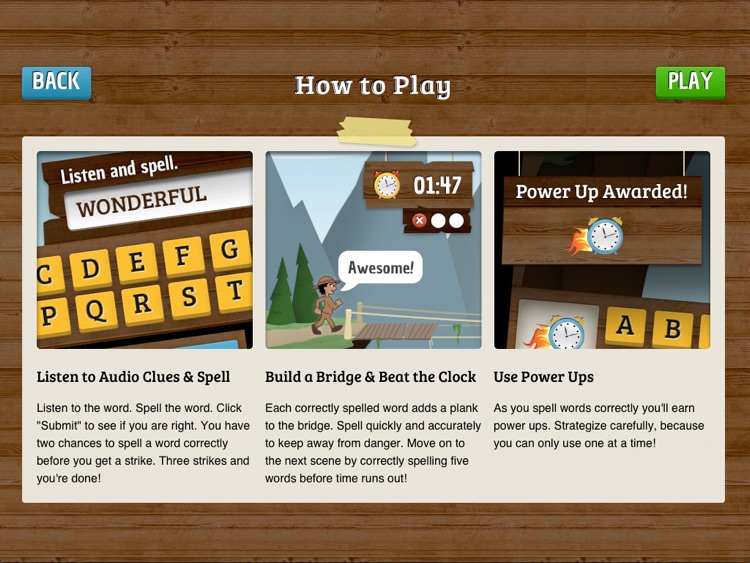
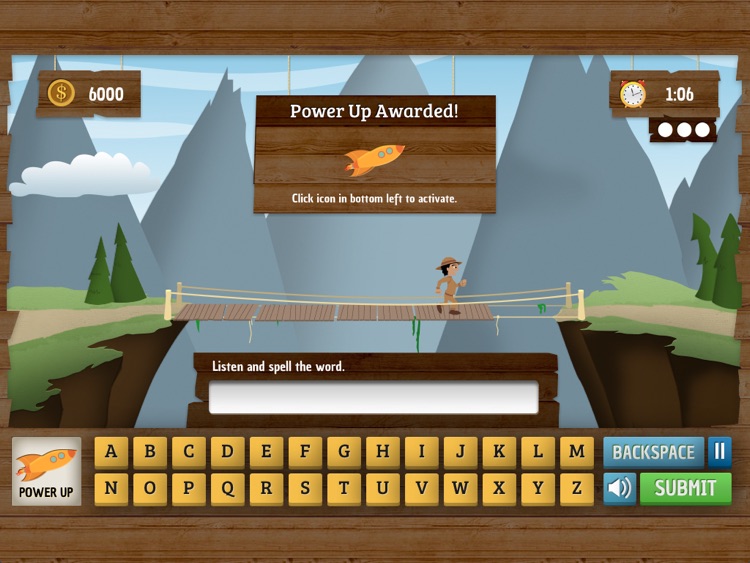
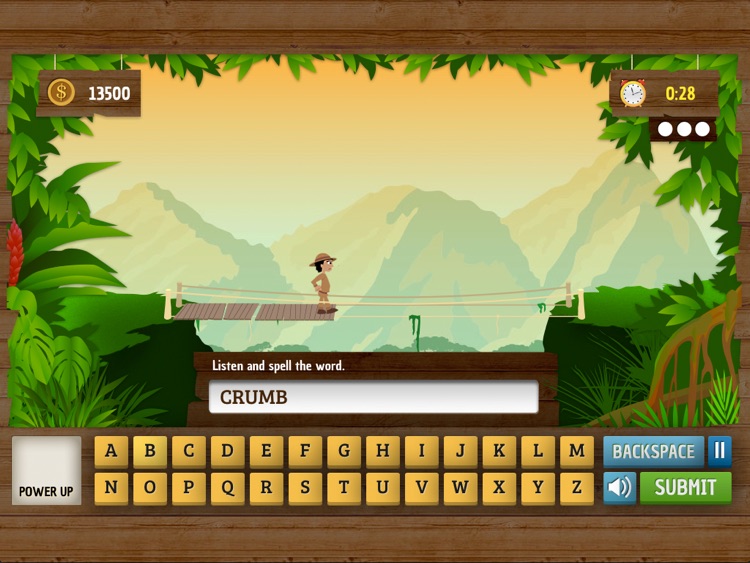
An intrepid explorer needs your child’s help crossing vast bridges. Your child must listen to the word being pronounced, and then correctly spell it as quickly as possible. Each correct word moves the explorer one step closer to the other side of the bridge. However, if too many incorrect words are submitted, the explorer will drop from the bridge. Power-ups can be earned along the way to help move across the bridge even faster. The game includes more than 600 words, three levels to conquer, and multiple difficulty settings.

If you want to help your child practice their spelling, do it with Spell ’til You Drop. It makes learning fun.

One major annoyance is the alphabetical keyboard. There isn’t a QWERTY option.