



You are using an outdated browser. Please upgrade your browser to improve your experience.

Apps That
Went Free on
2015-12-13

Find the correct path, play familiar tunes with a tap, and listen to two different songs at the same time with today’s collection of apps and games.

Dream-X
iPad
Dream-X

Dream-X

Pavel Tarabrin

Map your mind with this powerful productivity app.

It’s the perfect app for helping you visualize your thoughts.

FREE ($4.99) For a limited time FREE ($4.99) For a limited time
Why we picked this?

No matter how big or small the idea, Dream-X will help you realize it in visual form. You’re able to choose from two different themes and then get right to your mind mapping. Start off with a single idea and then branch out from there. You’re able to create new branches by selecting the idea you want them to branch off from and then tapping and holding on a spot on the screen. Each branched off idea can be color coded, include photo and message, include a task or subtask, and sport an icon. You’re able to freely rearrange your ideas just by dragging them around the canvas. You’re also able to export your mind maps and share them via email. The app includes tutorial videos and samples to help you get started.

If your thoughts are too complicated for a simple notepad, give Dream-X a shot. It provides structure and visual aid for your best and craziest ideas.

The app can be a little cumbersome to use, so make sure your ideas are worth it.
BlockPath Pro
iPhone
iPad
BlockPath Pro

BlockPath Pro

Tehnio SIA

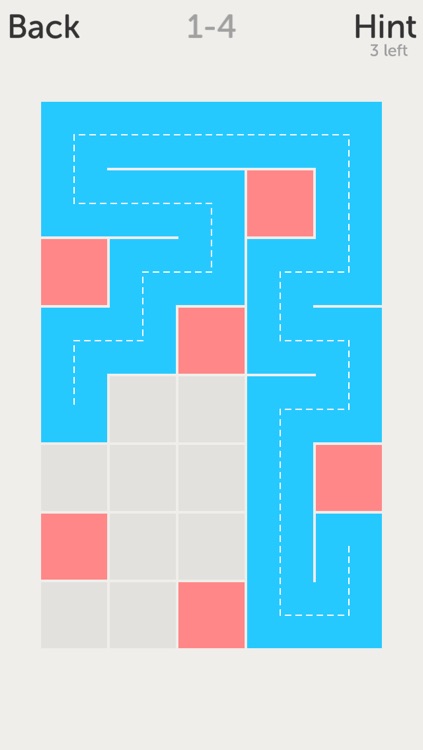
Find the correct path to fill in the entire board in this relaxing puzzle game.

BlockPath Pro is the type of game for those looking for a mental challenge whenever the time is right.

$0.99 $0.99
Why we picked this?

BlockPath Pro has a minimalist visual style, allowing you to focus on the challenging puzzles. All you have to do is drag the blue square around the board in order to cover all of the open space. Sounds easy, right? Well, it’s not. You can’t cross over your own path to fill in the open space, and you can’t lift your finger to start a new path. There’s only one way to solve each puzzle, and it’s up to you to figure out what it is. The game is loaded with six worlds and 210 levels to complete.

If you enjoy challenging puzzle games void of timers, BlockPath Pro is your game. By the time you reach the second of the 210 levels, you’ll find out just how much time you’re going to be putting into this one to complete it. It’s that challenging!
If you don’t have the patience to find the solutions for 210 challenging puzzles, don’t even give this one a second thought.

Orderly Check Lists
iPhone
iPad
Orderly Check Lists

Orderly Check Lists

Tekton Technologies (P) Ltd.

Keep your life in order with this gesture-driven productivity app.

Orderly is for AppsGoneFree users who want a more fluid way to manage their tasks.

$1.99 $1.99
Why we picked this?

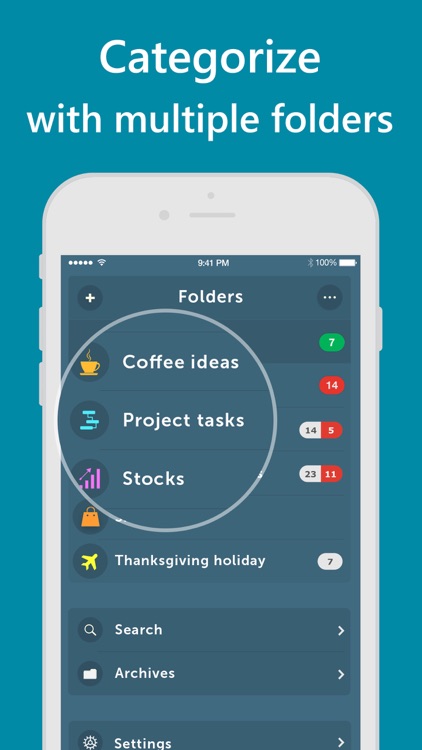
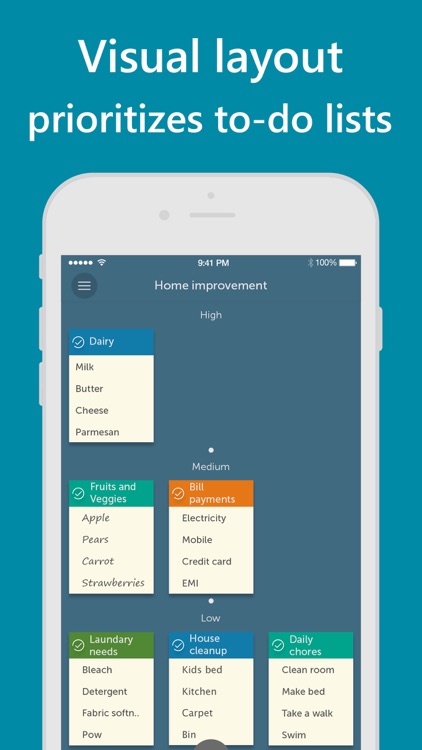
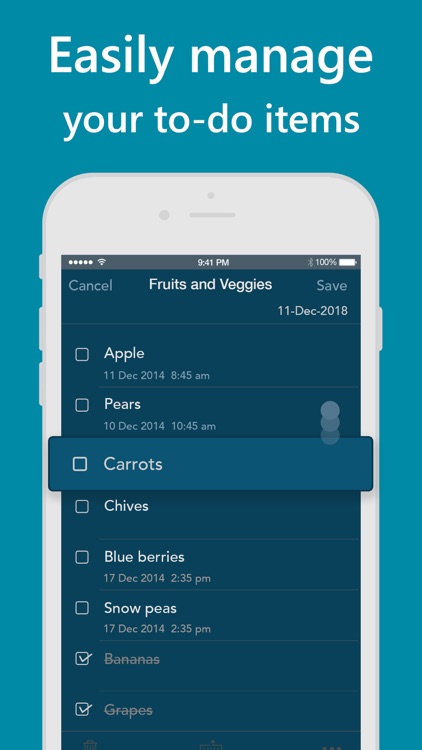
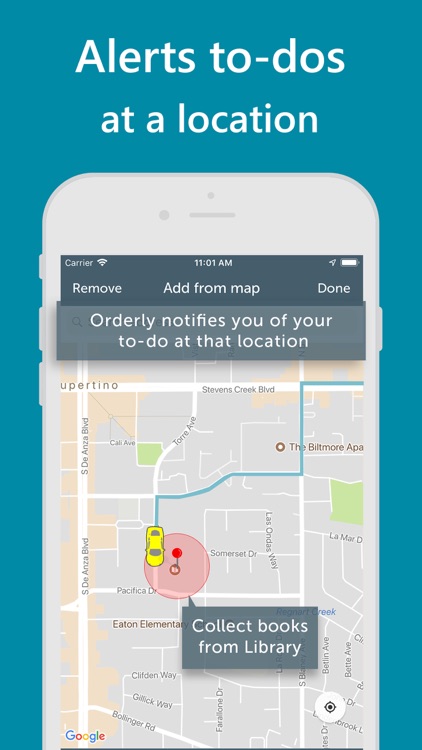
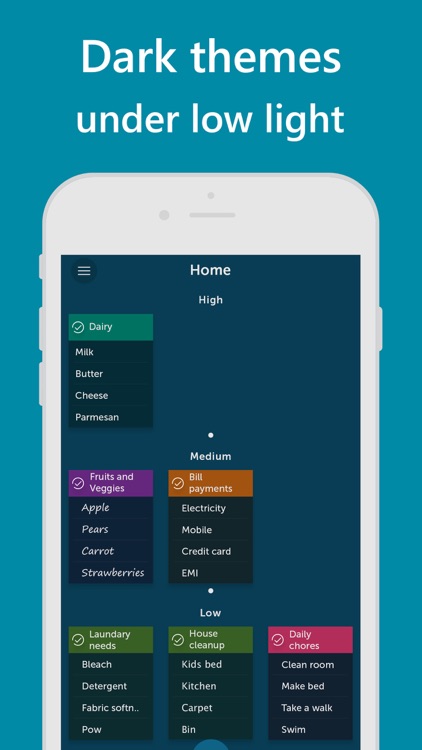
Orderly is all about prioritizing tasks to ensure you complete the most important ones on time. When creating a task list you’re able to title the group and add as many items as necessary. The menu bar icons at the top allow you to quickly change the background color, text, and font to make the list stand out. A priority level, reminder, and proximity reminder can be attached as well. All of your task lists will appear as little notes on the app’s home screen presented in order of importance.

If Apple’s native Reminders app feels too limited and clunky for you, check out Orderly. It was designed to streamline your task management instead of making it more difficult.

Orderly utilizes a bookshelf paradigm, meaning if you have a lot of lists it will feel rather cluttered.

Sago Mini Music Box
iPhone
iPad
Sago Mini Music Box

Sago Mini Music Box

Sago Mini

Tap to play familiar tunes in Sago Mini Music Box.

It’s tons of fun for children ages five and under.

$3.99 $3.99
Why we picked this?

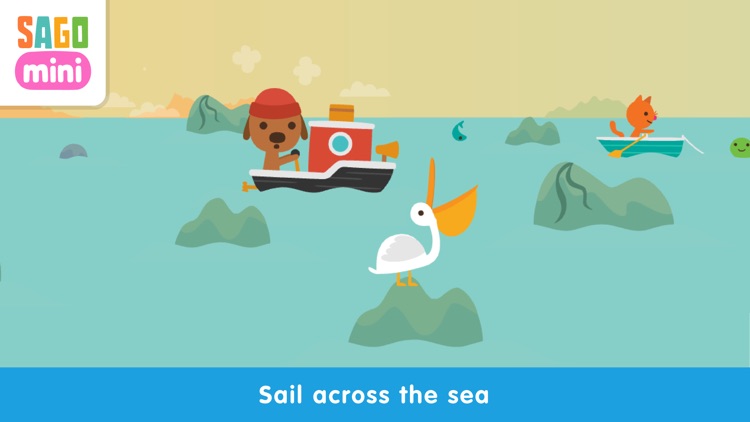
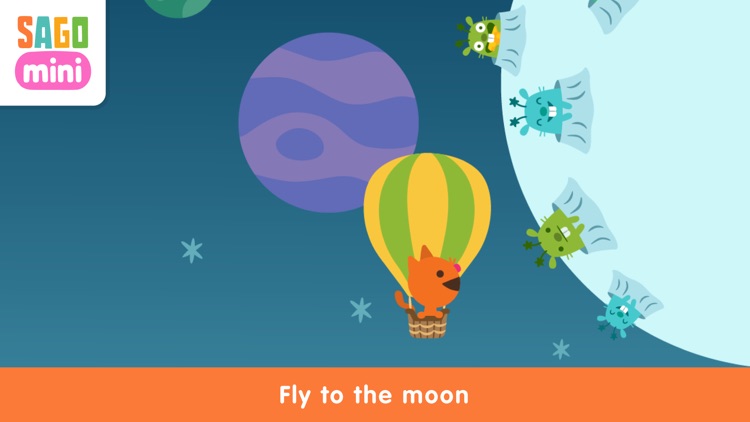
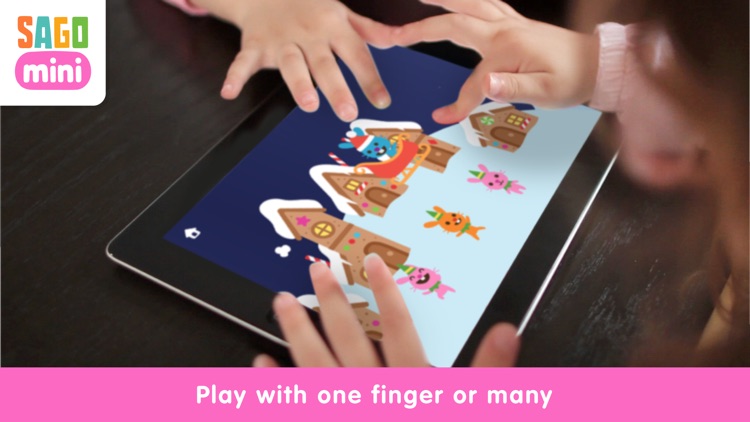
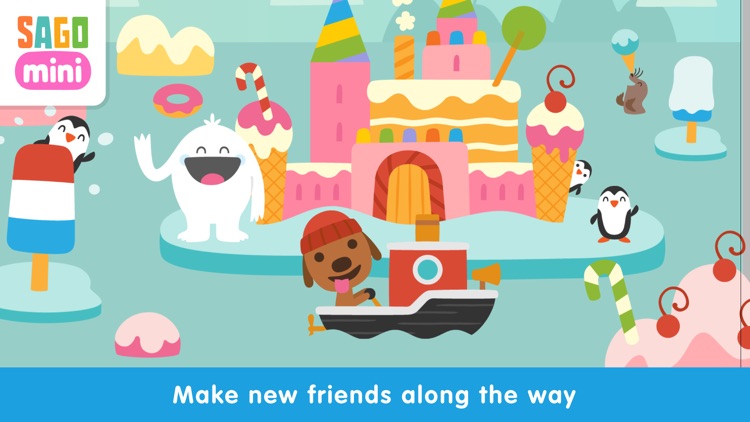
Your child can choose from one of three scenes. Each scene has a classic tune attached to it: Twinkle, Twinkle, Little Star, Row, Row, Row Your Boat, or Jingle Bells. All your child needs to do is tap on the screen to fill the scene with art and music. The tempo of their taps determines the tempo of the tune.

If you’re looking for an ideal first app for your little one, this is it. It’s so easy to play that you can simply hand your iDevice off and let them enjoy.

It’s really designed for toddlers. Older children won’t get much out of the experience.

Dual Music Player - Free Music Player with ability to play 2 songs at the same time
iPhone
Dual Music Player - Free Music Player with ability to play 2 songs at the same time

Dual Music Player - Free Music Player with ability to play 2 songs at the same time

Hung Vu

Listen to two different songs at the same time on the same iDevice with Dual Music Player.

It’s a handy tool for couples, friends, and anyone else in need of a way to share what’s on their iDevice.

$0.99 $0.99
Why we picked this?

All you need is one iDevice and a single set of headphones for two people to enjoy the experience. Then scroll through the music in your library, and choose the first song you want to play. When you tap on a song, you’re able to determine if you want it played through the left speaker, the right speaker, or through both. Then choose another song and do the same. The rest just works itself out. The app also includes an equalizer, visualizer, and sleep timer.

If you’re looking for a music player that can do it all, you’ve found it. It’s also a great car music player thanks to its fullscreen option.

You can’t stream music from anywhere. It only taps into your local library.

iOrnament: draw mandala & art
iPhone
iPad
iOrnament: draw mandala & art

iOrnament: draw mandala & art

science-to-touch

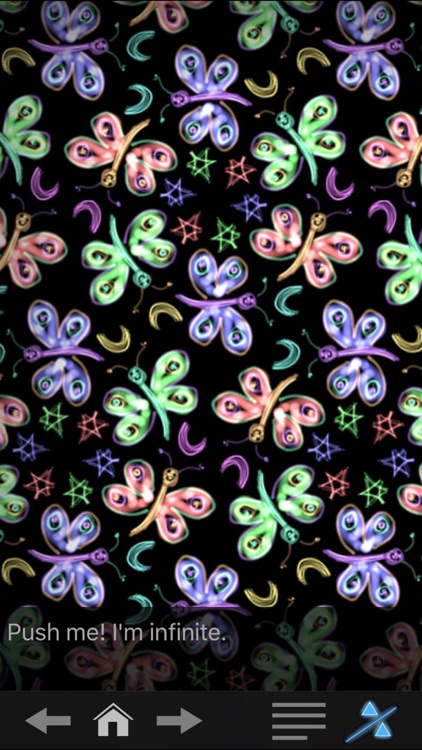
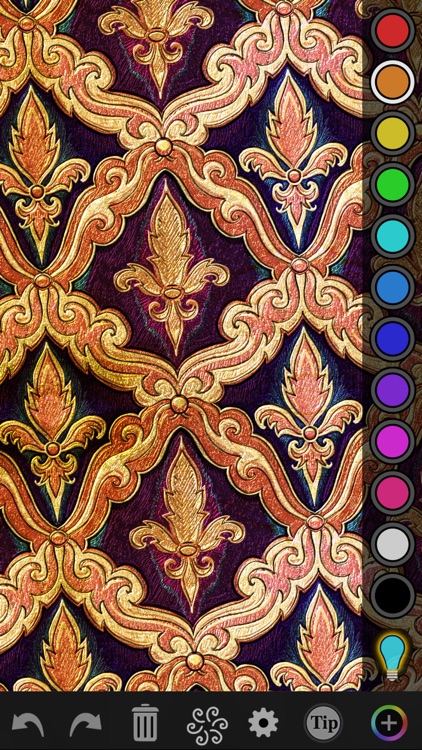
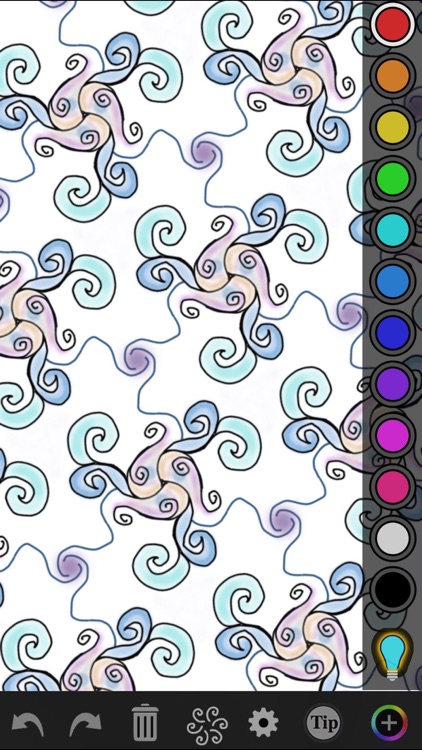
Create ornamental designs that are both artistically and mathematically captivating with iOrnament.

It’s ideal for those who aren’t necessarily artistic but love to create.

$0.99 $0.99
Why we picked this?

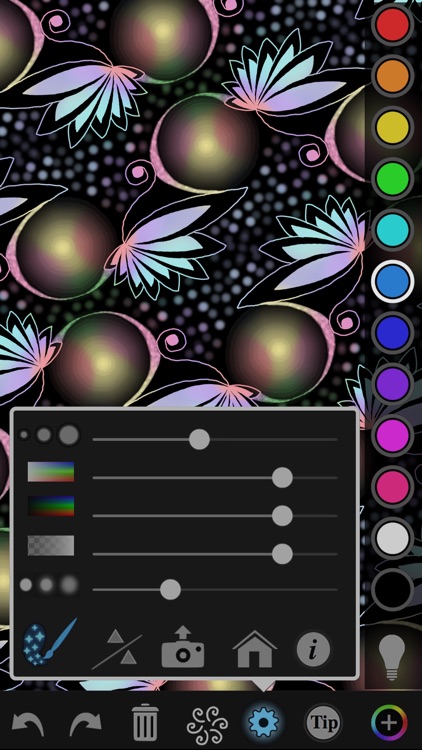
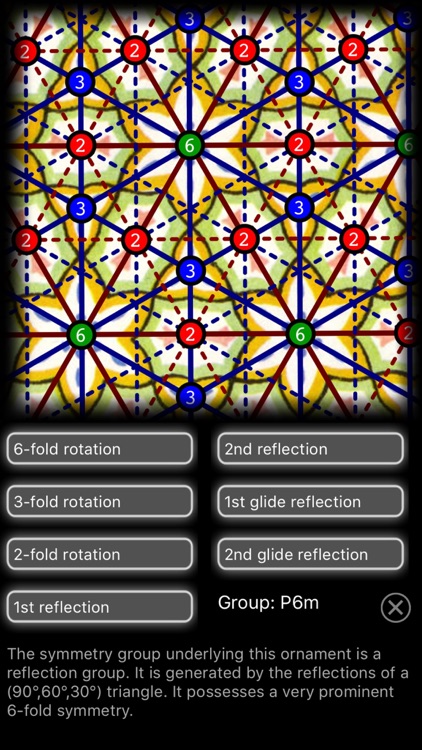
Anyone can be an artist with iOrnament. As you draw strokes on the screen, iOrnament repeats them according to rules of symmetry. You're able to choose from 17 design groups and 10 colors, and customize the parameters of your pen via sliders. The app also includes unlimited undo and redo, the ability to change the symmetry type on the fly, classic ornament samples, zoom, and the ability to share your work via email, Twitter, or Facebook.

If you appreciate good design, you’ll enjoy iOrnament. You don’t have to a be a professional artist to enjoy the relaxed environment iOrnament creates.

The app requires quite a bit of tinkering to get the exact results you want. If you’re not a patient person, your art won’t turn out.