





You are using an outdated browser. Please upgrade your browser to improve your experience.

Apps That
Went Free on
2015-12-17

Help an adventurous cat find his buddy, learn new words and improve your language skills, and get more work done while on the go with today’s collection of apps and games.

Briefcase Pro - File manager, cloud drive, document & pdf reader and file sharing App
iPhone
iPad
Briefcase Pro - File manager, cloud drive, document & pdf reader and file sharing App

Briefcase Pro - File manager, cloud drive, document & pdf reader and file sharing App

Qiwen Zhang

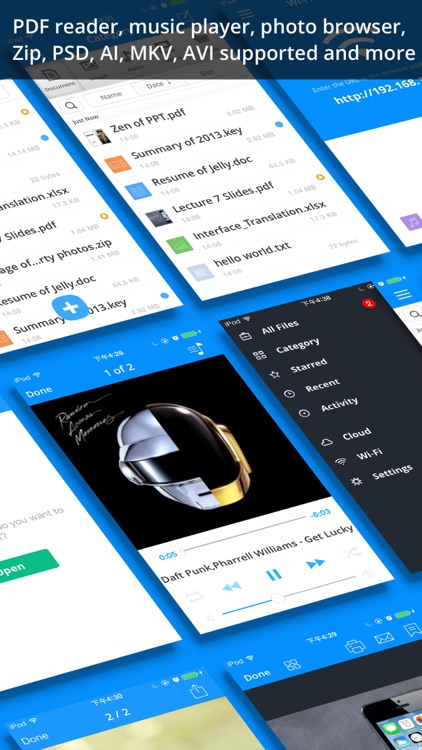
An all-in-one document viewer, creator, and manager.
It’s for anyone who frequently deals with a variety of documents while on the go.

FREE ($2.99) For a limited time FREE ($2.99) For a limited time
Why we picked this?

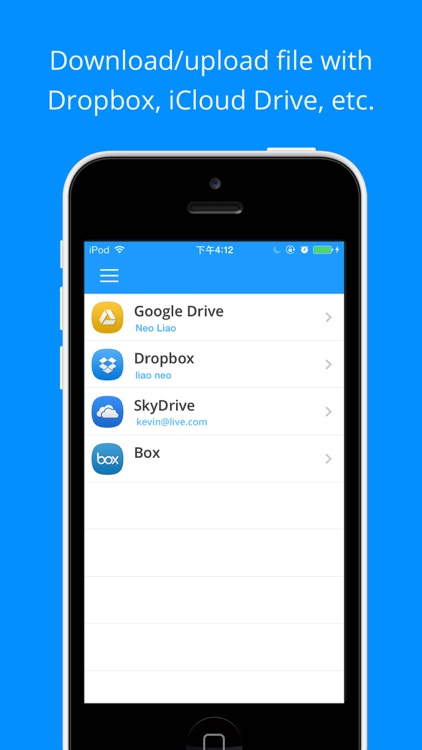
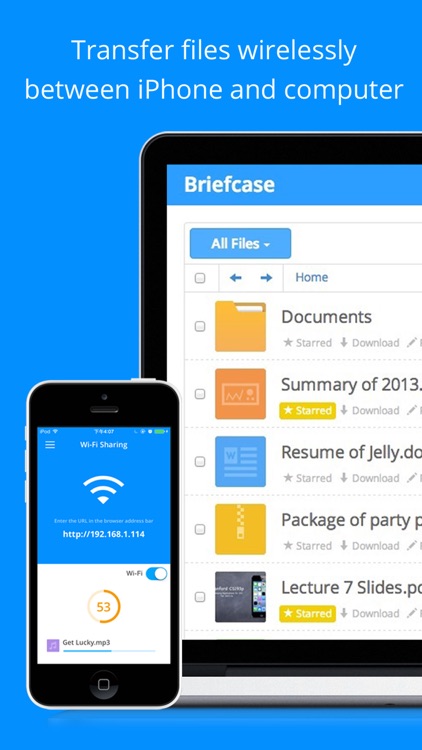
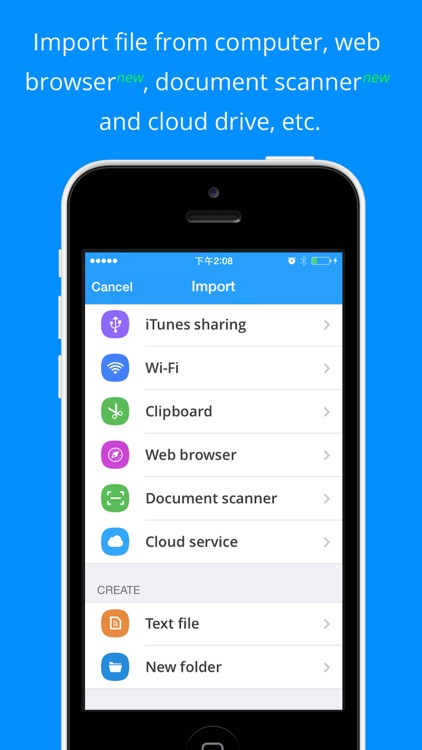
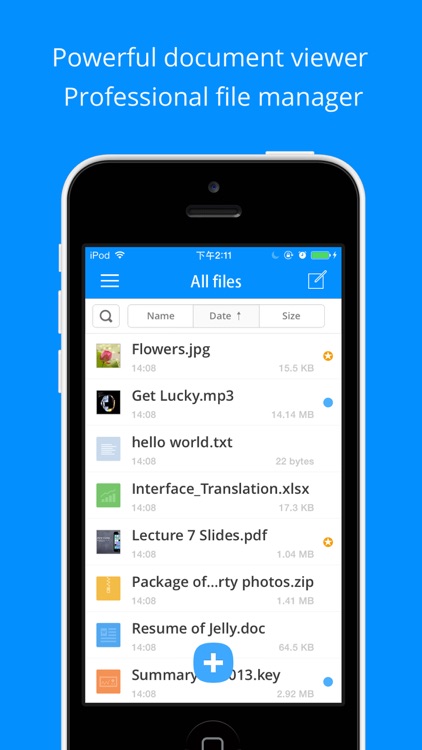
Briefcase Pro can do it all. Files can be imported from cloud services including Dropbox, SkyDrive, Box, and GoogleDrive. You can also pull files in from your photo library, email, or your computer via Wi-Fi or iTunes File Sharing. Files can be viewed, played back, favorited, categorized, search for, and uploaded back to the cloud. You’re able to create your own TXT files as well. And, if you’re worried about document security, you can activate Touch ID or utilize a passcode.

If you want to work while on the go, Briefcase Pro will help you get it done. It’s truly a do-it-all app with its myriad of features, and it connects to just about every service available.

If you’re in need of a powerful word processor, you’ll want to find something else. The best Briefcase Pro can do is help you create a TXT file.

Fonta - Little Design Studio
iPhone
Fonta - Little Design Studio

Fonta - Little Design Studio

ThirtyFive Inc.

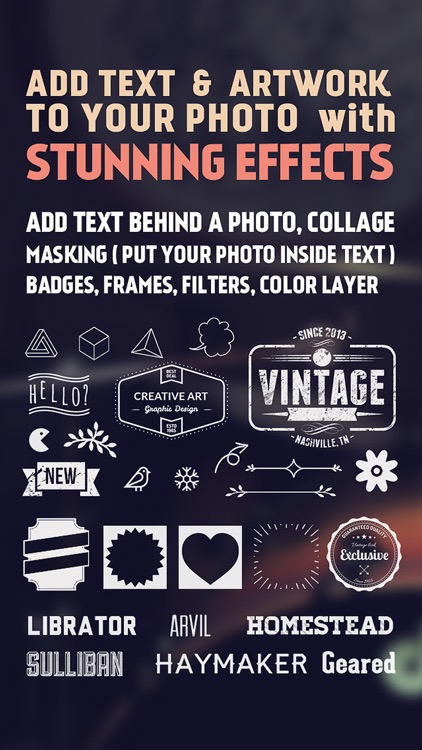
Add stylish text to your favorite photos with Fonta.

The app is ideal for anyone that wants to tell a story with their photos.

FREE ($0.99) For a limited time FREE ($0.99) For a limited time
Why we picked this?

Fonta has a ridiculous amount of text options, allowing you to stand out from the crowd. Before you get to that point, however, you can edit your original photo by cropping, rotating, framing, filtering, and blurring it. Then come up with a message you want to drive home, and place it wherever you like on your photo. You’re able to select from a wide variety of fonts, colors, opacity levels, and even layer your text. There are also loads of frame and artwork options to choose from. Fonta allows you to share your creations via Instagram, Facebook, and Twitter.

If you really want to make your photos personal and unique, Fonta will help you accomplish that. It’s like a little design studio that you can bring wherever you go.

To come up with truly great results, you’re going to have to fiddle around for a while and dig through all of the options. If that sounds horribly unappealing to you, avoid Fonta.

Tesla Wars - II
iPhone
iPad
Tesla Wars - II

Tesla Wars - II

Pavel Tarabrin

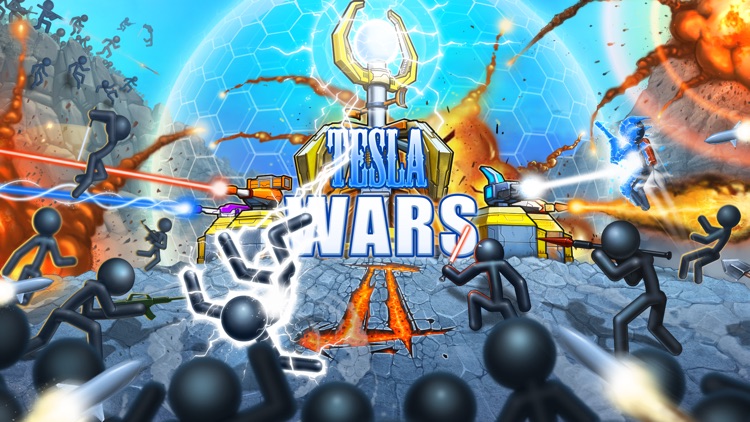
The followup to the smash hit tower defense game, Tesla Wars.

It’s for those who enjoyed the original but want more firepower.

FREE ($0.99) For a limited time FREE ($0.99) For a limited time
Why we picked this?

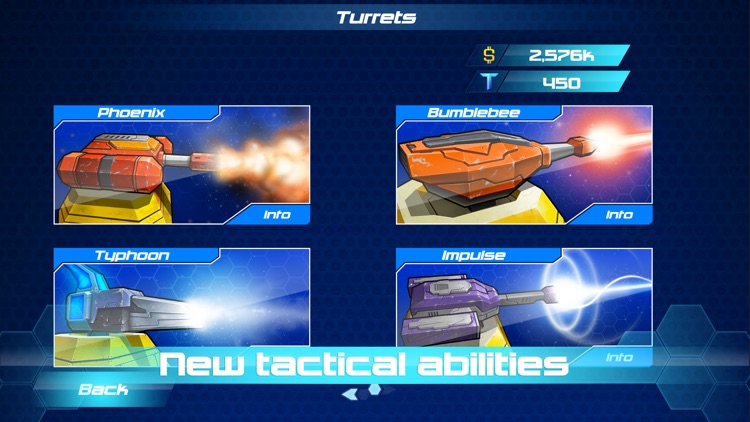
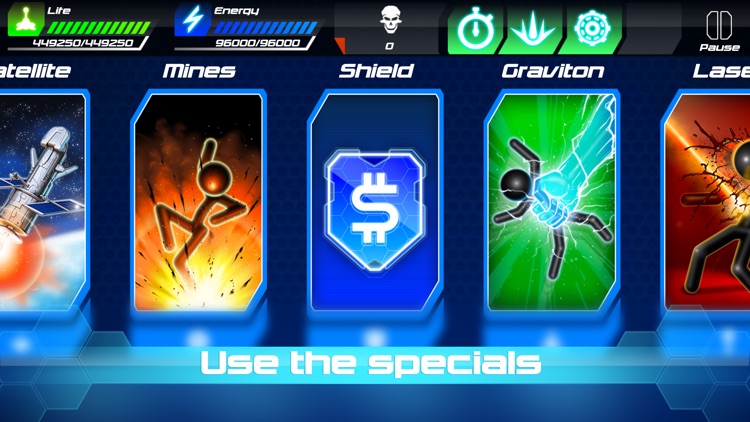
Just like the original, your job is to keep the faceless invaders from reaching your Tesla tower. This time, however, bigger and more powerful weapons are at your disposal including six auxiliary turrets. The main tower still is the most powerful, allowing you to strike down your opponents by tapping and holding your finger on them to send off an electric charge. By completing various goals and ensuring no invader reaches your tower, you’ll be rewarded with cash. The cash can be spent on upgrades and special attacks. The game includes a total of 80 levels, and a survival mode.

If you enjoy tower defense games, you have to give Tesla Wars II a try. It’s quite challenging since the invaders can come at you from all angles.

If you didn’t enjoy the original, Tesla Wars II will do nothing to change that. It follows the same formula.

Mind the Gap!  Learn English Language – not just Grammar and Vocabulary
iPhone
iPad
Mind the Gap!  Learn English Language – not just Grammar and Vocabulary

Mind the Gap! Learn English Language – not just Grammar and Vocabulary

science-to-touch

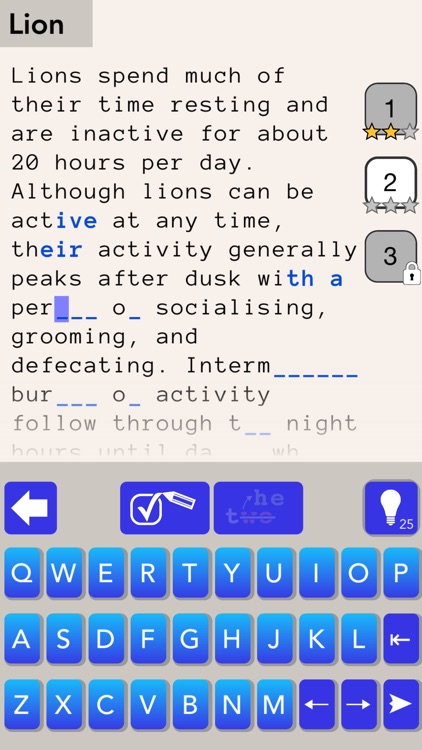
Learn new words and improve your language skills while having fun with Mind the Gap.

It’s for anyone who enjoys word puzzles.

FREE ($0.99) For a limited time FREE ($0.99) For a limited time
Why we picked this?

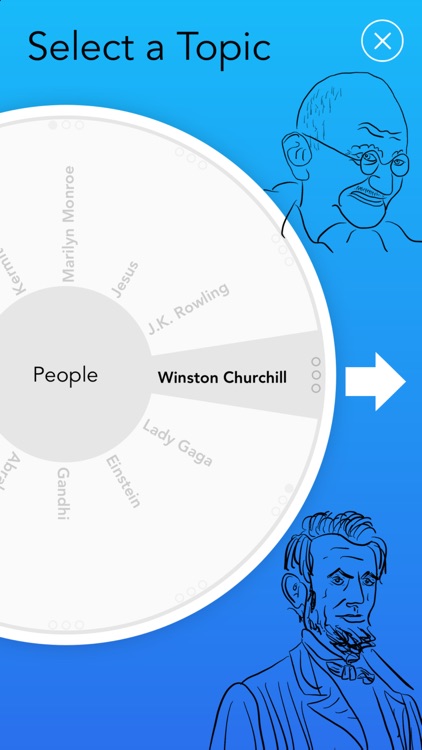
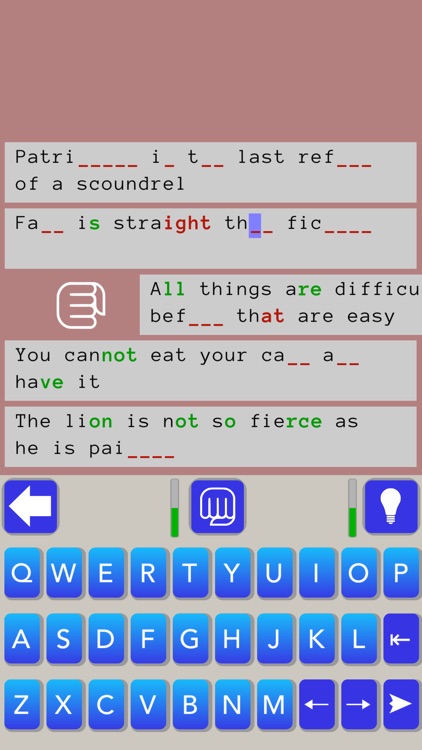
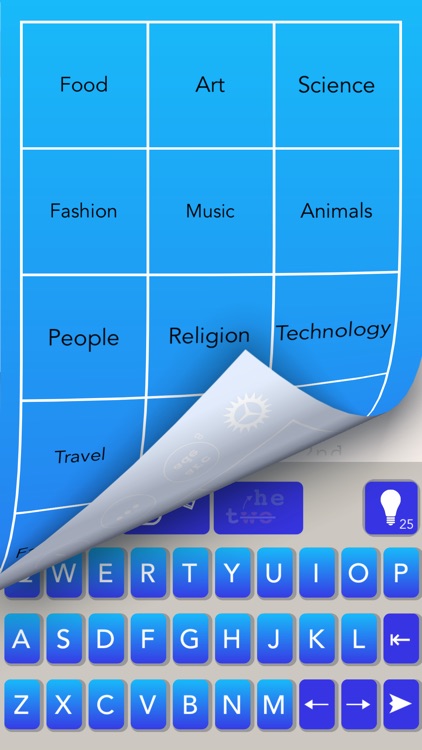
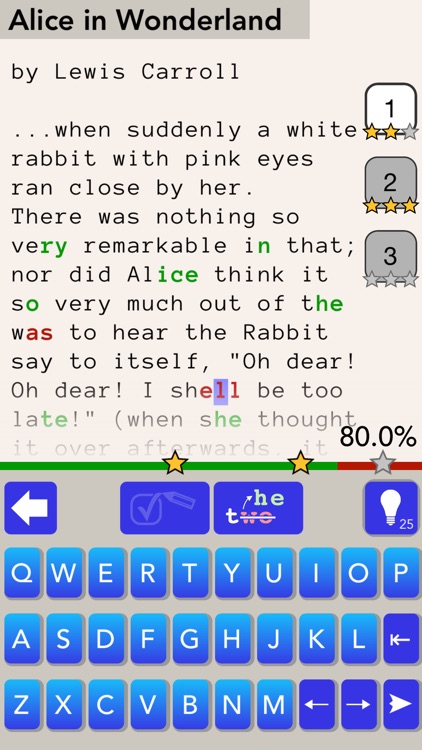
Mind the Gap takes authentic English text and cuts out words. It’s up to you to reconstruct the missing fragments by trying to understand the context of each sentence. After you’ve done your best, allow Mind the Gap to go over your answers and provide feedback. You can look up unfamiliar words in the dictionary so you don’t make the same mistake twice and go over your personal stats. Mind the Gap includes 15 subject areas and more than 500 pieces of text to work through.

If you want to work on your word skills, this is the app for you. Mind the Gap includes a subject for anyone, and it’s so much fun you won’t even know you’re learning.

This is only partly a game. It’s also an educational app. If you’re not fond of the idea of those two parts of your life overlapping, skip this one.

WonderCat Adventures
iPhone
iPad
WonderCat Adventures

WonderCat Adventures

MovieWriterPro

Help WonderCat find his buddy and escape a strange mine in WonderCat Adventures.

It’s for fans of platform games.

$4.99 $4.99
Why we picked this?

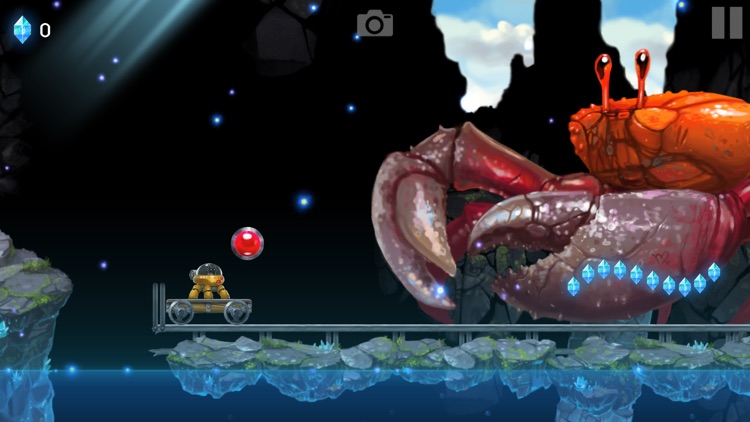
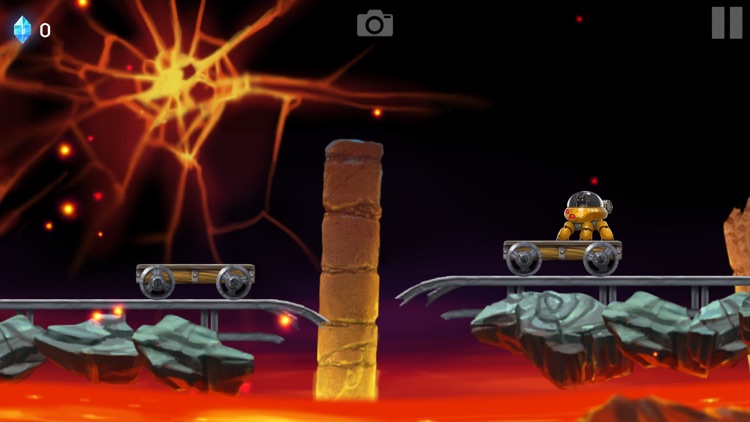
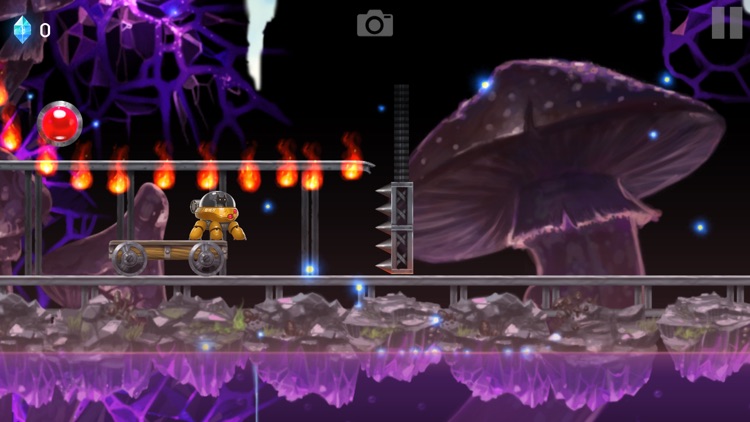
WonderCat’s buddy and spaceship have gone missing after a crash landing. All that’s left is a robot pod that can leap into the air. Help WonderCat survive the dangerous path through unexplored mines by tapping on the screen to leap from rail cart to rail cart. The game includes a total of five worlds, 55 levels, and five huge bosses.

If you want to test your reflexes, WonderCat Adventures is your game. Not only is it filled pixel art visuals, it also features some beautifully original music.

Obtaining perfect ratings in each of the 55 levels is quite the task. There aren’t any in-app purchase options to help you, either.

Next - Numbers
iPhone
iPad
Next - Numbers

Next - Numbers

Vito Technology Inc.

Train your brain by going on the hunt for numbers in this fast-paced arcade game.

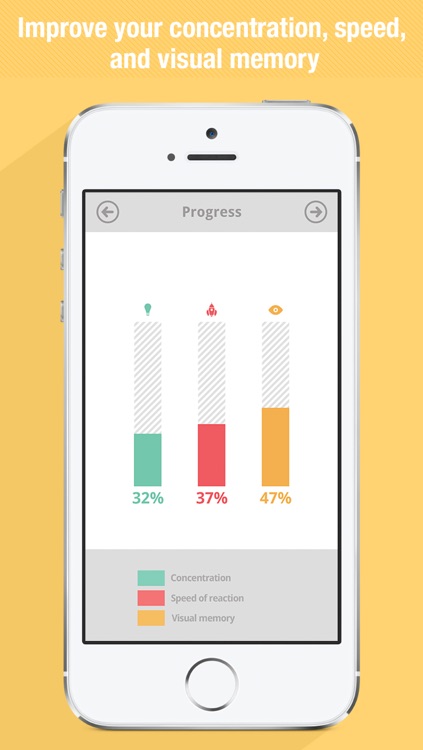
It’s ideal for anyone interested in improving concentration, speed, and visual memory.

$1.99 $1.99
Why we picked this?

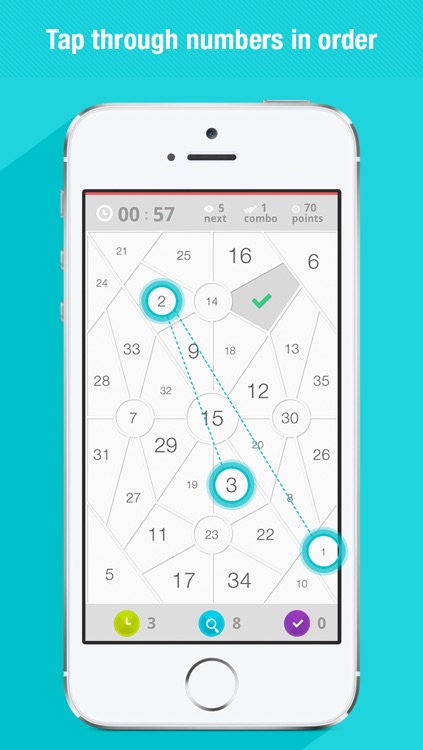
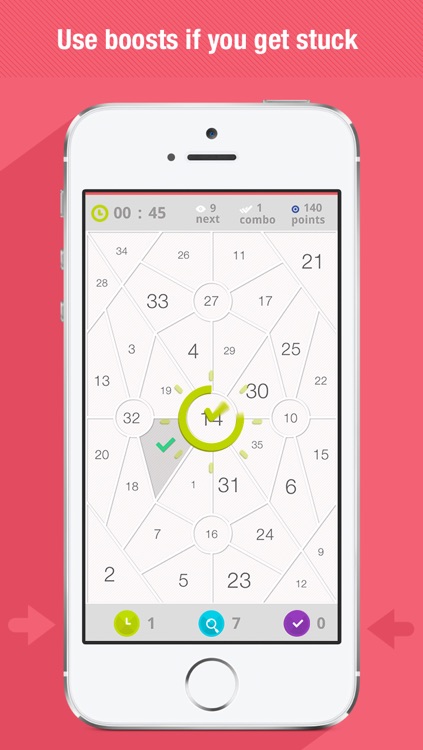
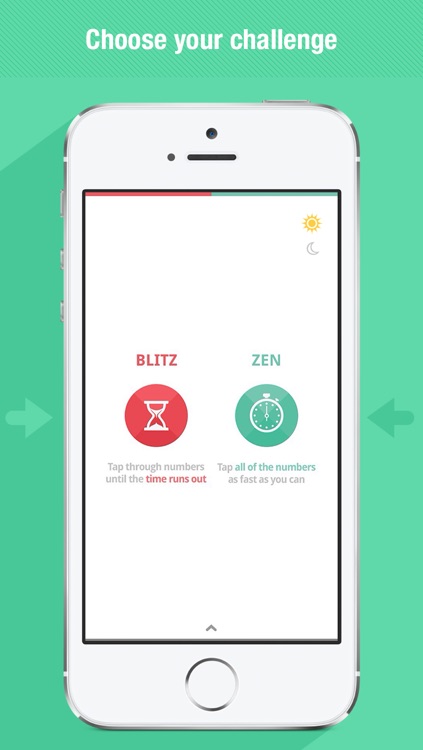
Next requires your complete and utter attention. All you have to do is tap numbers in their correct order as quickly as you can. The difficulty is that the numbers are spread out across a complicated and completely random grid. The game includes two modes, with one requiring you to find all of the numbers at your own pace and the other having you race against the clock. Both allow you to utilize power-ups in case you find yourself stuck.

If you’re fond of competing for high scores, this is the perfect game for you. It’s obviously ridiculously easy to pick up, because everyone can count, but impossibly difficult to put down.

Next is about as straightforward as arcade games come. It’s just about tapping consecutive numbers.