



You are using an outdated browser. Please upgrade your browser to improve your experience.

Apps That
Went Free on
2015-12-22

Block ads and other annoying content, take the emotion out of investing, and convert almost anything into a PDF with today’s collection of apps and games.

BlockBear!
iPhone
iPad
BlockBear!

BlockBear!

TunnelBear, LLC

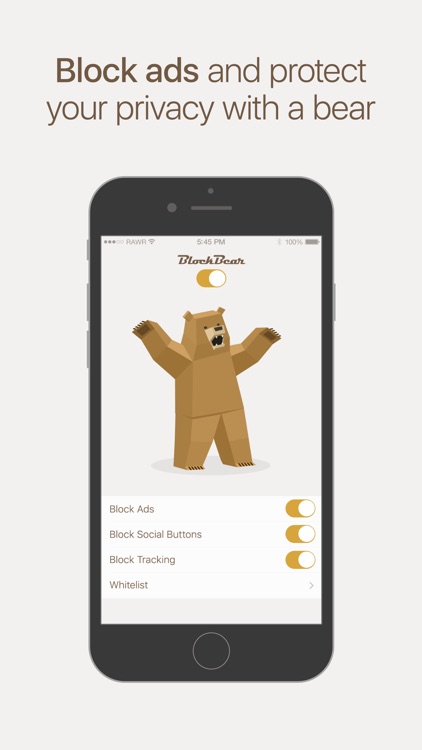
Block ads and other annoying content with BlockBear.
It’s for anyone who wants to make the mobile web better.

FREE ($0.99) For a limited time FREE ($0.99) For a limited time
Why we picked this?

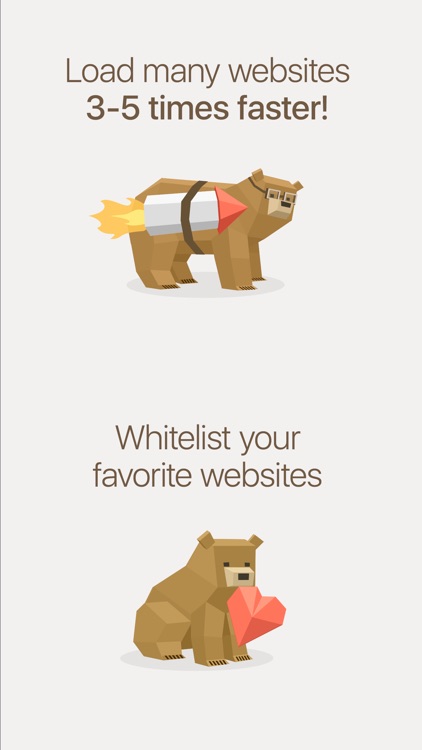
BlockBear helps you protect your privacy. All you have to do is launch the app and determine what you want to block. BlockBear allows you to block ads, popups, social buttons, and trackers independently. You’re also able to whitelist your favorite sites to ensure everything appears as intended.

If you want to make your mobile web experience faster and less annoying, BlockBear will help you get it done. It’s from the creators of the popular VPN app, TunnelBear, so you know they know what they’re doing. Plus, it has bears. Who doesn’t love bears?

If you’re not running iOS 9, BlockBear is of no use to you.

HUEBRIX
iPhone
iPad
HUEBRIX

HUEBRIX

Yellow Monkey Studios Pvt. Ltd.

A challenging puzzle game that will test your visual, spatial, and logical senses.

It’s for gamers who like to take their time.

FREE ($1.99) For a limited time FREE ($1.99) For a limited time
Why we picked this?

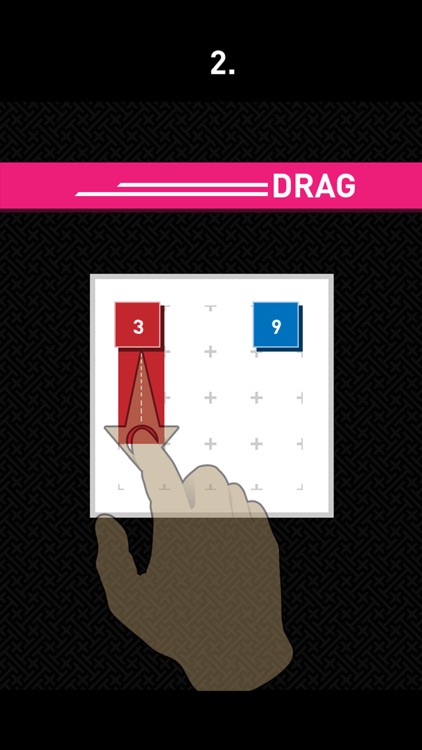
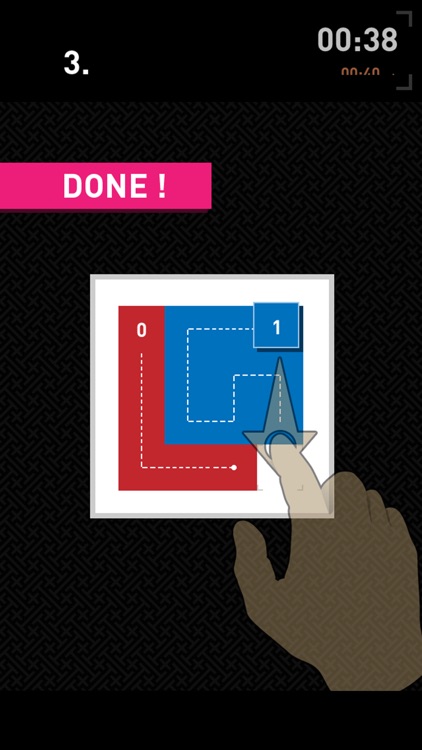
At the beginning of each level you're presented with colored blocks with numbers on them, which indicates their length. Drag them around the screen to fill the entire grid while wiping out their numbers. The game includes two modes, more than 400 levels, a level editor, and the ability to send and receive levels.

If you prefer to kick your feet up and relax with a good puzzle, this is your game.

Hints will cost you.

Talking Carl
iPhone
iPad
Talking Carl

Talking Carl

Tayasui.com

The one and only Talking Carl is ready to hang out. Are you?

It’s a fantastic app for children.

FREE ($0.99) For a limited time FREE ($0.99) For a limited time
Why we picked this?

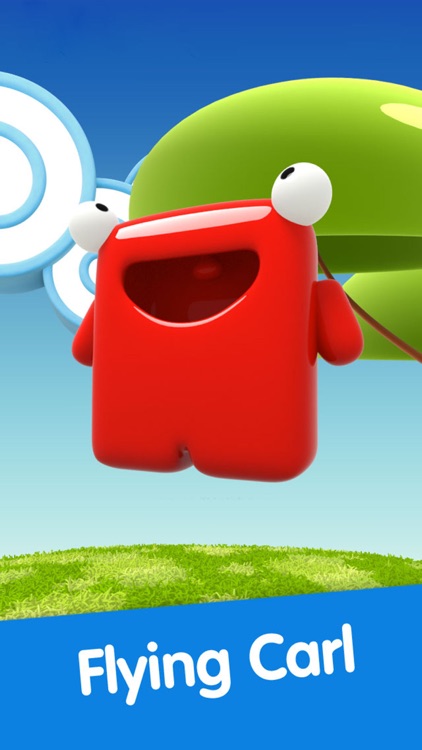
Carl is an adorable little red creature with an appetite for interaction. You’re able to poke, pinch, tickle, spin, and even strike him with lightning. Just be warned, he’s not overly fond of that last one. Carl’s also a talented musician, as he’s able to play a wide variety of instruments. You’re able to speak into your iDevice’s microphone as well and have Carl repeat what you say in his own unique way.

If your child loves interaction, give them Talking Carl. There’s no one like Carl.

Older children will eventually tire of Carl. There’s only so much he can do.

Stock Grader
iPhone
Stock Grader

Stock Grader

Ben Sender

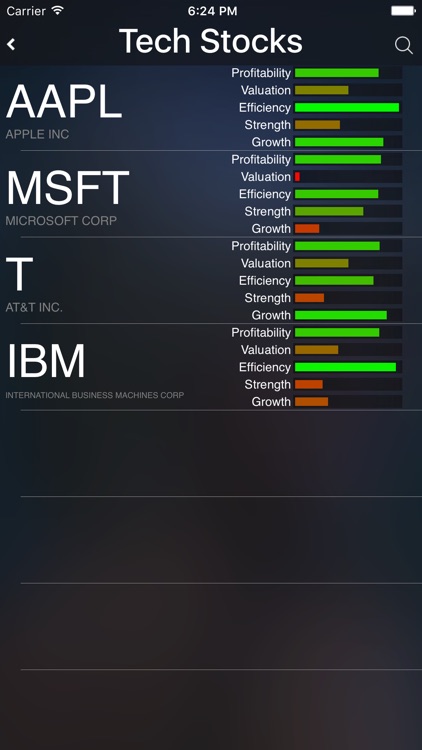
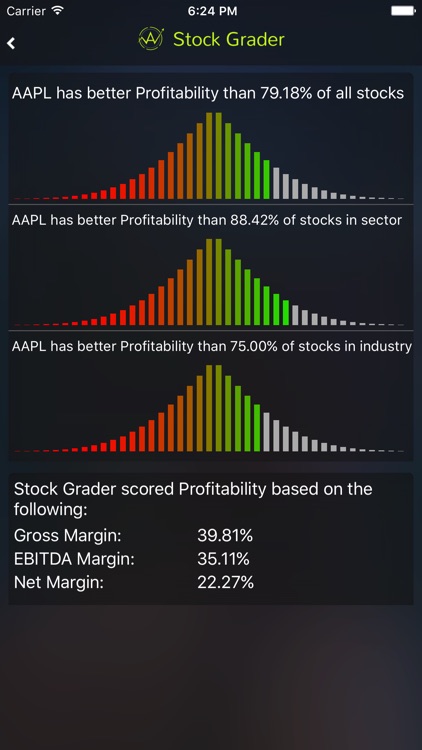
Take the emotion out of investing by having Stock Grader analyze your choices.

This finance app is ideal for any investor looking for a little extra help.

$4.99 $4.99
Why we picked this?

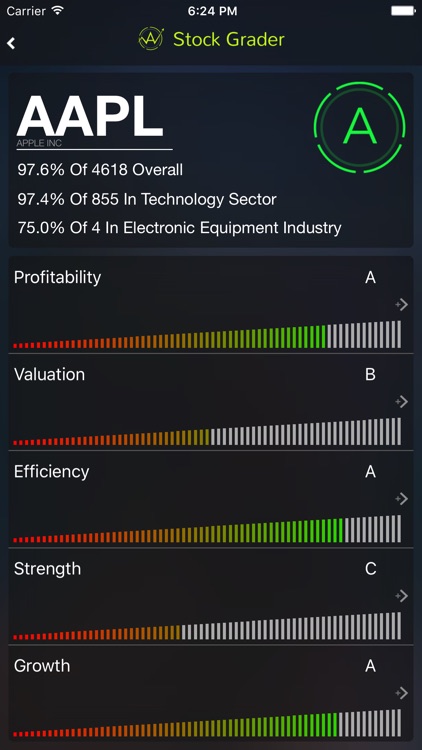
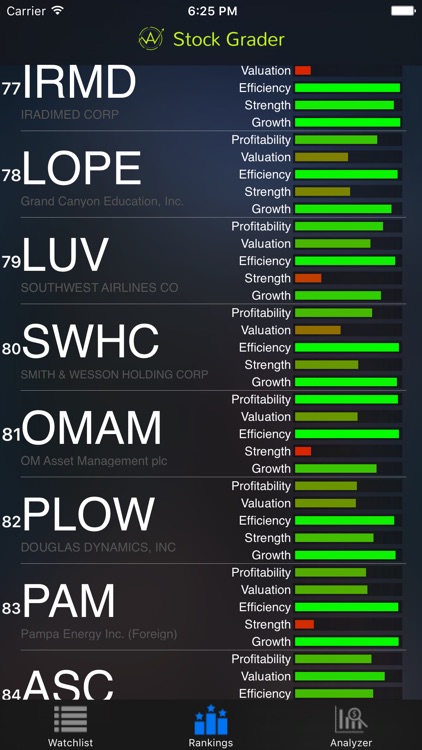
Stock Grader couldn’t possibly be any easier to use. All you have to do is enter the name or symbol of the company you’re considering investing in, and Stock Grader will analyze all of the data and provide a letter grade. An overall letter grade will help you determine how safe and intelligent your pick is, and you can dig deeper to look at letter grades for profitability, efficiency, liabilities, and valuation.

If you always find yourself having trouble selecting companies to invest in, Stock Grader is a really good starting point. It’s not going to make you rich, but at least it will help you make better, informed decisions.

Stock Grader is a great starting point, but it’s not the end-all investment tool. It has limited data and you have to trust that its computer algorithms will steer your right. Not only that, new companies won’t have enough data for Stock Grader to analyze, so it won’t be able to help you determine whether or not to invest in them.

PDF Smart Convert - PDF all your MS Office, iWork, Web Content, Clipboard and  Images
iPhone
iPad
PDF Smart Convert - PDF all your MS Office, iWork, Web Content, Clipboard and  Images

PDF Smart Convert - PDF all your MS Office, iWork, Web Content, Clipboard and Images

Kdan Mobile Software LTD

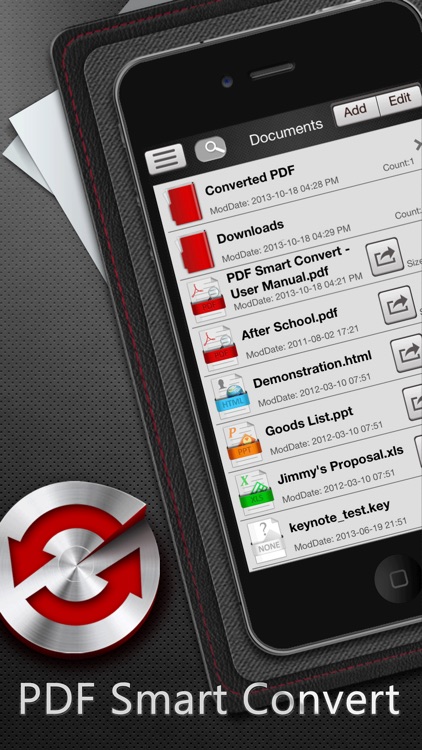
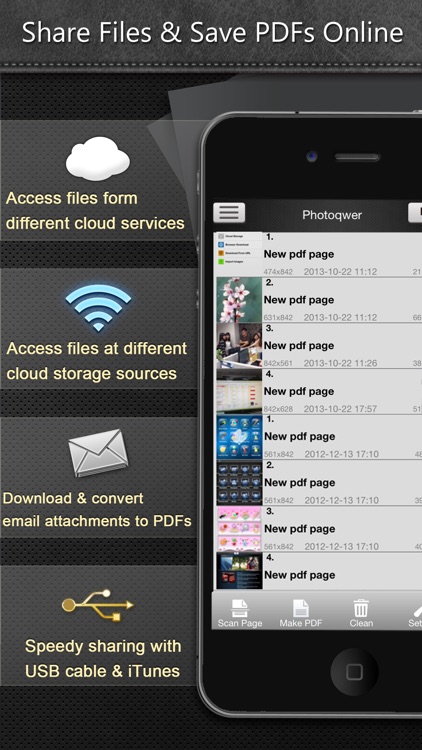
Turn almost anything into a PDF with this utility app.

It’s a very handy app for business professionals who frequently need content in PDF form.

$6.99 $6.99
Why we picked this?

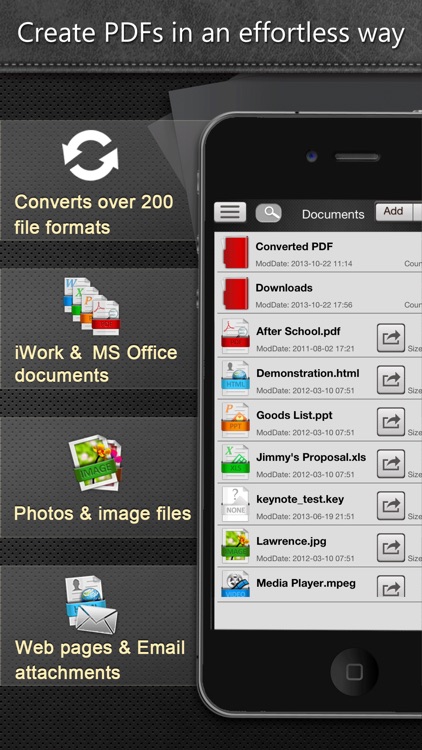
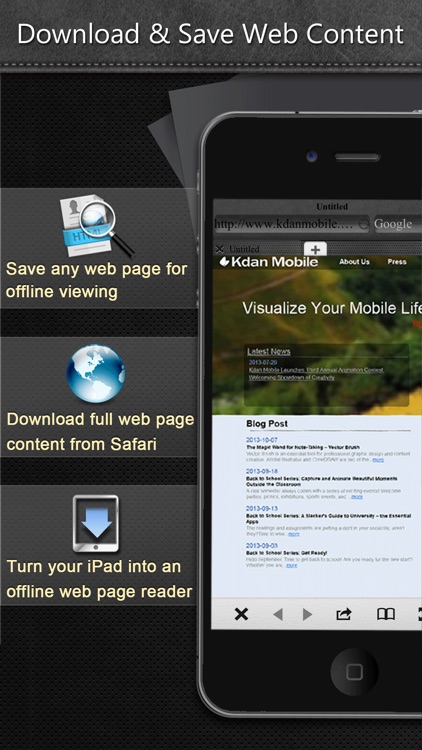
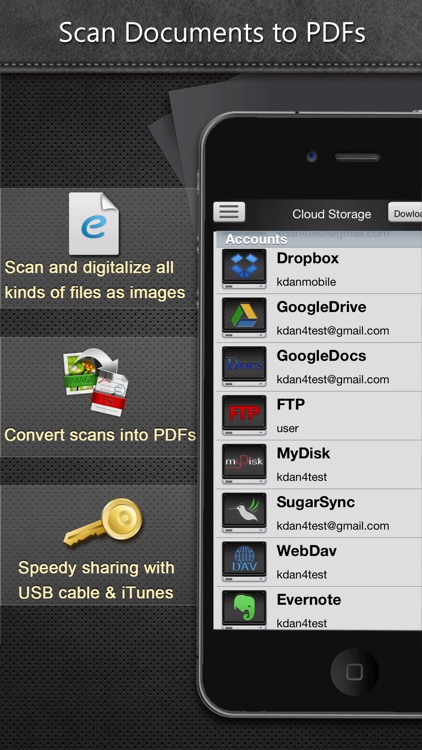
PDF Smart Convert supports more than 200 different file formats, allowing you to create PDFs from just about anything including clipboard content, web pages, photos, iWork documents, and MS Office documents. You’re even able to scan physical documents with your iDevice’s camera and turn them into PDFs. Your newly created PDFs can be managed and stored within folders, or sent off to your favorite cloud service. You’re also able to move files via email, Wi-Fi, or iTunes File Sharing.

If PDFs are your file of choice, download PDF Smart Convert today.

The only reason you shouldn’t install PDF Smart Convert today is if you don’t deal with PDFs. There aren’t any major drawbacks to note.

Helicopter Black Shark Gunship
iPhone
Helicopter Black Shark Gunship

Helicopter Black Shark Gunship

iTechGen

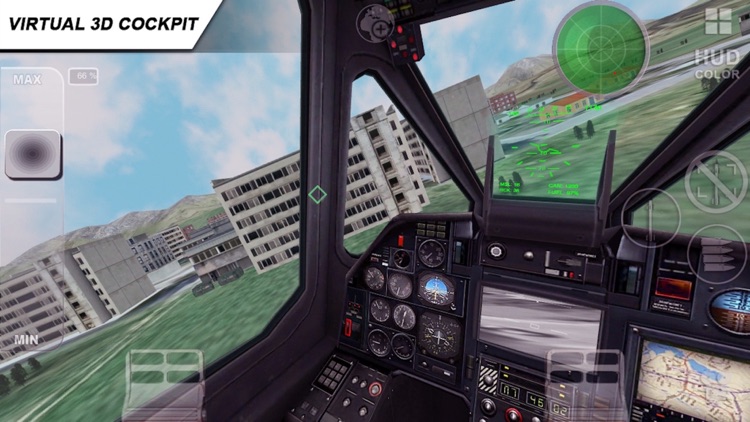
Hop into the cockpit of a Ka-50 helicopter and roam the skies above Russia in Black Shark.

It’s for anyone that enjoys a good flight sim.

$0.99 $0.99
Why we picked this?

This flight sim isn’t just about freely roaming the skies and enjoying the scenery. Your helicopter is equipped with some very advanced weaponry like machine guns, missiles, and rockets. You’re able to utilize this heavy weaponry on combat missions that take place above both land and sea, and you can unleash it upon your foes with just a tap. The game includes a total of 14 missions, two environments, and loads of camera angles.

If you’ve always been fond of 3-D flight simulation games, check out Black Shark. It has detailed helicopter models and superb flight physics that will make you feel like you’re in the cockpit.

Flight sims are an acquired taste, so if you’re generally not into them, this one will do nothing to change that.