





You are using an outdated browser. Please upgrade your browser to improve your experience.

Apps That
Went Free on
2015-12-28

Markup PDFs, turn your iDevice into a mobile scanner, and get to know the elements with today’s collection of apps and games.

Markup Ultimate
iPhone
iPad
Markup Ultimate

Markup Ultimate

Kdan Mobile Software LTD

Create, manage, and markup PDFs with PDF Markup Ultimate.

It’s perfect for those who need to get work done while on the move.

$19.99 $19.99
Why we picked this?

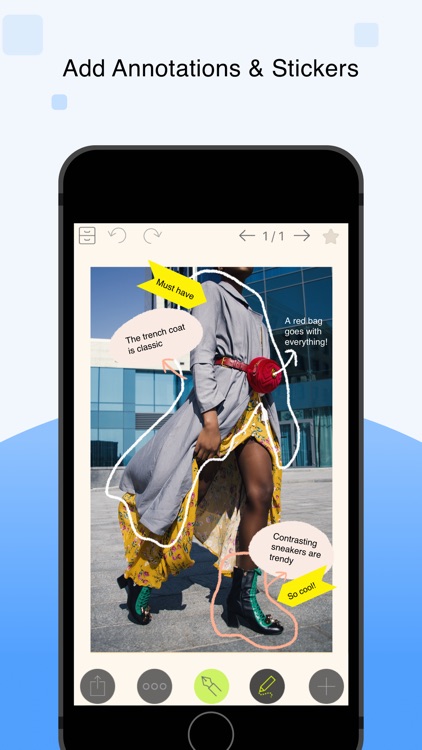
You’re able to import PDFs and photos via your favorite cloud storage services, Wi-Fi, the web, iTunes File Sharing, or from your photo library. You’re also able to capture photos right from within the app and quickly convert them into PDFs. You can then view your PDFs, or edit and add markups using a wide variety of tools including highlighters, freehand pens, sticky notes, text boxes, arrows, and shapes. PDFs can also be searched for in Spotlight with keywords, and organized by date, tag, or name.

If you frequently deal with PDFs, this is the app for you. It makes it easy to sign and annotate whenever necessary.

In order to sync PDFs across multiple devices, you need a subscription to the developer’s cloud service.

Chemio - A Student's Chemical Reference
iPad
Chemio - A Student's Chemical Reference

Chemio - A Student's Chemical Reference

AppBit Software, LLC

Get to know the elements with this powerful chemical reference app.

It’s for more advanced students with a desire for science.

$1.99 $1.99
Why we picked this?

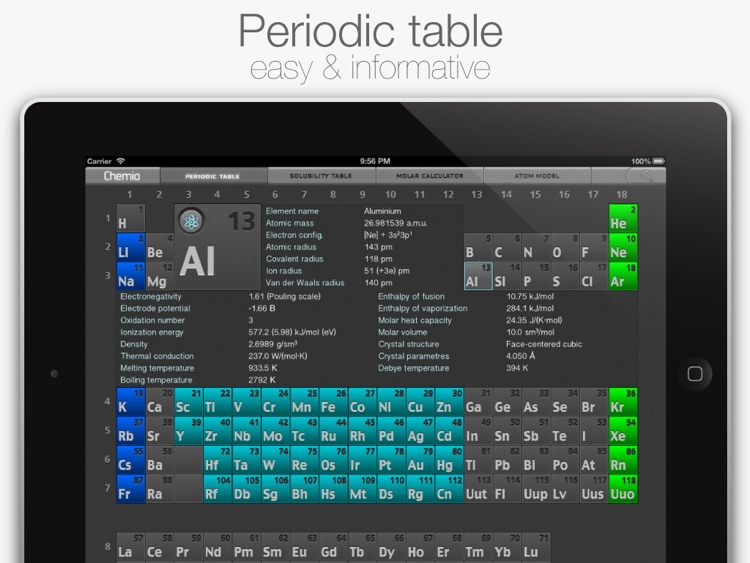
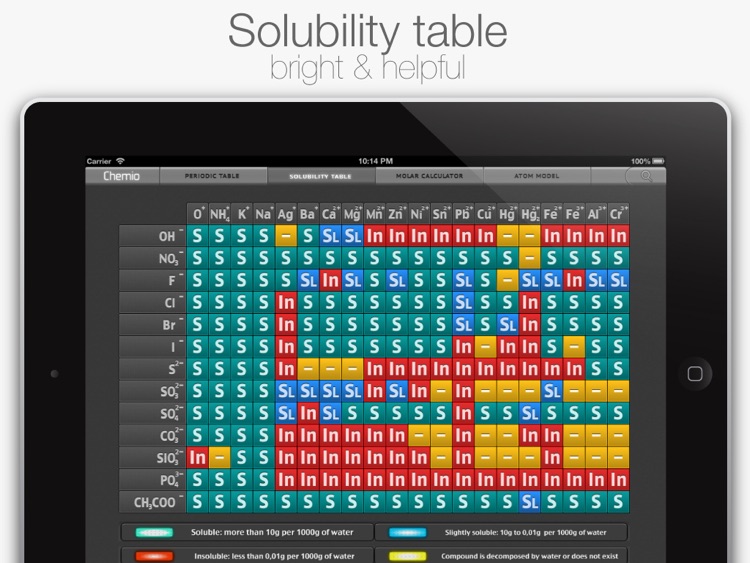
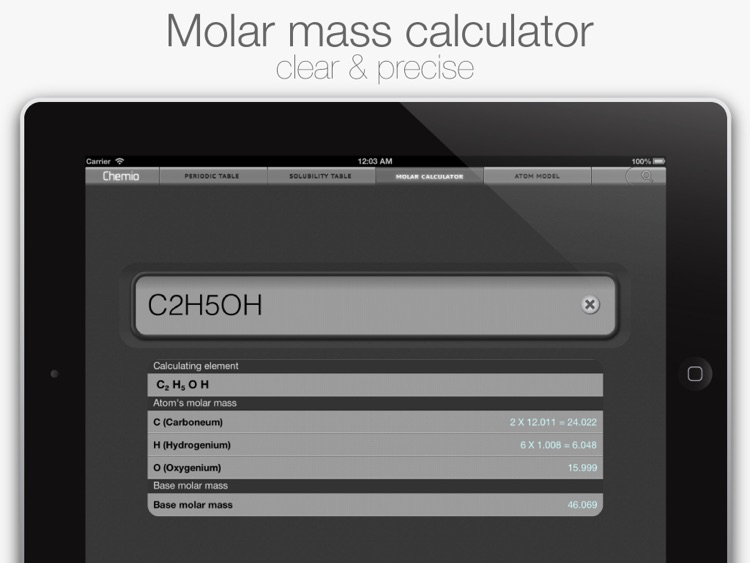
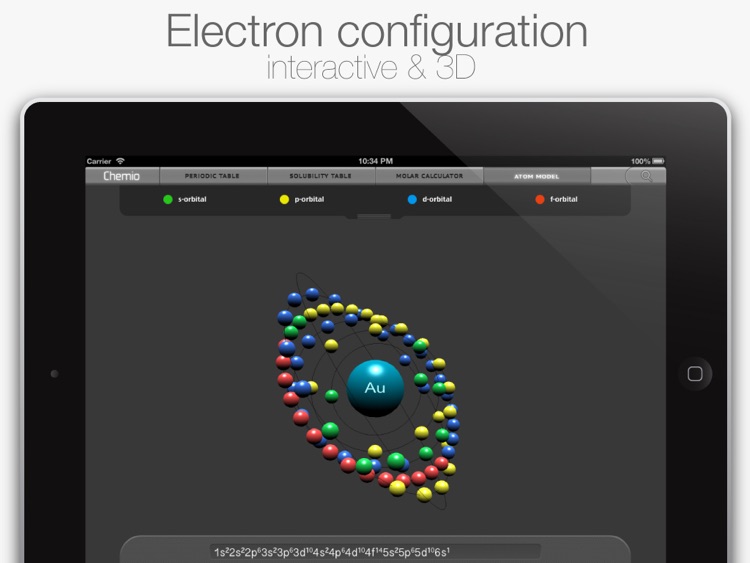
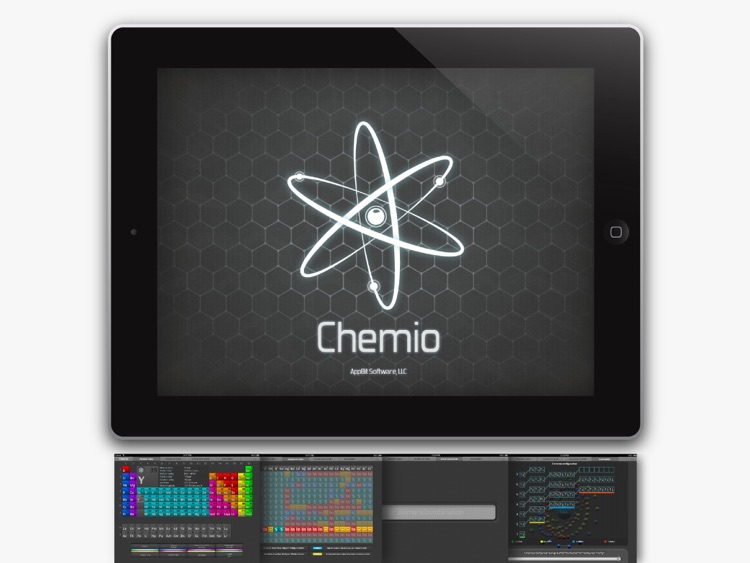
With Chemio, so much chemical information is available at your fingertips. Tap on an element to view detailed information including its name, atomic mass, electron configuration, atomic radius, density, molar volume, melting and boiling temperatures, and much more. Specific groups of elements can be highlighted to make discovery easier. The app also includes a solubility table, molar mass calculator, and interactive electron configuration models.

There’s no better app in the App Store for chemical reference. It’s also a great starting point for those interested in science. Just tap to discover!

Chemio is great, but its data set could be even more robust.

Word²
iPhone
iPad
Word²

Word²

BorderLeap

Unscramble words not once but twice in Word².

It’s for anyone who enjoys a good word game.

$0.99 $0.99
Why we picked this?

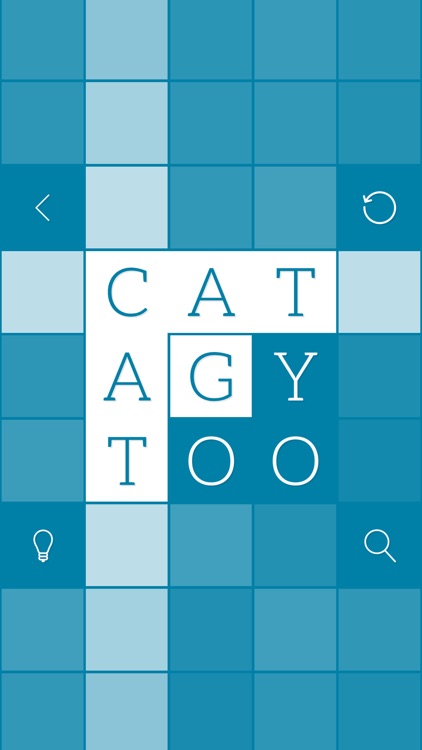
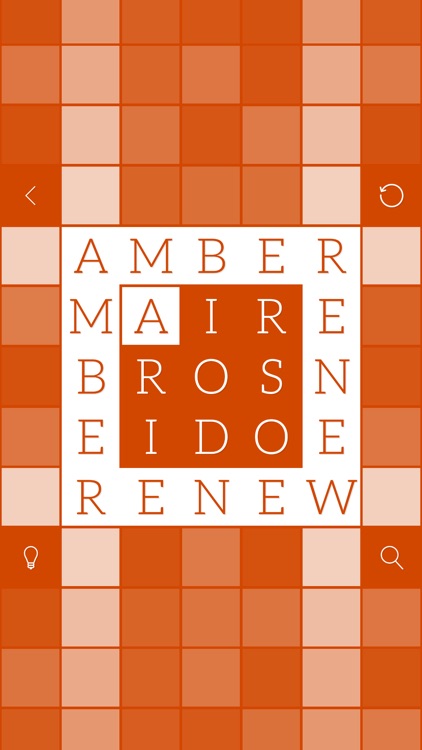
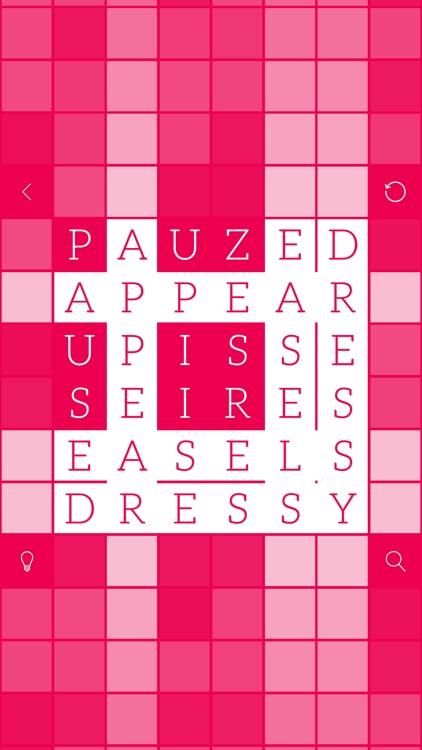
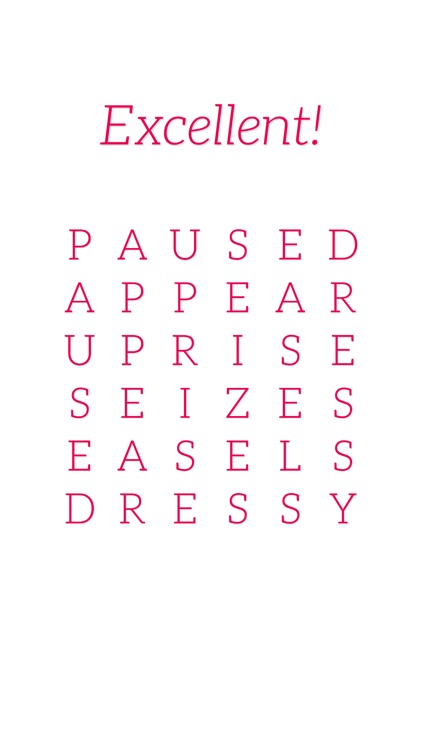
Word² will test your vocabulary and your patience. Each level features a square with scrambled letters. Your objective is to put the square back together by rearranging the letters so that each row and column pair have the same word reading both vertically and horizontally. The game starts you off easy with squares that are three-by-three, but eventually you’ll work your way up to six-by-six squares. Hopefully, at least. You can get some help along the way by utilizing hints and clues. Word² includes 80 levels in all.

If you enjoyed BorderLeap’s other word game, Alpha Omega, you’re going to love Word². It has the same colorful, minimalist design aesthetic and engaging gameplay.

The later levels are quite difficult. Even though all 80 levels are 100 percent solvable, you’ll most likely need some help.

Pocket Scanner Ultimate
iPhone
iPad
Pocket Scanner Ultimate

Pocket Scanner Ultimate

Kdan Mobile Software LTD

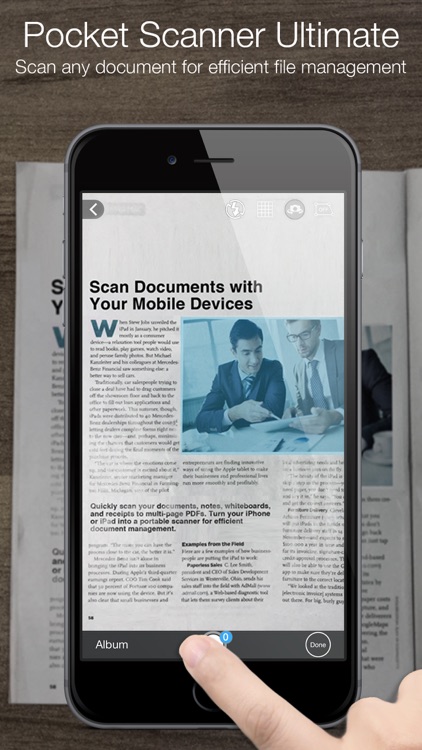
Turn your iPhone or iPod touch into a powerful mobile scanner with Pocket Scanner.

It’s for those who need to scan documents while on the go.

$4.99 $4.99
Why we picked this?

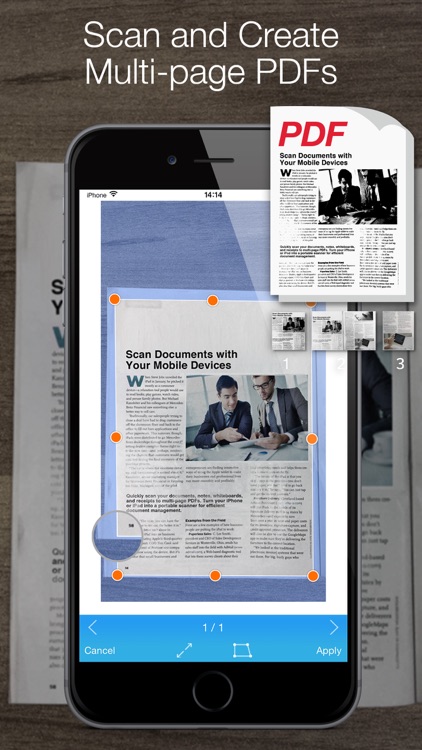
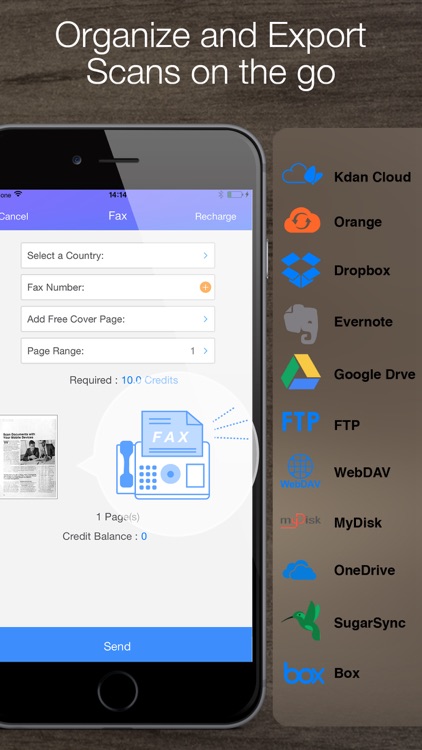
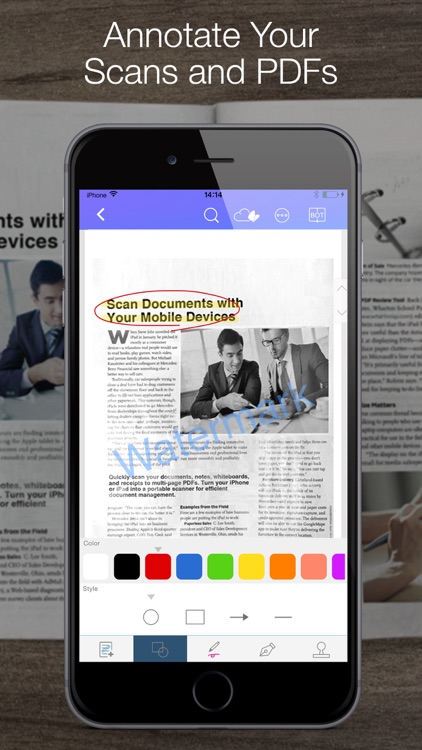
Pocket Scanner’s powerful image processor will ensure your scans always turn out great. Just point your iDevice’s camera at the document you want to scan and Pocket Scanner will detect the edges and remove all shadows. You can manually adjust the crop if need be, apply a filter, and rotate and flip your scan. Scans can be saved as PDF files, shared, or uploaded to your favorite cloud storage services. Pocket Scanner also now supports Touch ID, allowing you to unlock your private files with your fingerprint.

If you find yourself needing to scan documents while on the go, download Pocket Scanner today. It offers a variety of ways for you to store and share everything you scan.

If you don’t have a camera-equipped iDevice, Pocket Scanner is of no use to you.

NoteLedge Ultimate - Notebook
iPhone
iPad
NoteLedge Ultimate - Notebook

NoteLedge Ultimate - Notebook

Kdan Mobile Software LTD

Express all of your amazing ideas with NoteLedge.

It’s for anyone in need of an all-in-one note taking app.

$4.99 $4.99
Why we picked this?

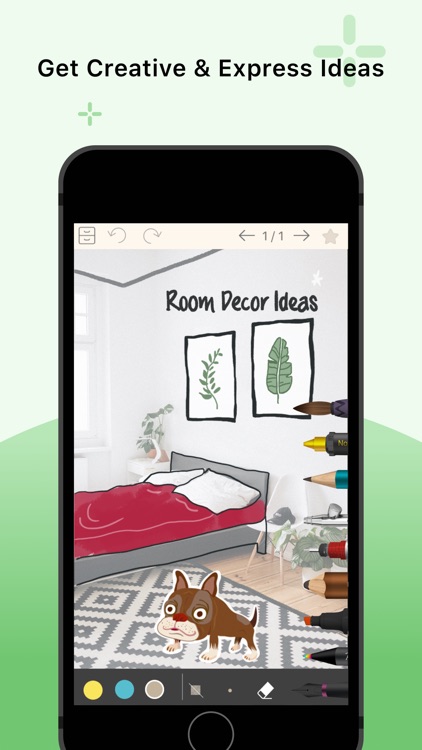
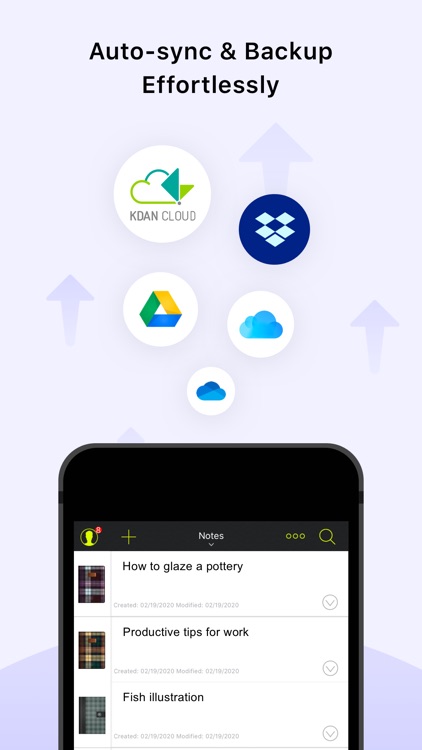
Whatever it is, NoteLedge will help you record it. You can utilize the app to jot down handwritten notes, sketch diagrams, edit photos, create tables, record audio and video, clip website content, and so much more. Notebooks can be personalized with different covers and paper styles, backed up to the cloud, password protected, and exported.

If you need a way to record and organize your notes, this is it. NoteLedge offers a superior handwriting and doodling experience, making it feel as if you always have a pencil and paper with you at all times.

In order to sync notes across multiple devices, you need a subscription to the developer’s cloud service.
YoWindow Weather
iPhone
iPad
YoWindow Weather

YoWindow Weather

Pavel Repkin

Have a look out the window to see what the conditions are like with this fun weather app.

YoWindow is ideal for anyone looking for more than just a list of temperatures from their weather app.

$0.99 $0.99
Why we picked this?

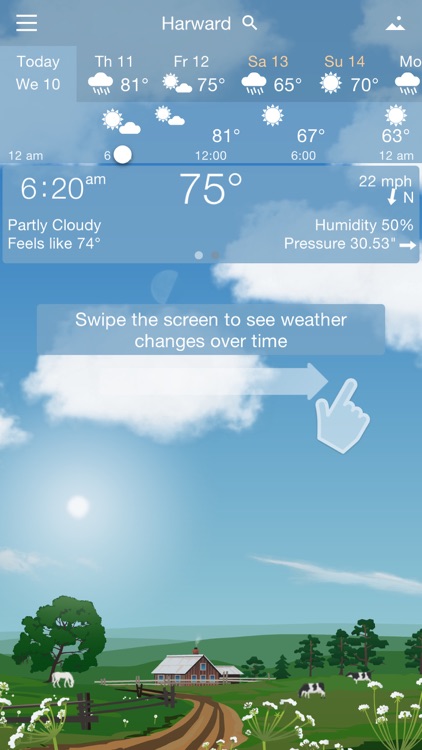
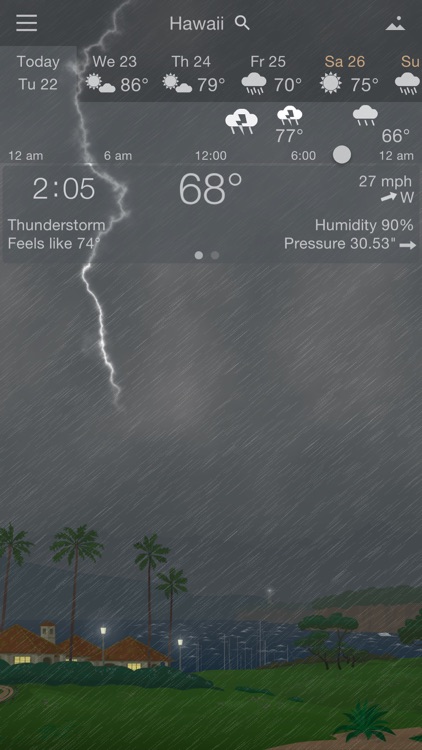
YoWindow is all about watching the weather. You’re presented with a quick look at the current time, temperature, and conditions. Slide your finger from left to right across the screen to scroll time forward and watch as the scene changes to reflect what it’ll be like later on in the day. YoWindow also includes a seven-day forecast and six scenes to choose from.

If you want to see the weather before you go out, YoWindow is the perfect app for you. It allows you to visualize the current and future conditions in perfectly animated scenes.

If all you want is the weather forecast and nothing more, YoWindow is overkill. It’s animations and sounds will simply get in your way.

Musical Paint For Kids
iPhone
iPad
Musical Paint For Kids

Musical Paint For Kids

Building Blocks Media

Paint with music with this delightful entertainment app for children.

Musical Paint For Kids is great for parents with children eight and under who love to create.

$4.99 $4.99
Why we picked this?

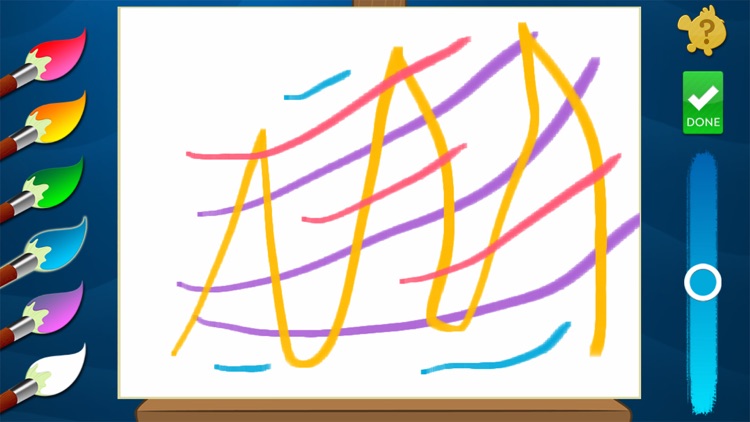
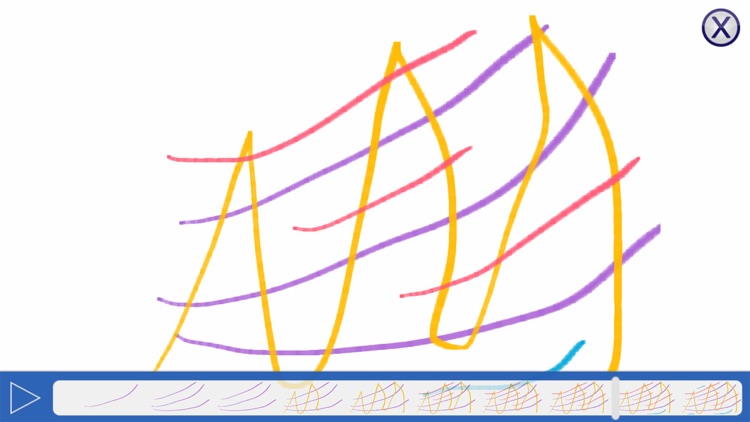
Musical Paint For Kids provides a multi-sensory experience for your child. They’re able to select from six adjustable colors and then paint their hearts out. Each color is accompanied by a different tune, so each stroke will create beautiful music. Your child can sign their work of art before saving it, adding a nice personal touch.

If you want to embrace your child’s artistic talents, download Musical Paint For Kids today. It provides another level of interaction by having each stroke make a tune.

If you have a child older than eight, the experience might be lackluster for them due to the limited selection of tools. Check out Musical Paint Pro instead.