


You are using an outdated browser. Please upgrade your browser to improve your experience.

Apps That
Went Free on
2016-01-15

Start a diary, practice spelling, and check on the status of your network devices with today’s collection of apps and games.

Daygram: Daily Journal
iPhone
Daygram: Daily Journal

Daygram: Daily Journal

EUIHYUNG JUNG

Record your experiences and thoughts with DayGram.

It’s a great way to get into the habit of keeping a diary.

FREE ($0.99) For a limited time FREE ($0.99) For a limited time
Why we picked this?

DayGram will provide you with insights into your life. All that’s required of you is to record at least one line each and everyday. It can be anything that’s on your mind, whether its something simple like the food you consumed throughout the day or something big that inspired you. Once you get into the habit of keeping a diary, you’ll be able to see how the little things in life change your perception of it. The app features a rather unique e-ink visual style, simple interface, and customizable timeline.

If you’ve always thought about keeping a diary but felt there were too many barriers, give DayGram a try. It keeps things simple without sacrificing features like password protection and cloud syncing.

DayGram isn’t ideal for long entries, although you can include them.

Mystery Word Town Spelling
iPhone
iPad
Mystery Word Town Spelling

Mystery Word Town Spelling

Artgig Studio

Your child must help the sheriff and a friendly ghost capture outlaws in Mystery Word Town.

It’s a fun educational game that will help your young child build spelling confidence.

$3.99 $3.99
Why we picked this?

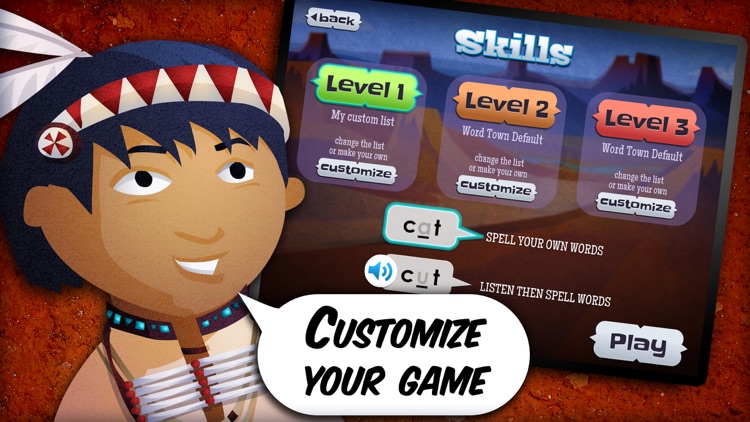
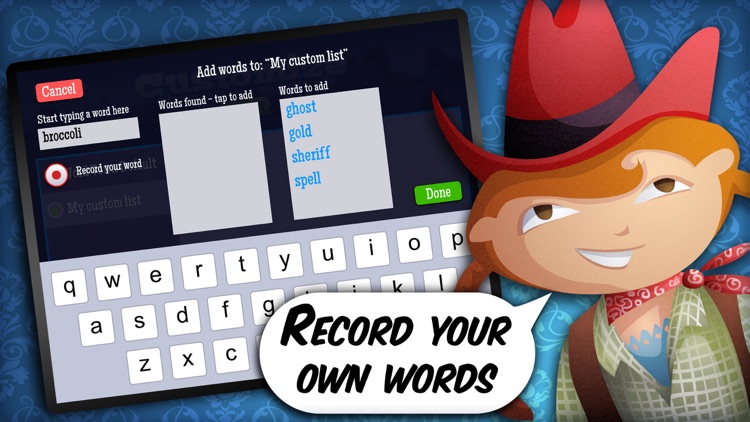
To help the ghost get from room to room and building to building, your child will need to collect letters and spell words. Along the way they’ll earn talking portraits to add to their gallery. The portraits have different stories to tell through colorful characters. The game includes nine themed buildings, support for multiple user accounts, bonus challenges and unique rewards, and customizable skills.

If you’ve been looking for an educational app that will grab and hold your child’s attention, you’ve found it. Mystery Word Town offers teacher-developed word lists, or you can create your own.

It’s solely intended for children over the age of six.

Net Status - Server Monitor
iPhone
iPad
Net Status - Server Monitor

Net Status - Server Monitor

Pavel Ahafonau

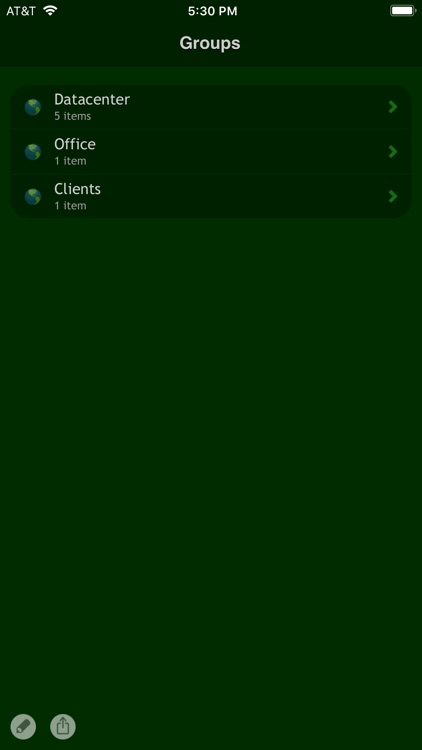
Keep track of what's happening with your hosts, routers, and other network devices connected to the web or LAN with this utility app.

It’s for network administrators and anyone else interested in securing local networks.

$1.99 $1.99
Why we picked this?

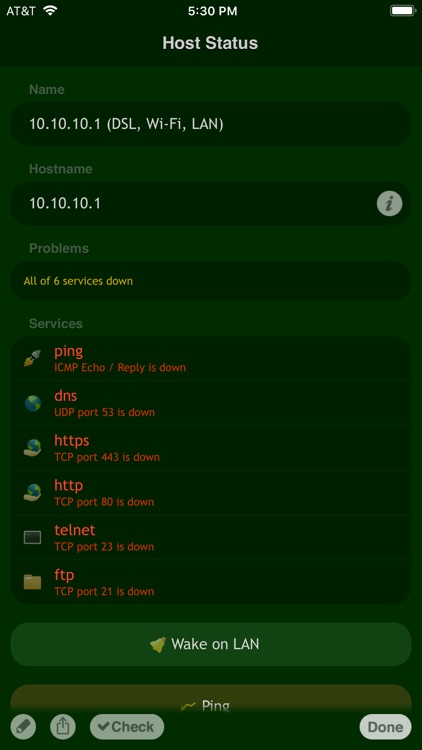
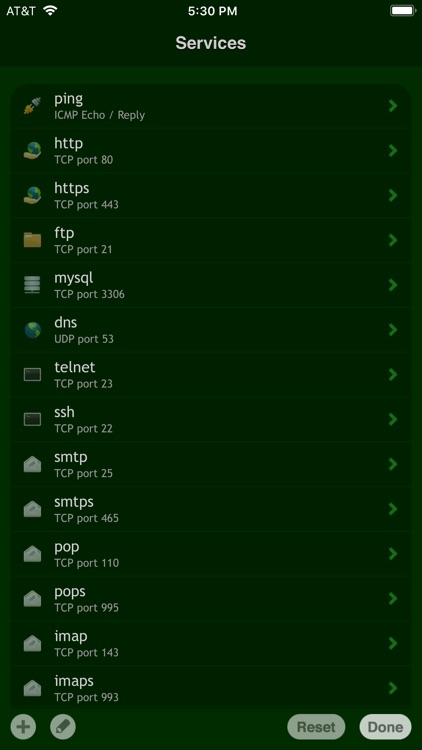
Net Status automatically scans for running services, and allows you to email the results. You can also manually ping hosts. The app works over Wi-Fi, 3G, EDGE, and GPRS.

If you’re in charge of a network, you need this and the rest in Happy Magenta’s suite of utility apps.

It has a very specific purpose. It’ll be obvious if it’s not for you.

Nice Trace - Traceroute
iPhone
iPad
Nice Trace - Traceroute

Nice Trace - Traceroute

Pavel Ahafonau

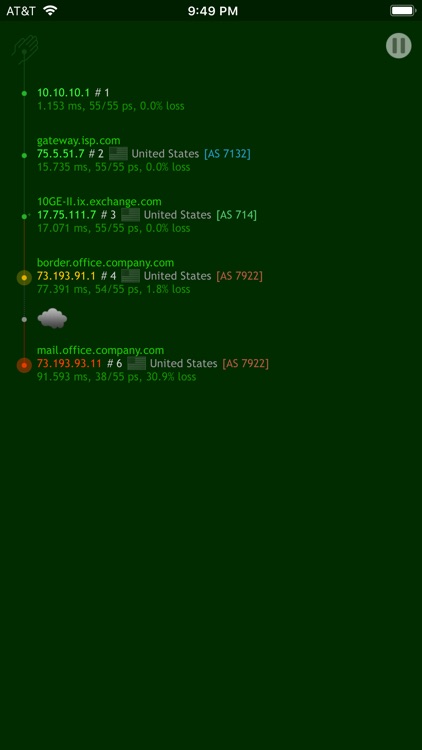
This network utility app allows you to trace the route to a host to discover any possible bottlenecks.

It’s for network administrators.

$0.99 $0.99
Why we picked this?

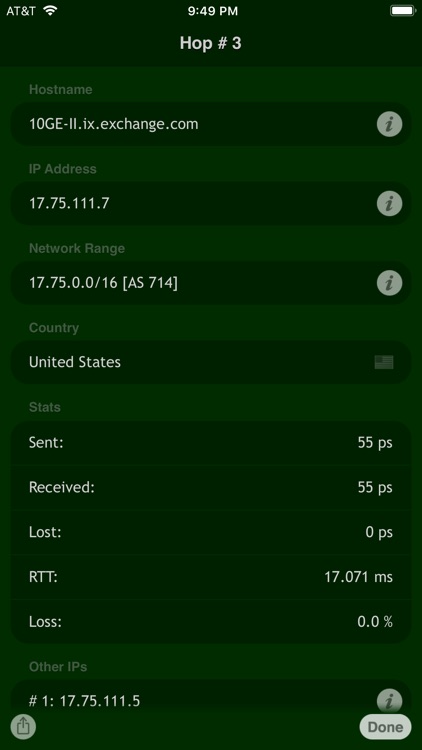
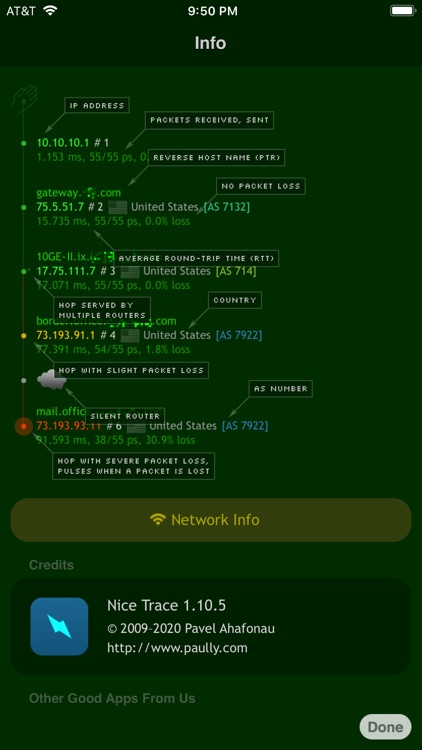
Nice Trace allows you to view a wealth of information including IP address, country origin, percentage of packets lost, average packet round trip time, and reverse hostname. You can also share your results via email.

If you’re in charge of a network, you need this and the rest in Happy Magenta’s suite of utility apps.

It has a very specific purpose. It’ll be obvious if it’s not for you.

RBL Status
iPhone
iPad
RBL Status

RBL Status

Pavel Ahafonau

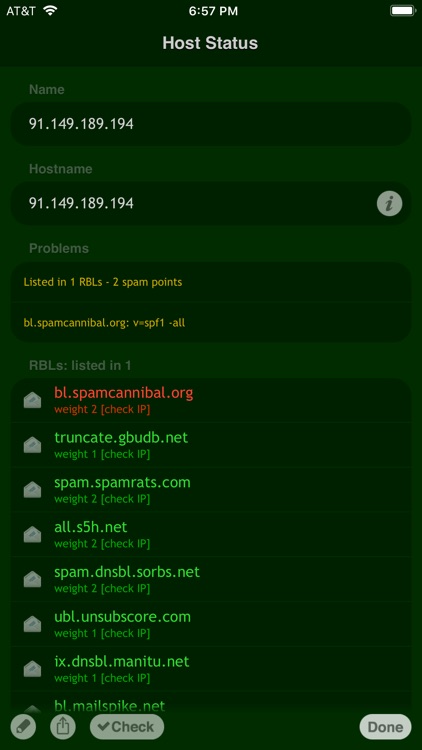
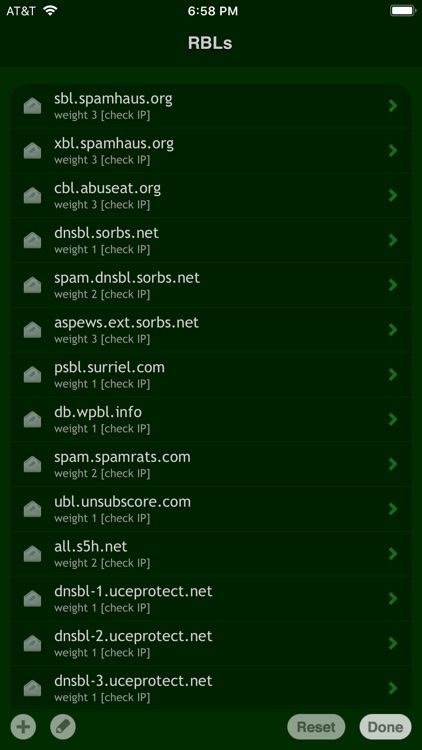
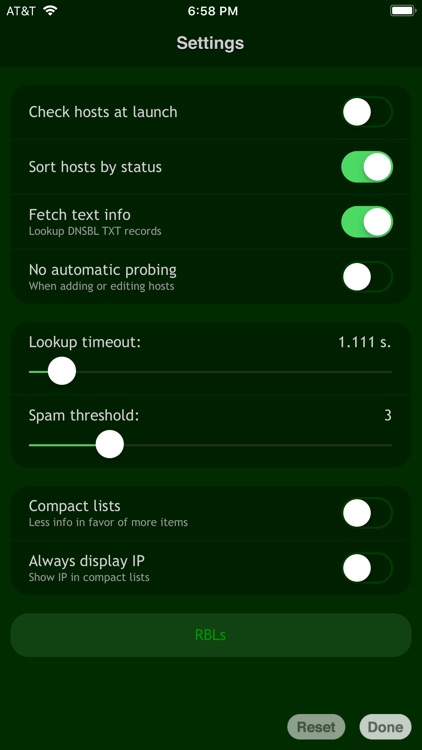
Check your hosts against multiple DNS black hole lists with this utility app.

It’s for network administrators.

$0.99 $0.99
Why we picked this?

RBL Status is the only multi-DNSBL checker app for iOS. It allows you to quickly determine which RBLs are currently listing hosts from your monitoring list. You're also able to share your check results via email. The app works over Wi-Fi, 3G, EDGE, and GPRS.

If you’re in charge of a network, you need this and the rest in Happy Magenta’s suite of utility apps.

It has a very specific purpose. It’ll be obvious if it’s not for you.

SKEW
iPhone
iPad
SKEW

SKEW

ThirtyFive Inc.

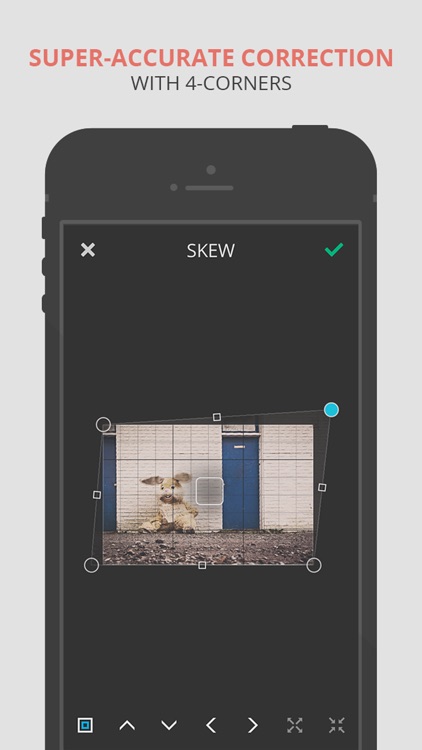
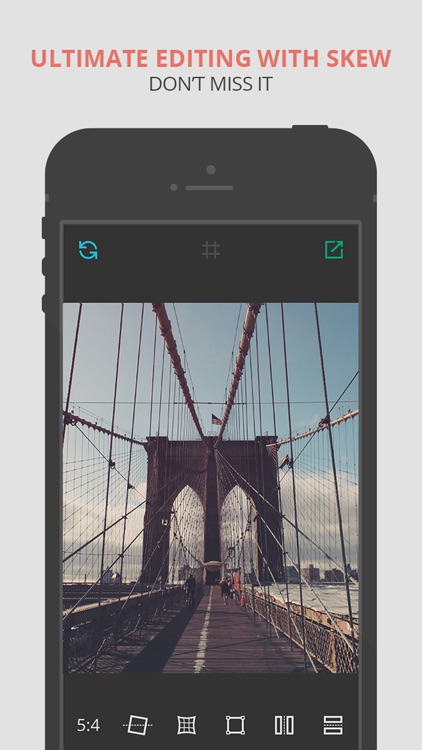
Turn your photos askew or simply straighten them out with this photography app.

It’s ideal for artists or photo editors.

$1.99 $1.99
Why we picked this?

Skew can be whatever you need it to be. You’re able to import any photo from your library or take a new one from within the app. You can then correct your photo by adjusting its rotation, curvature, and skew via sliders and draggable points. You can also use Skew to completely change the look of your photo and add a whole new perspective using the same tools. Skew includes a variety of ratios to choose from along with the ability to flip photos.

Whether you want to edit or correct photos, Skew is a handy little tool.

Skew is only able to twist and contort photos. It’s void of any other options.

Monster Math School: Fun Games
iPhone
iPad
Monster Math School: Fun Games

Monster Math School: Fun Games

Makkajai Edu Tech Private Limited

Your child can work on their mental math skills with Monster Math.

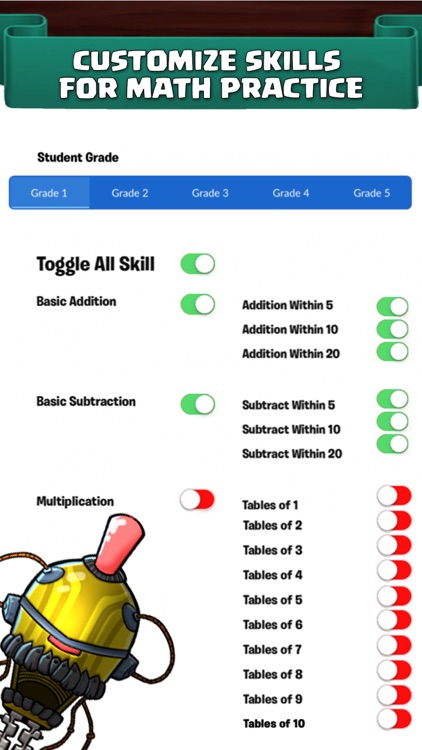
It’s ideal for any child who needs to learn and practice addition, subtraction, division, times tables, and basic problem solving.

$9.99 $9.99
Why we picked this?

Maxx the monster’s friend Dextra has been kidnapped by an evil wizard. Your child must help him explore new worlds, battle enemies, and find allies in order to get her back by solving math problems. The app’s intelligent math trainer system automatically adjusts the difficulty depending on your child’s ability, and the disembodied voice will ensure they’re always aware of the task at hand. The game also includes a multiplayer mode, a practice mode, and the ability to create multiple user profiles.

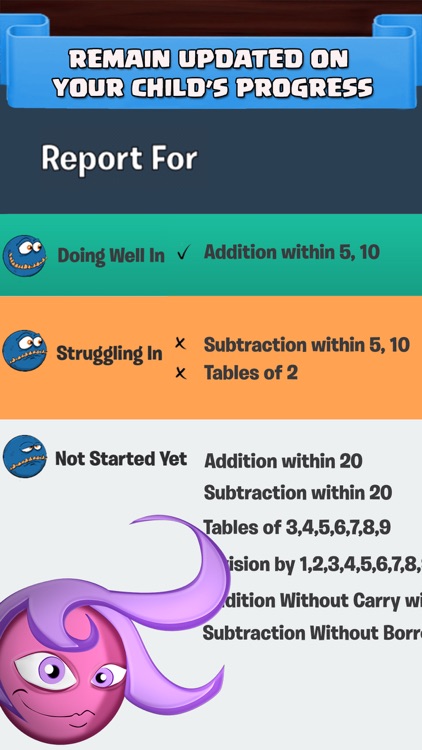
If you want to track how quickly your child is getting the hang of mental math, you couldn’t find a better game. Its in-depth reporting helps you identify which of the Common Core Standards they’re struggling with and which they’re doing well in.

If your child hasn’t yet reached school age, you might want to skip this one.