



You are using an outdated browser. Please upgrade your browser to improve your experience.

Apps That
Went Free on
2016-01-17

Race JetSkis over waves and around buoys, create beats from practically anything, and get a visual overview of the human anatomy with today’s collection of apps and games.

Aqua Moto Racing 2
iPhone
iPad
Aqua Moto Racing 2

Aqua Moto Racing 2

Dohi Sweden

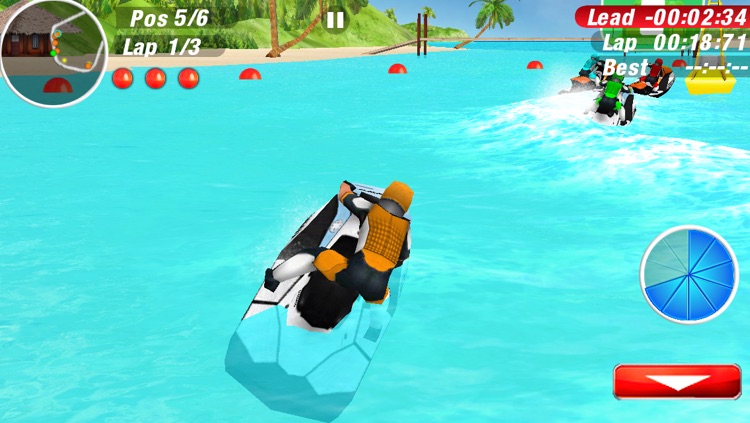
Race JetSkis over waves and around buoys in Aqua Moto Racing 2.

Gamers who couldn’t get enough of Wave Race will have no problem getting into this one.

$2.99 $2.99
Why we picked this?

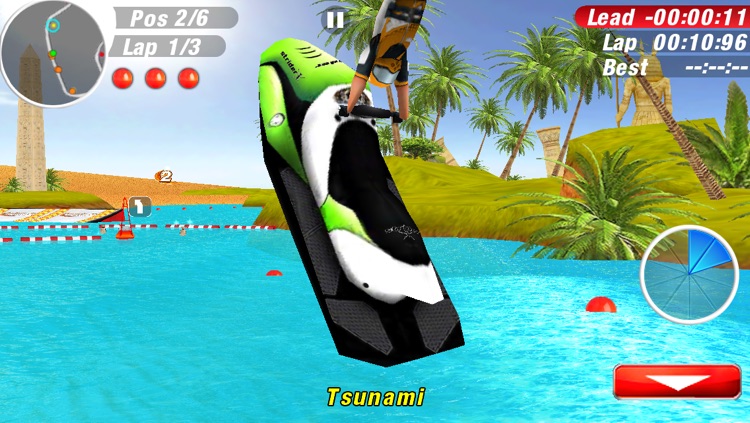
Aqua Moto Racing 2 puts you on a JetSki in middle of wet and wild environments. You’re able to race against AI-controlled opponents in six exotic locations and across 48 challenging courses. The dynamic waves will toss your JetSki around, so hold on tight and lean into each turn to race ahead of your opponents. The game also includes the ability to perform stunts, unlock new JetSkis, and level up your rider.

If you’re tired of speeding around static racetracks, it’s time to hit the water in Aqua Moto Racing 2. The tilt controls work well here, and the fluid gameplay will keep you hooked.

The game is showing its age, even though the 3-D graphics still hold up pretty well.

TableDrum
iPhone
iPad
TableDrum

TableDrum

Dohi Sweden

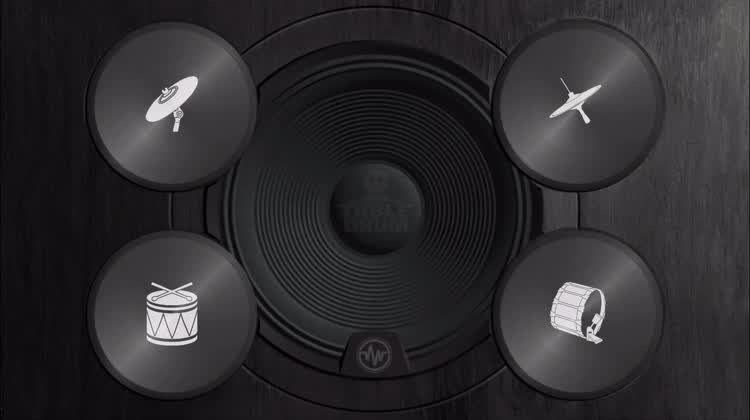
This virtual drum set allows you to create beats from practically anything.

Percussionists will love the physical feedback.

$2.99 $2.99
Why we picked this?

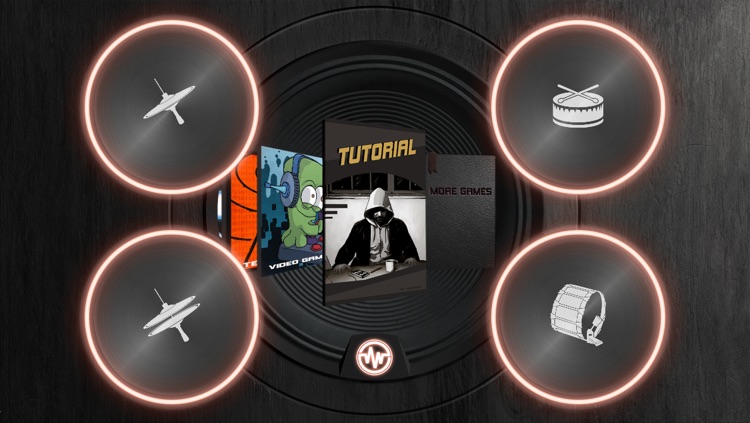
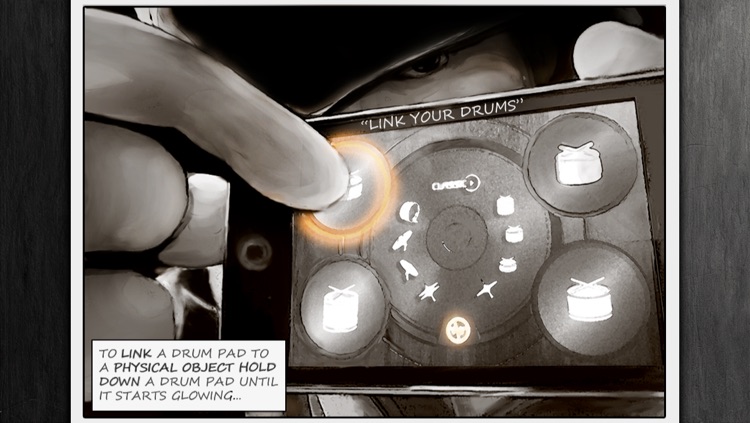
Hold down your finger on one of the drum pads until it begins to glow. Then release and tap a real physical object several times while the light fills the circle surrounding the pad. When the linking process is complete, the rim of the pad will glow and the app will recognize the sound you created to play the pad. The app includes a classic rock kit that allows you to swap out eight different drum samples.

If you need to get that beat out of your head, start tapping with TableDrum. There’s nothing else like it in the App Store.

Additional drum kits are available via in-app purchase.

Jungle Jam - Child Friendly
iPhone
iPad
Jungle Jam - Child Friendly

Jungle Jam - Child Friendly

Eggroll Games LLC

Keep your toddler entertained with this interactive music app.

Jungle Jam was designed for children ages one through four

$0.99 $0.99
Why we picked this?

It's completely free of buttons, menus, and in-app purchases, so your young child can mash away on the xylophone without any interruptions. The app also includes a fully interactive environment, allowing your child to activate a variety of animations by tapping all over the screen.

If your little one loves to bounce to the music, hand them your iDevice with Jungle Jam installed and watch them go.

It’s kind of a free for all, so older children that require more structure won’t get much out of this one.

Visual Anatomy
iPhone
iPad
Visual Anatomy

Visual Anatomy

Education Mobile

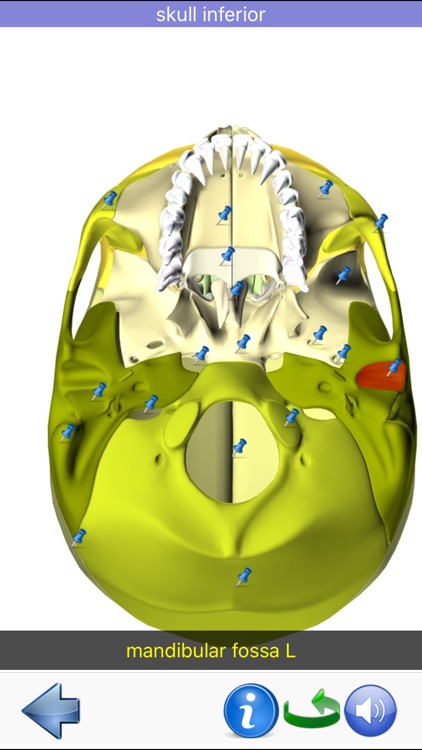
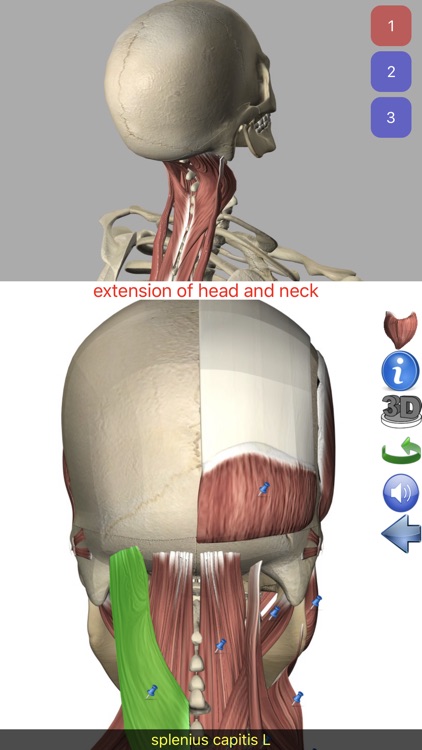
Get a visual overview of the human anatomy with this educational app.

Professionals can use it for the occasional reminder while students can use it as an aid.

$2.99 $2.99
Why we picked this?

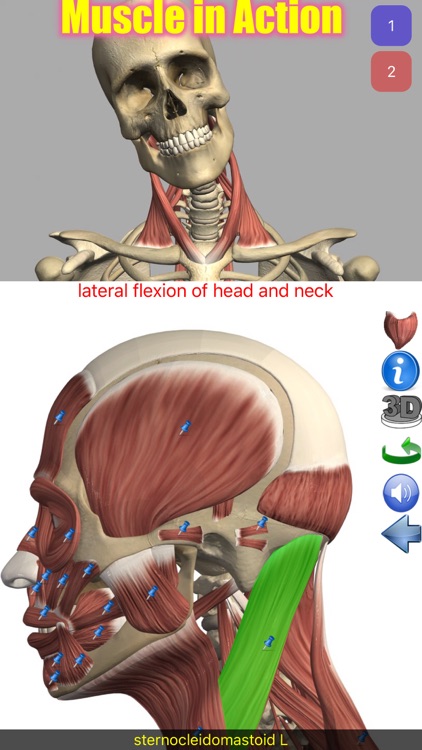
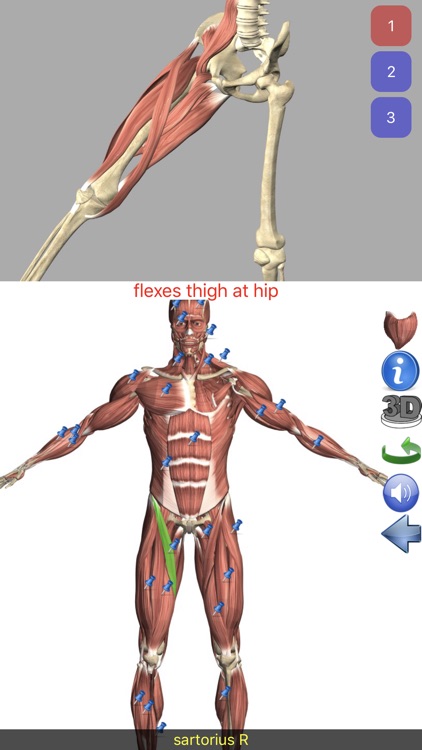
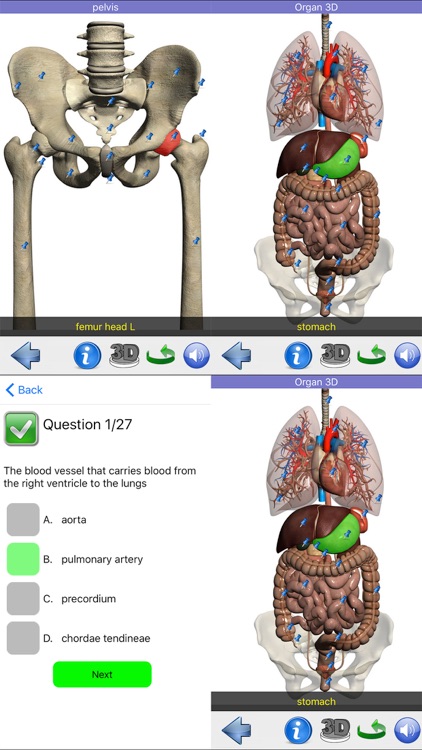
Visual Anatomy includes more than 500 high resolution images and more than 850 feature points. The feature points can serve as educational tools, where you can tap on a pin to select it and try to guess what it is, and then reveal the answer along with additional information. The app also includes 3-D rotational models, search, and six quizzes with multiple choice answers.

If you’re a physician or studying to be one, you need this app. It helps explain every condition, ailment, and injury.

The UI is a bit old and clunky.

ManCam - Super Manual Camera
iPhone
ManCam - Super Manual Camera

ManCam - Super Manual Camera

Saliha Bhutta

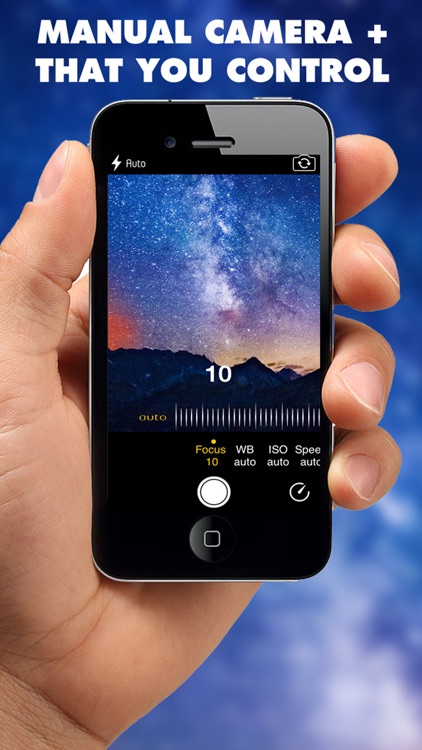
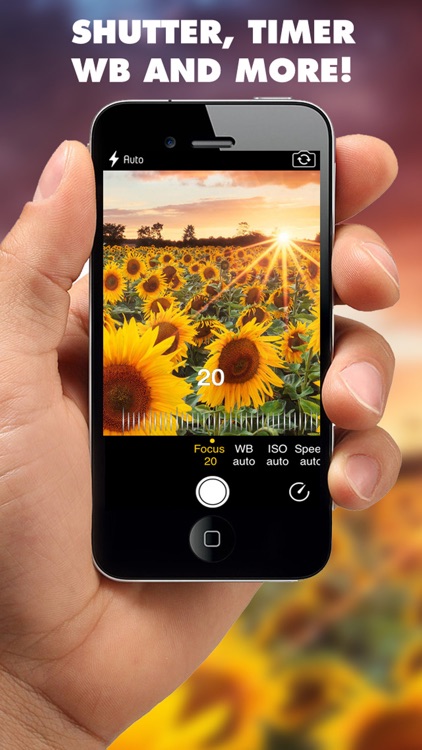
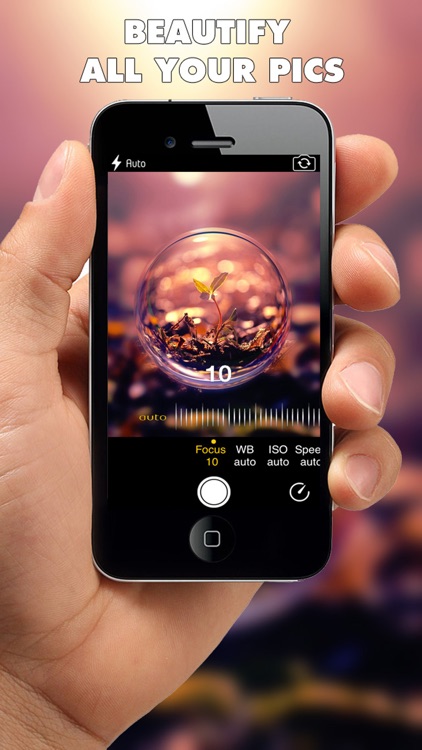
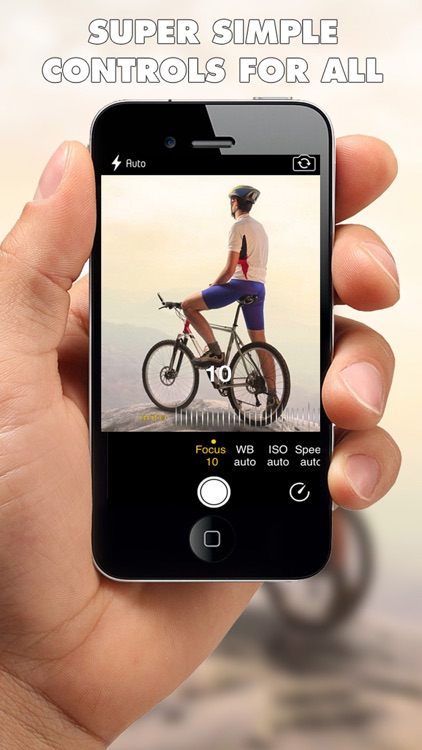
Manually adjust all parameters of your images with ManCam.

Photographers of every kind will prefer this app over Apple’s native solution.

$1.99 $1.99
Why we picked this?

ManCam provides independent control of the shutter, zoom, ISO, white balance, exposure compensation, timer, and focus. Simply swipe left and right above the shutter button to switch controls, and swipe the dial to manually adjust them. That’s all there is to it. The app also includes the ability to overlay a grid.

If you’re sick and tired of everything being automatic, ManCam is your camera app. It’s simple and effective.

The app can run a bit sluggish on older iDevices.