
You are using an outdated browser. Please upgrade your browser to improve your experience.

Apps That
Went Free on
2016-02-20

Write equations, create a relaxing environment, and fight off foes with towers and heroes with today’s collection of apps and games.

OTTTD: Over The Top Tower Defense
iPhone
iPad
OTTTD: Over The Top Tower Defense

OTTTD: Over The Top Tower Defense

SMG Studio

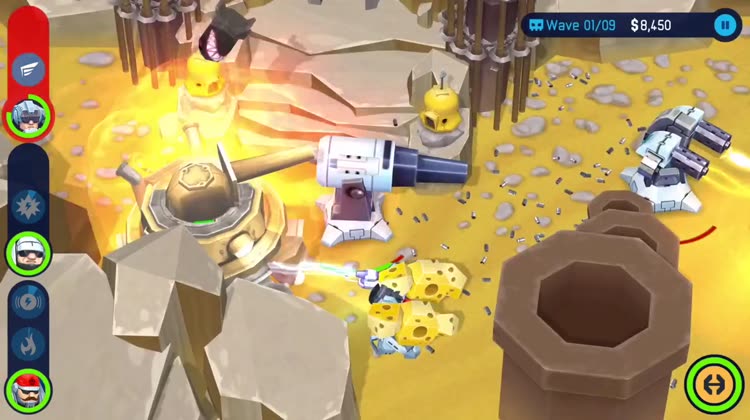
Eradicate your enemies by deploying towers and heroes in OTTTD.
Fans of tower defense games are sure to enjoy this one.

$4.99 $4.99
Why we picked this?

An inter-dimensional rift has been opened in order to bring odd creatures to Earth and provide out of work soldiers with something to do. Defend your post by placing powerful towers in strategic positions, and command squads of heroes to clean up what’s left. After each battle, you’ll be able to level up your heroes and unlock devastating new weapons. The game also includes some snazzy graphics, which allow you to cover the battlefield in giblets.

The blend of tower defense and real-time strategy gameplay elements is absolutely perfect. Gamers of all kinds will certainly enjoy this one.

It can be difficult at times, and if you lack the ability to complete levels in an efficient manner, you’re going to have to turn to in-app purchases.
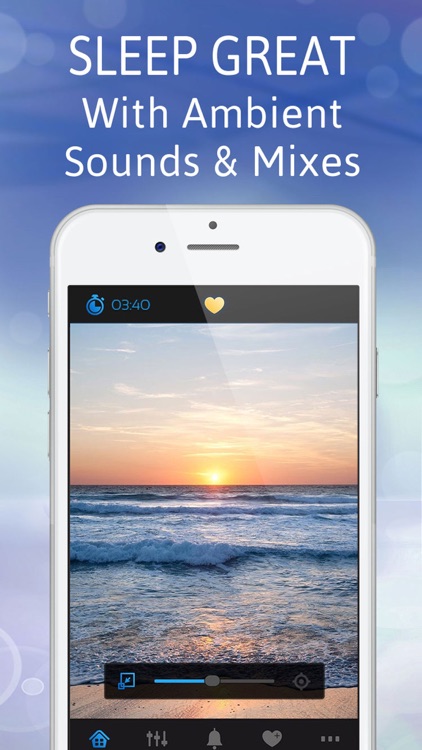
Sleep Pillow White Noise Sound
iPhone
iPad
Sleep Pillow White Noise Sound

Sleep Pillow White Noise Sound

FITNESS22 LTD

Fall fast asleep with Sleep Pillow.

It creates a relaxing environment.

$2.99 $2.99
Why we picked this?

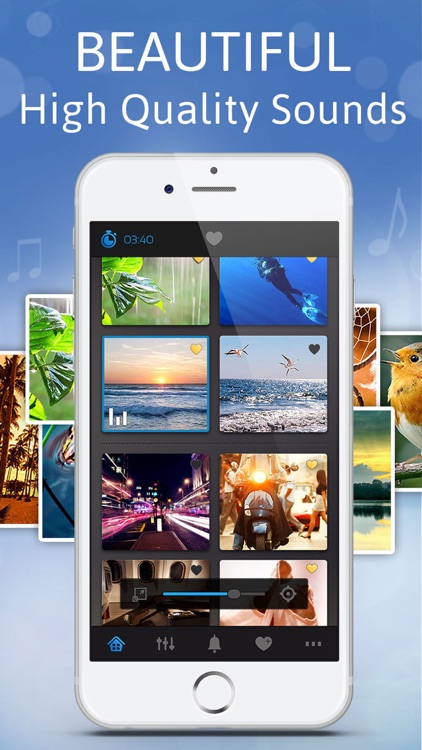
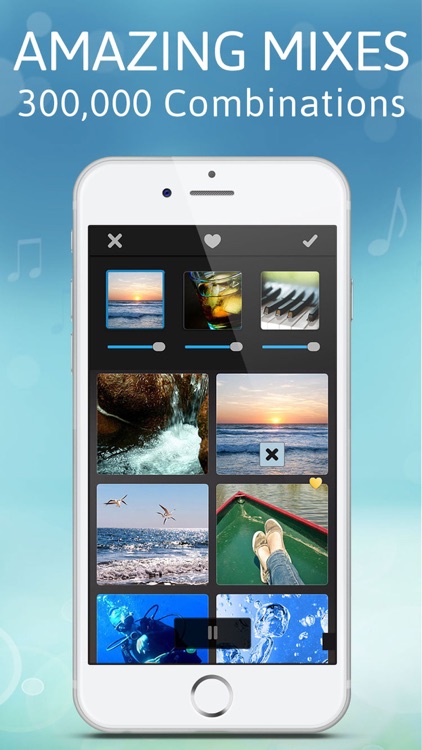
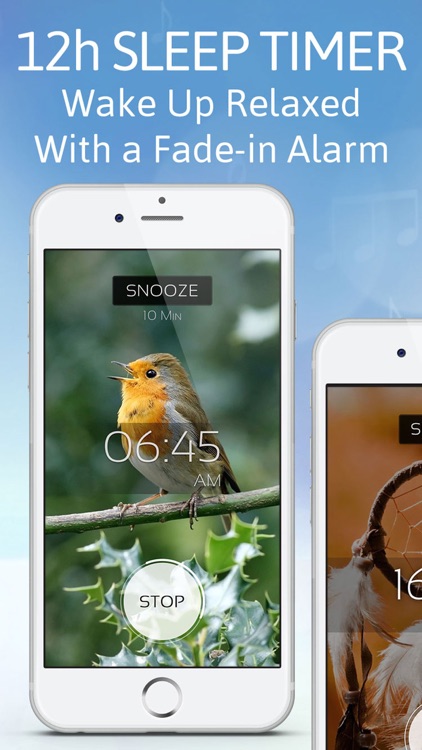
Sleep Pillow features a collection 70 naturally recorded sounds that can be mixed and matched to create more than 300,000 combinations. You can also add sounds to your list of favorites for quick access later on. The app includes a sleep timer with fade, high quality images, and background audio support.

If other relaxation apps are too limited for you, check out Sleep Pillow. The ability to create your own combinations is the icing on the cake.

Your mileage will vary based on your sound preference.

The Math Keyboard
iPhone
iPad
The Math Keyboard

The Math Keyboard

Daniel Soffer

This third-party keyboard puts math and scientific characters at the tips of your fingers.

It’s the perfect app for students and anyone else who constantly deals with equations.

$0.99 $0.99
Why we picked this?

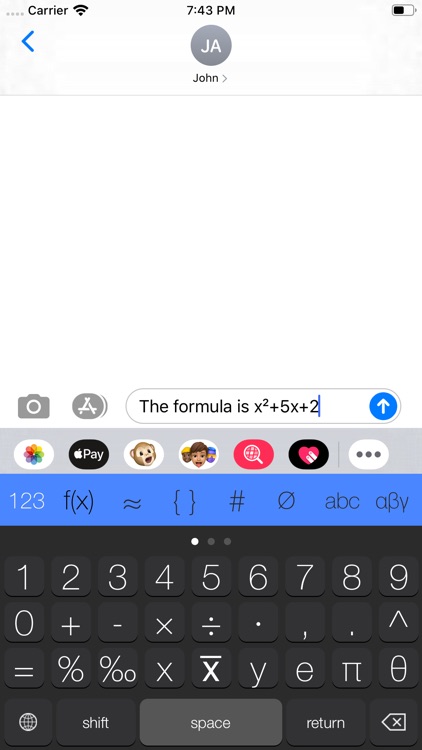
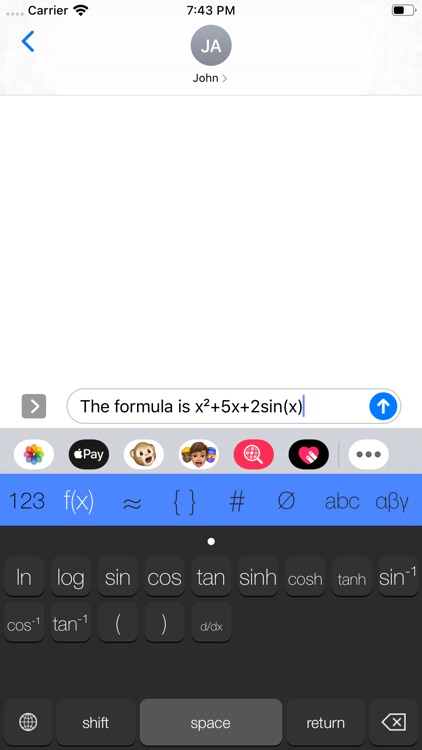
The Math Keyboard allows you to quickly write equations and share them however you wish. After adding The Math Keyboard, just tap the globe button to bring it up. The keyboard's seven different character categories can be accessed via the row at the top. Some categories have multiple pages, which can be accessed with a right to left swipe. The Math Keyboard works great in all native and third-party apps.

If you need a way to record and share your equations, this third-party keyboard will help you get it done faster. The best part is, it doesn’t require full access to your keystrokes to operate properly like most other keyboards.

If you’re not running iOS 8, you’re out of luck.

Week Agenda Ultimate
iPhone
iPad
Week Agenda Ultimate

Week Agenda Ultimate

Johan Burgler

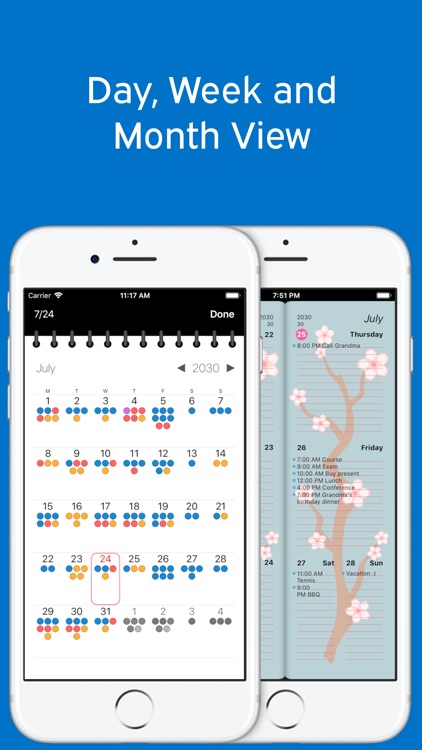
Keep your schedule straight with this gesture-driven productivity app.

It’s ideal for those who want to focus on life one week at a time.

$1.99 $1.99
Why we picked this?

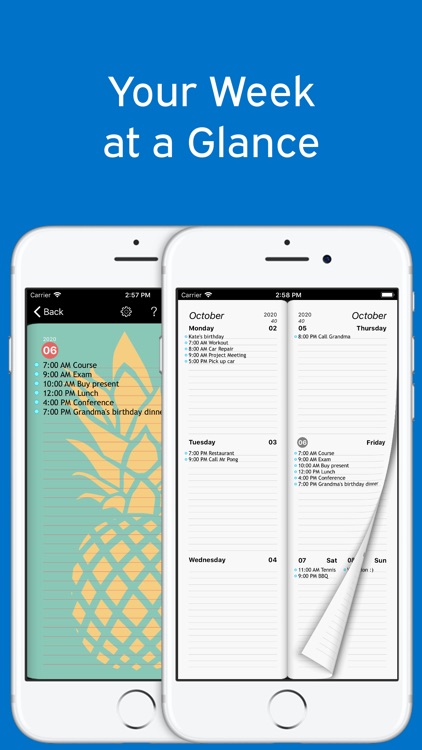
It displays all of the events on your calendar in weekly clumps. Just swipe to turn the page and view upcoming or preceding weeks. Create new events by tapping and holding on a day, and edit events by tapping on their titles. You can also tap on a day's title to enter the daily calendar view. The app includes the ability to jump ahead months and years with two and three finger swipes, and jump back to the current week with a long press on the top of the page.

If your schedule is constantly overwhelming you, give Week Agenda a try. Thanks to Apple Watch support, you won’t even have to reach for your iPhone anymore.

The app requires you to tap in to the native iOS Calendar app.