




You are using an outdated browser. Please upgrade your browser to improve your experience.

Apps That
Went Free on
2016-03-06

Visualize the weather, find your way out of a dungeon, and turn your photos askew with today’s collection of apps and games.

Dungeon of the Endless
iPad
Dungeon of the Endless

Dungeon of the Endless

Amplitude Studios

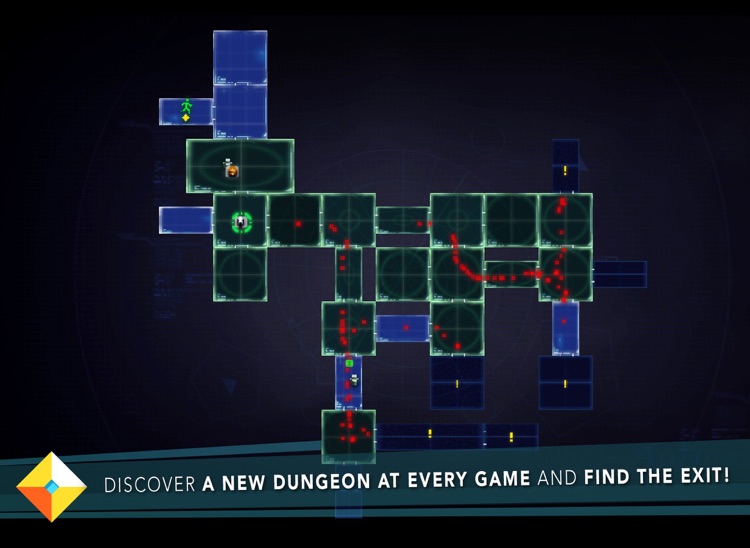
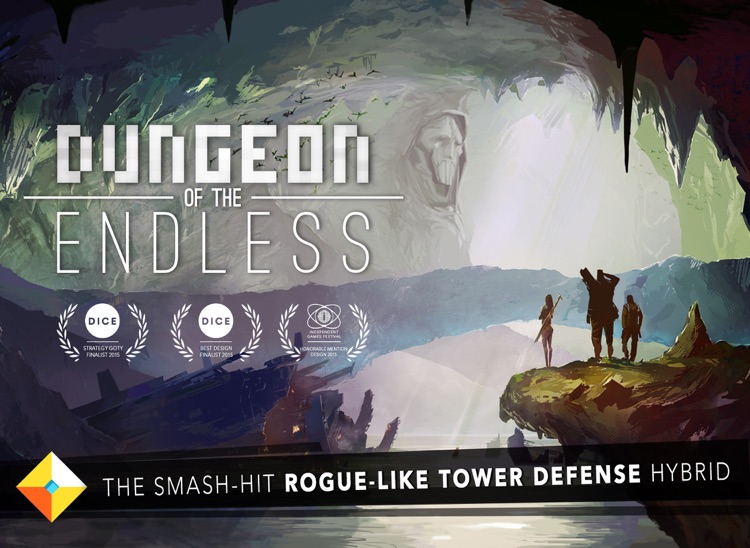
Find your way out of a mysterious and dangerous dungeon in Dungeon of the Endless.
This genre-masher is for anyone who enjoys style and substance.

$3.99 $3.99
Why we picked this?

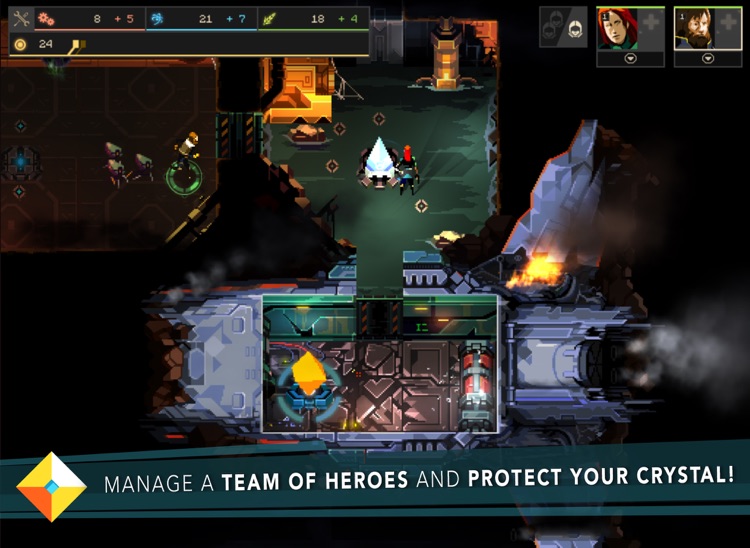
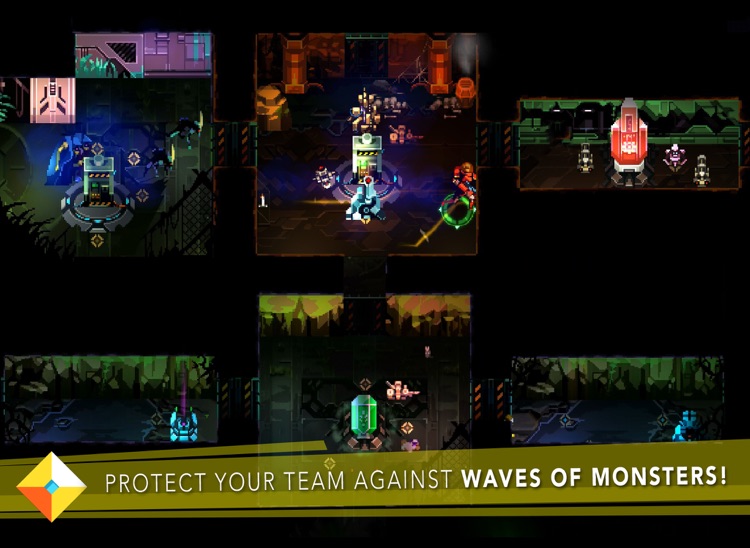
Dungeon of the Endless is a rather unique hybrid. Your spaceship has crash landed, and the only thing left keeping your team alive is a crystal generator. It’s up to you to equip and deploy your team in order to safely discover each door, and that’s where things get really interesting. The generator must travel with you through each room, so you must set up your defenses and slog it by endless waves of monsters. Your team members can be upgraded with new skills and equipment in order to make the journey easier.

If you’re into pixel art, rogue-like games, or tower defense games, Dungeon of the Endless is sure to please. It has it all.

The game requires an iPad 3 or later.
Clear Day - Weather HD
iPhone
iPad
Clear Day - Weather HD

Clear Day - Weather HD

vimov, LLC

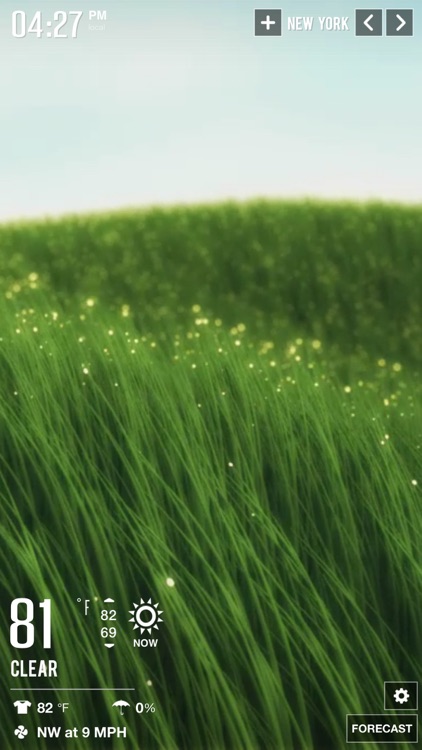
Visualize the weather conditions with Clear Day.

It’s weather data like you’ve never seen before.

$3.99 $3.99
Why we picked this?

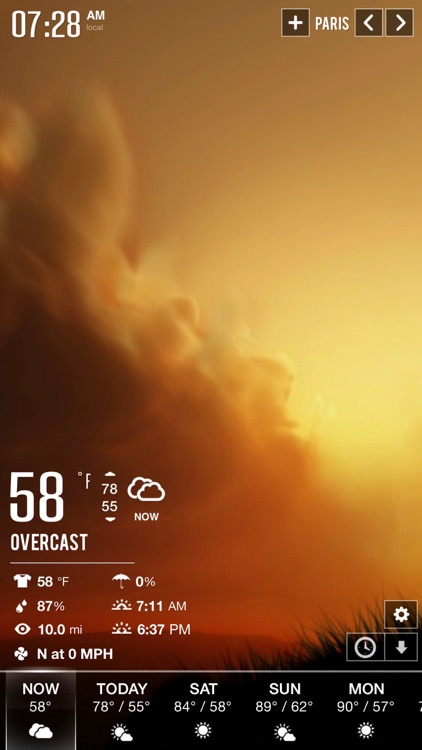
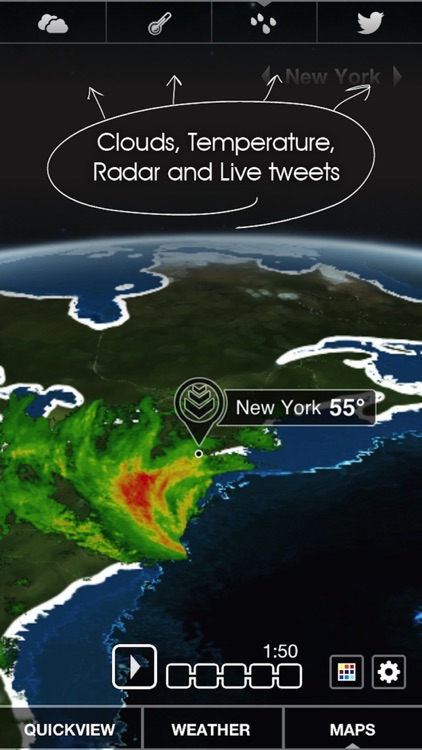
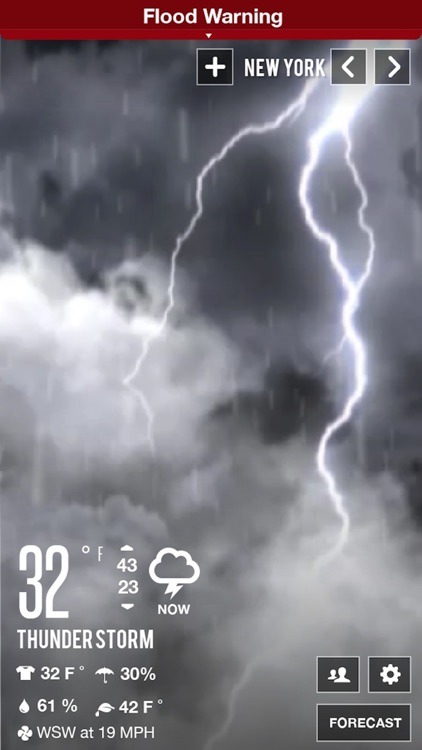
Clear Day is one visually stunning weather app. You’re presented with full screen videos that reflect the conditions. Across the bottom of the screen you'll find all of the weather data you could ever ask for including the wind speed, feels like temperature, chance of precipitation, and an hourly weather forecast. The current conditions can be shared via your favorite social media platform. Clear Day also has animated 3-D weather maps that depict storms and hurricanes with great detail.

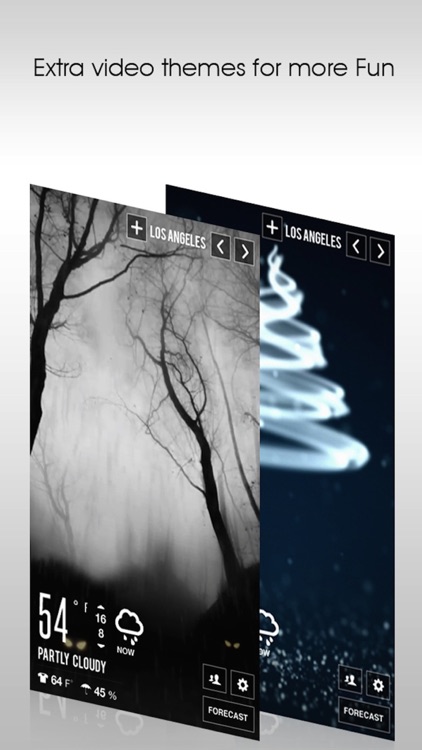
If you’re obsessed with the weather, download Clear Day today. It’s fully customizable, allowing you to see the data that only you want to see.

Premium features like severe weather alerts will cost you.

Shape Game & Colors App Preschool Games for Kids
iPhone
iPad
Shape Game & Colors App Preschool Games for Kids

Shape Game & Colors App Preschool Games for Kids

Eggroll Games LLC

Your little one can learn to identify shapes and colors with this memory matching game.

It’s ideal for parents with toddlers.

$2.99 $2.99
Why we picked this?

Various amounts of cards will appear on the screen face down. Your child can tap on them to reveal what’s on the flip side. They must then find all of the matching pairs of shapes and colors to complete each game. When tapped on, your child is able to hear the object or color pronounced. The app also includes a Show Me mode where the cards are all face up, making it easier to play.

If you want to provide your child with a friction-free learning environment at an early age, this is it.

The app’s not intended for children over the age of three.

Zen Sketch
iPhone
iPad
Zen Sketch

Zen Sketch

Fishington Studios

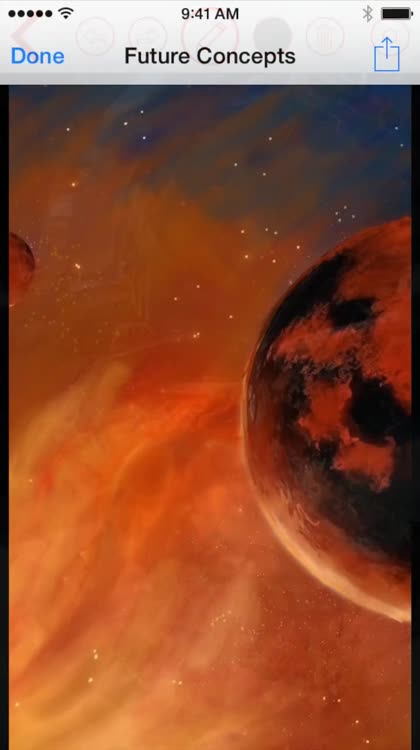
Sketch and paint whenever you feel like it with Zen Sketch.

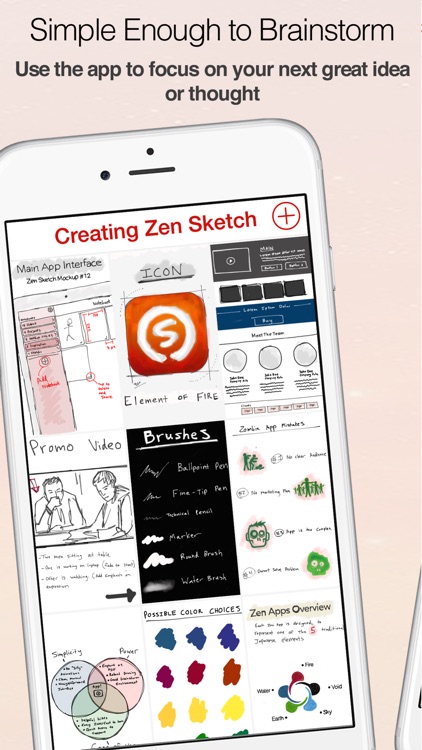
It’s not only ideal for artists but also perfect for scribbling down notes.

$1.99 $1.99
Why we picked this?

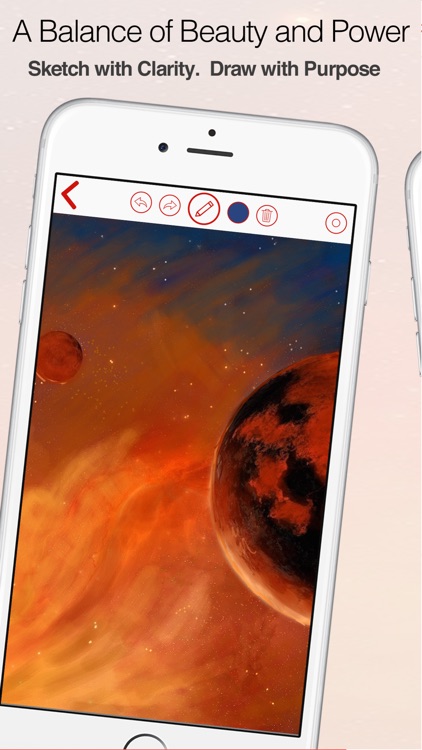
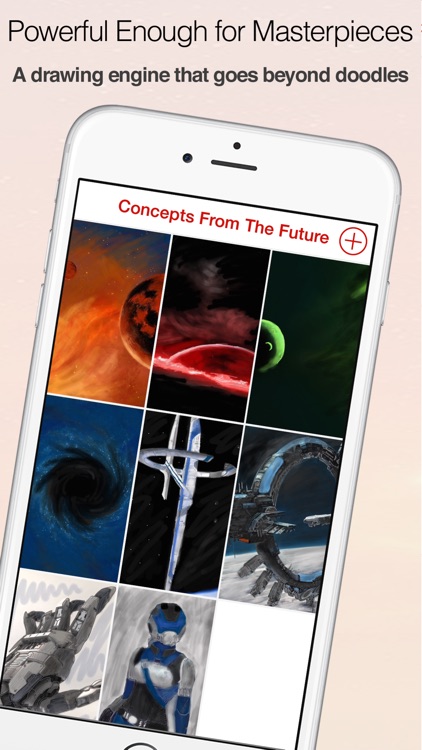
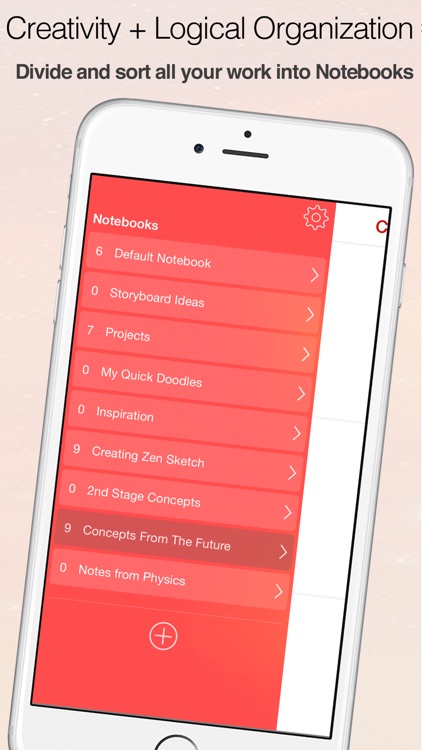
Zen Sketch allows you to quickly sketch out your ideas and jot down your thoughts without getting in the way. You’re able to create multiple notebooks and organize them however you wish. A toolbar rests at the top of the screen, which can be hidden with a tap. The toolbar allows you to select from nine different drawing tools and a huge variety of colors, and it allows you to undo and redo your strokes. Your creations can be exported as images or as PDF files.

If you want to bring a digital notebook with you wherever you go, download Zen Sketch today. It’s powerful new drawing engine is fast and responsive, allowing you to easily layer colors.

Zen Sketch is meant to be a quick sketching tool. If you want loads and loads of features, you’ll have to look elsewhere.

SKEW
iPhone
iPad
SKEW

SKEW

ThirtyFive Inc.

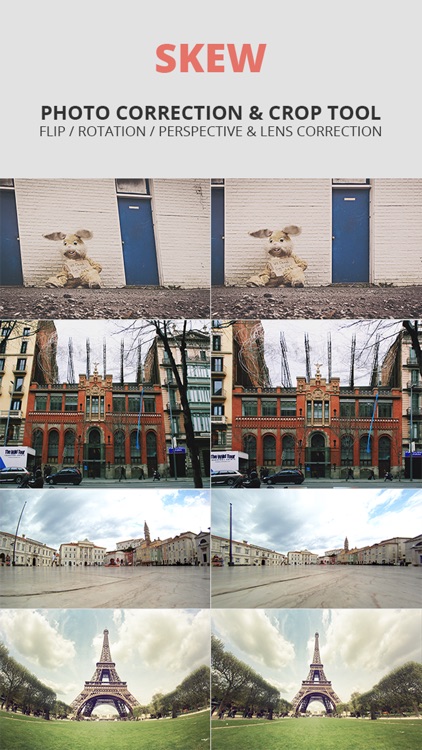
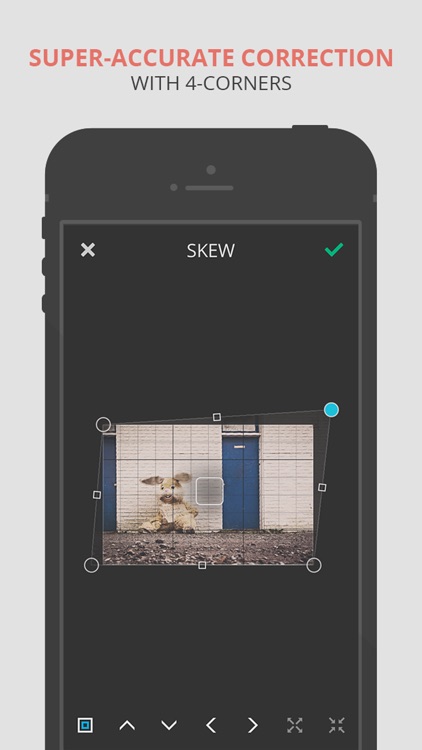
Turn your photos askew or simply straighten them out with this photography app.

It’s ideal for artists or photo editors.

$1.99 $1.99
Why we picked this?

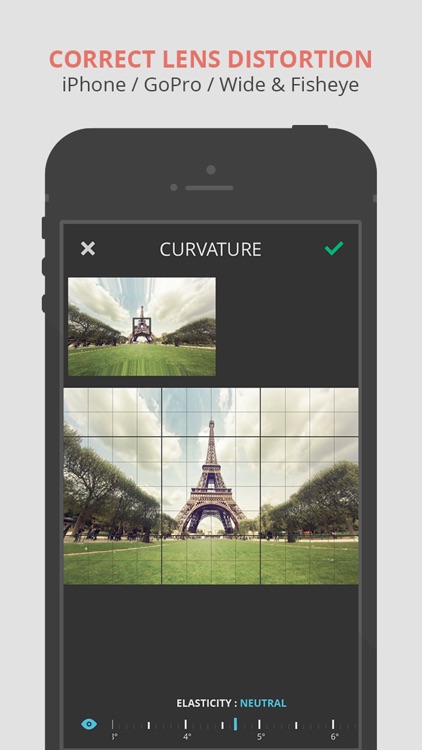
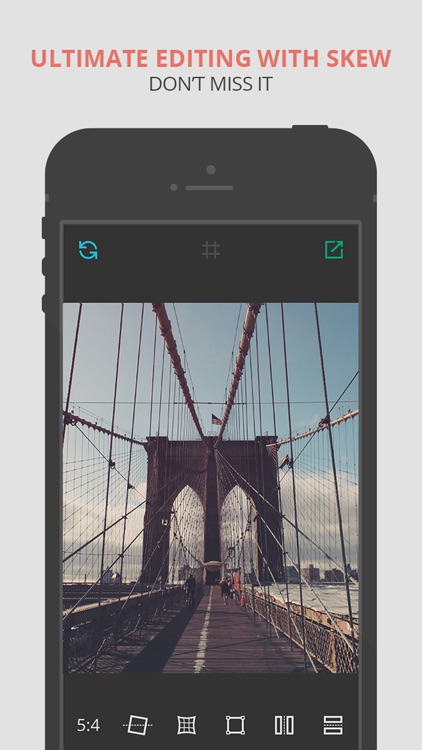
Skew can be whatever you need it to be. You’re able to import any photo from your library or take a new one from within the app. You can then correct your photo by adjusting its rotation, curvature, and skew via sliders and draggable points. You can also use Skew to completely change the look of your photo and add a whole new perspective using the same tools. Skew includes a variety of ratios to choose from along with the ability to flip photos.

Whether you want to edit or correct photos, Skew is a handy little tool.

Skew is only able to twist and contort photos. It’s void of any other options.

Now Then Time Tracking Pro
iPhone
iPad
Now Then Time Tracking Pro

Now Then Time Tracking Pro

Angry Aztec Ltd

Record and analyze your time spent on various tasks with Now Then.

It’s focused on tracking time and nothing else.

$2.99 $2.99
Why we picked this?

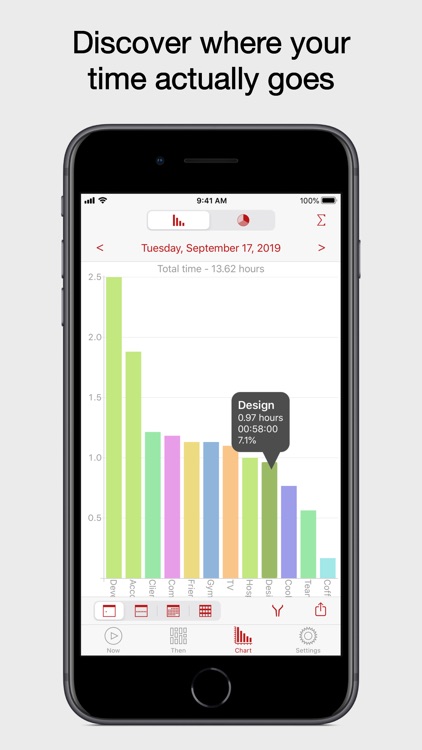
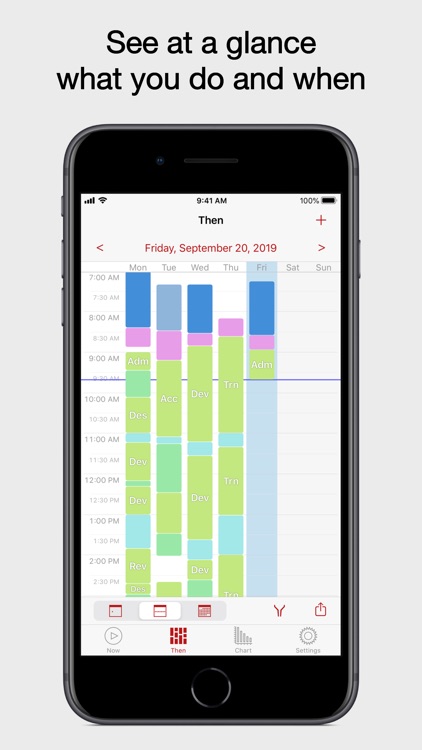
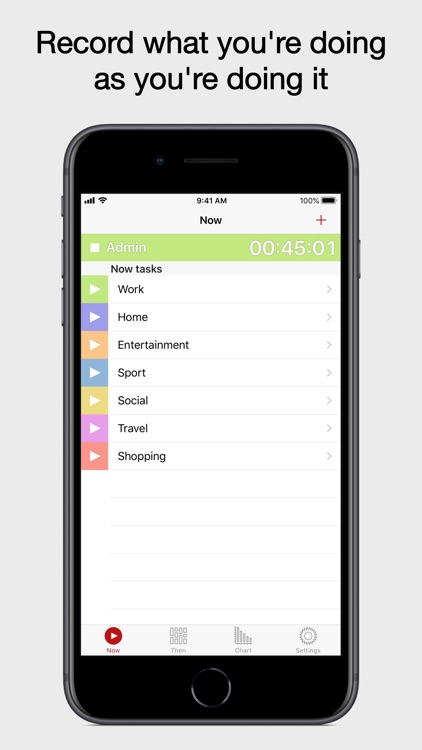
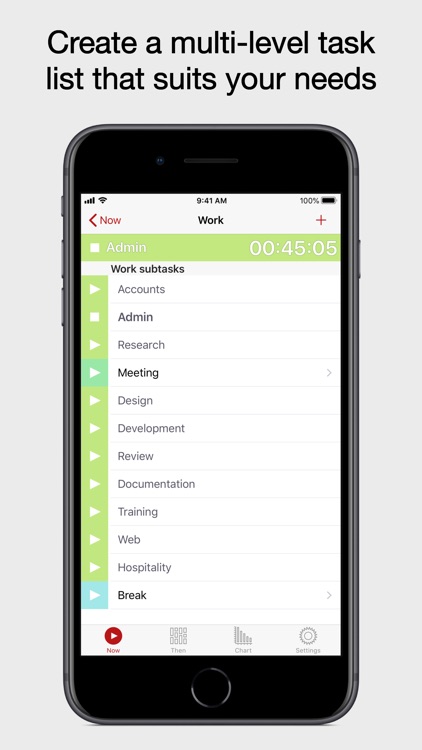
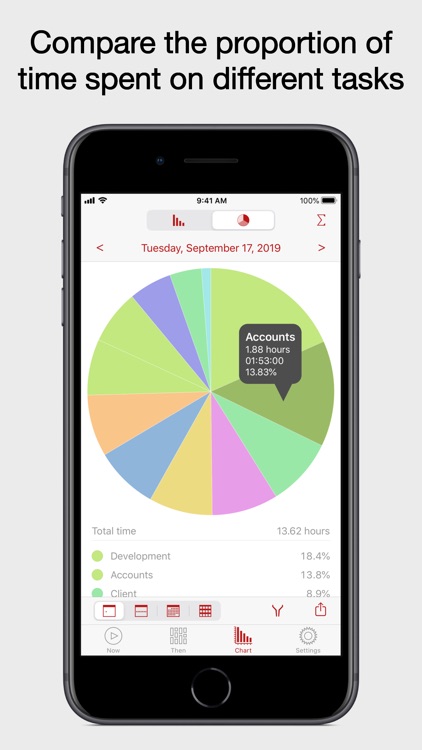
You’re able to add as many different tasks as you want to track and activate them whenever necessary. When adding an activity you’re able to title it, determine its position in the hierarchy, give it a short name, and choose a color. Then when you need to track your time spent, just tap the play button. You’re able to edit and comment on each task’s recorded event. You’re also able to view your time spent on tasks in chart form and any upcoming tasks. The app includes iCloud support, data filters, and the ability to generate and share reports.

If you want to know where all of your time is going, Now Then is for you. It’s great as a project time tracker, timesheet assistant, work log book, activity timer, and more.

The app is packed with features, which can make tracking simple tasks a bit of a chore.