
You are using an outdated browser. Please upgrade your browser to improve your experience.

Apps That
Went Free on
2016-03-29

Scan documents with your iDevice, view statistical trends, and blend your videos with today’s collection of apps and games.

My Water: Daily Drink Tracker
iPhone
iPad
My Water: Daily Drink Tracker

My Water: Daily Drink Tracker

My Water Drink Tracker Oy

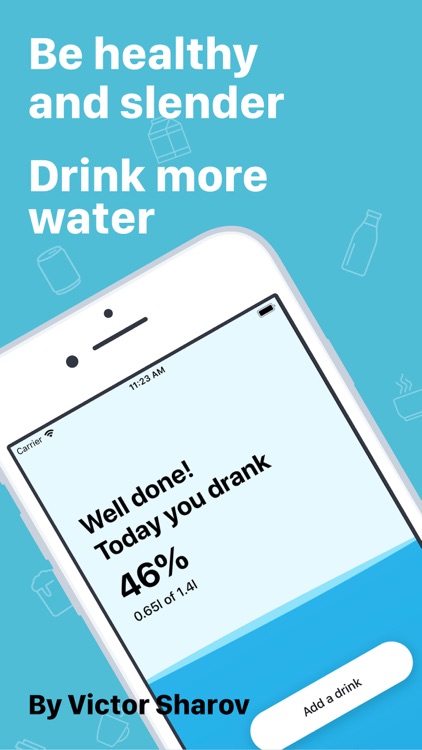
Stay happy and healthy with My Water Balance.
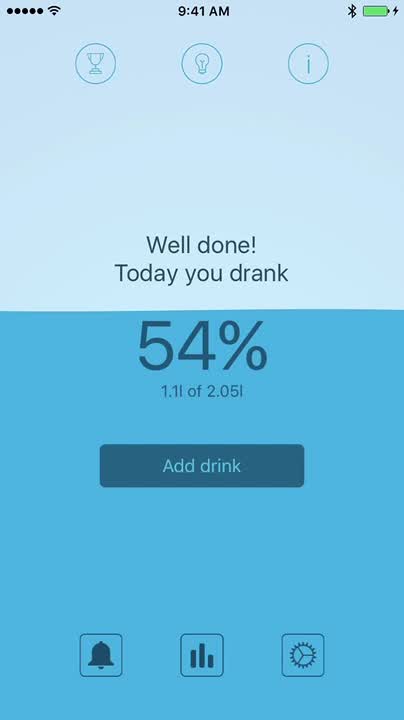
It’s for anyone who wants to ensure they drink enough fluids.

FREE ($0.99) For a limited time FREE ($0.99) For a limited time
Why we picked this?

The human body is made up of around 60 percent of water, so it’s clearly vital to your health. My Water Balance will ensure you drink enough by helping you track your intake throughout the day. Unlike similar apps, it allows you to record any type of fluid. It also allows you to receive notifications, earn rewards, and record data to the Apple Health app.

If you’re always feeling sluggish, give My Water Balance a try. You may just be dehydrated. The app is made even more useful if you have an Apple Watch since you can record your intake from your wrist.

It’s all about the liquids. This won’t help you track food or calories.

Critter Escape
iPhone
iPad
Critter Escape

Critter Escape

Chillingo Ltd

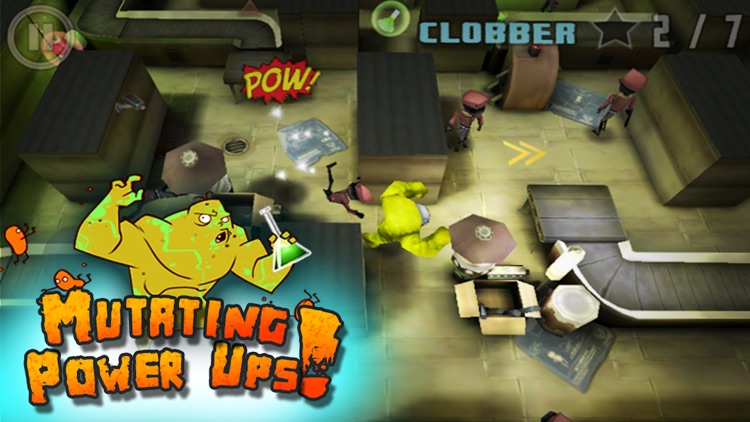
Play as a test specimen and break out of a secret research facility in Critter Escape.

It’s for fans of stealth-based games.

FREE ($0.99) For a limited time FREE ($0.99) For a limited time
Why we picked this?

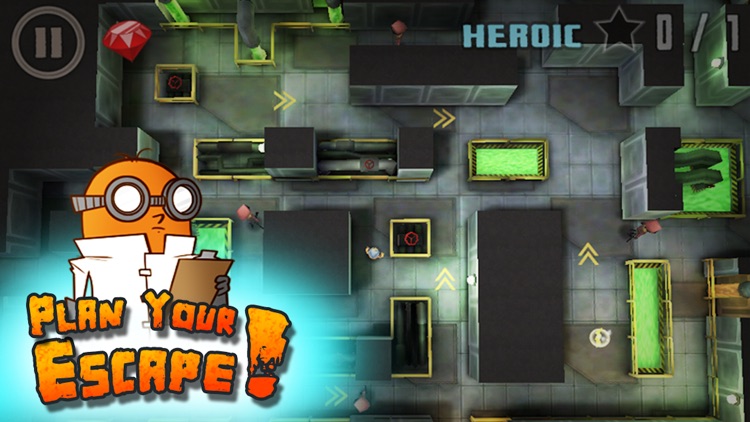
You're able to draw your critter's path through the environments, or you can have it simply follow your finger around the screen. Try to complete challenges while avoiding the many guards before reaching the exit to earn a perfect rating. The game includes more than 120 levels, power-ups, and achievements and leaderboards via Game Center.

It’s a bit of an App Store classic at this point. The line-drawing mechanic has held up well.

The pace can be a little slow, and if you play it on a smaller device your finger can end up hiding key elements.

Smart PDF Scanner
iPhone
Smart PDF Scanner

Smart PDF Scanner

Qrayon, LLC

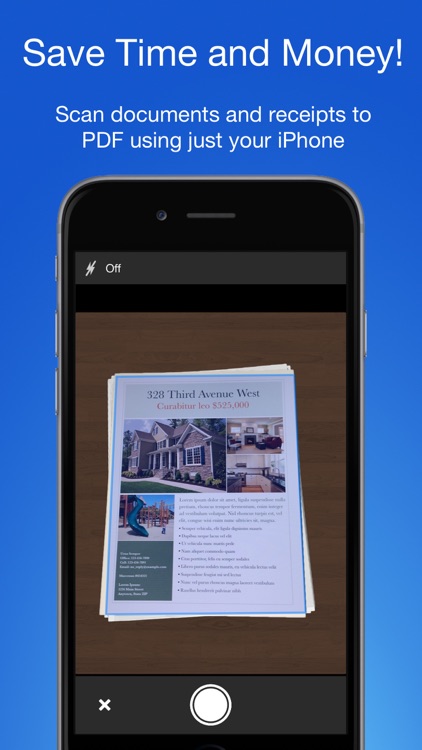
Ditch your home or office scanner and utilize your iDevice instead with Smart PDF Scanner.

It’s ideal for business professionals and anyone else in need of turning physical documents into digital copies.

$4.99 $4.99
Why we picked this?

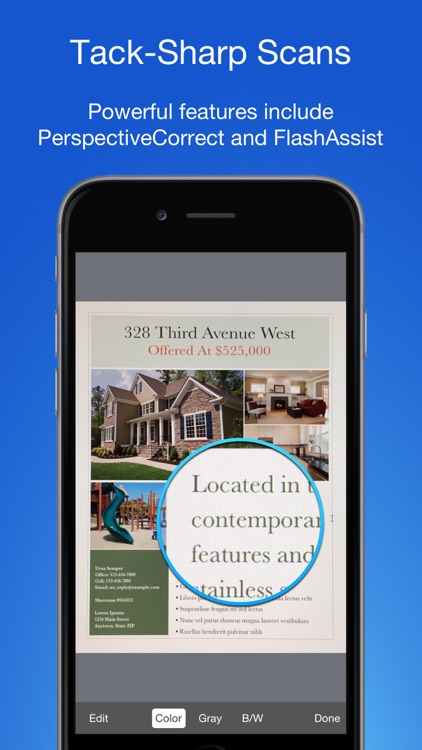
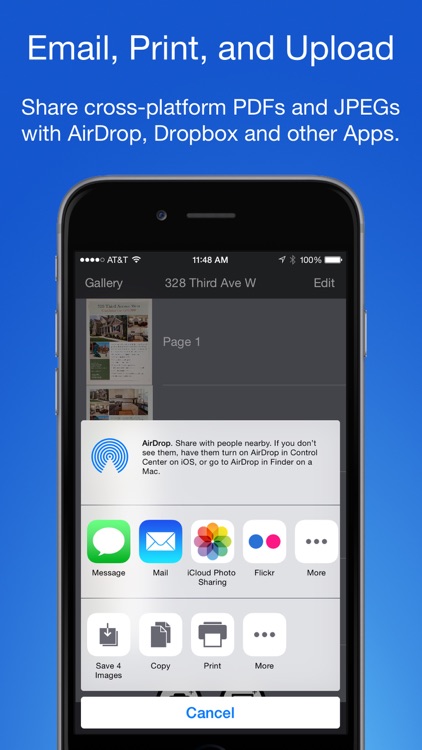
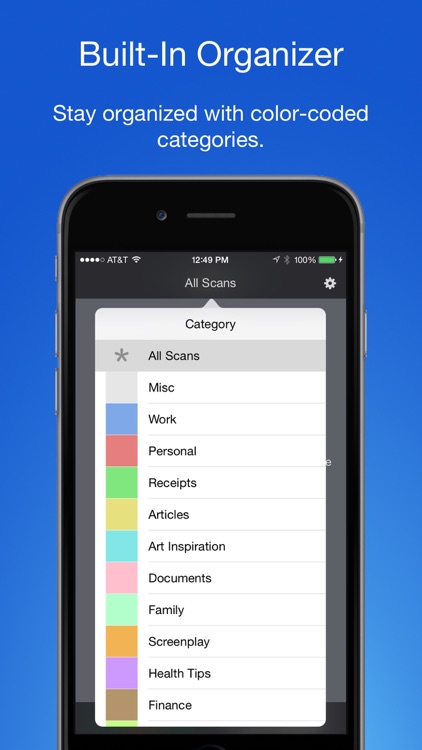
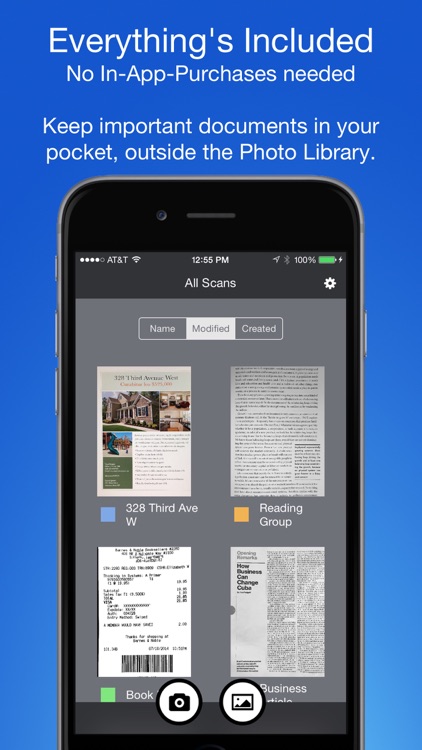
Smart PDF Scanner is perfect for all your scanning needs. Its powerful capturing and rendering engine ensures you’ll come out with crystal clear scans every time. It’s able to automatically detect the edges of your document, and you can manually change the parameters afterward if need be. Smart PDF Scanner utilizes a simple tagging system, allowing you to color code categories and properly sort your scans. Scans can be shared via email or AirDrop, or you can upload them to the cloud.

If you’re tired of dealing with big and bulky scanners, give Smart PDF Scanner a try. It’s just as effective, and much more convenient.

If you already have a go-to scanner app, you can probably skip this one. Although it provides crystal clear scans and all kinds of handy tools to organize your scans, it’s impossible to import your old ones.

Vidblend Video Blender: Merge & blend video clips into one single video & share on Instagram,Facebook & Vine
iPhone
iPad
Vidblend Video Blender: Merge & blend video clips into one single video & share on Instagram,Facebook & Vine

Vidblend Video Blender: Merge & blend video clips into one single video & share on Instagram,Facebook & Vine

Tech BLA Solutions Pvt ltd

Combine two videos to make one amazing movie with Vidblend.

It’s for iPhoneographers with a desire to get creative.

$1.99 $1.99
Why we picked this?

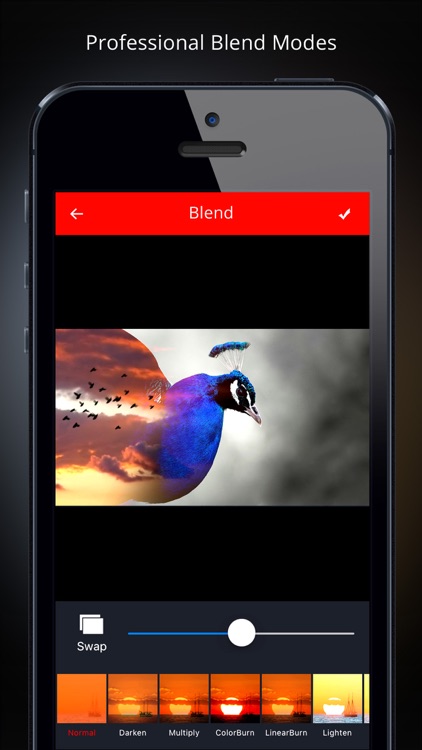
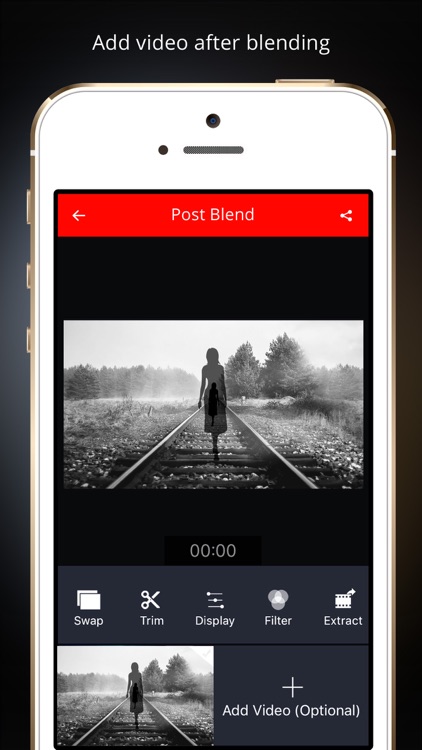
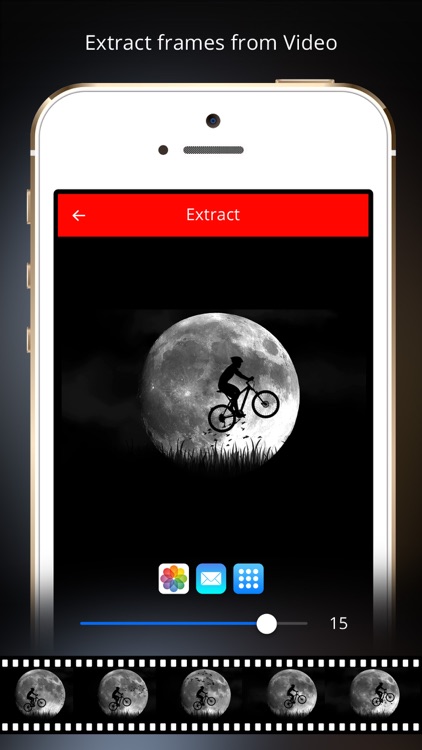
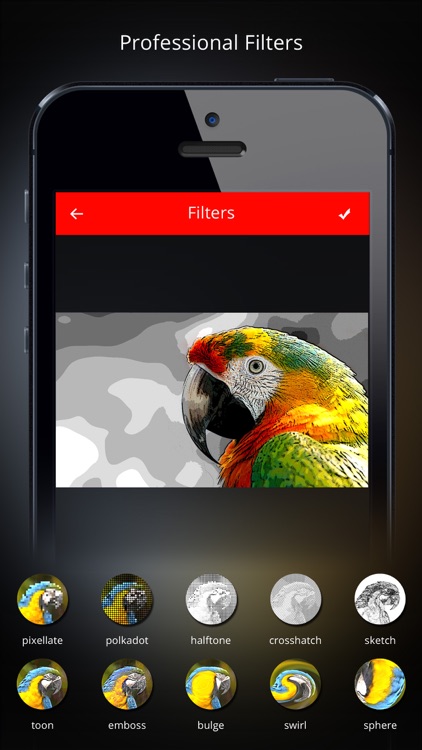
Vidblend turns the ordinary into extraordinary. Start off by choosing a background video and a foreground video. They can either be imported from your library or recorded right form within the app. Vidblend will automatically combine your videos, and you can then tinker with the single merged video by applying filters, sounds, and blend effects.

If you enjoy sharing your works of art on social media, Vidblend will help you get noticed. The blend effects are a lot of fun.

Getting two videos to perfectly match requires some time and effort.

Compass++ Digital PRO - Get a great looking compass!
iPhone
iPad
Compass++ Digital PRO - Get a great looking compass!

Compass++ Digital PRO - Get a great looking compass!

OnDemandWorld

This navigation app will point you in the right direction.

It’s ideal for iPad users since the device lacks a native compass app.

$0.99 $0.99
Why we picked this?

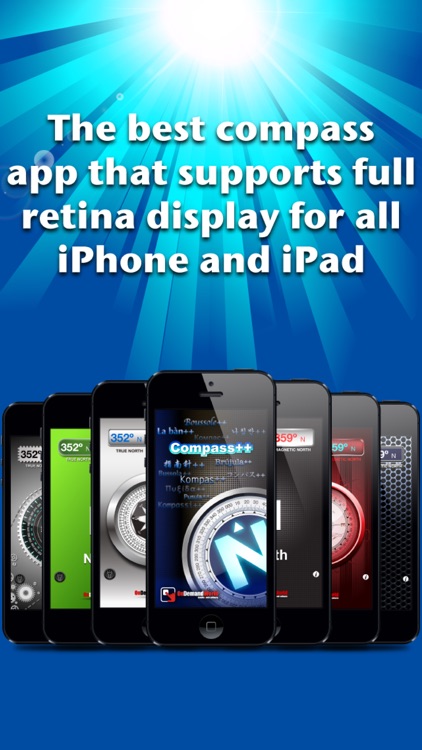
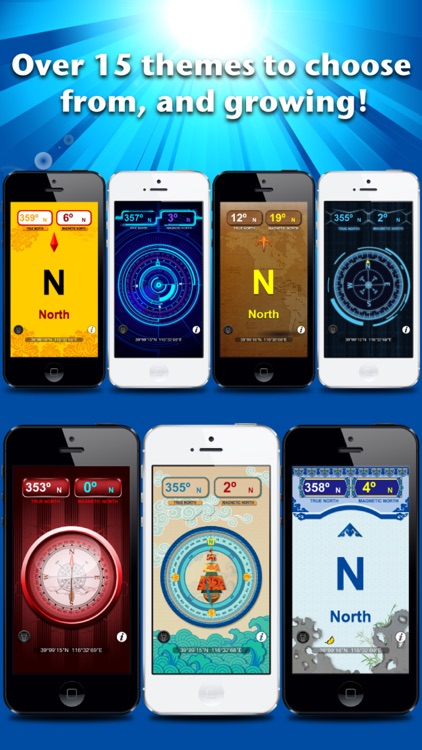
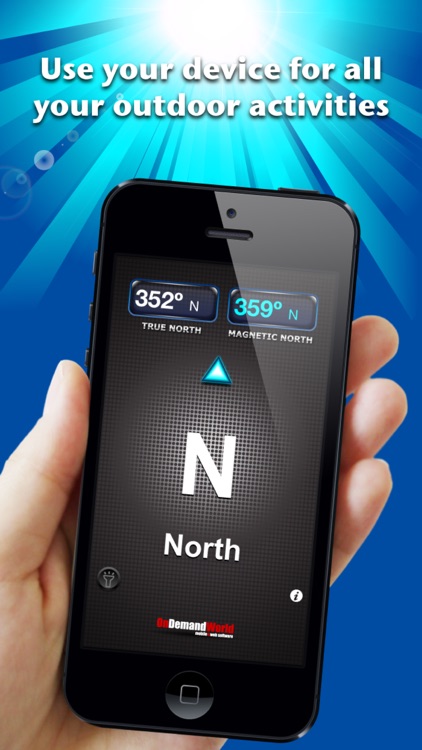
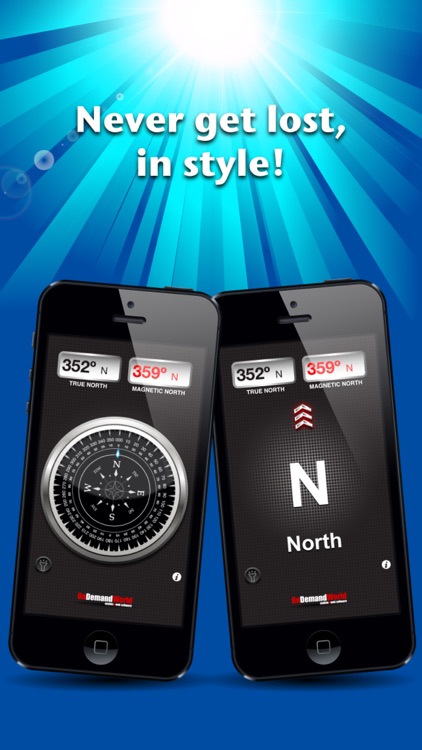
Compass allows you to view true north coordinates, magnetic north coordinates, and the general direction you are heading all on the same screen. Tap the middle of the screen to switch to the compass view. You’re able to switch between the 15 different themes by swiping left or right. The app also includes a built-in flashlight.

If you take your iPad with you wherever you go, download Compass today. It will come in handy at some point.

It operates perfectly with iPhone and iPad, but iPod touch users are out of luck since the device lacks built-in compass components.

GeoTrend
iPhone
GeoTrend

GeoTrend

Luke Switzer

Compare stats from countries all over the world with GeoTrend.

Curious minds will be delighted.

$0.99 $0.99
Why we picked this?

GeoTrend taps into data servers worldwide in order to provide the most current statistics possible. It offers more than 25 comparison modes including population, energy consumption, military expenditures, fertility rates, gas prices, and arms exports. Just choose two of the more than 175 included territories and countries and absorb the data.

Whether you’re simply curious or need to do some research for work, GeoTrend is worth a look.

The data sets are limited in scope.