


You are using an outdated browser. Please upgrade your browser to improve your experience.

Apps That
Went Free on
2016-03-31

Avoid being hooked, create continuous rows of colors, and determine the distance and area of measurements on maps with today’s collection of apps and games.

Hack RUN
iPhone
iPad
Hack RUN

Hack RUN

i273, LLC

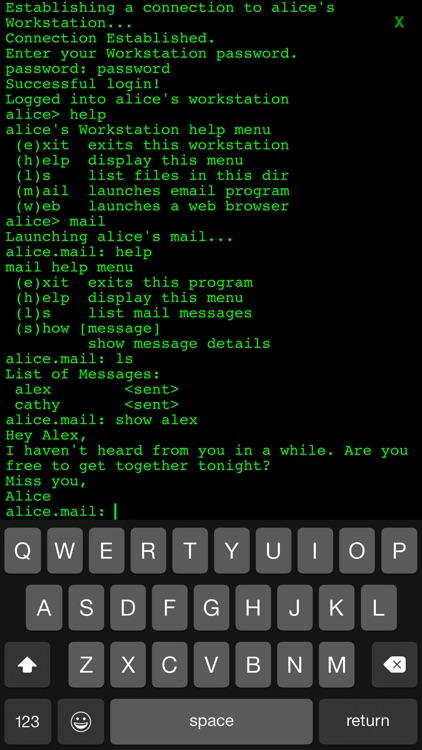
An adventure game that requires you to hack into a mysterious organization’s computer system to uncover their secrets.

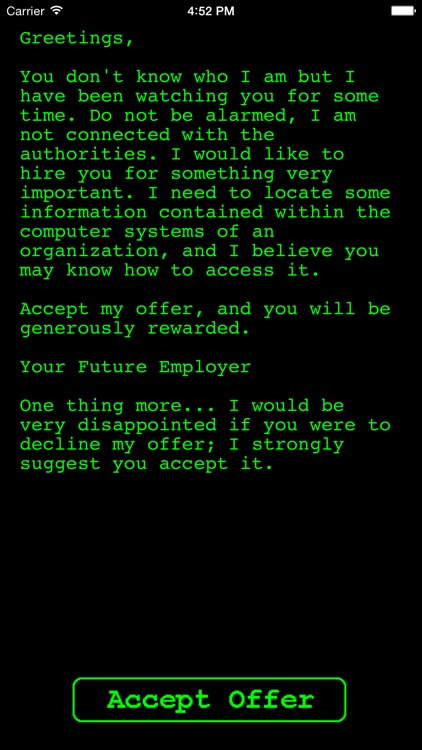
It’s for those who have always wanted to be hackers and enjoy text-based games.

FREE ($0.99) For a limited time FREE ($0.99) For a limited time
Why we picked this?

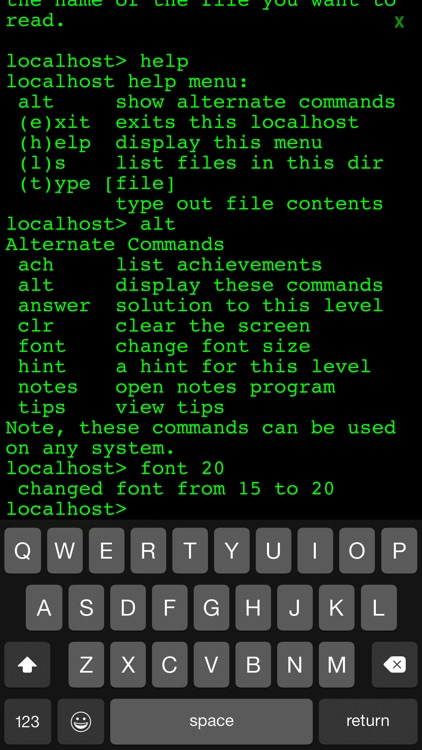
Hack Run is about as old school as you can get. You’re required to use command prompts to dig deeper into the system, and you’ll be rewarded for discovering new information. The game includes more than 50 levels, a list of your achievements, and tips and tricks in case you get stuck.

If you’re looking for a clever adventure game, this is it. Hack Run is actually a series of text-based games, so once you complete this one, make sure to check out its sequel and prequel.

Hack Run is entirely void of graphics. If games need flashy graphics to keep you engaged, you’re going to be bored playing Hack Run.

"HOOK"
iPhone
iPad
"HOOK"

"HOOK"

Maciej Targoni

A meditative and calming puzzle game.

Hook is for puzzle fans who enjoy going at their own pace.

$0.99 $0.99
Why we picked this?

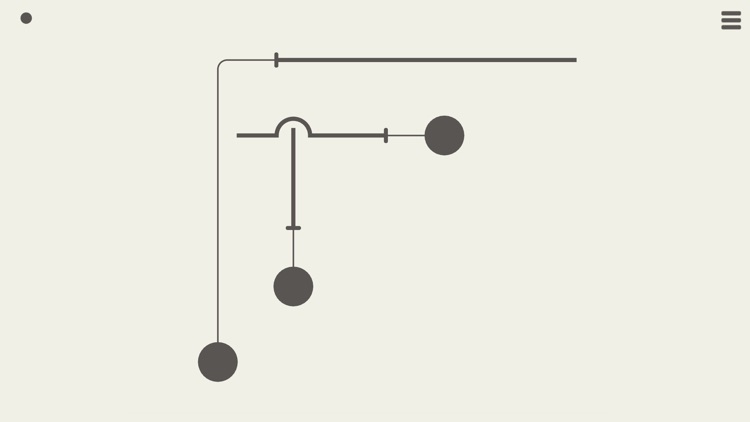
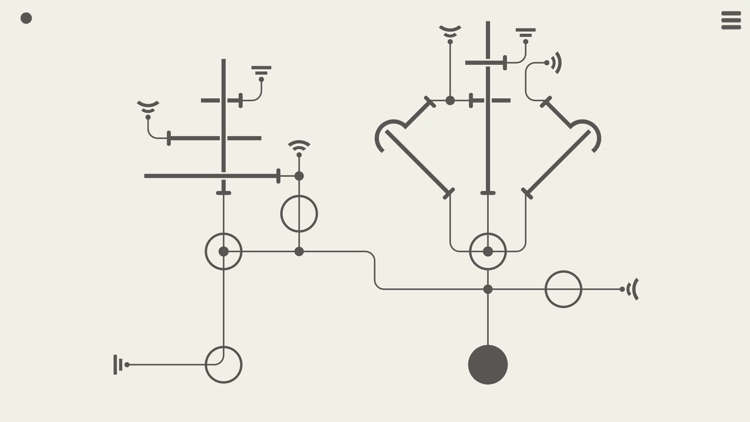
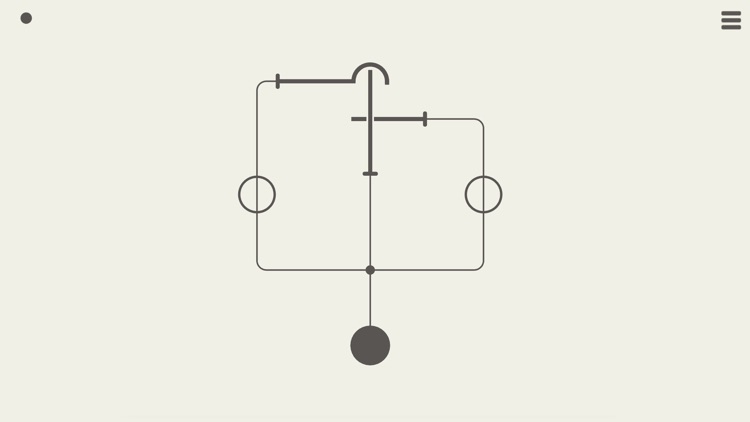
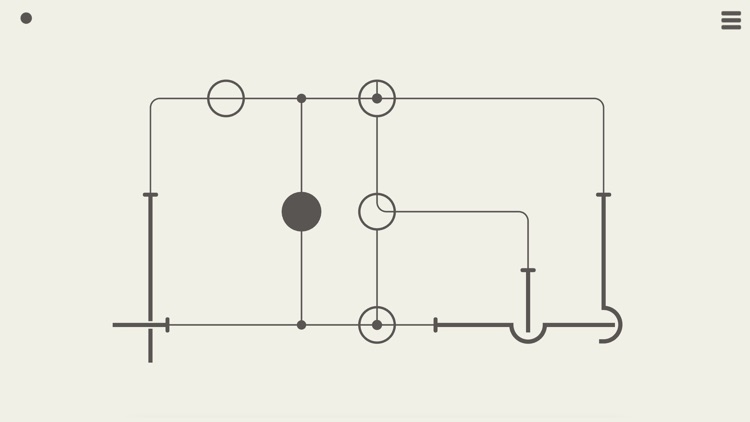
Hook is void of menus, tutorials, timers, and achievements. Just launch the game and enjoy the calming experience. The basic idea is to tap on circles to reel in their lines and create new pathways for the other lines to go. If a line gets hooked on another, you’ll have to start the level over.

If you enjoy minimalist games, Hook will be a great addition to your collection. Put your feet up, listen to the calming sounds, and start solving puzzles.
If you’re the competitive type, it’s likely that you won’t get hooked on Hook.

DrawOnMp
iPhone
DrawOnMp

DrawOnMp

leerom

Annotate maps with DrawOnMap.

It’s great for anyone who frequently needs to share directions.

$0.99 $0.99
Why we picked this?

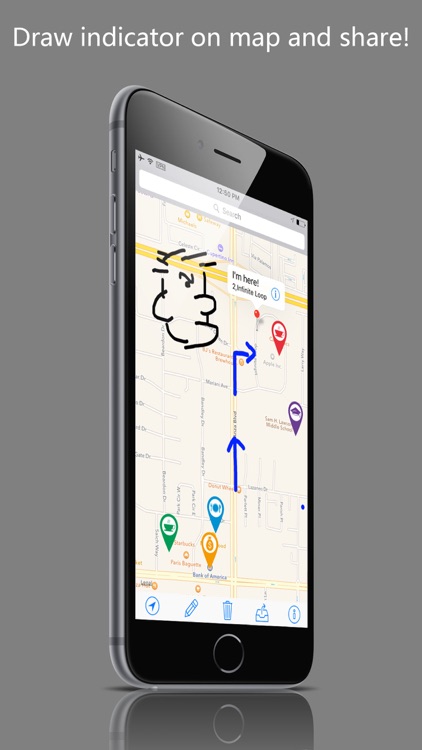
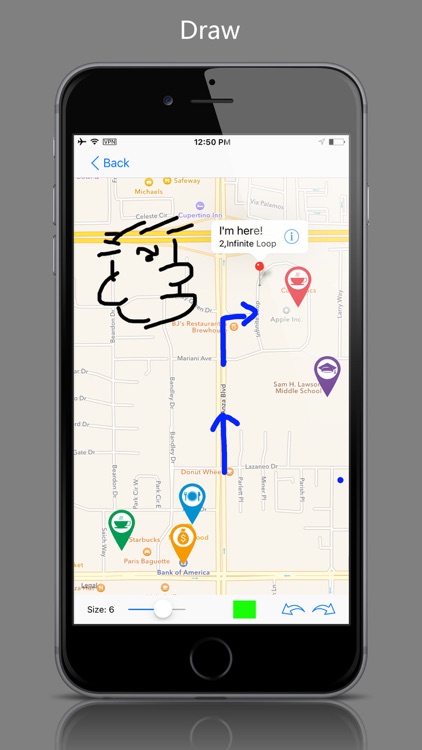
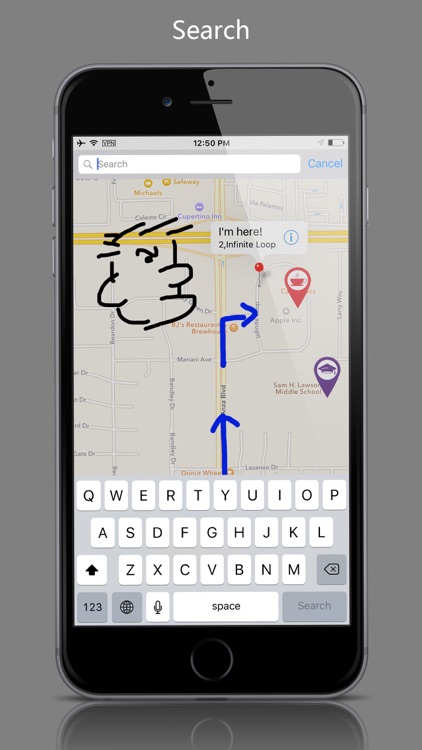
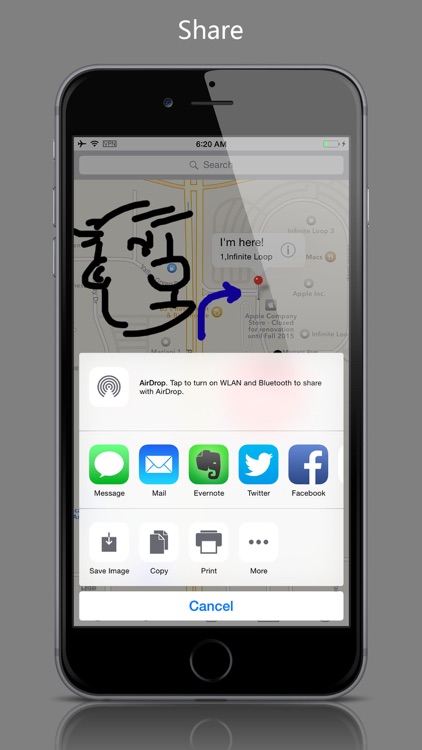
DrawOnMap is pretty straightforward. It will automatically detect your location or you can enter a street address. To annotate, simply tap the pencil icon in the toolbar at the bottom and the map will flip over. You’re able to adjust the size and color of the pencil, and undo and redo any strokes that are made. When you’re finished, tap the back button to return to the live map view and see all of your annotations. You can then change the location on the map and continue to draw, or you can complete the process by saving or sharing it.

If your life or job requires you to share directions, this is the perfect tool for you. Its no-frills approach to annotation helps you get in and out quickly.

DrawOnMap has a very specific purpose. It really isn’t intended to be anything other than a map annotation tool.

Random Facts - 3500+
iPhone
iPad
Random Facts - 3500+

Random Facts - 3500+

Matthew King

Amuse yourself and those around you with Random Facts.

It’s for those who enjoy the unusual and interesting.

$0.99 $0.99
Why we picked this?

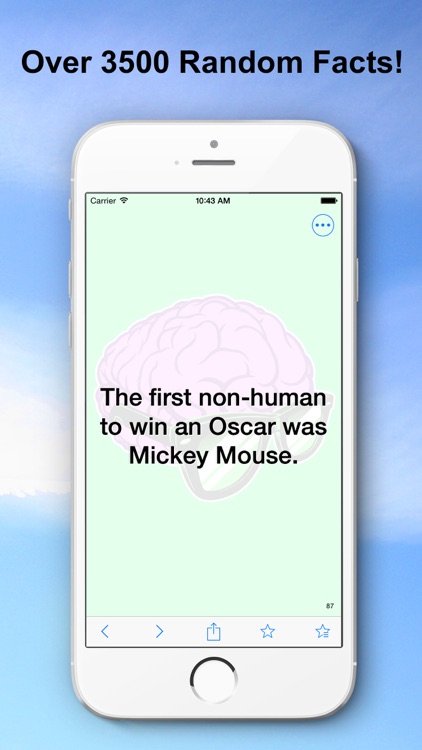
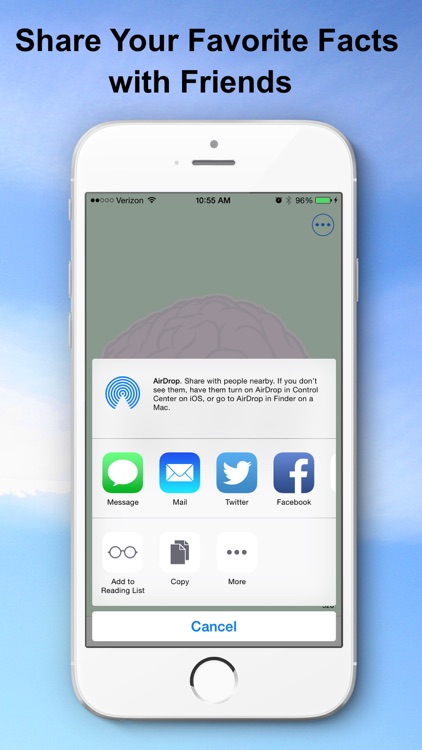
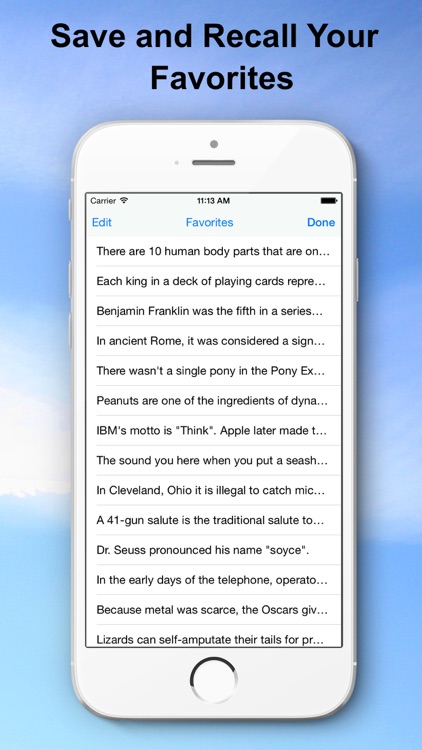
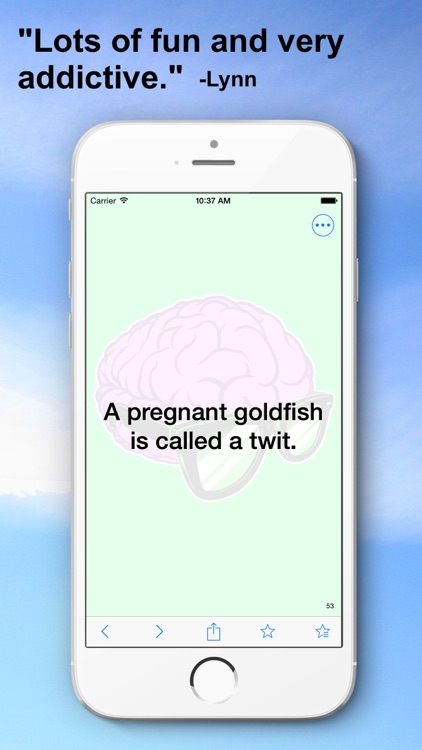
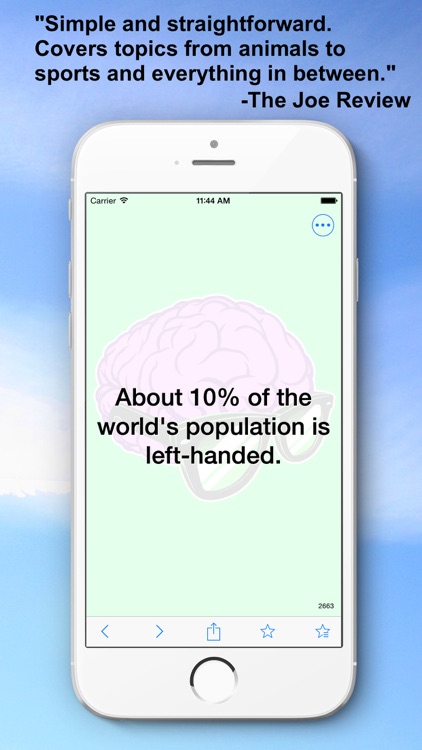
Did you know that only five percent of the body of a jellyfish is solid matter? It’s true. And so are the more than 3,500 other weird, gross, and utterly surprising facts included in Random Facts. You’re able to go through the random facts with a swipe and mark your favorites with a tap. Random facts can also be shared via a variety of methods including Twitter or Facebook.

If you need a pick me up, Random Facts will provide it. Have your friends and family gather around and read through some of the craziest facts about this planet and the things on it.

The interface is quite outdated, and you can’t randomly receive a random fact. They’re always in the same order.

Planimeter Pro for map measure
iPhone
iPad
Planimeter Pro for map measure

Planimeter Pro for map measure

zhong zhang

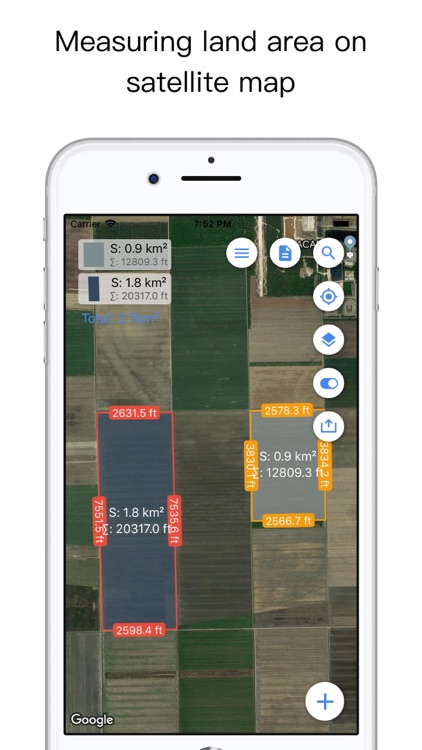
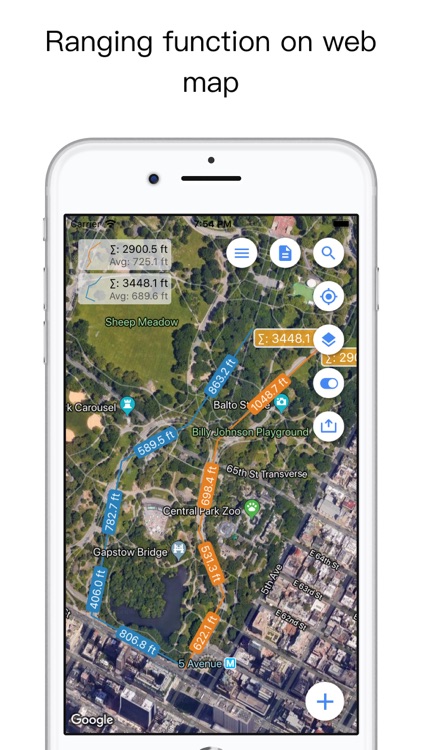
Determine the distance and area of measurements on maps with Planimeter.

It’s a great way to see how far you need to or have to travel.

$3.99 $3.99
Why we picked this?

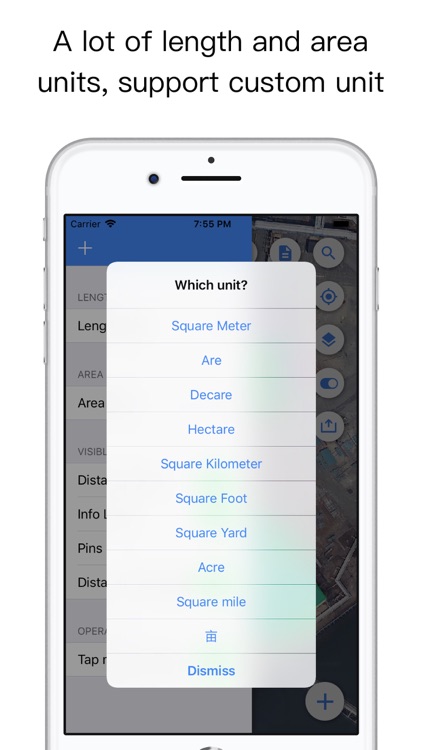
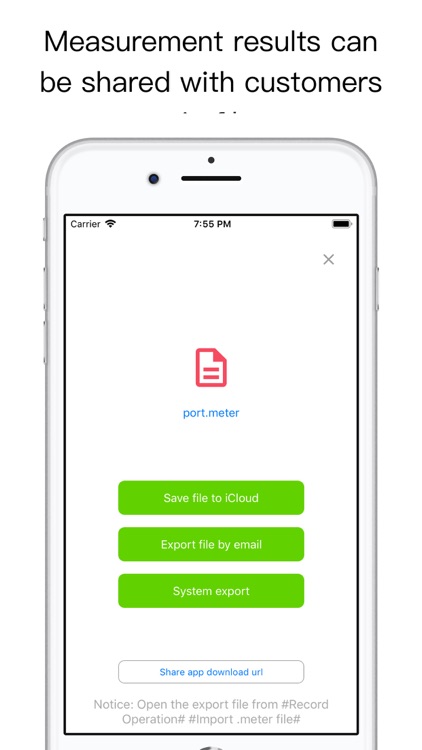
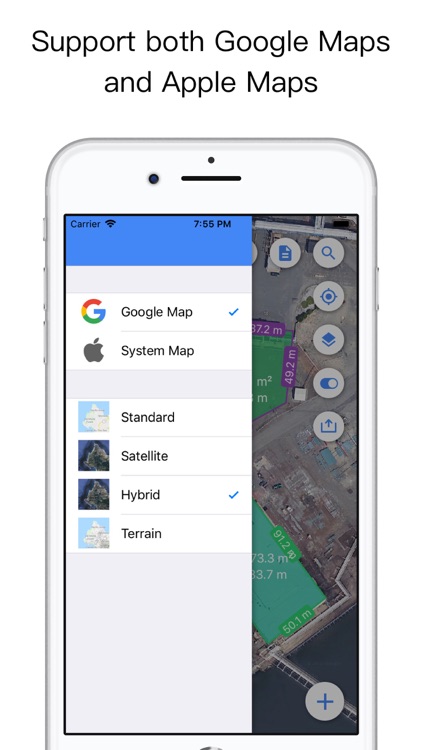
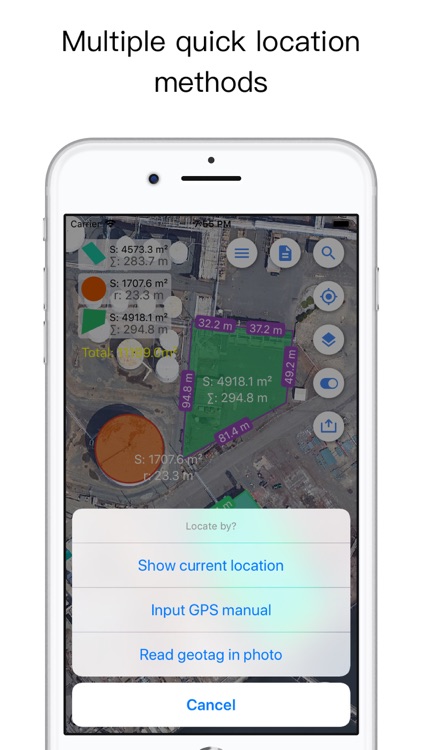
Pick a spot on the map or have Planimeter determine your location. Then choose from one of the four measurement types: path, polygon, star, or circle. Planimeter will display all of your measurements in your chosen units, which can be saved or shared. The app also includes support for both Apple Maps and Google Maps.

This is a powerful tool for those who spend time outdoors. It’s easy to use and accurate.

Accurately measuring curves isn’t really possible unless you drop a ton of points on the map.

Take It Easy
iPhone
iPad
Take It Easy

Take It Easy

Ravensburger Verlag GmbH

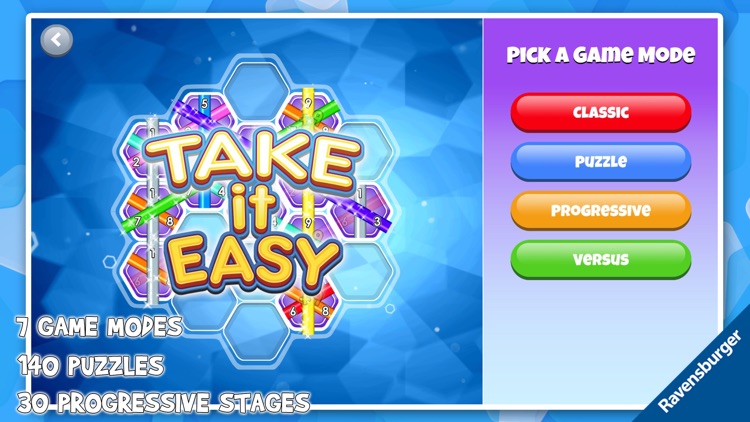
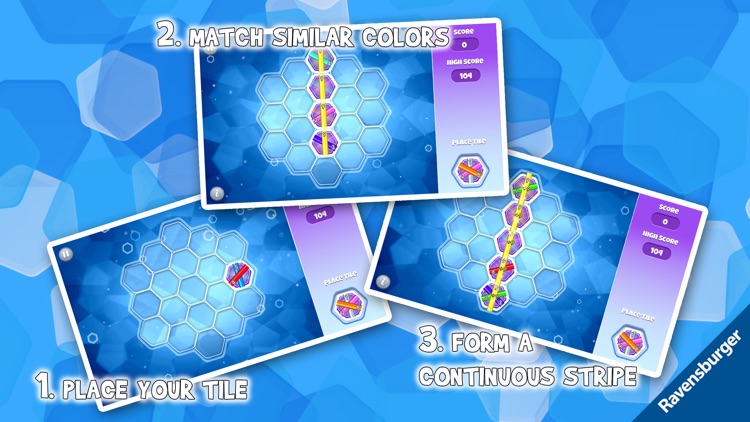
Place your pieces to form continuous rows in Take It Easy.

Like many board games, it’s easy to learn but difficult to master.

$2.99 $2.99
Why we picked this?

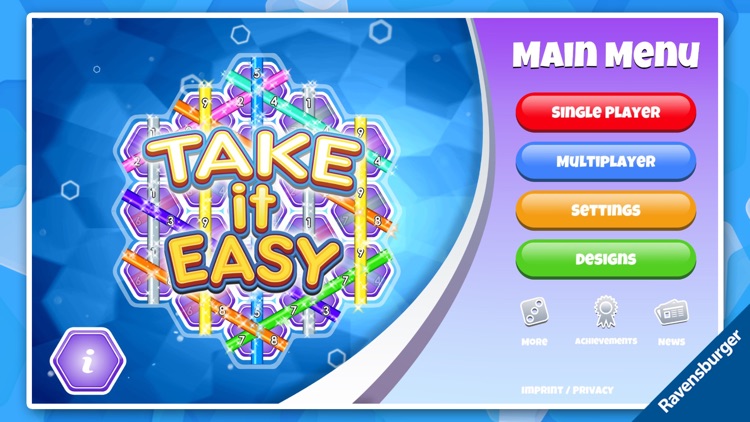
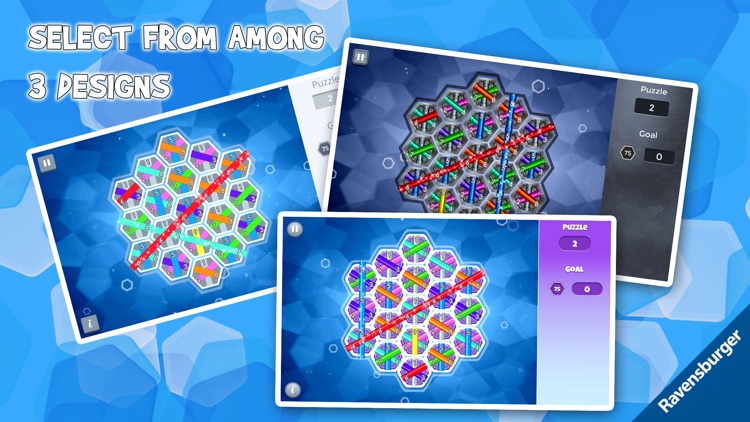
Take It Easy provides you with random tile pieces that feature different colored stripes. Your job is to place the tiles so that they form continuous rows of the same color from edge to edge. Tiles with stripes that don't match will break the entire row, so be careful. The game includes three modes, local and online multiplayer, and achievements and leaderboards via Game Center.

If you’re into board games, you need to add Take It Easy to your collection. It’s based on the popular board game by the same name.

It’s low-key, which may be both a positive and a negative.