



You are using an outdated browser. Please upgrade your browser to improve your experience.

Apps That
Went Free on
2016-04-14

Explore the planet, quickly share photos and videos, and get poetic with today’s collection of apps and games.

Pic Sync for WiFi
iPhone
iPad
Pic Sync for WiFi

Pic Sync for WiFi

MobiLab Co., Ltd.

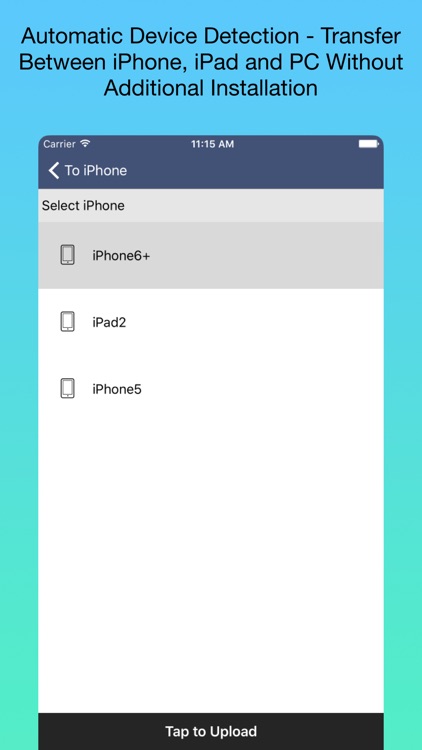
Quickly share multiple photos with another iDevice or your home computer over Wi-Fi with this utility app.

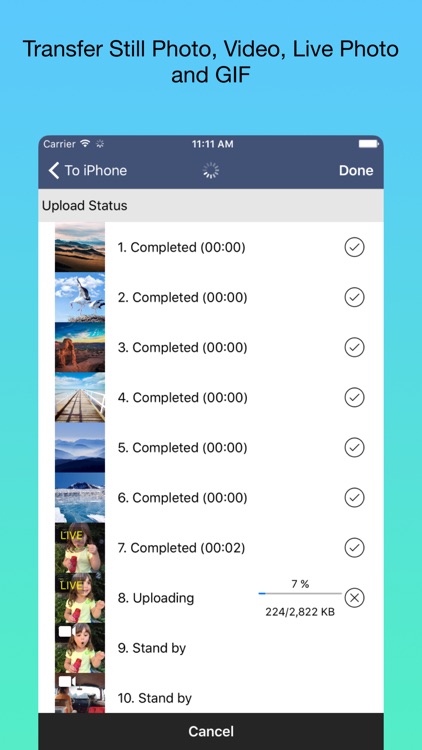
It's the easiest way to move media files without a cable.

$1.99 $1.99
Why we picked this?

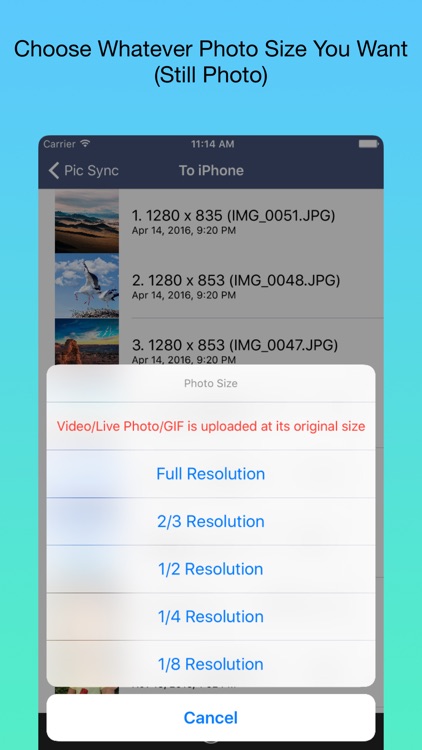
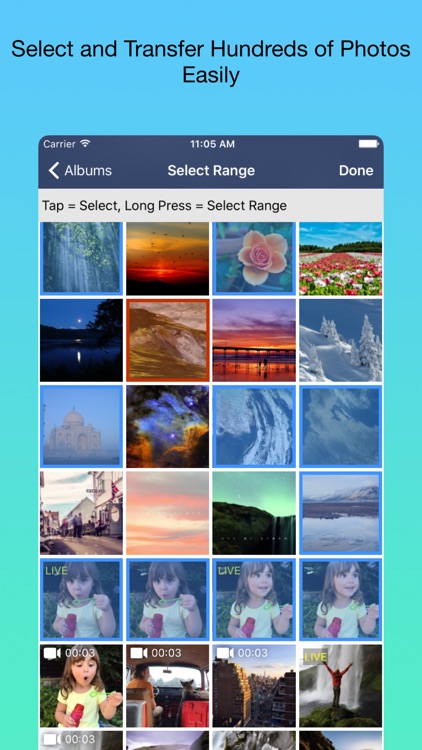
The app is able to handle sending hundreds of photos at once, or you can just send one at a time. When sending photos you can choose to adjust their resolution in order to save time and space. You don't have to wait around for your upload to finish either, as the app is able to work in the background as long as you stay on the same Wi-Fi connection.

If you need to move large batches of photos around, this is the app to do it with. It’s especially useful while on vacation since you can leave the cables at home.

Transfers can only be done locally.

The Earth by Tinybop
iPhone
iPad
The Earth by Tinybop

The Earth by Tinybop

Tinybop Inc.

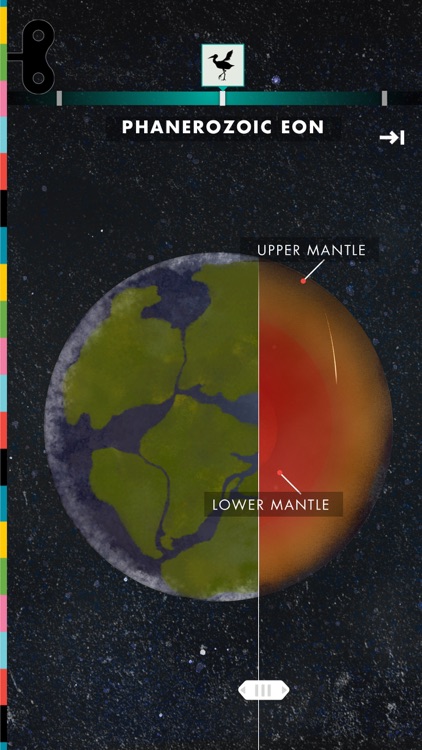
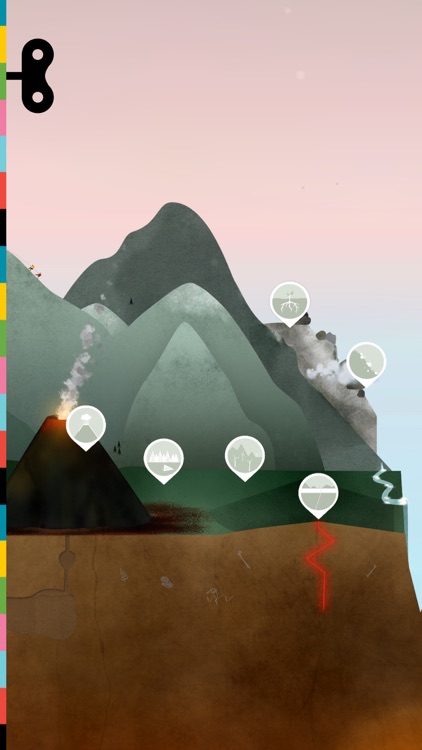
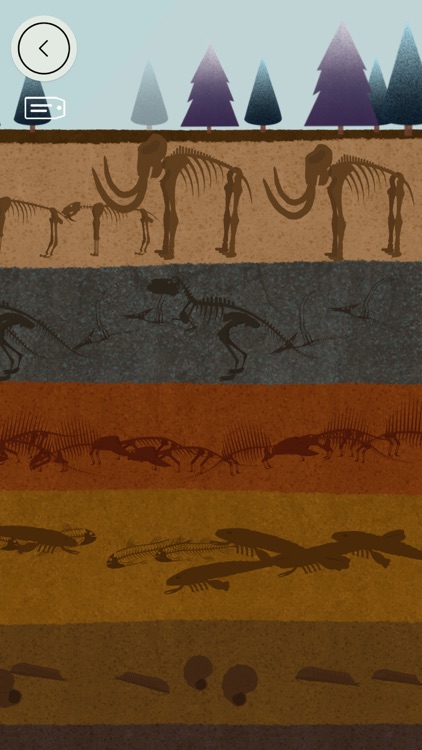
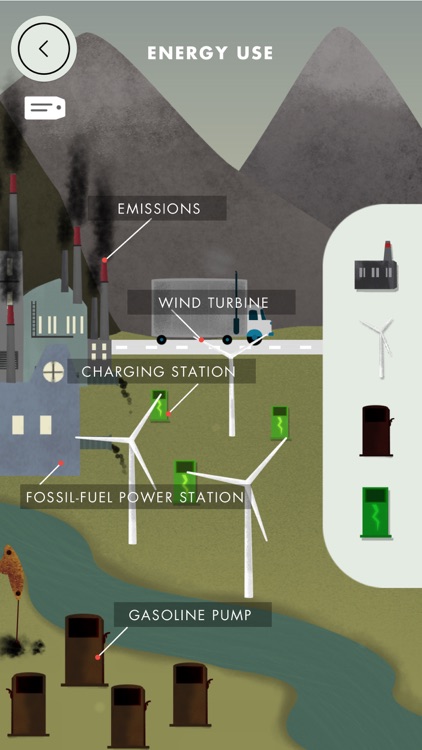
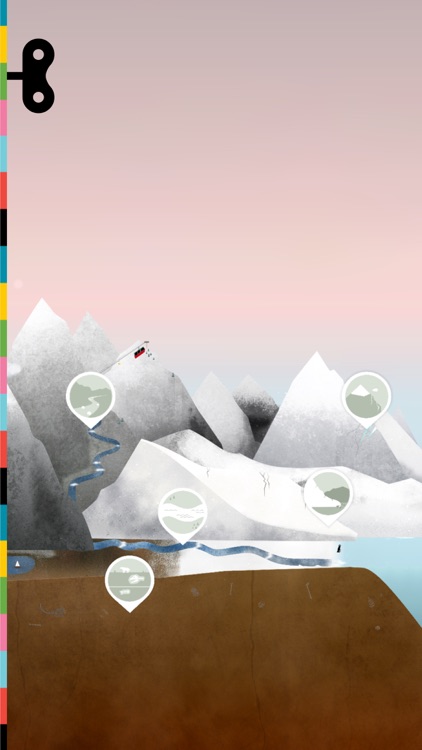
Explore the entire planet and the forces that shape it with The Earth.

Curious children above the age of four will love digging around.

$3.99 $3.99
Why we picked this?

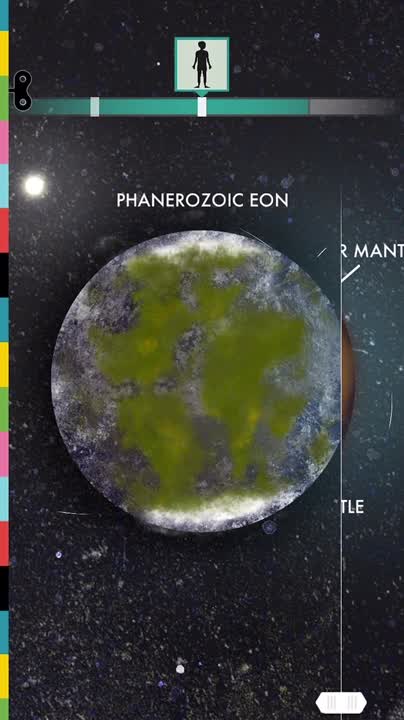
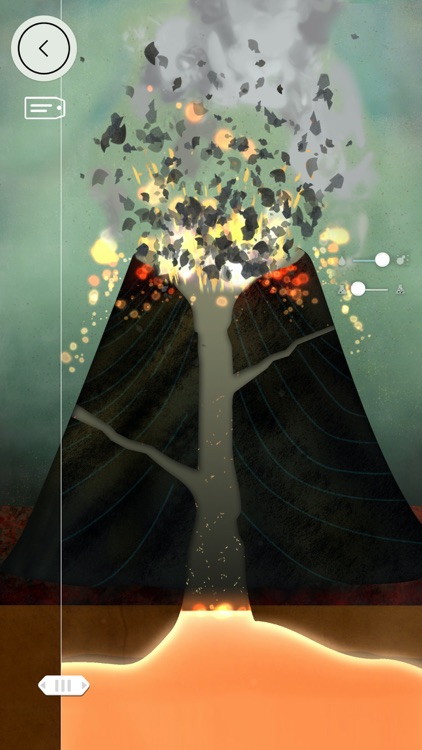
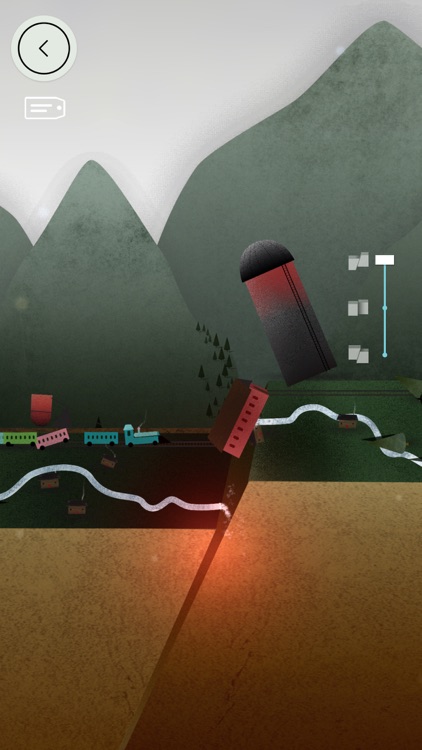
The Earth is all about observing and studying. It’s an interactive model that children can wander through and learn from. They’re able to explore a wide variety of landscapes up close and trigger events like earthquakes, volcano eruptions, erosion, and more. Labels can be laid over the top of each scene in order to provide even more educational information.

Thanks to its original artwork and entertaining interactions, no child will be able to resist exploring The Earth.

Young children will have a difficult time navigating the interface.

My Fonts - Custom font styles with cool text stickers and emoji
iPhone
iPad
My Fonts - Custom font styles with cool text stickers and emoji

My Fonts - Custom font styles with cool text stickers and emoji

Appyfurious

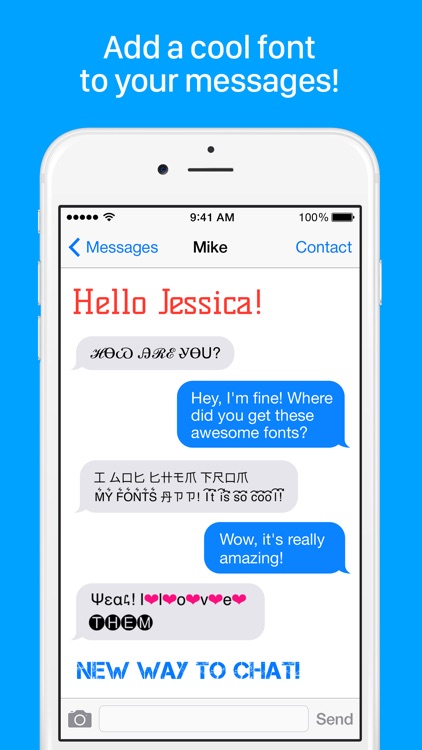
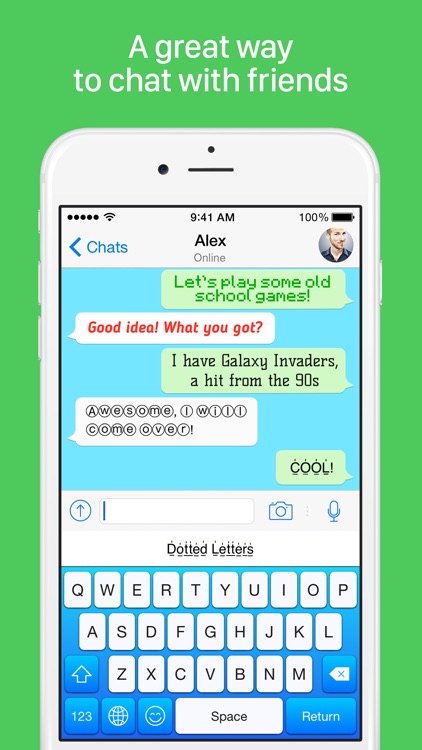
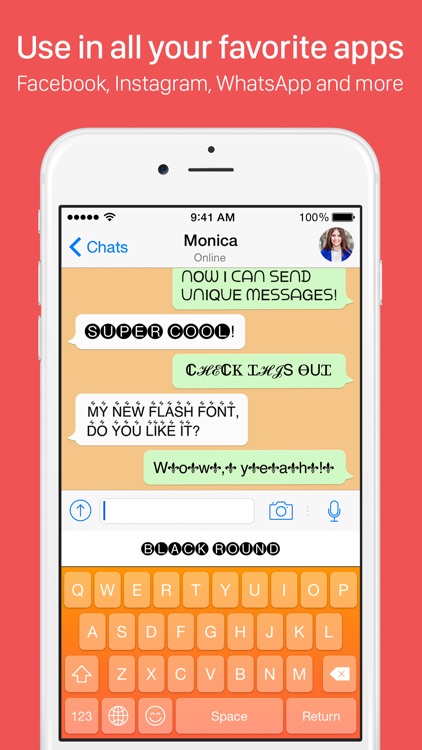
Spice up your messages with My Fonts.

It’s for anyone who wants to get noticed.

$0.99 $0.99
Why we picked this?

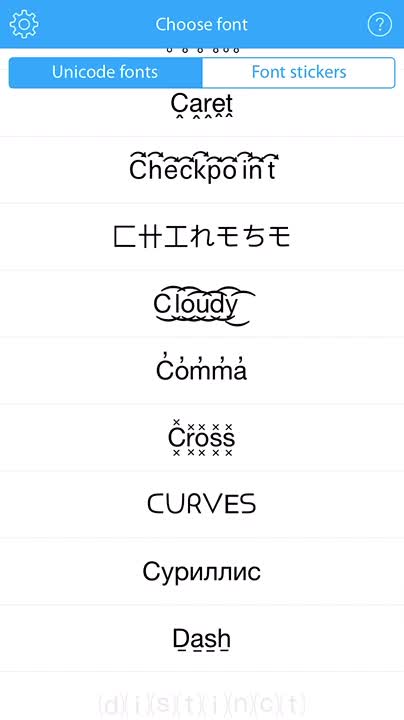
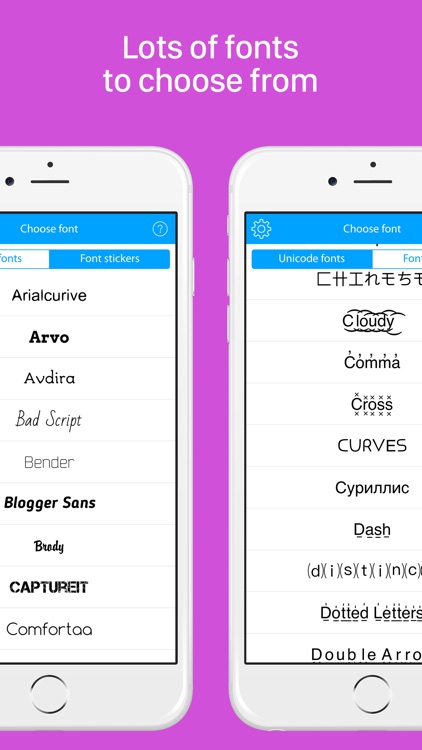
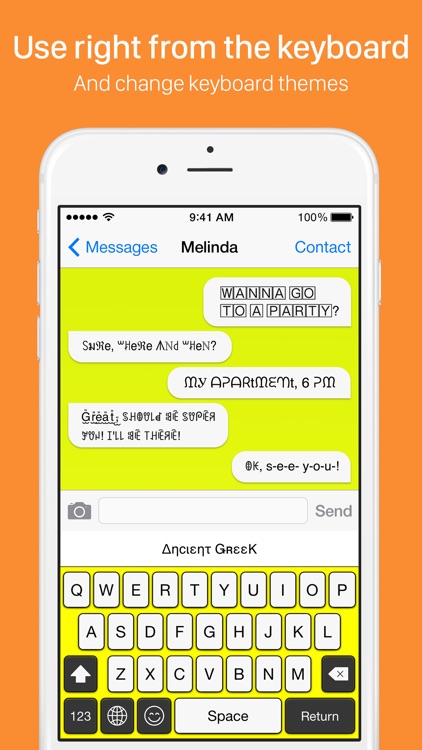
My Fonts is best used as a third-party keyboard, which can quickly be installed by following the provided instructions. Once activated, you’ll be able to use My Fonts’ large collection of unicode fonts and font stickers anywhere you like.

My Fonts doesn’t take much to figure out, which makes it easy for anyone to stand out.

As a third-party keyboard, My Fonts requires full access to what you type.

Heavy Blade
iPhone
iPad
Heavy Blade

Heavy Blade

Chris Egerter

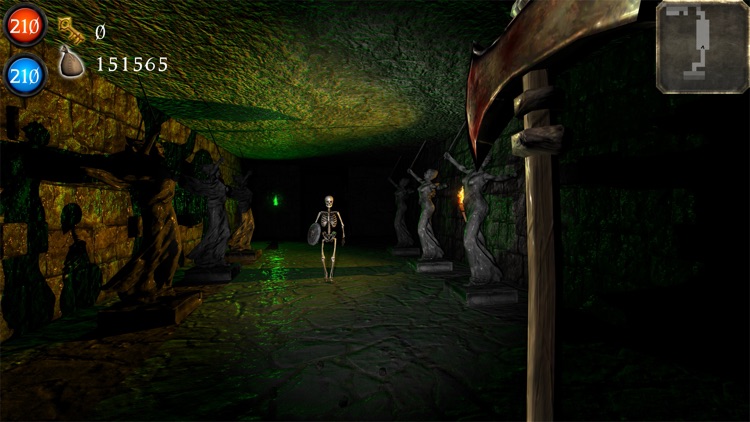
Go dungeon crawling through 3-D environments in Heavy Blade.

It’s for fans of hack and slash gameplay.

$2.99 $2.99
Why we picked this?

Heavy Blade allows you to go dungeon crawling from a first-person perspective. Armed with only your trusty sword and magic abilities, you must hack and slash every ghastly creature that stands in your way. The loot that drops from your enemies can be used to upgrade your character and weapons. The game includes a total of 30 dungeons to explore.

If you’re tired of the same old perspective in dungeon crawlers and have a MFi controller, give Heavy Blade a try.

Without a third-party controller, the game can be difficult to navigate.

Poetics
iPhone
Poetics

Poetics

Soulincode Inc.

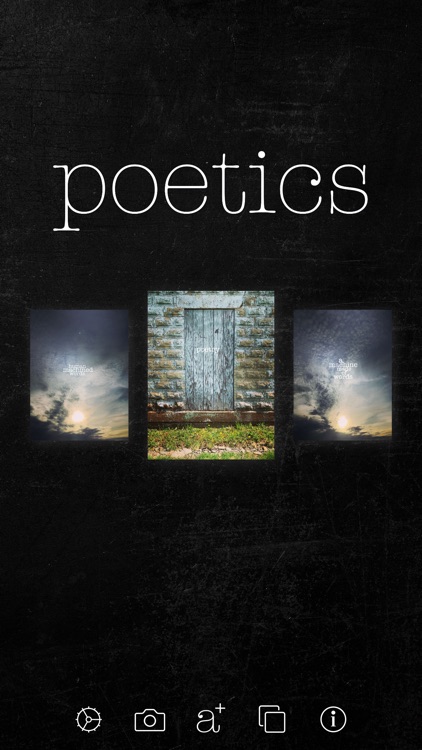
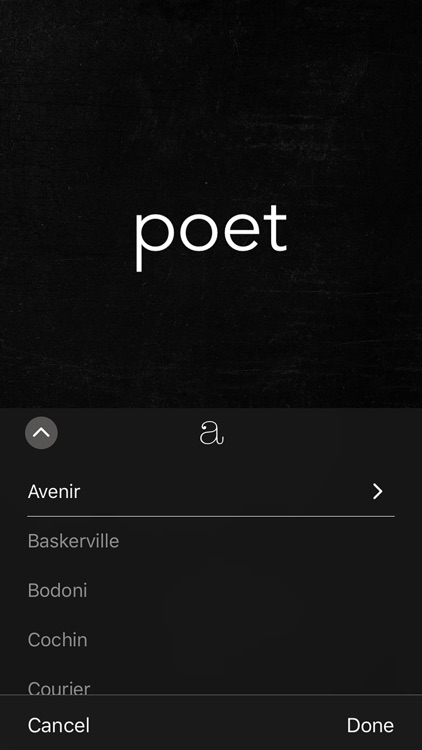
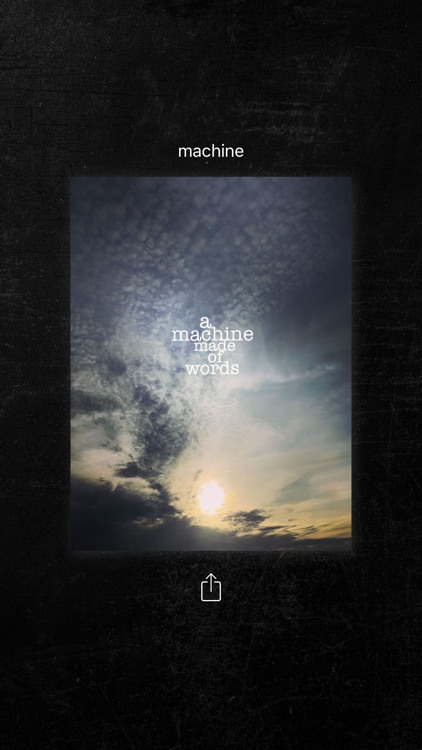
Get poetic with your photography with Poetics.

It’s perfect for those who want to create some visual poetry.

$2.99 $2.99
Why we picked this?

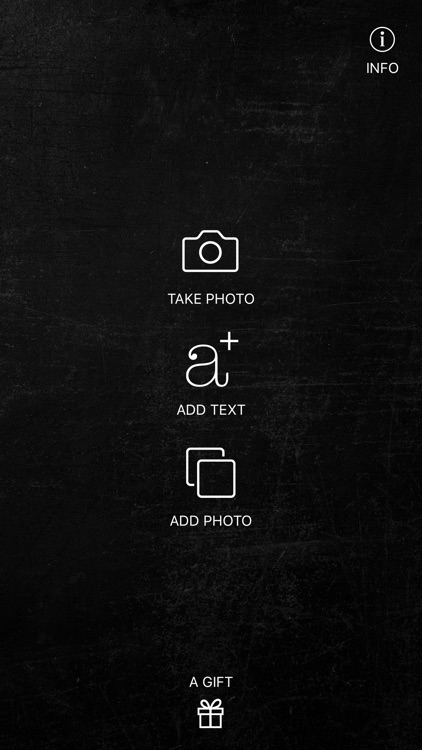
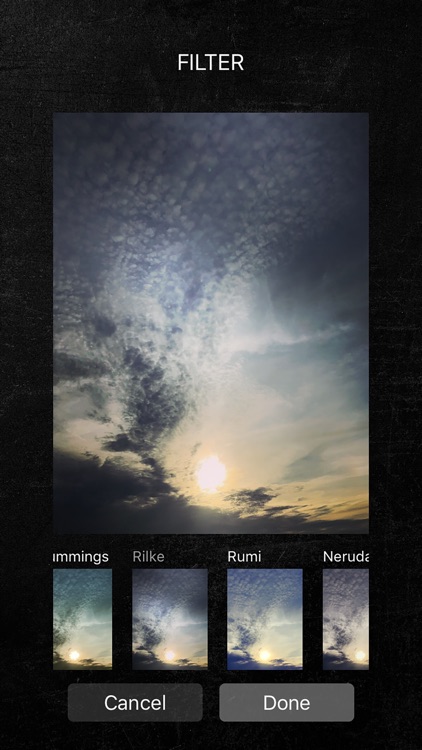
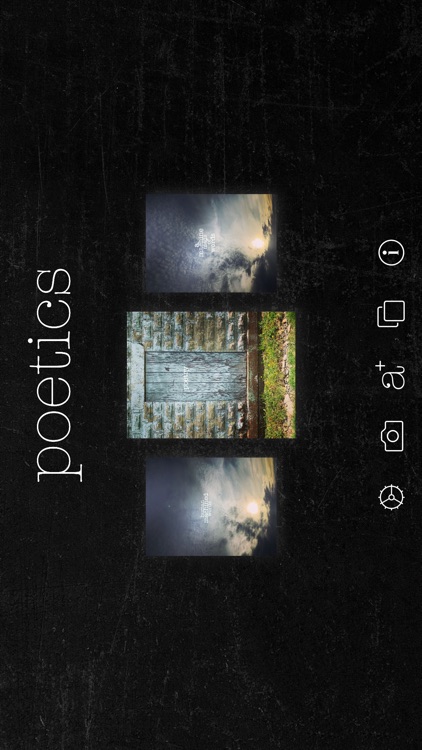
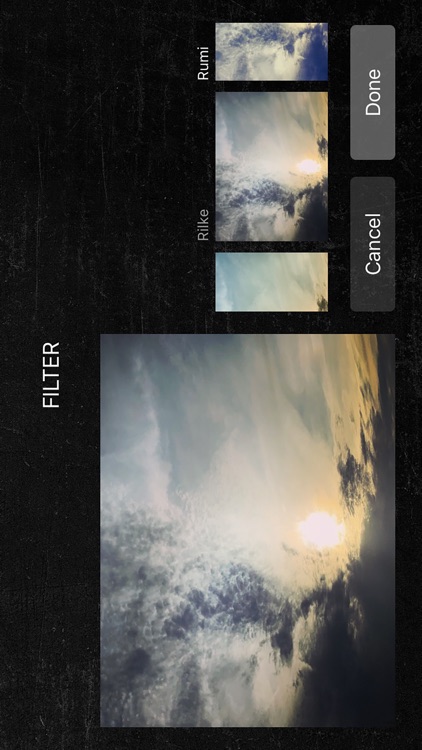
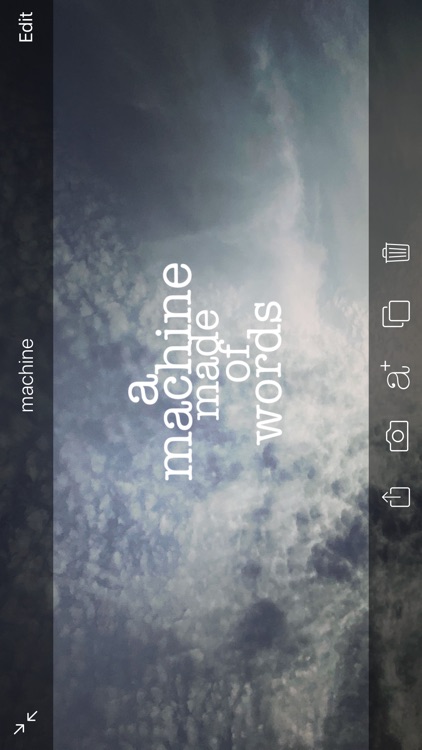
You're able to import any photo from your library or take a new one from within the app. You can scale, apply filters, and adjust the parameters of your photo. Then write anything you want on it, whether that's a poem or a caption. You're able to add as few or as many words as you want and manipulate them with common gesture controls. Your unique creations can be shared via email, Facebook, Tumblr, Instagram, or Twitter.

If you want to say something with your photos, Poetics will help you out. If you come up with something worth sharing, don’t forget to use the hashtag #poetics on Instagram and Twitter.

If you want an all-out photo editing app, Poetics isn’t it. There are a few effects and editing options to choose from, but Poetic’s focus is on your words.