



You are using an outdated browser. Please upgrade your browser to improve your experience.

Apps That
Went Free on
2016-04-17

Control all of your HomeKit accessories, calculate with speed, and frame your photos with today’s collection of apps and games.

myHome Plus - Control for Nest, WeMo, and HomeKit
iPhone
iPad
myHome Plus - Control for Nest, WeMo, and HomeKit

myHome Plus - Control for Nest, WeMo, and HomeKit

Vicinno Soft LLC

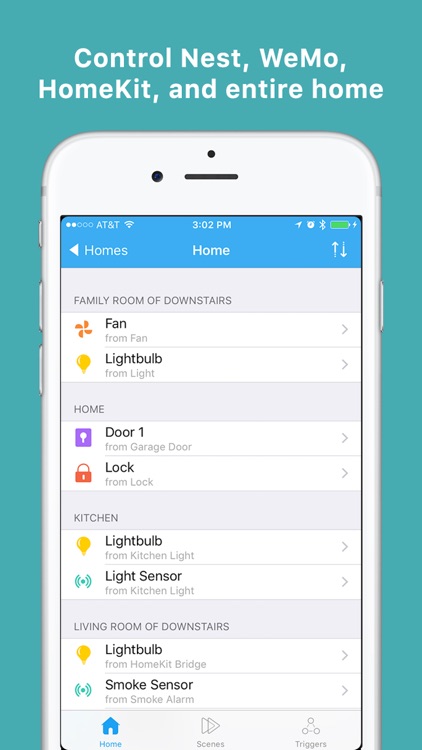
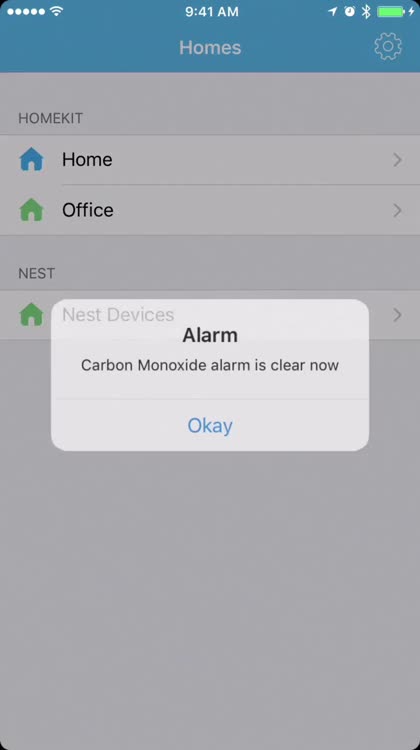
Control all of your HomeKit accessories with myHome.
Apple TV owners with HomeKit devices from different manufacturers will love this one.

FREE ($5.99) For a limited time FREE ($5.99) For a limited time
Why we picked this?

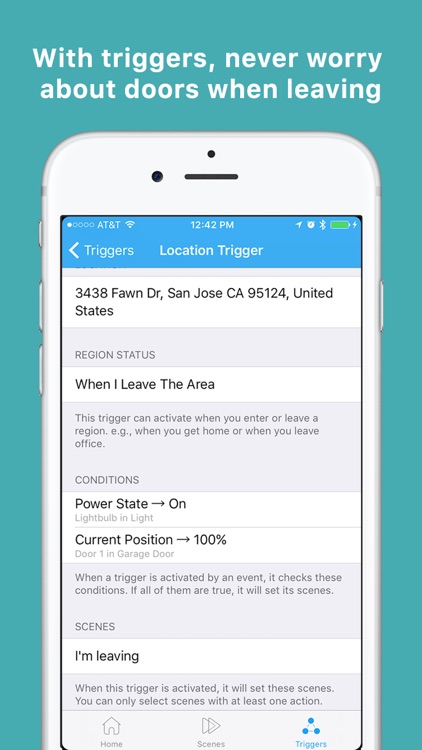
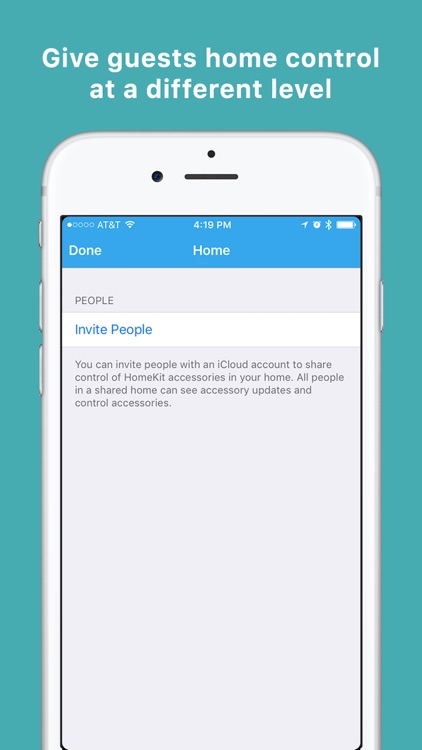
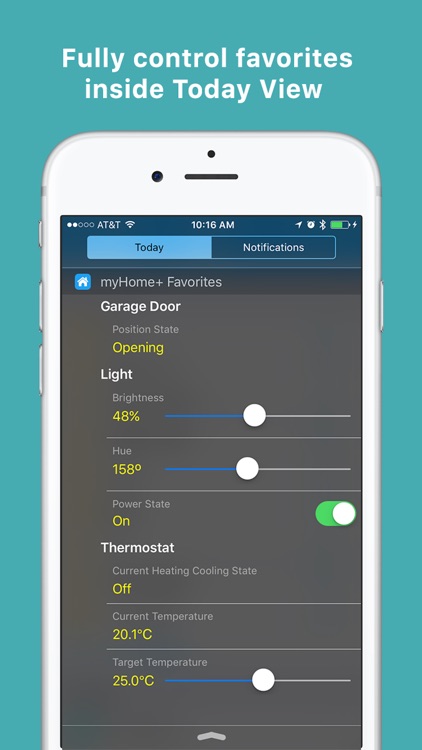
The days of switching from app to app in order to control all of your HomeKit accessories are over. With myHome installed, all of your accessories can be controlled from one screen no matter their manufacturer. Accessories can be organized into rooms, zones, and groups, and you can create triggers to intelligently control your home. The app also offers remote access, and supports multiple users with different control levels.

If you’re in the process of making your home smarter, you need myHome. It’s an indispensable tool.

It can take a bit of effort to setup, but once it’s all done, you’ll be satisfied with the results.

Kalculator
iPhone
iPad
Kalculator

Kalculator

Koombea, Inc.

Calculate with speed with Kalculator.

It hits the sweet spot between a scientific and basic calculator.

FREE ($1.99) For a limited time FREE ($1.99) For a limited time
Why we picked this?

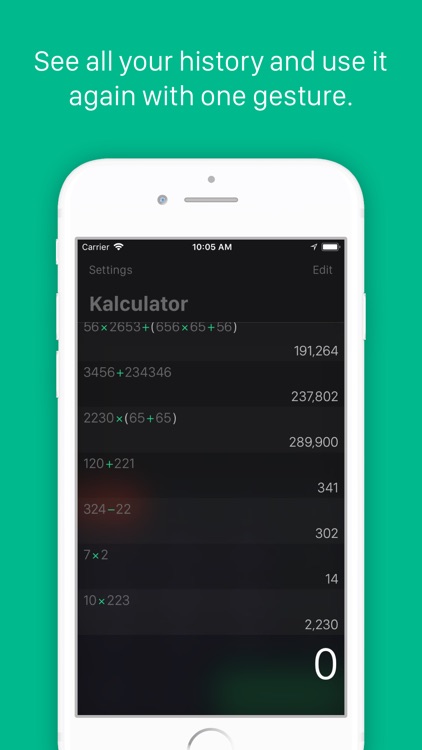
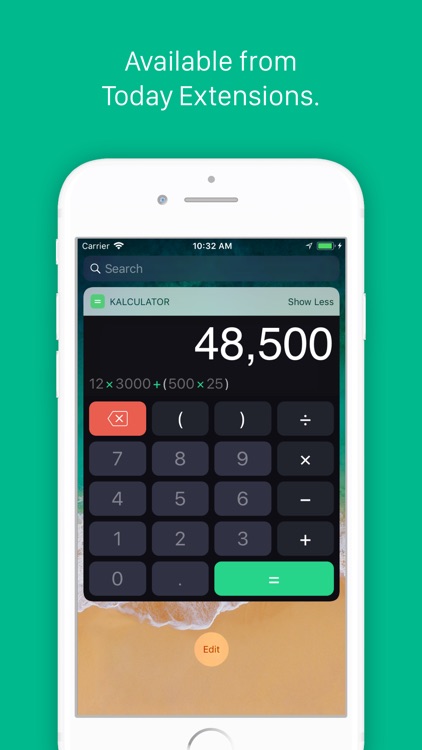
Kalculator will help you make quick work of complex calculations. As you type, you’ll be able to see your calculation play out in real-time. Tapping on the equals button will register the calculation in the scrolling history. You can reuse any calculation or result with a tap, and delete calculations from the history with a swipe. The app also includes Apple Watch support.

If you want an easy-to-use calculator for all of your Apple devices, Kalculator is it. It’s slick interface operates beautifully in both landscape and portrait orientations.

Being that it’s somewhere between a scientific and basic calculator, you’ll be lacking some functionality.

Frame Artist Pro - Photo Collage Editor - Design Scrapbook by Pic Layout and FX Filters For Instagram
iPhone
iPad
Frame Artist Pro - Photo Collage Editor - Design Scrapbook by Pic Layout and FX Filters For Instagram

Frame Artist Pro - Photo Collage Editor - Design Scrapbook by Pic Layout and FX Filters For Instagram

Junsik Choi

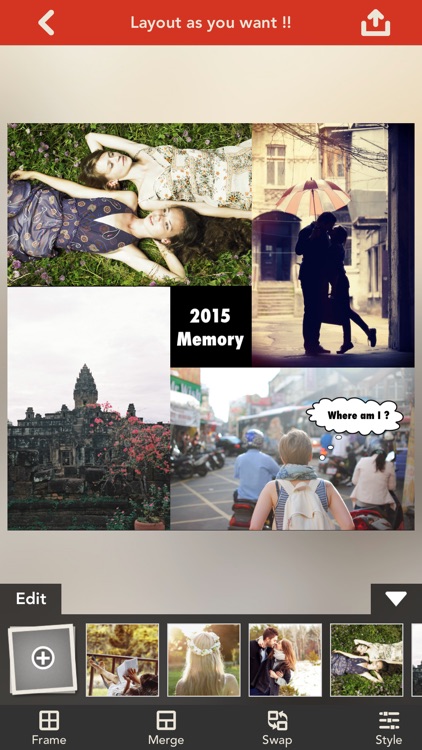
Combine your photos to create lasting memories with Frame Artist.

It’s a great way to share your adventures.

$1.99 $1.99
Why we picked this?

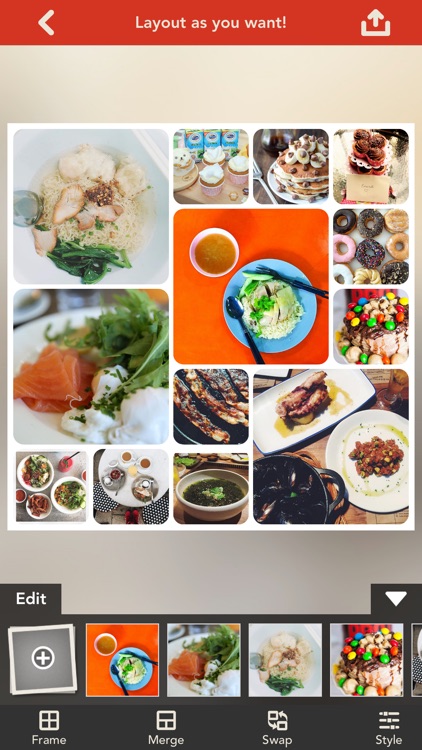
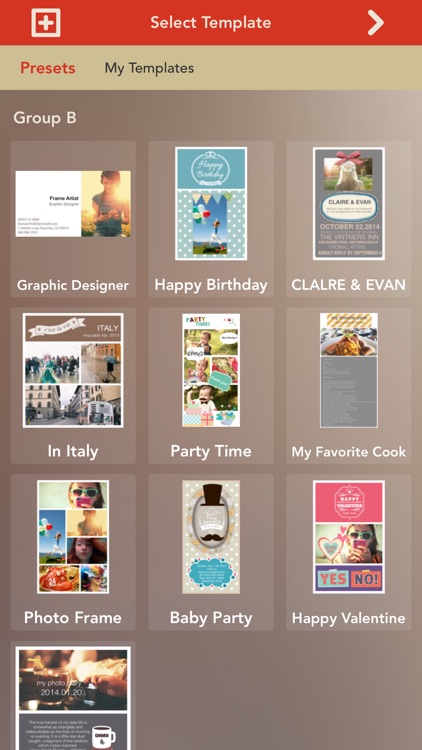
It includes 28 pre-made templates for you to choose from, allowing you to quickly throw together everything from invitations to recipe cards. You can create your very own custom frames as well with up to 56 cells, different background and border colors, custom text, speech balloons, and stickers. The app also includes the ability to apply filters to photos, four output resolutions, and the ability to share your works of art via Facebook, Twitter, Instagram, Picasa, Tumblr, or Flickr.

It’s like a digital scrapbook. If you have collections of photos you want to put together, this is the way to do it.

None of the pre-built options nor the custom option allows you to create frames with curved edges.

Compass++ PRO – Get a great looking HD Compass !
iPhone
iPad
Compass++ PRO – Get a great looking HD Compass !

Compass++ PRO – Get a great looking HD Compass !

OnDemandWorld

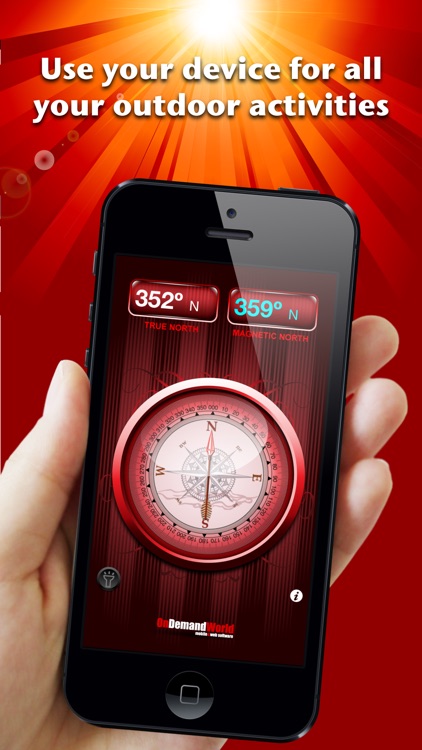
This navigation app will point you in the right direction.

It’s ideal for iPad users since the device lacks a native compass app.

$0.99 $0.99
Why we picked this?

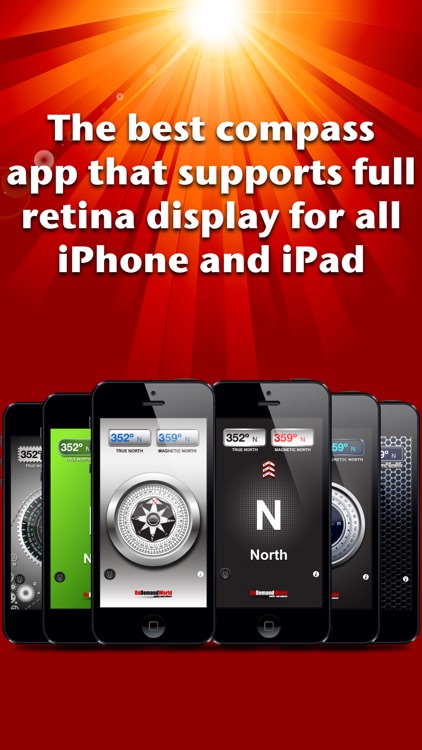
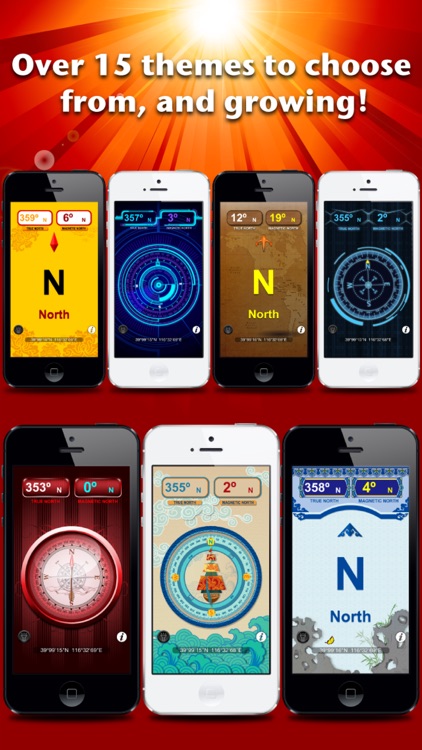
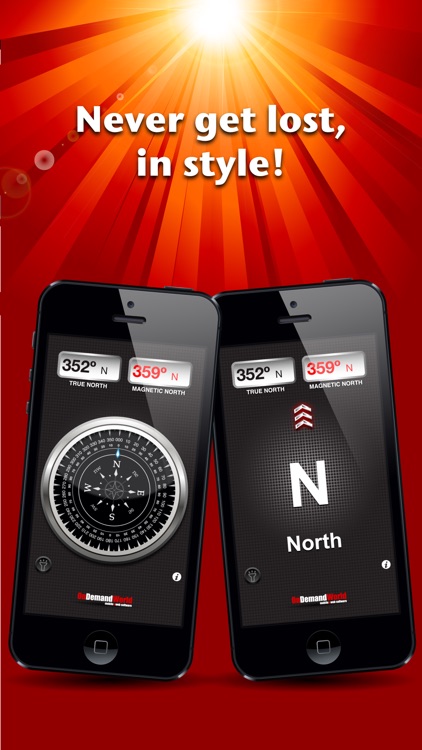
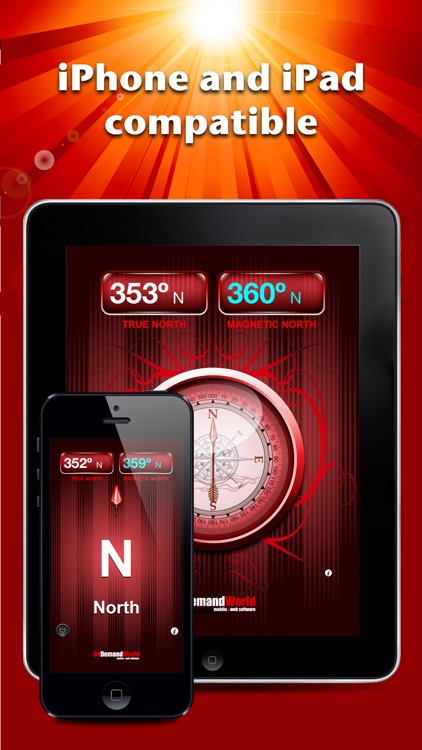
Compass allows you to view true north coordinates, magnetic north coordinates, and the general direction you are heading all on the same screen. Tap the middle of the screen to switch to the compass view. You’re able to switch between the 15 different themes by swiping left or right. The app also includes a built-in flashlight.

If you take your iPad with you wherever you go, download Compass today. It will come in handy at some point.

It operates perfectly with iPhone and iPad, but iPod touch users are out of luck since the device lacks built-in compass components.