




You are using an outdated browser. Please upgrade your browser to improve your experience.

Apps That
Went Free on
2016-10-05

Learn how to tie knots, sketch and paint on a realistic canvas, and memorize just about anything with today’s collection of apps and games.

Membot - Memorize and Learn Instantly
iPhone
iPad
Membot - Memorize and Learn Instantly

Membot - Memorize and Learn Instantly

Ajith Varghese

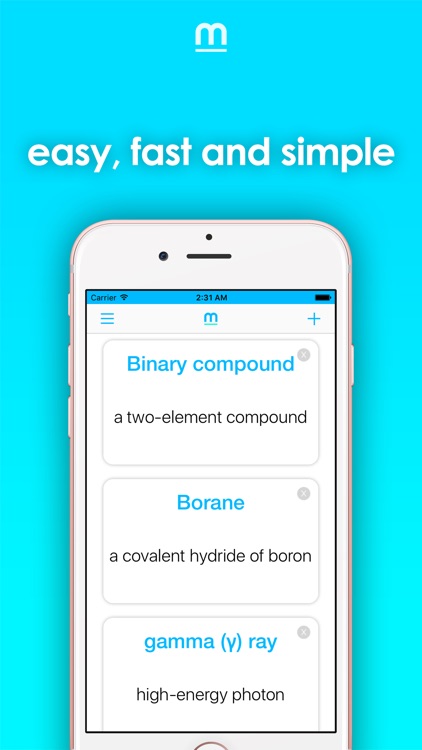
Memorize anything with Membot.
It’s a great teaching tool.

FREE ($0.99) For a limited time FREE ($0.99) For a limited time
Why we picked this?

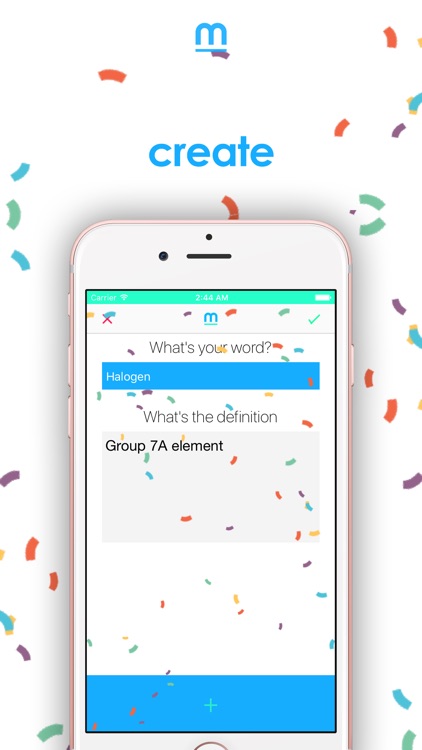
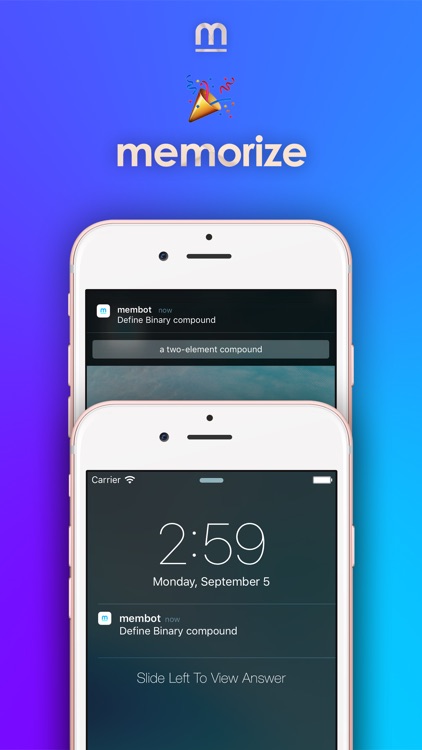
Membot teaches you definitions through repetition. You’re able to create an unlimited number of custom cards with definitions. Then set the amount of time between each card being displayed. Times range from 15 seconds to one hour. Close the app, allow it to remain running in the background, and wait for your first card to appear as a notification. When a notification comes in, you’re able to peek at the definition with a downward swipe.

If you’re looking to learn a new language or anything else that requires memorization, Membot provides a rather unique way to go about it.

Setup can be a chore since everything has to be entered manually on your iDevice.

Painting 101 - Anyone’s a Painter
iPad
Painting 101 - Anyone’s a Painter

Painting 101 - Anyone’s a Painter

Kdan Mobile Software LTD

Anyone can paint with Painting 101.

It’s for those who think that they don’t have artistic talent.

FREE ($3.99) For a limited time FREE ($3.99) For a limited time
Why we picked this?

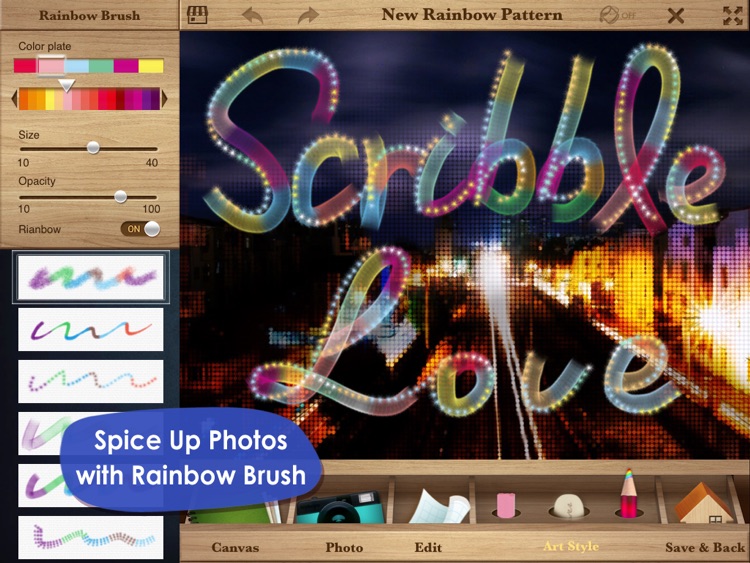
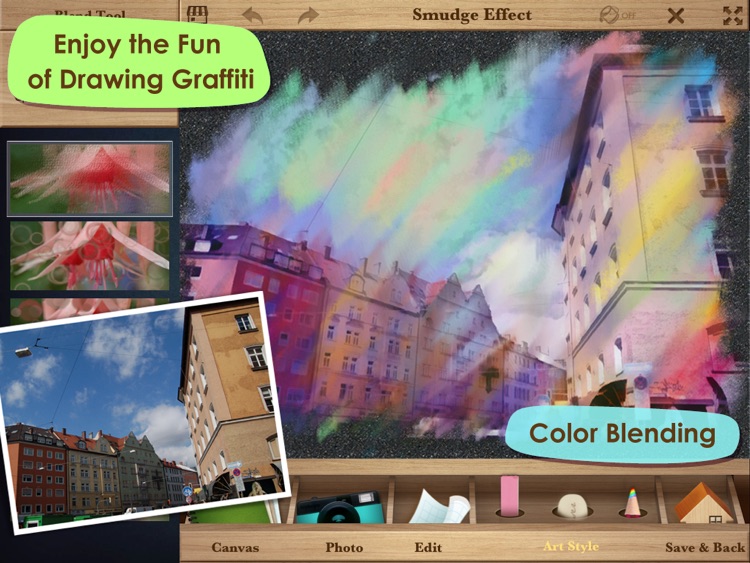
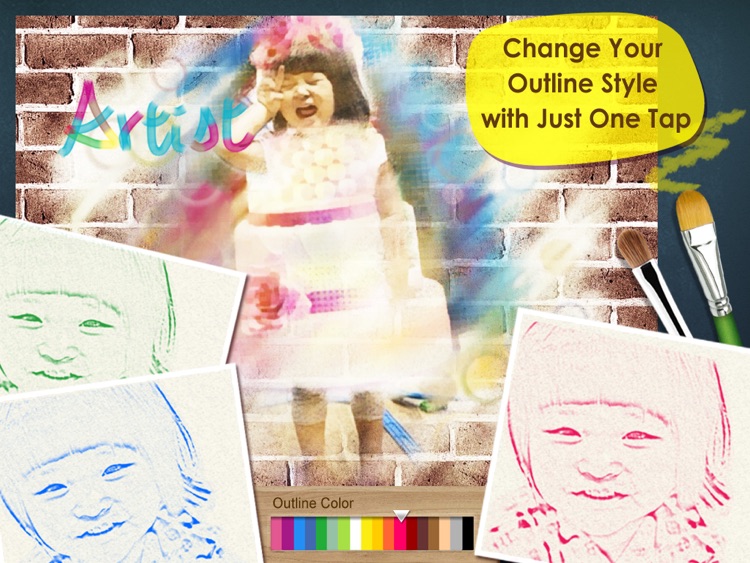
Painting 101 brings out your creative side by allowing you to utilize your own photos as your canvas. After importing a photo, Painting 101 will turn it into a sketch. You can then stylize and paint over the top of it using a wide variety of tools that ensure everything turns out perfectly. You don’t have to use a photo, however, as there is a vast selection of canvas styles to choose from.

If you want to paint but don’t know how, try Painting 101. It helps you get started by allowing you to use a photo, and then paint, blend, and layer over the top.

If you want a true painting app, this isn’t it.

Paper Spiral - Sketch and Go
iPad
Paper Spiral - Sketch and Go

Paper Spiral - Sketch and Go

Kdan Mobile Software LTD

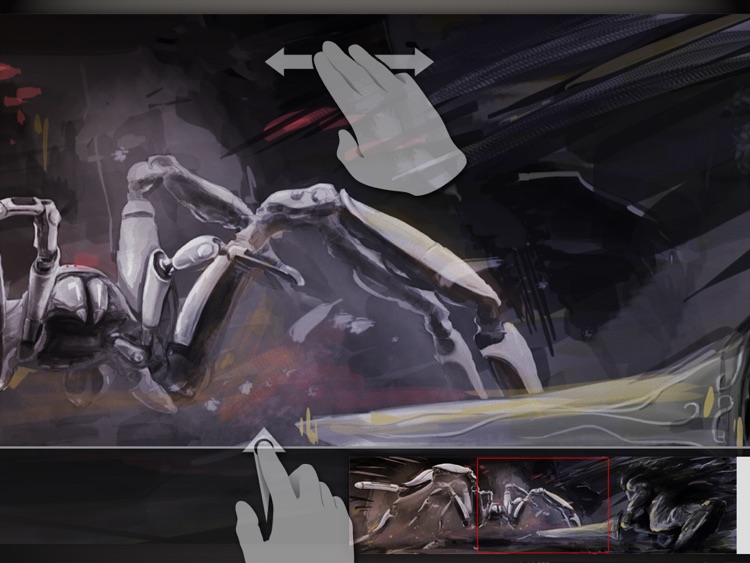
Sketch and paint on a realistic canvas with Paper Spiral.

It’s great for budding artists.

FREE ($2.99) For a limited time FREE ($2.99) For a limited time
Why we picked this?

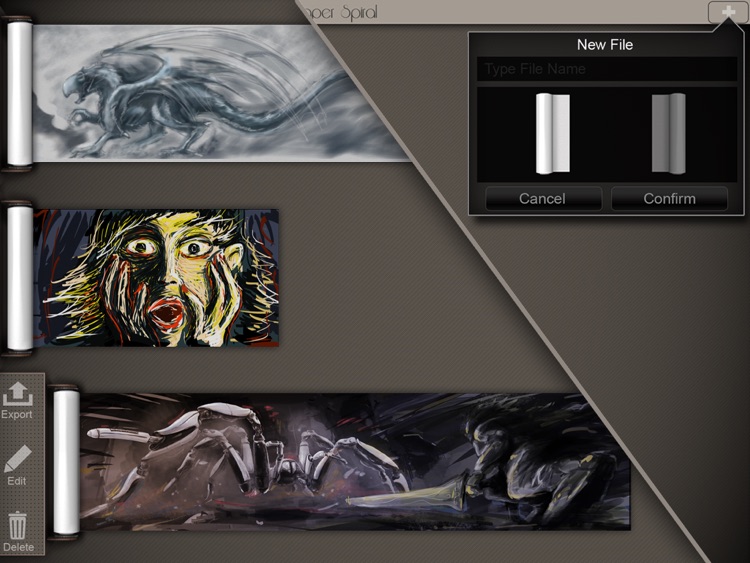
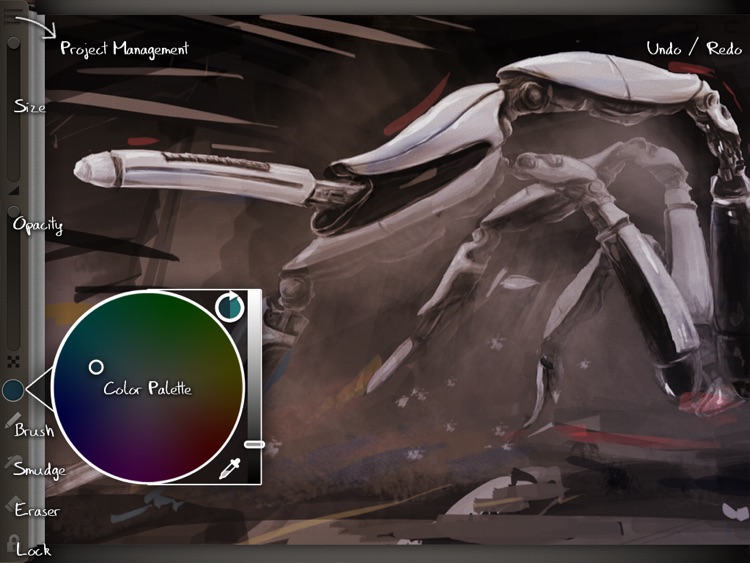
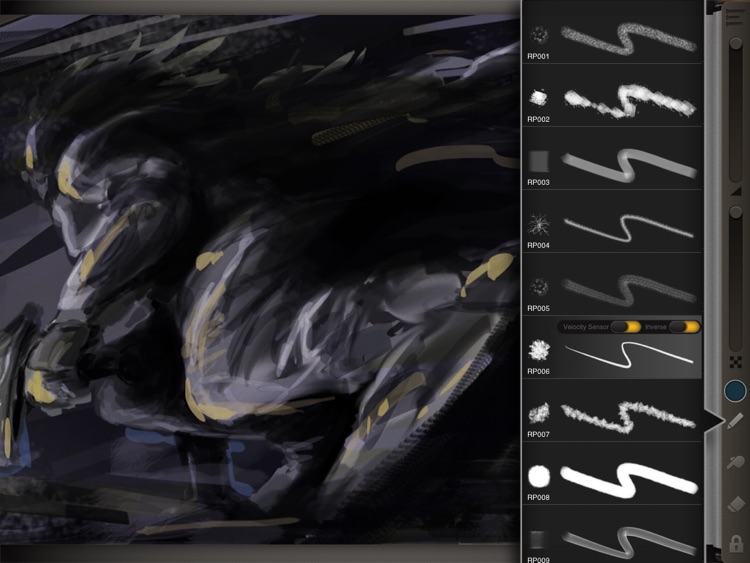
Paper Spiral takes a different approach to painting and drawing on your iPad. Instead of requiring you to create separate pages for your work, you’re provided with an unlimited scrollable canvas. The canvas can be resized with pinch gestures, and a two-finger swipe will allow you to unroll it. Paper Spiral’s velocity sensitive brushes and erasers give your work the look and feel of the real thing. The app includes 12 brushes, 12 erasers, and 12 smudge tools.

Sketch artists are going to love this one, especially if you have a favorite stylus to use.

If you work with layers, Paper Spiral isn’t for you.

Number Games Match Fun Educational Games for Kids
iPhone
iPad
Number Games Match Fun Educational Games for Kids

Number Games Match Fun Educational Games for Kids

Eggroll Games LLC

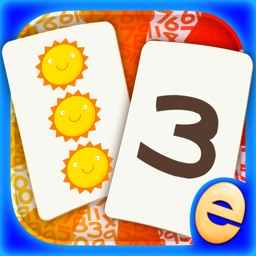
Designed with your little one in mind, this educational app focuses on number identification, counting skills, and color matching.

It’s perfect for parents with children in kindergarten.

$3.99 $3.99
Why we picked this?

The app is loaded with fun and colorful items to count and match. Depending on their ability level, your child can either play with cards face down or face up to make things easier. Hints are also available if need be. The game includes professional narration for every included item, positive reinforcement, and parental controls.

If you have a child in kindergarten and want to help them improve their number and color skills, download this app today.

If your child is older than six years of age, the concepts will most likely be below their skill level. If that’s the case, you can skip this one.

Animated 3D Knots
iPhone
iPad
Animated 3D Knots

Animated 3D Knots

Sergey Burlakov

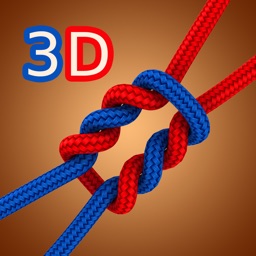
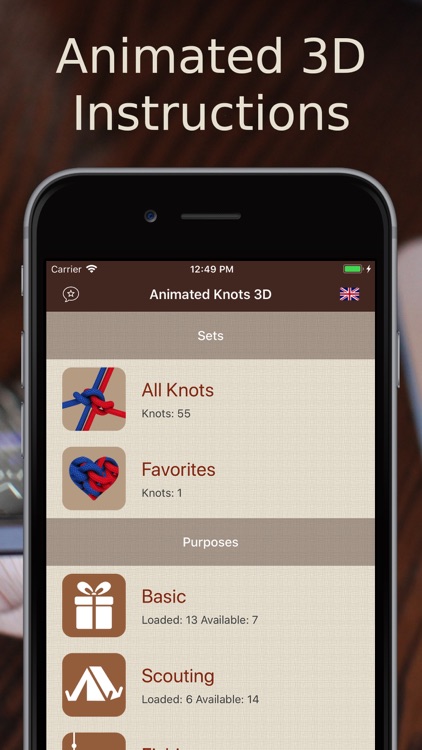
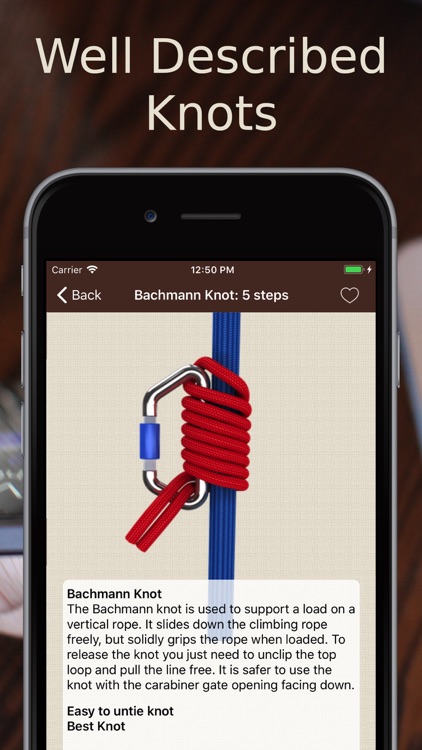
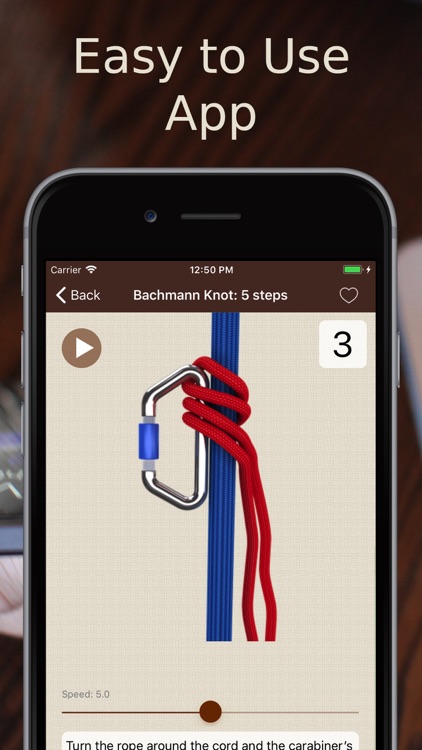
Learn how to tie more than 55 essential knots with this reference app.

Whether you fish, climb, or just need to get some work done around the house, you’ll find this app coming in handy at some point.

$0.99 $0.99
Why we picked this?

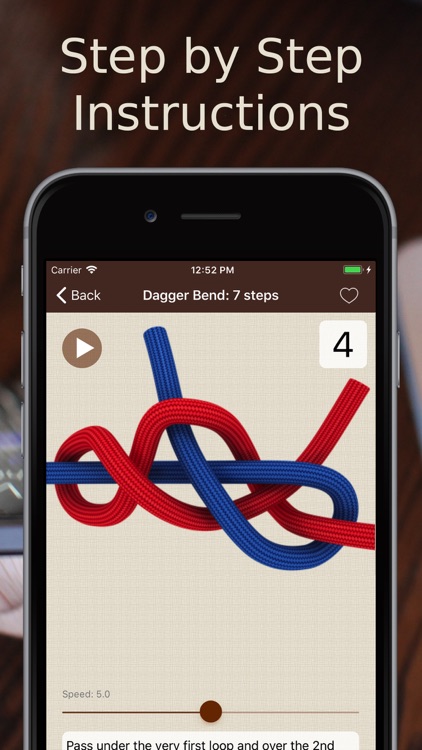
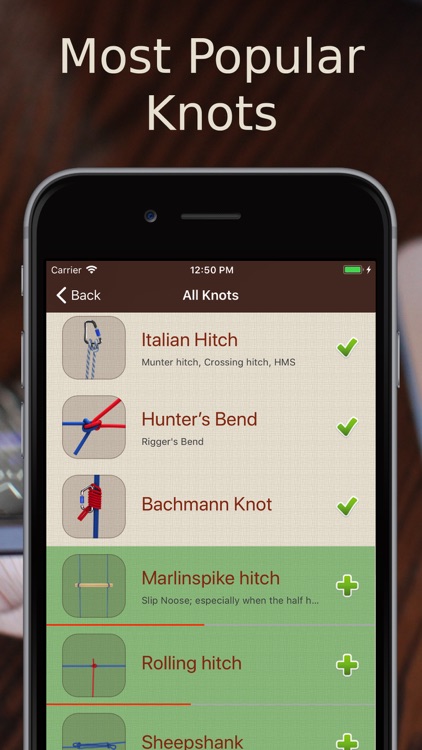
You’re able to browse through the knots by category or search for something specific. Each knot includes a difficulty rating, a description, and step-by-step instructions accompanied by 3-D animations. You’re able to share knots via Facebook or Twitter, and leave a comment and a rating. The app also includes the ability to favorite knots and adjust the animation speed.

If you can’t tie more than a basic knot, give this reference app a try. The 3-D animations will help ensure you’ll never have another knot come undone.

If you’re a master knot tier who earned every scout badge, you probably don’t need How to Tie Knots 3D.

Next - Numbers
iPhone
iPad
Next - Numbers

Next - Numbers

Vito Technology Inc.

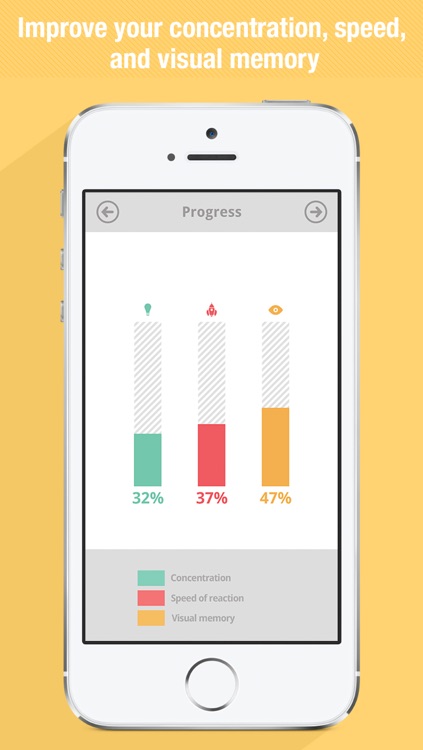
Train your brain by going on the hunt for numbers in this fast-paced arcade game.

It’s ideal for anyone interested in improving concentration, speed, and visual memory.

$1.99 $1.99
Why we picked this?

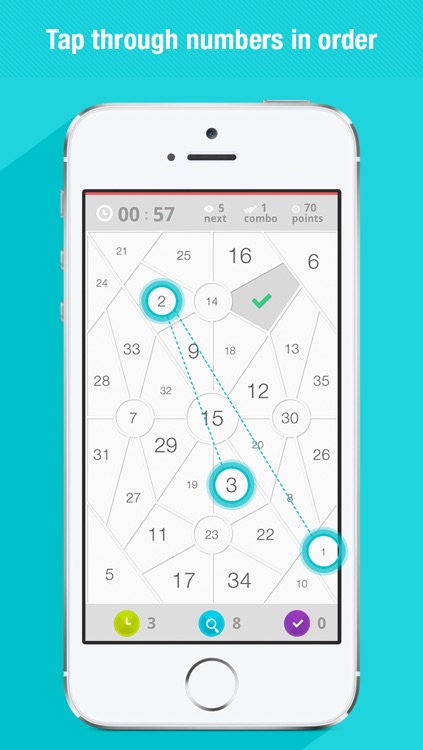
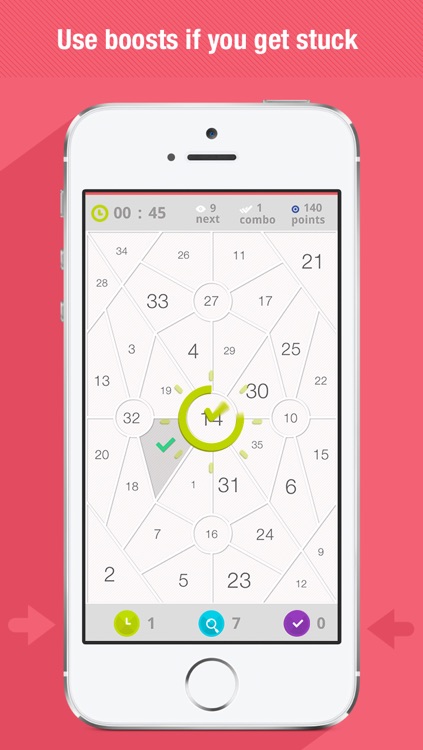
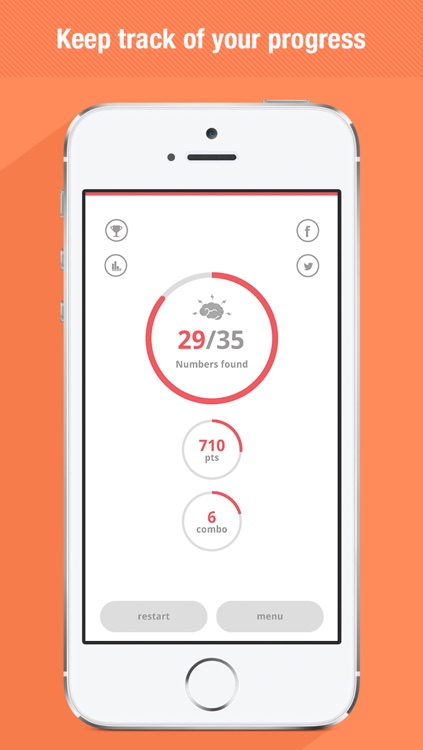
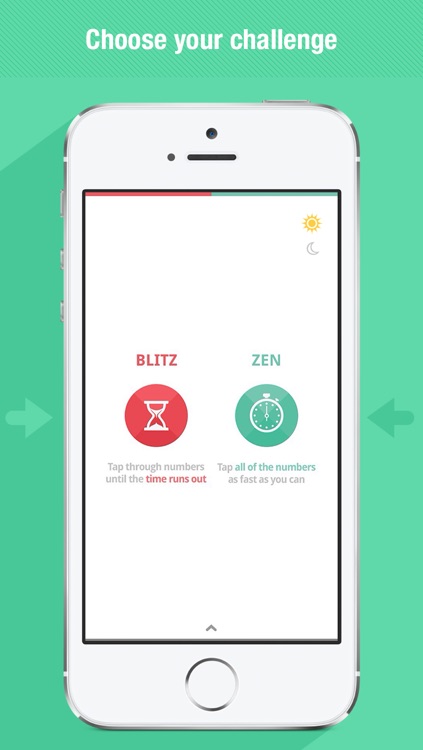
Next requires your complete and utter attention. All you have to do is tap numbers in their correct order as quickly as you can. The difficulty is that the numbers are spread out across a complicated and completely random grid. The game includes two modes, with one requiring you to find all of the numbers at your own pace and the other having you race against the clock. Both allow you to utilize power-ups in case you find yourself stuck.

If you’re fond of competing for high scores, this is the perfect game for you. It’s obviously ridiculously easy to pick up, because everyone can count, but impossibly difficult to put down.

Next is about as straightforward as arcade games come. It’s just about tapping consecutive numbers.