

You are using an outdated browser. Please upgrade your browser to improve your experience.

Apps That
Went Free on
2016-10-08

Help the pets rescue the fallen stars, transform your photos, and record and plan every facet of your life with today’s collection of apps and games.

Sky Pets
iPhone
iPad
Sky Pets

Sky Pets

Subliminal

Rescue the fallen stars in Sky Pets.

It’s an adorable casual game for all to enjoy.

FREE ($1.99) For a limited time FREE ($1.99) For a limited time
Why we picked this?

The stars have fallen from space and ripped through the Earth. Now it’s up to our pets to rescue the stars and rebuild the planet. Select a furry friend and customize it however you wish. Then dive through the sky tilting to steer around obstacles and collect the gems along the way. Reach the bottom safely with all gems in hand to earn a perfect score. The game includes four colorful environments to coast through.

If you enjoy tilt-based games, check out Sky Pets today. It’s so easy to just pick up and play.

It’s best played in short spurts.

abCursive @Cursive Writing App
iPhone
abCursive @Cursive Writing App

abCursive @Cursive Writing App

Yosuke Oki

Practice the lost art of cursive writing with this educational app.

It’s for anyone looking to take their first step into cursive writing.

FREE ($0.99) For a limited time FREE ($0.99) For a limited time
Why we picked this?

Each letter of the alphabet can be practiced separately in lowercase form. The app indicates where to start each letter and how they connect via animations. Once you’ve gotten the hang of things, you can work on sample sentences or create your own words to practice.

If you’re a parent or teacher who wants your children to learn to write in cursive, this is the perfect app. Its interface is free of distractions, helping early learners stay focused.

The lack of focus on uppercase letters is a disappointment.

Parker Planner Classic (old version)
iPhone
Parker Planner Classic (old version)

Parker Planner Classic (old version)

Parker Planners, LLC

Record and plan every facet of your life with this handy productivity app.

It’s perfect for students, business professionals, and anyone else in need of a single app to manage their lives.

FREE ($1.99) For a limited time FREE ($1.99) For a limited time
Why we picked this?

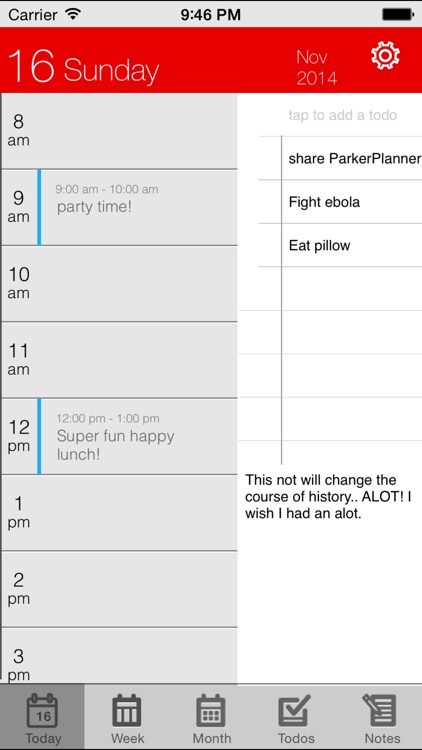
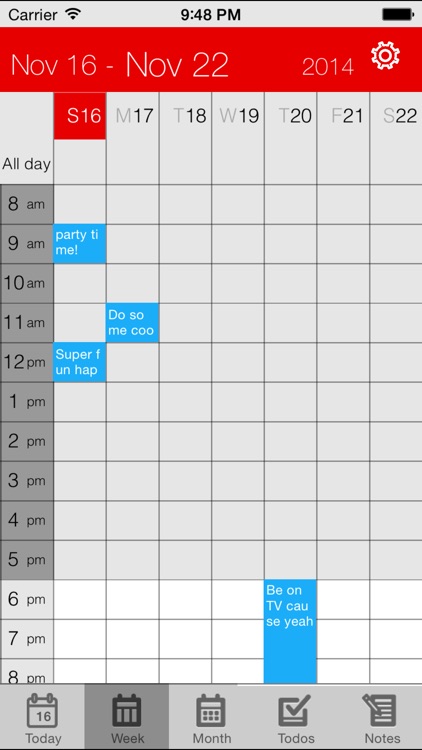
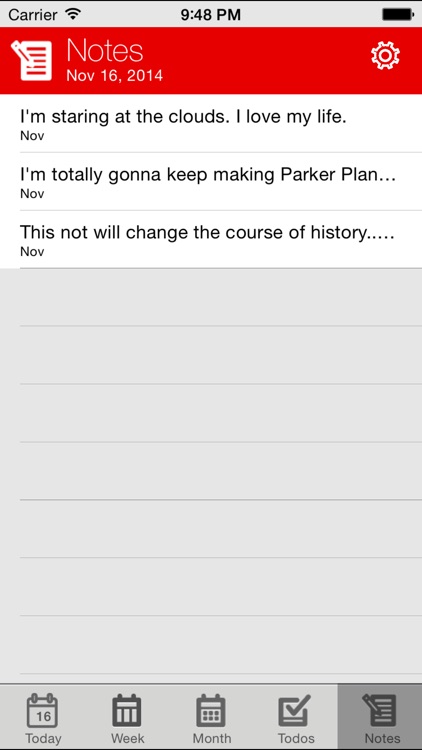
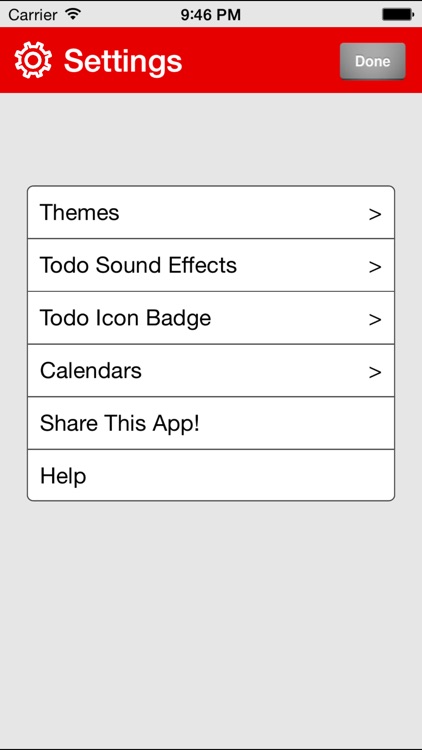
The app's main view allows you to see upcoming events for the day, any notes and ideas you may have, and any tasks you need to complete all at once. You're also able to view each of the three separately. Tap once on an open spot on your calendar to add an event or tap twice to add more details. The app syncs with your iPhone's built-in calendar or any of the other popular online options. It also includes multiple themes to choose from, icon badging, and sound effects.

If you’ve always enjoyed physical paper planners, you’re going to love Parker Planner. The company started out as one back in 2006, so they know what they’re doing.

Parker Planner features a built-in to-do list, but you won’t want to use it for reminders, as it lacks scheduling and push notifications.

PhotoNova 2 - Editor with Selective FX & Lasso
iPhone
PhotoNova 2 - Editor with Selective FX & Lasso

PhotoNova 2 - Editor with Selective FX & Lasso

loran dyrmishi

Transform your photos with PhotoNova 2.

It’s for both professional and amateur iPhoneographers.

$1.99 $1.99
Why we picked this?

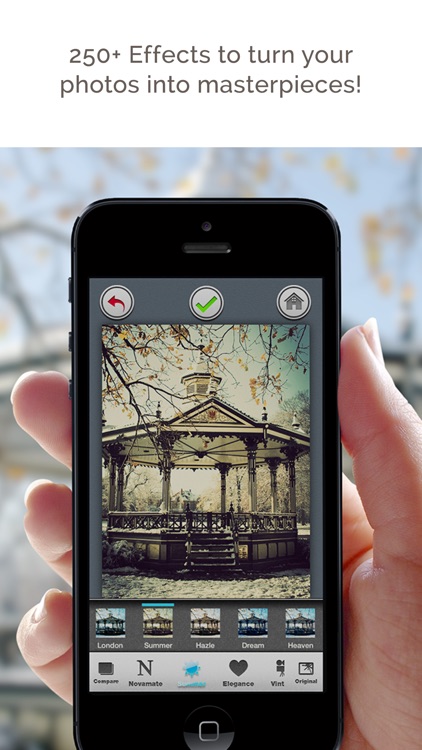
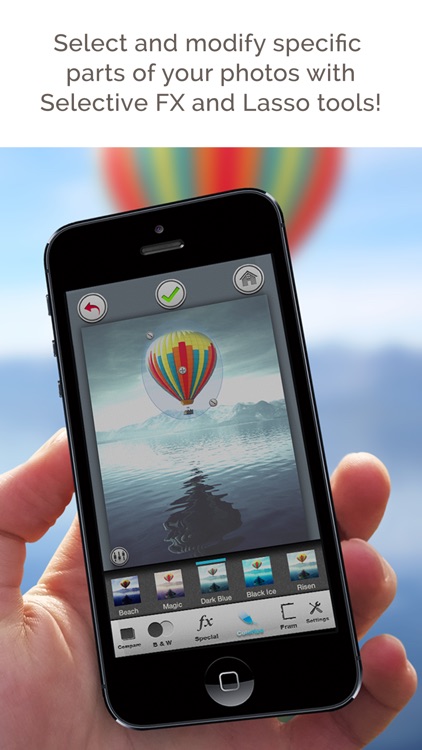
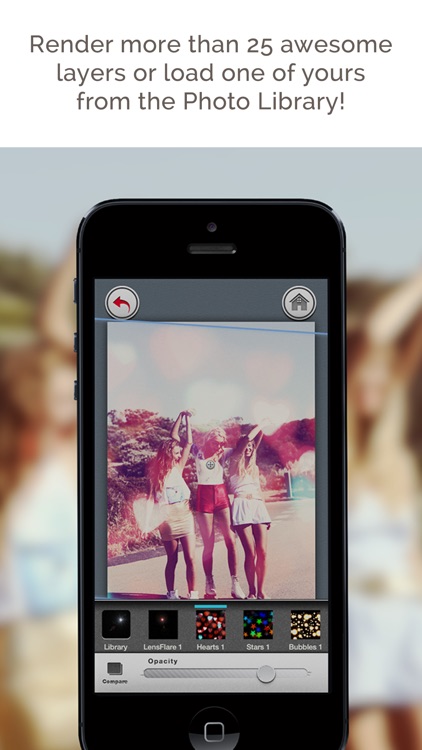
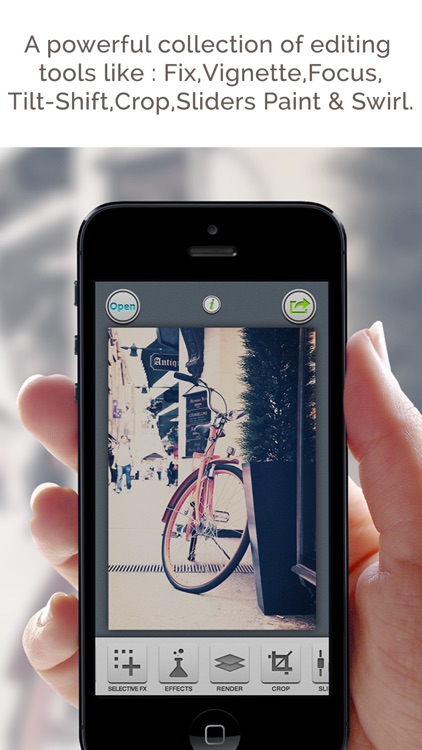
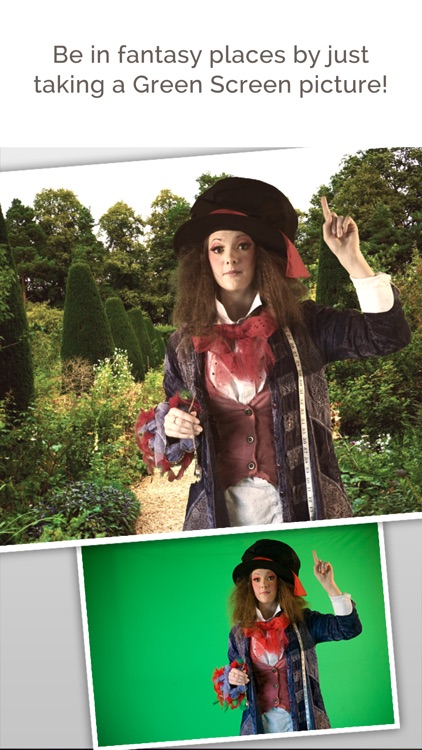
PhotoNova 2 is all about selective effects. It allows you to focus on specific parts of your photo using a variety of selection tools like a lasso, circle, rectangle, ellipse, and tilt-shift. The selected areas can be adjusted or completely changed using 250 different effects. Photos can be rendered with more than 25 layers. You’re also able to paint effects and colors over the top of your photos.

If you want to take control of the editing process, download PhotoNova 2 today.

Even with all of its tools, your results will depend upon the photo itself and your ability.

PICKnSPELL for kids
iPhone
PICKnSPELL for kids

PICKnSPELL for kids

jamQbe

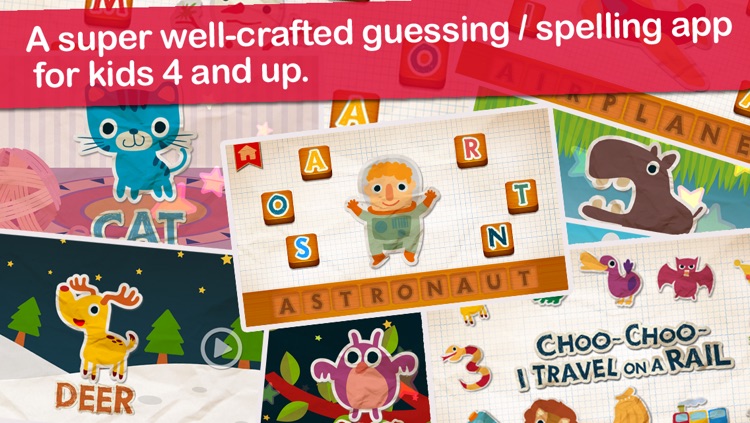
This educational app will have your child guessing and spelling out creatures, characters, and objects.

It’s designed for children ages five and under.

$0.99 $0.99
Why we picked this?

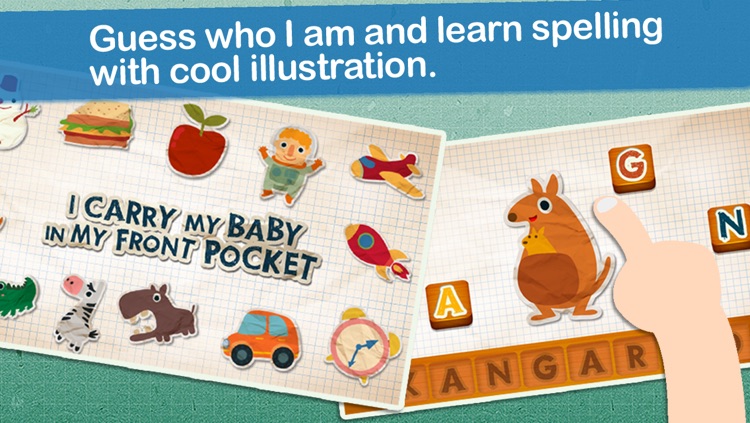
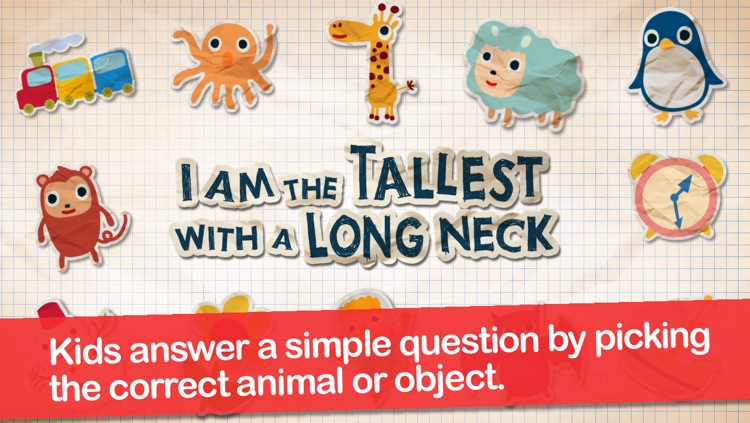
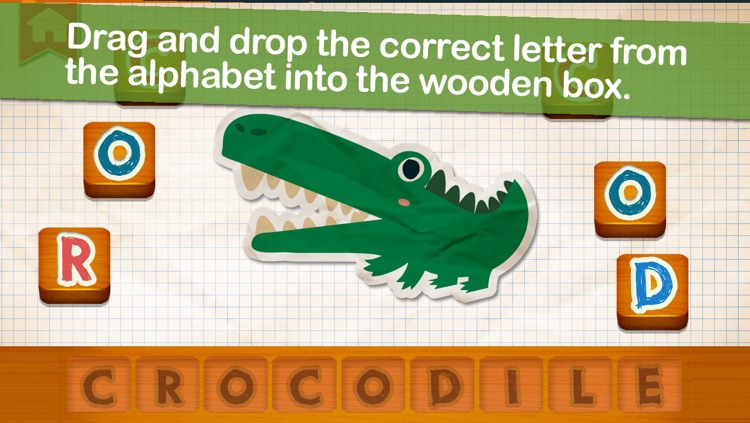
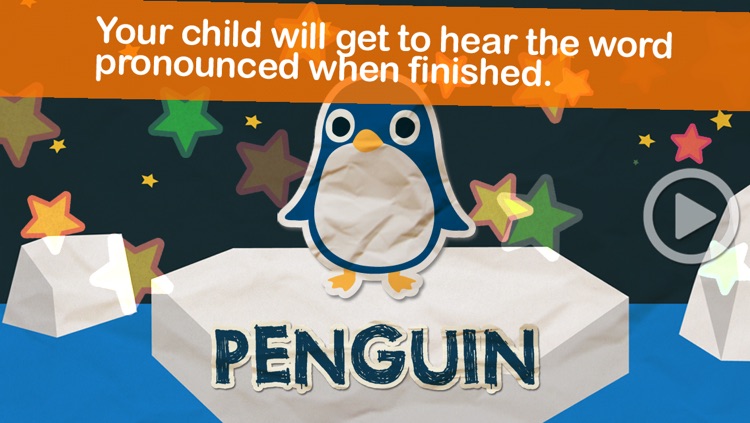
Your child will first be asked to guess the creature, character, or object being described. If guessed correctly, they will then be tasked with spelling it using the available letters. The letters will be sounded out as they are placed, and your child will get to hear the word pronounced when they are finished.

If you want to fast track your child’s educational, this app will help. It has a little bit of everything.

It’s pretty simple, so old children won’t get gain much from it.