
You are using an outdated browser. Please upgrade your browser to improve your experience.

Apps That
Went Free on
2016-10-10

Roll down the Impossible Road, superimpose photos, and organize your life with shapes and colors with today’s collection of apps and games.

Union - Combine & Edit Photos
iPhone
iPad
Union - Combine & Edit Photos

Union - Combine & Edit Photos

Pixite Inc.

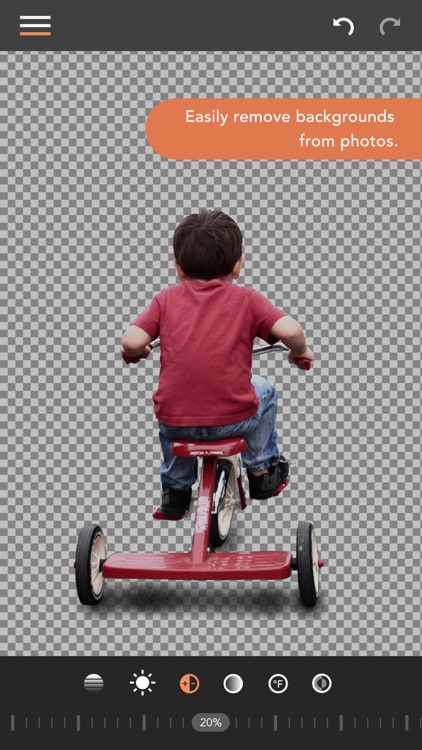
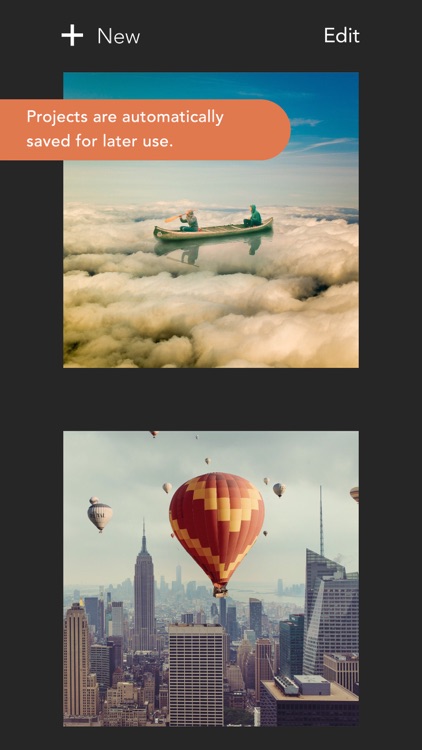
Create superimposed photos in a snap with Union.
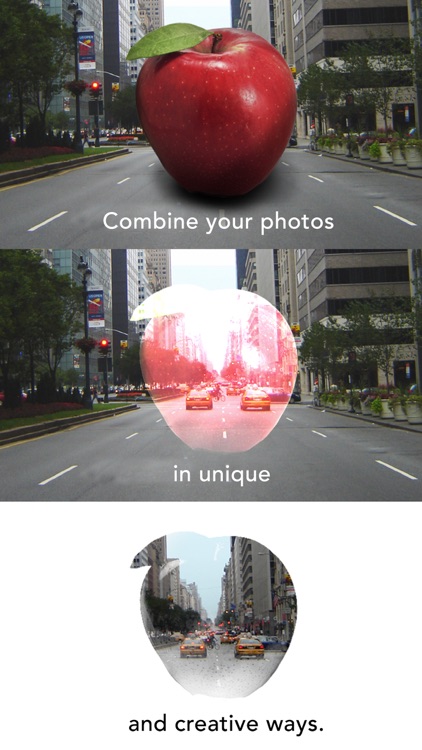
It’s great for anyone looking to create fun mashups or collages.

FREE ($1.99) For a limited time FREE ($1.99) For a limited time
Why we picked this?

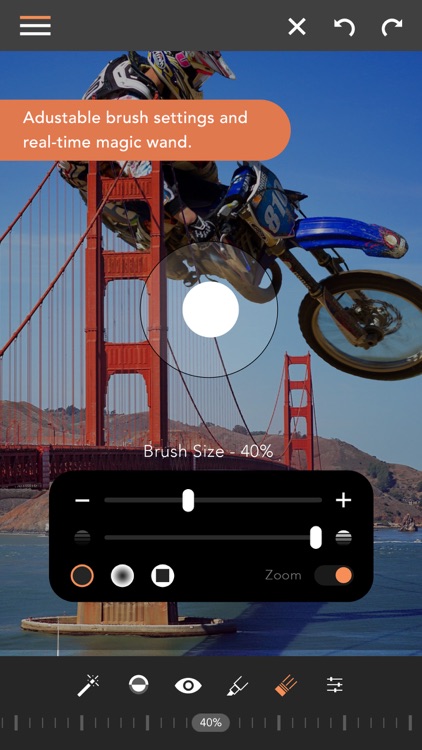
Apps that allow you to superimpose photos are usually cumbersome, but not Union. That’s what makes it so great. Just choose a background photo, solid color, or transparent layer. Then choose a foreground photo, solid color, or shape. You’re able to erase parts of the foreground image in order to get it to fit. Then adjust the colors, position, and size to perfectly blend the two together.

If you want to create out of this world images, download Union today. The results can be downright amazing when done right.

You have to put in some work to get good results.

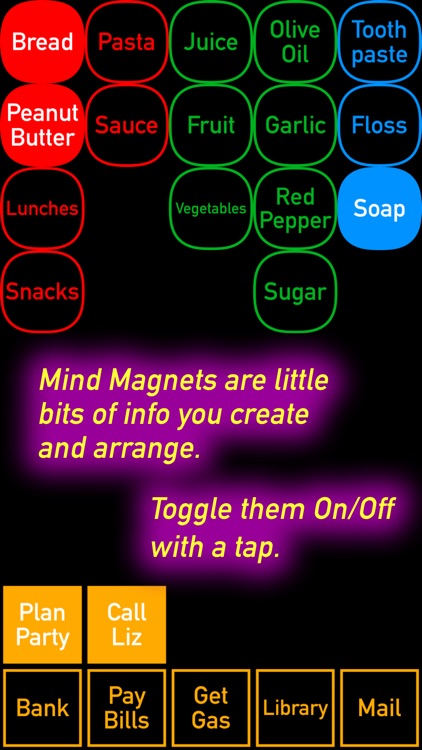
Mind Magnets Info Organizer—Visual Grid Checklists
iPhone
iPad
Mind Magnets Info Organizer—Visual Grid Checklists

Mind Magnets Info Organizer—Visual Grid Checklists

Adams Immersive

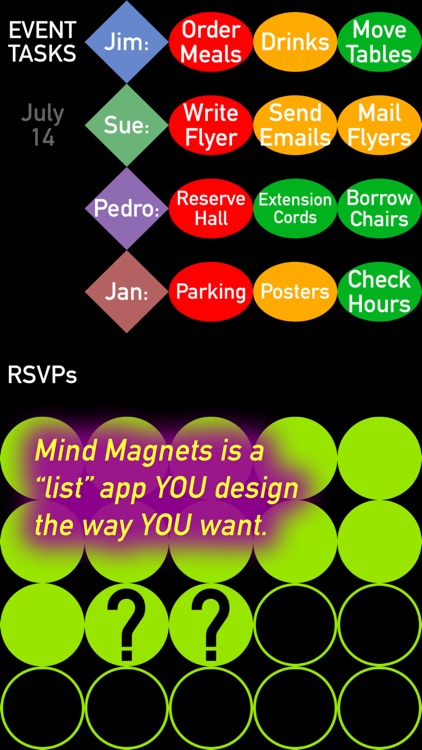
Organize your life with shapes and colors with DotSpace.

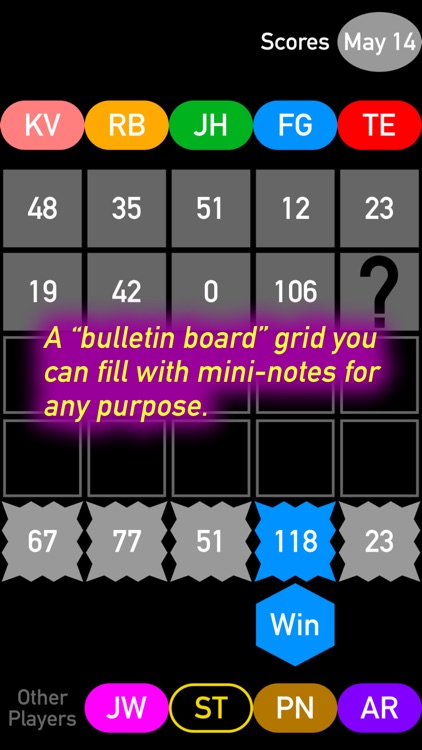
It can be used for just about anything.

FREE ($1.99) For a limited time FREE ($1.99) For a limited time
Why we picked this?

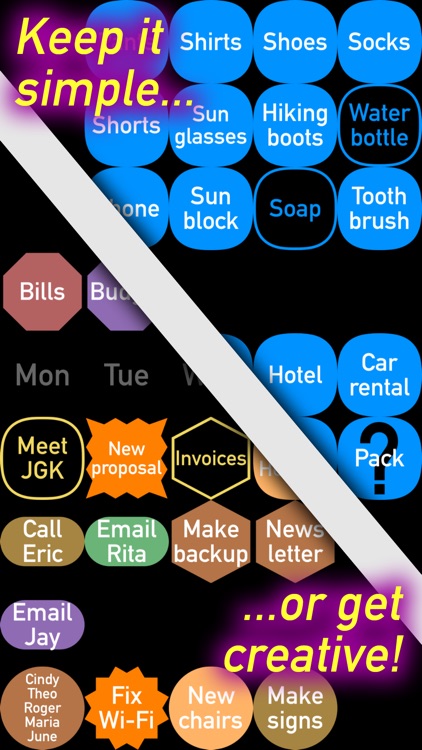
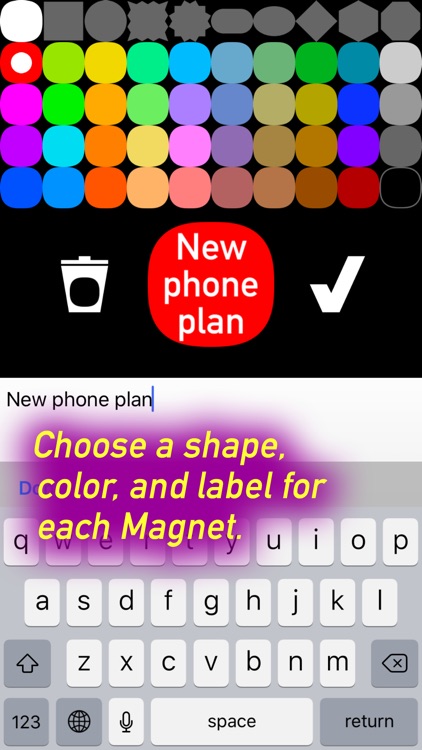
DotSpace can be used as a shopping list, task manager, habit tracker, and even a mind-mapper. Its simple two-button interface allows it to be anything you need it to be. Simply hold your finger on the screen to create a new item. The new item can take on one of three different shapes and 27 different colors. After an item has been created, you can drag and drop it anywhere on the screen. This allows you to group items together however you like.

If simple lists aren’t good enough for you, check out DotSpace. It’s interface will free your mind.

It’s limited by the lack of cloud syncing.

NOTE'd
iPhone
NOTE'd

NOTE'd

Suxxexx

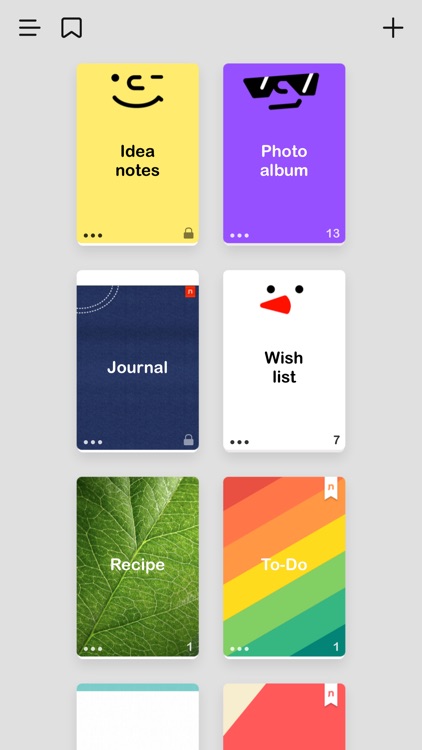
This digital notebook is not only easy to use, but also easy on the eyes.

It’s the ideal app for those who need to categorize notes or thoughts.

FREE ($1.99) For a limited time FREE ($1.99) For a limited time
Why we picked this?

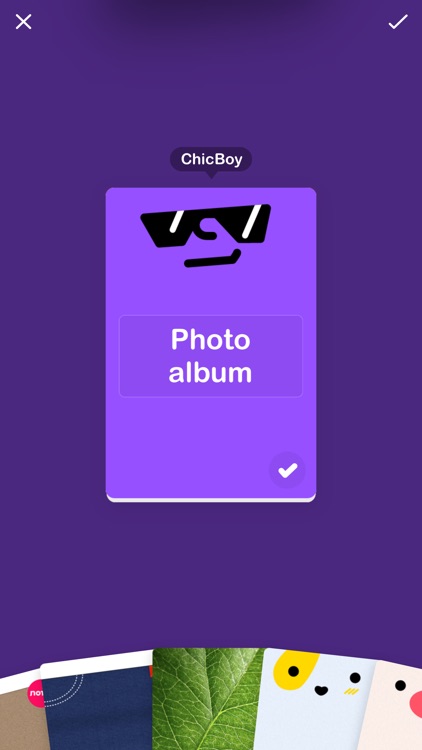
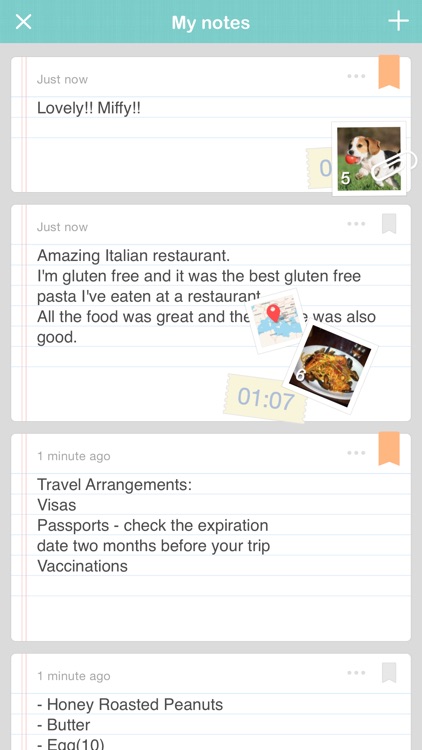
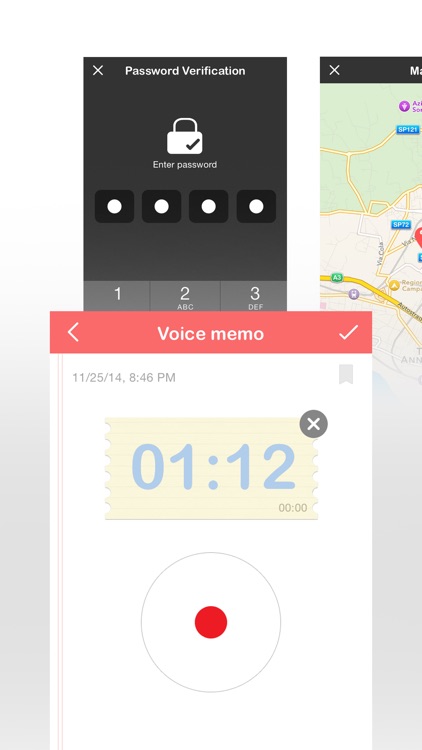
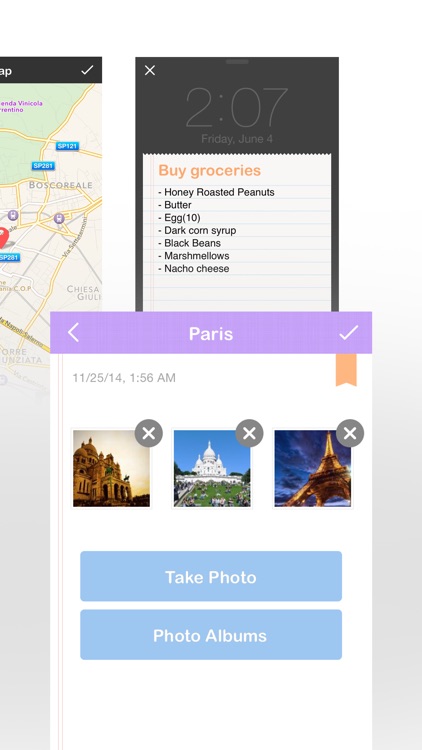
Choose any one of the 35 fantastic notebook styles, and then add text notes, audio memos, location data, and images. Notebooks can be renamed, passcode locked, rearranged, and backed up and restored via Dropbox. The app also includes the ability to bookmark notes, view all of the notes from all of your notebooks at once, and share notes via Twitter, SMS, or email.

This is one pretty notebook app, so if you’re all about style, download it right now.

Outside of being stylish, NOTE’d doesn’t offer anything new or different than the competition. If you already have a preferred note taking app, stick with it.

Widget Calendar
iPhone
iPad
Widget Calendar

Widget Calendar

yoon sik kang

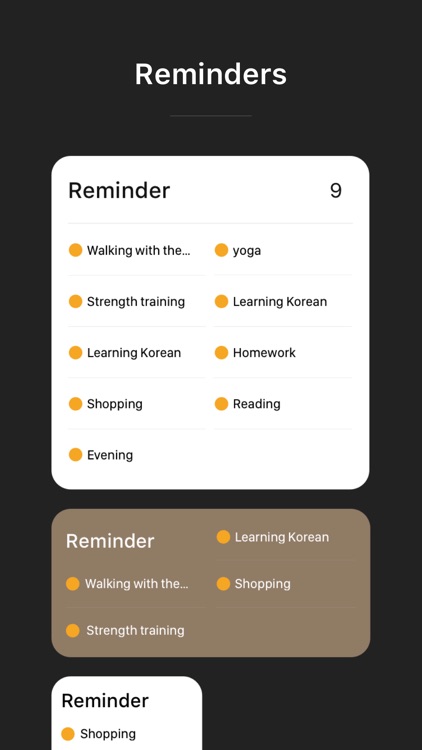
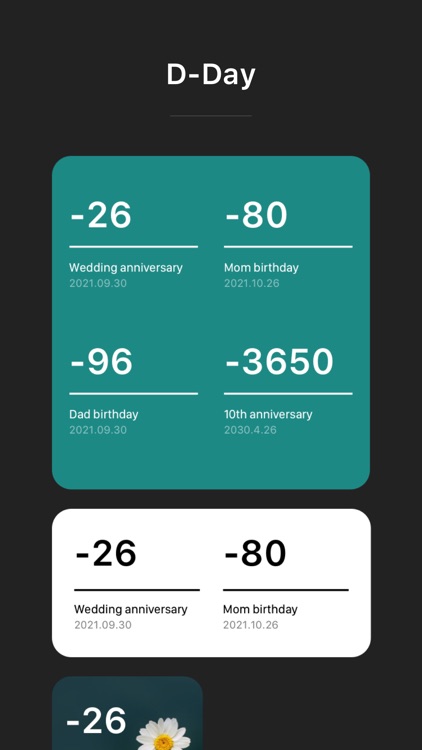
Get a look at your calendar from the lock screen with Widget Calendar.

It’s ideal for those who want to see what’s ahead.

FREE ($0.99) For a limited time FREE ($0.99) For a limited time
Why we picked this?

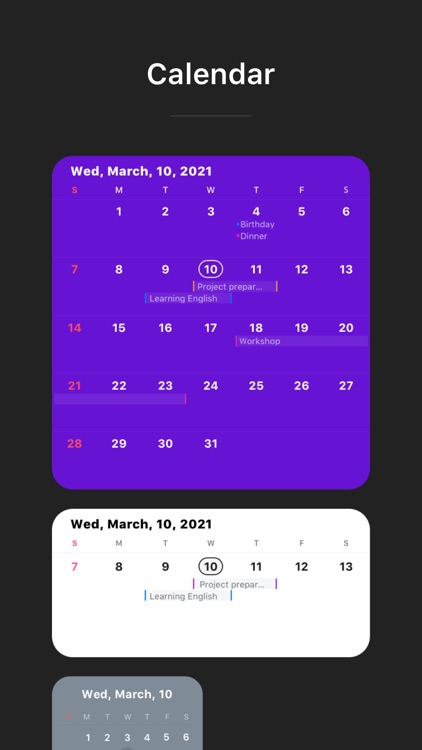
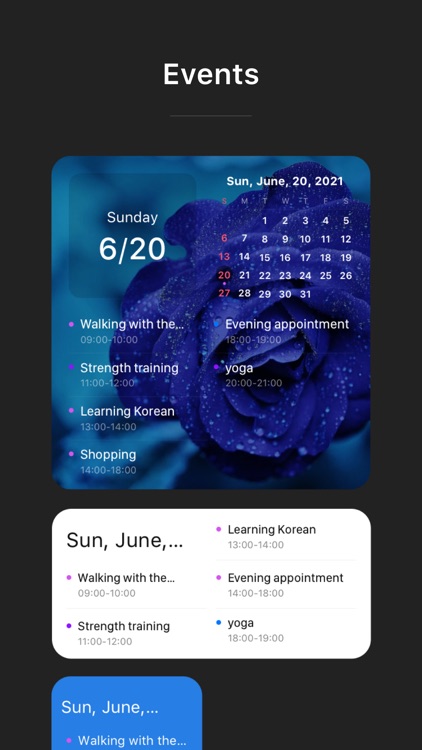
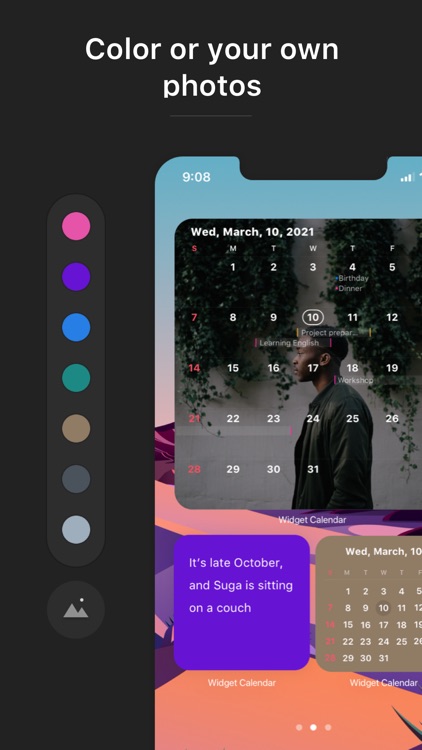
Widget Calendar does one thing and it does it very well. It’s able to grab all of the events from your calendar and neatly display them on your lock screen. Just make sure to add the widget by scrolling to the very bottom of the view and tapping on the Edit button. The calendar is completely interactive, allowing you to tap on days to reveal more information. You’re also able to open your calendar with a tap.

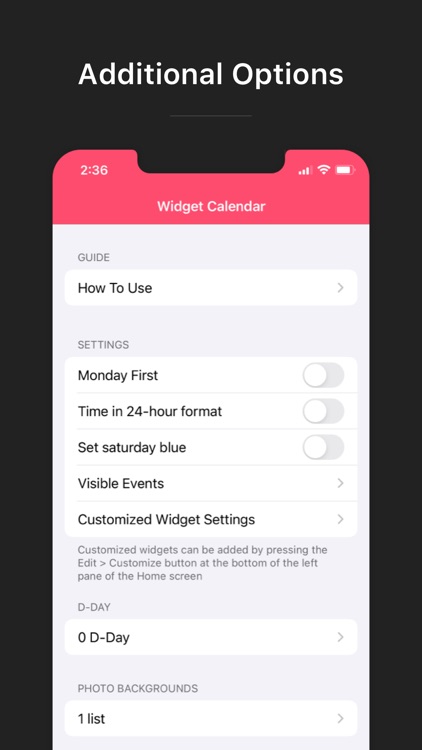
If you want a quick overview of what’s on your schedule, Widget Calendar is for you. It’s totally customizable as well.

It can take up a lot of visual space.

IMPOSSIBLE ROAD
iPhone
iPad
IMPOSSIBLE ROAD

IMPOSSIBLE ROAD

WONDERFUL LASERS

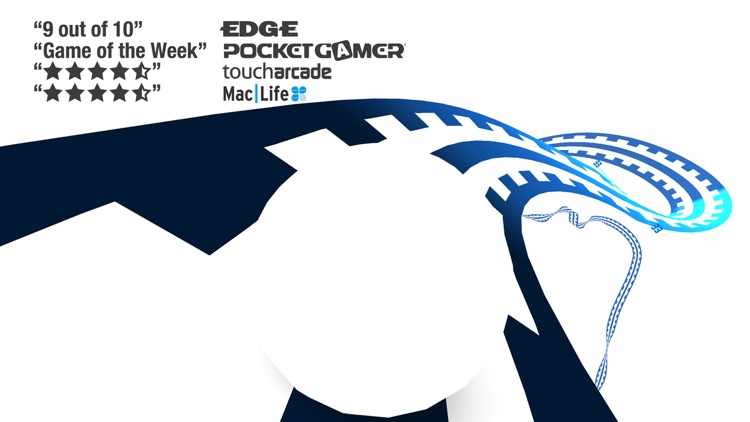
Get rolling down a roller coaster-like track in Impossible Road.

It’s a challenging twitch game.

$2.99 $2.99
Why we picked this?

You’re put in control of the vessel as it speeds down a roller coaster-like track at high speeds. Tap on the sides of the screen to steer. Each gate passed through counts as one point. You’ll have to anticipate bends, banks, and jumps in order to stay on track. If you do leave the track, all is not lost. Try to guide the vessel through the air and back onto the track before it’s too late.

If you enjoy challenging minimal arcade games, you have to check out Impossible Road. It’s perfect.

You’ll be restarting a lot. It’s not easy.