
You are using an outdated browser. Please upgrade your browser to improve your experience.

Apps That
Went Free on
2016-10-12

Manage your life, track commodities, and crunch numbers with today’s collection of apps and games.

Easy Spending Budget
iPhone
iPad
Easy Spending Budget

Easy Spending Budget

Tekton Technologies (P) Ltd.

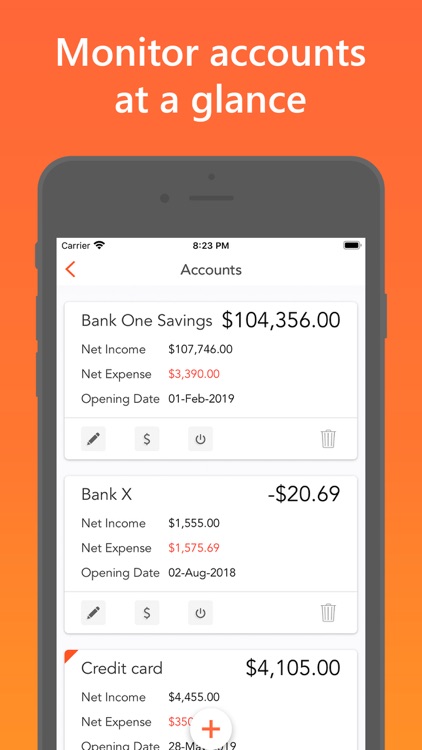
Get your finances in order and keep them that way with Easy Spending Expense Tracker.
This finance app is great for anyone who is looking for an easy and effective way to see where their money is going.

FREE ($1.99) For a limited time FREE ($1.99) For a limited time
Why we picked this?

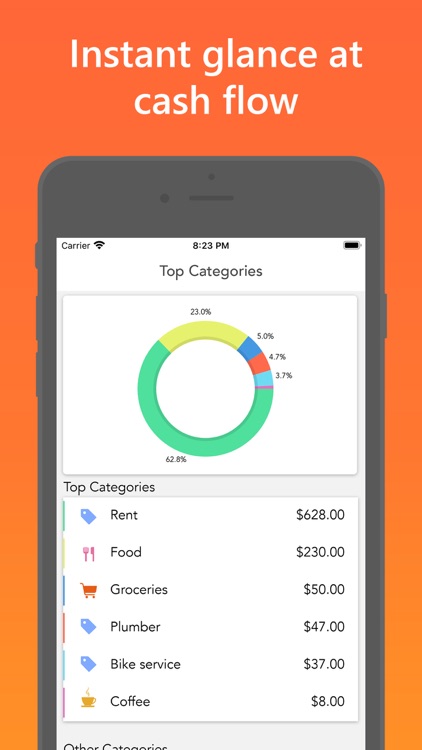
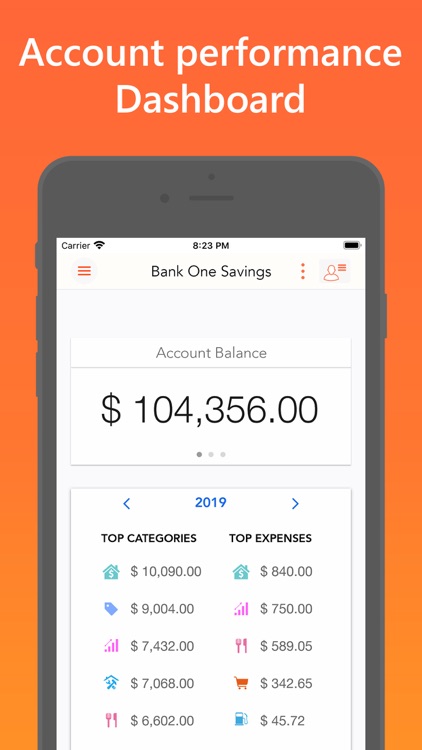
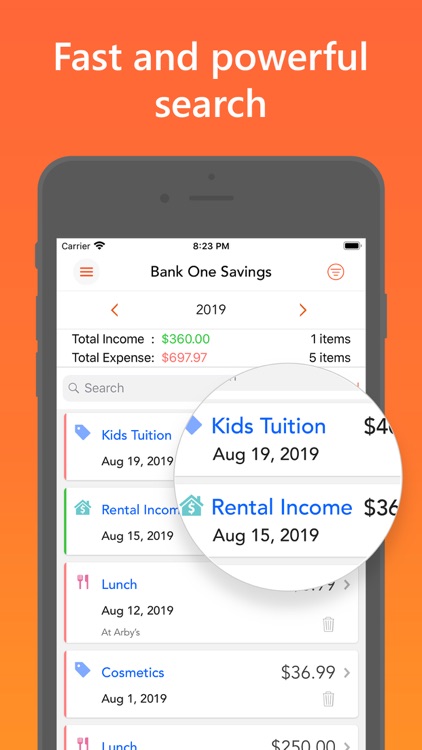
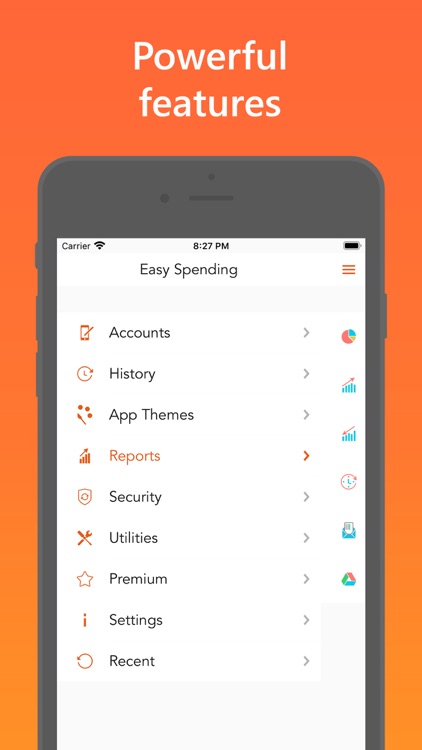
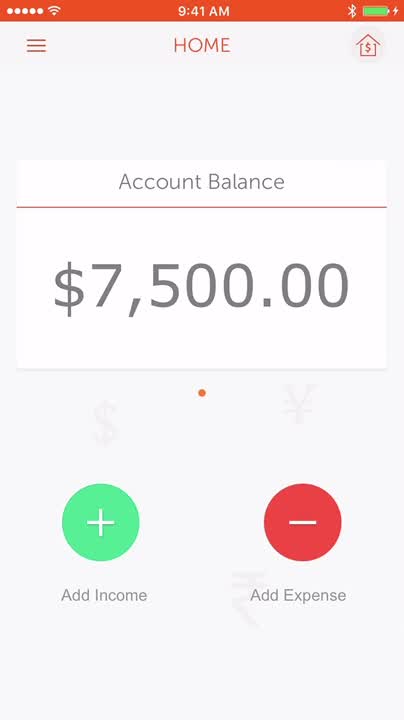
Most finance apps are all cluttered up with unnecessary options and data, but not Easy Spending Expense Tracker. The app’s home screen only displays your current account balance and two buttons: Add Income and Add Expense. When adding income or an expense, you simply have to define an amount and choose a category. The amount will automatically be added to or subtracted from your total. You’re able to look back through your transaction history, and create reports from all of the data.

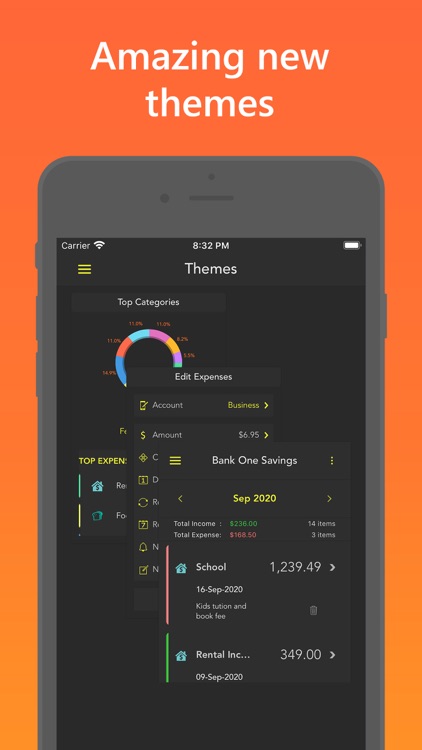
If you’re looking for a more convenient way to track your expenses, look no further than Easy Spending Expense Tracker. Its home screen is clutter-free, allowing you to focus on what matters most. You can, however, dig into the menu system to set up multiple accounts, reminders, and passcode lock your data.

If you’re worried about losing your expense data, avoid this one. The option to sync your data via Dropbox is an additional $0.99 in-app purchase.
Calculator´
iPhone
iPad
Calculator´

Calculator´

Oval Software Oy

Crunch numbers faster than ever before with CALC Swift.

It’s ideal for students, teachers, and anyone else in need of a powerful calculator.

FREE ($1.99) For a limited time FREE ($1.99) For a limited time
Why we picked this?

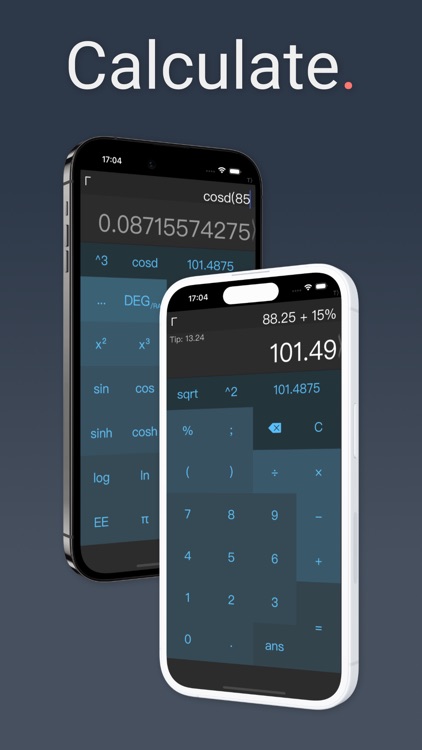
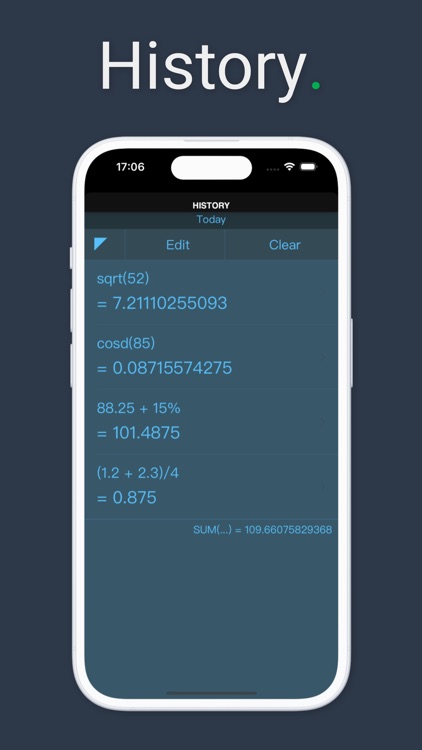
CALC Swift is a multi-functional scientific calculator that’ll make your daily calculations a breeze. It features both standard basic and scientific calculation functions, which can be accessed with a horizontal swipe. It includes more than 50 advanced functions in all. A history log allows you to pull up numbers at any time and copy them for use in other apps. CALC Swift also includes a widget, Spotlight search, Apple Watch support, and colorful themes to choose from.

If you’re looking for a fast and flexible calculator, you’ve found it.

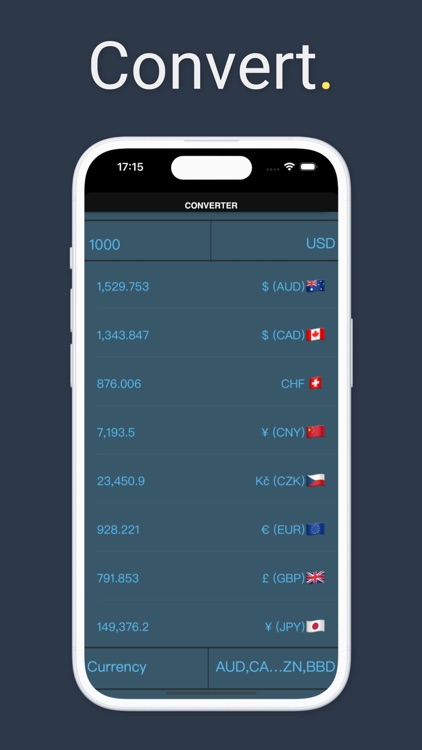
The converter and graphing features will cost you.

Materials - Commodities Reimagined
iPhone
Materials - Commodities Reimagined

Materials - Commodities Reimagined

D&T Group LLC

Track your favorite commodities with Materials.

It’s for investors.

$2.99 $2.99
Why we picked this?

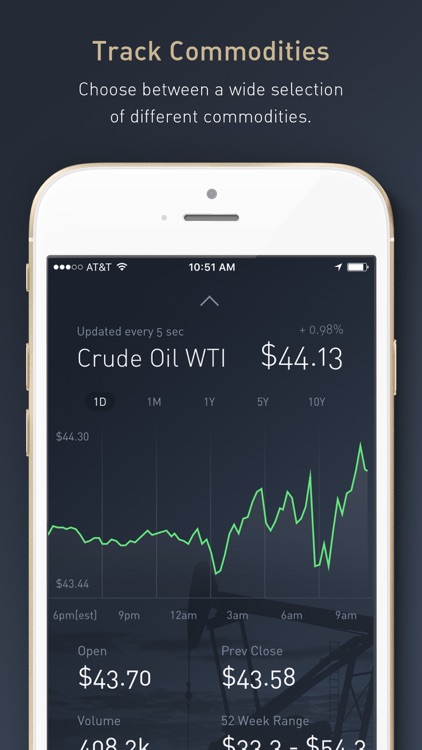
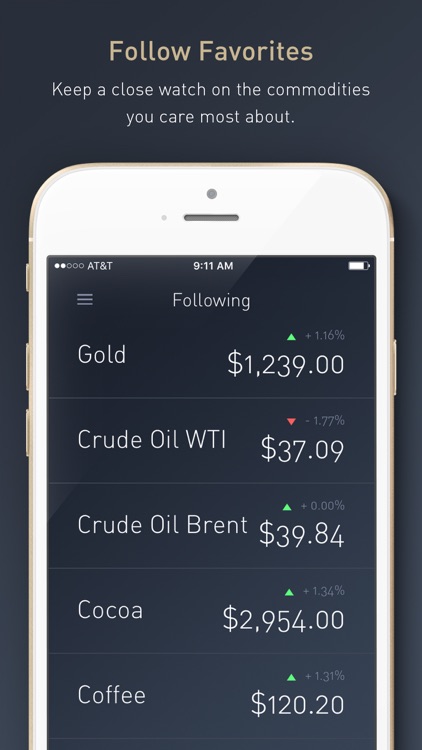
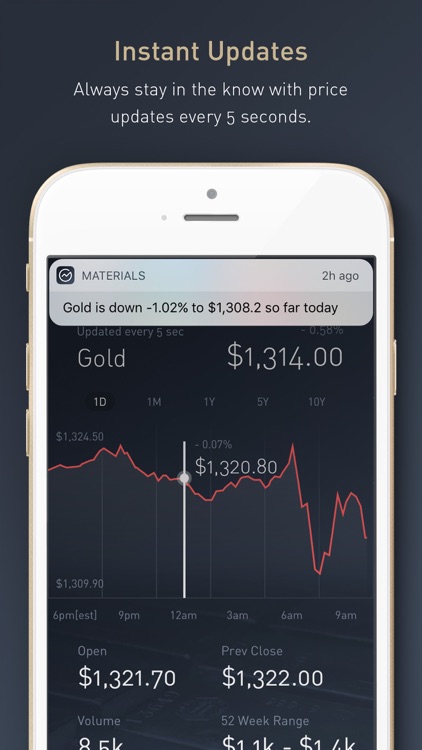
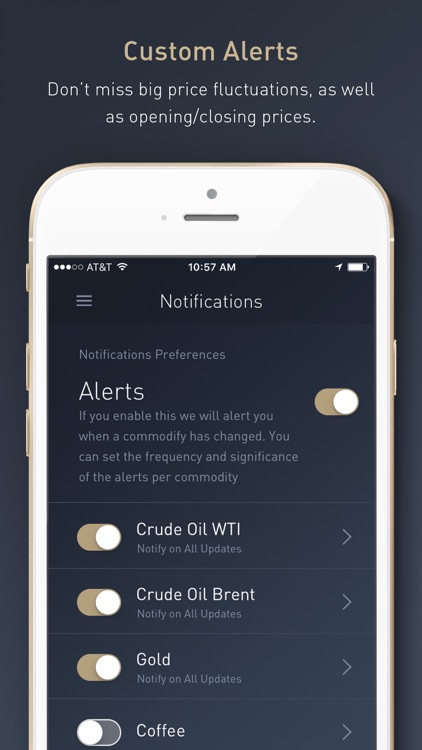
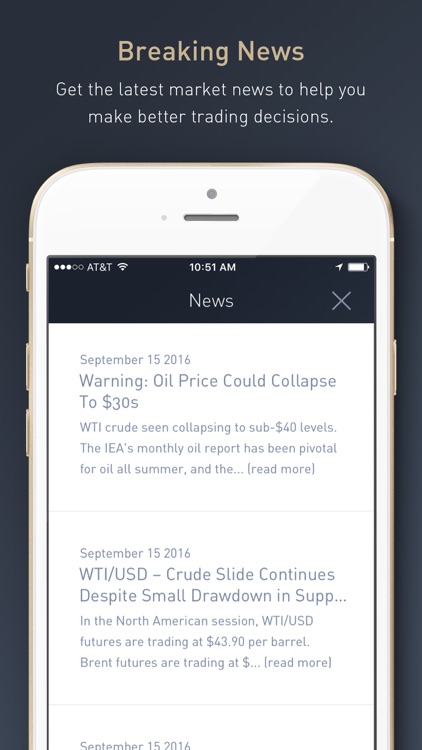
Materials provides you with instant insight into the world of commodities. It covers both soft commodities like coffee and cocoa and hard commodities like gold and oil. You’re able to add all of your favorites to a single list and track their price changes in real-time. Tap on a commodity to dig deeper and catch up on the news. You’re also able to create custom price alerts.

If you trade commodities, this is your app. It’s fast and easy to use.

The only major downside is that it’s only available for iPhone.

Todokit - Todo List, Task Manager, Daily Planner
iPhone
iPad
Todokit - Todo List, Task Manager, Daily Planner

Todokit - Todo List, Task Manager, Daily Planner

Picup Inc.

Organize daily tasks with Todokit.

It’s for those with a lot on their plate.

$1.99 $1.99
Why we picked this?

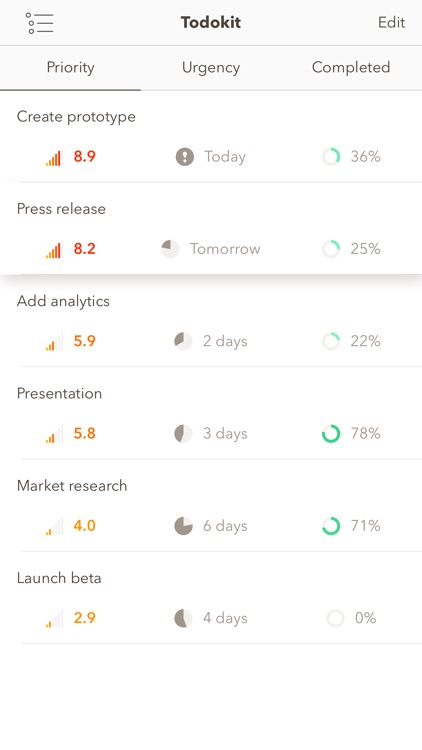
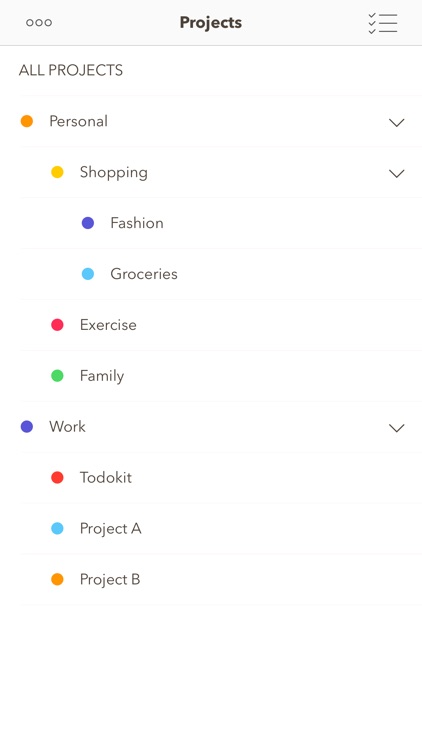
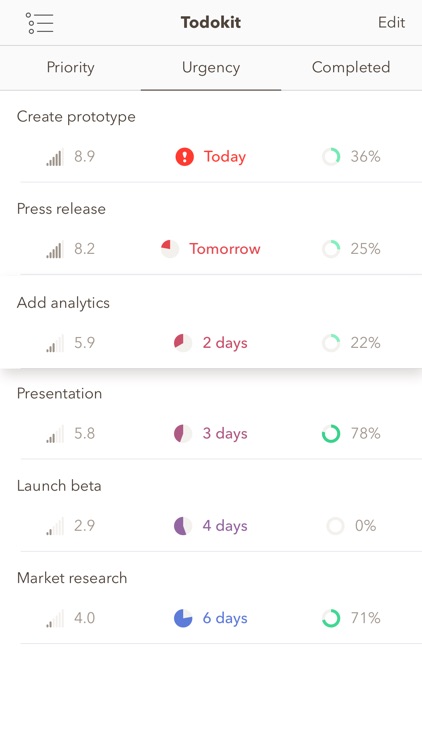
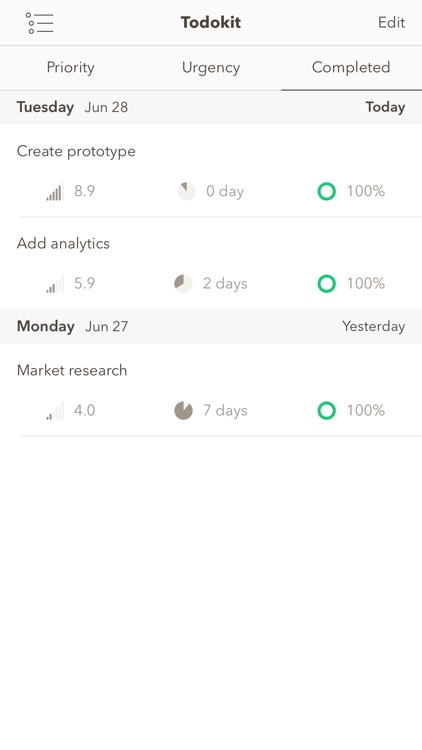
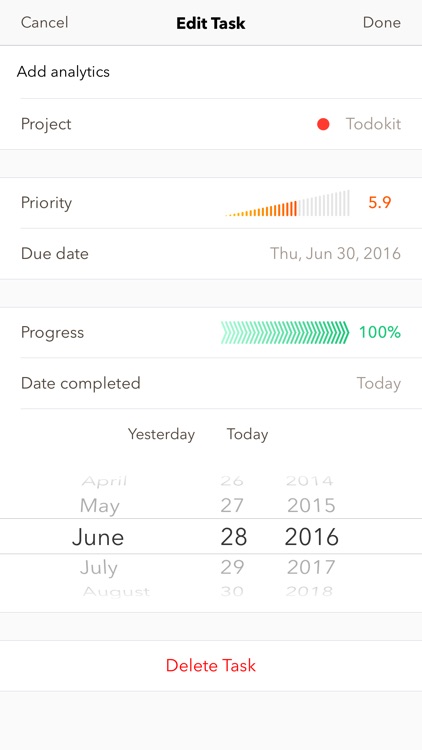
No matter the task, Todokit will help you get it done. You’re able to add a new project with a downward swipe. Projects can be color-coded and have a parent. You can then add tasks with different levels of priority and urgency. Projects can be synced across all of your devices using iCloud.

If you’re in need of a more customizable task manager, Todokit is for you.

It lacks search and the ability to tag tasks.