



You are using an outdated browser. Please upgrade your browser to improve your experience.

Apps That
Went Free on
2016-10-16

Become the best pilot in the system, learn to count and write numbers, and get out of bed with today’s collection of apps and games.

Rogue Star
iPhone
iPad
Rogue Star

Rogue Star

RedBreast Studio

Become the best pilot in the system in Rogue Star.

It’s for fans of space simulation games.

FREE ($2.99) For a limited time FREE ($2.99) For a limited time
Why we picked this?

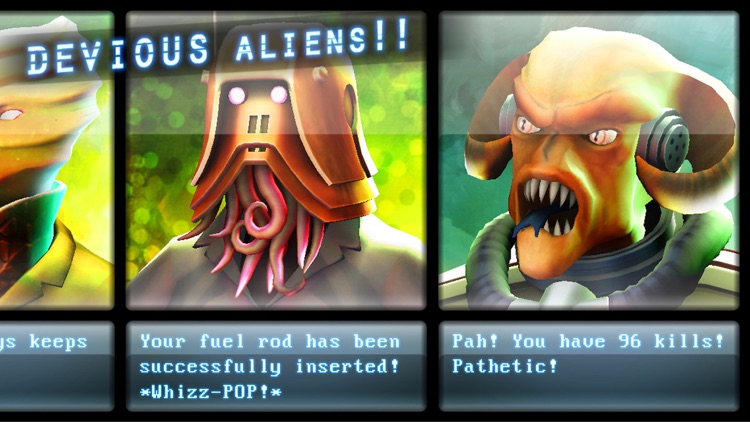
The moment you launch your ship you’ll realize that anything goes in Rogue Star. You’re able to take on missions, sell and bid on materials, and engage in epic dogfights. The only rule is that there are no rules in space. Whichever tasks you decide to take on, completing them will earn you credits that can be spent to purchase new ships or cargo. Space is one big sandbox, so go explore!

If you’re a fan of open-world games, check out Rogue Star today.

Earning credits can become a bit of a grind.

ParkIt - Parked Vehicle Finder
iPhone
ParkIt - Parked Vehicle Finder

ParkIt - Parked Vehicle Finder

Aleksander Skjoelsvik

Never lose your vehicle in the parking lot again with ParkIt.

It’s great for almost anyone with a vehicle.

FREE ($0.99) For a limited time FREE ($0.99) For a limited time
Why we picked this?

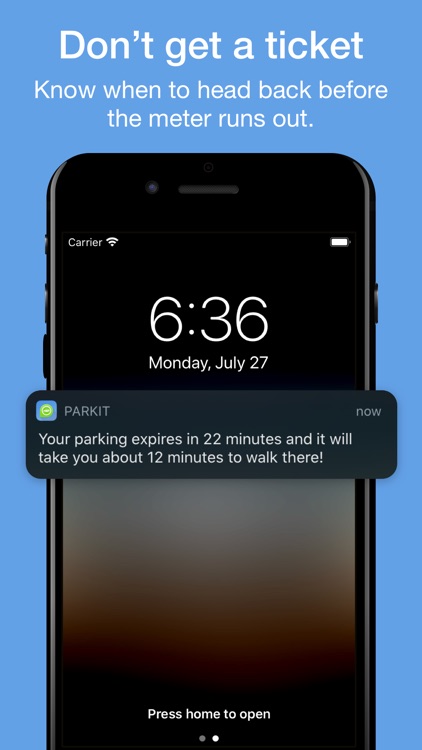
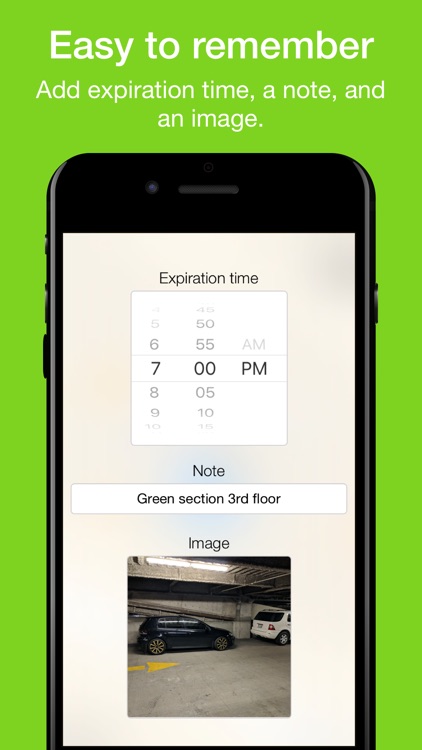
ParkIt is not only useful, it’s remarkably easy to use. Whenever you step out of the car, simply tap the big green “ParkIt” button to mark your location. You’re able to attach a note and a photo if you like to make it easier to spot your vehicle. If you have an Apple Watch, you don’t even need to take your iPhone out of your pocket to mark your location. Just tap your wrist. When it’s time to head back home, ParkIt will provide you with the fastest route back to your vehicle. The app also includes the ability to record parking meter expiration times.

If your frequent parking lots and utilize meters, this is the app for you. Especially if you own an Apple Watch.

Like similar apps, you’re at the mercy of your wireless connection.

Tiggly Doctor: Spell Verbs and Perform Actions Like a Real Doctor
iPhone
iPad
Tiggly Doctor: Spell Verbs and Perform Actions Like a Real Doctor

Tiggly Doctor: Spell Verbs and Perform Actions Like a Real Doctor

Tiggly

Tiggly Doctor will help your child check up on their verbs.

It’s for parents and teachers with children ages five and under.

FREE ($2.99) For a limited time FREE ($2.99) For a limited time
Why we picked this?

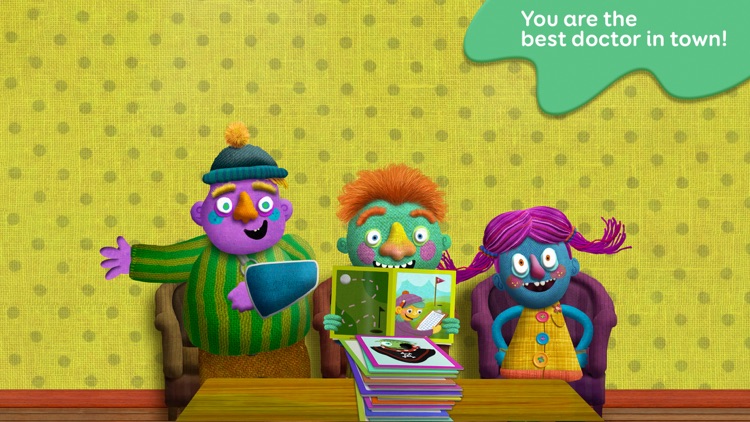
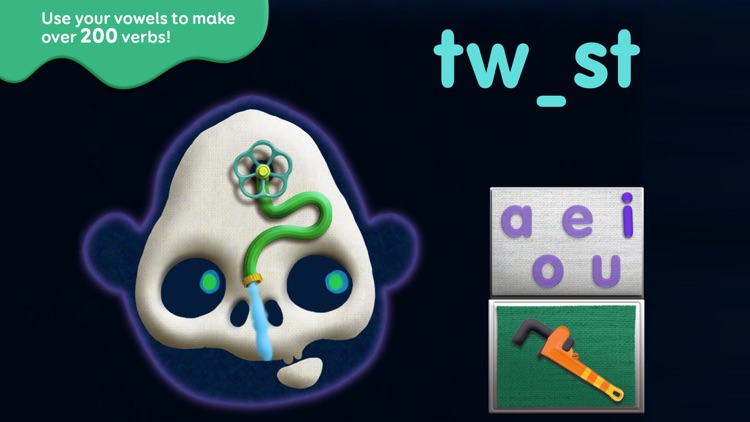
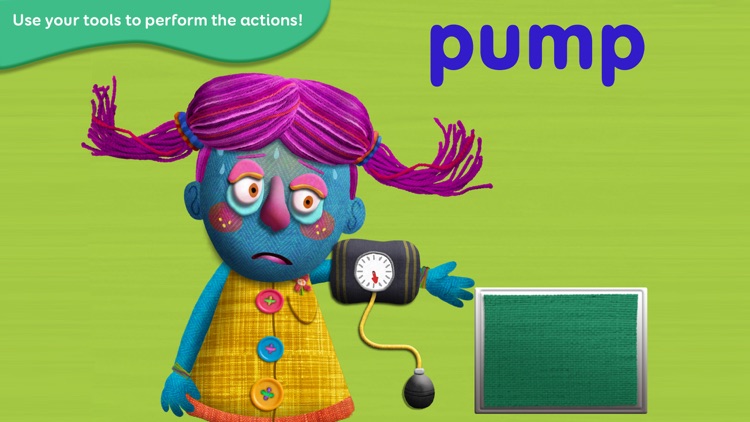
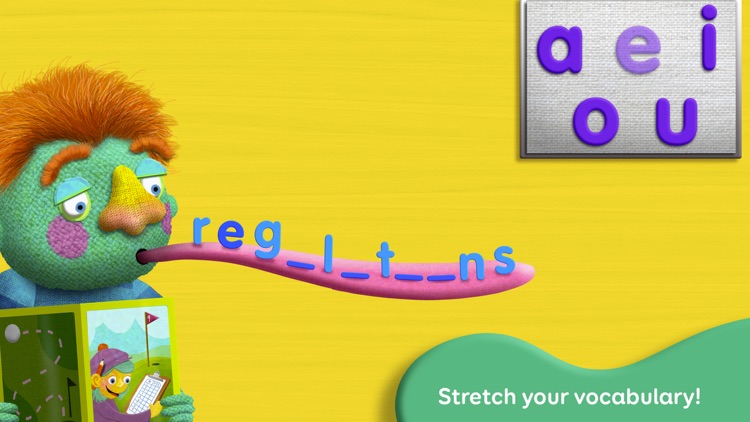
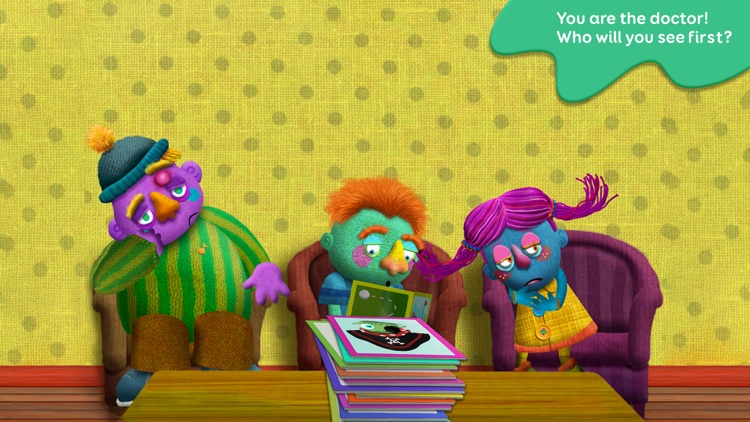
Your child gets to be a doctor for the day. The waiting room is full of patients with unique ailments who require your child’s attention. They’ll get to perform a series of operations like putting bones back in place, pulling dancing worms out of wounds, and much more all while building more than 200 verbs.

If you want to give your child a head start, Tiggly Doctor will help get it done. The characters and animations are quite amusing, helping keep your child engaged.

Children over the age of five won’t find much of a challenge here. They may, however, still enjoy the humorous interactions.

Alarmy Pro - Alarm Clock
iPhone
Alarmy Pro - Alarm Clock

Alarmy Pro - Alarm Clock

Delight Room Co., Ltd.

With this alarm clock app, getting out of bed is only the first step.

It’s perfect for anyone who constantly mashes that snooze button.

$7.99 $7.99
Why we picked this?

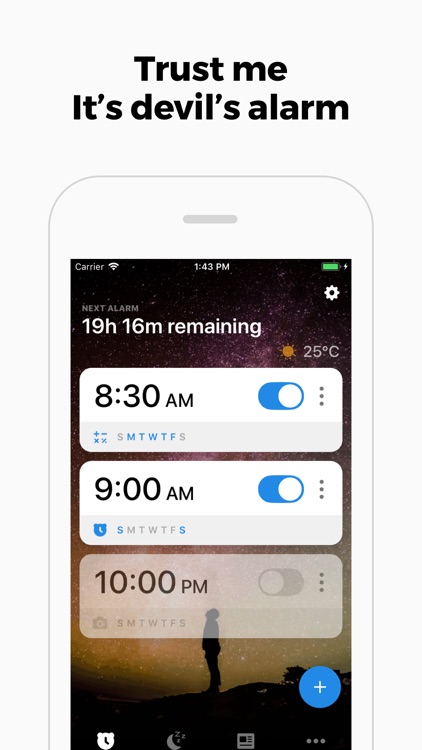
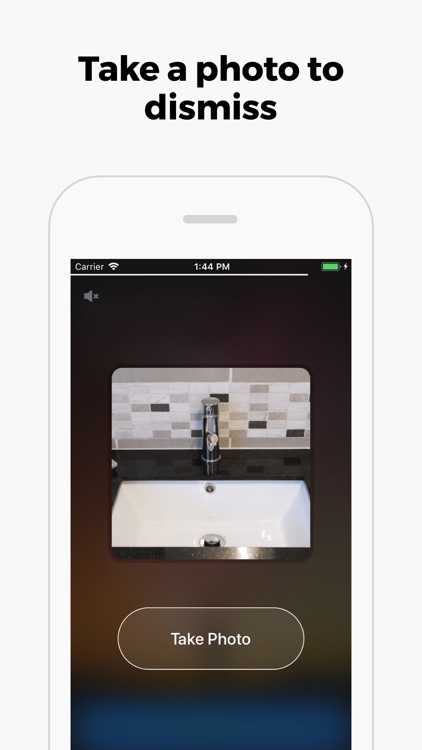
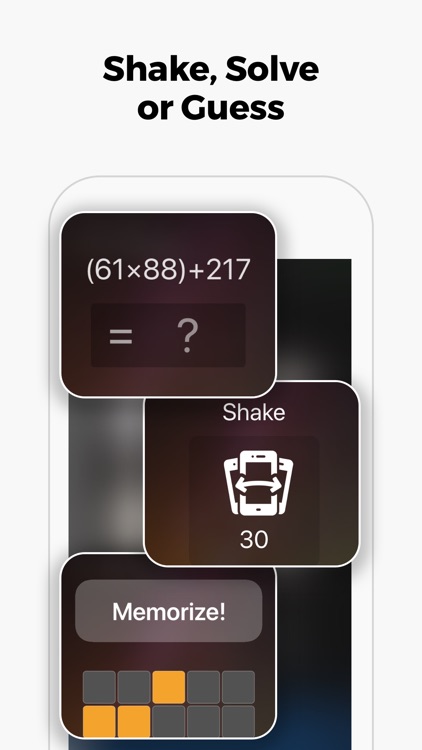
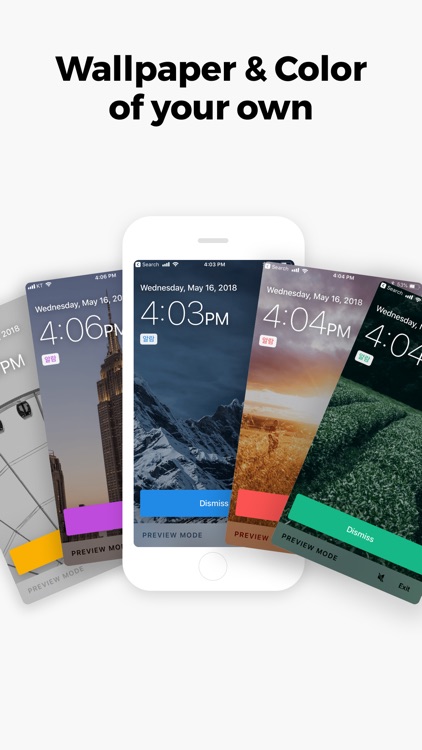
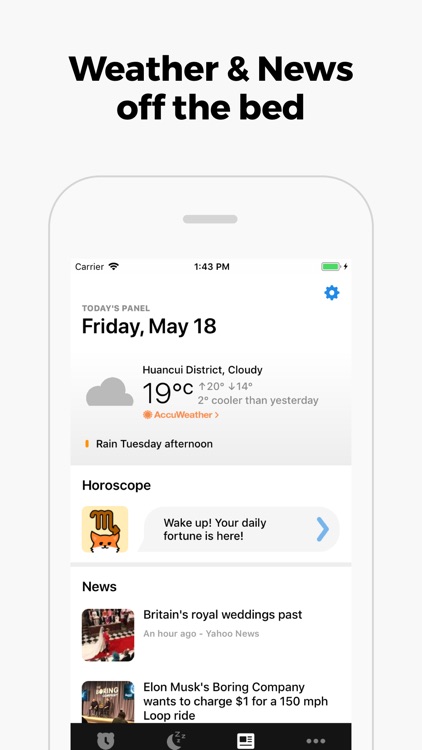
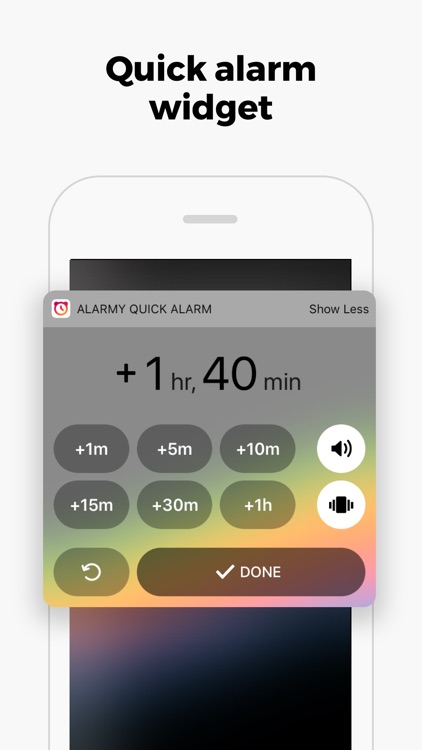
Alarmy guarantees you will get out of bed every single morning. You’re able to setup multiple recurring alarms with different ringtone sounds, snooze rules, and labels. Alarmy includes three different wakeup methods: Take a Picture, Shake, and Math Problems. The first method requires you to take a picture of something away from your bed and, in order to disable the alarm in the morning, you’ll have to take a picture of it again. The second requires you to shake your device a number of times. The third method requires you to solve a number of complicated math problems. One way or another, you’re getting out of bed.

If you’re always late for work in the morning, you need Alarmy. There’s no way to cheat.

Results vary greatly. Make sure to take a picture of something that doesn’t frequently change or is in bad lighting.

Yum-Yum Numbers: count & write
iPhone
iPad
Yum-Yum Numbers: count & write

Yum-Yum Numbers: count & write

Kindermatica Ltd.

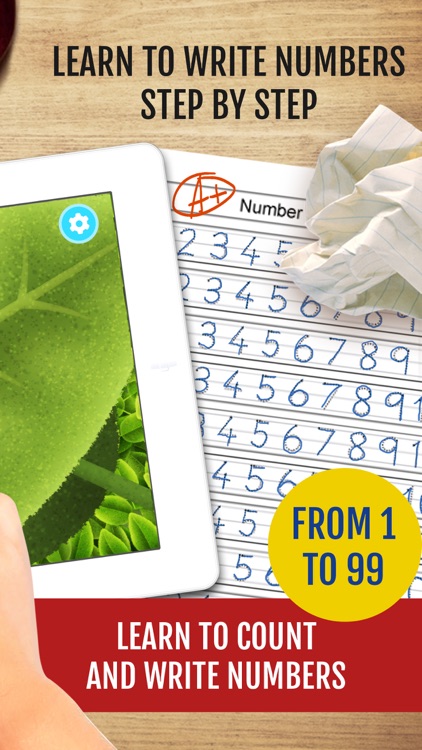
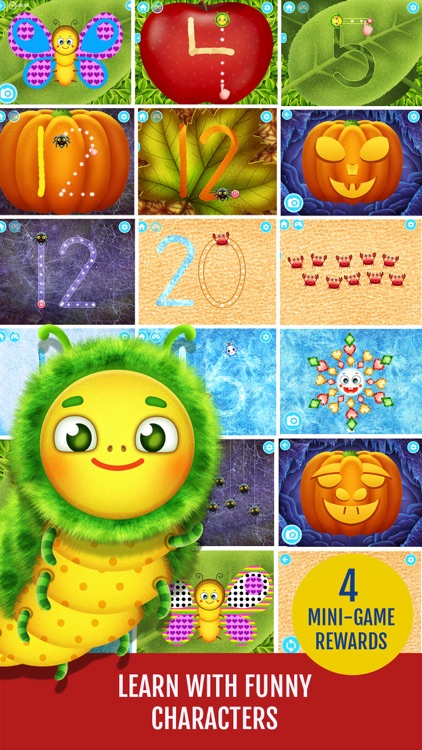
Teach your child to write numbers and count to 10 with Yum-Yum Numbers.

It’s for children ages five and under.

$2.99 $2.99
Why we picked this?

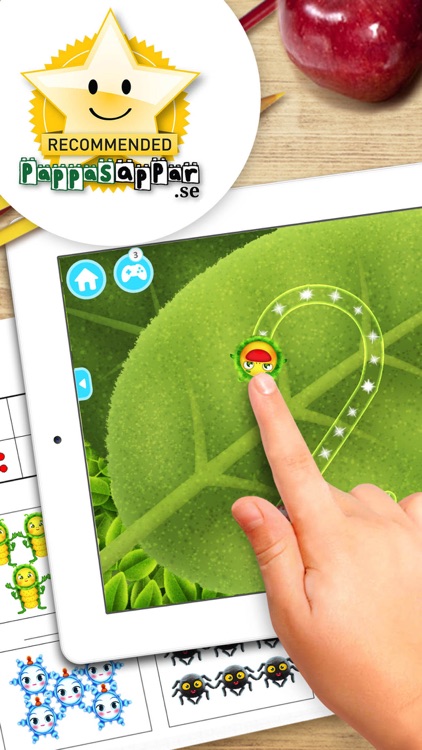
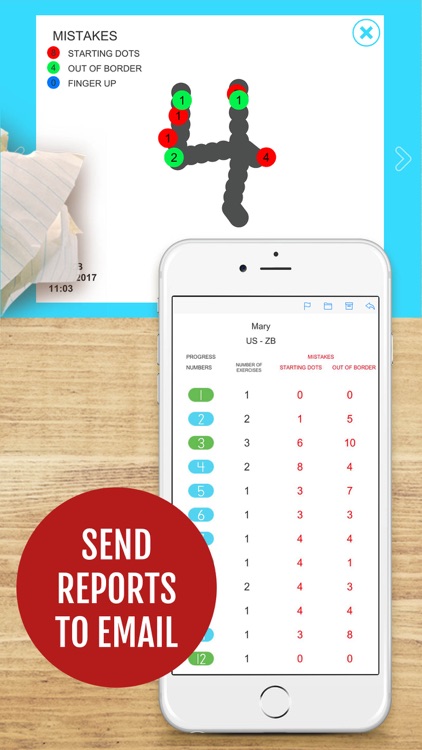
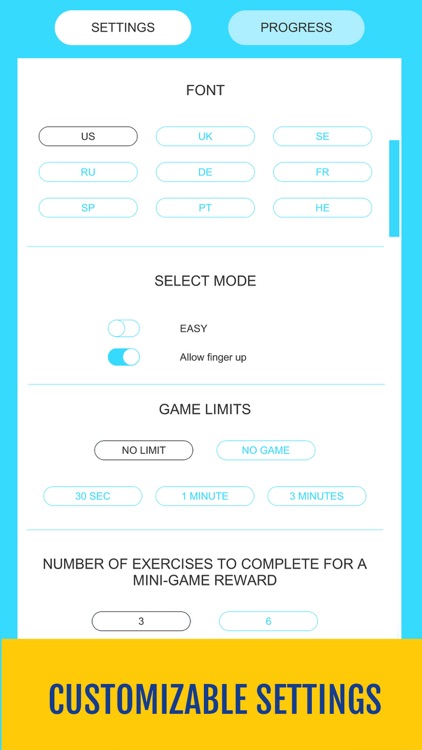
Yum-Yum Numbers has your child learning to write and count numbers with a funny crab, juicy caterpillar, smiling snowflake, and fluffy spider. Each mini-game requires them to tap to count while hearing the numbers pronounced. They’ll then be tasked with tracing the number before writing it freehand. After completing a series of numbers, your child will earn a fun reward based on the chosen character. The app also includes an easy mode for beginners, detailed progress reports, and support for up to 30 profiles.

If you’re a parent or teacher who wants to get their child started on the right foot, download Yum-Yum Numbers today.

If you’re looking to challenge your child, this probably isn’t the way to do it. It’s non-competitive and stress-free.

Raptor Cop stickers by Beardownize for iMessage
iPhone
iPad
Raptor Cop stickers by Beardownize for iMessage

Raptor Cop stickers by Beardownize for iMessage

MojiLaLa

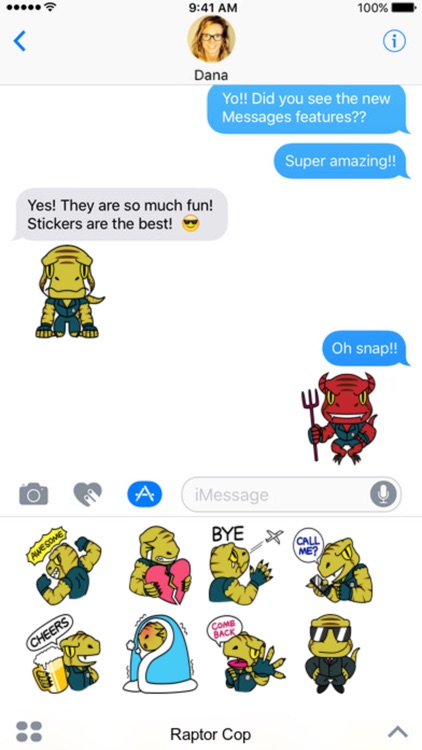
When words can’t express what you’re truly feeling, there’s Raptor Cop.

It’ll help expand your sticker collection.

$0.99 $0.99
Why we picked this?

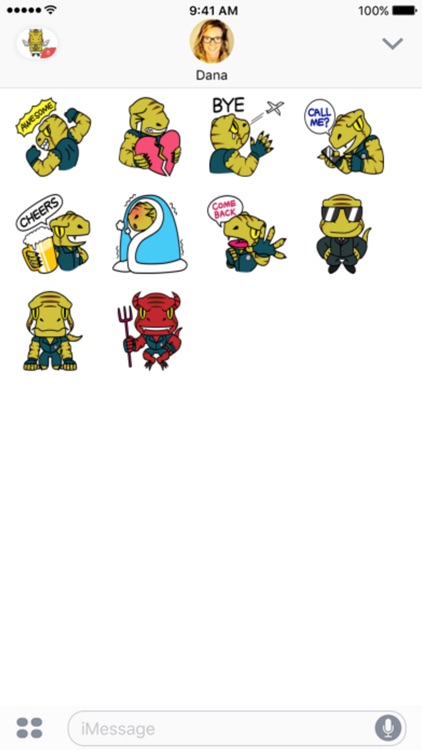
Raptor Cop stickers pack some bite. You’ll be able to find stickers for just about every occasion, ranging from Raptor Cop showing authority to expressing his love to feeling sick. The app includes 40 stickers in all.

If you can’t get enough stickers in iOS 10, download Raptor Cop today.

They aren’t animated.