


You are using an outdated browser. Please upgrade your browser to improve your experience.

Apps That
Went Free on
2016-10-25

Draw and paint on a digital canvas, learn how to tie a tie correctly, and create GIFs from your favorite moments with today’s collection of apps and games.

Compass by iVogel
iPhone
iPad
Compass by iVogel

Compass by iVogel

Alexander Galstyan

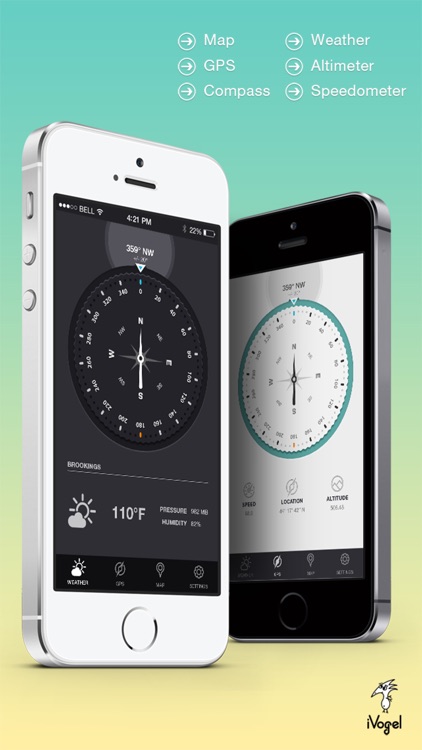
Always know where you’re going with this stylish navigation app.

It’s the perfect app for those who enjoy the great outdoors.

FREE ($0.99) For a limited time FREE ($0.99) For a limited time
Why we picked this?

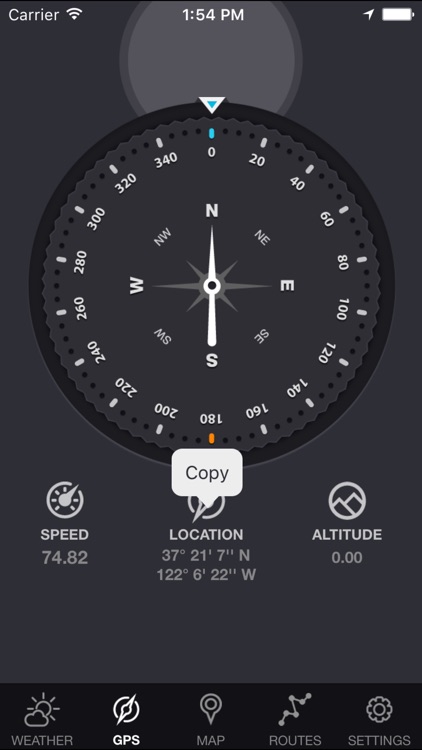
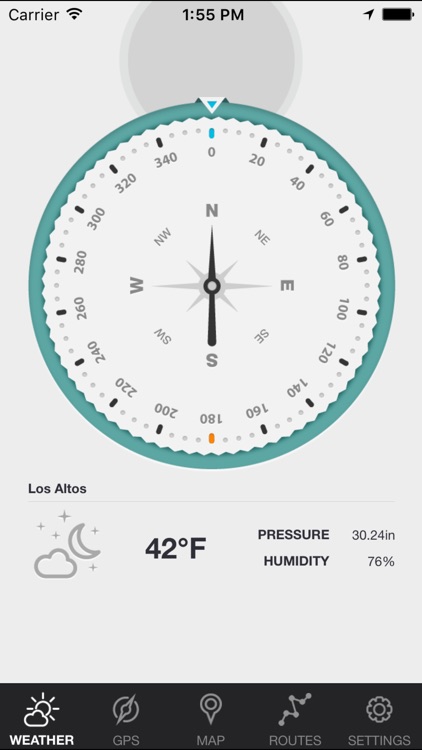
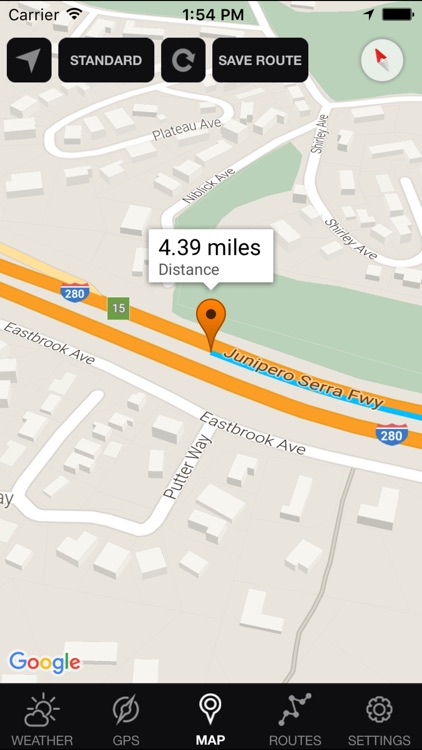
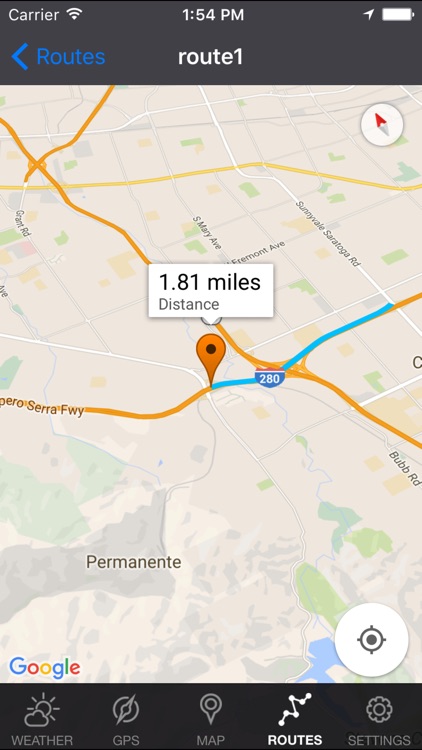
This isn’t just your everyday compass. Sure, it can show your orientation in real-time, but it also includes coordinates, course, speed, altitude, and weather data all on the same screen. Location data can be copied to your clipboard and used in other apps. Compass also includes imperial and metric support, true and magnetic North, Google Maps integration, and two themes to choose from.

If you frequently hike, bike, or travel to remote destinations, this app will come in handy.

Compass doesn’t track your path, so you won’t be able to share your adventures.

Momento - Share Your Memories as GIFs
iPhone
iPad
Momento - Share Your Memories as GIFs

Momento - Share Your Memories as GIFs

Genady Okrain

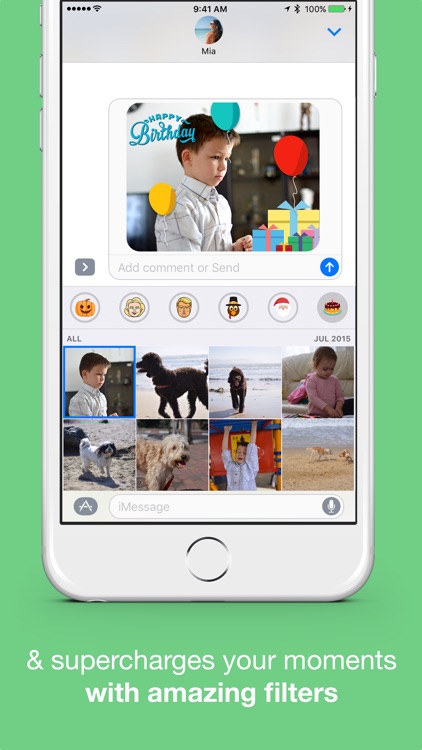
Create GIFs from your favorite moments and share them instantly with Momento.

It’s a handy tool for any iOS 10 user.

FREE ($1.99) For a limited time FREE ($1.99) For a limited time
Why we picked this?

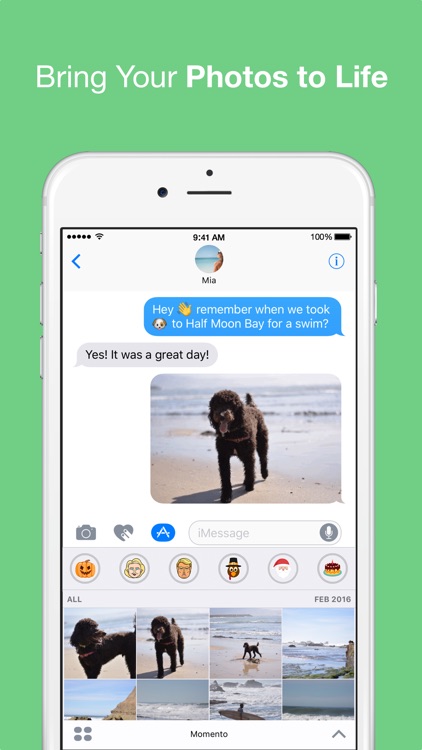
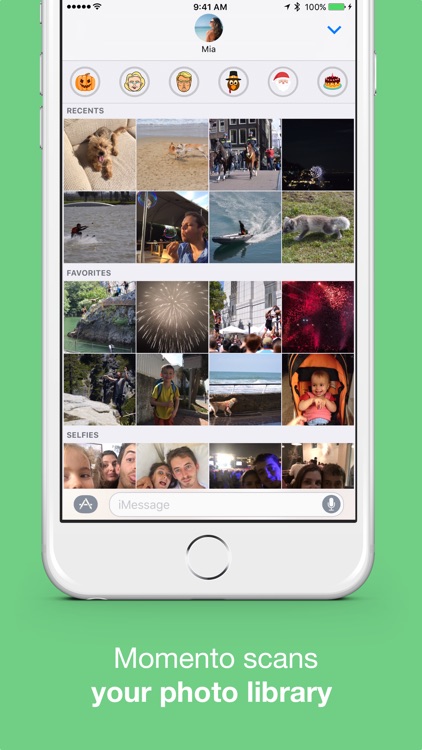
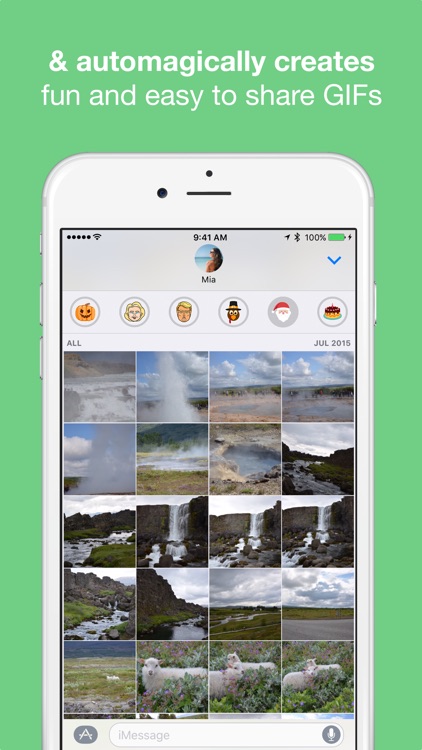
Momento streamlines the GIF creation process by doing most of the work for you right inside iMessage. It utilizes a smart detection algorithm in order to identify similar photos in your camera roll and automatically create animated GIFs. All you need to do is open Message, tap on the moment you want to share, and send it off through iMessage.

If you want to do more than send a bunch of stickers through iMessage, check out Momento. It’s quite useful for anyone who sends photos.

The animated filter overlays will cost you.

Tie a Necktie 3D Animated
iPhone
iPad
Tie a Necktie 3D Animated

Tie a Necktie 3D Animated

Sergey Burlakov

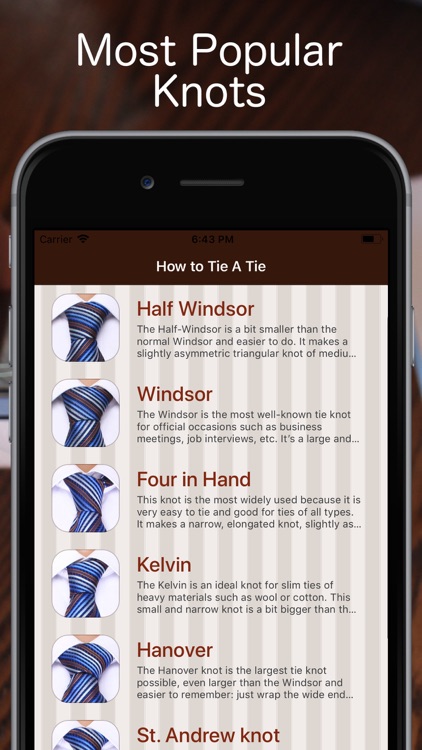
Learn to tie a tie correctly with this reference app.

It’s great for business professionals and anyone else who needs to look their best.

$2.99 $2.99
Why we picked this?

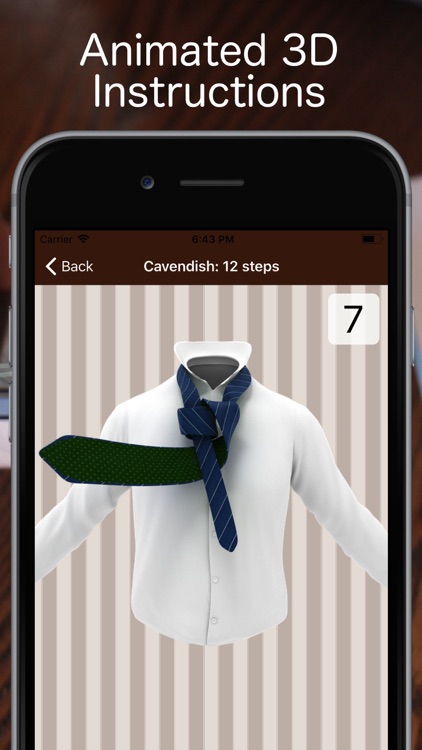
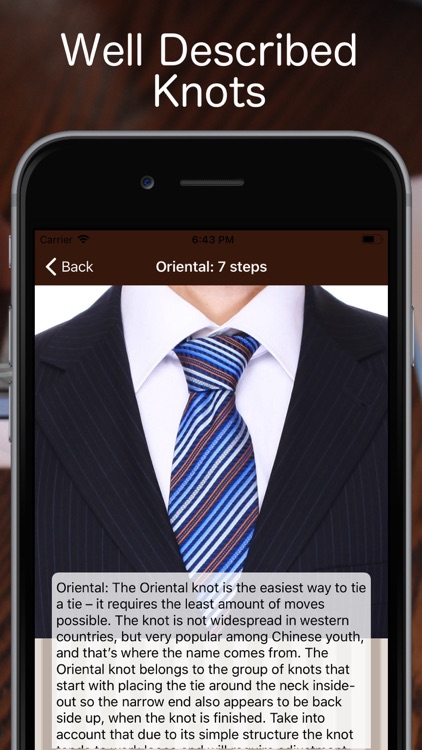
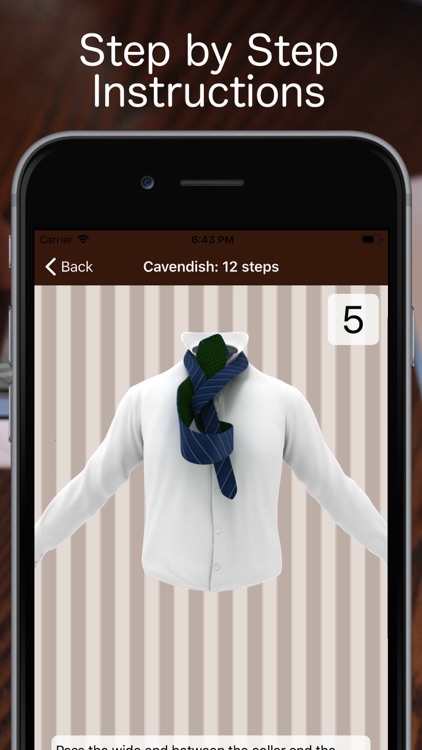
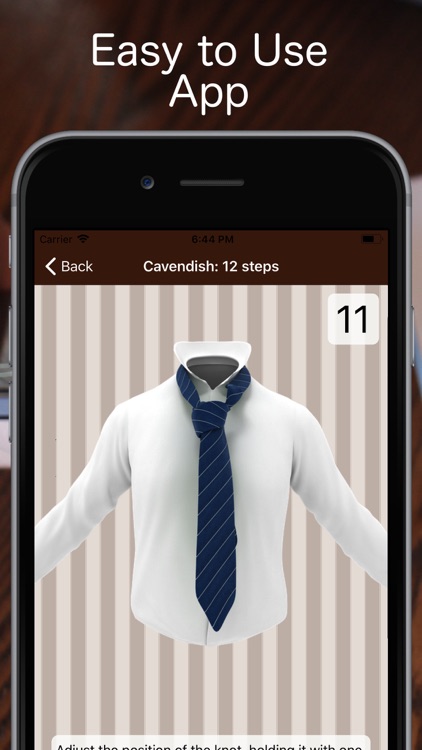
It walks you through how to tie 12 essential necktie knots and a bow tie knot. Each knot includes step-by-step instructions accompanied by 3-D animations that can be replayed. The app also includes the ability to favorite knots and short text tips.

If you never learned the proper way to tie a tie, there’s no better time than the present.

It is limited to 12 knots, which isn’t bad, but you won’t find any adventurous knots like the Trinity or the Eldredge.

Inspire Pro
iPad
Inspire Pro

Inspire Pro

snowCanoe

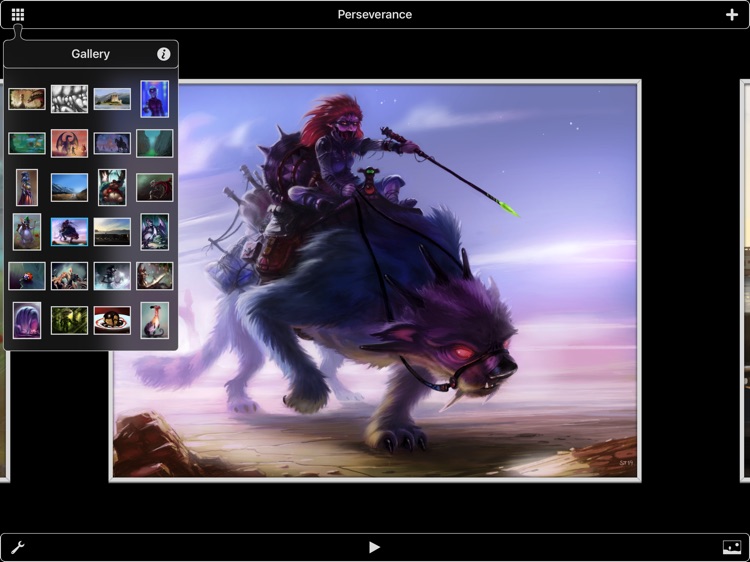
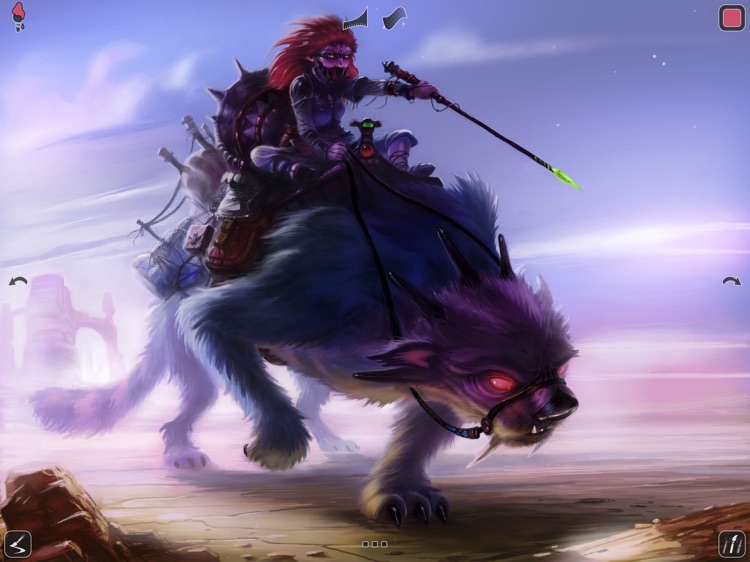
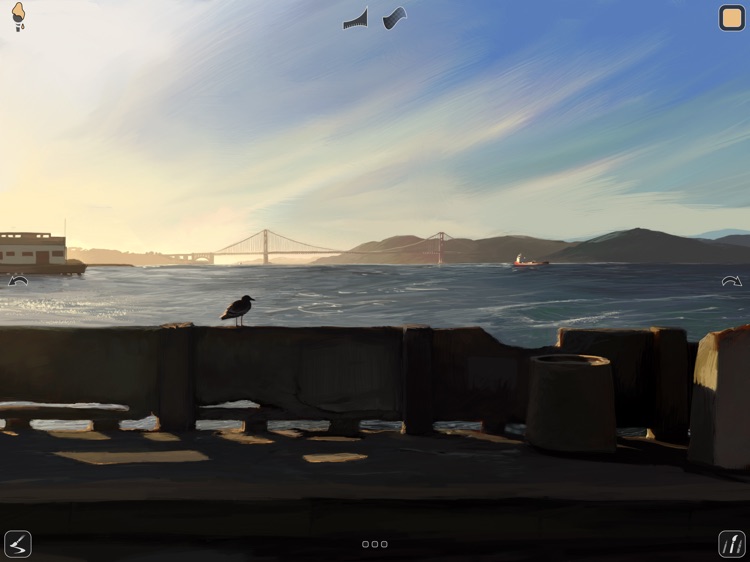
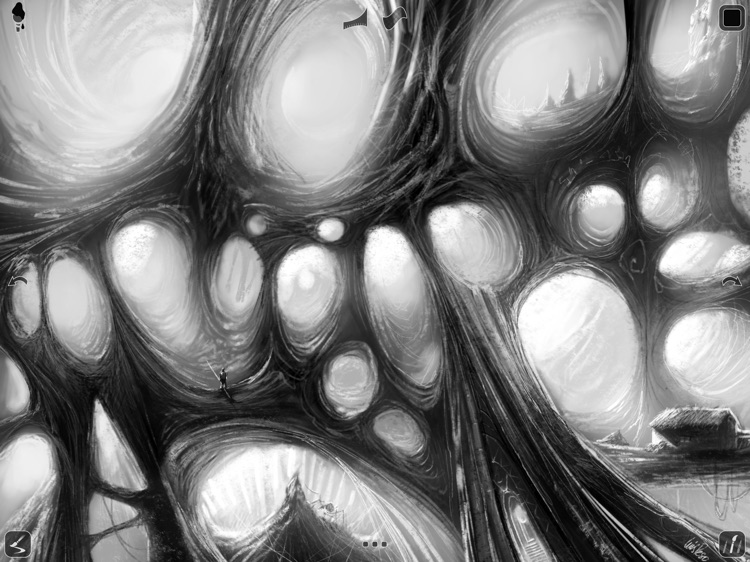
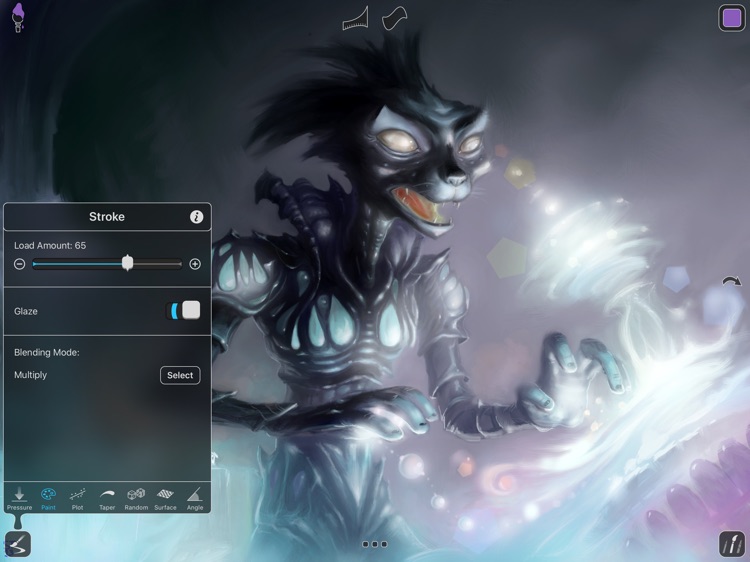
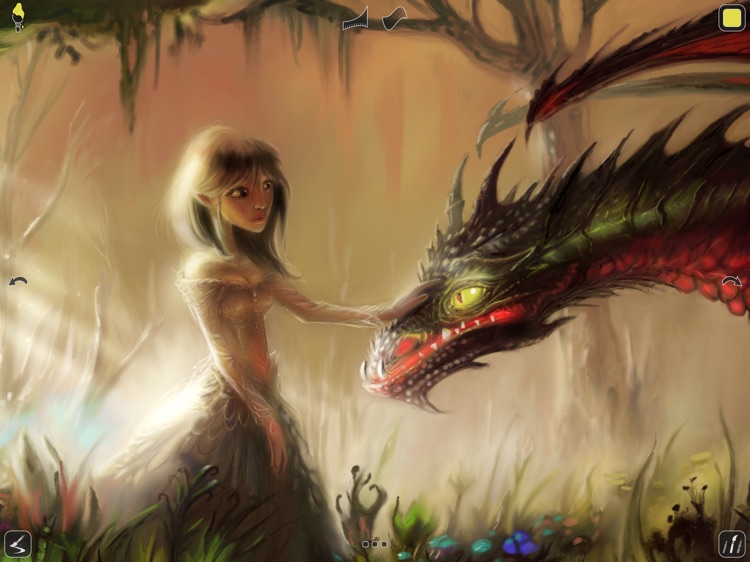
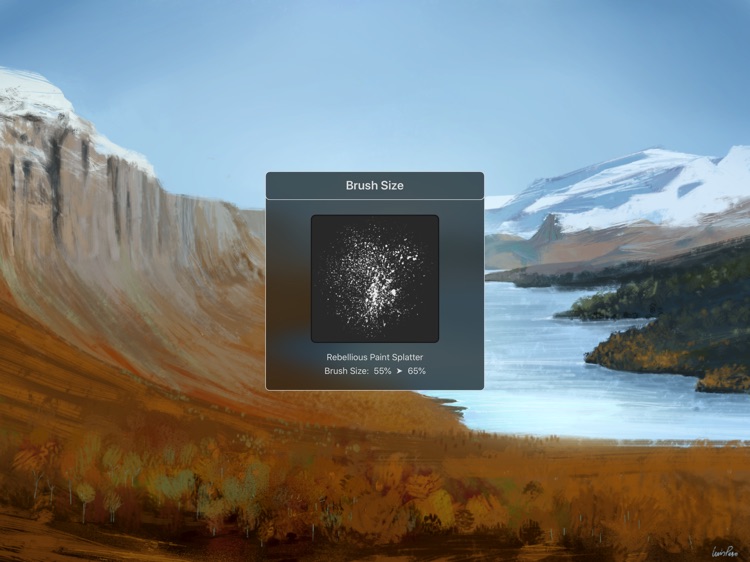
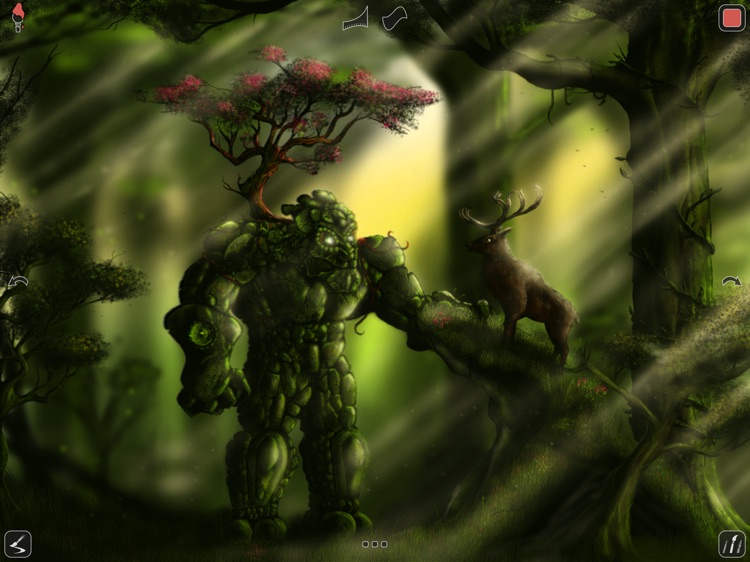
This art creation app makes you feel as if you’re drawing, sketching, and painting on a real canvas.

It’s for artists who need a canvas with them wherever they go.

$9.99 $9.99
Why we picked this?

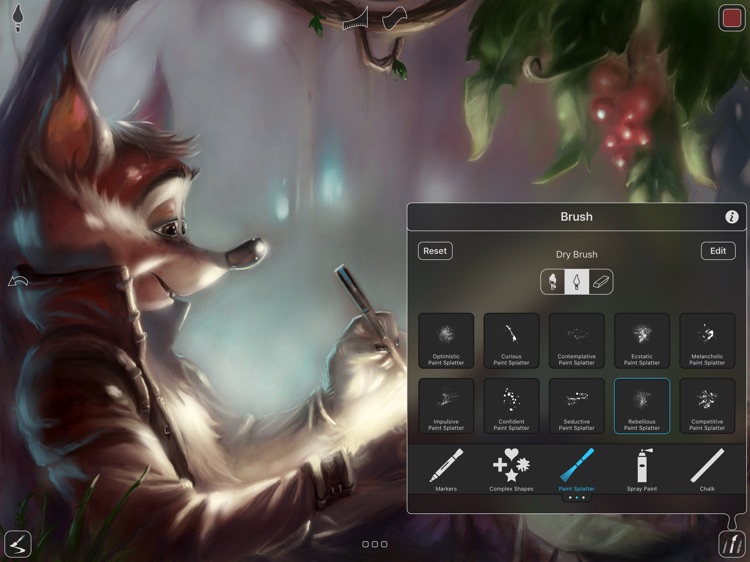
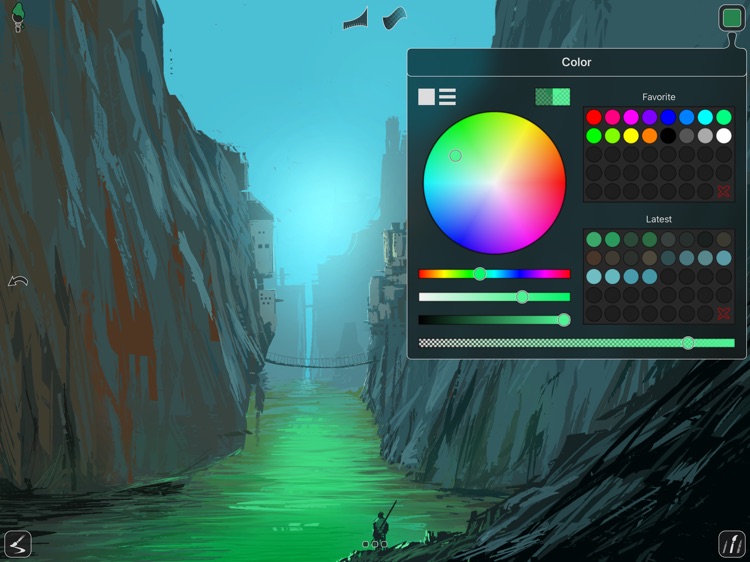
You’re able to utilize 70 high quality brushes and tools, which are divided into seven sets: Oil Paint, Airbrushes, Basic Shapes, Graphite Pencils, Wax Crayons, Chalk, and Markers. Each can be used as a wet or dry brush, and each can be customized with different pressure, size, opacity, space, and scatter settings. Canvases can consist of three different sizes. You’re even able to record your every brush stroke and have them all played back to you or your audience. The list of features goes on and on.

If you’re an artist looking for a digital canvas, you’ve found it. The full-fledged Apple Pencil support is great if you’re working on an iPad Pro.

Additional brush sets are behind a paywall.

Build and Play - Planes
iPhone
iPad
Build and Play - Planes

Build and Play - Planes

Croco Studio

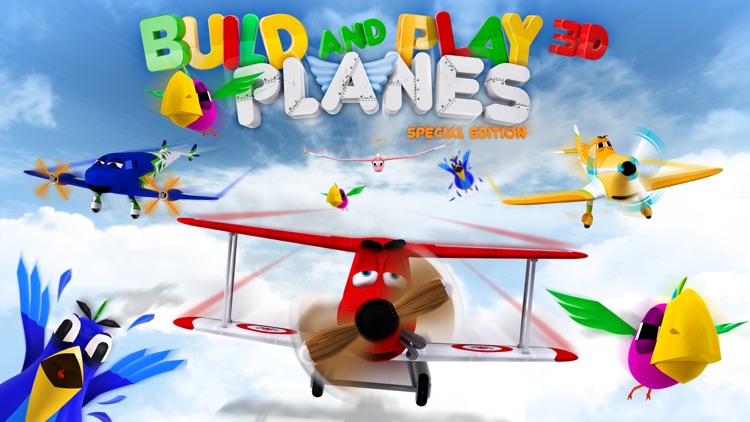
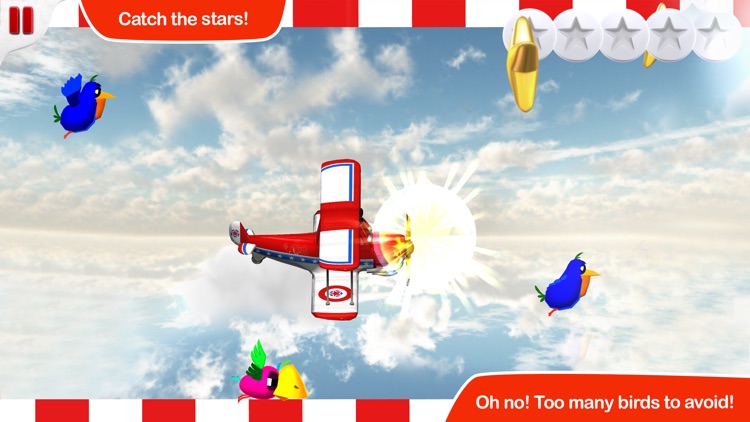
Keep those restless little hands busy by having them build and play with colorful planes in this entertainment app.

It’s great for developing fine motor skills in young children.

$0.99 $0.99
Why we picked this?

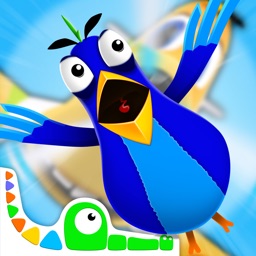
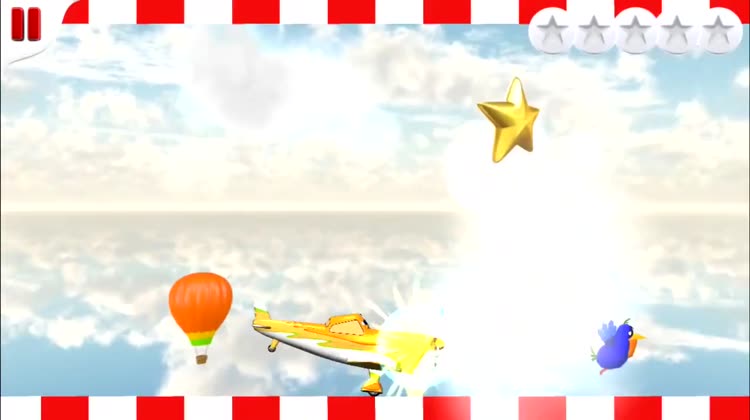
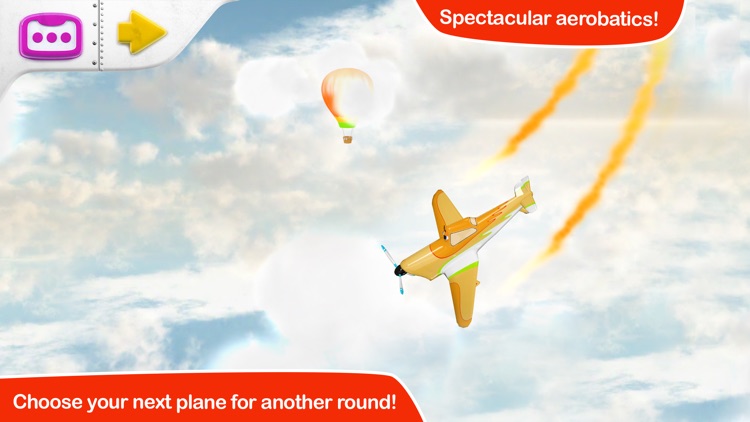
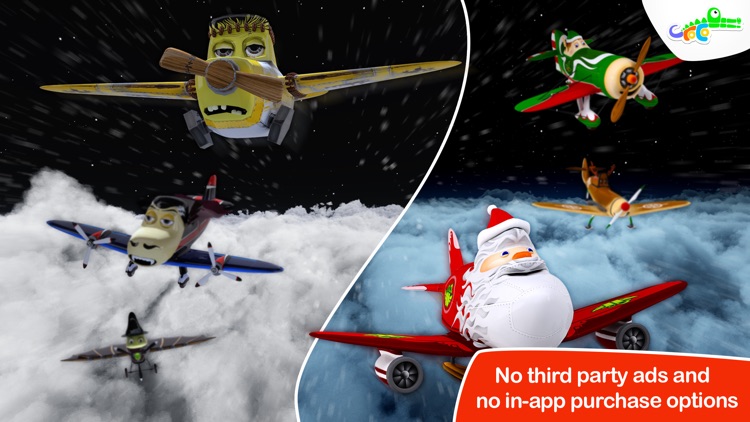
Your little builders are going to adore this entertainment app. They’re able to choose from 10 different planes including themed versions for various holidays. Once a plane has been selected it will be broken up into pieces. Your child must drag and drop the pieces into their proper places in order to put it back together. When the plane is complete it will take off through the air and they can try to build another.

If your child has fun building things, they’re going to enjoy Build and Play 3D. The 3-D graphics are perfectly rendered, making it look as if your child is putting together real life toy planes.

The app is intended for children five and under since the content is pretty basic.