




You are using an outdated browser. Please upgrade your browser to improve your experience.

Apps That
Went Free on
2016-10-26

Think outside the box in order to solve puzzles, build cities from scratch, and monitor your iDevice with today’s collection of apps and games.

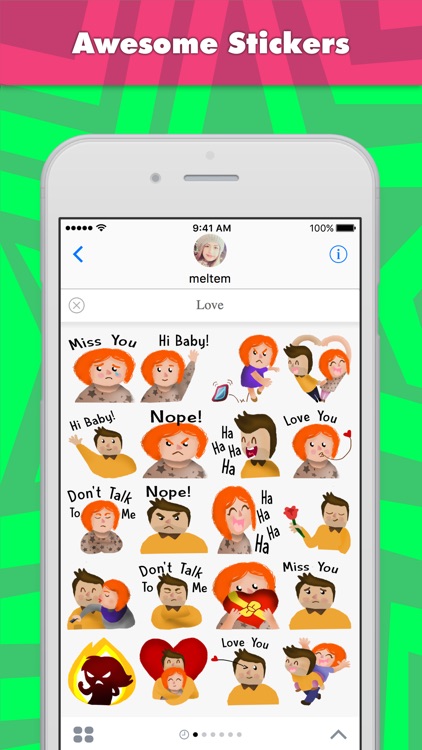
Love and Valentine stickers by meltem for iMessage
iPhone
iPad
Love and Valentine stickers by meltem for iMessage

Love and Valentine stickers by meltem for iMessage

MojiLaLa

Show how much you care with Love Stickers.
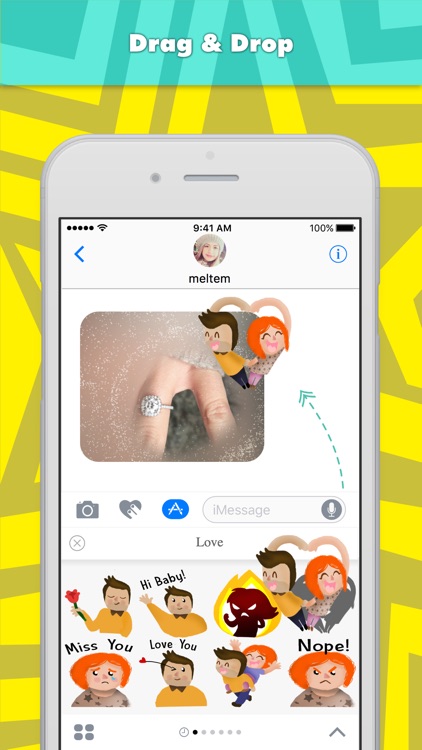
It’ll grow your sticker collection.

FREE ($0.99) For a limited time FREE ($0.99) For a limited time
Why we picked this?

You’ll adore this sticker pack. It features stickers that can be shared with those you love. Stickers range from showing how much you care to how angry you are. The pack includes 20 stickers in all.

If you can’t get enough stickers in iOS 10, download Love Stickers today.

They aren’t animated.
Trixibrix
iPhone
iPad
Trixibrix

Trixibrix

Westbits

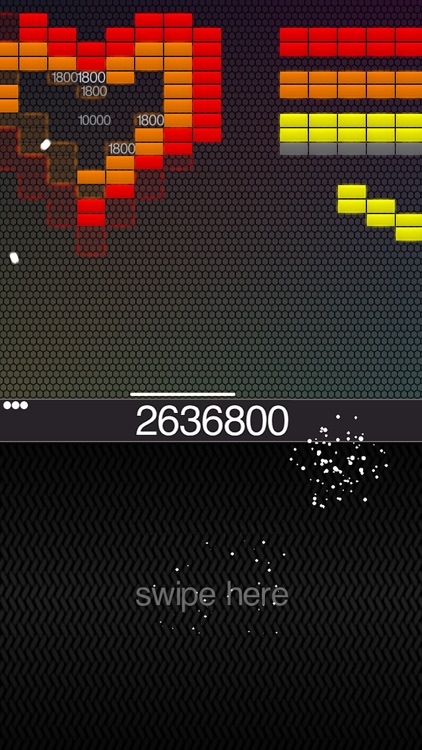
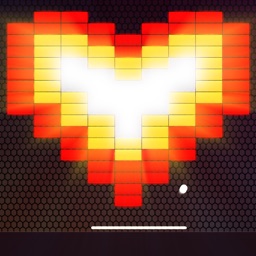
Trixibrix combines brick-breaking and side-scrolling gameplay into one fun package.

It’s the perfect game to scratch that brick-breaking itch.

FREE ($0.99) For a limited time FREE ($0.99) For a limited time
Why we picked this?

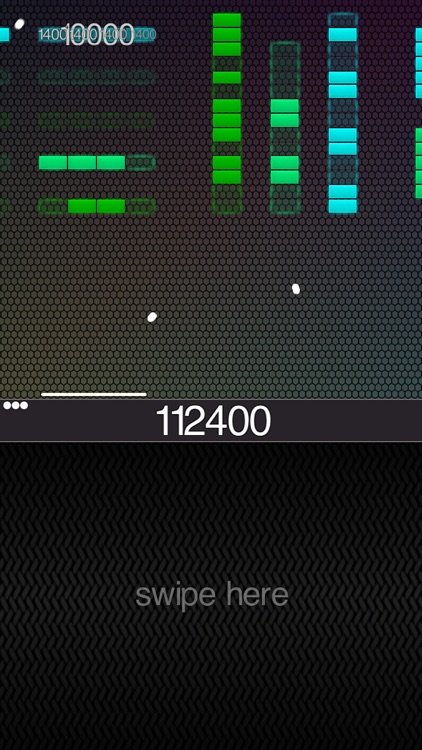
Trixibrix is about as straightforward of a brick-breaking game as you’ll find, which is why we love it. The entire bottom half of the screen is devoted to your finger. Slide back and forth across the region to control you paddle. The moment your finger touches the screen the ball will be launched, so be ready! All of the bricks you need to break scroll across the screen continuously, requiring you to break until you can’t break anymore. Power-ups will also randomly appear, giving you a chance to earn multiple balls and lives back.

If you like to compete with your friends for high scores on Game Center, Trixibrix is the perfect game to add to your collection. You and your friends won’t get bored with it since the single side-scrolling level is endless brick-breaking fun.

This is a brick-breaking game through and through, so if that’s not your thing, this game won’t change that.

Blox 3D World Creator
iPhone
iPad
Blox 3D World Creator

Blox 3D World Creator

Arjun Gupte

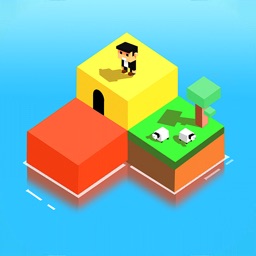
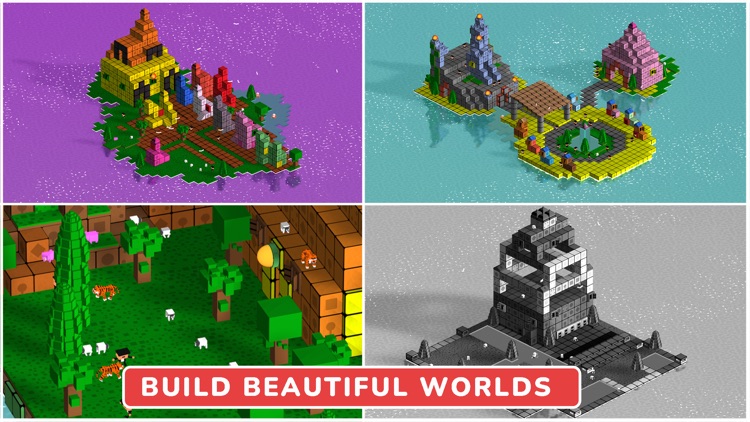
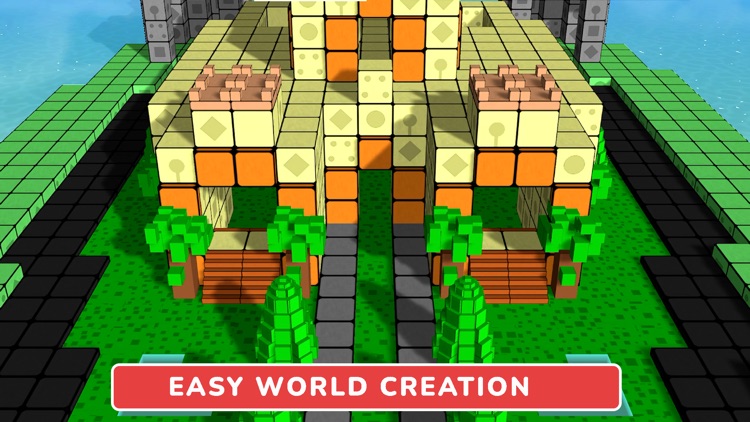
Create beautiful worlds from scratch using only taps in this fantastic entertainment app.

It’s the perfect way to unlock your child’s creative side.

FREE ($2.99) For a limited time FREE ($2.99) For a limited time
Why we picked this?

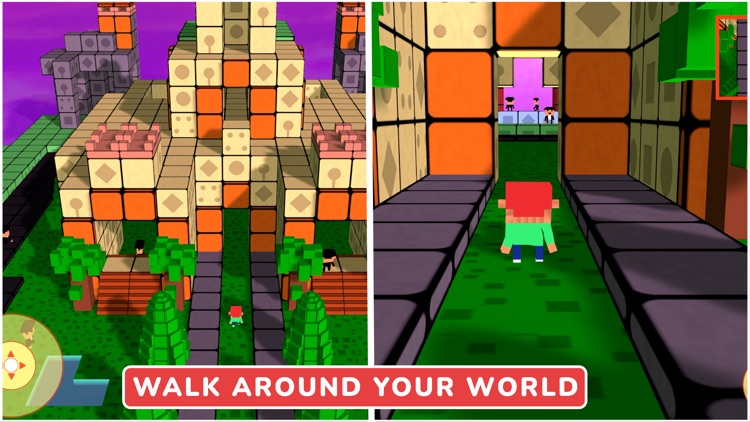
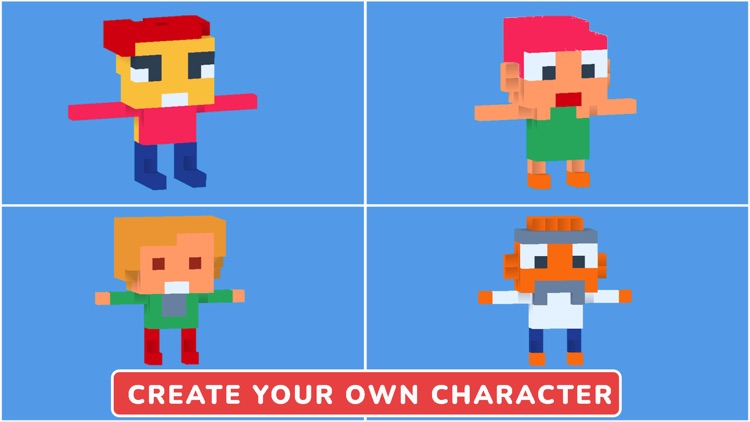
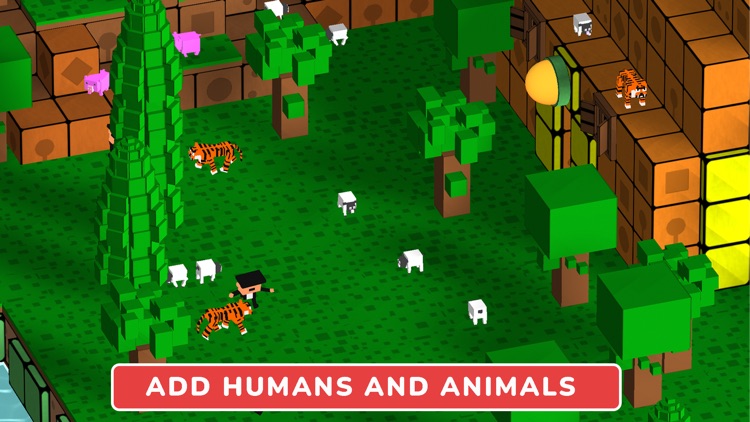
Based on the bestselling Blox 3D apps, this latest iteration opens a whole new world of creativity. Your child is able to start off with a blank canvas or they can choose from one of the six other pre-built worlds. Designing new structures and adding animated objects is as simple as tapping on an open spot within the world. Blox 3D World Creator includes everything from basic building blocks to animated wildlife. Your child can also change the time of day within their little world.
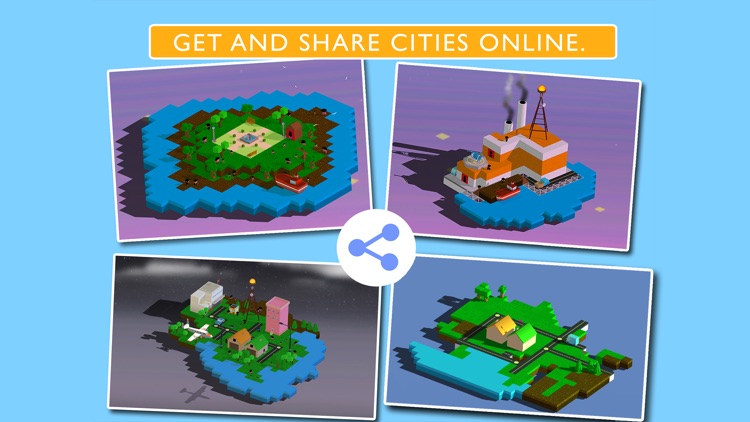
If your child is into building, this is the perfect app for them. There aren’t any virtual currencies to be found or distracting elements; just pure creative fun.

The app isn’t intended for toddlers since it doesn’t provide much direction and will most likely be a bit difficult for them to navigate.

ActMonitor
iPhone
iPad
ActMonitor

ActMonitor

Alexandr Moroz

Keep an eye on your iDevice’s memory usage, storage space, battery level, and wireless traffic with ActMonitor.

Check out this app if you’re constantly worrying about what your iDevice is up to.

FREE ($0.99) For a limited time FREE ($0.99) For a limited time
Why we picked this?

There sure are a lot of system monitoring apps available in the App Store, but none compare to the visual style and ease of use of ActMonitor. It makes it remarkably easy to review all of the information listed above in addition to detailed device info like processor speed, introduction date, display specifications, dimensions, and weight.

If you’re always worried about your iDevice, ActMonitor is the app to ease your troubles. You’ll never again wonder how much space you have left, what’s running in the background, and how much time you have left before your iDevice runs out of juice.

If you’re more of the live and let be kind of iDevice user, there isn’t a single compelling reason to install ActMonitor. Go ahead and continue to use your iDevice how you want to, when you want to, and don’t sweat the small stuff.

Slide Circus
iPhone
Slide Circus

Slide Circus

FDG Mobile Games GbR

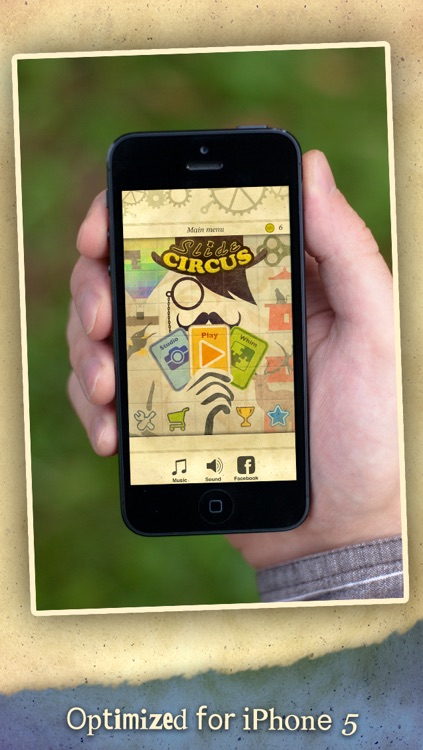
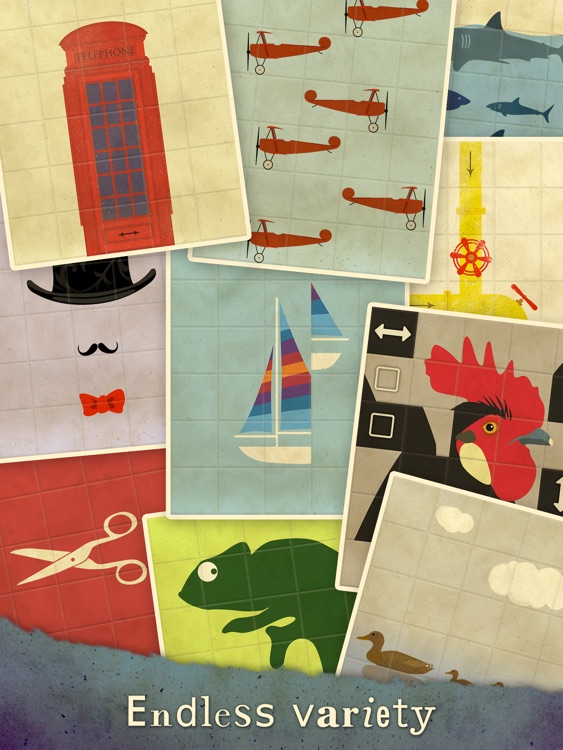
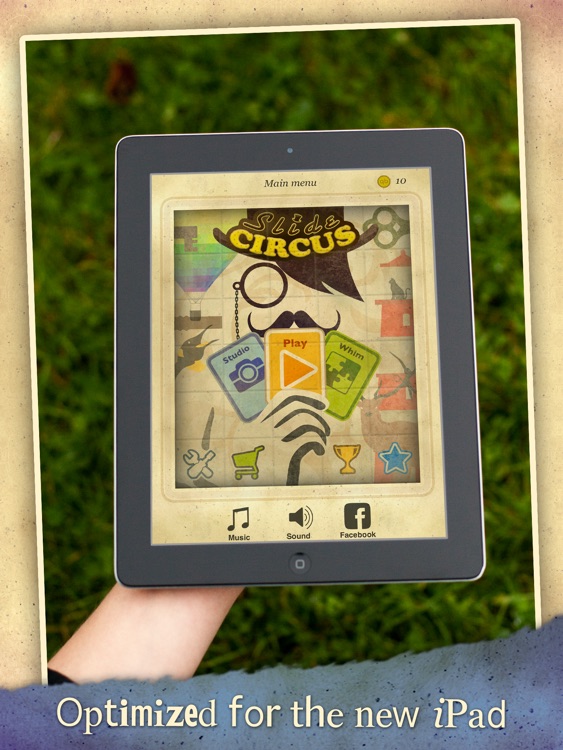
Think outside the box to solve the puzzles in Slide Circus.

It plays like a 2-D Rubiks Cube.

$0.99 $0.99
Why we picked this?

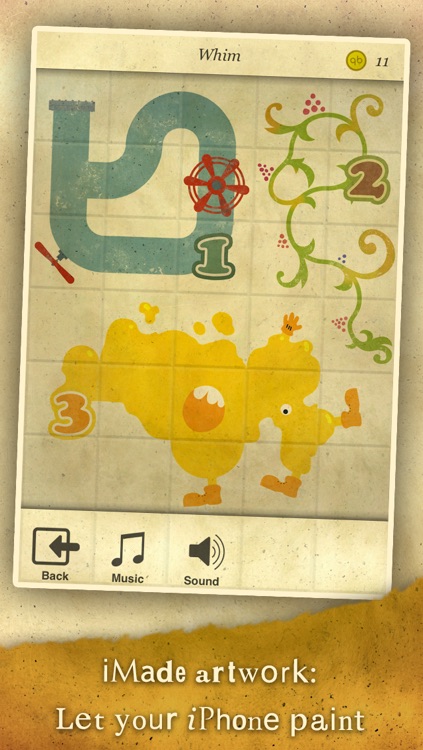
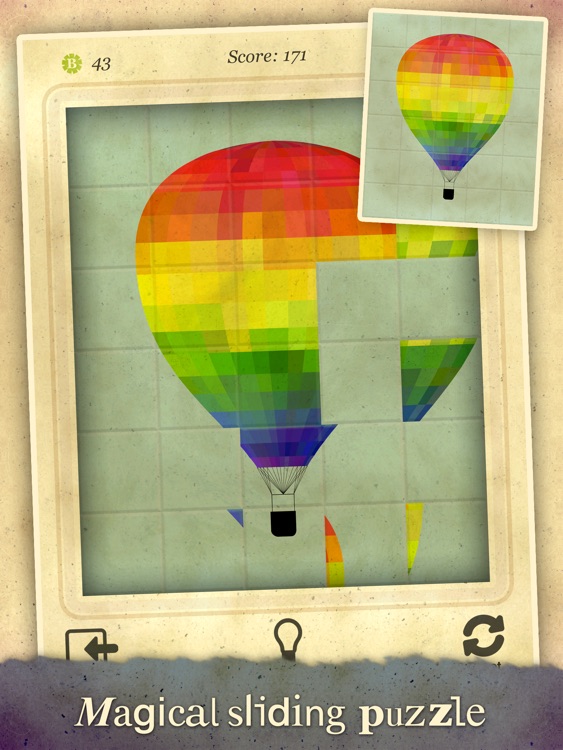
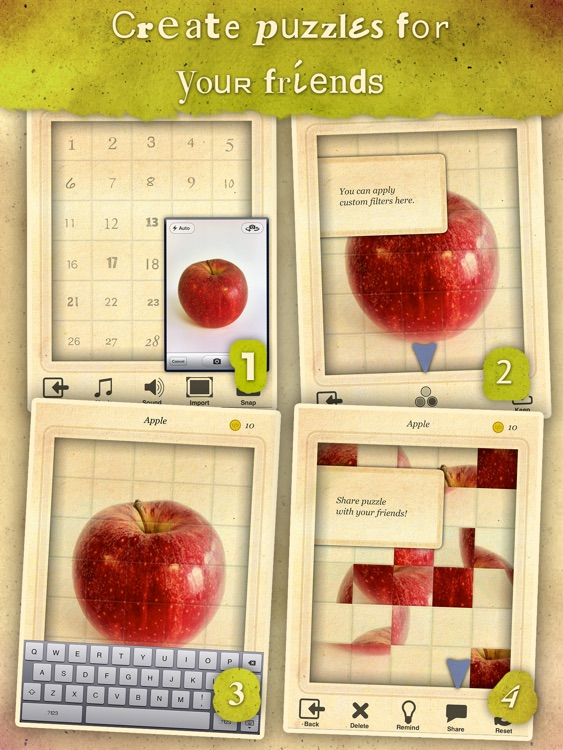
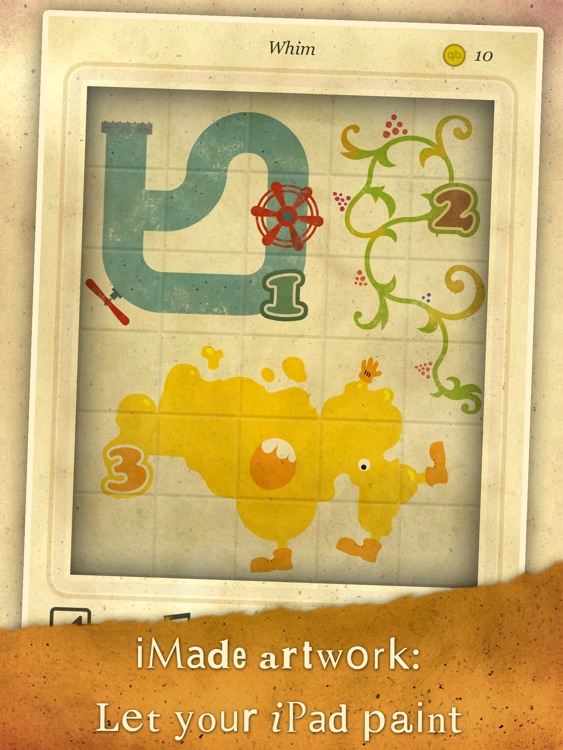
You've never played a sliding puzzle game like this before. Each level presents you with a beautiful piece of art and then scrambles it. You must then try to recreate the piece of art by sliding the rows and columns. Keep in mind that your score is based on how many moves you take and how fast you complete the puzzle. Once you've completed all 90 puzzles, go ahead and create your own using images from your library. The game also includes the ability to share your custom puzzles, original music, and achievements and leaderboards via Game Center.

If you enjoy logic-based puzzles, check out FDG’s Slide Circus today.

The app hasn’t been updated in a while, so if you’re running iOS 10 it may slow down your device.

Slide Circus HD
iPad
Slide Circus HD

Slide Circus HD

FDG Mobile Games GbR

Think outside the box to solve the puzzles in Slide Circus HD.

It plays like a 2-D Rubiks Cube.

$1.99 $1.99
Why we picked this?

You've never played a sliding puzzle game like this before. Each level presents you with a beautiful piece of art and then scrambles it. You must then try to recreate the piece of art by sliding the rows and columns. Keep in mind that your score is based on how many moves you take and how fast you complete the puzzle. Once you've completed all 90 puzzles, go ahead and create your own using images from your library. The game also includes the ability to share your custom puzzles, original music, and achievements and leaderboards via Game Center.

If you enjoy logic-based puzzles, check out FDG’s Slide Circus HD today.

The app hasn’t been updated in a while, so if you’re running iOS 10 it may slow down your device.

Addition Flash Cards Math Help Quiz Learning Games
iPhone
iPad
Addition Flash Cards Math Help Quiz Learning Games

Addition Flash Cards Math Help Quiz Learning Games

Eggroll Games LLC

Your children can work on their addition skills with this educational game.

It’s ideal for parents and teachers with children ages five through eight.

$3.99 $3.99
Why we picked this?

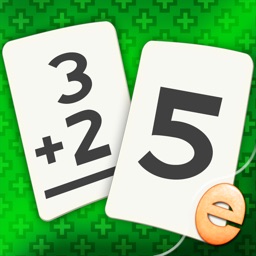
Addition Flashcard Match Games creates a fun environment for your child to practice addition in with its eye-popping visuals and positive encouragement. Your child can work on matching problems to their answers or matching problems to other problems. The difficulty can be adjusted by changing the number range and by showing the cards or keeping them face down. The game also includes a bubble popping reward after each round.

If you want your child to get a head start on their math skills, get them started on Addition Flashcard Match Games. The game adheres to Common Core Standards for math.

If your child doesn’t fall into the above age range, it’s likely that the included problems won’t be suited for them.

Blox 3D City Creator
iPhone
iPad
Blox 3D City Creator

Blox 3D City Creator

Arjun Gupte

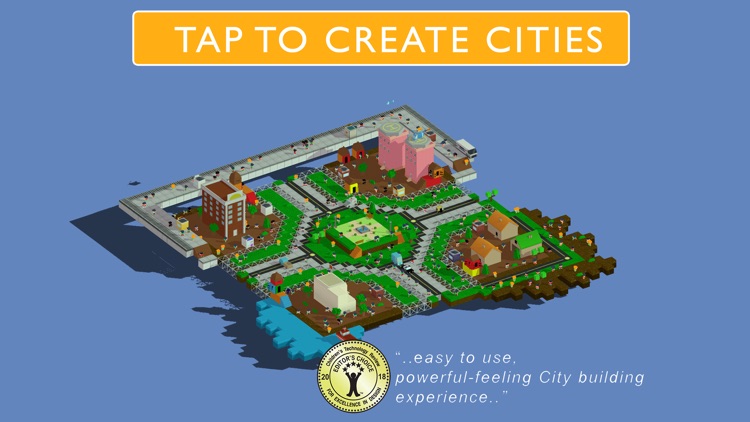
Create amazing cities from scratch using only taps in this fantastic entertainment app.

It’s the perfect way to unlock your child’s creative side.

$8.99 $8.99
Why we picked this?

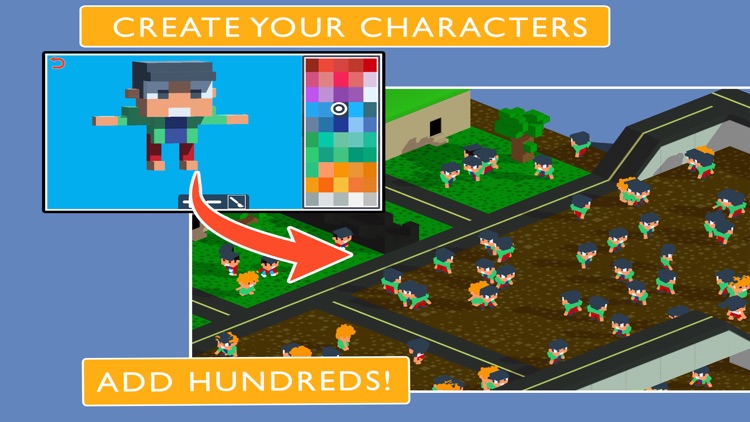
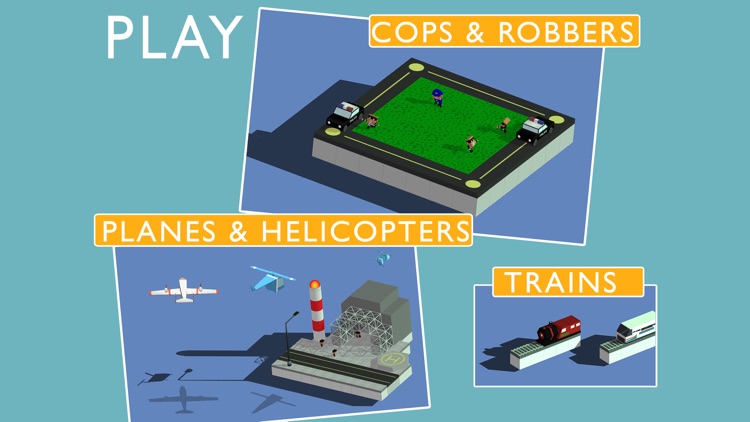
Based on the bestselling Blox 3D apps, this latest iteration opens a whole new world of creativity. Your child is able to start off with a blank canvas or they can choose from a variety of pre-built cities. Designing new structures and adding animated objects is as simple as tapping on an open spot within the world. Blox 3D City Creator includes everything from basic building blocks to animated vehicles. Your child can also change the time of day within their little world.

If your child is into building things, this is the perfect app for them. There aren’t any virtual currencies to be found or distracting elements; just pure creative fun.

The app isn’t intended for toddlers since it doesn’t provide much direction and will most likely be a bit difficult for them to navigate.