

You are using an outdated browser. Please upgrade your browser to improve your experience.

Apps That
Went Free on
2016-11-14

Push yourself to get more done, turn your photos into works of art, and create funny faces with today’s collection of apps and games.

FocusList: Focus Timer
iPhone
iPad
FocusList: Focus Timer

FocusList: Focus Timer

Median Tech, s.r.o.

Get more done with FocusList.

It’ll push you.

FREE ($2.99) For a limited time FREE ($2.99) For a limited time
Why we picked this?

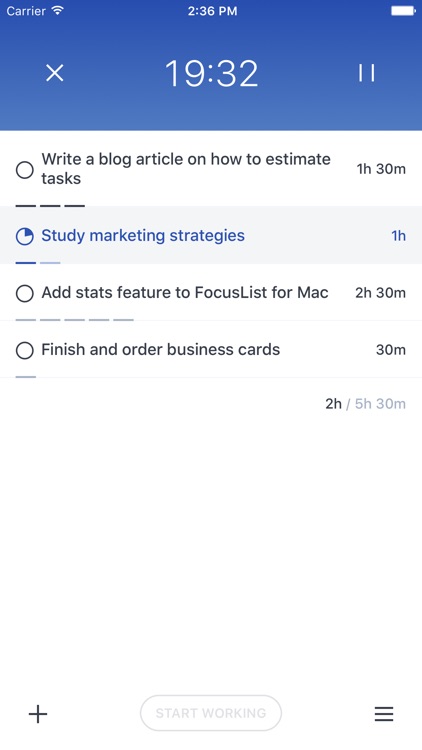
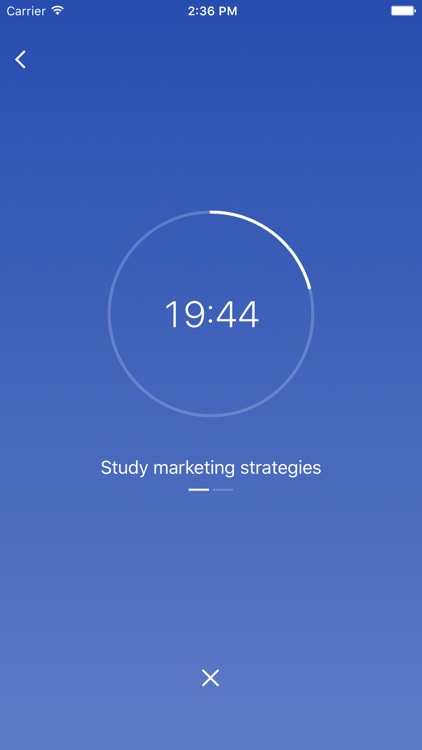
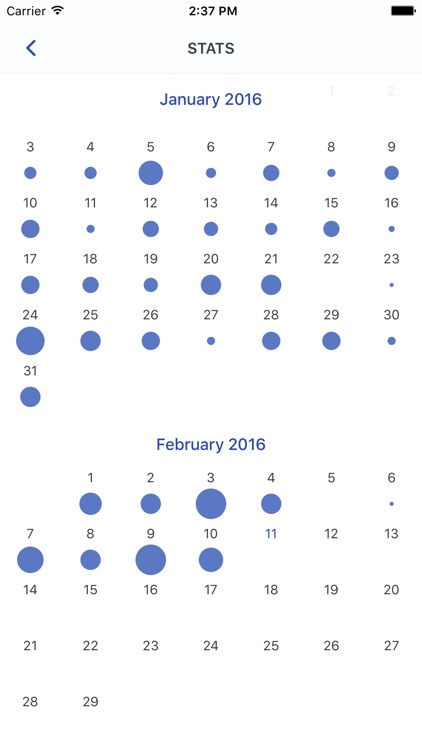
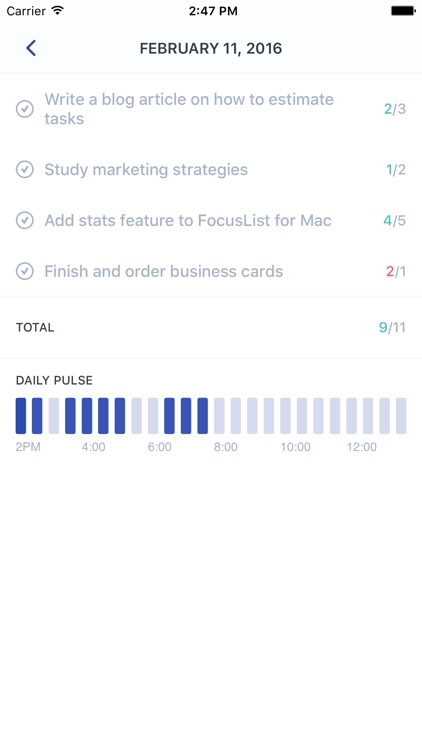
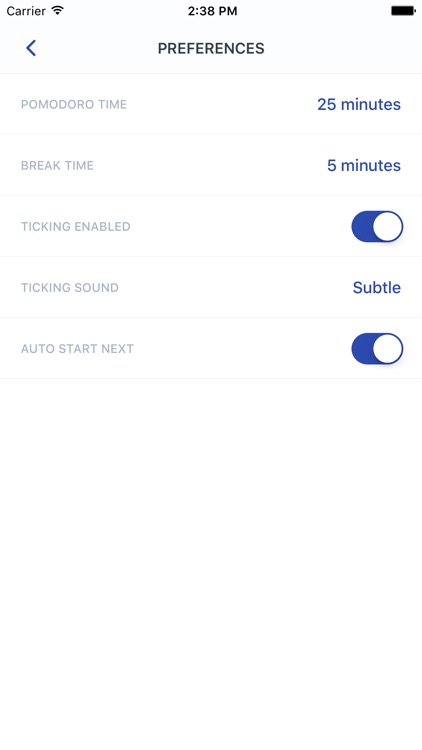
FocusList will not only help you plan your day but also accomplish more during it. Start off by adding all of the tasks you want to accomplish for the day. By default, each task is allotted 30 minutes to complete. You’re able to change the allotted time by swiping left and right across the task. Then hit the “Start Working” button at the bottom of the screen and do what needs to be done. The app will tick away the time and alert you when it’s break time. You’re also able to review stats to see how efficient your day was, and change the Pomodoro and break times.

If you’re a bit of a procrastinator, this is the app for you. The pressure of having the time tick away will push you to get more done.

It’s not a full-fledged task manager.
Parker Planner Classic (old version)
iPhone
Parker Planner Classic (old version)

Parker Planner Classic (old version)

Parker Planners, LLC

Record and plan every facet of your life with this handy productivity app.

It’s perfect for students, business professionals, and anyone else in need of a single app to manage their lives.

FREE ($1.99) For a limited time FREE ($1.99) For a limited time
Why we picked this?

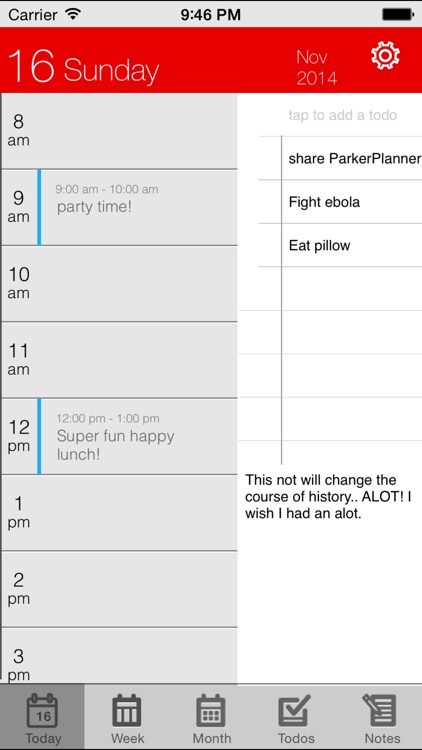
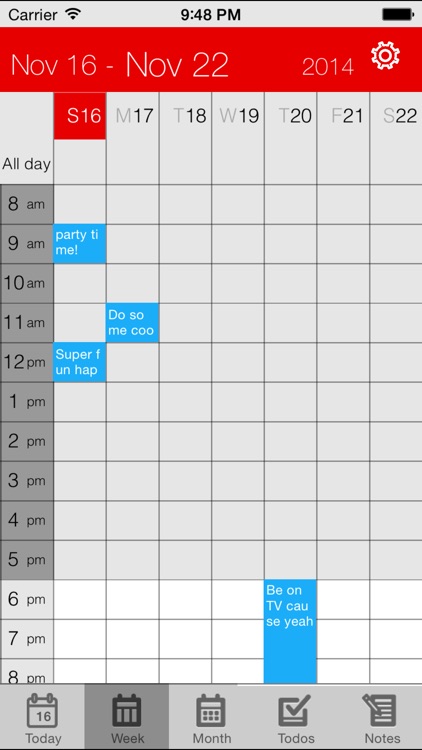
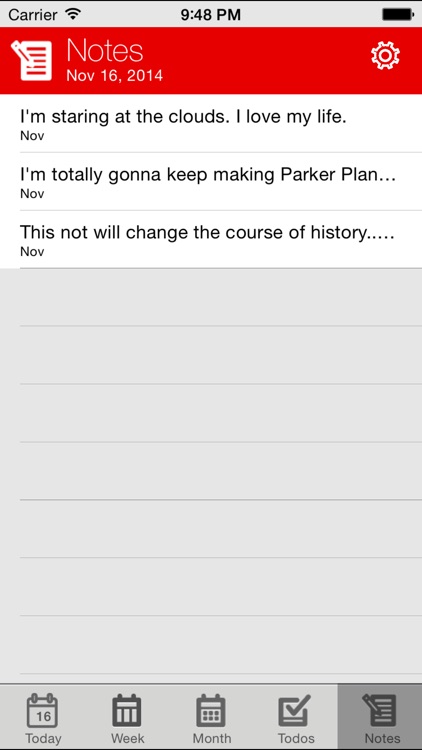
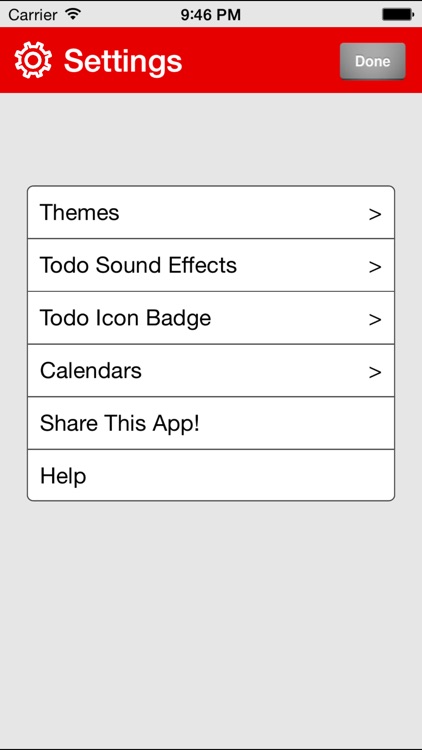
The app's main view allows you to see upcoming events for the day, any notes and ideas you may have, and any tasks you need to complete all at once. You're also able to view each of the three separately. Tap once on an open spot on your calendar to add an event or tap twice to add more details. The app syncs with your iPhone's built-in calendar or any of the other popular online options. It also includes multiple themes to choose from, icon badging, and sound effects.

If you’ve always enjoyed physical paper planners, you’re going to love Parker Planner. The company started out as one back in 2006, so they know what they’re doing.

Parker Planner features a built-in to-do list, but you won’t want to use it for reminders, as it lacks scheduling and push notifications.

Paintkeep Painting
iPhone
iPad
Paintkeep Painting

Paintkeep Painting

Nine Curves

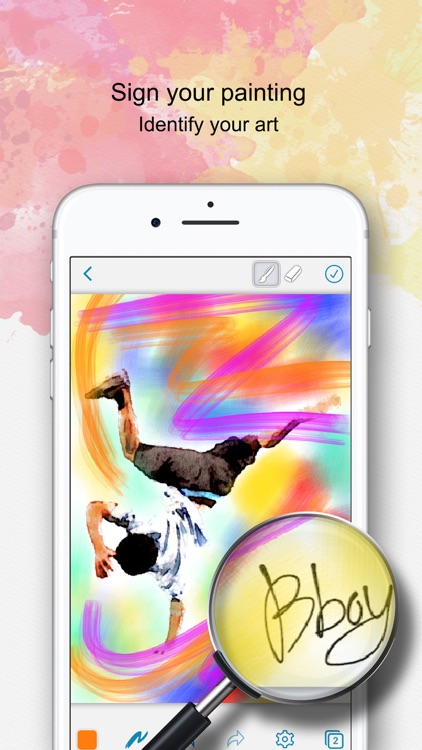
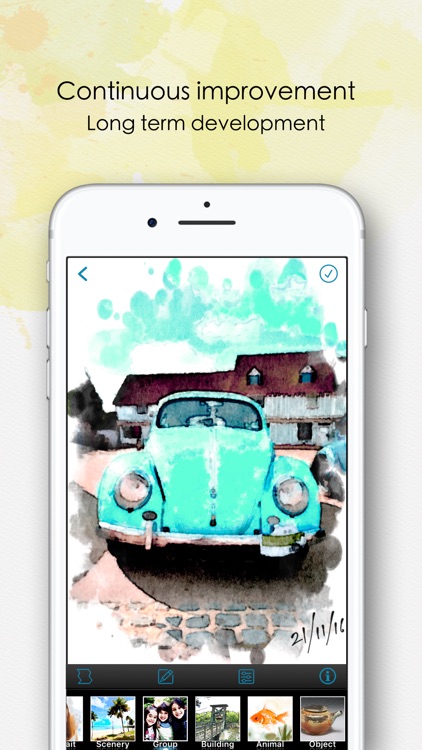
Turn your photos into works of art with Paintlogue.

It provides an entertaining way to transform your photos.

FREE ($3.99) For a limited time FREE ($3.99) For a limited time
Why we picked this?

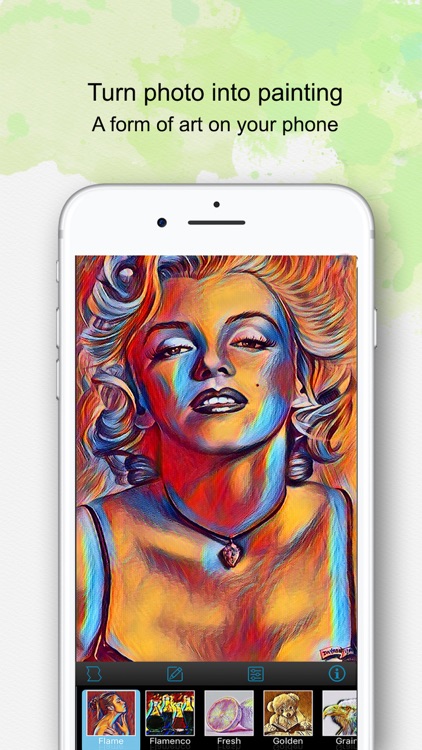
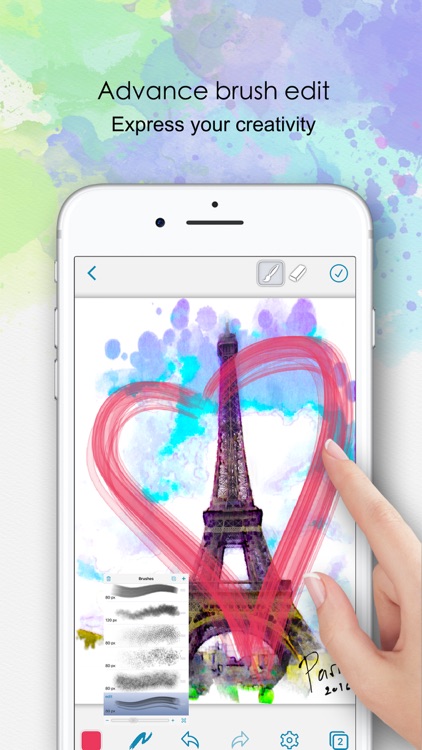
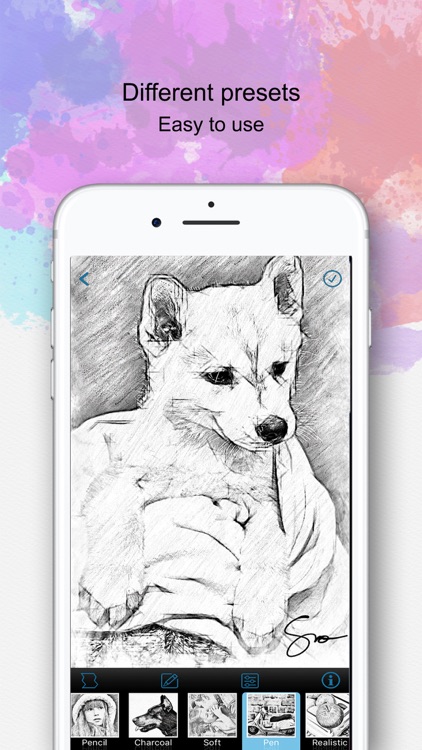
The app includes seven watercolor filter presets that can be applied to any photo in your library. The presets are fully customizable, allowing more control over the finished product. After a you’ve applied a filter you can compare your newly transformed photo against the original by tapping on it. The app also includes 23 border options to choose from, and the ability to add a signature to your work.

If you long for the lost art of watercolor painting, check out Paintlogue today.

It’s limited to water color filters and lacks photo editing options.

Animal Math Preschool Math Games for Kids Math App
iPhone
iPad
Animal Math Preschool Math Games for Kids Math App

Animal Math Preschool Math Games for Kids Math App

Eggroll Games LLC

A collection of 100 fun and colorful educational games that your kids are sure to enjoy.

It’s ideal for parents with children ages three to six.

$9.99 $9.99
Why we picked this?

Your little ones get to explore the farm with Lily and the cute animals. Each of the eight sections stars a cute farm animal, and your child must help them complete the task at hand. Games range from counting and classifying objects to comparing shapes and naming colors. A professional narrator will guide your child along the way and provide positive reinforcement.

If you want your child to get a head start on their education, this is a great way to do it. It adheres to the Common Core Standards for kindergarten math.

There’s a whole lot to like here, so the only reason you should skip this one is if your child falls outside of the age range.

Faces iMake - Right Brain Creativity
iPad
Faces iMake - Right Brain Creativity

Faces iMake - Right Brain Creativity

iMagine Machine Israel LTD

Express yourself with Faces iMake.

It’s really for children of all ages.

$2.99 $2.99
Why we picked this?

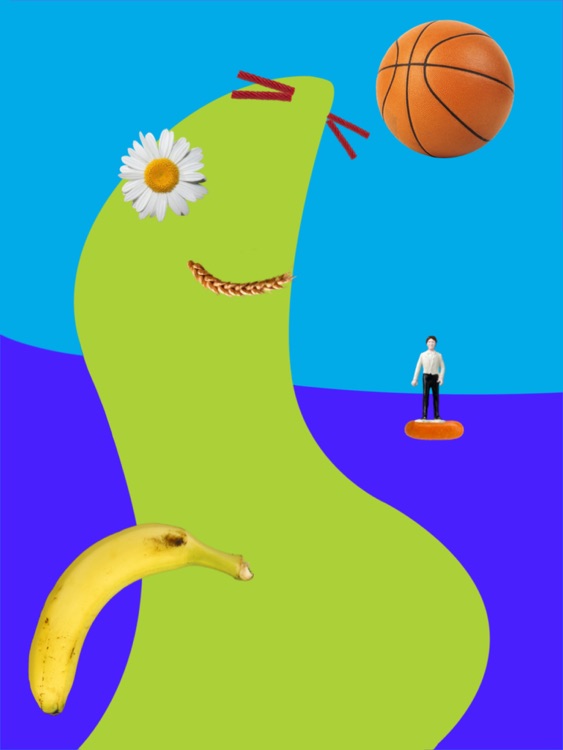
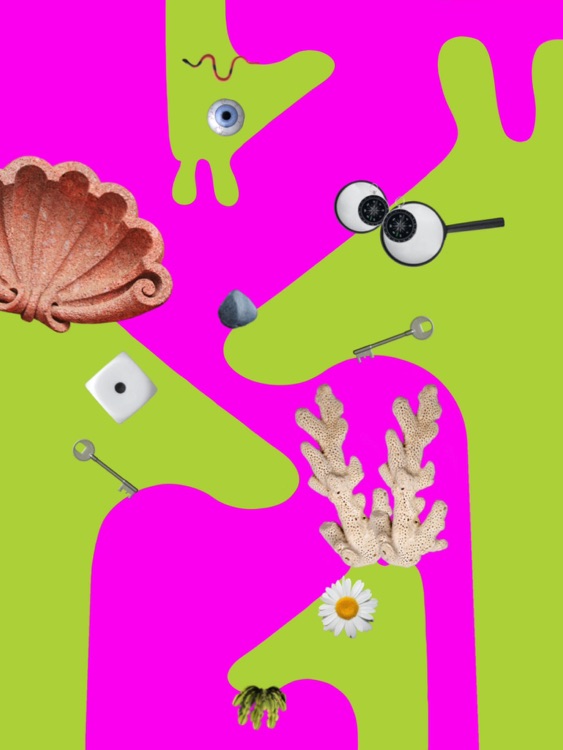
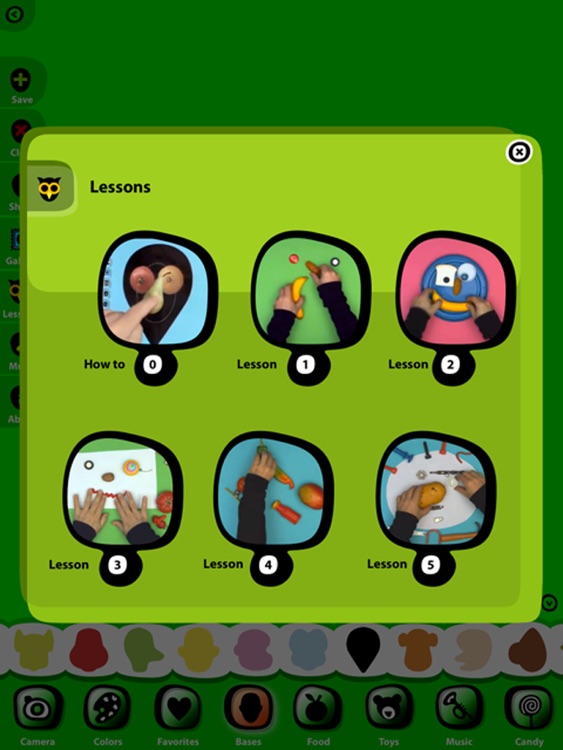
Faces iMake provides hours of entertainment. Your child can build their own face collages by simply dragging and dropping objects onto the canvas. Objects range from toys and musical instruments to candy and food. All of their artwork can be saved or shared via a variety of methods. The app also includes background music, a music player, and video lessons.

If you want unleash your child’s creative side, this is a great tool.

Younger children may have trouble navigating the interface, so you’ll have to assist.