


You are using an outdated browser. Please upgrade your browser to improve your experience.

Apps That
Went Free on
2016-11-15

Add notes to PDF and EBOOK files, turn webpages into PDF files, and show how much you care with glowing ghost stickers with today’s collection of apps and game

Web to PDF Converter & Reader
iPhone
iPad
Web to PDF Converter & Reader

Web to PDF Converter & Reader

DIGISET LLC

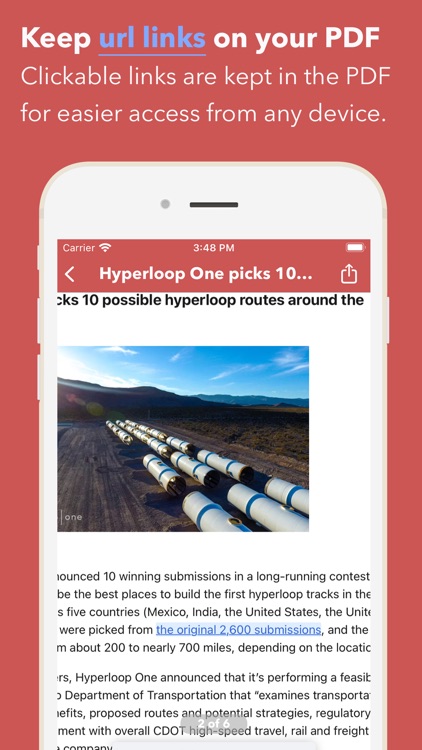
Turn any webpage into a PDF with InstaWeb.
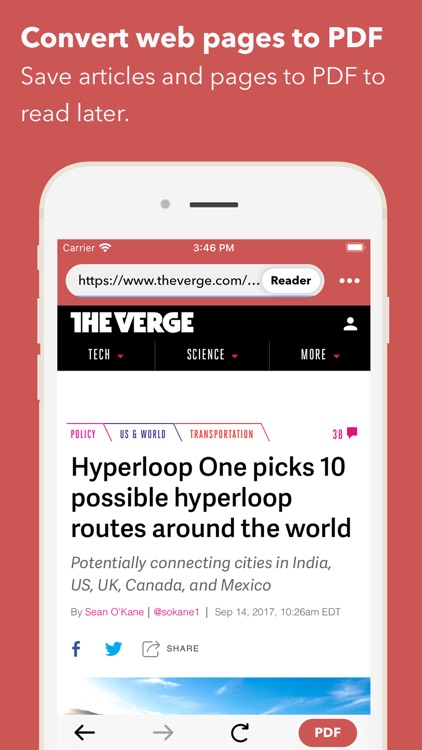
It’s a great tool for students, teachers, and business professionals.

FREE ($1.99) For a limited time FREE ($1.99) For a limited time
Why we picked this?

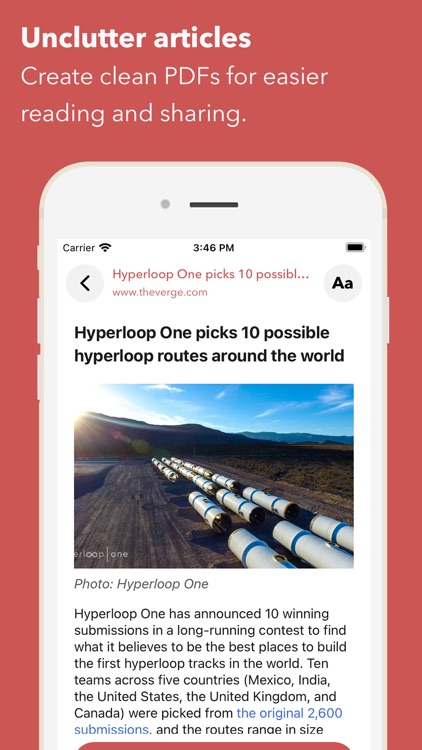
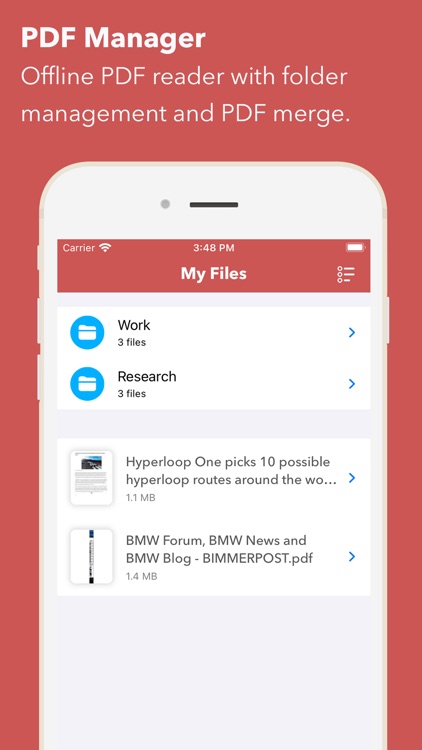
InstaWeb allows you to convert any webpage into a PDF for later use. Point the built-in browser at any webpage and tap the PDF button to capture it. The captured webpage must be named before it's converted. InstaWeb also features a nifty option that allows you to remove the clutter and just save the text from the web page. The app includes the ability to organize PDF documents within folders, share them via AirDrop or email, or store them in Dropbox, Evernote, SkyDrive, Box, or Google Drive.

If you frequently find yourself without an internet connection, use InstaWeb to store your favorite content. It’s fast and easy.

It doesn’t have any editing options.

MarginNote 2 Pro
iPhone
iPad
MarginNote 2 Pro

MarginNote 2 Pro

Sun Min

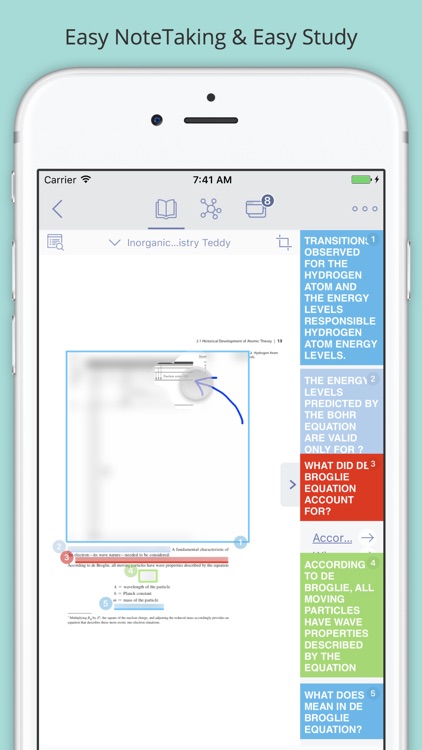
Add notes to your PDF files, books, and documents with MarginNote.

It’s great for teachers, students, consultants, and basically anyone else that needs to organize their thoughts.

$4.99 $4.99
Why we picked this?

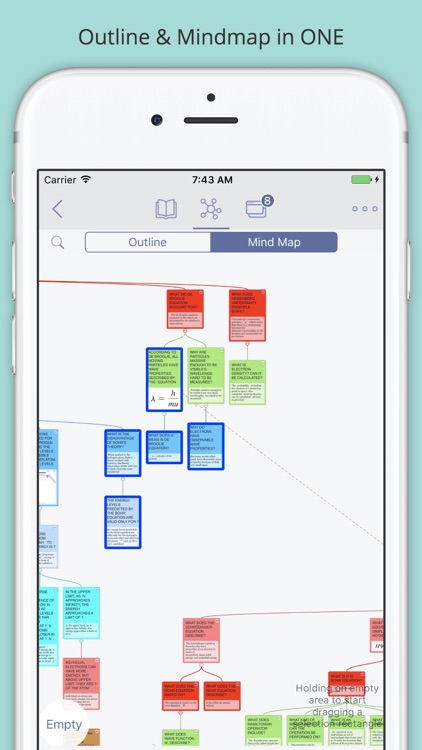
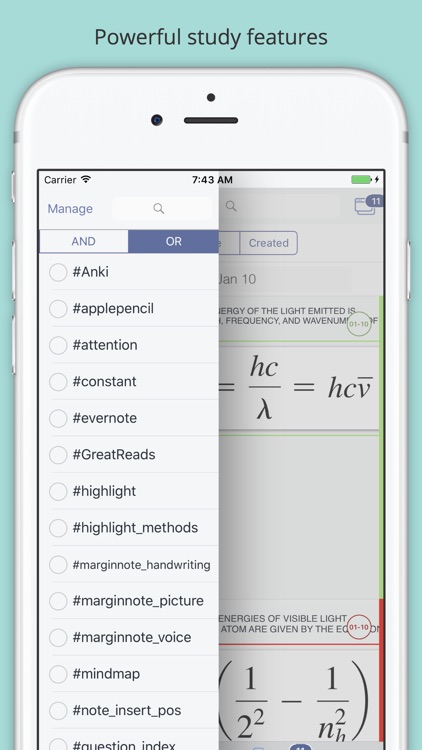
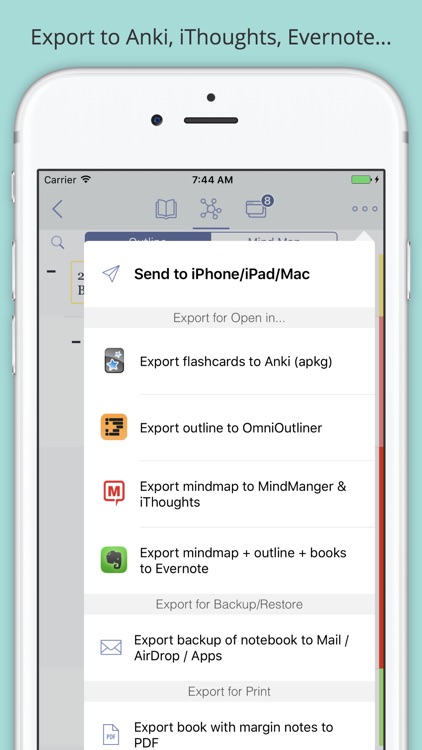
Note taking is about to get a whole lot easier thanks to MarginNote. It allows you to import PDF and EPUB files from the cloud, the web, or via iTunes File Sharing. You can then add handwritten notes, typed notes, highlights, and annotations within the margins. Not only that, MarginNote includes a separate mind mapping section that allows you to turn your content into separate cards.

If you want to markup and annotate your digital files, you won’t find a better tool than MarginNote.

It’s about streamlining, organizing, and marking up content you already have. It’s not a creation tool.

Animated Cute Heart Glowing Ghost stickers
iPhone
iPad
Animated Cute Heart Glowing Ghost stickers

Animated Cute Heart Glowing Ghost stickers

MojiLaLa

Show how much you care with the Cute Heart Glowing Ghost sticker pack.

It’s a fun way to communicate with loved ones.

$1.99 $1.99
Why we picked this?

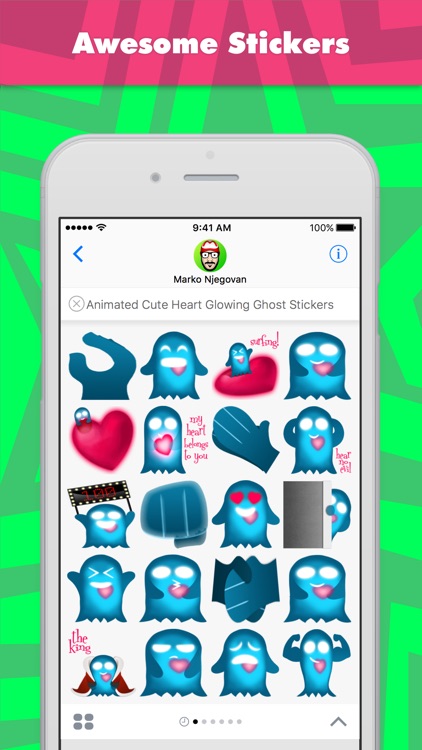
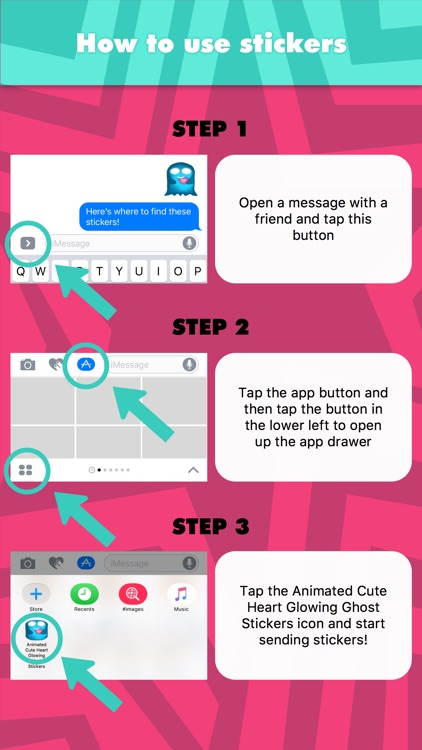
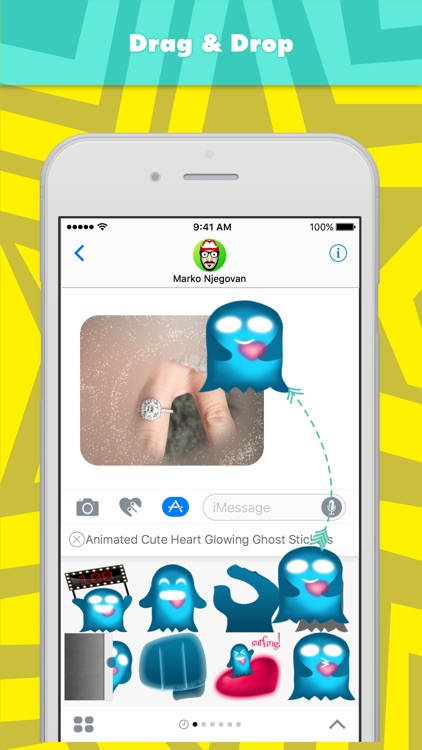
Allow a friendly little ghost to help you get your message across. This pack includes 20 animated stickers, all of which feature a cute ghost with a bright heart that shines in the darkness. Just peel and stick.

If you need another way to express your feelings, there’s always Cute Heart Glowing Ghost stickers.

They aren’t general use stickers.

goodEar Scales - Ear Training
iPhone
iPad
goodEar Scales - Ear Training

goodEar Scales - Ear Training

Pascal Weiss

Train your ear to identify scales with this music app.

It’s great for musicians of all levels.

$0.99 $0.99
Why we picked this?

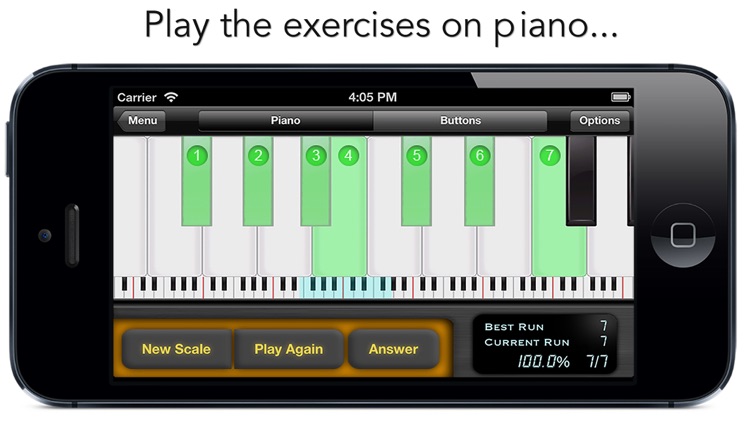
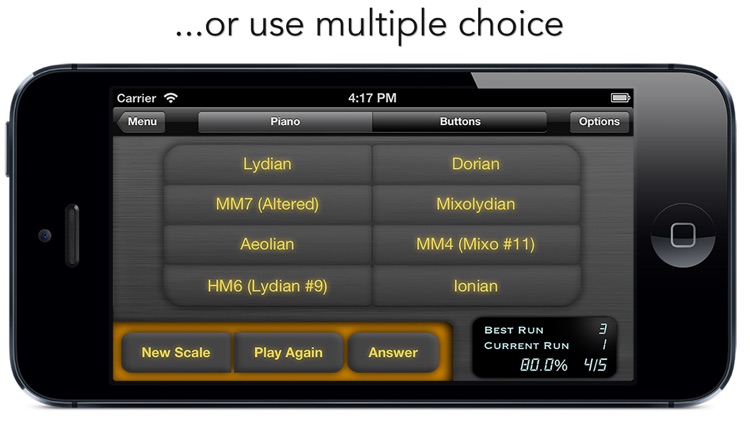
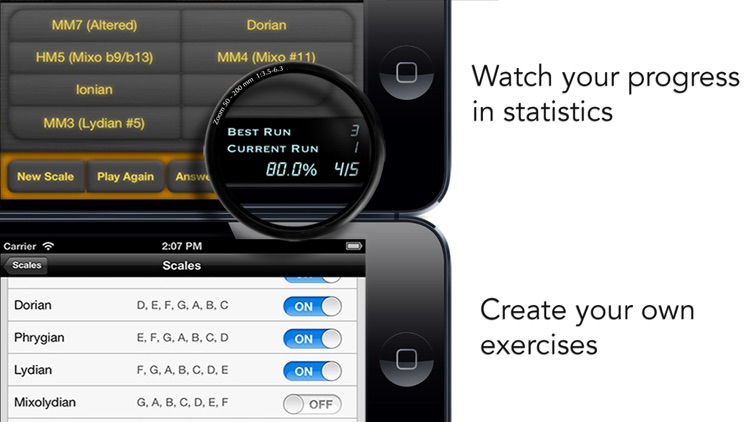
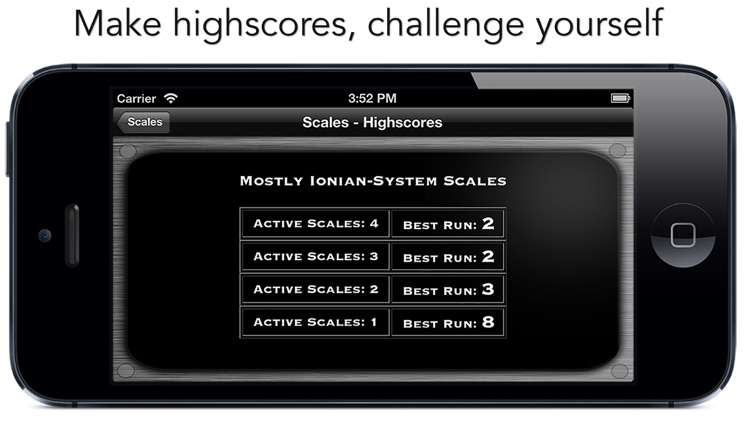
It will randomly generate a scale, and you must correctly play it back to earn points. If you didn't catch it the first time around, you can play it again. The app is designed for all musicians, no matter if you're a beginner or professional, since you can customize the experience to your level.

If you want to challenge your senses, look no further than goodEar Scales.

The app only focuses on scales. If you want to work on recognizing chords, melodies, and intervals, you’ll want to check out the developer’s other apps.