

You are using an outdated browser. Please upgrade your browser to improve your experience.

Apps That
Went Free on
2016-12-01

Manage your busy schedule, introduce your child to the wonderful world of colors, and enjoy a tale about a girl who goes to battle with strange monsters with today’s collection of apps and games.

Montessorium: Intro to Colors
iPhone
iPad
Montessorium: Intro to Colors

Montessorium: Intro to Colors

Higher Ground Education Inc

Bring color into your child’s world with Intro to Colors.

It’ll help your child learn to appreciate art.

FREE ($4.99) For a limited time FREE ($4.99) For a limited time
Why we picked this?

Intro to Colors includes a variety of activities that will introduce your child to the world of colors. The app will teach your child the basic foundation of colors, primary and secondary colors, and color shades and gradients through interactive activities. They’ll also be able to paint and create their own colors, and participate in a seek and find game.

If you’re ready to turn your child into a budding artist, Intro to Colors is for you.

The lessons are designed for young children. There’s a lot of hand holding.
PixelWakker
iPhone
iPad
PixelWakker

PixelWakker

Joseph WRIGLEY

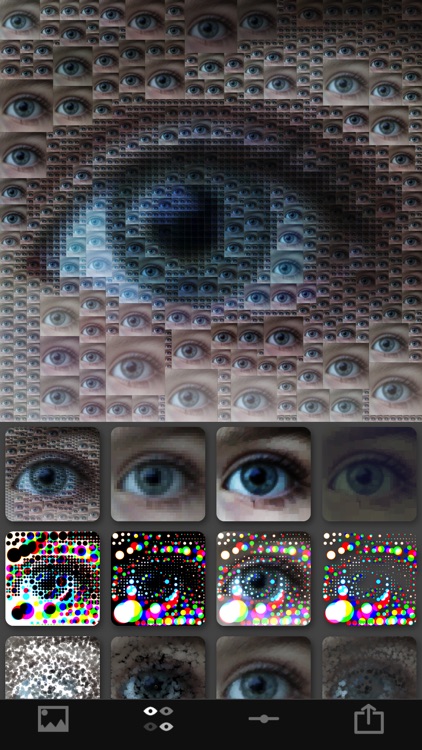
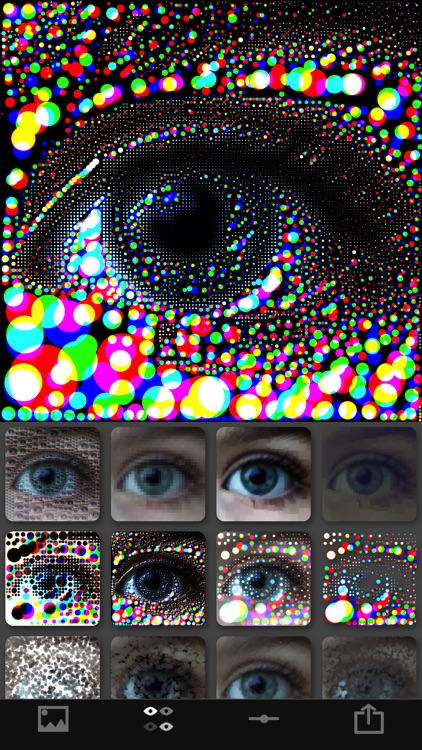
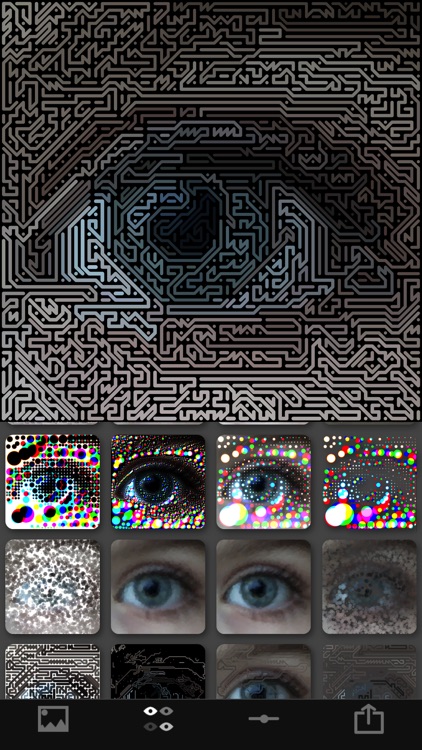
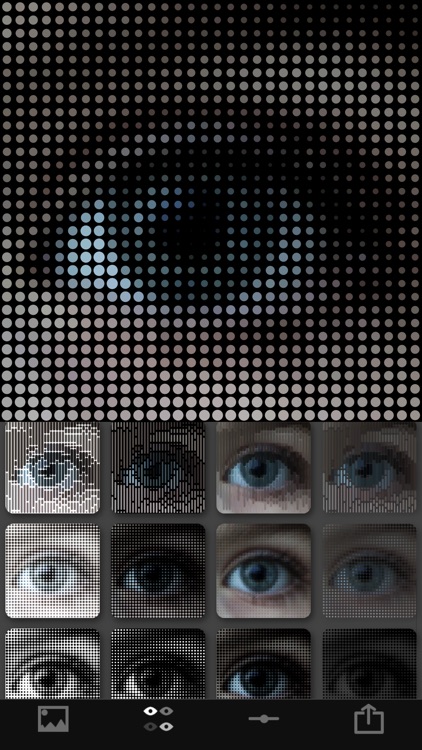
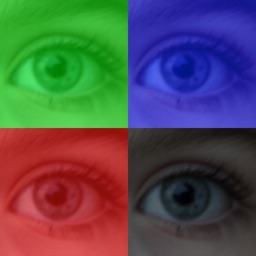
Turn your photos into pixel art with PixelWakker.

It’s for those who enjoy effects apps like Percolator.

FREE ($2.99) For a limited time FREE ($2.99) For a limited time
Why we picked this?

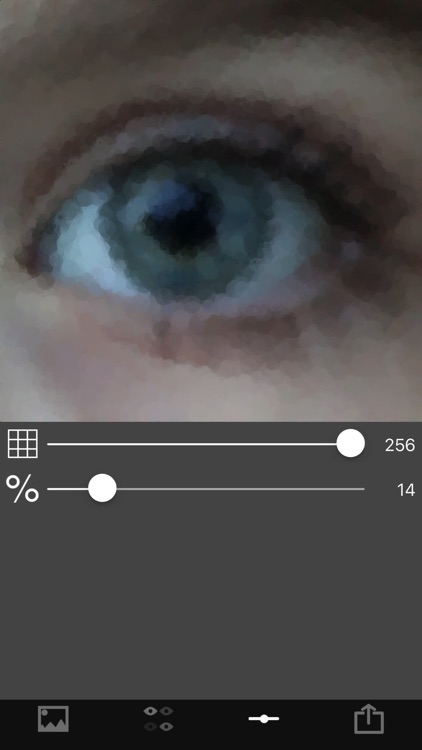
PixelWakker allows you to import any photo from your library or capture a new one from within the app. You can then choose from 20 different pixel art effects. You’re able to independently adjust the frequency and intensity of each effect via sliders. Your final creations can be saved or shared via your favorite social networks.

If you enjoy abstract art, this is a fun photography app. The effects can be adjusted in so many ways.

It’s just a pixel art effects app. You won’t find any other editing tools.

My Monster Mayhem Kids Bedtime Story & Best Ebook
iPhone
iPad
My Monster Mayhem Kids Bedtime Story & Best Ebook

My Monster Mayhem Kids Bedtime Story & Best Ebook

Digital Leaf

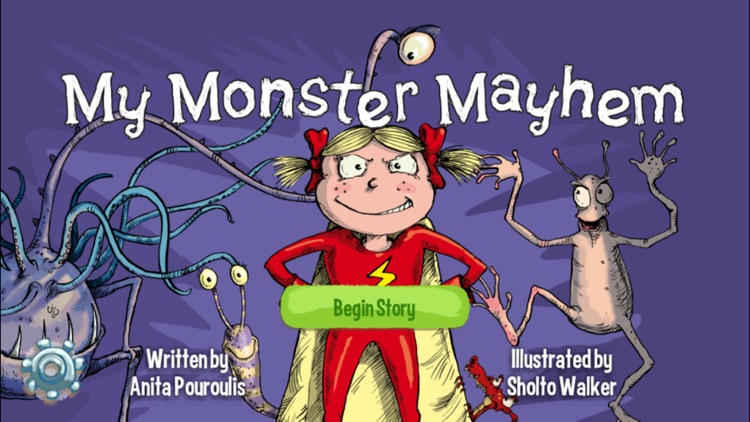
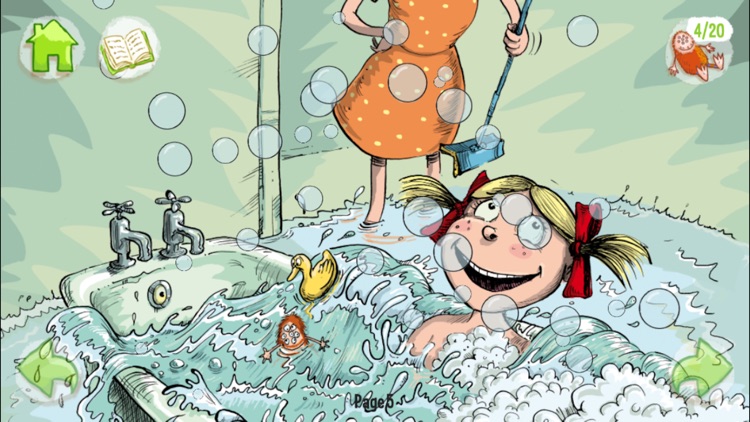
A tale about a little girl who goes to battle with all kinds of strange monsters.

It’s good family fun.

FREE ($2.99) For a limited time FREE ($2.99) For a limited time
Why we picked this?

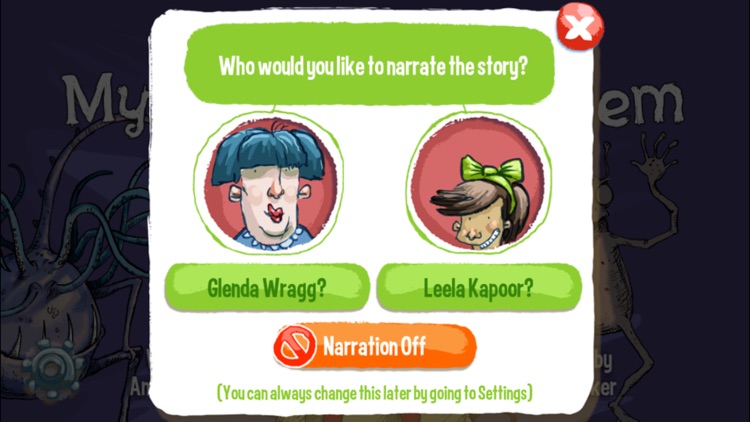
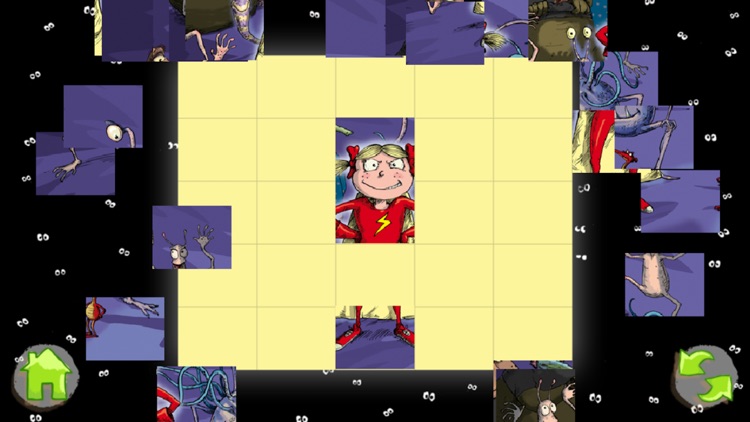
My Monster Mayhem is loaded with interactive elements and delightful rhyming text. Your child can follow along with one of the two narrators, or they can enjoy the tale all on their own. Each of the 21 pages is filled with fun interactive elements that will move and make noises. Your child can also spend time trying to find the toy monsters hidden within the story to unlock a bonus game.

If you have little ones that enjoy rhyming storybooks, they’re going to love My Monster Mayhem. The narration is fantastic, as are the illustrations.

If your little ones scare easily, you may want to skip this one. Although the content is lighthearted, some of the creatures could spook sensitive children.

Slide Tetromino Premium
iPhone
iPad
Slide Tetromino Premium

Slide Tetromino Premium

ECO Pawel Jarosz

Collect keys by melting the ice around them in Slide Tetromino.

It’s for fans of sliding puzzle games.

$0.99 $0.99
Why we picked this?

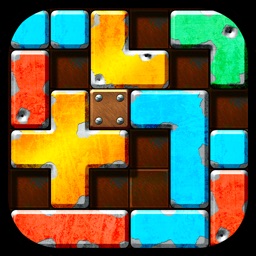
Each level includes a single flame, movable pieces, and very little room to operate in. It’s up to you to slide the pieces every which way in order to create a path from the frozen key to the flame. Levels aren’t timed, but your moves will be counted. The game includes a total of 100 levels.

If you’re looking for a relaxing puzzle game to sink your time into, this is it.

You won’t find any hints here. If you get stuck, you’re stuck.

BusyCal: Calendar & Tasks
iPhone
iPad
BusyCal: Calendar & Tasks

BusyCal: Calendar & Tasks

Busy Apps FZE

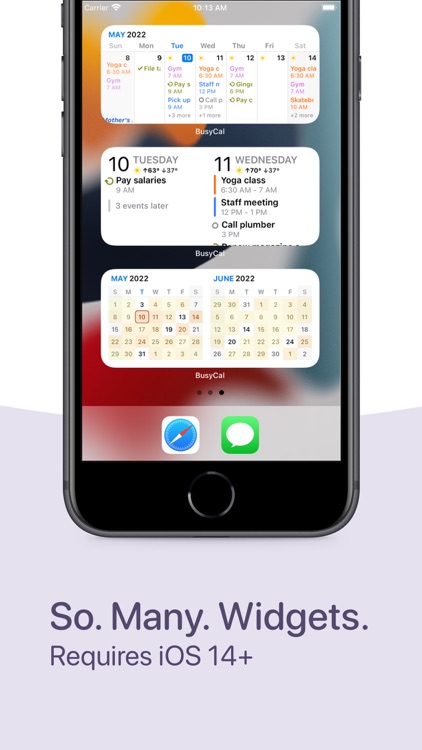
Manage your busy schedule with BusyCal.

It’s for those who have a lot on their plate.

$9.99 $9.99
Why we picked this?

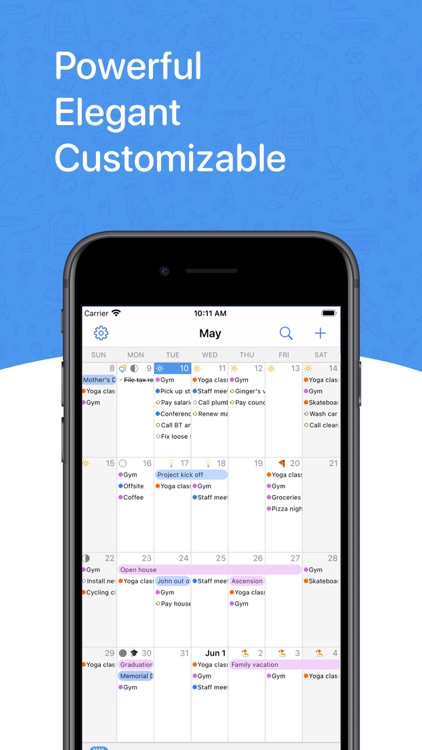
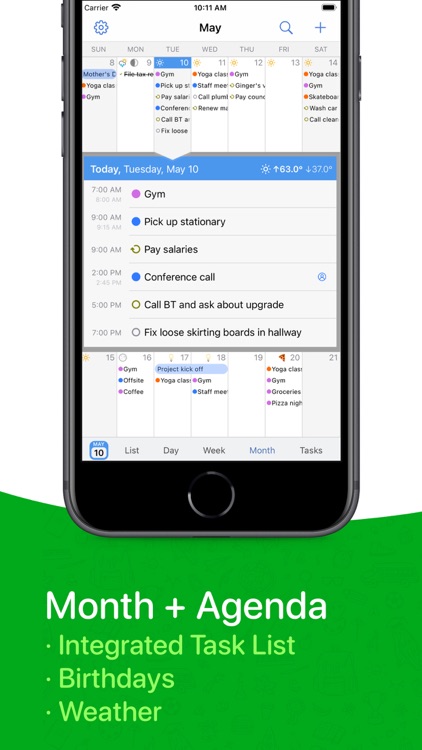
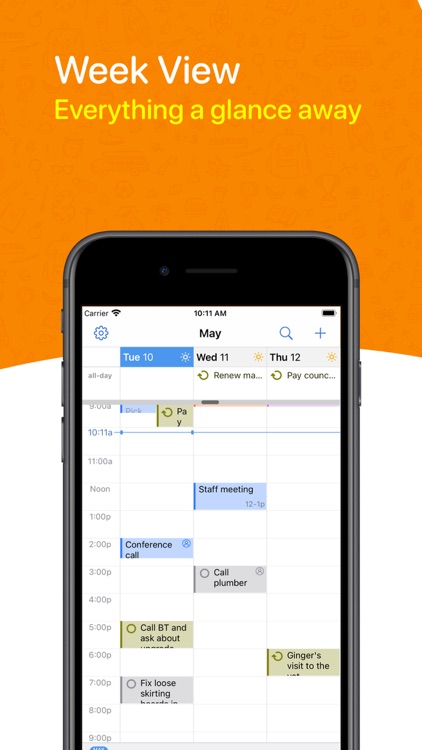
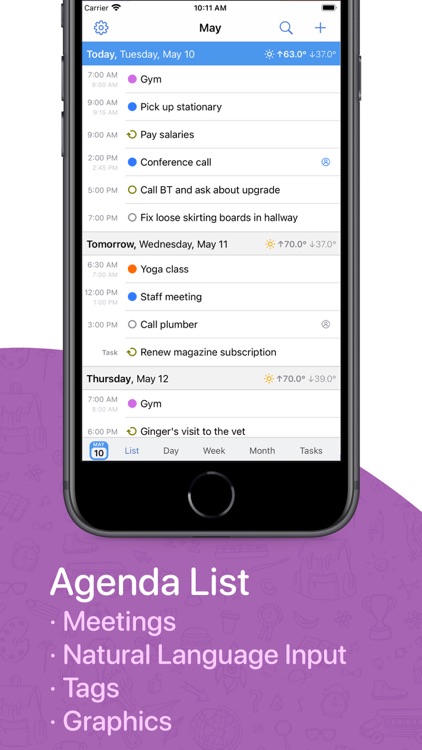
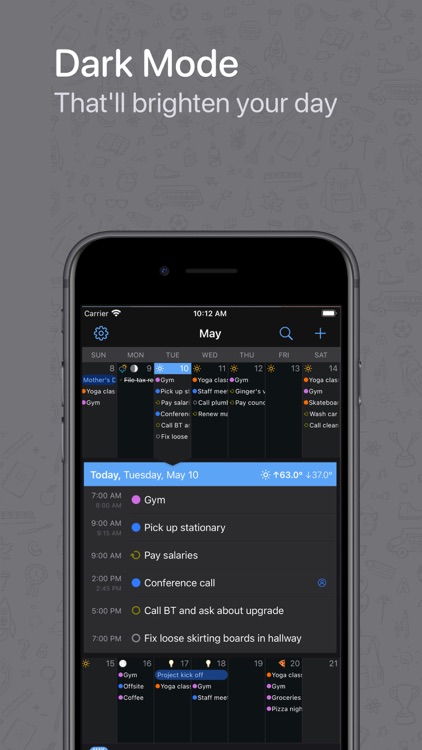
BusyCal provides a powerful and flexible way to stay on top of your busy schedule. It’s able to tap into iCloud, Google Calendar, Exchange, Office 365, and other CalDav servers in order to sync your calendar. You’re able to view events by day, week, or month, or turn them into a list. Events can be created using natural language, and they can be tagged for quick discovery. You’re also able to manage your tasks, view travel times and location data, and even get a weather forecast.

If you need to keep your life in sync, download BusyCal today. It’s ability to sync across multiple devices and services will streamline your workflow.

It only taps into online data, so you must provide your email address and password for each respective service.