


You are using an outdated browser. Please upgrade your browser to improve your experience.

Apps That
Went Free on
2017-01-24

Wake up feeling refreshed, push pixels, and find out what’s at upcoming interstate exits with today’s collection of apps and games.

Smart Alarm Clock : sleep cycle & snoring recorder
iPhone
Smart Alarm Clock : sleep cycle & snoring recorder

Smart Alarm Clock : sleep cycle & snoring recorder

Plus Sports

Wake up feeling refreshed every morning with Smart Alarm Clock.

It’s an ideal way to start your mornings.

FREE ($1.99) For a limited time FREE ($1.99) For a limited time
Why we picked this?

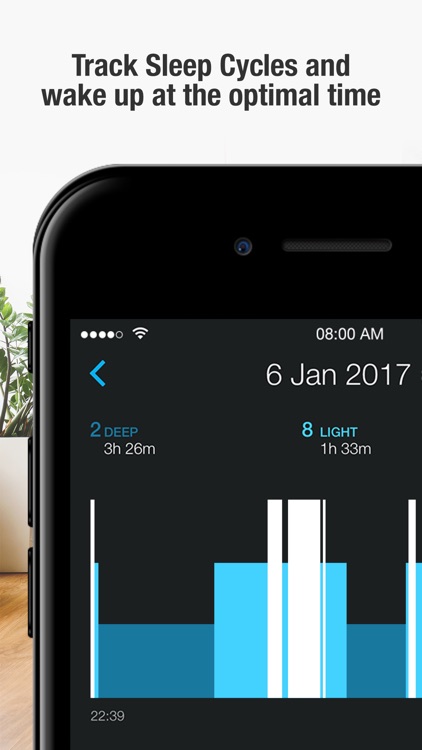
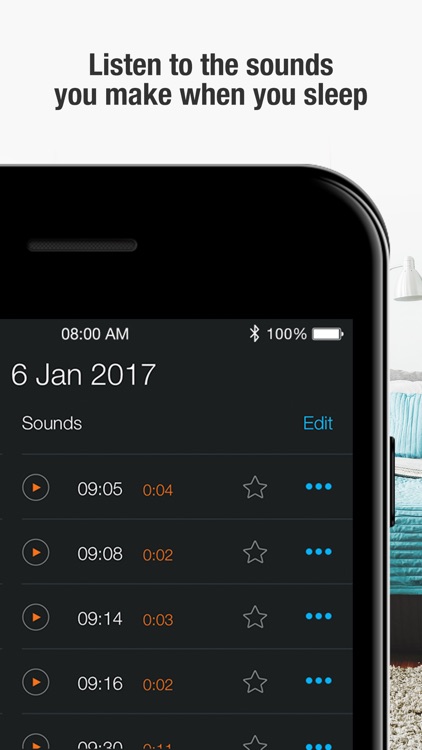
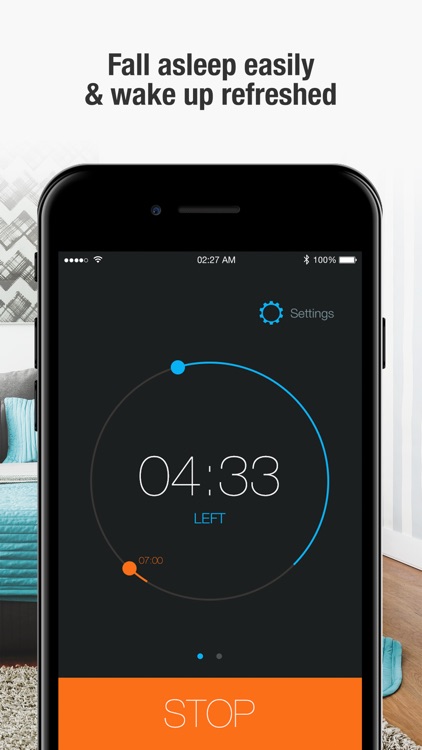
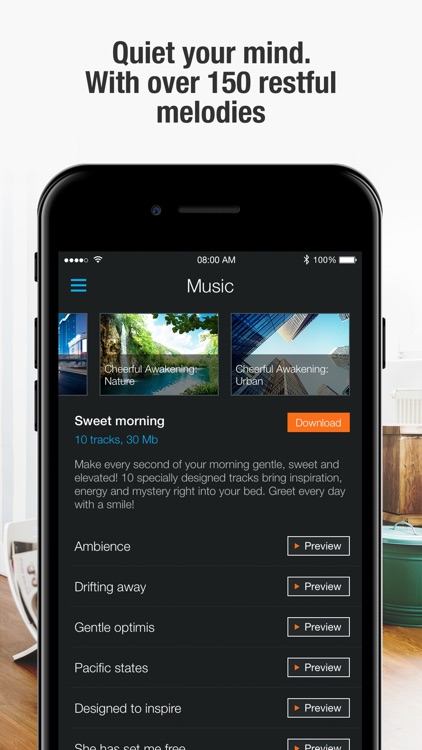
Smart Alarm Clock monitors your sleep phases to determine exactly when your body is ready to wake up. Just set a time range for when you want to wake up, pick a track to fall asleep to, and then place your iDevice next to you. The next morning you’ll be able to review your stats and listen to your recording to discover any disturbances. The app includes more than 150 downloadable melodies, six sleep tracking modes, and cloud backup.

If you have any trouble getting up on time, give Smart Alarm Clock a try. It’ll make your mornings suck less.

If you don’t have a bedside power outlet, you may way to skip this one.

iExit Interstate Exit Guide
iPhone
iPad
iExit Interstate Exit Guide

iExit Interstate Exit Guide

Metrocket, LLC

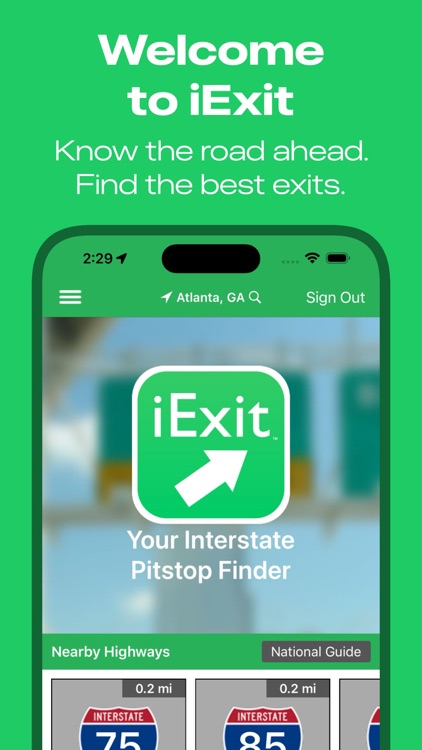
Find out what’s at upcoming exits with iExit.

It’s great for road trippers.

FREE ($0.99) For a limited time FREE ($0.99) For a limited time
Why we picked this?

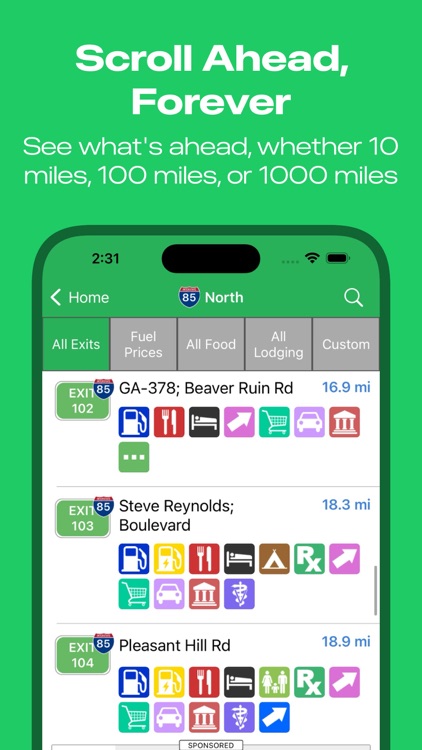
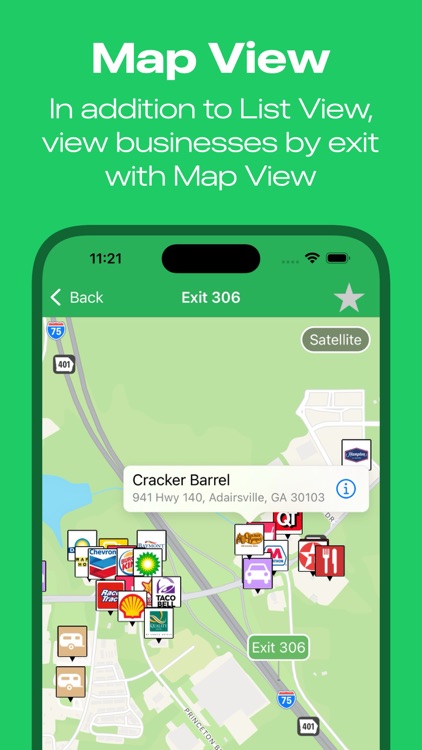
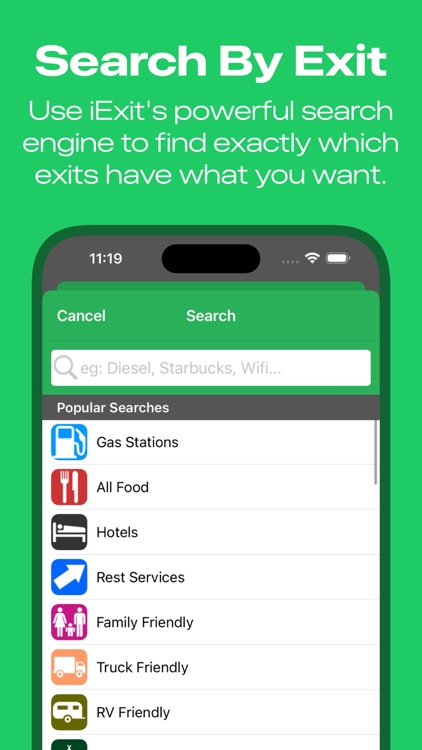
Your GPS may tell you how to get to your destination, but iExit will tell you all about the stops along the way. As you approach each exit, iExit will display the businesses, amenities, rest stops, hotels, and more within the area. You’re able to view the data in list or map form. Want to plan ahead? No problem. iExit allows you to search the next 100 exits for your favorite businesses.

If you’re about to hit the road, download iExit before you go. It’ll definitely come in handy.

It only covers the U.S.

Snap Markup - Annotation Tool
iPhone
iPad
Snap Markup - Annotation Tool

Snap Markup - Annotation Tool

Raghvendra Bhargava

Annotate photos with Snap Markup.

It’s great for students, business professionals, and anyone in need of the ability to markup photos.

FREE ($1.99) For a limited time FREE ($1.99) For a limited time
Why we picked this?

Snap Markup allows you to grab a photo from the web, your library, or your camera roll. You’re then able to mark it up using a wide variety of tools including shapes, arrows, numbers, curves, and text. Snap Markup also allows you to draw freely with a wide variety of colors, blur and focus on sections of your photo, and crop photos.

If you need more than what iOS has to offer in terms of marking up photos, download Snap Markup today.

It lacks the ability to zoom in.

Dots (Pixel Art)
iPhone
iPad
Dots (Pixel Art)

Dots (Pixel Art)

xiles

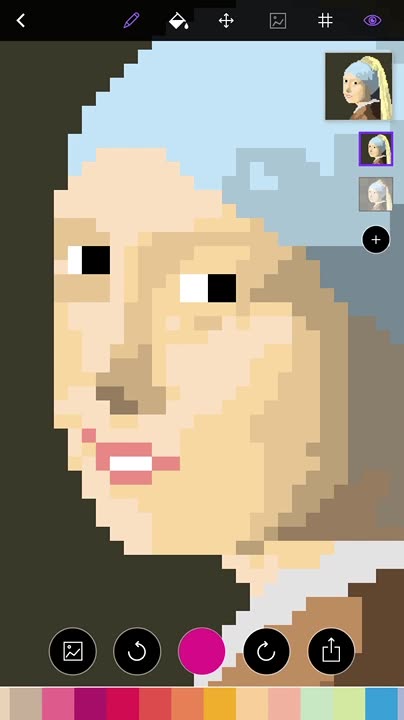
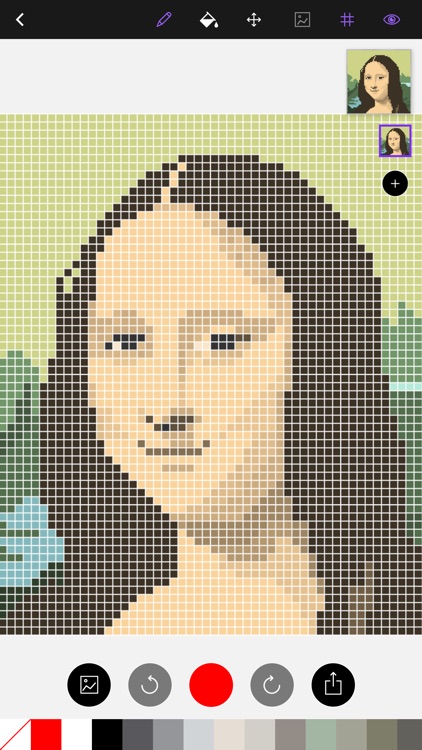
Push some pixels and create awesome works of art with this entertainment app.

It’s for pixel art lovers everywhere.

$1.99 $1.99
Why we picked this?

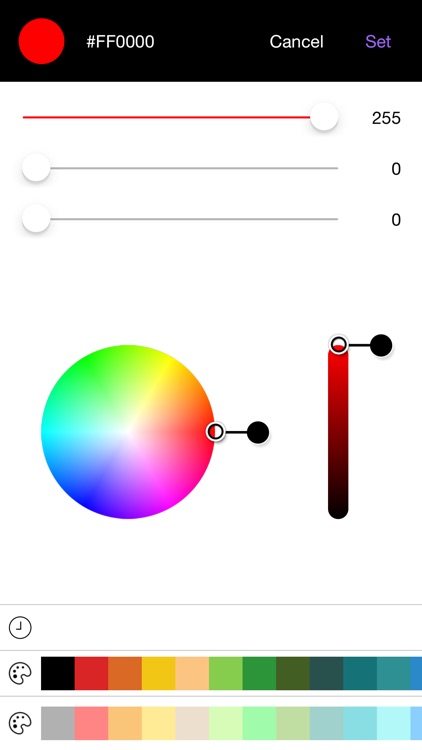
You're able to choose from six canvas sizes before starting on your work of pixel art. You can then import an image from your library to use as an outline, or you can just go freehand. The app also includes a color picker, a thumbnail preview of your work, undo and redo, and the ability to share your creations via Facebook, Twitter, or email.

If you’re looking for a new art medium, you’ve found it. Dots allows you to go back to the basics.

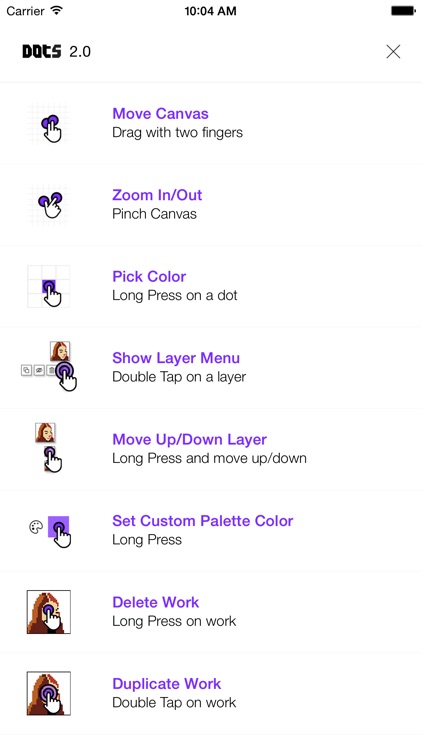
Dots is pretty straightforward, but its interface can take a bit to get used to. You may find yourself fumbling around at first.

Comic Story
iPhone
Comic Story

Comic Story

xiles

Craft and share your own story with Comic Story.

It provides a fun way to group photos.

$0.99 $0.99
Why we picked this?

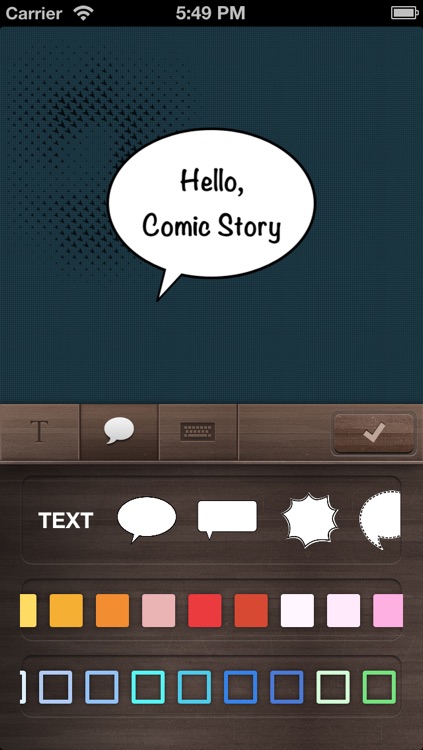
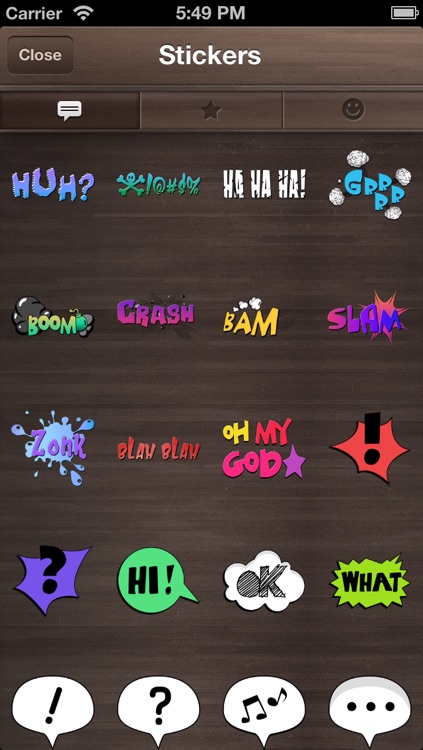
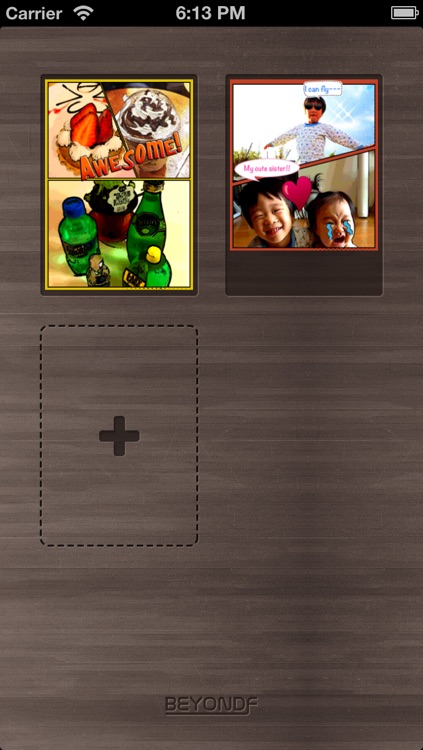
After selecting a collection of photos from your library or camera roll, you're able to frame them in different ways, apply filters, and add custom speech bubbles and stickers. You can then share your final creation via email, Facebook, Twitter, or Tumblr. The app includes three canvas sizes to choose from, five background colors, more than 100 stickers to choose from, and nine speech bubbles with a whole bunch of font, color, size, and border options.

If you enjoy sharing photos on social media, Comic Story will help your stories stand out.

Its UI hasn’t been updated in quite some time.