



You are using an outdated browser. Please upgrade your browser to improve your experience.

Apps That
Went Free on
2017-01-26

Help Little Red get to grandma’s house, keep tabs on your water intake, and always know what time it is with today’s collection of apps and games.

A Day In The Woods
iPhone
iPad
A Day In The Woods

A Day In The Woods

SPIL GAMES

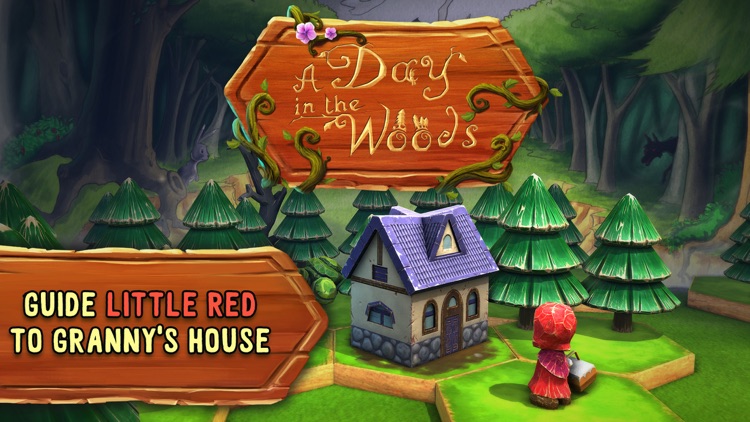
Little Red Riding Hood needs your help getting to grandma’s house in A Day in the Woods.

It’s for fans of logic puzzles.

FREE ($1.99) For a limited time FREE ($1.99) For a limited time
Why we picked this?

In A Day in the Woods, you don’t actually get to control Little Red. Instead, you play as her little sprite friend, and you’re able to help her move across the tiled landscapes by swapping places. Just tap on the sprite and tap on a tile to swap. You’ll have to plan ahead in order to avoid cornering yourself, running out of moves, and running into the big bad wolf. The game includes 60 levels, and loads of unlockable content.

If you enjoy sliding puzzle games, download A Day in the Woods today. The art style is fantastic.

You can’t skip levels when stuck.

Water Tracker by WaterMinder®
iPhone
iPad
Water Tracker by WaterMinder®

Water Tracker by WaterMinder®

Funn Media, LLC

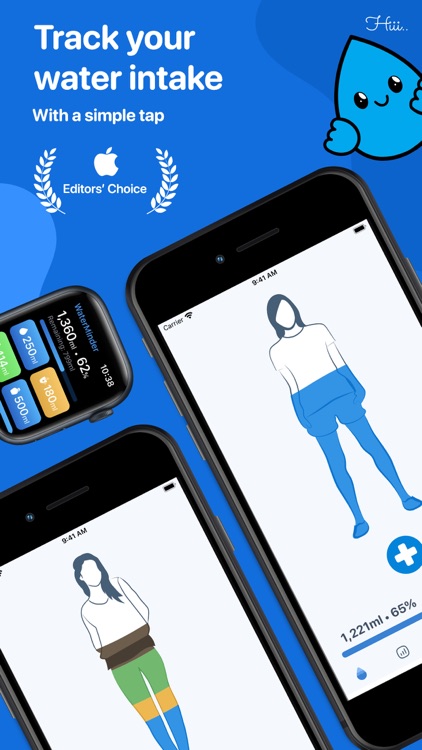
Keep tabs on your water intake throughout the day with this health app.

It’s ideal for those who are concerned that they aren’t consuming enough water.

FREE ($2.99) For a limited time FREE ($2.99) For a limited time
Why we picked this?

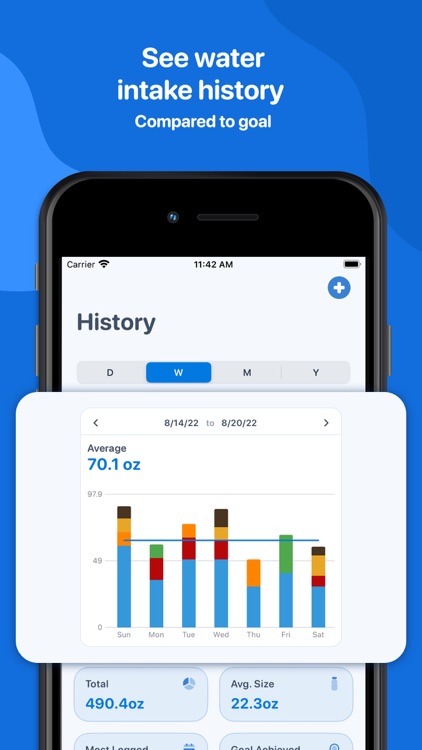
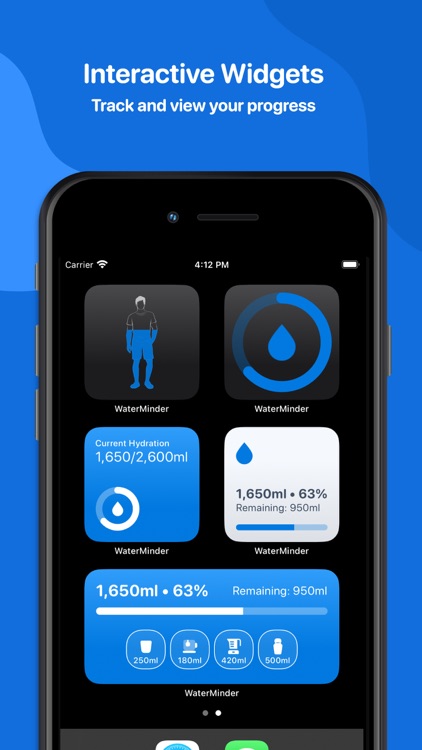
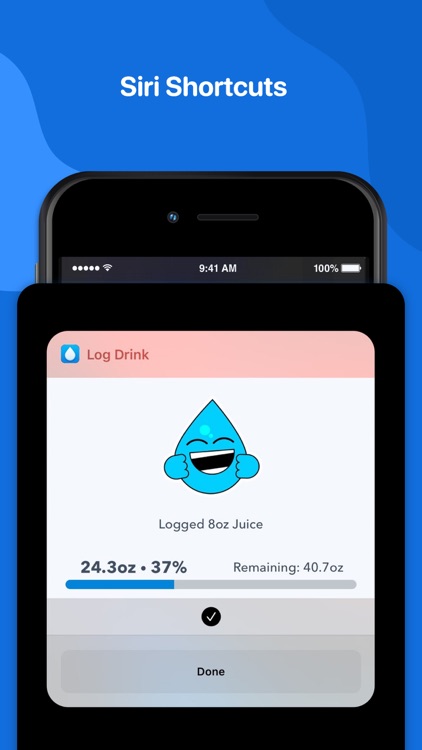
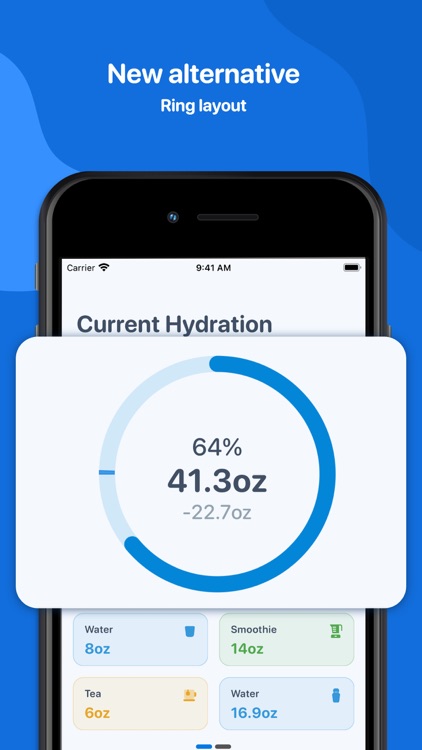
You must first provide your gender and weight so WaterMinder can calculate your necessary water intake. Then every time you have a glass of water, record it with a tap. You’re able to choose from pre-defined amounts of water, or you can create your own. An icon badge will also display the percentage of water you’ve consumed throughout the day. Reminders can be set up to ensure you stay on track. The app also includes Health app integration, intake history, a graph to see your progress, and a guide to drinking water.

If you want to improve your health, try to drink more water with WaterMinder. It also helps you track other drink types like tea, coffee, and juice.

If you already have good hydration habits, there’s no need to waste time here.

Ryde - Always Leave On Time
iPhone
Ryde - Always Leave On Time

Ryde - Always Leave On Time

Mlab Technologies, Inc.

Get there on time with Ryde.

It’s great for commuters.

$1.99 $1.99
Why we picked this?

Ryde ensures you’ll never be late again. Whether it’s a recurring commute or a new route, simply enter your departure location, destination, and when you want to arrive. Ryde will not only determine when you should leave, but also the best route to take. You can choose to receive a push notification when it’s time to go, and view turn-by-turn directions. The app also supports travel by car, mass transit, foot, or bike.

If you want to know when you need to leave, there’s no easier way to go about it than with Ryde.

It lacks Apple Watch support.

Work Time - Elegant desk top clock with calendar and weather
iPhone
Work Time - Elegant desk top clock with calendar and weather

Work Time - Elegant desk top clock with calendar and weather

Nick Fanger

Put your iPhone to good use even when it’s not with this utility app.

It’s ideal for anyone who leaves their iDevice propped up on their desk at work.

$1.99 $1.99
Why we picked this?

Work Time displays the current time and date, a monthly calendar, your upcoming events, and the conditions outside. If you start to get bored with the default theme, you can switch things up by choosing from one of the other 18. The app also includes 12- and 24-hour formats, the ability to customize calendar data, and weather powered by Forecast.io.

Your iPhone or iPod touch makes a perfect desktop clock, so why not use it that way? Seriously. Get a little stand and prop it up.

If you have trouble focusing on work while your iPhone or iPod touch is out of your pocket, leave it in there.

Musical Paint
iPhone
iPad
Musical Paint

Musical Paint

Building Blocks Media

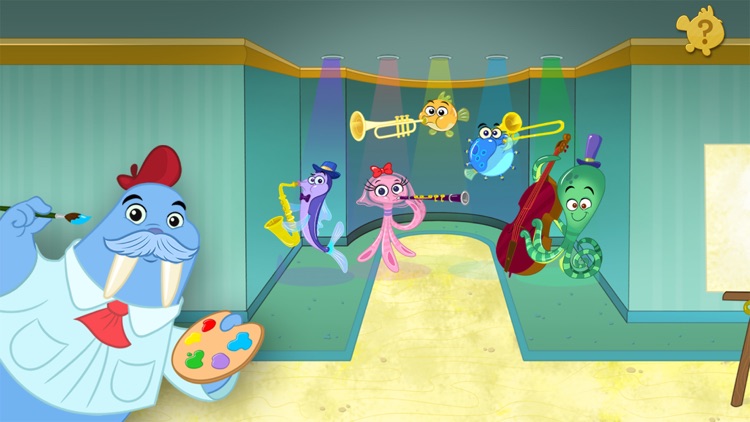
Paint music with this delightful entertainment app.

It’s ideal for musicians and artists young and old.

$2.99 $2.99
Why we picked this?

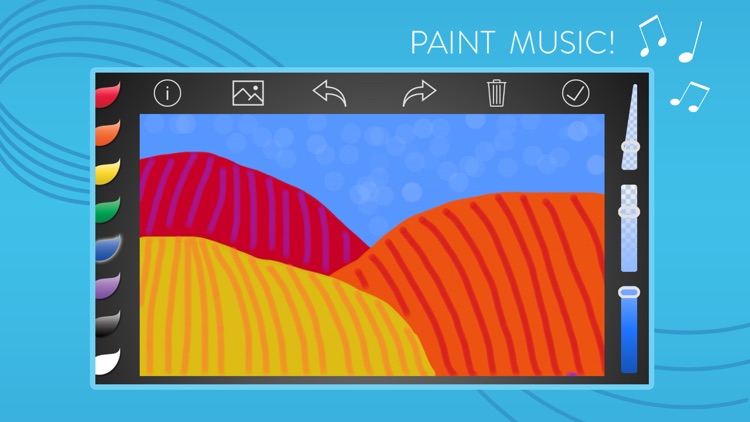
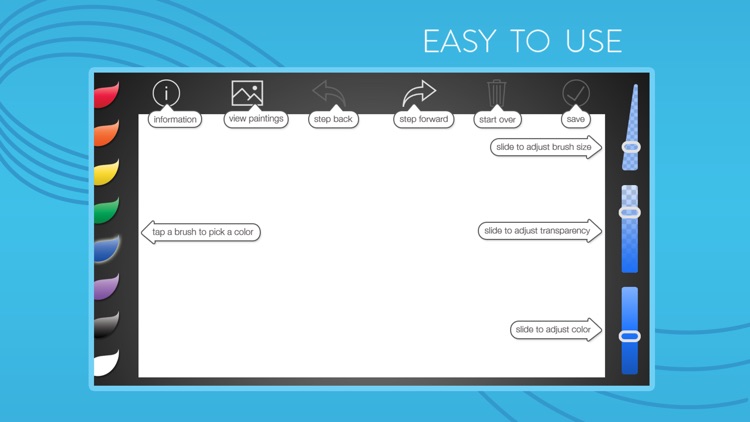
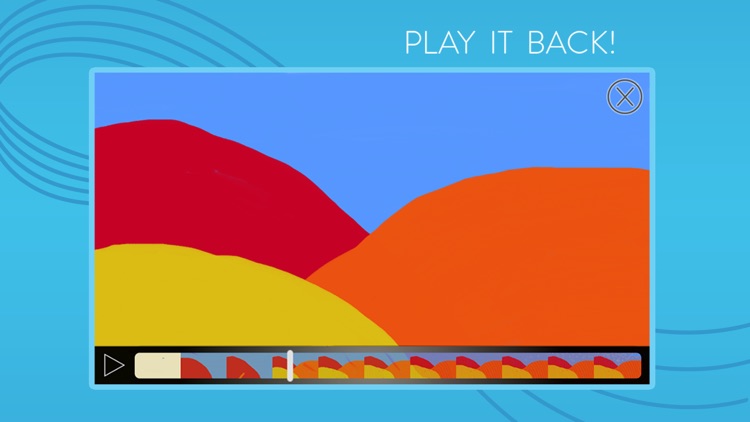
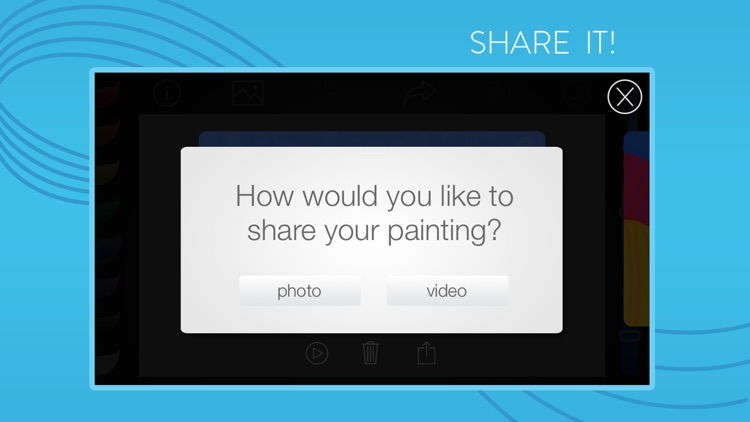
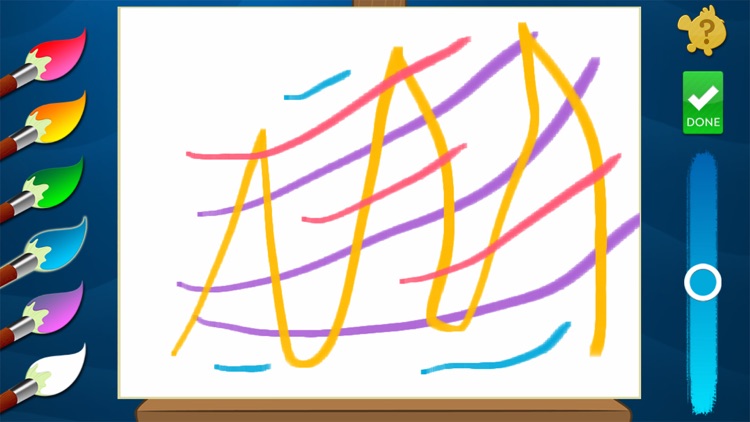
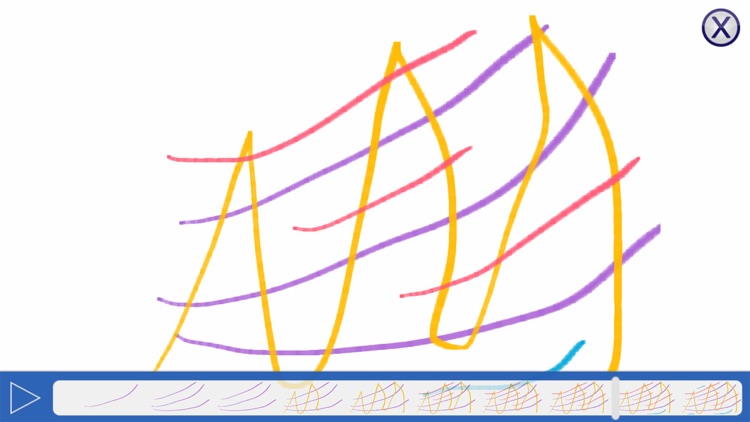
You’re able to choose from eight different colors, and adjust the size, transparency, and hue of your stroke. Then put your finger to the screen and start painting. Every stroke will result in a tone, allowing you to create musical masterpieces. When you’re finished painting, you’re able to play back your strokes to hear your final creation. Your paintings can be shared as photos or as videos via email, Messages, or AirDrop.

If you need a new way to unleash your creative talent, this is it. The real-time feedback allows you to create some pretty compelling music even if you aren’t much of a painter.

The painting tools are a tad limited, especially if you intend to create a masterpiece. If that’s the case, you’ll want to go with a more focused art creation app.

Musical Paint For Kids
iPhone
iPad
Musical Paint For Kids

Musical Paint For Kids

Building Blocks Media

Go down the correct hole in Modern Labyrinth.

It’s for anyone who enjoys tilt-based games.

$4.99 $4.99
Why we picked this?

Modern Labyrinth is casual gaming at its best. It doesn’t have a ton of bells and whistles. Just launch the game and get rolling. As with all labyrinth games, your job is to avoid falling down the wrong hole on your way to the highlighted one by tilting your iDevice. Try to move quickly and achieve the best time possible. The game includes 36 levels.

If you enjoy competing with yourself, Modern Labyrinth is a fun distraction. It keeps track of your best times locally, so even when you complete all 36 levels, you can go back and improve upon them.

It’s pretty limited in scope, and there’s no way to expand upon the content.