






You are using an outdated browser. Please upgrade your browser to improve your experience.

Apps That
Went Free on
2017-03-15

Slay creatures beneath the kingdom, test and share your Wi-Fi, and learn everything about typography with today’s collection of apps and games.

Wifi Widget - See, Test, Share
iPhone
iPad
Wifi Widget - See, Test, Share

Wifi Widget - See, Test, Share

Confirmed, Inc.

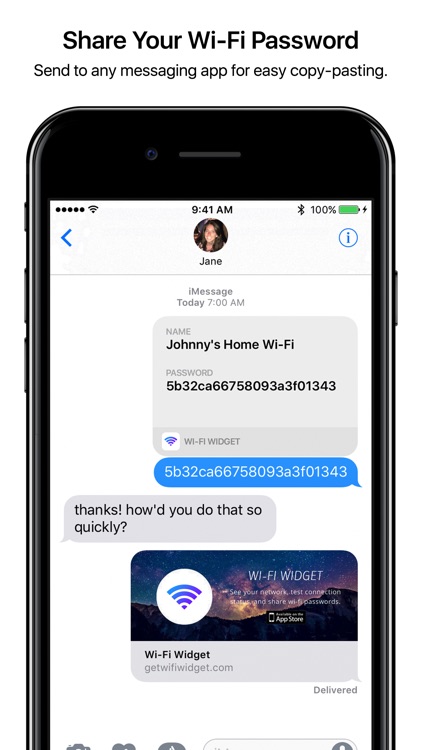
See, test, and share your Wi-Fi with Wi-Fi Widget.
Literally anyone who uses Wi-Fi.

FREE ($1.99) For a limited time FREE ($1.99) For a limited time
Why we picked this?

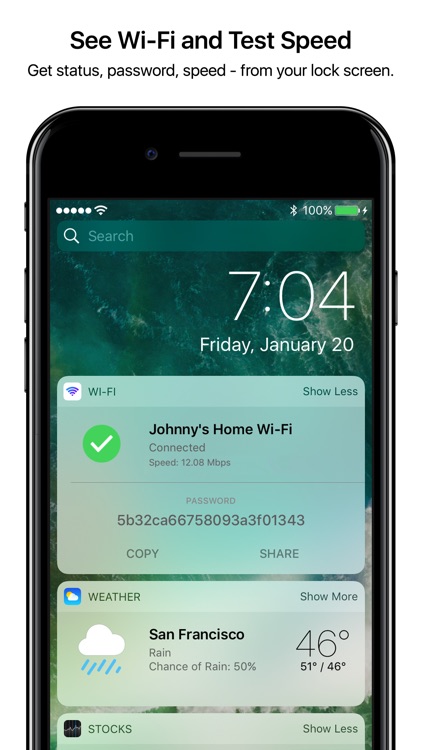
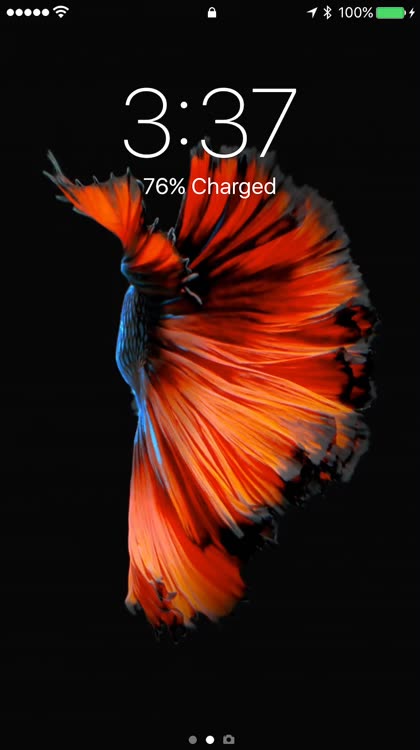
Wi-Fi Widget is one of those apps you never knew you needed. You’ll first want to launch the app and store your Wi-Fi password since it can’t access it on its own. Then make sure to add the widget to your lock screen. Any time you want to see what Wi-Fi connection you’re on, how fast it’s operating, or share its password, simply access your lock screen. Tapping on the widget can bring you straight into Wi-Fi Settings on your iDevice as well.

You are frequently jumping from Wi-Fi connection to Wi-Fi connection or have visitors at your home who you want to share your connection with.

You don’t want to share your Wi-Fi password with anyone, ever.

Blicke
iPhone
iPad
Blicke

Blicke

Bivis

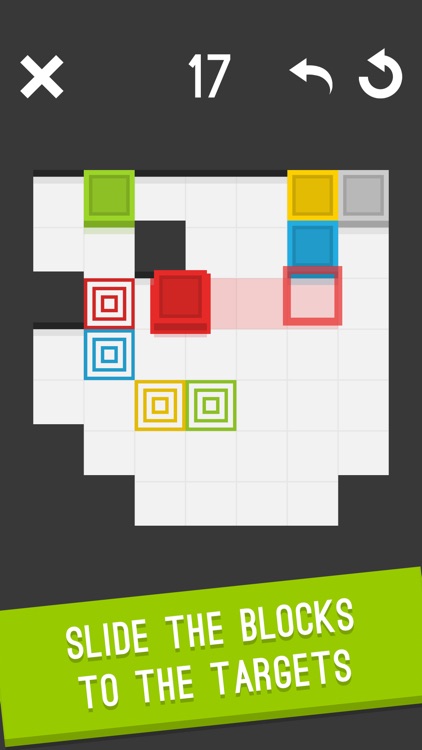
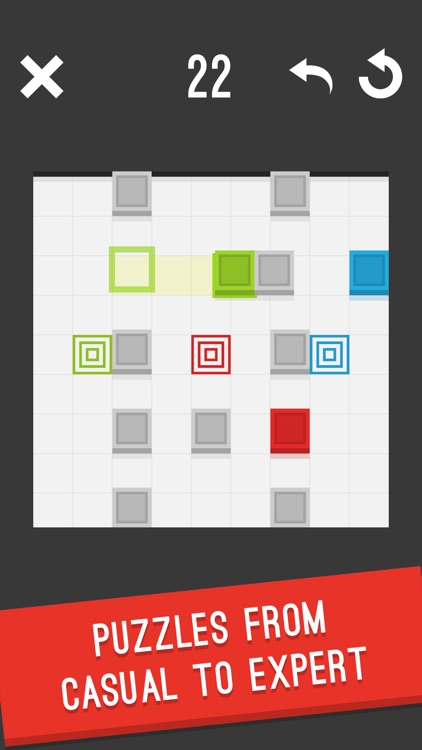
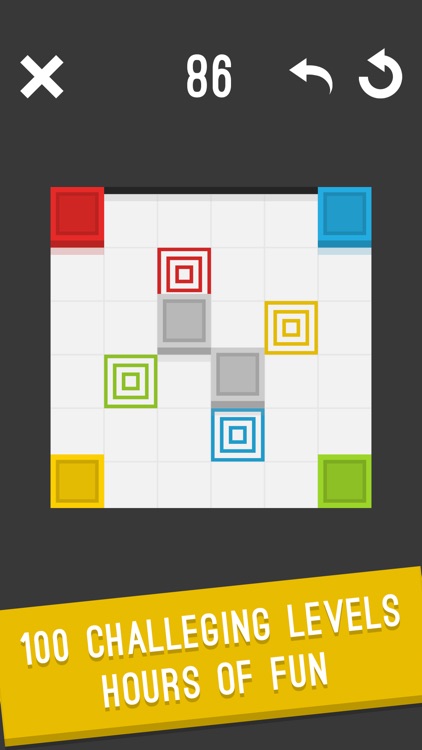
Slide blocks into their target zones in Blicke.

Fans of colorful logic puzzle games.

FREE ($0.99) For a limited time FREE ($0.99) For a limited time
Why we picked this?

Blicke’s casual approach may make it seem easy at first, but it’s nothing of the sort. The goal is to get each colored block into its matching target zone with a swipe. Blocks only stop sliding when they run into a wall or another block. You’ll have to utilize both walls and other blocks in order to achieve your goal. The game includes 84 handmade levels to complete.

If you’re a fun of casual games, Blicke is about as casual as they come. It doesn’t contain any move counters or timers.

You can't skip levels you’re stuck on.

Splashtop Wired XDisplay – Extend & Mirror
iPhone
Splashtop Wired XDisplay – Extend & Mirror

Splashtop Wired XDisplay – Extend & Mirror

Splashtop Inc.

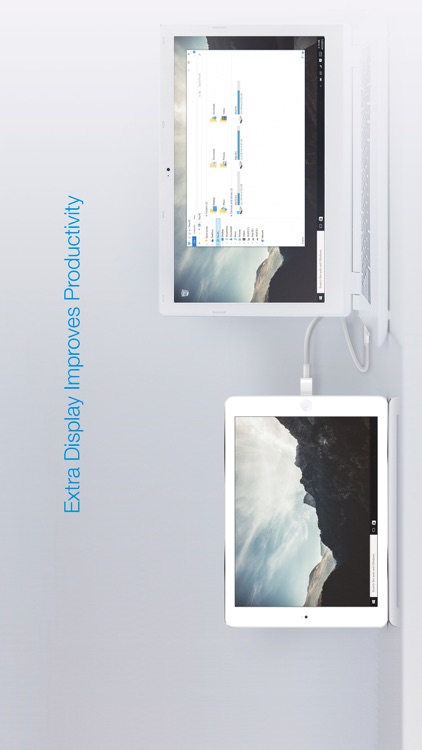
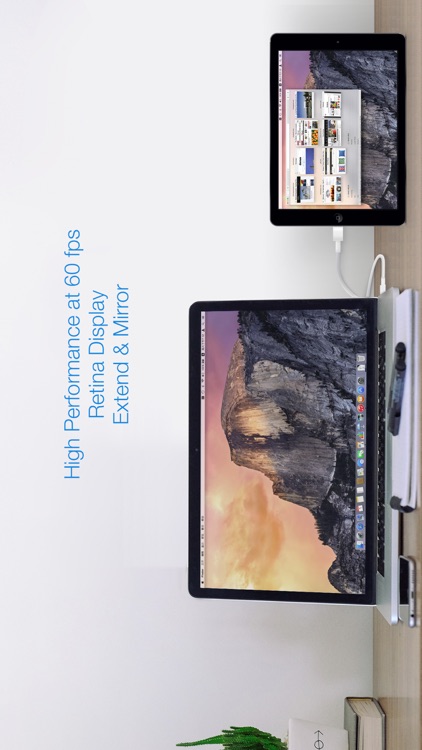
Turn your iDevice into a secondary monitor with Splashtop Wired XDisplay.

Those who need more screen real estate in a pinch.

FREE ($1.99) For a limited time FREE ($1.99) For a limited time
Why we picked this?

Splashtop Wired XDisplay will enhance your productivity while on the go. All you have to do is download the app to your iDevice, download the free companion app for your Mac or PC from the developer's website, and connect the two devices via USB. You’ll then be able to securely stream content from your computer to your iDevice at 60 fps. Splashtop Wired XDisplay works in both portrait and landscape orientations, and you’re able to choose the position of your extended display.

You have a large screen iDevice. It also doesn’t hurt that setup is so simple.

You don’t meet the requirements. You’ll need a lightning or 30-pin cable, Windows 7 or later, or Mac OS X 10.8 or later.
Seek Rewards
iPhone
iPad
Seek Rewards

Seek Rewards

Seek

Go treasure hunting in augmented reality with Seek.

Those who enjoy Pokemon Go.

FREE ($4.99) For a limited time FREE ($4.99) For a limited time
Why we picked this?

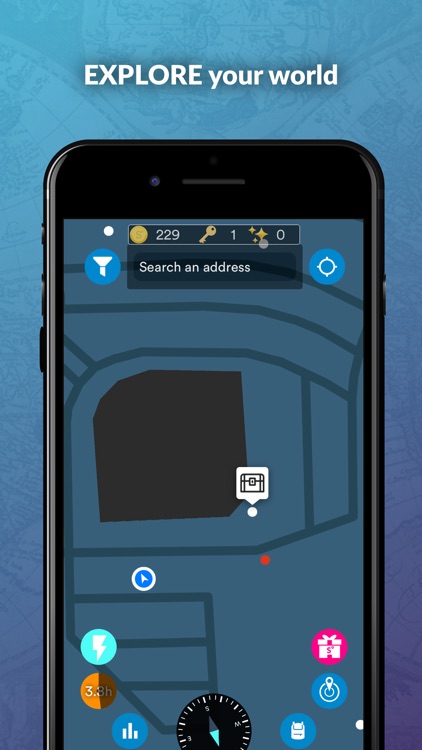
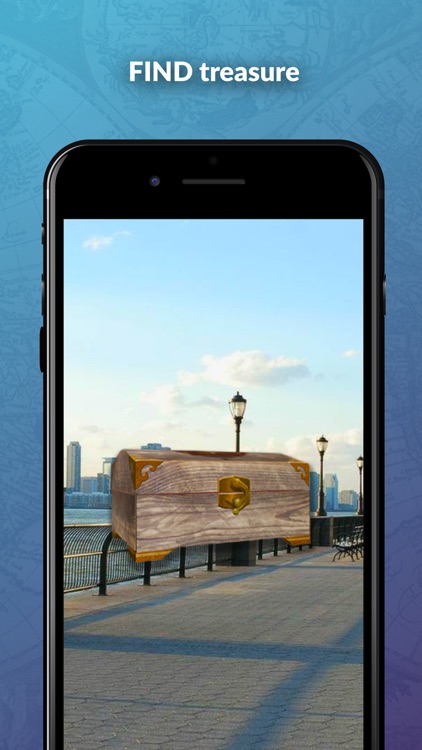
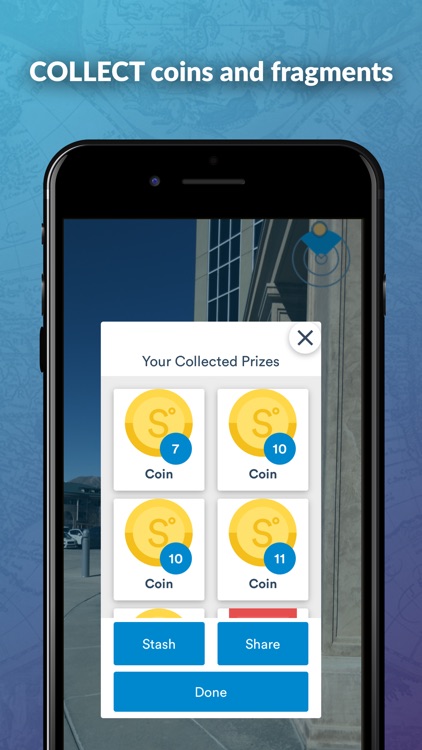
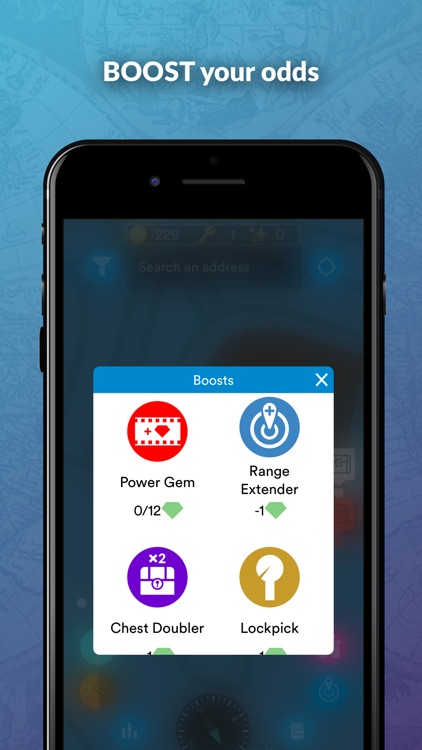
Today only: Receive 500 bonus coins for capturing any chest! Seek is like Pokemon Go, but with real prizes. After setting up an account, Seek will determine your location and display all of the treasure chests nearby. Hunt down common chests to earn coins, keys, and cash. Go after the rare epic and legendary chests to win big rewards like gift cards, Disneyland tickets, and even a TV. The epic and legendary chests require keys to unlock, so you’ll have your work cut out for you. Get to it!

You want to get outside instead of gaming indoors.

You live in a remote area. You won’t find any chests nearby anytime soon.

Devious Dungeon
iPhone
iPad
Devious Dungeon

Devious Dungeon

Ravenous Games Inc.

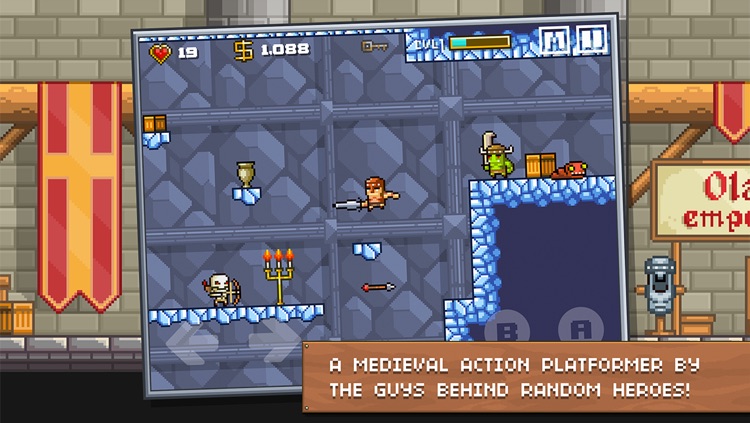
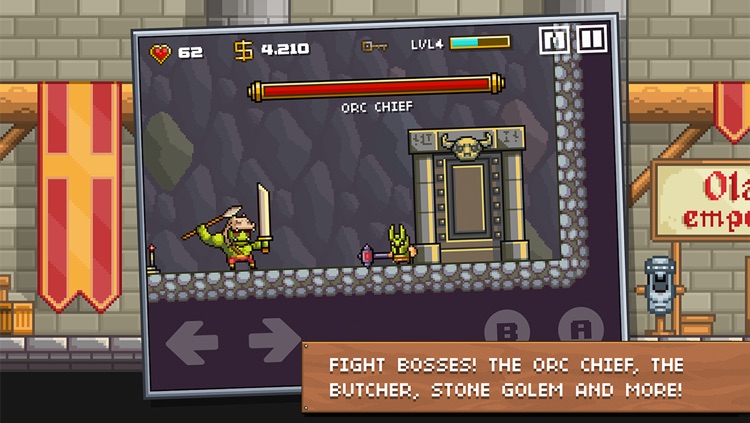
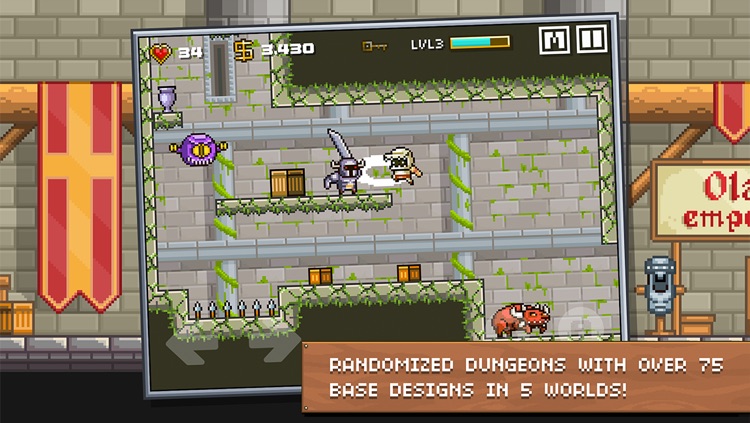
Slay the creatures beneath the kingdom in Devious Dungeon.

Those who enjoy action platformers from Ravenous Games like Random Heroes.

$2.99 $2.99
Why we picked this?

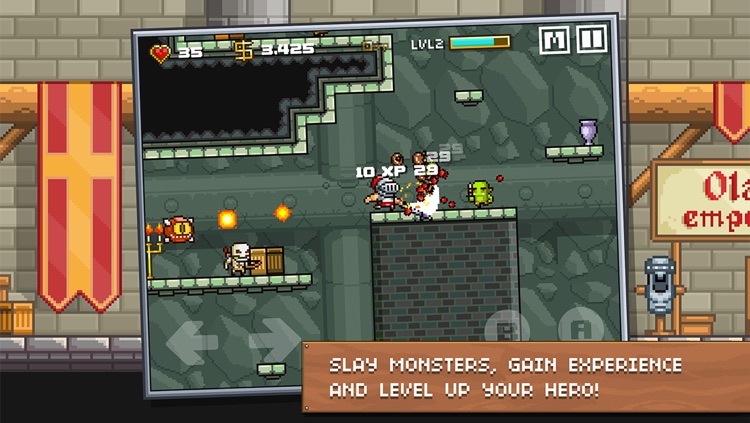
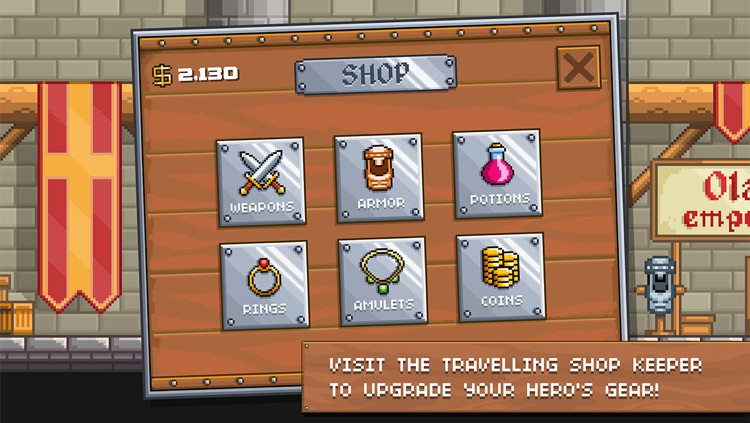
As the ultimate warrior, it’s your job to eliminate the evil creatures that have infested the catacombs beneath the kingdom. Grab your trusty sword and run, jump, and slash your way through pixelated dungeons using on-screen controls. Every enemy you take down will earn you experience points, which can be used to upgrade your character. You’ll also want to look for secret openings and collect loot to unlock new weapons and accessories. The game includes five worlds, boss battles, iCloud support, and achievements via Game Center.
You love twitch gameplay. All of Ravenous Games’ platformers rely on dexterity.

You’re just not that into pixel graphics.

Typography Insight for iPhone
iPhone
Typography Insight for iPhone

Typography Insight for iPhone

BRDY Studios, LLC

Learn everything about typography with Typography Insight.

Everyone from designers to educators.

$1.99 $1.99
Why we picked this?

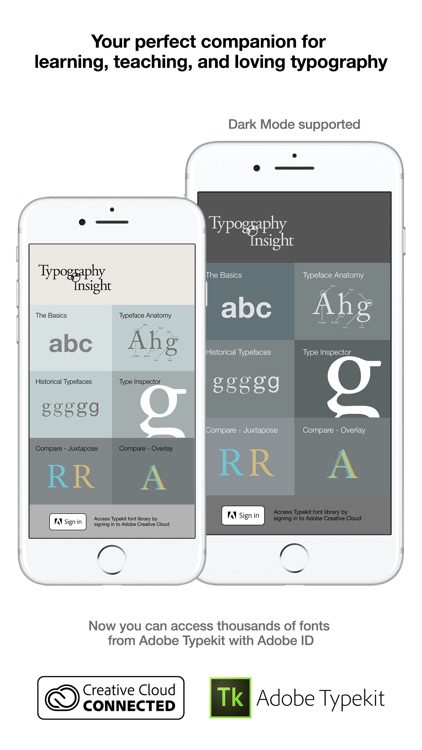
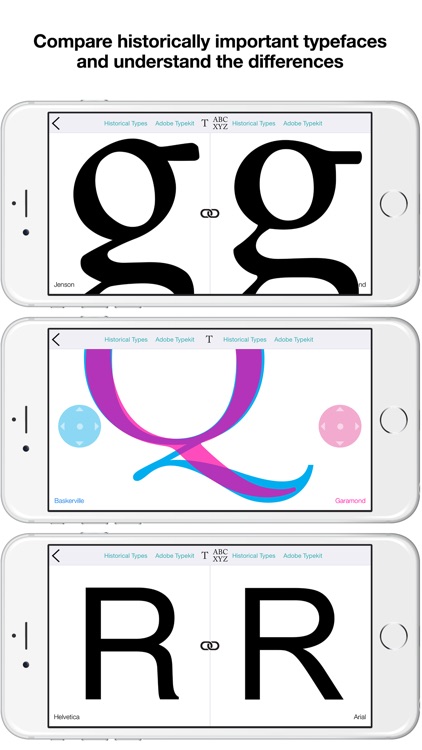
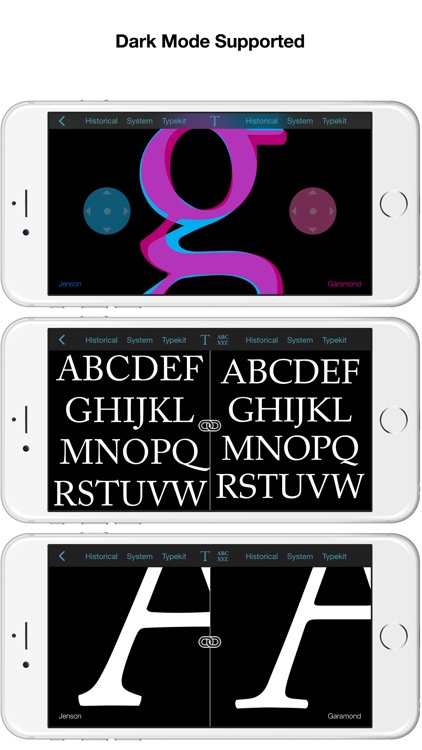
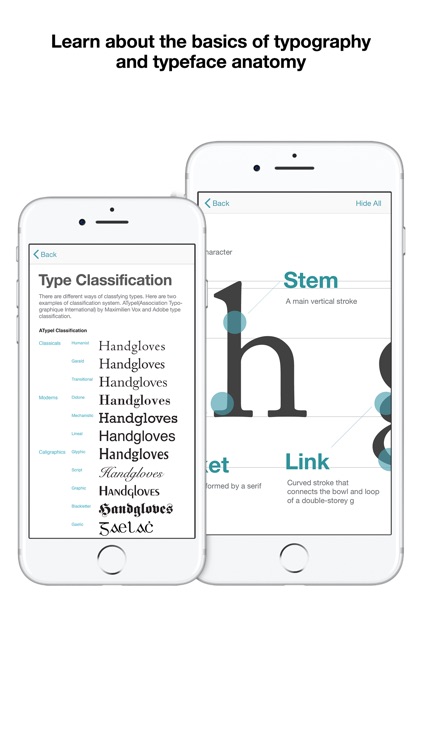
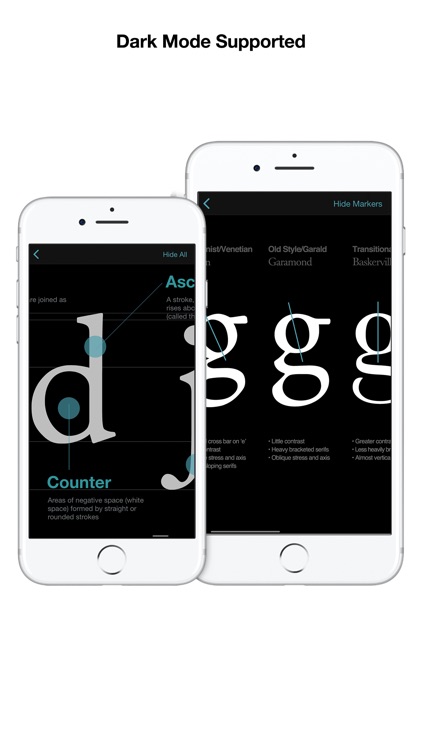
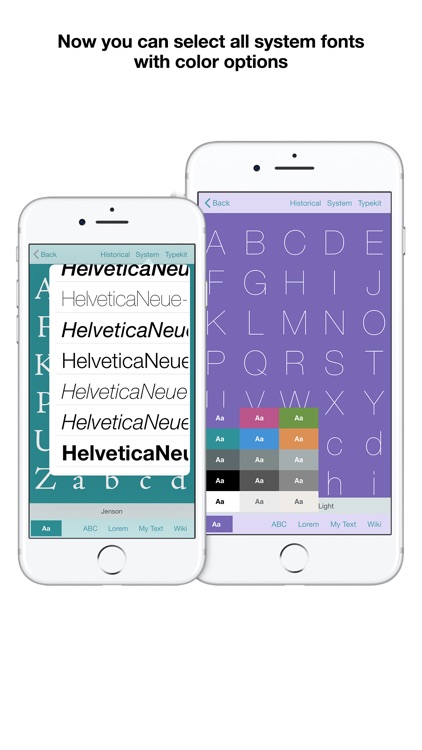
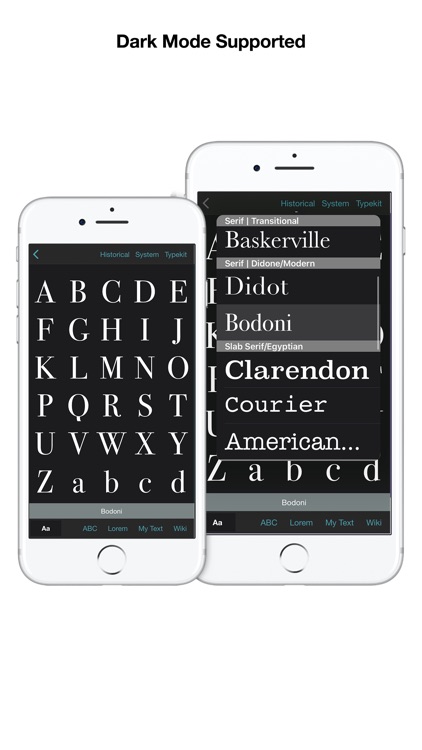
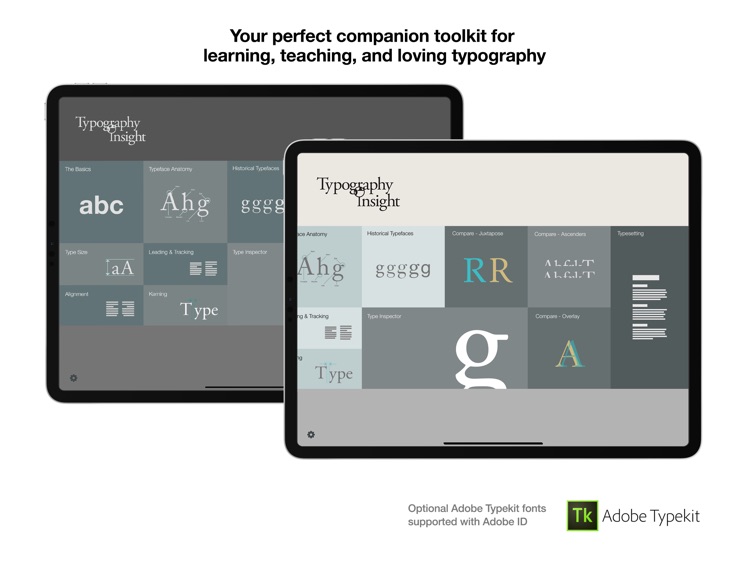
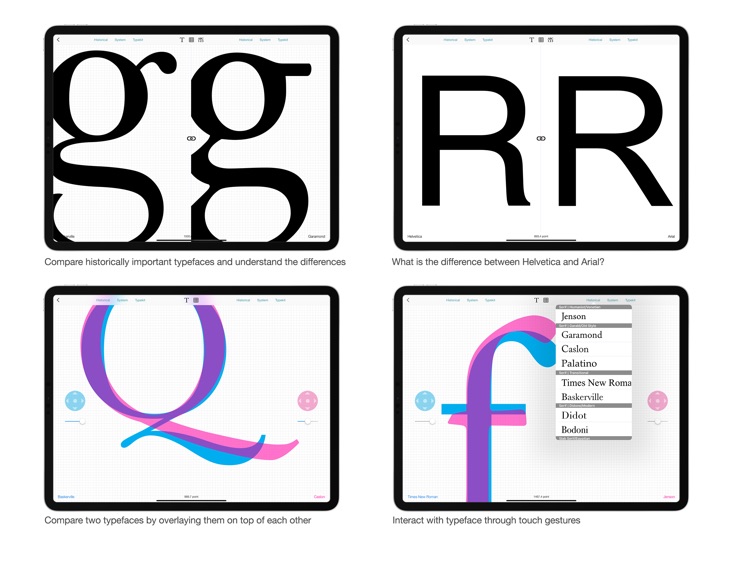
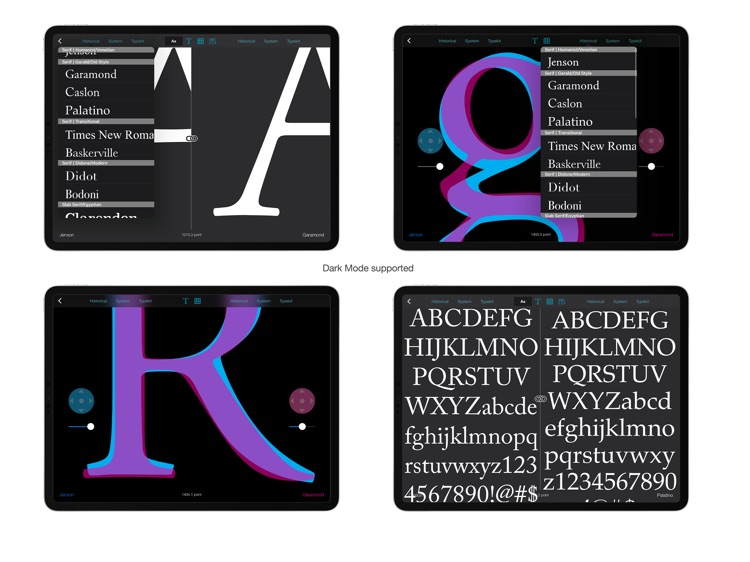
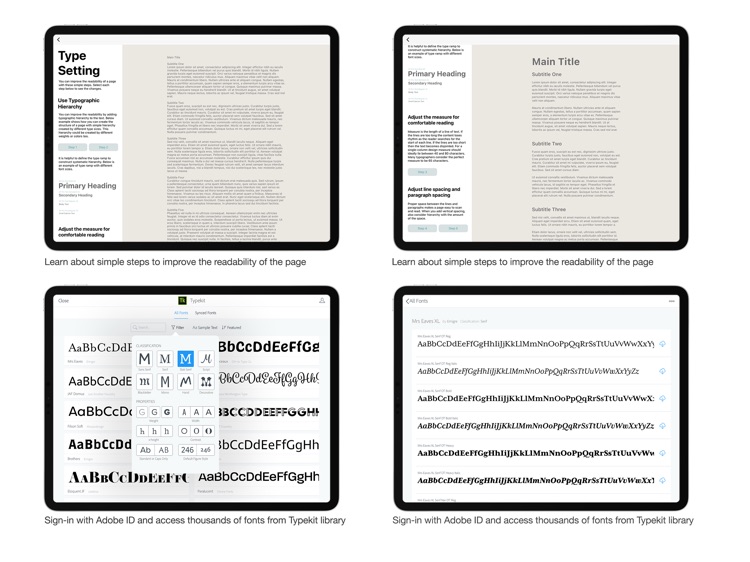
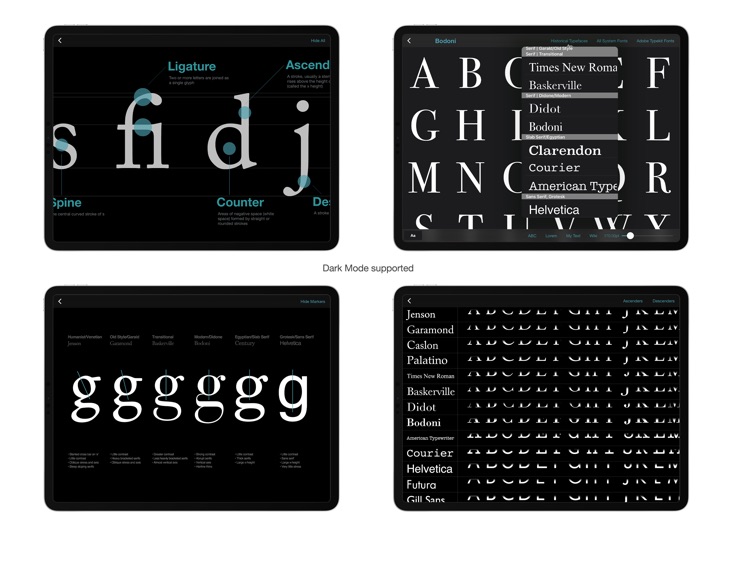
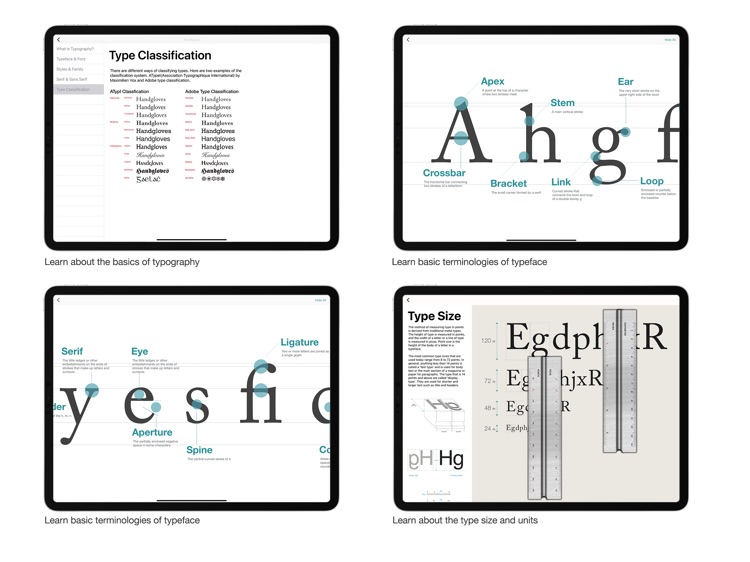
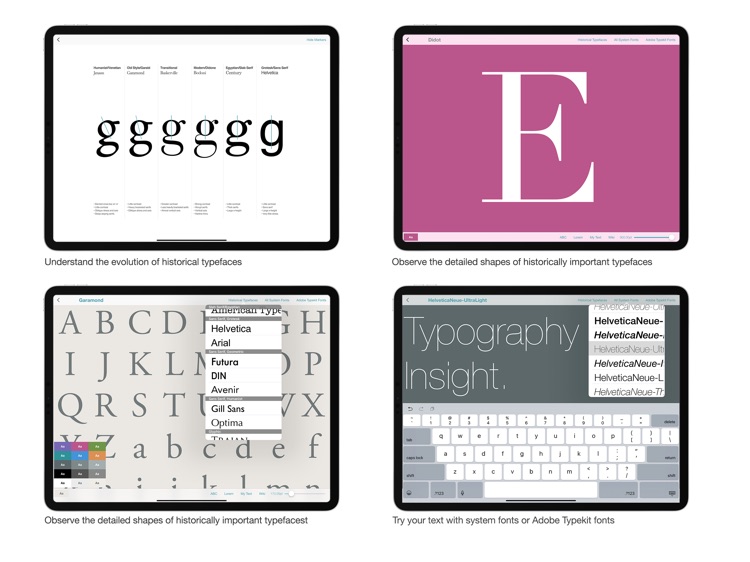
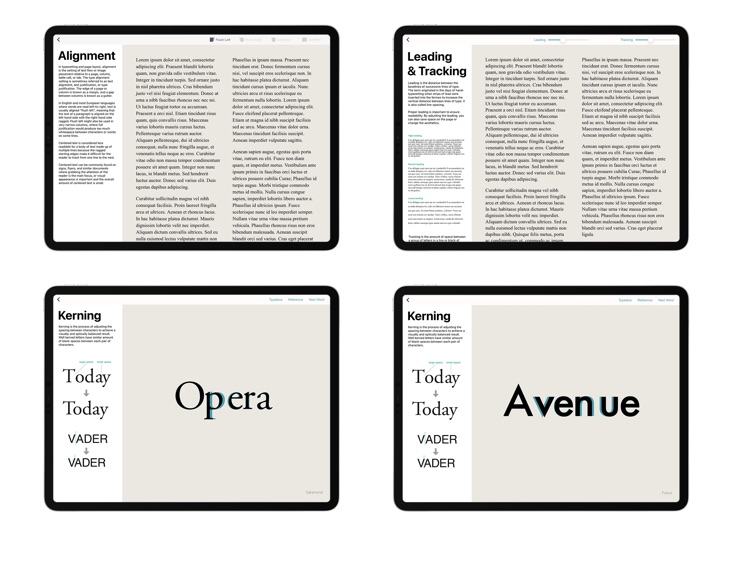
Typography Insight is like a museum for typefaces. It’ll teach you the basics of typography and tips on how to make your content more readable. Learn about the terminologies, detail elements, and characteristics of important historical typefaces. The type inspector allows you to zoom in to observe the details of specific typefaces. You can even overlay and compare to typefaces, and place them side by side to view the differences.

You’re interested in typography or your livelihood depends on it.

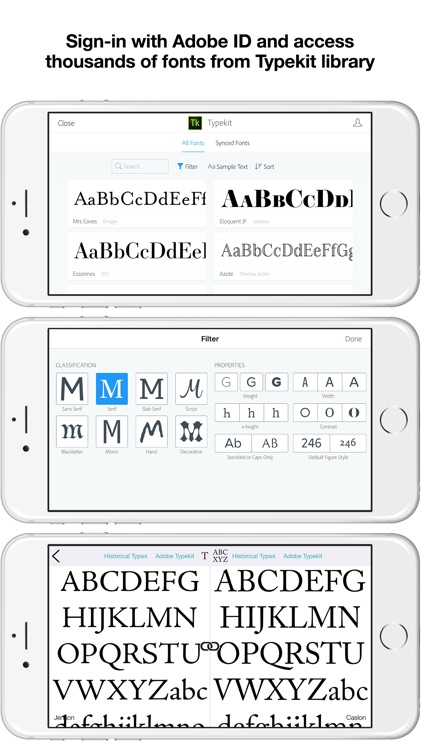
You don’t have an Adobe ID. The Adobe Typekit font library is available within Typography Insight if you sign in.

Typography Insight
iPad
Typography Insight

Typography Insight

BRDY Studios, LLC

Learn everything about typography with Typography Insight.

Everyone from designers to educators.

$4.99 $4.99
Why we picked this?

Typography Insight is like a museum for typefaces. It’ll teach you the basics of typography and tips on how to make your content more readable. Learn about the terminologies, detail elements, and characteristics of important historical typefaces. The type inspector allows you to zoom in to observe the details of specific typefaces. You can even overlay and compare to typefaces, and place them side by side to view the differences.

You’re interested in typography or your livelihood depends on it.

You don’t have an Adobe ID. The Adobe Typekit font library is available within Typography Insight if you sign in.