



You are using an outdated browser. Please upgrade your browser to improve your experience.

Apps That
Went Free on
2017-03-16

Access critical medical information, record and share lap times, and build and deploy submarines with today’s collection of apps and games.

palmEM AI: EM Quick Reference
iPhone
iPad
palmEM AI: EM Quick Reference

palmEM AI: EM Quick Reference

palmER Worldwide LLC

Access all of the information needed for a medical emergency with palmEM.
Internal medicine, critical care, family medicine, and urgent care clinicians, and even everyday households.

FREE ($19.99) For a limited time FREE ($19.99) For a limited time
Why we picked this?

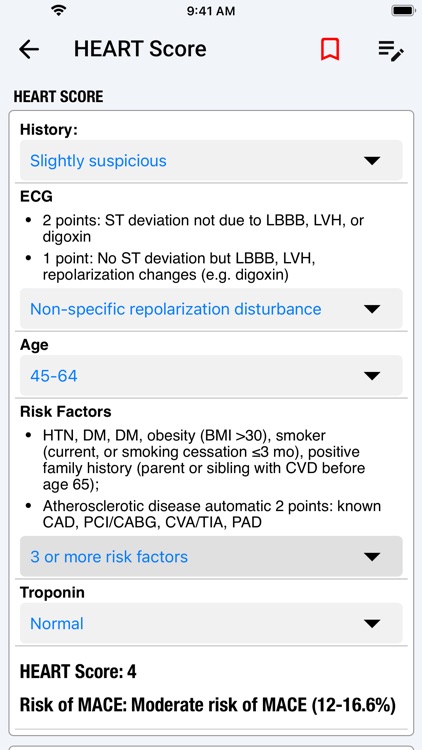
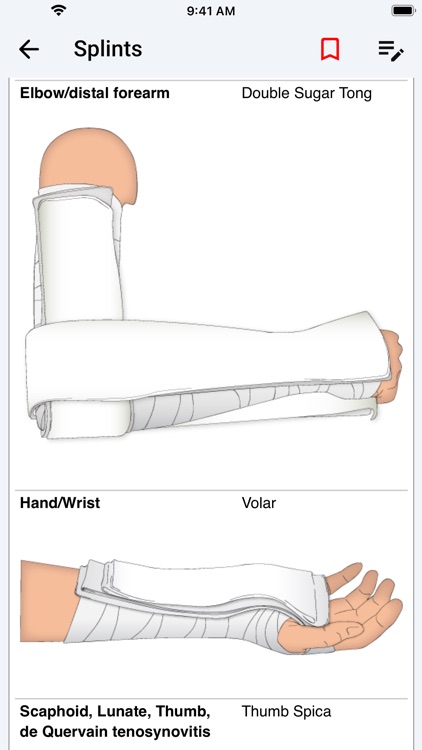
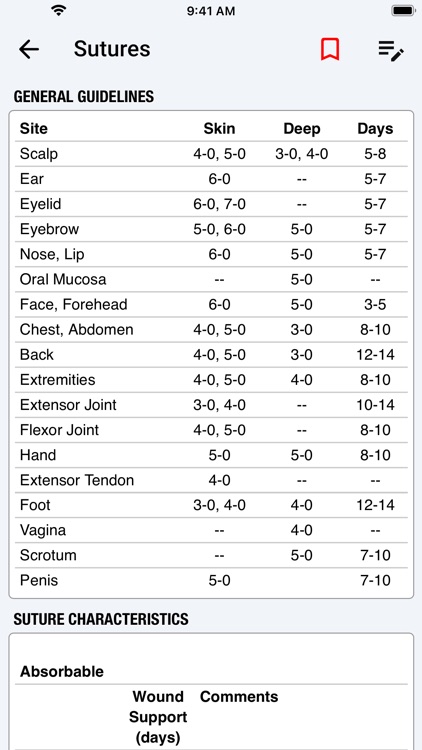
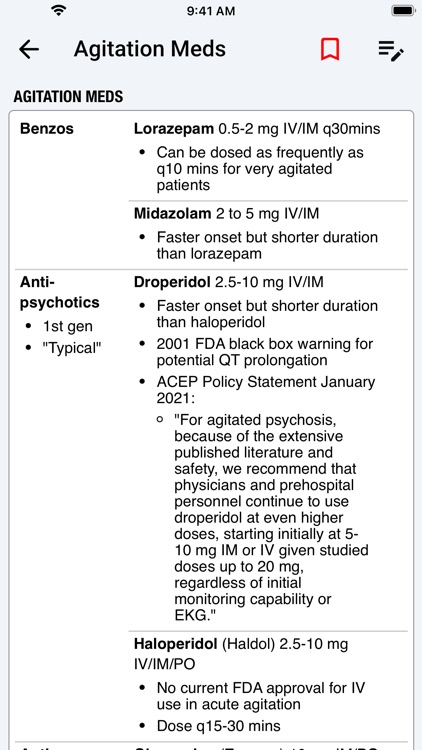
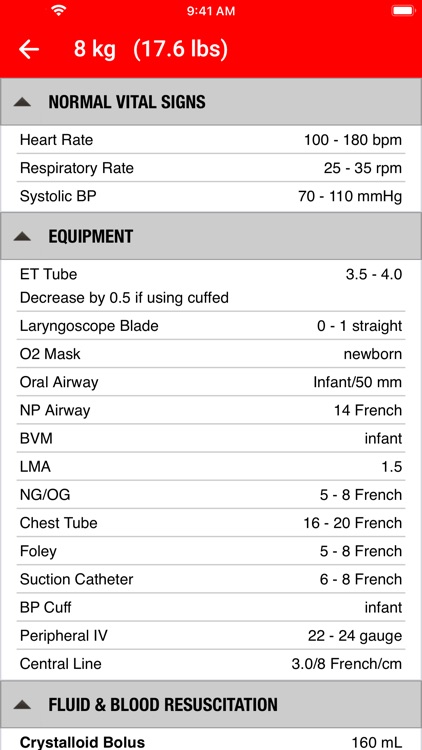
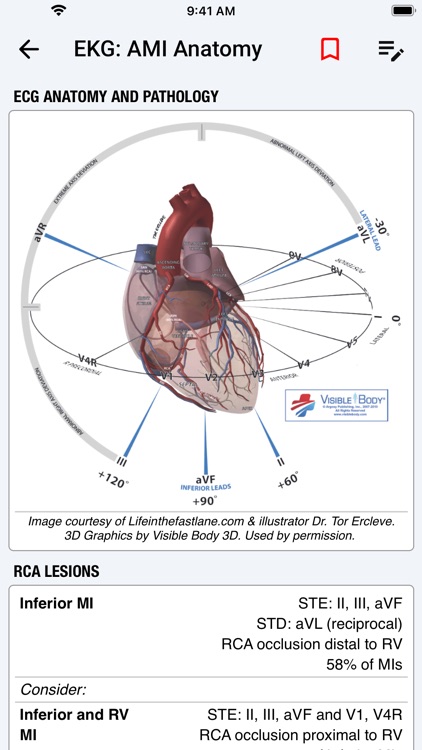
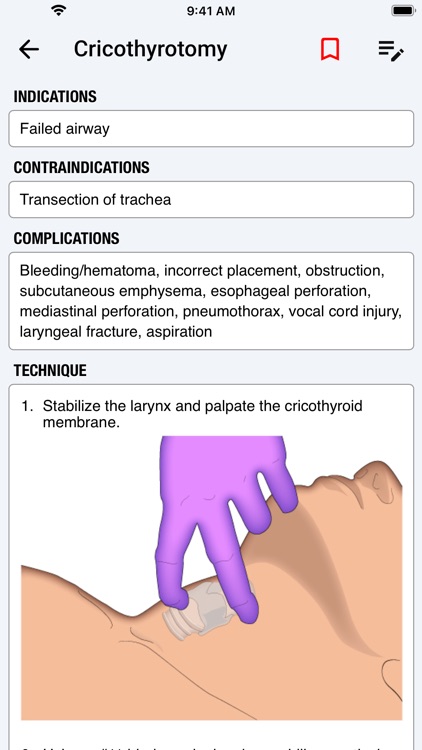
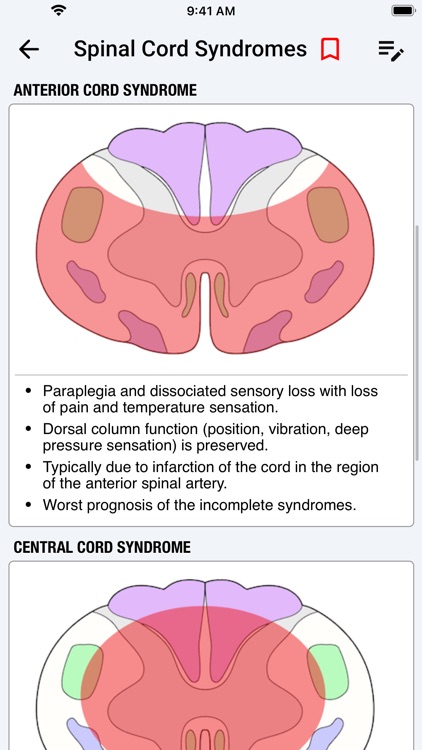
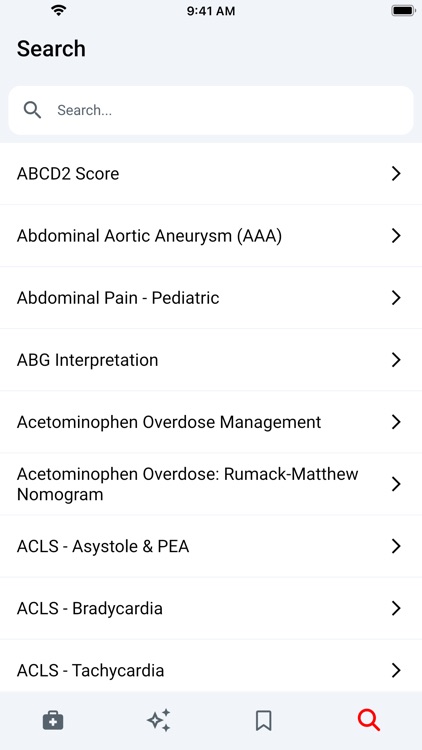
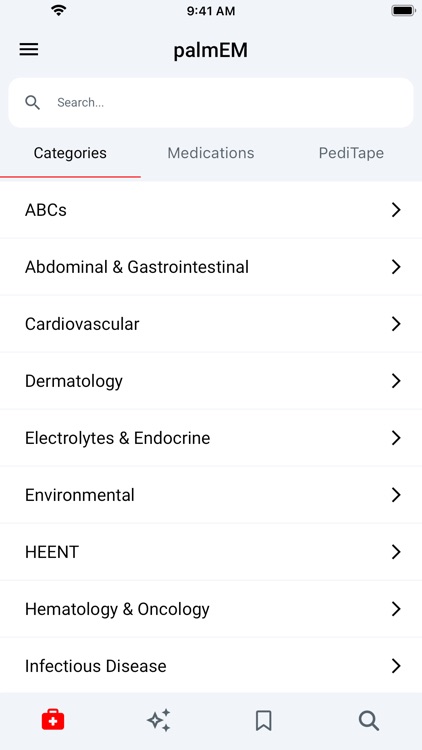
In case of emergency, have palmEM in your pocket. The reference material is broken down by category, featuring topics like asthma, bowel obstructions, COPD, heat stroke, hemophilia, seizure, sutures, and trauma. You’re able to browse through the list or search for something specific. Each piece of content can be bookmarked, and you can add notes of your own. The app also includes an entire pediatrics section along with medications.

You want factual information on hand in case of an emergency. It’ll help you respond quickly and accurately.

You have no intent or lack the ability to help during a medical emergency.

Pointillisted - Photo Artwork
iPhone
iPad
Pointillisted - Photo Artwork

Pointillisted - Photo Artwork

Eugene Liu

Create pointillist artwork with Pointillisted.

Those who like to tinker with photos.

$0.99 $0.99
Why we picked this?

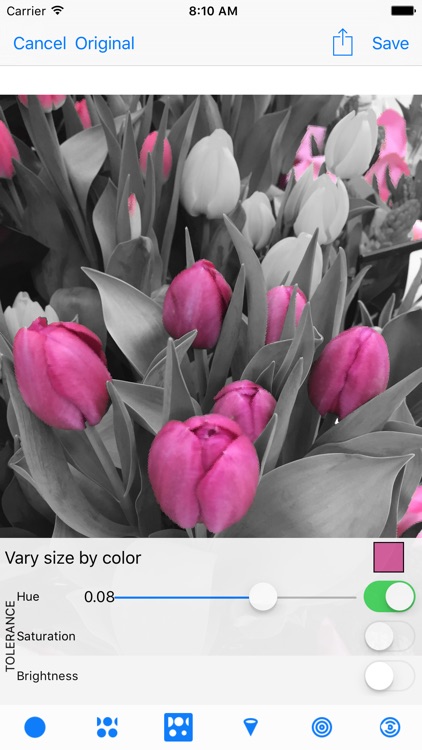
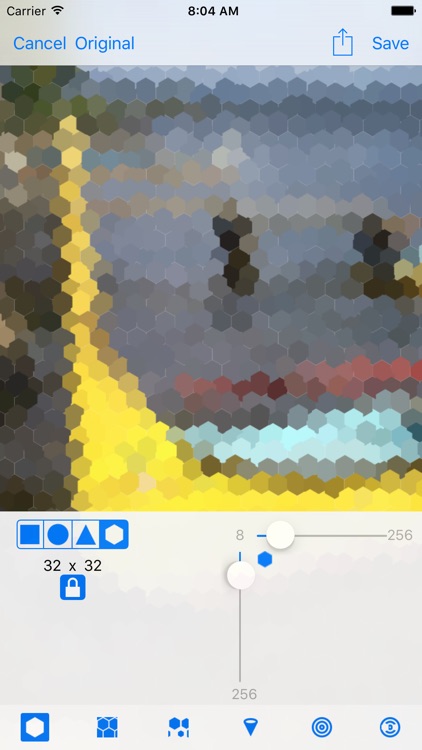
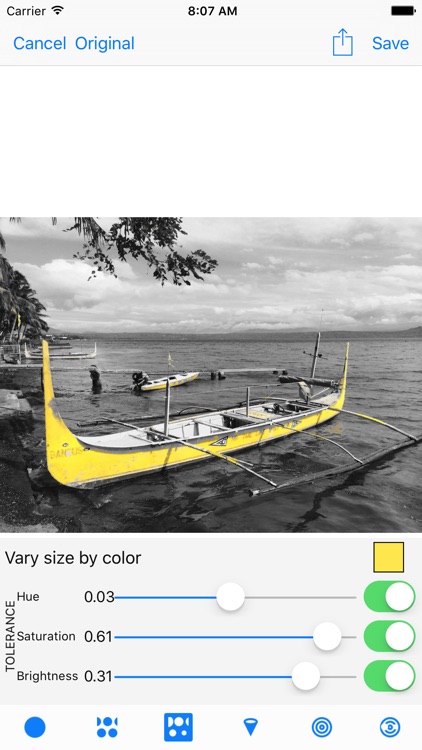
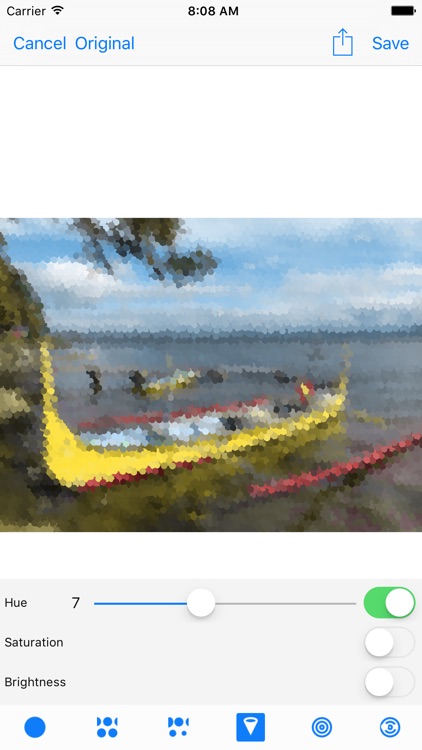
Pointillisted allows you to create abstract art with ease. You’re able to choose from four different shapes: rectangle, circle, triangle, and hexagon. The complexity and scale of each point can be adjusted via sliders. Pointillisted even allows you to vary the size by color and isolate by hue, saturation, and brightness.

You want your photos to stand out. It provides a bevy of features that will help you unleash your creative side.

You have an older iDevice. The complexity can put a real strain on the processor.

Wee Subs
iPhone
iPad
Wee Subs

Wee Subs

Wee Taps

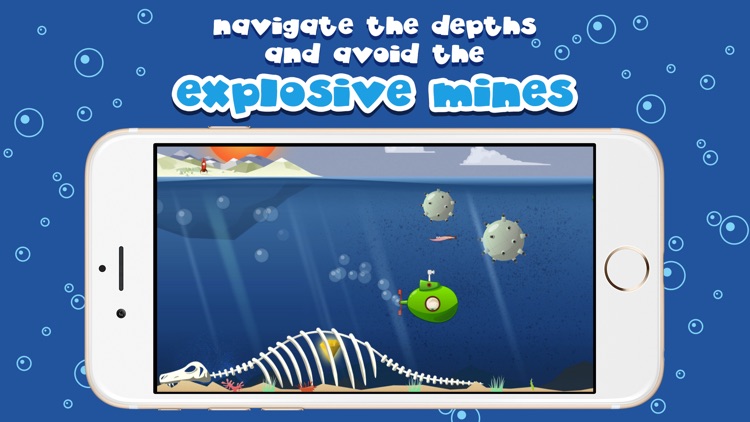
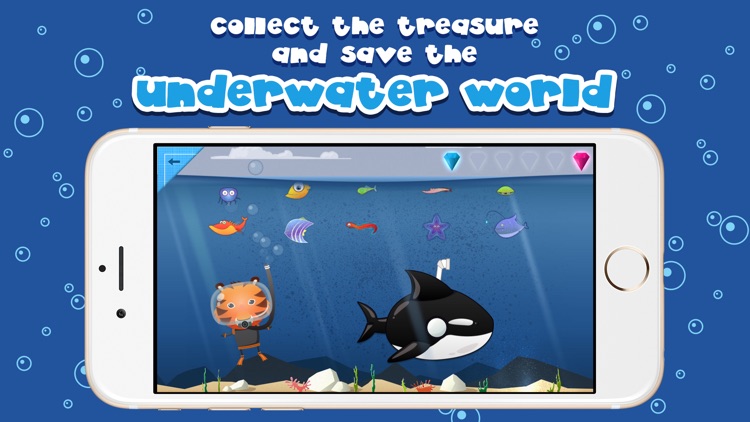
Unleash your child’s inner Jacques Cousteau in Wee Subs.

Children ages two through six.

$2.99 $2.99
Why we picked this?

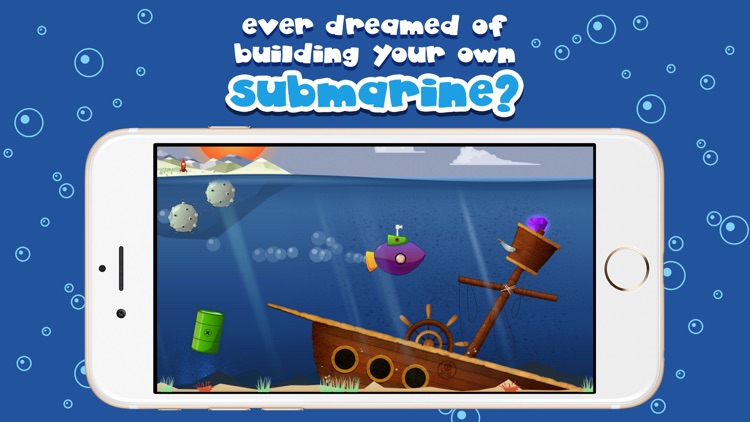
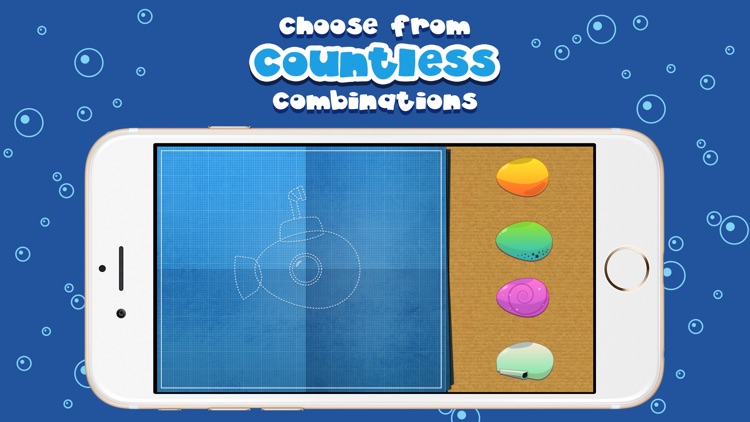
Wee Subs will foster your child’s imagination. They’re able to construct their very own submarines using 56 different pieces. Then choose to play as one of 10 divers and slip into the ocean. In order to navigate the depths, your child must simply hold their finger to the screen. Their objective is to collect all of the fish and rubies in sight.

You want to keep your child entertained while helping them with their motor skills. It’s completely text-free as well.

You something more educational. Because of the lack of text and competitive elements, it’s not really a learning tool.

Stopwatch+ for Track & Field
iPhone
iPad
Stopwatch+ for Track & Field

Stopwatch+ for Track & Field

Diesel Puppet Ltd

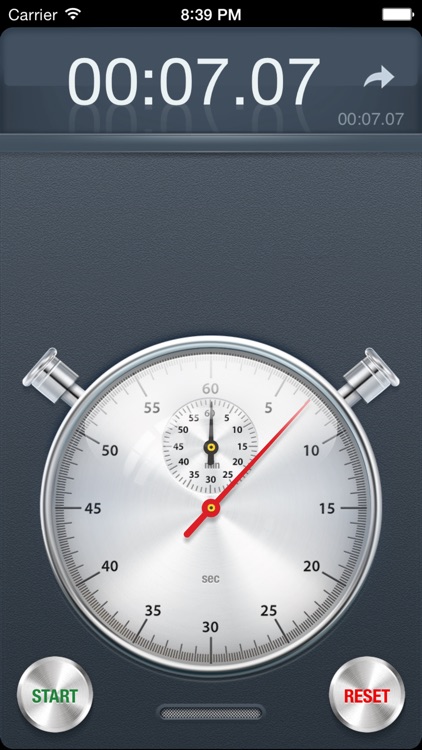
Record and share your lap times with this professional quality stopwatch app.

Those who enjoy and appreciate skeumorphic design.

$2.99 $2.99
Why we picked this?

Stopwatch features a realistic timer, complete with clicking sounds. Tap the button in the lower left corner to start the timer and tap again to record a lap. You’re able to record as many laps as you’d like and view them in a scrollable list. Your list can also be shared via email.

You participate in sports activities, whatever they are.

You could not care less about design.

Xylo - Cutie Monsters
iPad
Xylo - Cutie Monsters

Xylo - Cutie Monsters

Paul Smith

Learn to play classic melodies with Xylo.

Parents who want to get their kids excited about music.

$3.99 $3.99
Why we picked this?

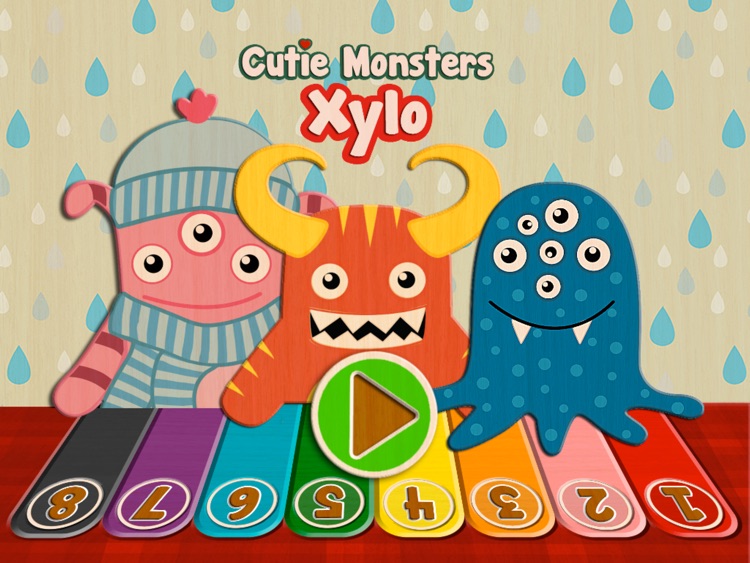
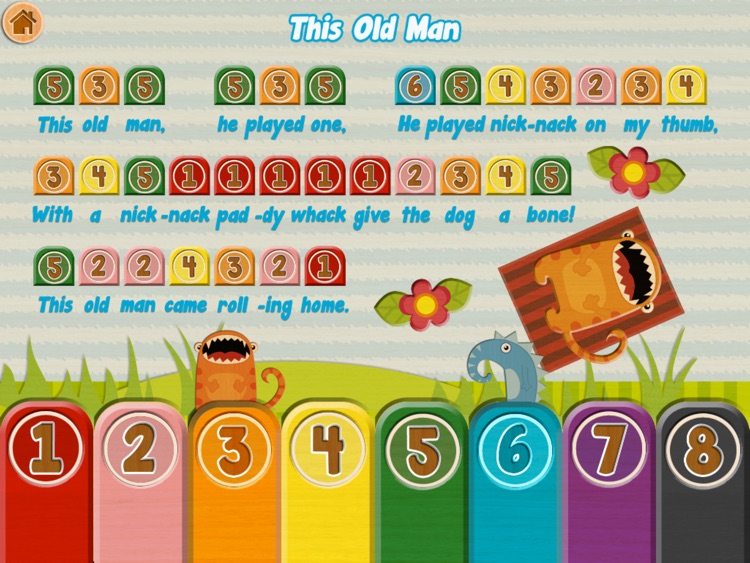
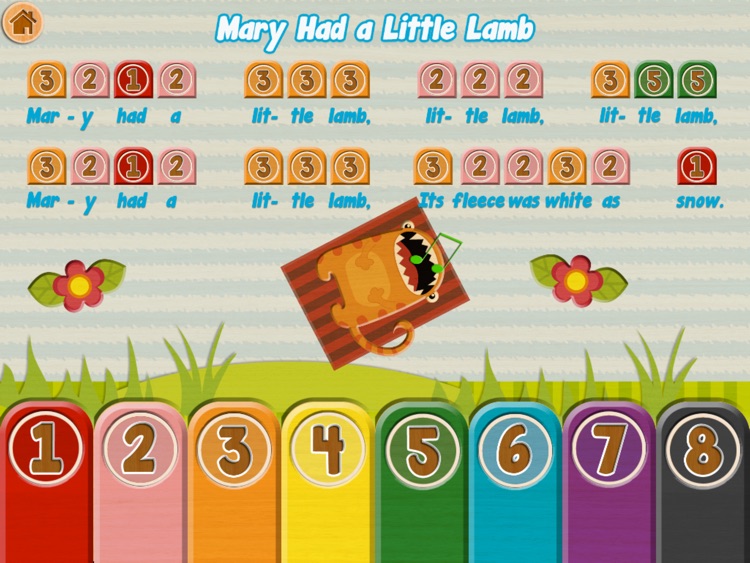
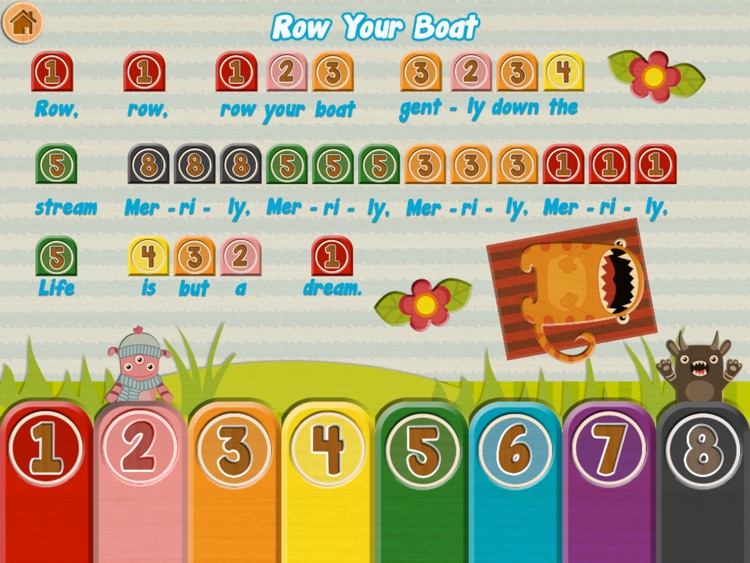
Xylo is an eight note xylophone for iPad. It includes eight classic melodies to learn to play: Mary Had a Little Lamb, Ring Around the Rosie, Row Your Boat, This Old Man, Pop Goes the Weasel, Jingle Bells, Three Blind Mice, and The Mulberry Bush. The notes and lyrics are clearly displayed at the top of the screen with the color-coded keys sitting at the bottom. Just tap to play! The app also supports multitouch, allowing multiple keys to be hit at once.

You want to teach your child to play music. They don’t even have to follow the sheet music. They can play whatever they want.

You want your child to truly learn to play an instrument. It’s limited to eight notes.

Data Widget - 3g/4g/5g data
iPhone
iPad
Data Widget - 3g/4g/5g data

Data Widget - 3g/4g/5g data

Jerry Jee

Check your data usage from the Today view or your wrist with Data Widget.

Those who are always worried about going over their data cap.

$1.99 $1.99
Why we picked this?

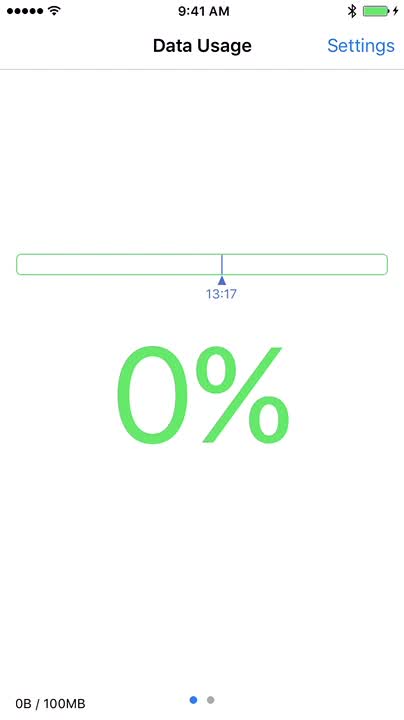
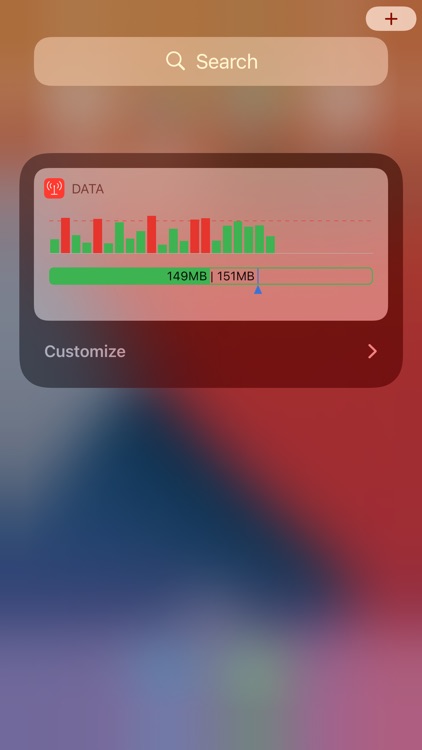
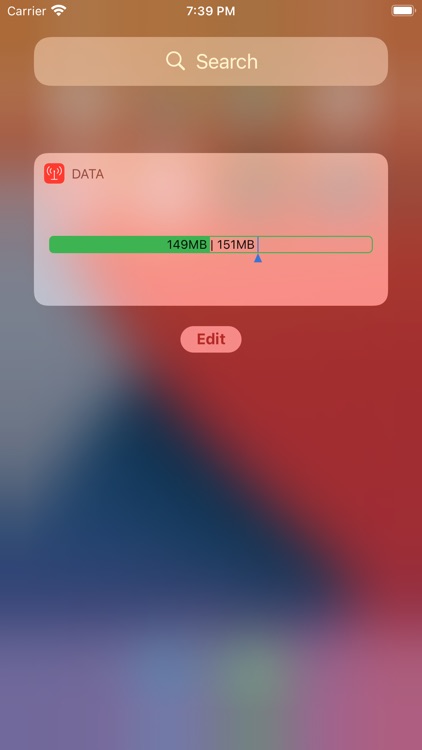
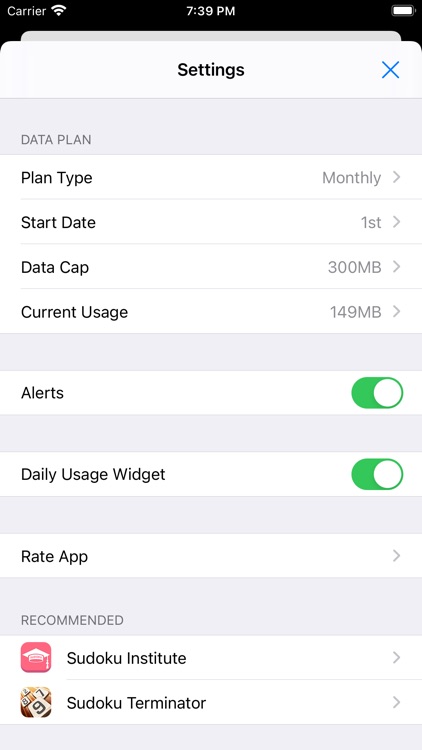
Data Widget is so simple yet so effective. Launch the app, set your data cap, set your start and end date, and record any usage you may already have. Then swipe down to bring up Notification Center and add the widget by tapping the “Edit” button found all the way at the bottom. After that, any time you want to check your current data usage in real-time, just swipe down. You can also now check your usage via Apple Watch.

You have a low data cap. It makes it easy to monitor your usage.

You don’t care all that much about your data usage.