

You are using an outdated browser. Please upgrade your browser to improve your experience.

Apps That
Went Free on
2017-03-17

Join grandpa in his toy shop, paint amazing effects over your photos, and learn about essential oils with today’s collection of apps and games.

Shoppylist - Grocery List
iPhone
iPad
Shoppylist - Grocery List

Shoppylist - Grocery List

Jonathan Teboul

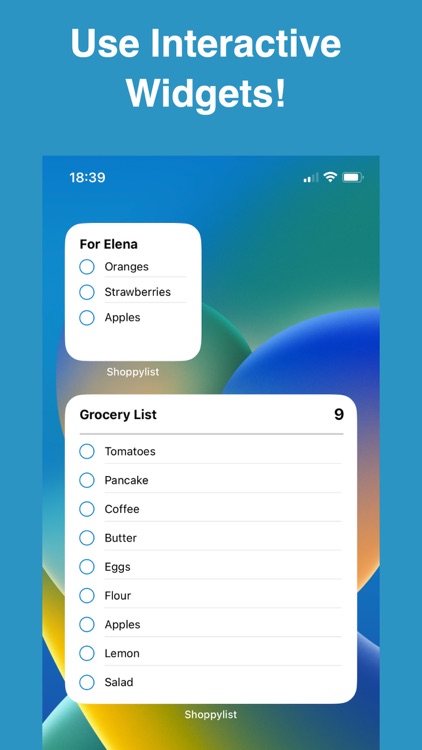
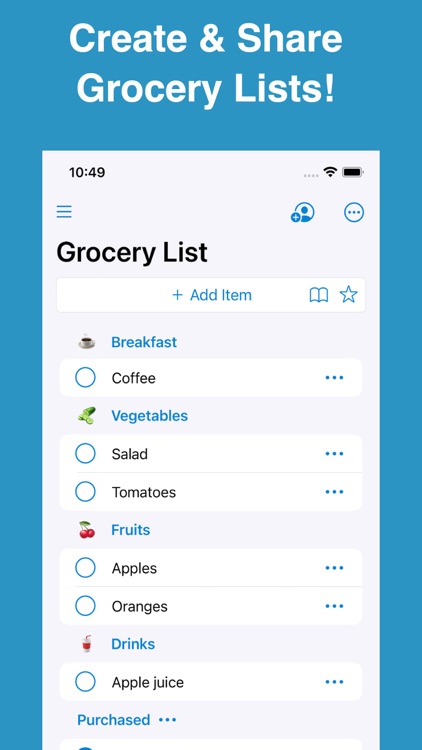
Craft and share your grocery shopping lists right from your iDevice with this easy to use productivity app.

Anyone interested in going digital with their lists.

FREE ($0.99) For a limited time FREE ($0.99) For a limited time
Why we picked this?

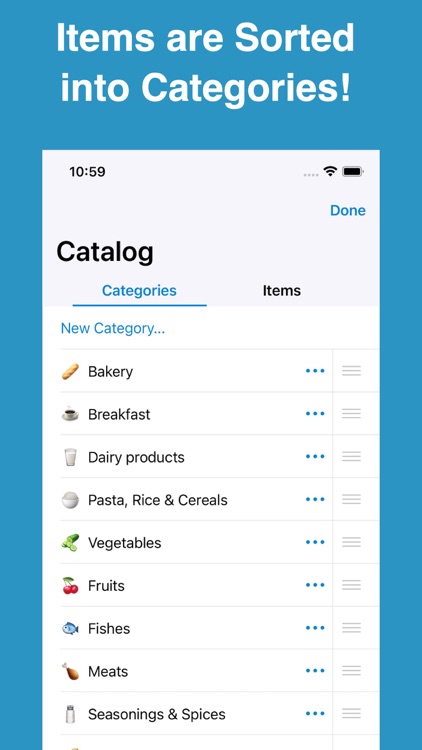
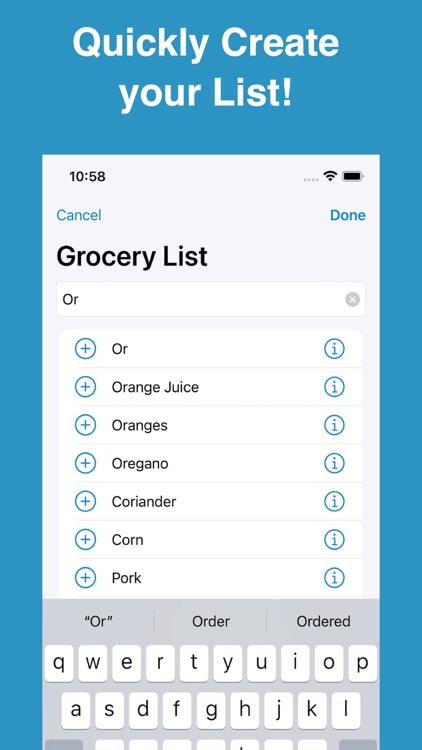
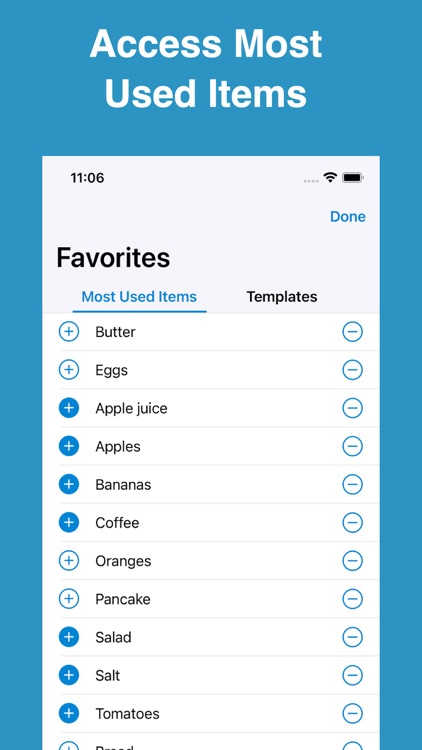
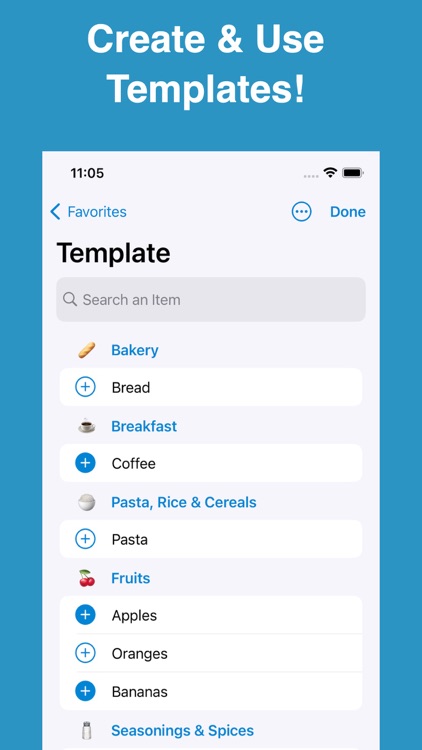
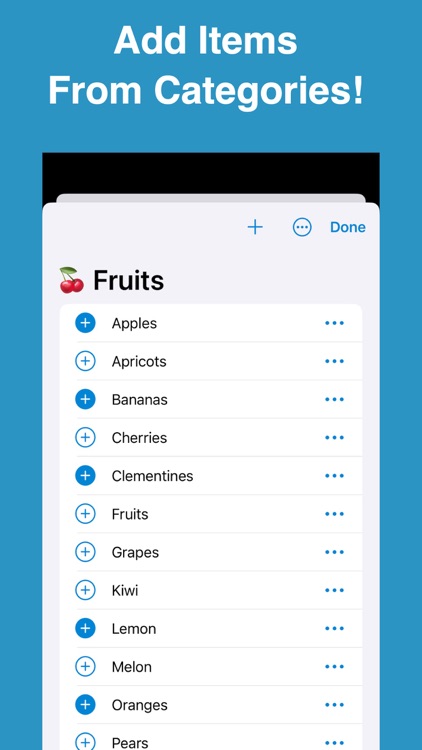
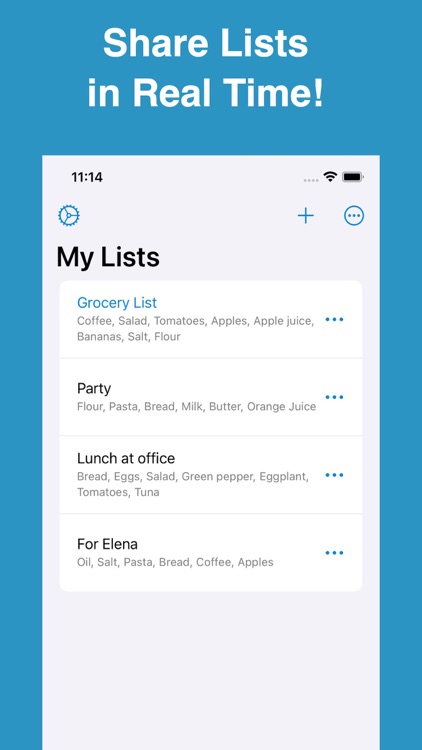
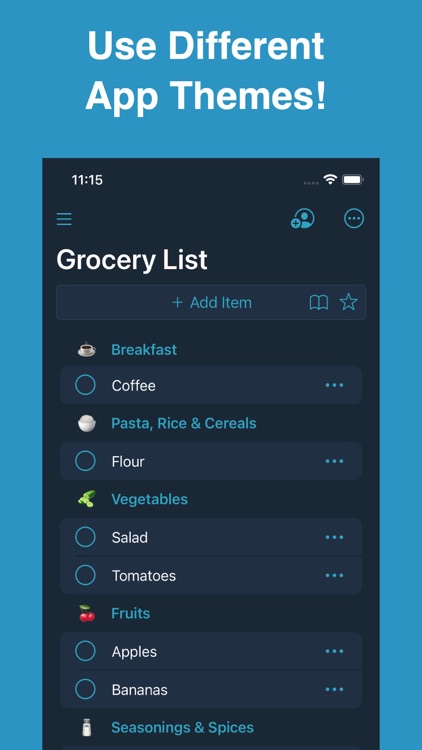
Just start typing and ShoppyList will suggest items using its built-in library. Add a colon right after your item name to attach a quantity or note. You’re also able to add items by browsing by type or recently added. You can mark items off your list while wandering around the store with a tap. ShoppyList also allows you to create multiple lists, duplicate lists, and share them via email, Messages, or AirDrop.

You want to save time while grocery shopping. It’s not only great for creating lists, but also for organizing and categorizing products to fit the way you shop.

You’ll have to keep your iDevice out the whole time you’re shopping.
TrendLine
iPhone
iPad
TrendLine

TrendLine

Wouter ten Bosch

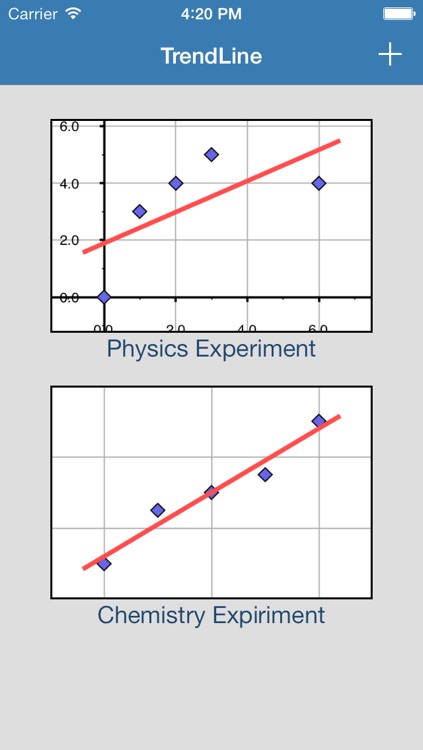
Display and analyze just about any type of data with TrendLine.

Students and professionals.

FREE ($0.99) For a limited time FREE ($0.99) For a limited time
Why we picked this?

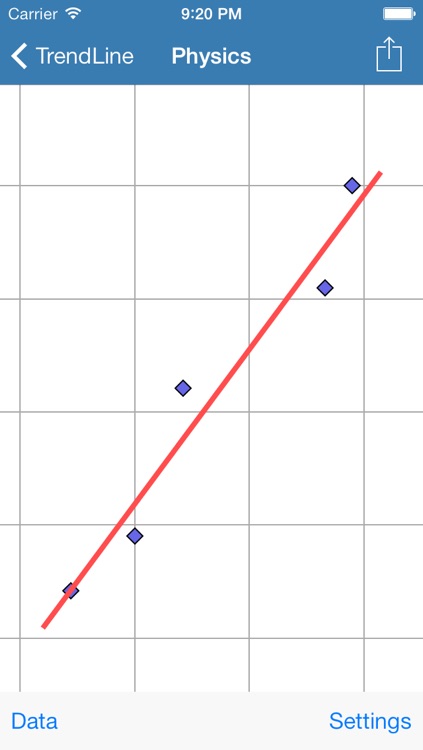
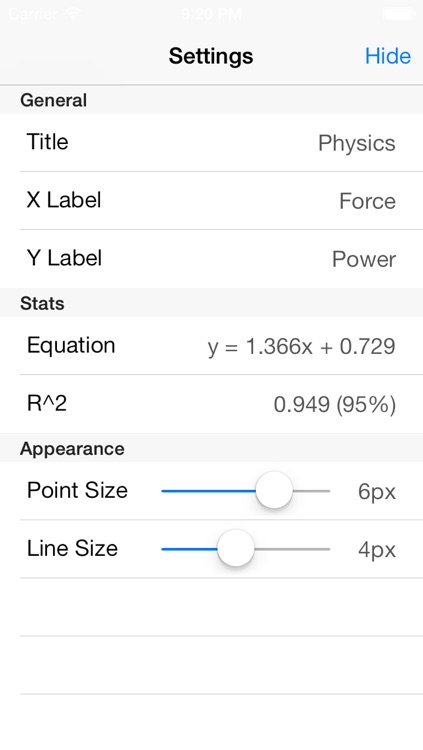
TrendLine turns data into something useful. You’re able to enter multiple data sets and the app will plot them on a zoomable graph along with a trend line. The point size and line size can be adjusted, and the entire graph can be exported. TrendLine also includes the ability to create and manage unlimited collection of data, portrait and landscape support, and iCloud integration.

You frequently deal with data sets. The app even automatically provides you with an equation.

You have a limited amount of data. You’ll need at least three X and Y axis data sets in order to create a trend line.

Grandpa's Toy Shop
iPhone
iPad
Grandpa's Toy Shop

Grandpa's Toy Shop

Fairlady Media

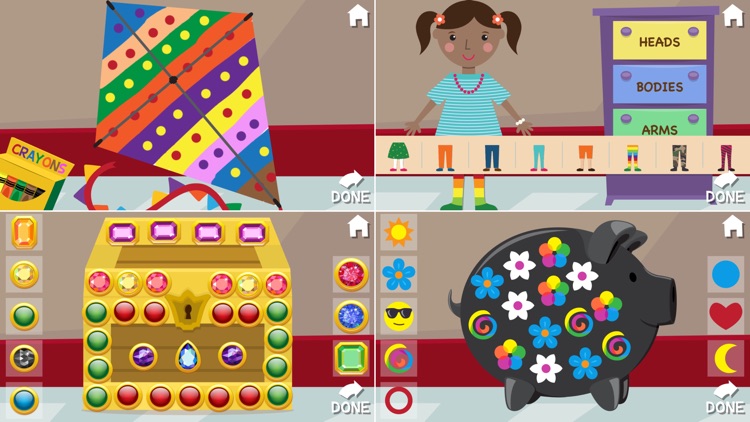
Your little ones get to join grandpa in his toy shop with this educational app.

Children ages six through nine.

$2.99 $2.99
Why we picked this?

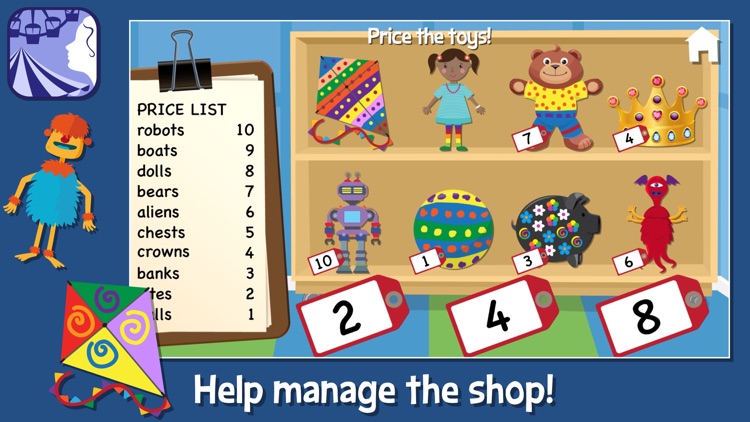
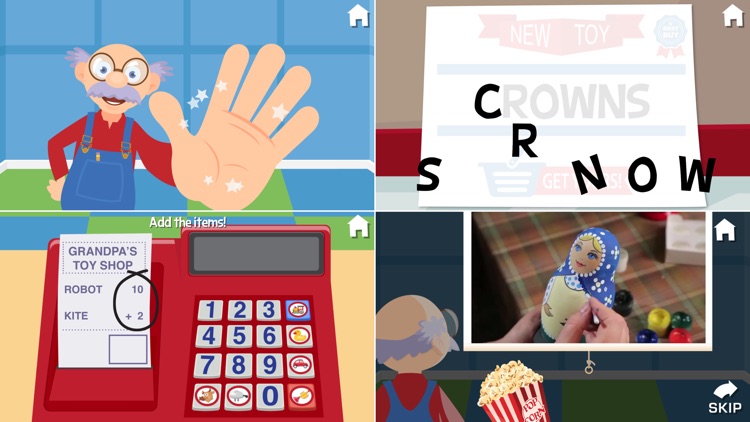
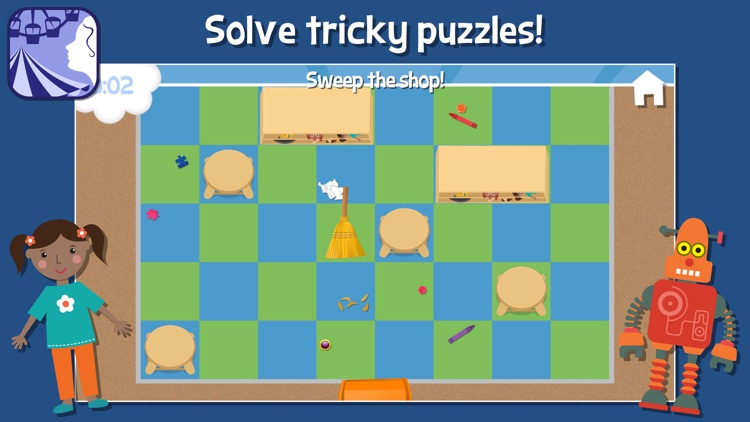
Grandpa’s Toy Shop is loaded with activities for your little ones. They will not only be asked to design and decorate toys to sell but also tend the cash register and clean up the whole shop. Grandpa will guide them along the way, so you can just hand off your iDevice and let your child work. The app includes a total of seven mini-games, videos of real tools in action, and loads of positive reinforcement.

You want to give your child a head start. It includes loads of educational elements that will improve your child’s math skills, literacy, and problem solving skills.

Your child is not within the age range. If not, the developers have a handful of other apps that are more suitable.

Essential Oils Reference Guide to Young Living Oil
iPhone
iPad
Essential Oils Reference Guide to Young Living Oil

Essential Oils Reference Guide to Young Living Oil

Endless Loop Apps Inc.

Live a happier and healthier life with Essential Oils Reference Guide.

Anyone interested in alternative medicine.

$6.99 $6.99
Why we picked this?

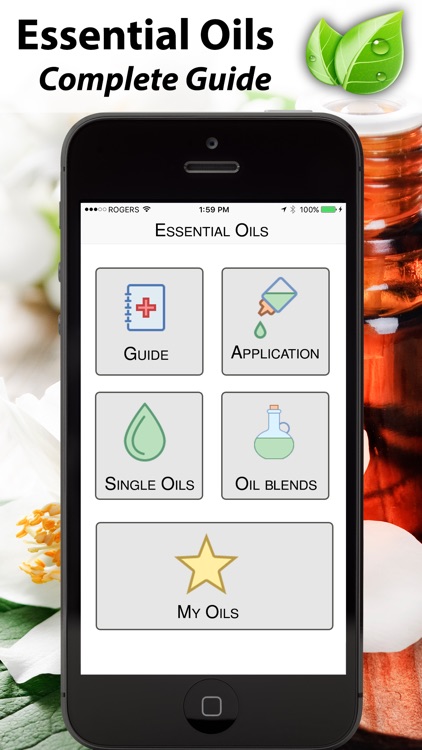
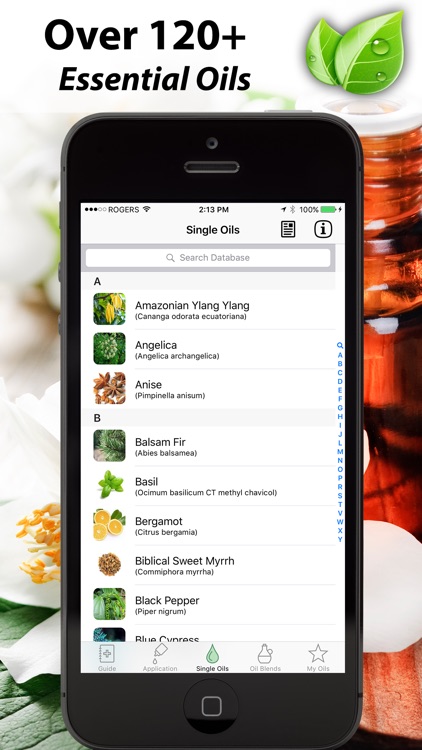
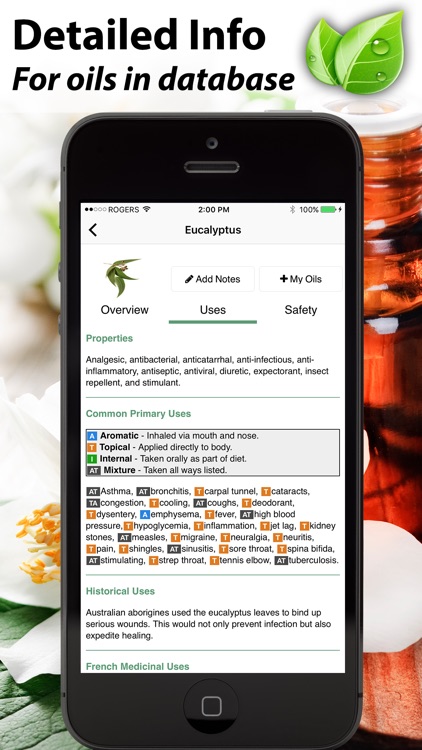
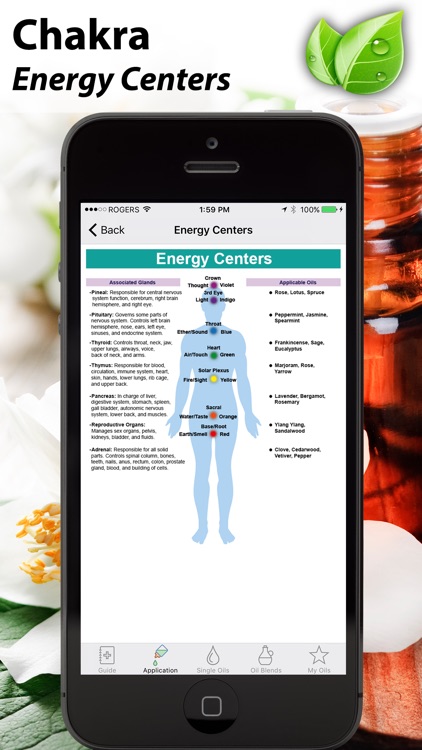
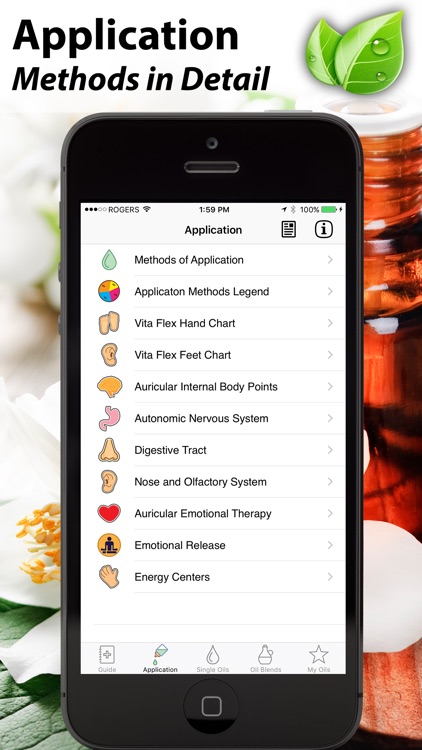
Essential Oils Reference Guide includes four different sections: Guide, Application, Single Oils, and Oil Blends. Each section includes detailed information to ensure you get the most of out your essential oils. You’re able to browse through categories, search for something specific, add notes, and save your favorites.

You want to try something different to deal with your ailments.

You take a prescription or over-the-counter meds and haven’t yet consulted your physician.

Paint FX : Photo Effects Editor
iPhone
iPad
Paint FX : Photo Effects Editor

Paint FX : Photo Effects Editor

Sprite Labs

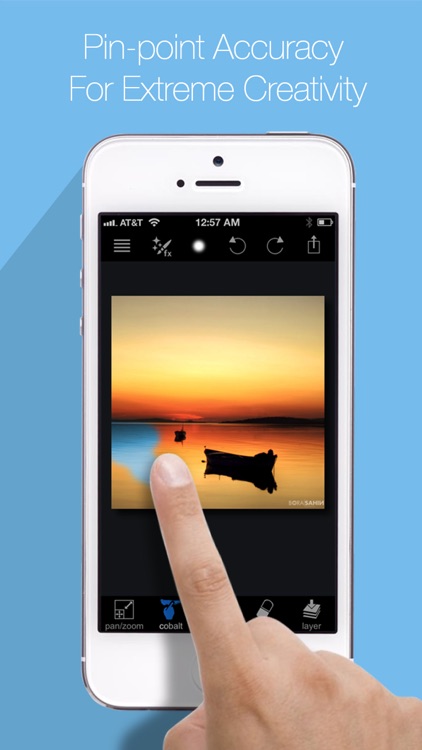
Paint amazing effects over the top of your photos with Paint FX.

Social photographers.

$3.99 $3.99
Why we picked this?

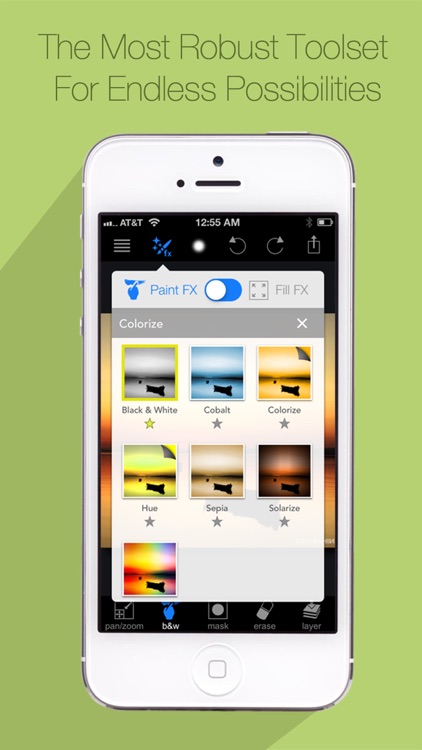
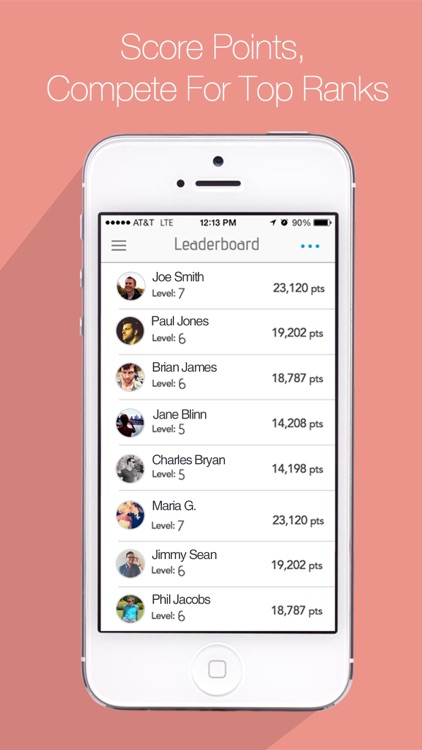
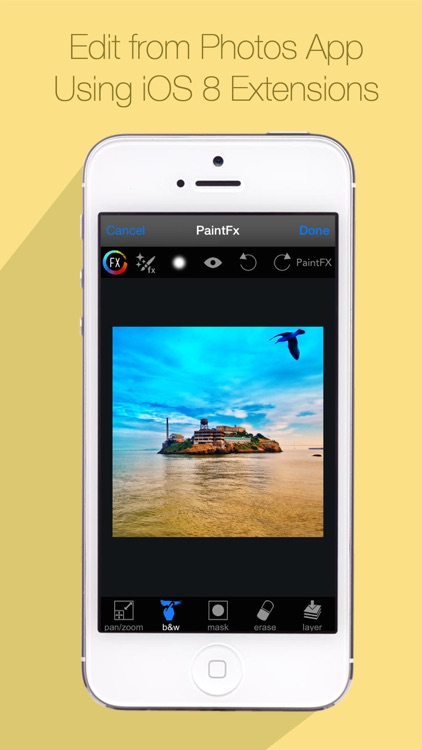
You’re able to import any photo from your library, take a new one from within the app, or pull one from your Facebook or Flickr account. You’re then able to crop your photo down to size and flip it before jumping in to the fun stuff. Paint FX includes a huge number of filters and effects to choose from, all of which can be applied with the touch of your finger. This allows you to only apply filters and effects to specific regions of your photo and even layer them on top of each other. All of the filters and effects are fully customizable as well. Once you're finished painting up your photo, you’re able to share it via Facebook, Twitter, Flickr, or email. Paint FX also includes photo challenges that allow you to compete with the community to score points and earn top honors for your work.

You want more control over your photo effects. It’s also just a lot of fun.

You can’t stand locked content within your photography apps, although some can be unlocked by being social.