


You are using an outdated browser. Please upgrade your browser to improve your experience.

Apps That
Went Free on
2017-04-09

Take your record collection with you, monitor your water usage, and crunch numbers with today’s collection of apps and games.

Wax for iPhone
iPhone
Wax for iPhone

Wax for iPhone

Richard Myers

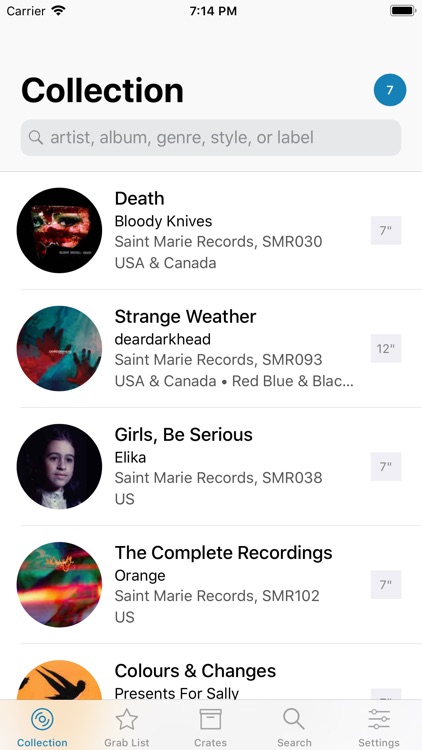
Take your record collection with you to the store with Wax.

Record collectors.

FREE ($2.99) For a limited time FREE ($2.99) For a limited time
Why we picked this?

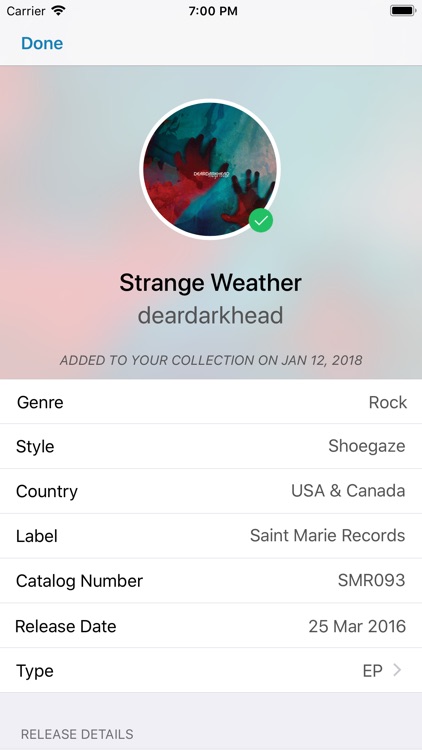
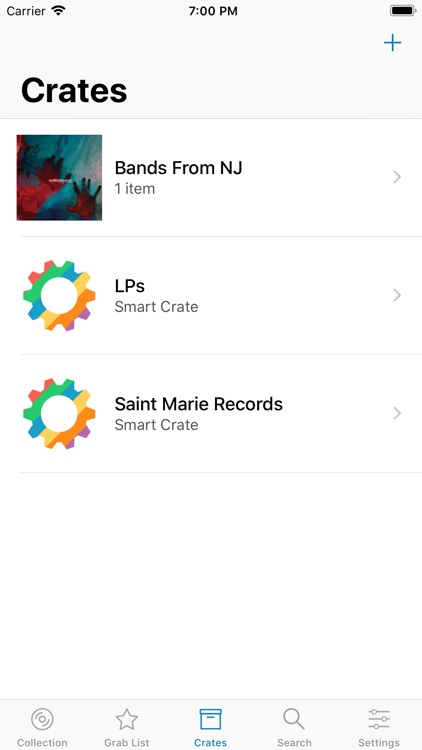
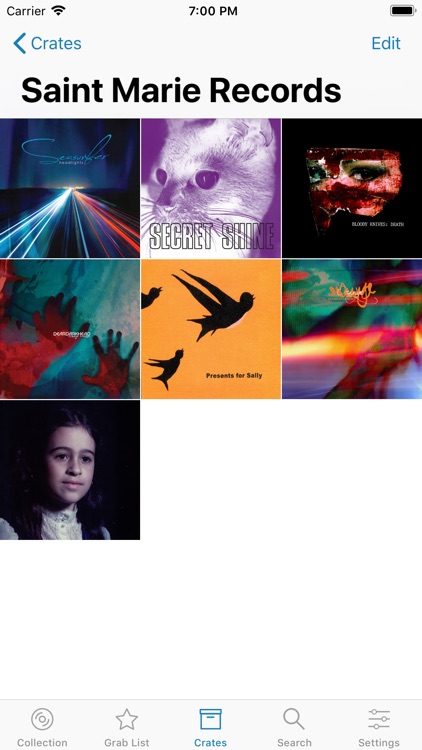
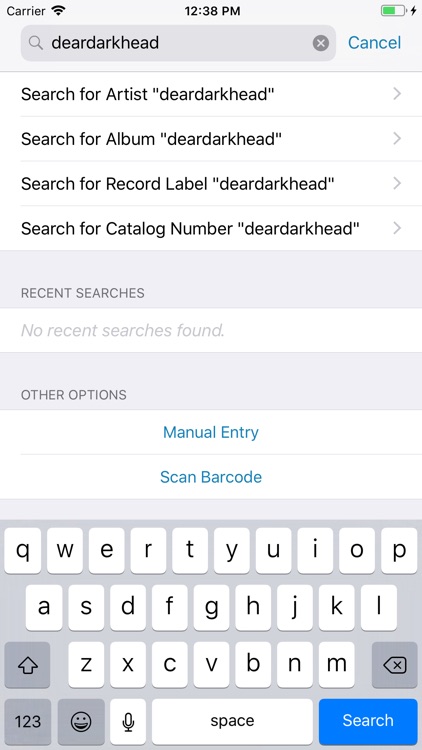
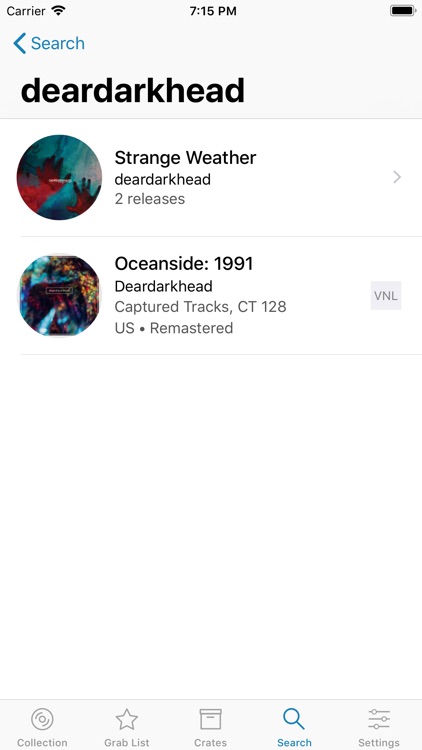
Wax allows you to add records by scanning a barcode, searching by name or artist, or by entering the information manually. The app will retrieve every little detail including cover art, genre, style, release date, and more. All of the data is editable, and you can even record your sleeve grade and attach notes if necessary. Records can be organize into crates, shared, and searched for via Spotlight. You’re also able to create a grab list for records you want to purchase.

You have a vast record collection yet hate tracking it with all of those other discogs clients. Although Wax utilizes the discogs database, all of the data is stored locally making the collection truly yours.

You’re just not into vinyl.

Magnifying Glass & Flashlight
iPhone
iPad
Magnifying Glass & Flashlight

Magnifying Glass & Flashlight

Tekton Technologies (P) Ltd.

Zoom in on just about anything with this convenient utility app.

Those with low vision.

FREE ($0.99) For a limited time FREE ($0.99) For a limited time
Why we picked this?

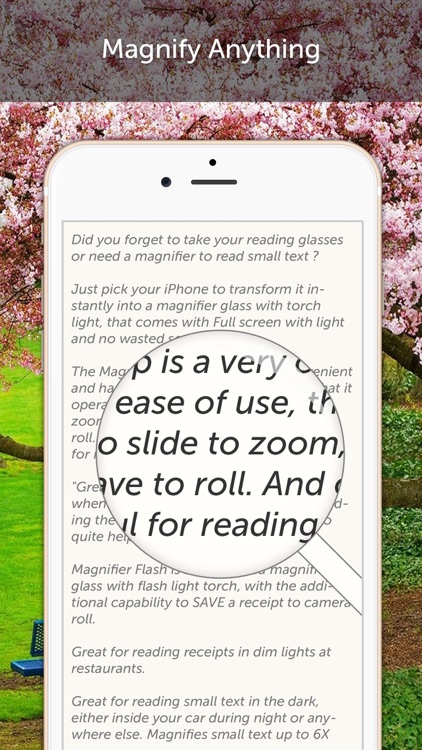
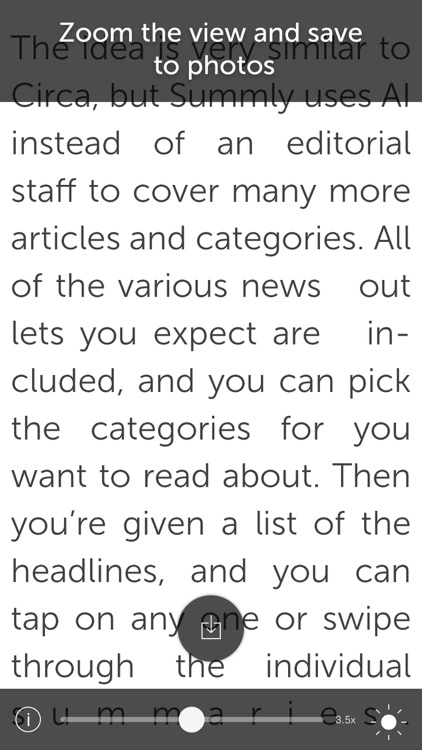
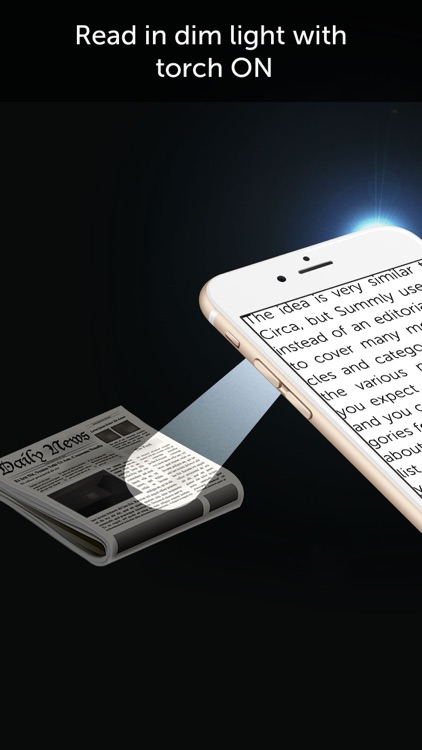
Sometimes the simplest apps can be the best. Magnifier Flash proves that point. It allows you to zoom in on your subject at up to 6x magnification, and you can light it up with your iDevice’s LED flash. You can even snap a photo of what you’re looking at while zoomed in to save it for later.

You struggle with small text. It’s like having a magnifying glass with you wherever you go.

You don’t have a steady hand.

Calculator´
iPhone
iPad
Calculator´

Calculator´

Oval Software Oy

Crunch numbers faster than ever before with CALC Swift.

Students, teachers, and anyone else in need of a powerful calculator.

FREE ($1.99) For a limited time FREE ($1.99) For a limited time
Why we picked this?

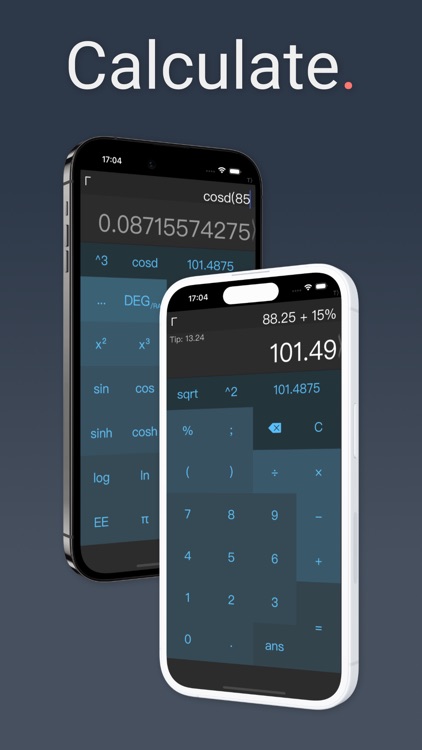
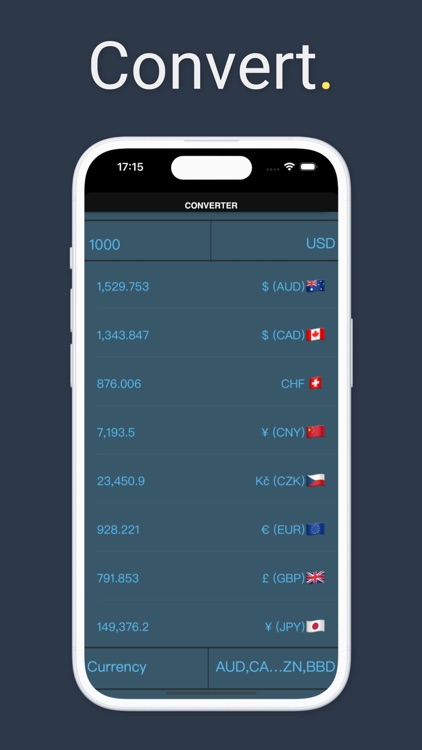
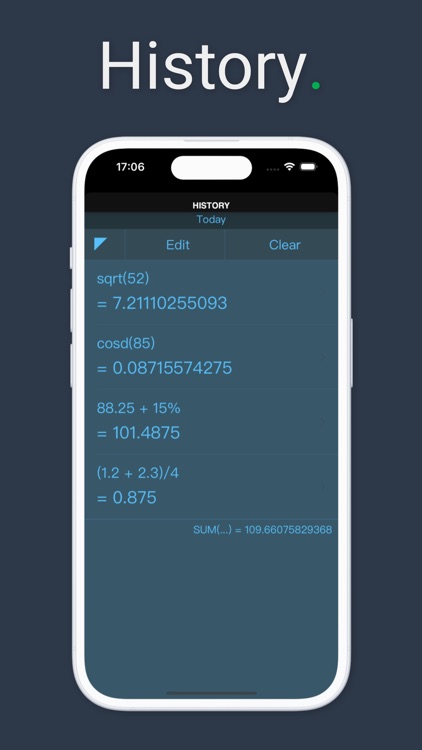
CALC Swift is a multi-functional scientific calculator that’ll make your daily calculations a breeze. It features both standard basic and scientific calculation functions, which can be accessed with a horizontal swipe. It includes more than 50 advanced functions in all. A history log allows you to pull up numbers at any time and copy them for use in other apps. CALC Swift also includes a widget, Spotlight search, Apple Watch support, and colorful themes to choose from.

You’re looking for a fast and flexible calculator.

The converter and graphing features will cost you.

Shower Savvy
iPhone
Shower Savvy

Shower Savvy

Neil Sardesai

Monitor the duration of your showers and how much water you’re using with Shower Savvy.

Those who want to do their part by conserving water.

$0.99 $0.99
Why we picked this?

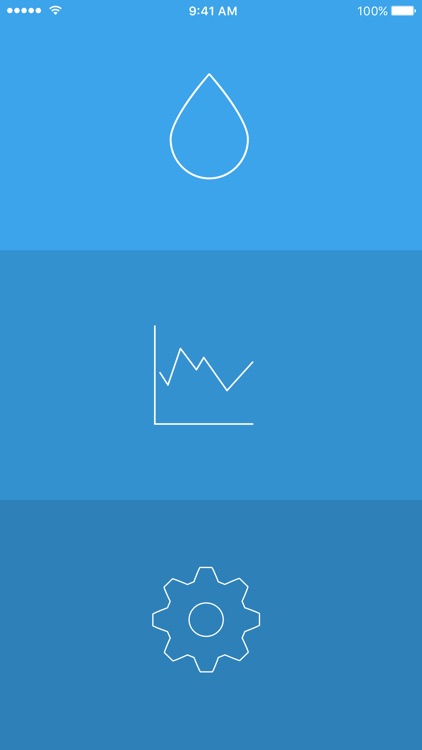
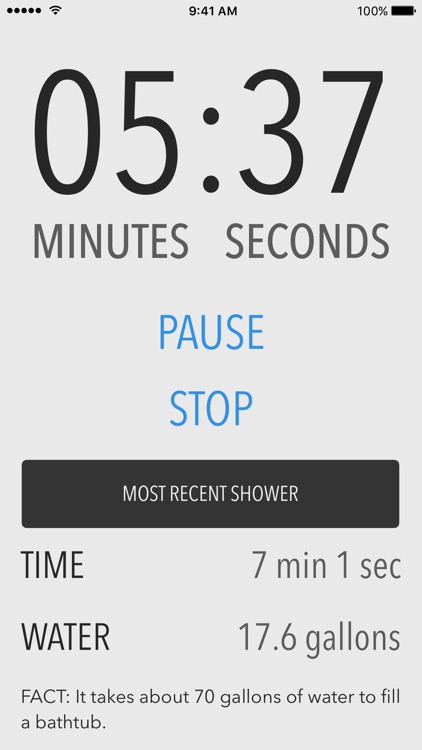
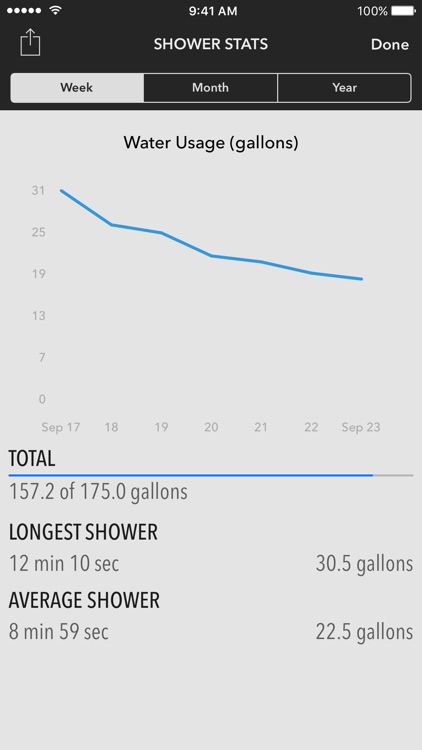
By taking long showers, you’re not only wasting water but also lots of energy. Reduce your impact by timing your showers with Shower Savvy. At first launch the app will ask you the flow rate of your shower head along with your target duration. If you don’t know your flow rate, that’s fine, it’ll provide you with a household average. Then every time you shower, start the timer from your iPhone or Apple Watch. Shower Savvy will calculate the gallons used and chart the data. It also keeps track of your average shower duration and your longest shower.

You want to save money and water. Showering is one of the largest household uses of water, and heating all of it can become expensive.

You simply don’t see yourself timing your showers everyday. You won’t have accurate results otherwise.

PhotoTangler Collage Maker
iPhone
iPad
PhotoTangler Collage Maker

PhotoTangler Collage Maker

Kurt Miller

Blend photos together to create collages with PhotoTangler.

Those in need of bringing similar photos together.

$2.99 $2.99
Why we picked this?

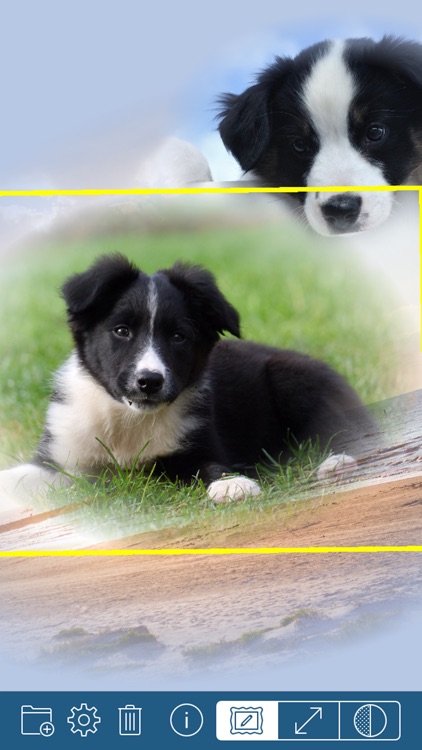
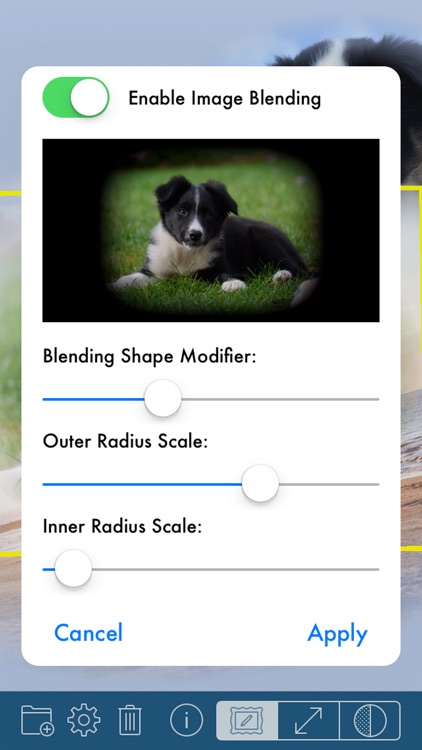
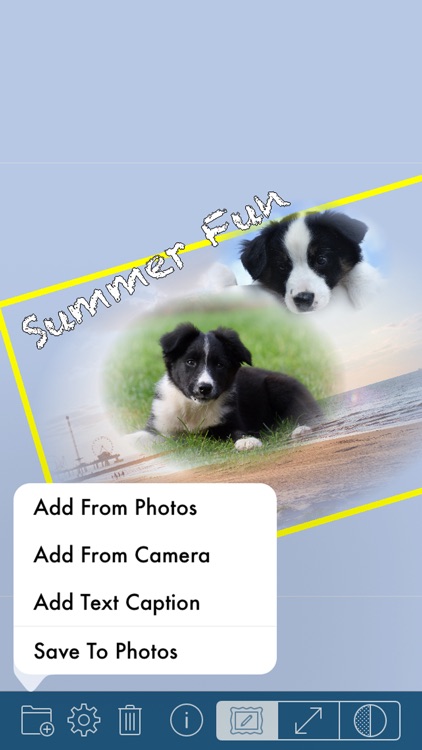
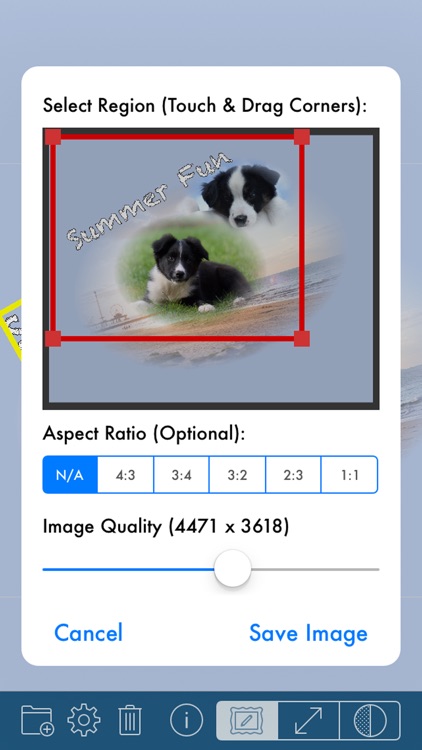
PhotoTangler doesn’t require any professional photo editing experience to achieve great results. Simply import related photos or take new ones from within the app. You’re able to crop photos down if necessary. PhotoTangler will automatically apply a fade, which can be adjusted in a variety of ways. Layer as many photos as you like before finishing off your work of art with a background color and text.

You want to make perfectly blended photo collages.

You intend to rely on it for the entire editing process. It’s limited in terms of text and background options.