


You are using an outdated browser. Please upgrade your browser to improve your experience.

Apps That
Went Free on
2017-04-17

Solve twisted crossword puzzles, focus on your writing, and customize your Apple Watch face with today’s collection of apps and games.

nvNotes - Note Taking & Writing App
iPhone
iPad
nvNotes - Note Taking & Writing App

nvNotes - Note Taking & Writing App

Nicholas Clapp

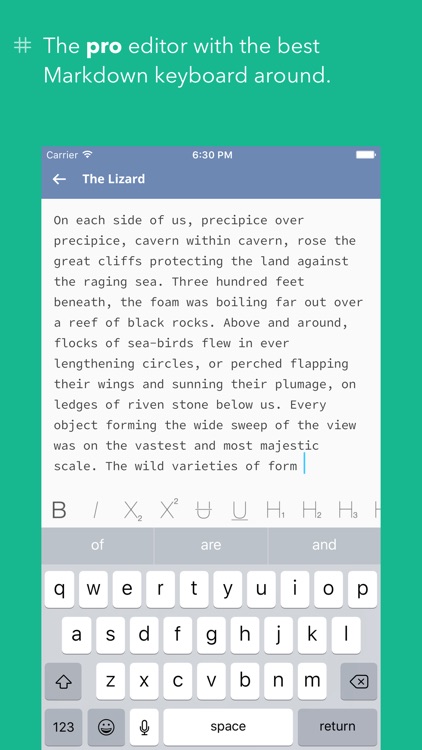
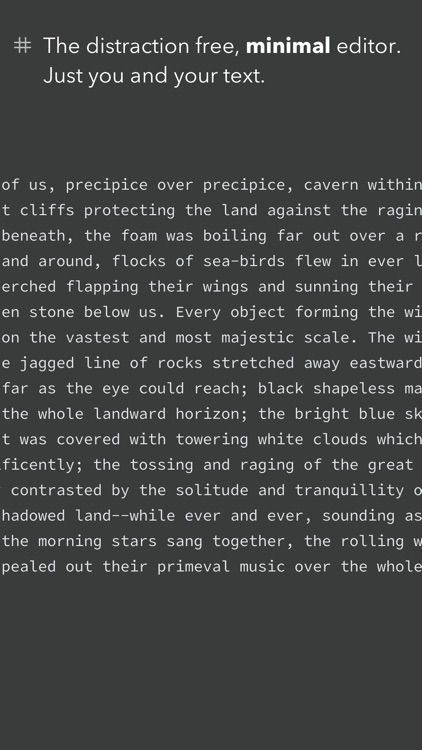
Focus on your writing with nvNotes.
Everyone from note takers to novelists.

FREE ($0.99) For a limited time FREE ($0.99) For a limited time
Why we picked this?

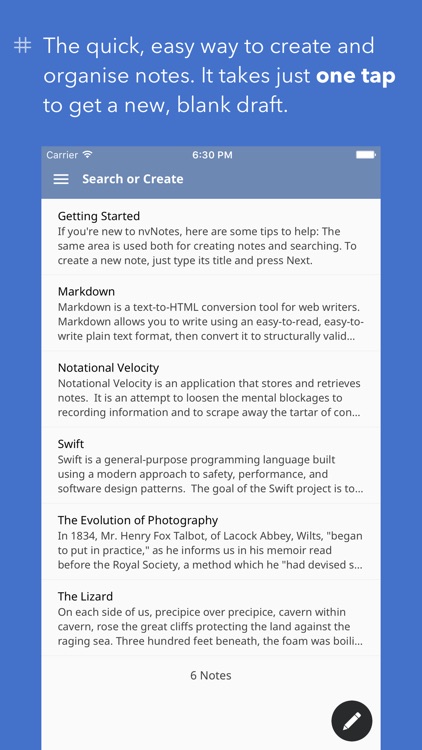
With nvNotes, your distractions have been removed. You’re able to customize the experience by choosing an appropriate font and theme. When creating a new note, just type its title and press the “Next” button. While entering the title for a new note, all related notes will appear below. If nothing is found, simply start writing. The app also includes a full Markdown keyboard, the ability to preview the formatted text, and Dropbox support.

You need an elegant writing solution. It has a lot to offer.

You require privacy. There isn’t an option to password protect your notes.

Clue Word 2
iPhone
iPad
Clue Word 2

Clue Word 2

Pokami

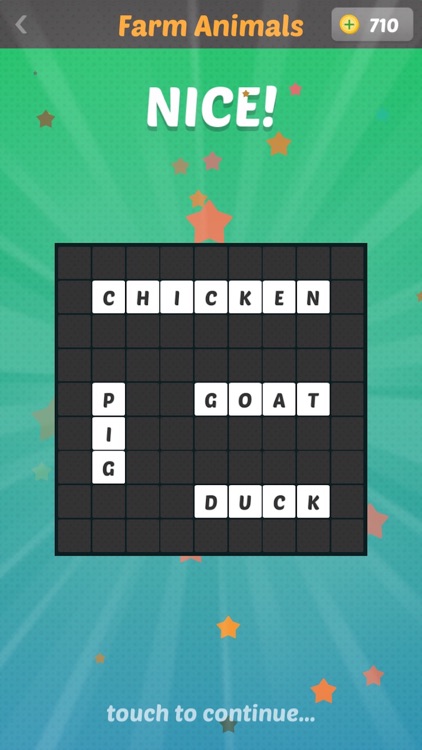
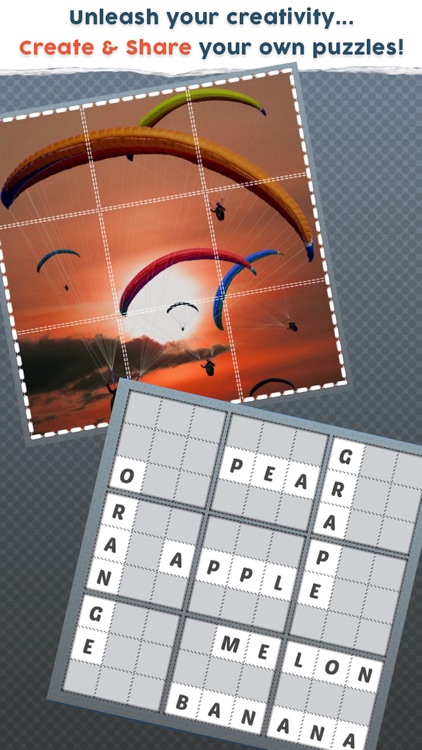
Solve twisted crossword puzzles in Clue Word 2.

Those who enjoy anagrams, word search, and cross word puzzles.

FREE ($0.99) For a limited time FREE ($0.99) For a limited time
Why we picked this?

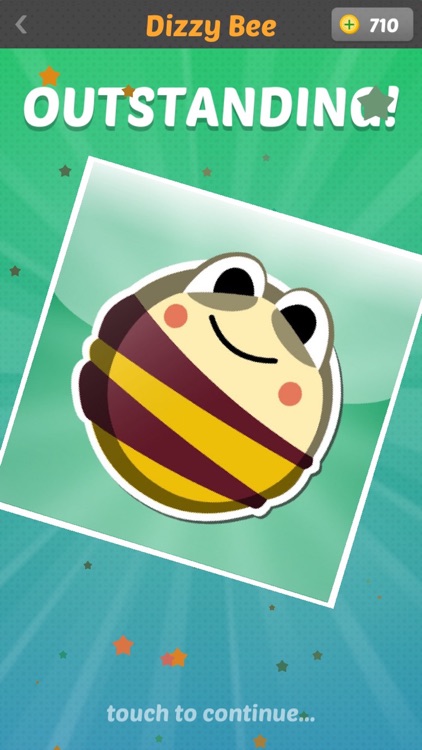
Each puzzle consists of a broken crossword or image. The goal is to put the puzzle pieces into their proper places using the clues given. Puzzle pieces can be rotated and swapped around the board. Keep in mind that words cannot be formed upwards or backwards. Additionally, some puzzle pieces are locked into place, effectively complicating the completion process. The game includes a wide variety of categories, and the ability to create and share your own puzzles.

You enjoy a good word game. Clue Word 2 is familiar yet unique.

You’re not fond of in-app purchases. Hints will cost you if you don’t collect enough coins through gameplay.

Nommons: Math Universe
iPhone
iPad
Nommons: Math Universe

Nommons: Math Universe

YummyYummyTummy Inc.

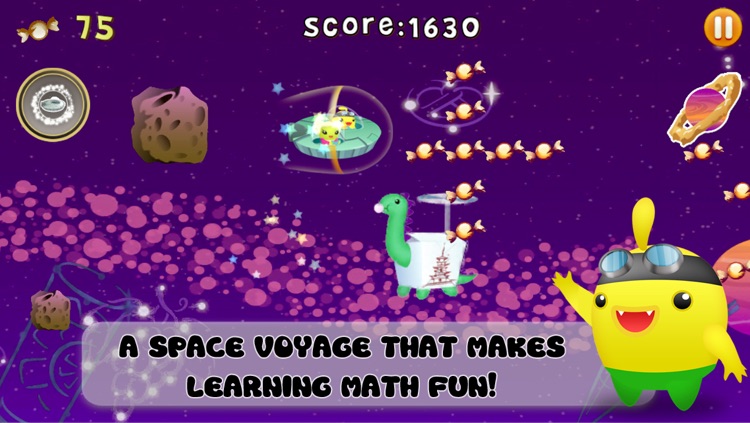
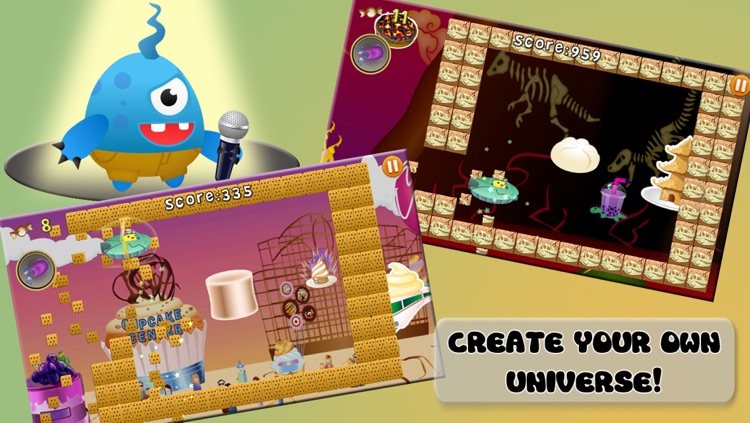
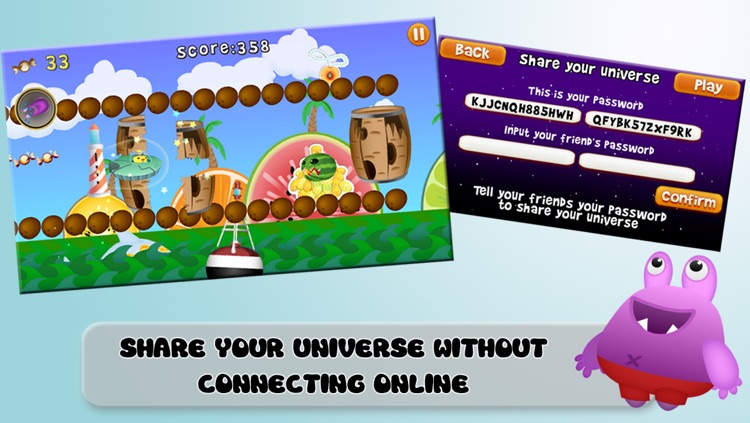
Help the Nommons rebuild their spaceship and head home in Nommons: Math Universe.

Children ages six through eight.

FREE ($4.99) For a limited time FREE ($4.99) For a limited time
Why we picked this?

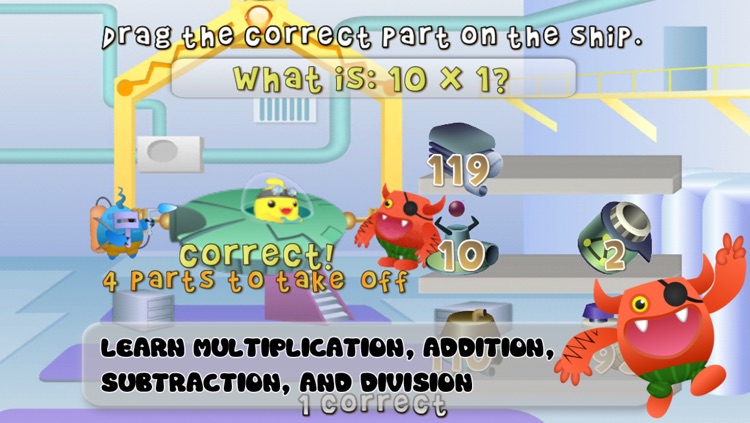
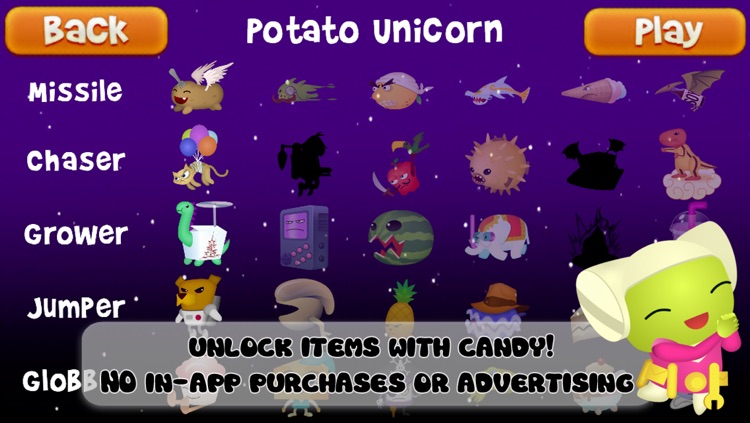
Nommons: Math Universe will help your child improve their addition, subtraction, multiplication, division, and mental math skills through a series of mini-games. The intelligent tuning system automatically adjusts the difficulty based on the amount of correct and incorrect answers, so your child will never be left feeling frustrated. After solving a series of math problems, your child will be rewarded with fun spaceflight games and the ability to design their own universe.

You’re a parent or teacher. There’s a lot to do in the Nommons: Math Universe.

Your child simply doesn’t fall within the age range.

Good Morning Sunshine Rise, Shine, Emoji Stickers
iPhone
iPad
Good Morning Sunshine Rise, Shine, Emoji Stickers

Good Morning Sunshine Rise, Shine, Emoji Stickers

Eggroll Games LLC

Share a little sunshine with this cute sticker pack.

Those who want to expand their collection.

$0.99 $0.99
Why we picked this?

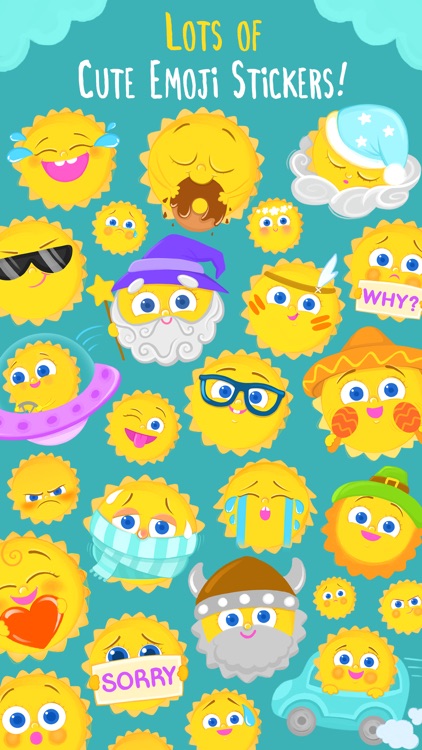
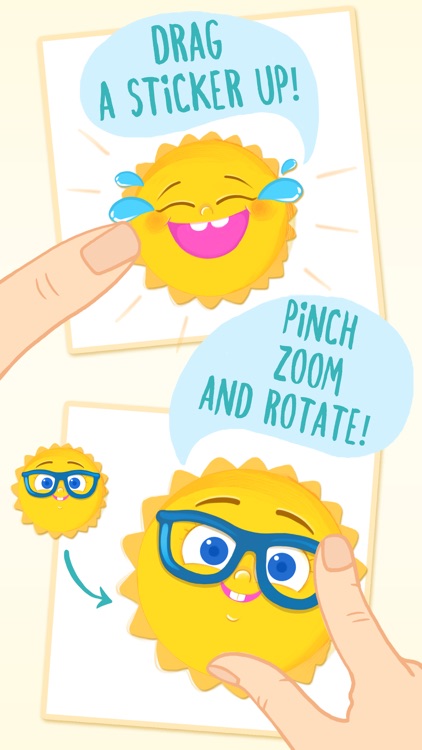
This sticker pack will brighten everyone's day. It includes 29 unique stickers, all starring Little Sunshine. She makes different faces, displays different emotions, and even dresses up for the seasons. Just peel and stick.

You need to send some sunshine. The stickers are all adorable.

You scoff at the idea of not having animated stickers.

Monogram Plus
iPhone
Monogram Plus

Monogram Plus

Joseph Goldstein

Customize your Apple Watch face with Monogram Plus.

Almost any Apple Watch owner will appreciate this one.

$1.99 $1.99
Why we picked this?

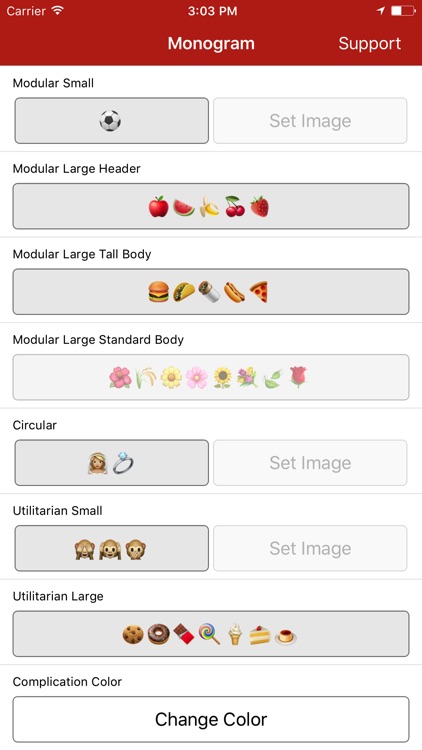
Monogram Plus allows you to be you. It’s able to customize all five complications on your watch face with emojis, text, or images. Simply launch the app, choose whichever face you have set, and then fill in the blank. Make sure Monogram Plus is installed on your Apple Watch, and deep press on the watch’s face in order to customize the complications. Your chosen emoji, text, or image will then appear! You can also choose the color of your complication, and force the complication to refresh.

You need to stand out. It can also be used to create small reminders.

You don’t have an Apple Watch.