



You are using an outdated browser. Please upgrade your browser to improve your experience.

Apps That
Went Free on
2017-05-01

Manage your bills and create budgets, touch up and transform your photos, and take control of your inbox with today’s collection of apps.

Budgets for iPhone
iPhone
Budgets for iPhone

Budgets for iPhone

iBear LLC

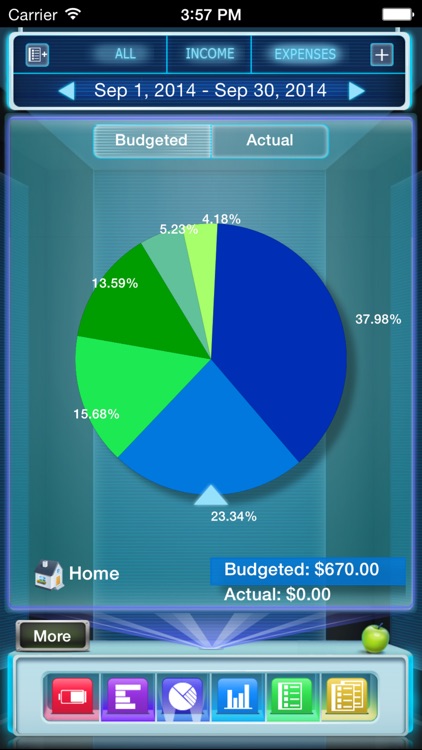
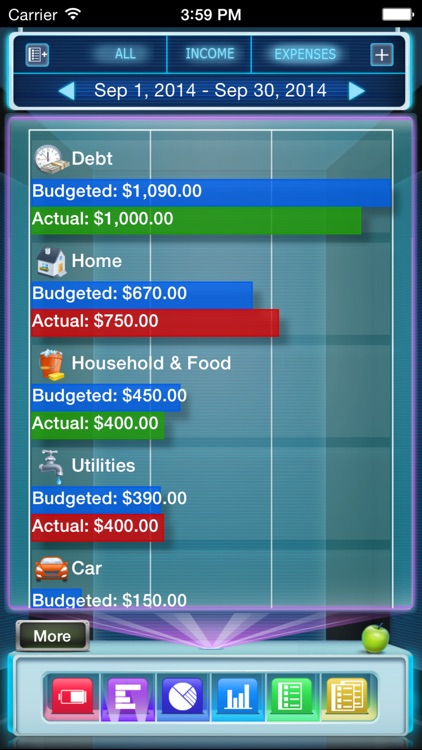
Keep tabs on how much money is coming in and going out with Budgets.
Those who need to stay within a budget.

FREE ($0.99) For a limited time FREE ($0.99) For a limited time
Why we picked this?

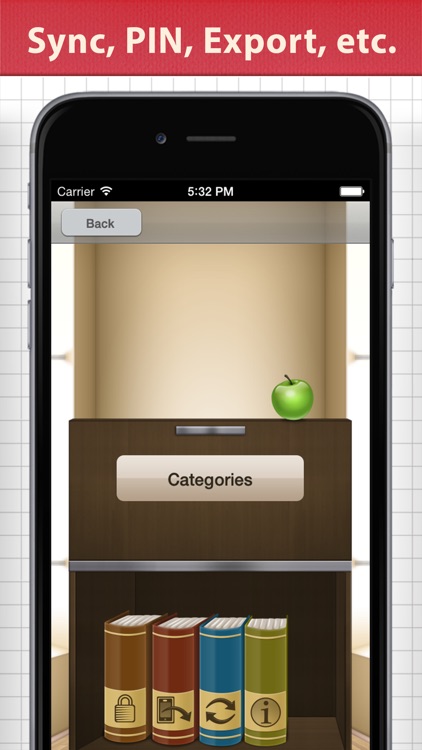
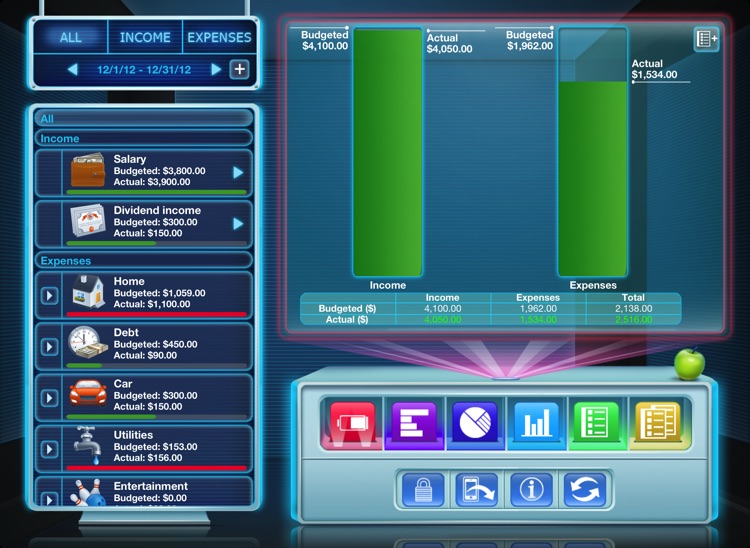
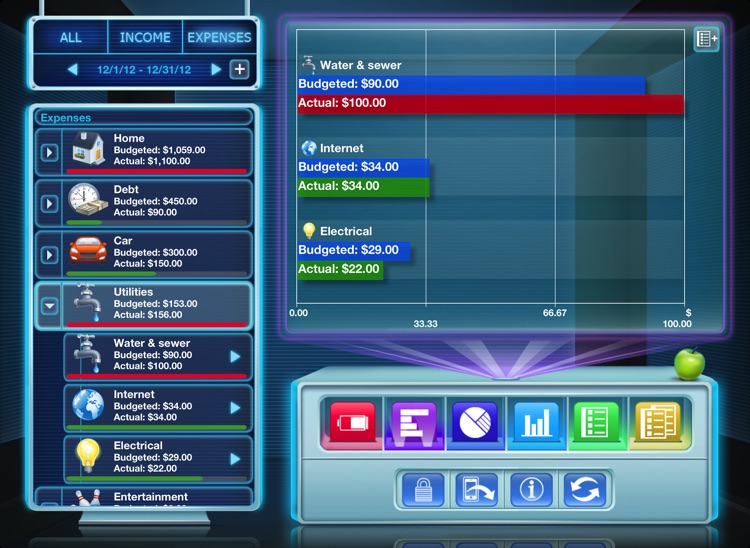
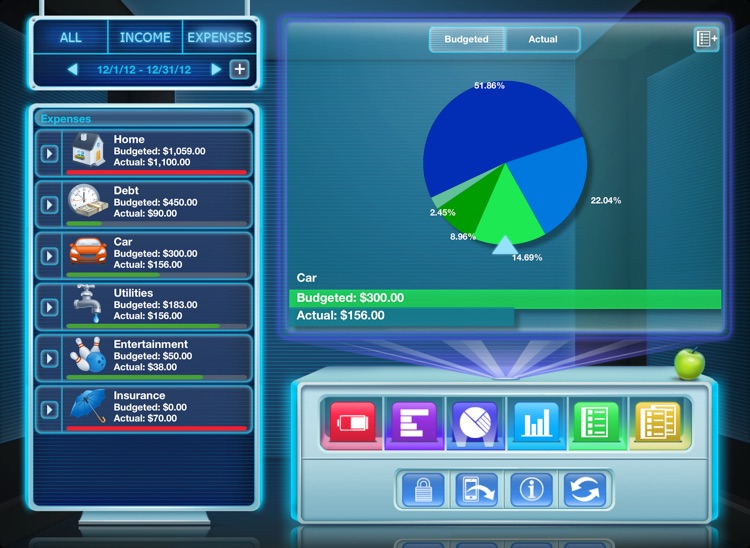
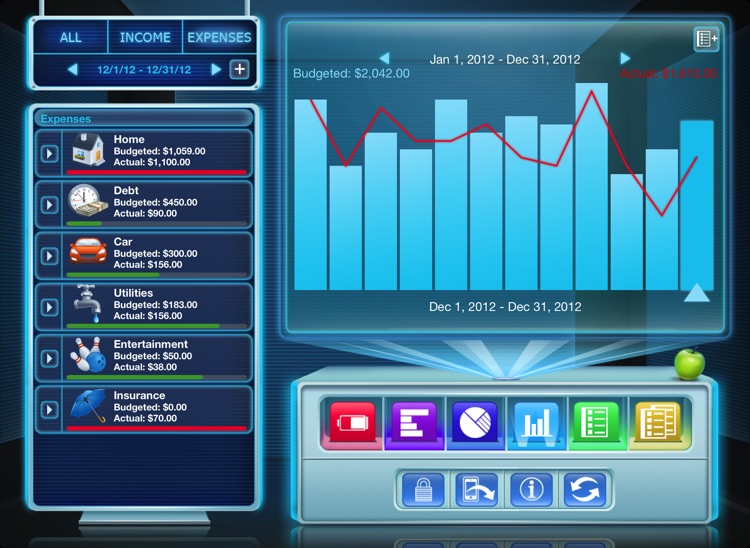
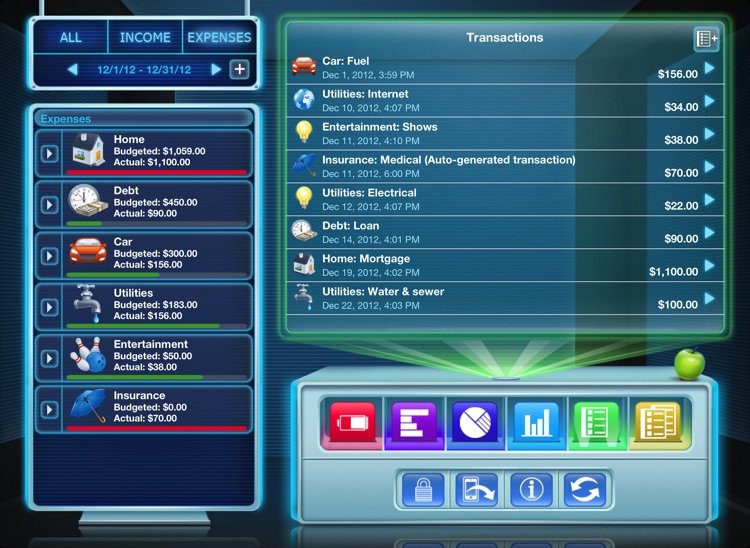
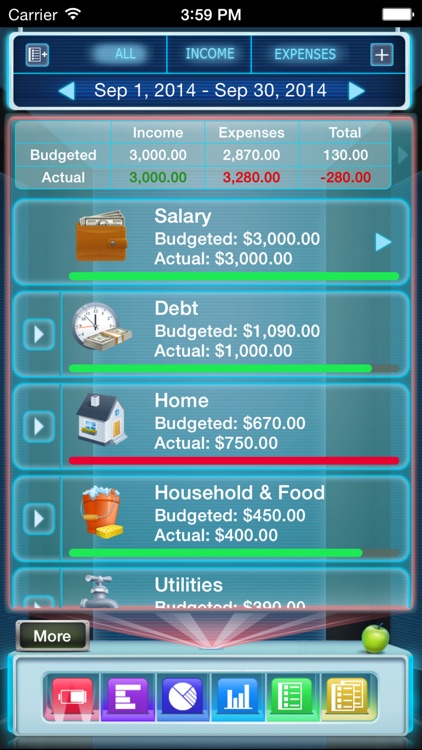
Budgets is all about visual progress. Create entries for your income and expenses, and indicate limits for each one. Every time you add a transaction, you’ll be able to see the progress for each category along with your overall progress. Transactions can be set as recurring or one-time. The app also includes detailed graphs, data syncing, pin code protection, and the ability to export data.

You want to track all facets of your financial life.

You prefer fresh, minimalist designs. Budgets has a very classic look to it.

Bills for iPad
iPad
Bills for iPad

Bills for iPad

iBear LLC

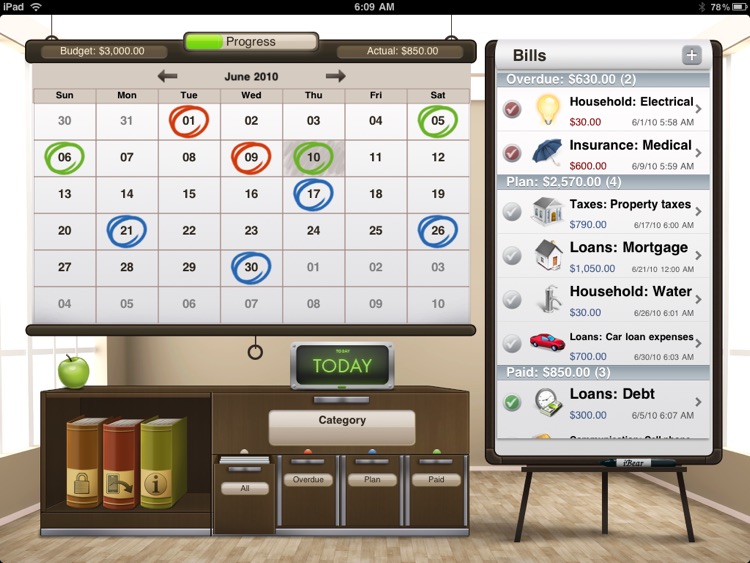
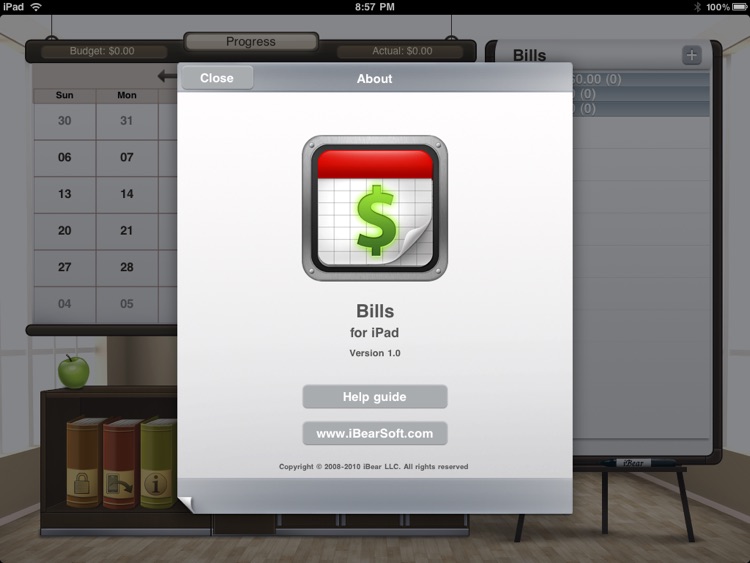
Track your expenses throughout the month with Bills.

Anyone who is concerned with how much they spend.

FREE ($0.99) For a limited time FREE ($0.99) For a limited time
Why we picked this?

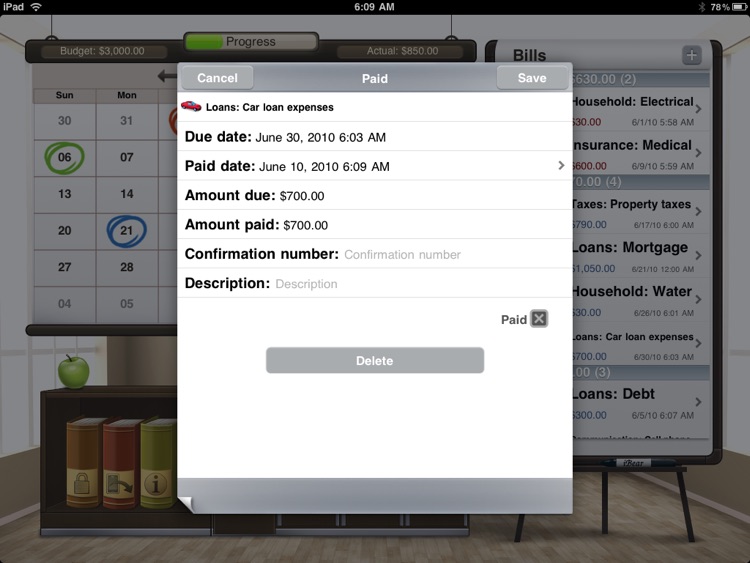
Bills aims to be your financial planner. Set an amount indicating how much you want to spend each month. Then mark the days on the calendar when bills need to be paid or products need to be purchased. When you make a transaction, simply approve it within Bills. You’re also able to create recurring reminders for unpaid bills, filter bills, sync data with Dropbox, and export data.

You have difficulty tracking where your money is going.

You prefer fresh, minimalist designs. Bills has a very classic look to it.

Bills for iPhone
iPhone
Bills for iPhone

Bills for iPhone

iBear LLC

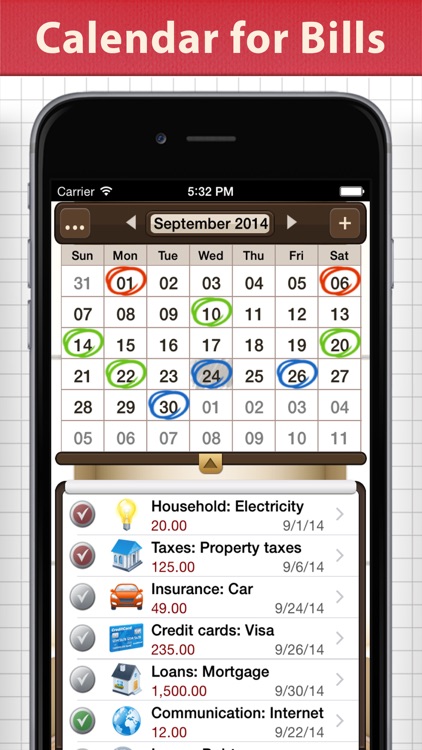
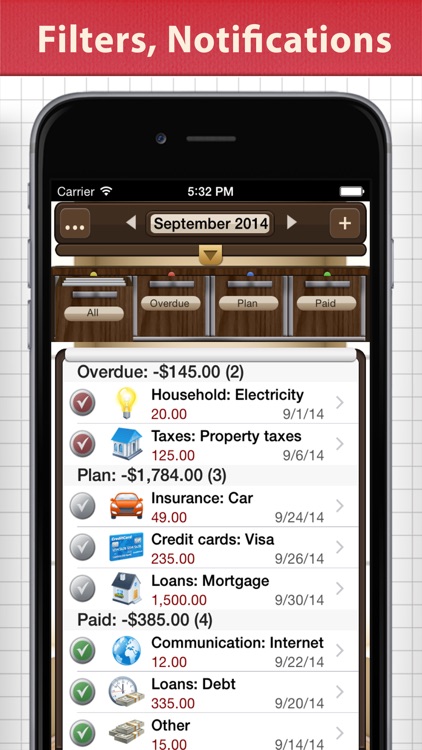
Track your expenses throughout the month with Bills.

Anyone who is concerned with how much they spend.

FREE ($0.99) For a limited time FREE ($0.99) For a limited time
Why we picked this?

Bills aims to be your financial planner. Set an amount indicating how much you want to spend each month. Then mark the days on the calendar when bills need to be paid or products need to be purchased. When you make a transaction, simply approve it within Bills. You’re also able to create recurring reminders for unpaid bills, filter bills, sync data with Dropbox, and export data.

You have difficulty tracking where your money is going.

You prefer fresh, minimalist design. Bills has a very classic look to it.

Budgets for iPad (with Sync)
iPad
Budgets for iPad (with Sync)

Budgets for iPad (with Sync)

iBear LLC

Keep tabs on how much money is coming in and going out with Budgets.
Those who need to stay within a budget.

FREE ($0.99) For a limited time FREE ($0.99) For a limited time
Why we picked this?

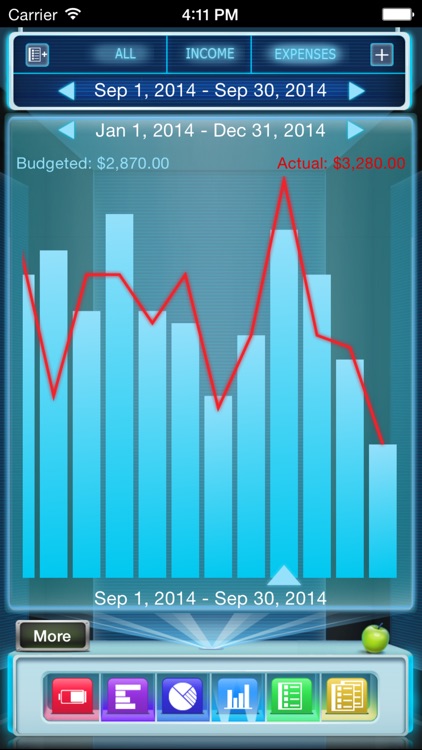
Budgets is all about visual progress. Create entries for your income and expenses, and indicate limits for each one. Every time you add a transaction, you’ll be able to see the progress for each category along with your overall progress. Transactions can be set as recurring or one-time. The app also includes detailed graphs, data syncing, pin code protection, and the ability to export data.

You want to track all facets of your financial life.

You prefer fresh, minimalist designs. Budgets has a very classic look to it.
PhotoViva - Paintings from your photos!
iPhone
iPad
PhotoViva - Paintings from your photos!

PhotoViva - Paintings from your photos!

Lamina Design

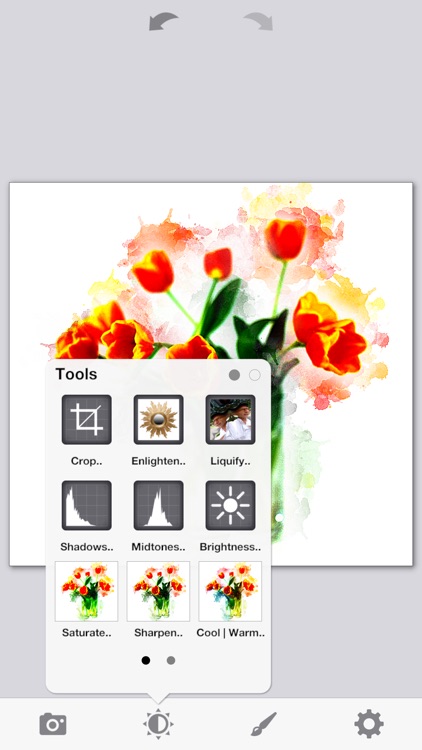
Touch up your photos and transform them into colorful works of art with PhotoViva.

Anyone who wants to have a little fun with their photos.

$4.99 $4.99
Why we picked this?

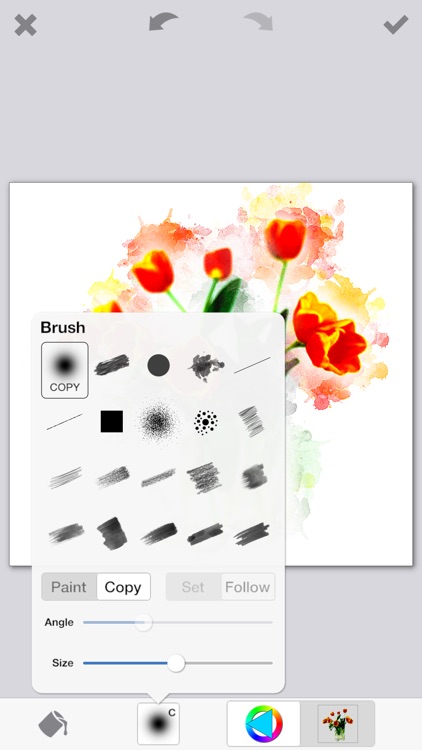
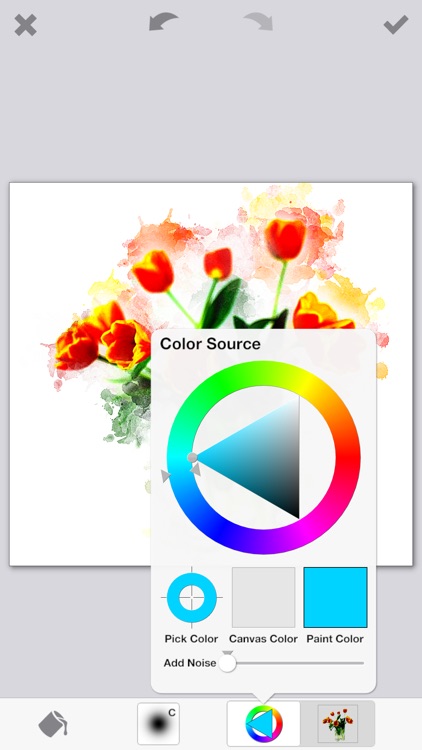
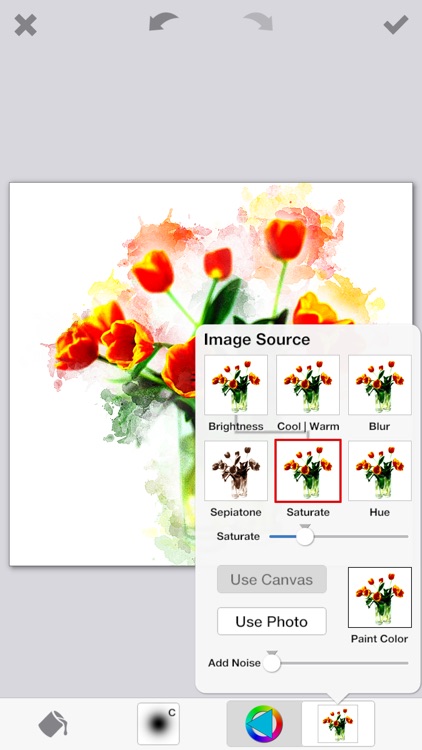
PhotoViva allows you to easily turn your photos into abstract works of art using 20 different brushes. You don’t need a single artistic bone in your body, either. Just put your finger to the screen and start swiping to blend new designs into your photos. PhotoViva also includes the usual filters and editing options found in every other photography app, allowing you to put the finishing touches on your works of art before sharing them.

You want to paint your photos. The 20 different brushes really allow you to create something entirely unique. There’s even an auto-paint mode that will turn your photo into a painting with zero effort on your part.

You want is filters, effects, and frames for your photos. PhotoViva is all about the beautiful brush strokes you’re able to add to your photos.

Flow Mail - tames mobile inbox
iPhone
Flow Mail - tames mobile inbox

Flow Mail - tames mobile inbox

Sunisoft Limited

Take control of your inbox with Flow.

Anyone with an inbox that has become unwieldy.

$4.99 $4.99
Why we picked this?

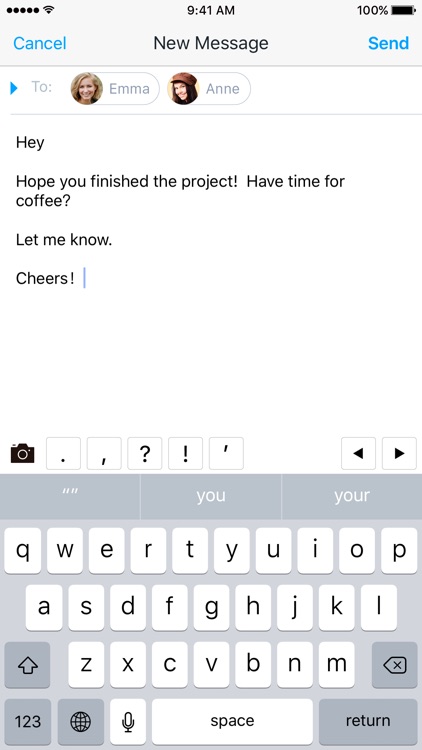
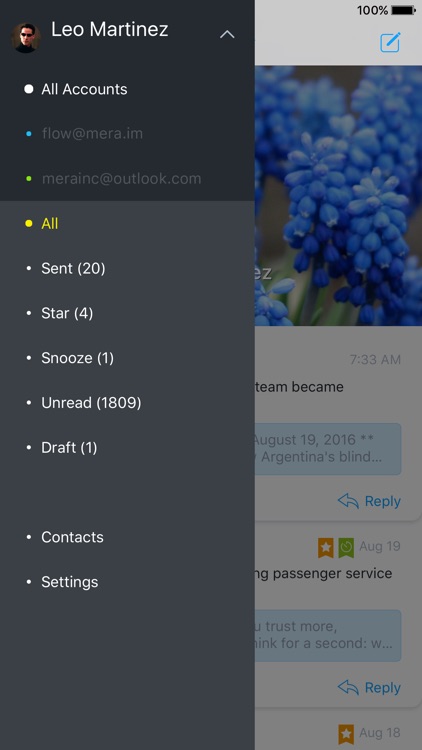
It happens to all of us. Over time our inboxes become a cluttered mess of terrifying text that, at some point, you know you’re going to need to handle. Flow will help you get the job done. Flow supports Gmail, iCloud, Outlook, Yahoo, 163 mail, QQ mail, and all other IMAP services. When adding multiple accounts, you’re able to determine which is your primary one. Then Flow will pipe in all of your emails as one big stream. As you scroll through them, you’ll be able to see snippets of text that can be expanded. Swipe right to left over an email to reveal additional options like forward, star, snooze, and delete.

The native Mail app just isn’t cutting it. Flow provides a more streamlined way of reading, organizing, and replying to email.

You’ve mastered your inbox. Flow introduces some concepts that just aren’t for everyone.